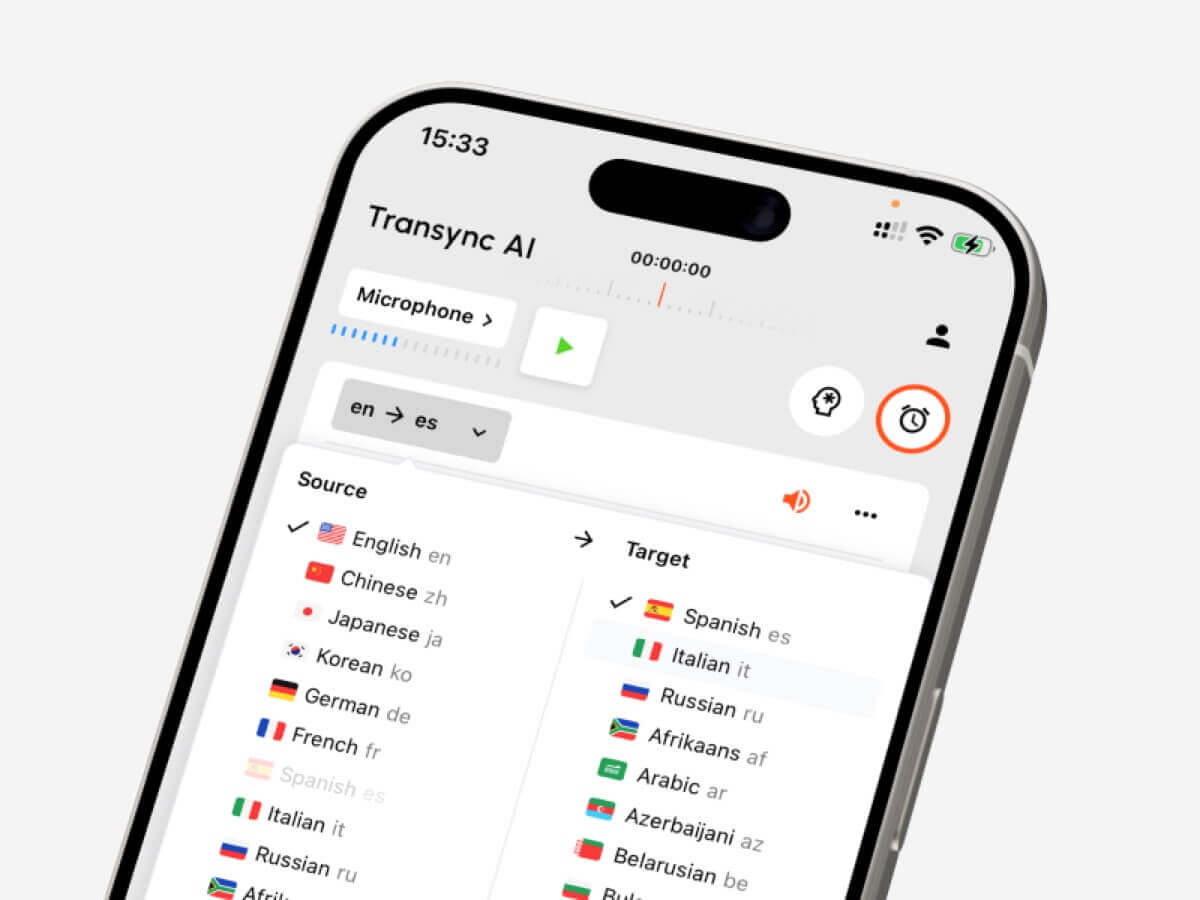
Handleiding voor taalconversie: kies de juiste tools voor tekst, live vergaderingen, opgenomen audio, video-ondertiteling, spraakvertaling en AI-notities.
A taalomzetter Het klinkt als een simpele tool: voer één taal in en krijg een andere taal als resultaat.
In de praktijk is het niet zo eenvoudig.
Een student die een alinea vertaalt, een salesmanager die deelneemt aan een meertalig Zoom-gesprek, een maker die een video ondertitelt en een reiziger die de weg vraagt, hebben allemaal verschillende werkprocessen nodig. Ze kunnen allemaal zoeken naar een taalomzetter, Maar de juiste tool hangt af van wat er wordt omgezet: tekst, gesproken woord, opgenomen audio, video of een tweeweggesprek.
Deze handleiding beschrijft de vijf belangrijkste workflows en vergelijkt tools zoals Transync AI, DeepL, JotMe, Talo, Sonix, Maestra, Wordly en Talkao aan de hand van concrete voorbeelden.
Kort antwoord: Welk type taalomzetter heb je nodig?
| Wat je moet converteren | Beste gereedschapstype | Te overwegen hulpmiddelen |
|---|---|---|
| Tekst of documenten | Schriftelijk vertaalplatform | DiepL |
| Live vergaderingen | Realtime vergaderingsvertaler | Transync AI, JotMe, Talo |
| Opgenomen audio | Transcriptie- en vertaaltool | Sonix |
| Video of ondertitels | Media-lokalisatieplatform | Maestra, Sonix |
| Reizen of informeel taalgebruik | Mobiele gespreksvertaler | Talkao, Transync AI |
De beste taalomzetter Het is niet altijd de tool met de langste lijst met talen. Het is de tool die het beste aansluit bij het moment waarop vertaling nodig is.
Werkstroom 1: Tekst- en documentconversie
Tekstvertaling is de meest gecontroleerde workflow. De tool ontvangt een complete zin, alinea of document voordat het de vertaling genereert.
Deze workflow is handig voor:
- E-mails
- Rapporten
- Presentaties
- Websitetekst
- Producthandleidingen
- Klantenberichten
- Interne documenten
DiepL is doorgaans zeer geschikt voor schriftelijke vertalingen, omdat de focus ligt op tekst, documenten, schrijfkwaliteit en professionele taalprocessen.
Bij het kiezen van een taalomzetter Controleer bij de tekst of de opmaak behouden blijft, of herhaalde terminologie consistent wordt gebruikt en of de toon aansluit bij het publiek.
Voor gevoelige documenten zoals contracten, medische documenten, financiële gegevens of openbare verklaringen, wordt menselijke beoordeling nog steeds aanbevolen.
 Werkstroom 2: Conversie naar live vergadering
 Werkstroom 2: Conversie naar live vergadering
Live vergaderingen zijn veel lastiger dan tekstuele vergaderingen.
Mensen onderbreken elkaar, spreken in onvolledige zinnen, gebruiken bedrijfsnamen, noemen nummers en verwachten onmiddellijk antwoord. Een vergaderingsgerichte taalomzetter De spraak moet snel genoeg verwerkt worden om het gesprek gaande te houden.
Transync AI is ontworpen voor dit type live meertalige communicatie. Het werkt samen met Zoom, Microsoft Teams en Google Meet, en ondersteunt realtime tweetalige ondertitels, vertaald stemweergave, trefwoorden en context, zwevende ondertitels, En Notulen van de AI-vergadering.
 Dit maakt het bruikbaar voor:
- Internationale klantgesprekken
- Leveranciersbijeenkomsten
- Online lessen
- Interviews
- Productdemonstraties
- Discussies in een extern team
JotMe Het is ook gericht op vergaderingen, met name wanneer gebruikers live vertaling, transcripties, samenvattingen en actiepunten nodig hebben.

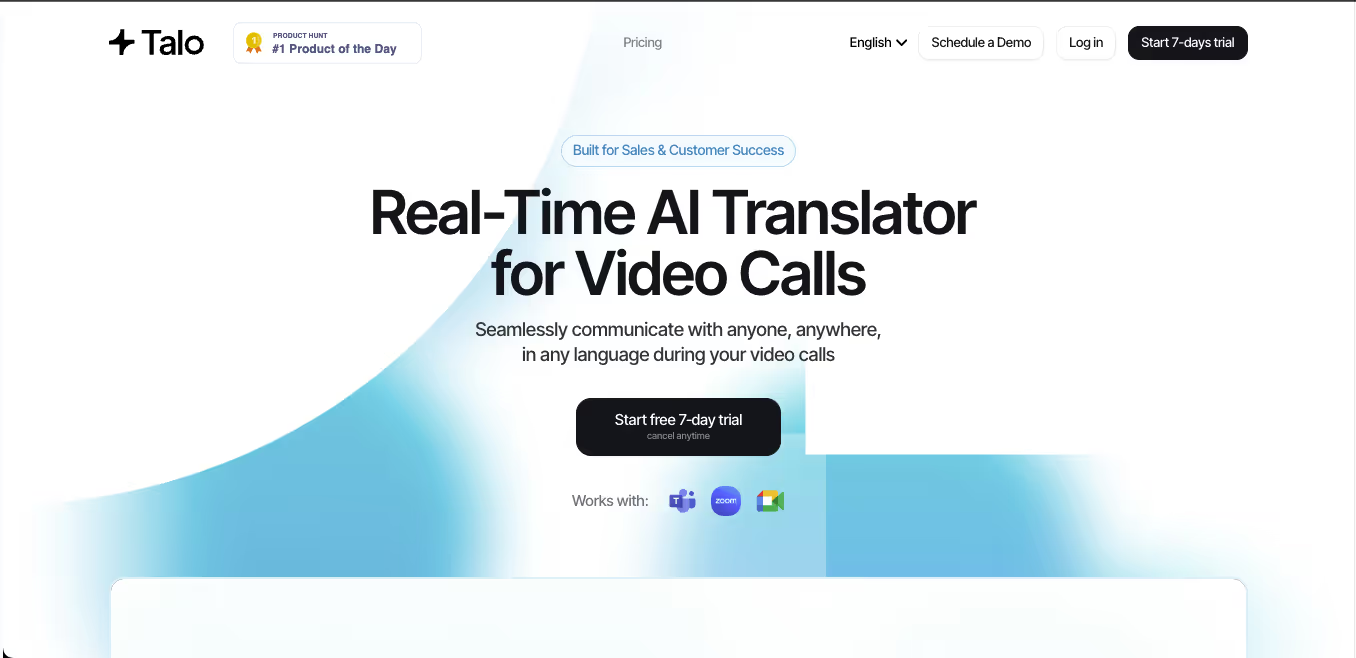
Talo Het maakt gebruik van een op bots gebaseerde workflow waarbij een AI-tolk deelneemt aan de vergadering. Dit kan de installatie vereenvoudigen, maar sommige teams geven wellicht de voorkeur aan een zelfstandige tool die niet als deelnemer aan de vergadering verschijnt.
 Vergelijking van vergadertools
 Vergelijking van vergadertools
| Functie | Transync AI | JotMe | Talo |
|---|---|---|---|
| Live vergadering vertaling | Ja | Ja | Ja |
| Tweeweggesprek | Ja | Ja | Ja |
| Tweetalige ondertitels | Ja | Ja | Beschikbaar |
| Vertaalde spraakuitvoer | Ja | Productafhankelijk | Ja |
| Trefwoorden of context | Ja | Aangepaste woordenschat | Productafhankelijk |
| Notulen van de vergadering | Ja | Ja | Productafhankelijk |
| Botvrije workflow | Ja | Meestal wel | Nee |
| Beste pasvorm | Ondertitels, gesproken tekst, context, aantekeningen | Vertaling en documentatie | Gesprekken beheerd door een bot |
Kies een vergadering-eerst-methode. taalomzetter wanneer mensen de situatie moeten begrijpen, erop moeten reageren en er achteraf een nuttig verslag van moeten bijhouden.
Werkstroom 3: Conversie van opgenomen audio
Voor opgenomen audio is een andere vertaalworkflow nodig.
In plaats van een lage latentie hebben gebruikers meestal behoefte aan nauwkeurigheid, bewerkingsmogelijkheden en exportopties. Een tool voor audio-opnames moet eerst spraak omzetten naar tekst en vervolgens het transcript vertalen.
Deze workflow is gebruikelijk voor:
- Interviews
- Podcasts
- Lezingen
- Onderzoeksopnames
- Trainingssessies
- Opnames van vergaderingen
- Archief van klantgesprekken
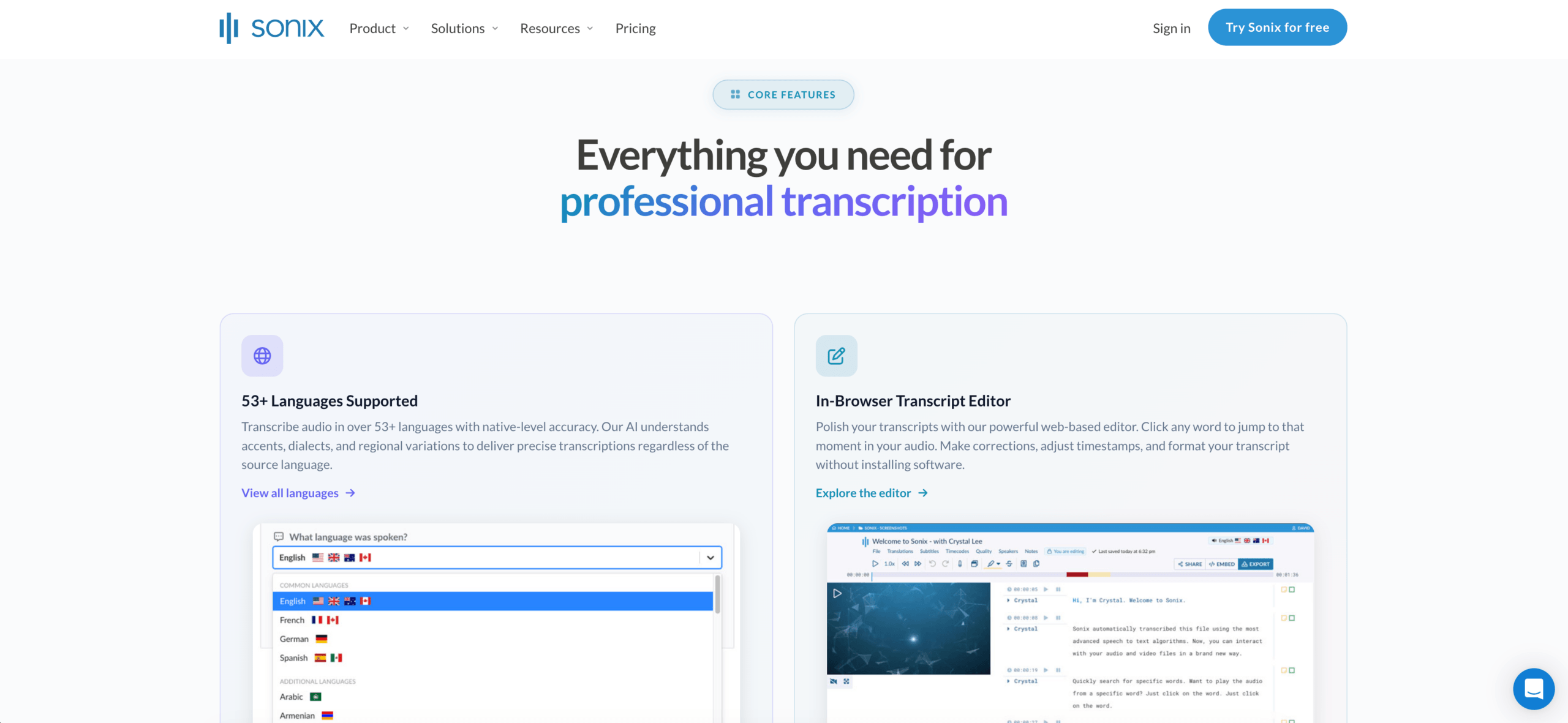
Sonix Het is uitermate geschikt voor opgenomen audio en video. Het kan transcripties maken, sprekers identificeren, tijdstempels toevoegen, transcripties vertalen en workflows voor ondertiteling ondersteunen.
Een tool voor live vergaderingen is meestal niet de beste keuze als de hoofdtaak het bewerken van opgenomen bestanden is. In dat geval is een tool die primair gericht is op transcriptie een betere optie. taalomzetter kan meer tijd besparen.
 Werkstroom 4: Video- en ondertitelconversie
 Werkstroom 4: Video- en ondertitelconversie
Bij videovertaling gaat het niet alleen om de taal. Timing is belangrijk.
Een mediagerichte tool moet mogelijk het volgende aankunnen:
- Transcriptie
- Ondertiteling
- Sprekertijd
- Ondertiteling bewerken
- Nasynchronisatie
- Stemklonen
- Exportformaten
- Meertalige videoversies
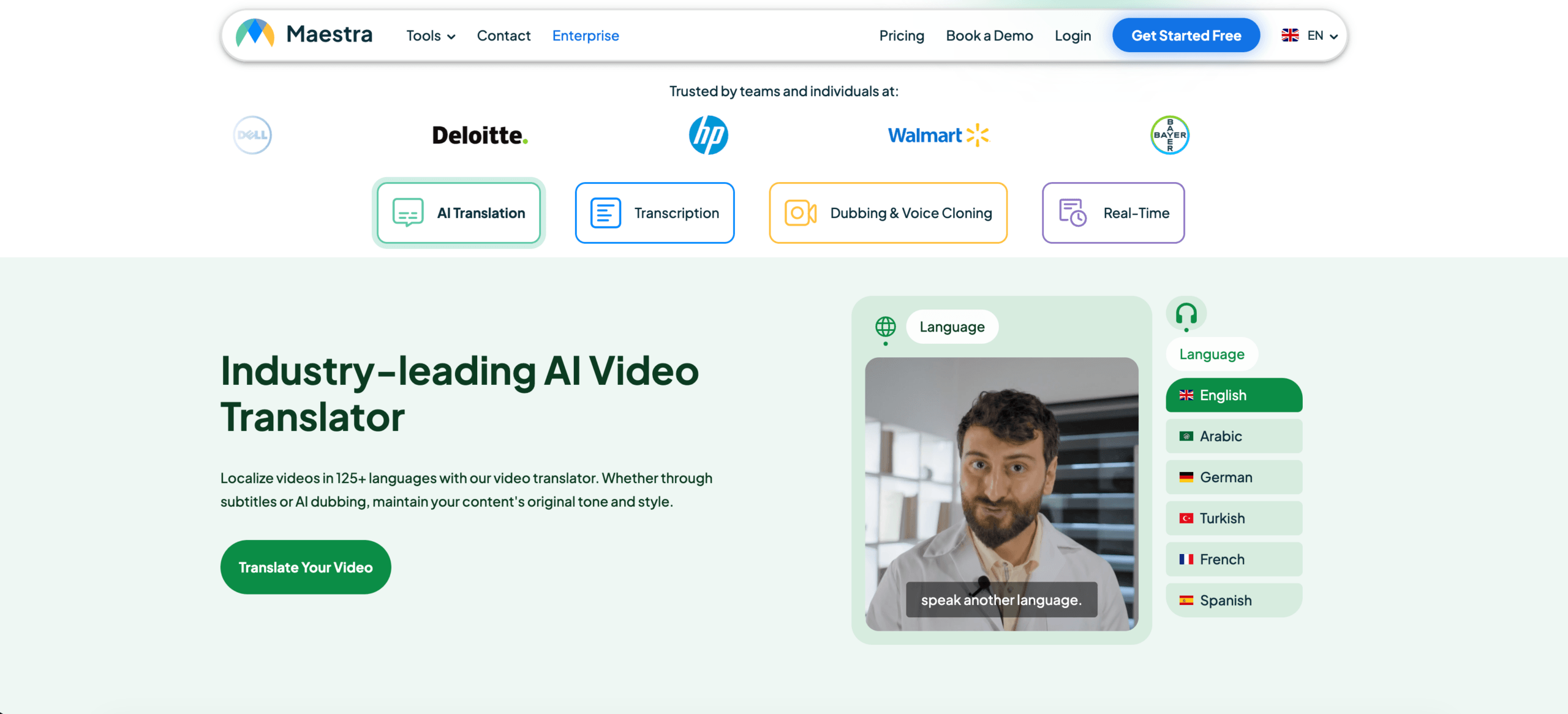
Maestra Sonix is met name geschikt voor gebruikers die werken met video's, webinars, cursussen, podcasts of media-lokalisatie. Sonix is ook handig wanneer transcriptie, vertaling en het exporteren van ondertitels prioriteit hebben.
 Transync AI kan live spraak en ondertiteling tijdens gesprekken ondersteunen, maar is niet primair ontworpen voor gedetailleerde videobewerking in de nabewerking.
Vergelijking van mediatools
| Functie | Sonix | Maestra | Transync AI |
|---|---|---|---|
| Upload opgenomen audio | Ja | Ja | Niet primair |
| Videotranscriptie | Ja | Ja | Niet primair |
| Ondertiteling | Ja | Ja | Live ondertiteling |
| Ondertitels exporteren | Ja | Ja | Niet primair |
| AI-nasynchronisatie | Niet primair | Ja | Live spraakweergave |
| Live tweewegvergaderingen | Niet primair | Beschikbaar | Ja |
| Beste pasvorm | Transcripten en ondertitels | Medialokalisatie | Live gesprekken |
Een video-georiënteerde taalomzetter De beoordeling moet gebaseerd zijn op de nauwkeurigheid van de ondertiteling, de timing, de montage en de exportmogelijkheden.
Werkstroom 5: Omzetting van reizen en alledaagse spraak
Reisvertalingen zijn doorgaans kort, mobiel en praktisch.
Gebruikers moeten mogelijk vertalen:
- Menu's
- Tekens
- Routebeschrijving
- Korte vragen
- Eenvoudige spraakgesprekken
- Communicatie met winkels of hotels
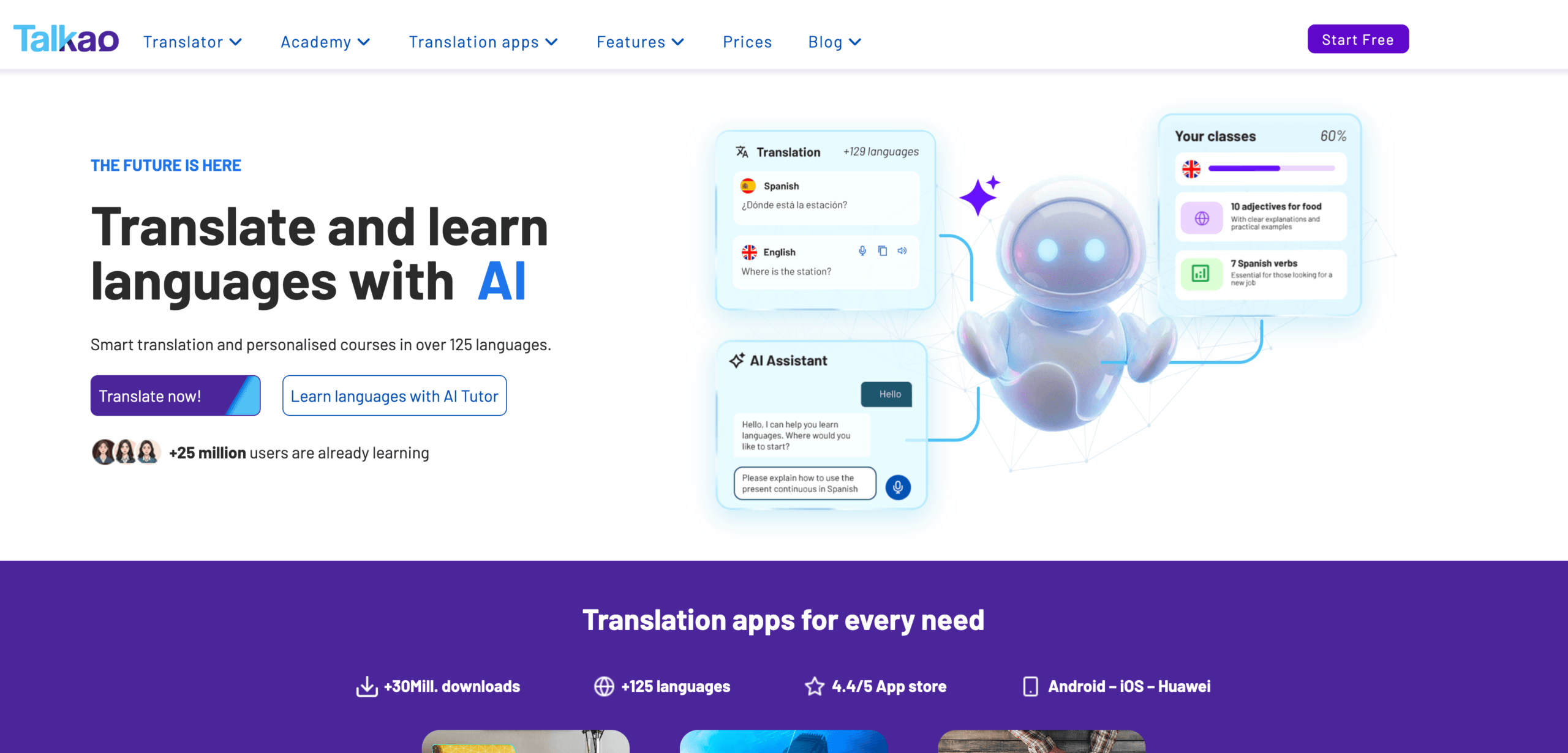
Talkao is meer consumentgericht en kan geschikt zijn voor informele mobiele vertalingen, invoer via de camera, uitspraaksoefeningen en gesprekken tijdens het reizen.
Voor langere professionele gesprekken van aangezicht tot aangezicht is Transync AI wellicht nuttiger, omdat het tweetalige ondertiteling, vertaalde spraak en opnames in vergaderingsstijl biedt.
De kunst is om niet te veel te kopen. Een reiziger heeft misschien geen notulen van een vergadering nodig. Een zakelijke gebruiker heeft misschien geen cameravertaling nodig.
 Algemene vergelijking van taalomzetters
 Algemene vergelijking van taalomzetters
| Hulpmiddel | Sterkste workflow | Het beste voor | Belangrijkste beperking |
|---|---|---|---|
| Transync AI | Live toespraken en vergaderingen | Ondertitels, gesproken tekst, context, aantekeningen | Niet voor beeld- of documentvertaling. |
| DiepL | Tekst en documenten | Professionele schriftelijke vertaling | De functies voor live vergaderingen zijn afhankelijk van spraakproducten. |
| JotMe | Vergaderingen en documentatie | Vertaling met aantekeningen en actiepunten. | Voornamelijk gericht op vergaderingen. |
| Talo | Bot-gebaseerde interpretatie | Videogesprekken met een AI-tolkbot | De bot verschijnt in de vergadering. |
| Sonix | Opgenomen audio en video | Transcripten, vertaling, ondertitels | Niet geschikt voor snelle live tweeweggesprekken. |
| Maestra | Medialokalisatie | Video's, ondertiteling, nasynchronisatie, webinars | Breder dan sommige gebruikers nodig hebben. |
| Wereldlijk | Evenementen en grote publieken | Conferenties en webinars | Meer evenementgericht |
| Talkao | Mobiele vertaling | Reizen, camera, ongedwongen spraak | Beperkte workflow voor zakelijke vergaderingen |
Hoe kies je de juiste taalconverter?
Voordat je een tool kiest, stel jezelf dan de volgende vragen:
- Gaat het om brontekst, gesproken tekst, opgenomen audio of video?
- Is de vertaling direct nodig?
- Moeten beide partijen aan het woord komen?
- Hebben gebruikers behoefte aan ondertiteling, gesproken uitleg of beide?
- Worden er technische termen, namen of productmodellen gebruikt?
- Is er achteraf een transcript, samenvatting of ondertitelingsbestand nodig?
- Zou een fout juridische, medische, financiële of veiligheidsrisico's met zich meebrengen?
Deze vragen leiden doorgaans sneller tot de juiste workflow dan het vergelijken van alle afzonderlijke functies.
Hoe test je een taalomzetter?
Gebruik realistisch materiaal in plaats van een simpele demonstratiezin.
Voor een live-uitzending dient u twee sprekers, achtergrondgeluiden, een naam, een bedrijfsterm, een productmodel, een datum, een prijs en een correctie op te nemen.
Test documenten op opmaak, herhaald terminologie, toon en alineakwaliteit.
Controleer bij opgenomen audio de nauwkeurigheid van het transcript, de sprekeraanduidingen, de tijdstempels, de vertaalkwaliteit en de exportformaten.
De beste taalomzetter Het is de variant die het beste presteert in jouw specifieke omgeving.
Veelvoorkomende problemen
A taalomzetter kan problemen opleveren met:
- Overlappende sprekers
- Zwakke microfoons
- Kamerecho
- Slang
- Sterke accenten
- Onvolledige zinnen
- Productnamen
- Technische afkortingen
- Dubbelzinnige woorden
- Instabiel internet
Belangrijke data, prijzen, aantallen, namen en afspraken moeten altijd worden gecontroleerd.
Veelgestelde vragen
Wat is een taalomzetter?
Een taalconverter is een tool die inhoud van de ene taal naar de andere omzet. Het kan tekst, documenten, gesproken tekst, opgenomen audio, video's, ondertitels of vergaderingen verwerken.
Wat is de beste taalconverter?
De beste optie hangt af van de workflow. Transync AI is geschikt voor live vergaderingen, DeepL voor documenten, Sonix voor opgenomen audio, Maestra voor video, Wordly voor evenementen en Talkao voor onderweg.
Welke taalomzetter is het meest geschikt voor vergaderingen?
Kies een tool die primair is ontworpen voor vergaderingen en beschikt over een lage latentie, tweewegvertaling, tweetalige ondertiteling, vertaalde spraak, terminologiebeheer en vergaderingsnotities.
Kan één tool alle soorten taalinhoud converteren?
Sommige tools ondersteunen meerdere workflows, maar de meeste hebben een sterkere toepassing. Een documentvertaler werkt bijvoorbeeld mogelijk niet goed tijdens live vergaderingen, terwijl een vergaderingsvertaler wellicht geen opgenomen media kan bewerken.
Kan AI menselijke vertalers of tolken vervangen?
AI kan ondersteuning bieden bij routinematige vergaderingen, reizen, documenten, lessen en opgenomen content. Menselijke professionals blijven veiliger bij juridische, medische, financiële, regelgevende en andere communicatie met hoge risico's.
Laatste gedachten
A taalomzetter De keuze moet gebaseerd zijn op de workflow, niet alleen op het aantal talen.
Gebruik DeepL voor professionele geschreven content, Transync AI voor live vergaderingen, JotMe voor vergaderingen met notities, Talo voor chatgesprekken met bots, Sonix voor audio-opnames, Maestra voor media-lokalisatie, Wordly voor evenementen en Talkao voor reizen.
Het juiste hulpmiddel is niet het hulpmiddel dat beweert alles te kunnen. Het is het hulpmiddel dat de taalbarrière wegneemt in precies het formaat waarin de communicatie plaatsvindt.
Als u een ervaring van de volgende generatie wilt, Transync AI loopt voorop met realtime, AI-gestuurde vertalingen die gesprekken natuurlijk laten verlopen. U kunt probeer het gratis nu.