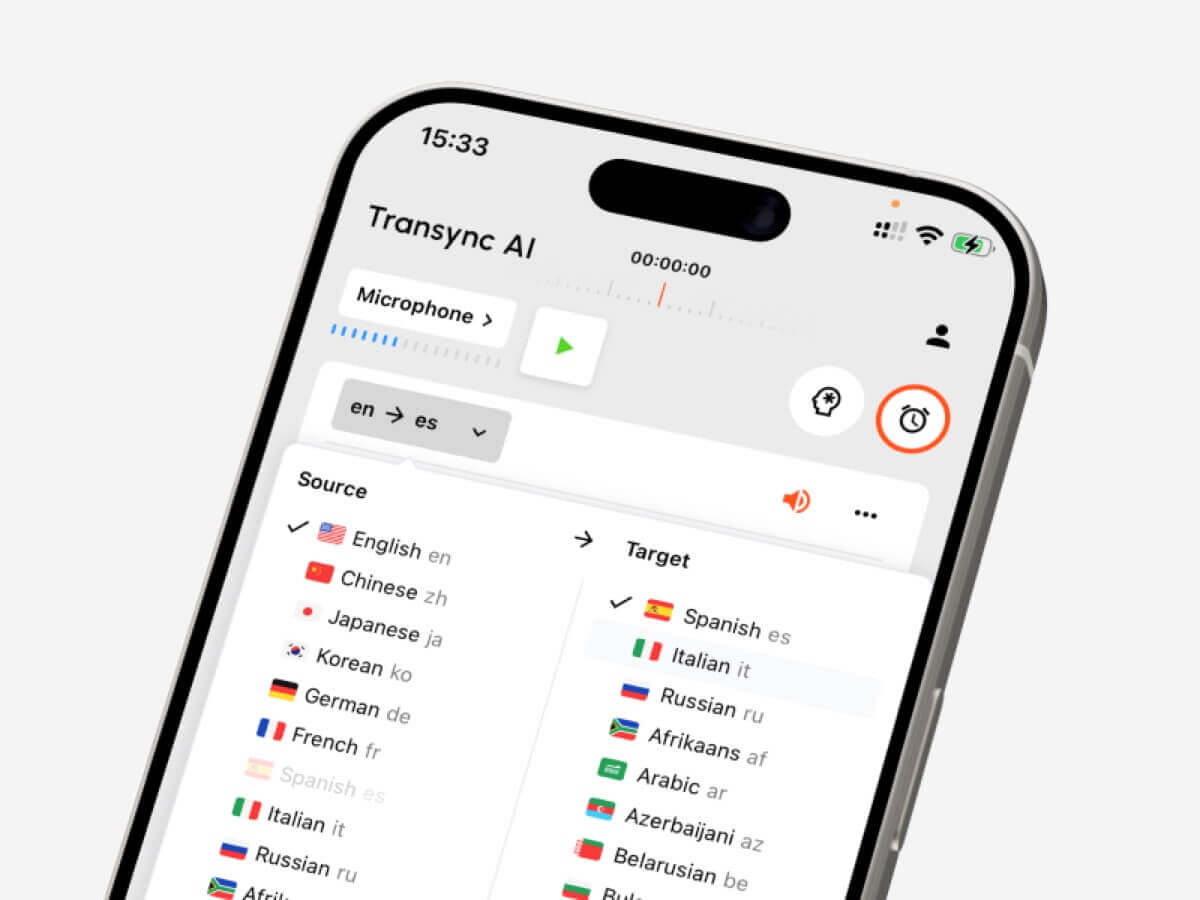
Guida alla conversione linguistica per la scelta degli strumenti più adatti a testi, riunioni dal vivo, registrazioni audio, sottotitoli video, traduzione vocale e note generate dall'intelligenza artificiale.
UN convertitore di lingua Sembra uno strumento semplice: inserisci una lingua e ottieni un'altra lingua.
Nella pratica, però, non è così semplice.
Uno studente che traduce un paragrafo, un responsabile vendite che partecipa a una chiamata Zoom multilingue, un creatore che sottotitola un video e un viaggiatore che chiede indicazioni stradali hanno tutti bisogno di flussi di lavoro diversi. Potrebbero tutti cercare un convertitore di lingua, Tuttavia, lo strumento giusto dipende da cosa si sta convertendo: testo, parlato dal vivo, audio registrato, video o una conversazione bidirezionale.
Questa guida illustra i cinque flussi di lavoro principali e confronta strumenti come Transync AI, DeepL, JotMe, Talo, Sonix, Maestra, Wordly e Talkao in base a casi d'uso concreti.
Risposta rapida: Di che tipo di convertitore di lingua hai bisogno?
| Cosa ti serve per convertire | Miglior tipo di strumento | Strumenti da considerare |
|---|---|---|
| Testo o documenti | Piattaforma di traduzione scritta | DeepL |
| Riunioni dal vivo | Traduttore di riunioni in tempo reale | Transync AI, JotMe, Talo |
| Audio registrato | Strumento di trascrizione e traduzione | Sonix |
| Video o sottotitoli | Piattaforma di localizzazione multimediale | Maestra, Sonix |
| Viaggio o conversazione informale | Traduttore di conversazioni mobile | Talkao, Transync AI |
Il migliore convertitore di lingua Non è sempre lo strumento con la lista di lingue più lunga a essere quello giusto. È lo strumento più adatto al momento in cui serve la traduzione.
Flusso di lavoro 1: Conversione di testo e documenti
La traduzione di testi è il flusso di lavoro più controllato. Lo strumento riceve una frase, un paragrafo o un documento completo prima di generare il risultato tradotto.
Questo flusso di lavoro è utile per:
- Rapporti
- Presentazioni
- Testo del sito web
- Manuali del prodotto
- Messaggi dei clienti
- Documenti interni
DeepL Solitamente si adatta bene alla traduzione scritta perché si concentra su testi, documenti, qualità della scrittura e flussi di lavoro linguistici professionali.
Quando si sceglie un convertitore di lingua Per quanto riguarda il testo, verificate che mantenga la formattazione, gestisca in modo coerente la terminologia ripetuta e produca un tono adeguato al pubblico.
Per contenuti di elevata importanza come contratti, documenti medici, documenti finanziari o dichiarazioni pubbliche, si raccomanda comunque la revisione umana.
 Flusso di lavoro 2: Conversione della riunione in tempo reale
 Flusso di lavoro 2: Conversione della riunione in tempo reale
Le riunioni dal vivo sono molto più difficili da gestire tramite messaggi di testo.
Le persone si interrompono a vicenda, parlano con frasi incomplete, usano nomi di aziende, menzionano numeri e si aspettano risposte immediate. Un incontro incentrato convertitore di lingua deve elaborare il parlato abbastanza velocemente da mantenere la conversazione fluida.
Transync AI è progettato per questo tipo di comunicazione multilingue dal vivo. Funziona insieme Zoom, Microsoft Teams e Google Meet, e supporta in tempo reale sottotitoli bilingue, tradotti riproduzione vocale, parole chiave e contesto, sottotitoli fluttuanti, E Appunti della riunione di intelligenza artificiale.
 Ciò lo rende utile per:
- chiamate di clienti internazionali
- Incontri con i fornitori
- Corsi online
- interviste
- Dimostrazioni di prodotto
- Discussioni di team a distanza
JotMe È inoltre orientato alle riunioni, soprattutto quando gli utenti necessitano di traduzione in tempo reale, trascrizioni, riassunti e punti d'azione.

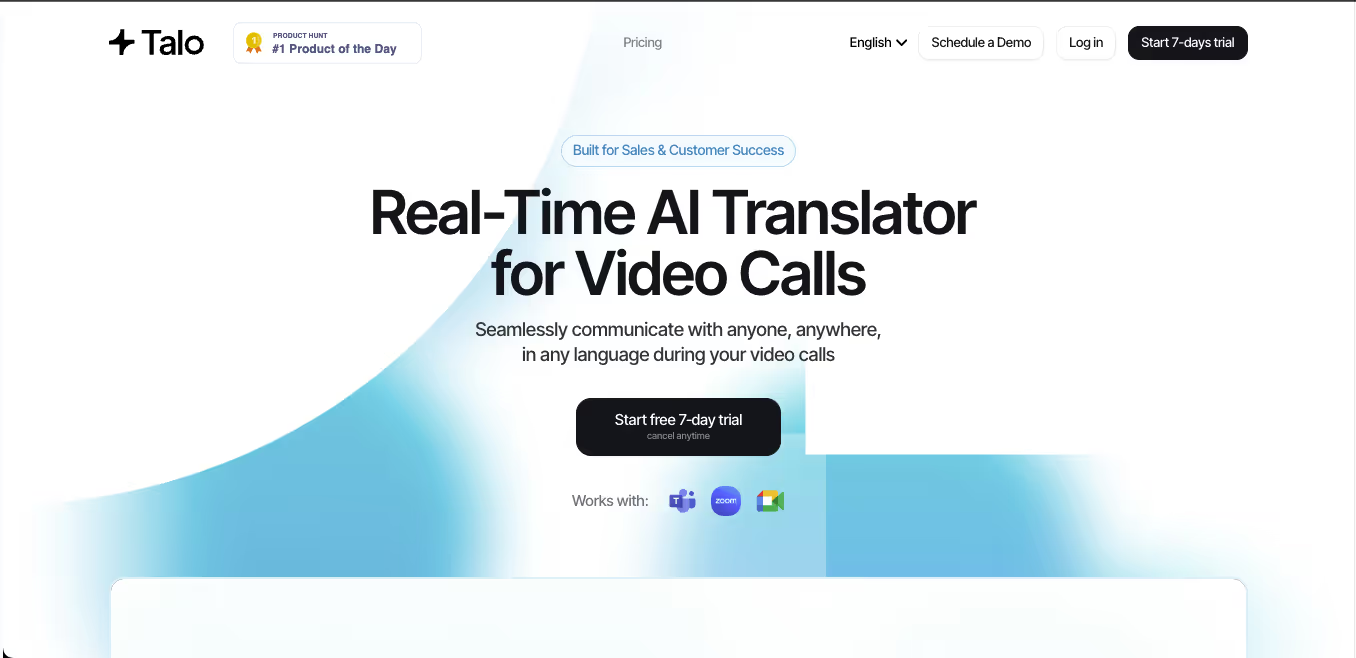
Talo Utilizza un flusso di lavoro basato su bot in cui un interprete IA partecipa alla riunione. Questo può semplificare la configurazione, ma alcuni team potrebbero preferire uno strumento autonomo che non appaia come partecipante alla riunione.
 Confronto tra strumenti per riunioni
 Confronto tra strumenti per riunioni
| Caratteristica | Transync AI | JotMe | Talo |
|---|---|---|---|
| Traduzione in diretta della riunione | SÌ | SÌ | SÌ |
| conversazione bidirezionale | SÌ | SÌ | SÌ |
| Sottotitoli bilingue | SÌ | SÌ | Disponibile |
| Uscita vocale tradotta | SÌ | Dipendente dal prodotto | SÌ |
| Parole chiave o contesto | SÌ | vocabolario personalizzato | Dipendente dal prodotto |
| Appunti della riunione | SÌ | SÌ | Dipendente dal prodotto |
| Flusso di lavoro senza bot | SÌ | Di solito sì | NO |
| Migliore vestibilità | Sottotitoli, voce, contesto, note | Traduzione e conservazione | Chiamate gestite dal bot |
Scegli prima un incontro convertitore di lingua quando le persone hanno bisogno di capire, rispondere e conservare una documentazione utile in seguito.
Flusso di lavoro 3: Conversione audio registrata
L'audio registrato richiede un flusso di lavoro di traduzione diverso.
Invece di bassa latenza, gli utenti in genere necessitano di precisione, funzionalità di modifica ed esportazione. Uno strumento per l'elaborazione di registrazioni audio dovrebbe prima convertire il parlato in testo e poi tradurre la trascrizione.
Questo flusso di lavoro è comune per:
- interviste
- Podcast
- Lezioni
- Registrazioni di ricerca
- Sessioni di formazione
- Registrazioni delle riunioni
- Archivio delle chiamate dei clienti
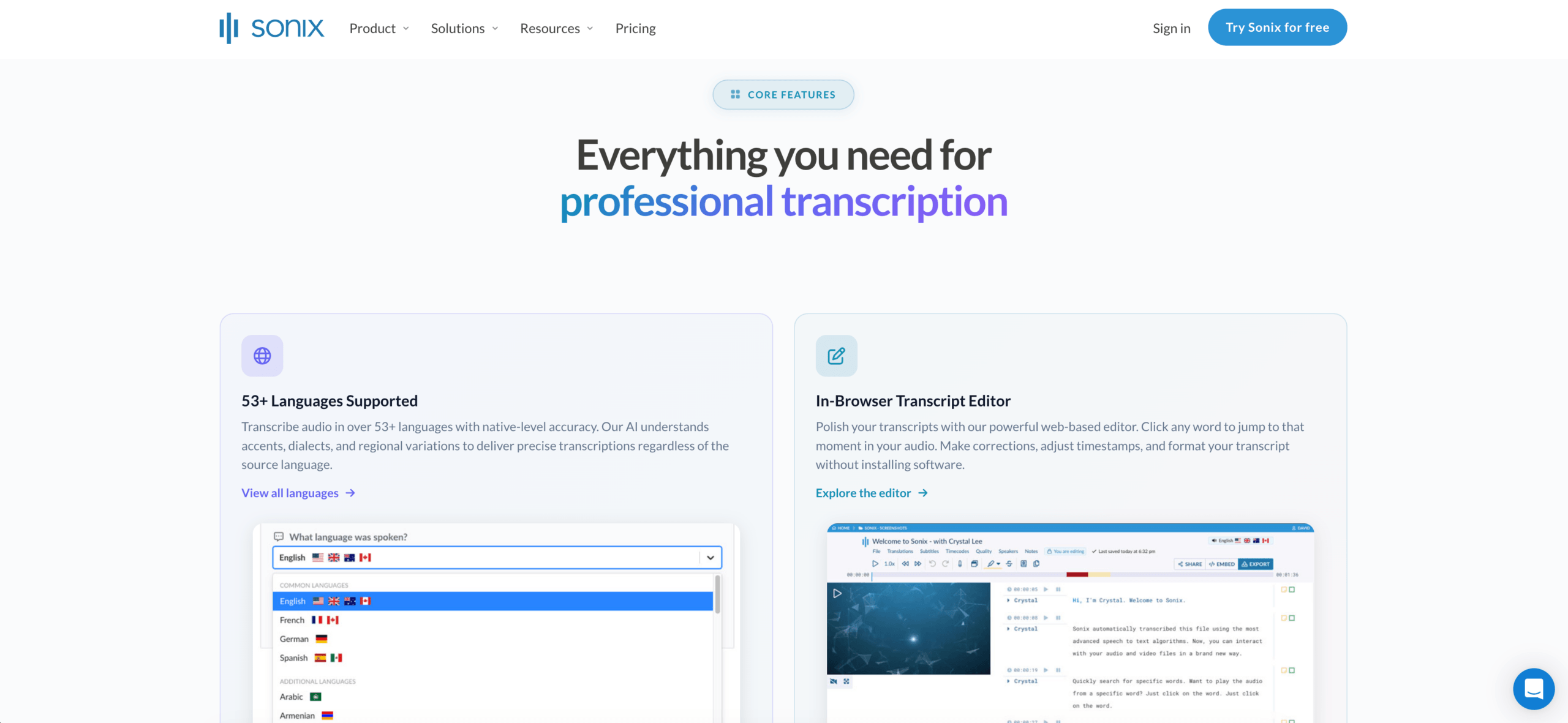
Sonix È particolarmente adatto per registrazioni audio e video. Permette di creare trascrizioni, identificare gli oratori, aggiungere timestamp, tradurre le trascrizioni e supportare i flussi di lavoro per i sottotitoli.
Uno strumento per riunioni dal vivo di solito non è la scelta migliore se l'attività principale è la modifica di file registrati. In tal caso, è preferibile una trascrizione. convertitore di lingua potrebbe far risparmiare più tempo.
 Flusso di lavoro 4: Conversione di video e sottotitoli
 Flusso di lavoro 4: Conversione di video e sottotitoli
La traduzione video non riguarda solo la lingua. Anche i tempi sono fondamentali.
Uno strumento incentrato sui media potrebbe dover gestire:
- Trascrizione
- Traduzione dei sottotitoli
- Tempistiche di intervento
- Modifica della didascalia
- Doppiaggio
- Clonazione vocale
- Formati di esportazione
- Versioni video multilingue
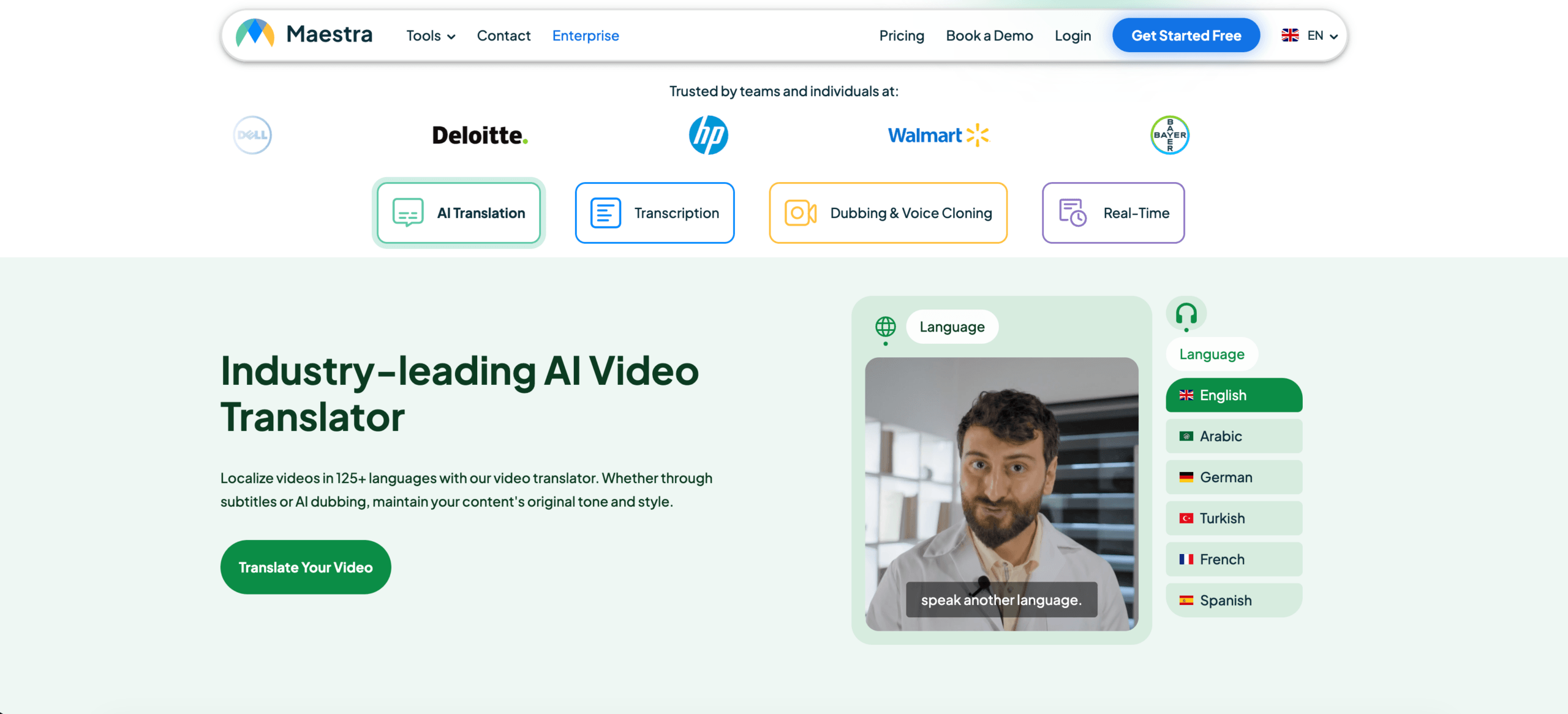
Maestra è più adatto agli utenti che lavorano con video, webinar, corsi, podcast o localizzazione di contenuti multimediali. Sonix è utile anche quando la priorità è la trascrizione, la traduzione e l'esportazione dei sottotitoli.
 Transync AI supporta la riproduzione in tempo reale di voce e sottotitoli durante le conversazioni, ma non è stato progettato principalmente per il montaggio video dettagliato in post-produzione.
Confronto tra strumenti multimediali
| Caratteristica | Sonix | Maestra | Transync AI |
|---|---|---|---|
| Carica l'audio registrato | SÌ | SÌ | Non primario |
| Trascrizione video | SÌ | SÌ | Non primario |
| Traduzione dei sottotitoli | SÌ | SÌ | Sottotitoli in diretta |
| Esportazione sottotitoli | SÌ | SÌ | Non primario |
| Doppiaggio tramite intelligenza artificiale | Non primario | SÌ | Riproduzione vocale in diretta |
| Riunioni bidirezionali in diretta | Non primario | Disponibile | SÌ |
| Migliore vestibilità | Trascrizioni e sottotitoli | Localizzazione dei media | Conversazioni dal vivo |
Un video incentrato convertitore di lingua La valutazione dovrebbe basarsi sull'accuratezza dei sottotitoli, sulla sincronizzazione, sul montaggio e sulle opzioni di esportazione.
Flusso di lavoro 5: Conversione del linguaggio di viaggio e quotidiano
Le traduzioni per il settore viaggi sono generalmente brevi, facili da usare e pratiche.
Gli utenti potrebbero dover tradurre:
- Menù
- Segnali
- Indicazioni stradali
- Domande brevi
- Semplici conversazioni vocali
- Comunicazione relativa a negozi o hotel
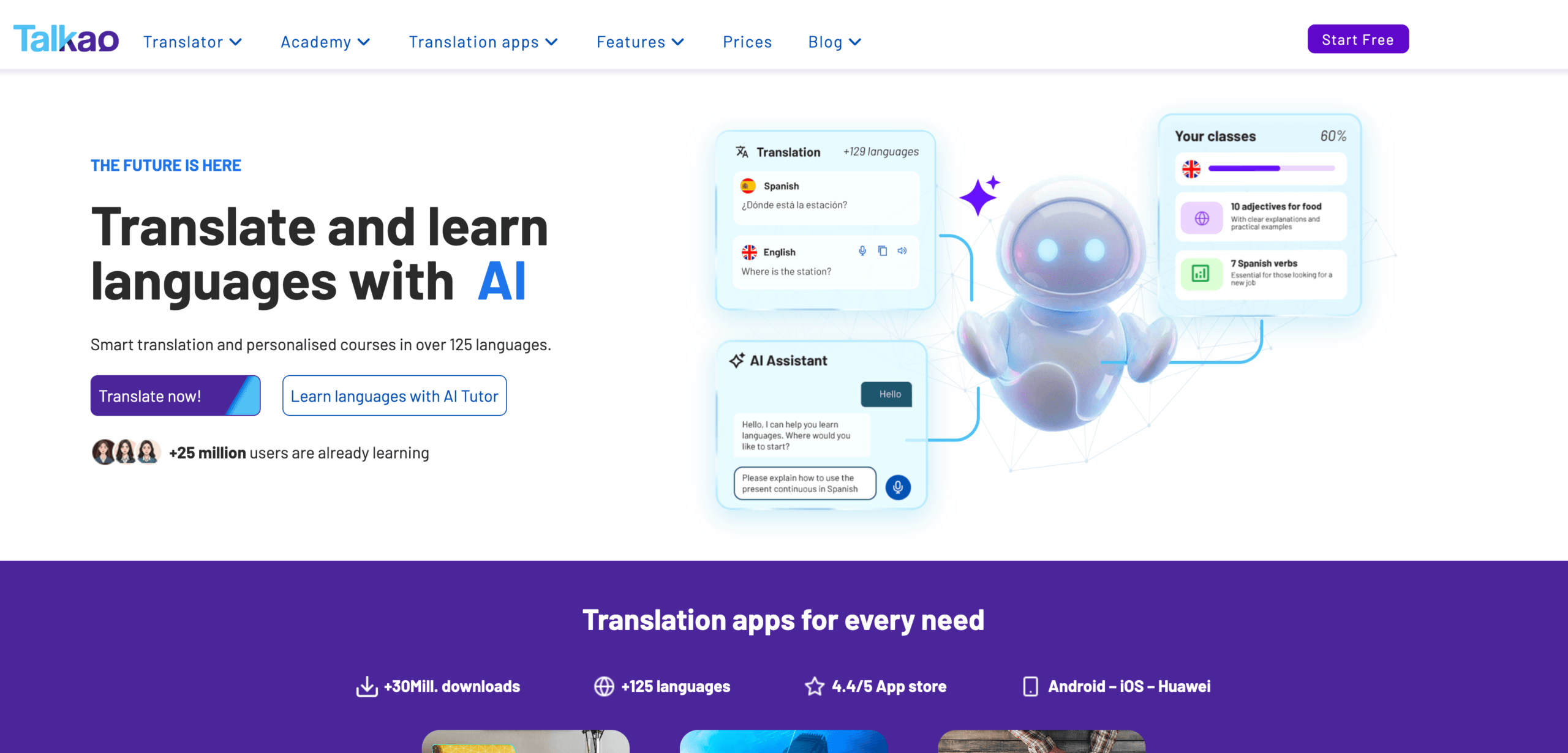
Talkao è più orientato al consumatore e può essere adatto per traduzioni informali su dispositivi mobili, input tramite fotocamera, pratica di pronuncia e conversazioni di viaggio.
Per comunicazioni professionali faccia a faccia di lunga durata, Transync AI può risultare più utile in quanto offre sottotitoli bilingue, traduzione vocale e registrazioni in stile riunione.
Il segreto è evitare di acquistare più del necessario. Un viaggiatore potrebbe non aver bisogno di prendere appunti durante una riunione. Un utente aziendale potrebbe non aver bisogno della traduzione automatica.
 Confronto generale dei convertitori di lingua
 Confronto generale dei convertitori di lingua
| Attrezzo | Flusso di lavoro più efficiente | Ideale per | Principale limitazione |
|---|---|---|---|
| Transync AI | Discorsi e riunioni dal vivo | Sottotitoli, riproduzione vocale, contesto, note | Non adatto alla traduzione di immagini o documenti. |
| DeepL | Testi e documenti | Traduzione scritta professionale | Le funzionalità delle riunioni in diretta dipendono dai prodotti vocali |
| JotMe | Riunioni e documentazione | Traduzione con note e punti d'azione | Principalmente incentrato sulle riunioni |
| Talo | Interpretazione basata su bot | Videochiamate con bot interprete basato sull'intelligenza artificiale | Il bot compare nella riunione |
| Sonix | Audio e video registrati | Trascrizioni, traduzione, sottotitoli | Non adatto per chiamate in diretta bidirezionali veloci |
| Maestra | Localizzazione dei media | Video, sottotitoli, doppiaggio, webinar | Più ampio di quanto alcuni utenti necessitino |
| Mondano | Eventi e grandi pubblici | Conferenze e webinar | Più orientato agli eventi |
| Talkao | Traduzione mobile | Viaggio, macchina fotografica, conversazione informale | Flusso di lavoro limitato per le riunioni di lavoro |
Come scegliere il convertitore di lingua giusto
Prima di scegliere uno strumento, poniti queste domande:
- Si tratta di testo, discorso dal vivo, audio registrato o video?
- La traduzione è necessaria immediatamente?
- Devono parlare entrambe le parti?
- Gli utenti necessitano di sottotitoli, di sintesi vocale o di entrambi?
- Sono coinvolti termini tecnici, nomi o modelli di prodotto?
- È necessario un file di trascrizione, riassunto o sottotitoli al termine della visione?
- Un errore potrebbe comportare rischi legali, medici, finanziari o per la sicurezza?
Queste domande solitamente permettono di individuare il flusso di lavoro corretto più rapidamente rispetto al confronto di ogni singola funzionalità.
Come testare un convertitore di lingua
Utilizza materiale realistico anziché una semplice frase dimostrativa.
Per un discorso dal vivo, includi due oratori, rumore di sottofondo, un nome, un termine aziendale, un modello di prodotto, una data, un prezzo e una correzione.
Per quanto riguarda i documenti, verifica la formattazione, la presenza di terminologia ripetuta, il tono e la qualità dei paragrafi.
Per le registrazioni audio, verificare l'accuratezza della trascrizione, l'indicazione dei parlanti, i timestamp, la qualità della traduzione e i formati di esportazione.
Il migliore convertitore di lingua è quello che offre le migliori prestazioni nel tuo ambiente reale.
Problemi comuni
UN convertitore di lingua potrebbe avere difficoltà con:
- altoparlanti sovrapposti
- Microfoni deboli
- eco nella stanza
- Slang
- Accenti forti
- Frasi incomplete
- Nomi dei prodotti
- Abbreviazioni tecniche
- Parole ambigue
- Internet instabile
Date importanti, prezzi, quantità, nomi e impegni devono essere sempre rivisti.
Domande frequenti
Che cos'è un convertitore di lingua?
Un convertitore di lingua è uno strumento che trasforma contenuti da una lingua all'altra. Può gestire testi, documenti, discorsi dal vivo, registrazioni audio, video, sottotitoli o registrazioni di riunioni.
Qual è il miglior convertitore di lingua?
L'opzione migliore dipende dal flusso di lavoro. Transync AI è ideale per le riunioni dal vivo, DeepL per i documenti, Sonix per le registrazioni audio, Maestra per i video, Wordly per gli eventi e Talkao per i viaggi.
Qual è il miglior convertitore di lingua per le riunioni?
Scegli uno strumento pensato per le riunioni, con bassa latenza, traduzione bidirezionale, sottotitoli bilingue, voce tradotta, controlli terminologici e possibilità di prendere appunti durante la riunione.
È possibile che un singolo strumento converta ogni tipo di contenuto linguistico?
Alcuni strumenti coprono diversi flussi di lavoro, ma la maggior parte ha un caso d'uso principale in cui eccelle. Un traduttore di documenti potrebbe non essere adatto alle riunioni dal vivo, mentre un traduttore di riunioni potrebbe non essere in grado di modificare contenuti multimediali registrati.
L'intelligenza artificiale può sostituire i traduttori o gli interpreti umani?
L'intelligenza artificiale può supportare riunioni di routine, viaggi, documenti, lezioni e contenuti registrati. I professionisti umani rimangono una scelta più sicura per le comunicazioni legali, mediche, finanziarie, normative e di altro tipo ad alto rischio.
Considerazioni finali
UN convertitore di lingua La scelta dovrebbe basarsi sul flusso di lavoro, non solo sul numero di lingue parlate.
Utilizza DeepL per contenuti scritti di alta qualità, Transync AI per le riunioni dal vivo, JotMe per le riunioni con appunti, Talo per le chiamate automatizzate, Sonix per l'audio registrato, Maestra per la localizzazione dei contenuti multimediali, Wordly per gli eventi e Talkao per i viaggi.
Lo strumento giusto non è quello che promette di fare tutto, ma quello che elimina la barriera linguistica esattamente nel formato in cui avviene la comunicazione.
Se desideri un'esperienza di nuova generazione, Transync AI apre la strada alla traduzione in tempo reale basata sull'intelligenza artificiale, che mantiene le conversazioni fluide e naturali. Puoi provalo gratis Ora.