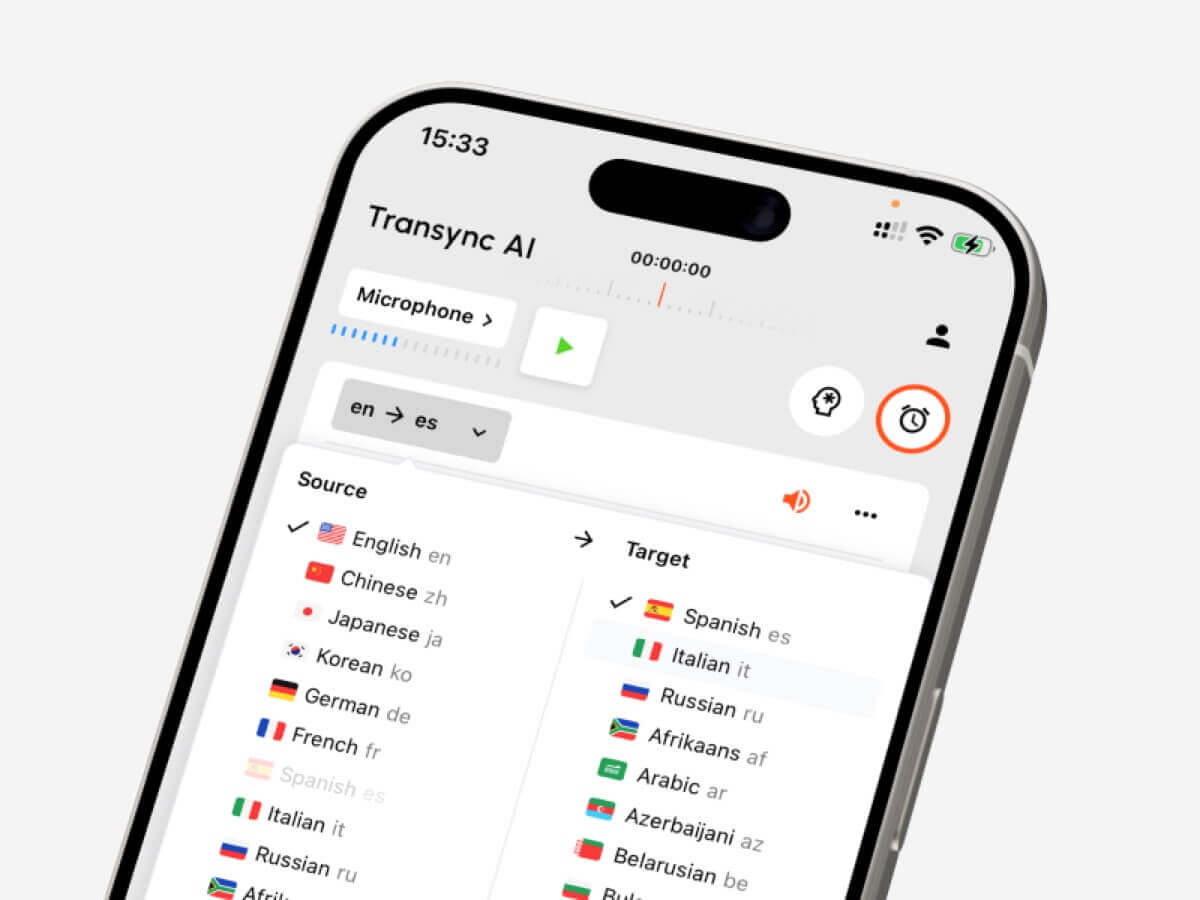
テキスト、ライブ会議、録音音声、ビデオ字幕、音声翻訳、AIメモなど、さまざまな用途に対応するツールを選ぶための言語変換ガイド。.
あ 言語コンバーター シンプルなツールのように聞こえますね。ある言語を入力すれば、別の言語が表示される、というものです。.
実際の運用においては、それほど単純ではない。.
段落を翻訳する学生、多言語のZoom通話に参加する営業マネージャー、ビデオに字幕を付けるクリエイター、道順を尋ねる旅行者など、それぞれ異なるワークフローが必要です。彼らは皆、 言語コンバーター, しかし、適切なツールは、変換対象(テキスト、生の声、録音された音声、ビデオ、双方向の会話など)によって異なります。.
このガイドでは、5つの主要なワークフローについて説明し、Transync AI、DeepL、JotMe、Talo、Sonix、Maestra、Wordly、Talkaoといったツールを実際の使用事例に基づいて比較します。.
簡単な回答:どのようなタイプの言語変換ツールが必要ですか?
| 変換する必要があるもの | 最適なツールタイプ | 検討すべきツール |
|---|---|---|
| テキストまたはドキュメント | 文書翻訳プラットフォーム | ディープL |
| ライブミーティング | リアルタイム会議翻訳ツール | Transsync AI、JotMe、Talo |
| 録音された音声 | 文字起こしと翻訳ツール | ソニックス |
| 動画または字幕 | メディアローカライゼーションプラットフォーム | マエストラ、ソニックス |
| 旅行や日常会話 | モバイル会話翻訳機 | Talkao、Transync AI |
最高の 言語コンバーター 必ずしも対応言語数が最も多いツールとは限りません。翻訳が必要な瞬間に最適なツールを選ぶことが重要です。.
ワークフロー1:テキストとドキュメントの変換
テキスト翻訳は最も管理されたワークフローです。翻訳ツールは、翻訳結果を生成する前に、完全な文、段落、または文書を受け取ります。.
このワークフローは以下のような場合に役立ちます。
- メール
- 報告書
- プレゼンテーション
- ウェブサイトのコピー
- 製品マニュアル
- お客様からのメッセージ
- 内部文書
ディープL テキスト、文書、文章の質、そして専門的な言語ワークフローに重点を置いているため、通常は文書翻訳に最適です。.
選ぶとき 言語コンバーター テキストについては、書式が保持されているか、繰り返し使用される用語が一貫して処理されているか、読者に合ったトーンになっているかを確認してください。.
契約書、医療文書、財務資料、公式声明など、重要な内容については、依然として人間の目による確認が推奨されます。.
 ワークフロー2:ライブミーティングの変換
 ワークフロー2:ライブミーティングの変換
対面での会議は、テキスト会議よりもはるかに難しい。.
人々は互いに話を遮り、不完全な文章で話し、会社名を使い、数字を口にし、即座の返答を期待する。会議中心の 言語コンバーター 会話を途切れさせないためには、音声を十分速く処理する必要がある。.
Transync AI は、このようなライブでの多言語コミュニケーション向けに設計されています。 Zoom、Microsoft Teams、Google Meet, 、そしてサポートする リアルタイム バイリンガル字幕、翻訳 音声再生, キーワードとコンテキスト, フローティング字幕、 そして AI会議メモ.
 これは以下のような場合に役立ちます。
- 国際顧客との電話
- サプライヤーとの会議
- オンライン授業
- インタビュー
- 製品デモンストレーション
- リモートチームでの話し合い
ジョットミー また、会議に特化した機能でもあり、特にユーザーがリアルタイム翻訳に加えて、議事録、要約、アクションアイテムを必要とする場合に威力を発揮します。.

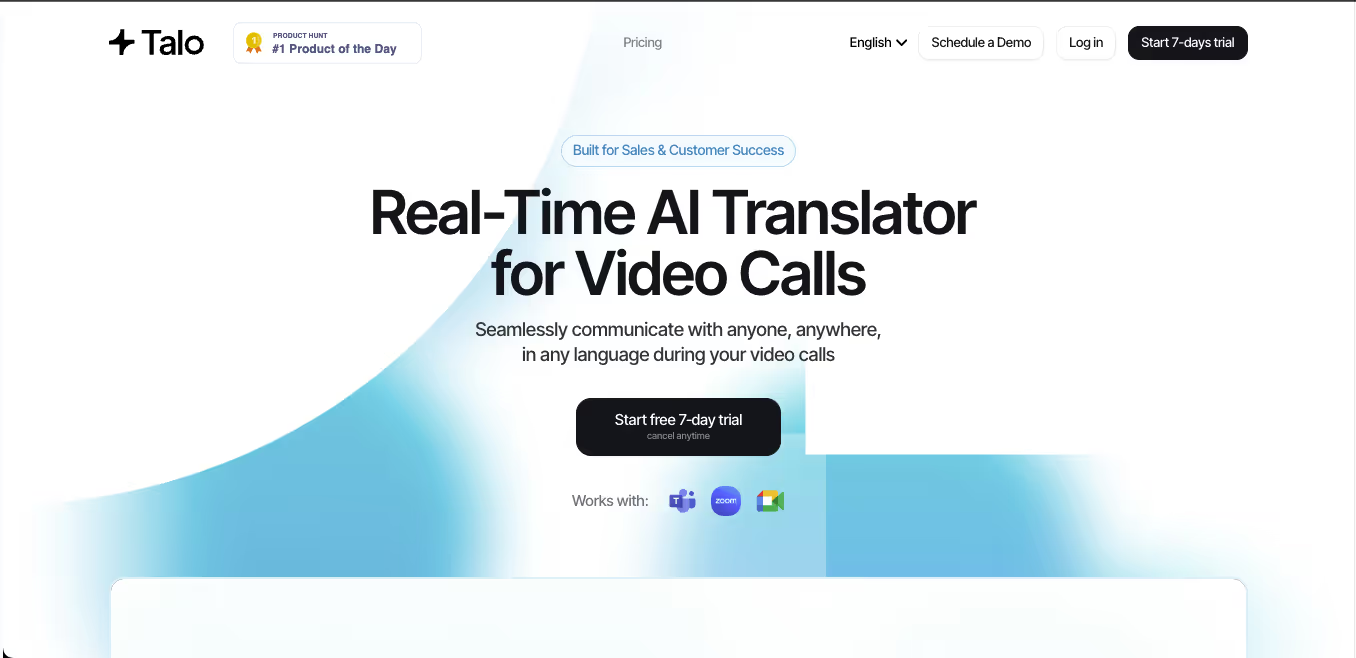
タロ AI通訳者が会議に参加するボットベースのワークフローを採用しています。これによりセットアップは簡素化されますが、会議参加者として表示されないスタンドアロンツールを好むチームもあるかもしれません。.
 会議ツール比較
 会議ツール比較
| 特徴 | Transync AI | ジョットミー | タロ |
|---|---|---|---|
| ライブ会議の翻訳 | はい | はい | はい |
| 双方向の会話 | はい | はい | はい |
| バイリンガル字幕 | はい | はい | 利用可能 |
| 翻訳された音声出力 | はい | 製品によって異なる | はい |
| キーワードまたは文脈 | はい | カスタム語彙 | 製品によって異なる |
| 会議メモ | はい | はい | 製品によって異なる |
| ボット不要のワークフロー | はい | 通常はそうです | いいえ |
| 最適なフィット感 | 字幕、音声、文脈、注釈 | 翻訳と文書化 | ボットが管理する通話 |
会議を優先する 言語コンバーター 人々が理解し、対応し、その後有用な記録を残す必要がある場合。.
ワークフロー3:録音音声の変換
録音された音声には、通常とは異なる翻訳ワークフローが必要となる。.
ユーザーが求めるのは、低遅延性よりも、精度、編集機能、エクスポート機能であることが多い。録音音声ツールは、まず音声をテキストに変換し、次にその文字起こしを翻訳する機能を備えているべきだ。.
このワークフローは、以下のような場合によく見られます。
- インタビュー
- ポッドキャスト
- 講義
- 研究録音
- トレーニングセッション
- 会議の録画
- 顧客通話記録
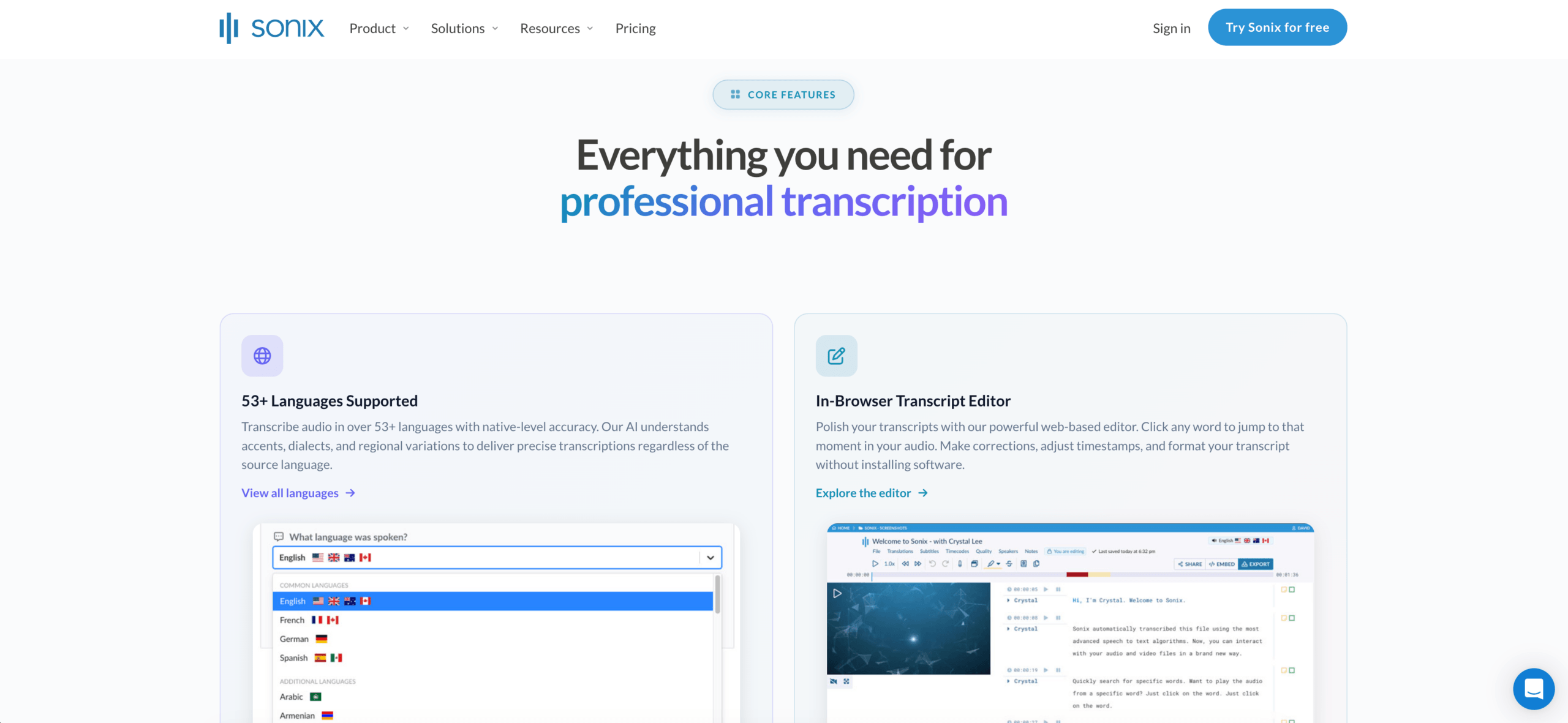
ソニックス 録音された音声や動画に最適です。文字起こし、話者の識別、タイムスタンプの追加、文字起こしの翻訳、字幕ワークフローのサポートなどが可能です。.
主な作業が録画ファイルの編集である場合、ライブ会議ツールは通常最適な選択肢ではありません。その場合は、文字起こしを優先するツールが適しています。 言語コンバーター 時間を節約できるかもしれません。.
 ワークフロー4:ビデオと字幕の変換
 ワークフロー4:ビデオと字幕の変換
動画翻訳は言語だけの問題ではない。タイミングも重要だ。.
メディアに特化したツールは、以下のような処理を必要とする場合があります。
- 転写
- 字幕翻訳
- スピーカーのタイミング
- キャプション編集
- ダビング
- 音声クローン
- エクスポート形式
- 多言語版ビデオ
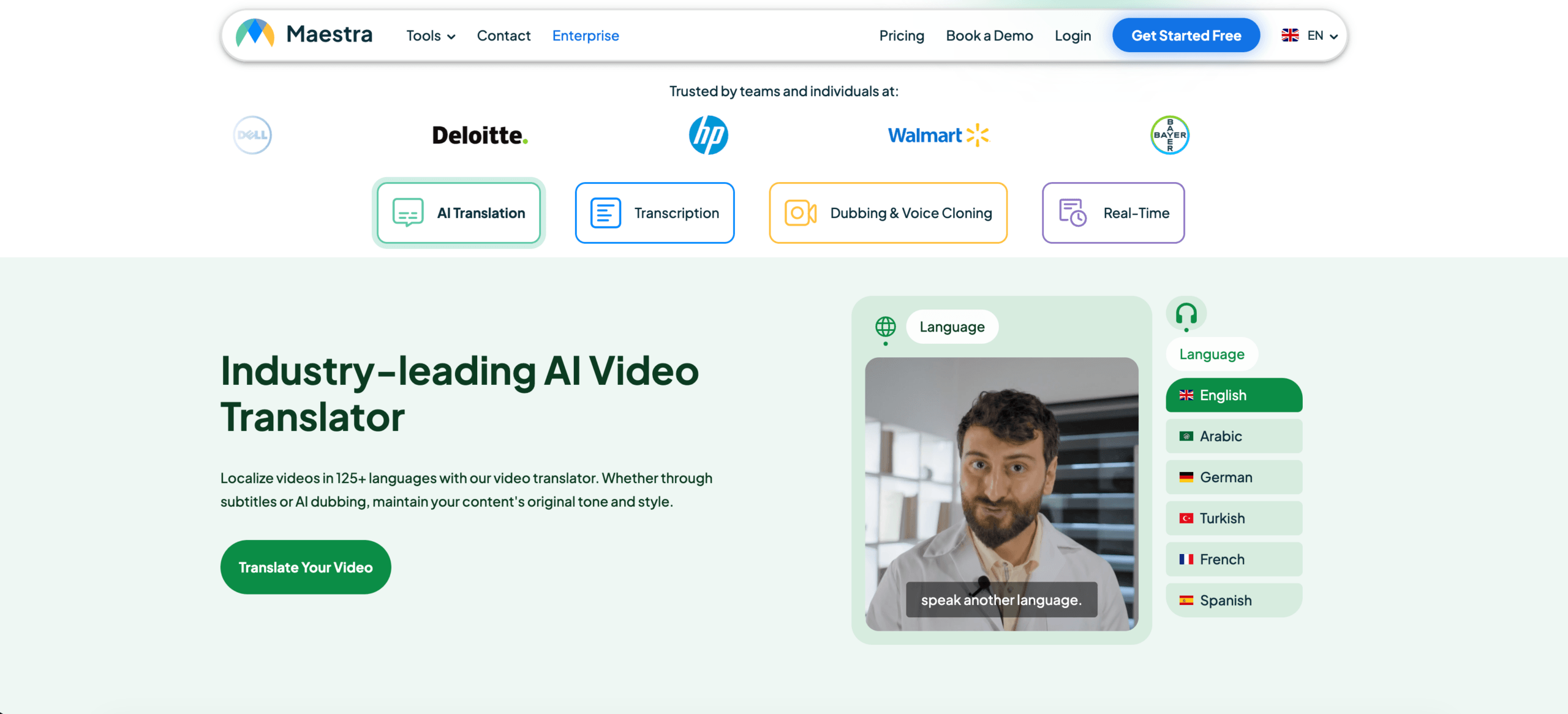
マエストラ Sonixは、動画、ウェビナー、コース、ポッドキャスト、またはメディアのローカライズを扱うユーザーに最適です。また、文字起こし、翻訳、字幕のエクスポートを優先する場合にも役立ちます。.
 Transsync AIは会話中の音声と字幕をリアルタイムでサポートできますが、主に詳細なポストプロダクションビデオ編集向けに設計されたものではありません。.
メディアツール比較
| 特徴 | ソニックス | マエストラ | Transync AI |
|---|---|---|---|
| 録音した音声をアップロード | はい | はい | 主要ではない |
| 動画の文字起こし | はい | はい | 主要ではない |
| 字幕翻訳 | はい | はい | ライブキャプション |
| 字幕のエクスポート | はい | はい | 主要ではない |
| AI吹き替え | 主要ではない | はい | ライブ音声再生 |
| ライブ双方向会議 | 主要ではない | 利用可能 | はい |
| 最適なフィット感 | 文字起こしと字幕 | メディアのローカライズ | ライブ会話 |
動画中心の 言語コンバーター 字幕の正確性、タイミング、編集、およびエクスポートオプションに基づいて評価されるべきである。.
ワークフロー5:旅行と日常会話の音声変換
旅行翻訳は通常、短く、持ち運びやすく、実用的です。.
ユーザーは翻訳が必要になる場合があります。
- メニュー
- 兆候
- 方向
- 短い質問
- 簡単な音声会話
- ショッピングやホテルとの連絡
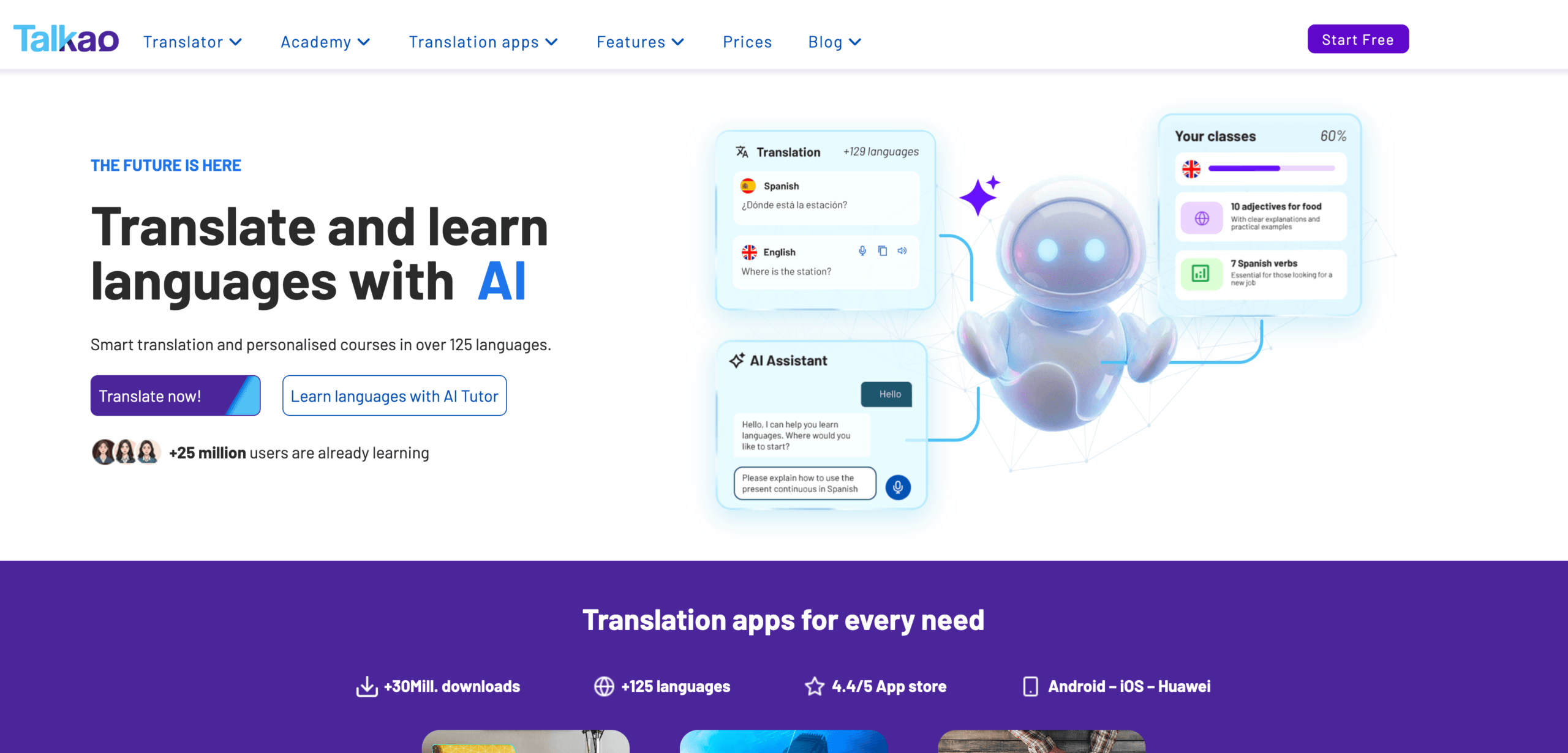
Talkao より消費者向けであり、カジュアルなモバイル翻訳、カメラ入力、発音練習、旅行中の会話などに適しているかもしれません。.
長時間の対面でのビジネスコミュニケーションにおいては、Transync AIの方がより有用かもしれません。なぜなら、Transync AIはバイリンガル字幕、翻訳音声、会議形式の録画機能を提供しているからです。.
重要なのは、買い過ぎを避けることです。旅行者は会議の議事録を必要としないかもしれませんし、ビジネスユーザーはカメラ翻訳を必要としないかもしれません。.
 総合的な言語変換ツールの比較
 総合的な言語変換ツールの比較
| 道具 | 最強のワークフロー | 最適な用途 | 主な制限事項 |
|---|---|---|---|
| Transync AI | 生のスピーチと会議 | 字幕、音声再生、コンテキスト、メモ | 画像や文書の翻訳には適していません |
| ディープL | テキストとドキュメント | プロの文書翻訳 | ライブ会議機能は音声製品に依存します |
| ジョットミー | 会議と文書 | 注釈とアクション項目を含む翻訳 | 主に会議中心 |
| タロ | ボットによる通訳 | AI通訳ボットとのビデオ通話 | ボットが会議に現れる |
| ソニックス | 録音された音声と映像 | 文字起こし、翻訳、字幕 | 高速な双方向ライブ通話には適していません |
| マエストラ | メディアのローカライズ | 動画、字幕、吹き替え、ウェビナー | 一部のユーザーのニーズよりも広範囲 |
| ワードリー | イベントや大勢の観客 | カンファレンスとウェビナー | よりイベント志向 |
| Talkao | モバイル翻訳 | 旅行、カメラ、くだけた話し方 | ビジネスミーティングのワークフローが限定的 |
適切な言語変換ツールの選び方
ツールを選ぶ前に、以下の質問を自問自答してください。
- 出典となるのは、テキスト、生の声、録音された音声、それともビデオですか?
- 翻訳はすぐに必要ですか?
- 双方とも発言する必要があるのか?
- ユーザーは字幕、音声出力、あるいはその両方を必要としますか?
- 技術用語、名称、または製品モデルが関係していますか?
- 後から文字起こしファイル、要約ファイル、または字幕ファイルが必要ですか?
- エラーが発生した場合、法的、医学的、経済的、または安全上のリスクが生じるでしょうか?
これらの質問は、すべての機能を比較するよりも早く適切なワークフローを特定するのに役立つことが多い。.
言語変換ツールのテスト方法
単純なデモフレーズではなく、現実的な素材を使用してください。.
生の音声の場合は、話者2名、背景雑音、名前、会社名、製品モデル、日付、価格、および訂正を含めてください。.
文書については、書式設定、繰り返し使われる用語、文体、段落の質などをテストしてください。.
録音された音声については、文字起こしの正確性、話者ラベル、タイムスタンプ、翻訳品質、およびエクスポート形式を確認してください。.
最高の 言語コンバーター あなたの実際の環境で優れた性能を発揮するものがそれです。.
よくある問題
あ 言語コンバーター 次のような点で苦労する可能性がある:
- 重複するスピーカー
- マイクの性能が低い
- 部屋の反響音
- スラング
- 強いアクセント
- 不完全な文
- 製品名
- 技術略語
- 曖昧な言葉
- インターネット接続が不安定です
重要な日付、価格、数量、名前、および約束事項は常に確認する必要があります。.
よくある質問
言語変換ツールとは何ですか?
言語変換ツールとは、ある言語のコンテンツを別の言語に変換するツールです。テキスト、文書、生の音声、録音された音声、動画、字幕、会議など、様々な種類のコンテンツを変換できます。.
最適な言語変換ソフトは何ですか?
最適な選択肢はワークフローによって異なります。Transync AIはライブ会議に適しており、DeepLはドキュメントに、Sonixは録音音声に、Maestraはビデオに、Wordlyはイベントに、Talkaoは旅行に適しています。.
会議に最適な言語変換ツールはどれですか?
低遅延、双方向翻訳、バイリンガル字幕、翻訳音声、用語管理、会議メモ機能などを備えた、会議を最優先に考えたツールを選びましょう。.
一つのツールで全ての言語コンテンツを変換することは可能でしょうか?
一部のツールは複数のワークフローに対応していますが、ほとんどのツールには最も得意とする用途があります。文書翻訳ツールはライブ会議には適さないかもしれませんし、会議翻訳ツールは録画メディアの編集には適さないかもしれません。.
AIは人間の翻訳者や通訳者に取って代わることができるだろうか?
AIは、定型的な会議、出張、文書作成、授業、録画コンテンツなどをサポートできます。しかし、法律、医療、金融、規制、その他重要なコミュニケーションにおいては、人間の専門家による対応の方がより安全です。.
最後に
あ 言語コンバーター 言語数だけでなく、ワークフローに基づいて選択すべきである。.
洗練された文章コンテンツにはDeepL、ライブ会議にはTransync AI、メモ付き会議にはJotMe、ボットベースの通話にはTalo、録音音声にはSonix、メディアのローカライズにはMaestra、イベントにはWordly、旅行にはTalkaoを使用してください。.
最適なツールとは、何でもできると謳うものではない。コミュニケーションが行われるまさにその場で、言語の壁を取り除くことができるツールこそが、最適なツールなのだ。.
次世代の体験をお求めなら、 Transync AI リアルタイムのAI翻訳で自然な会話の流れを実現します。 無料でお試しください 今。