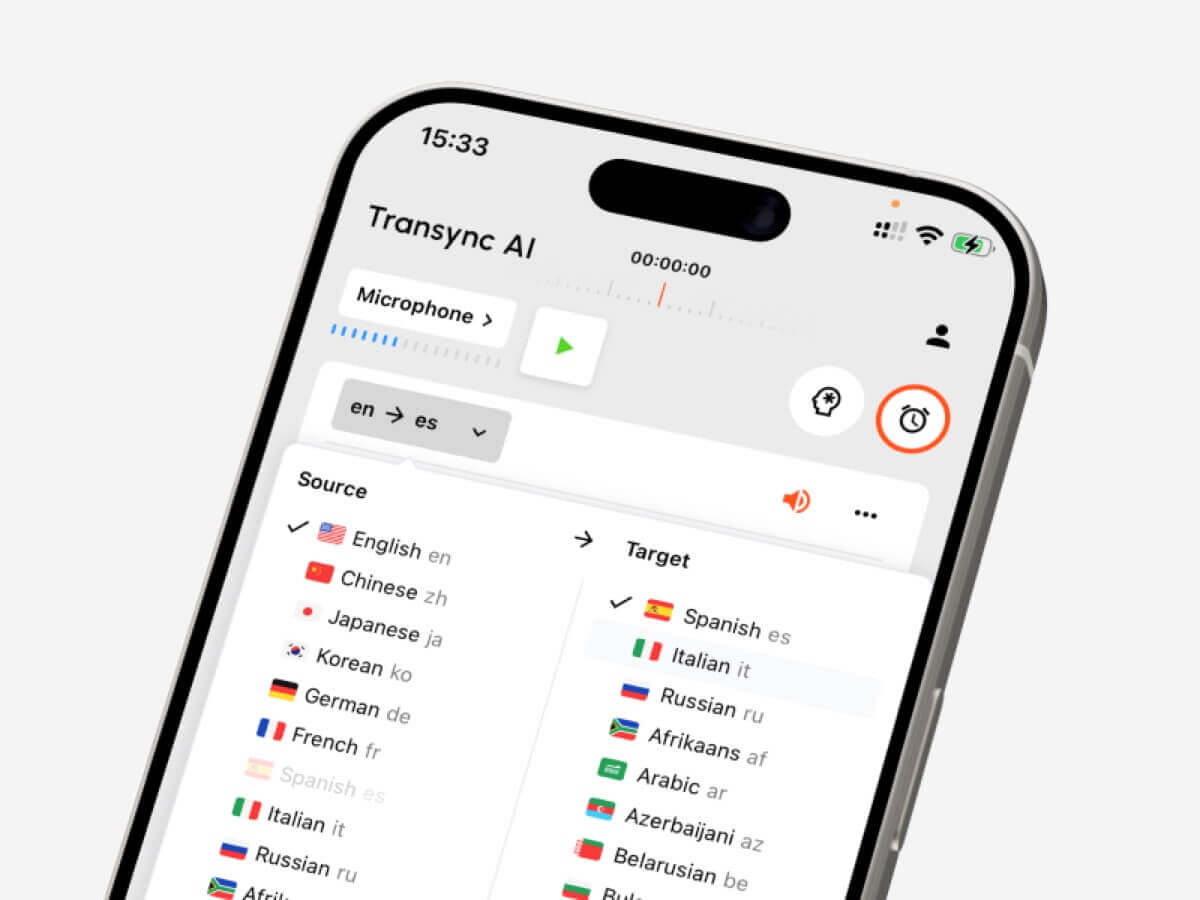
Guía de conversión de idiomas para elegir herramientas para texto, reuniones en directo, audio grabado, subtítulos de vídeo, traducción de voz y notas con IA.
A convertidor de idiomas Parece una herramienta sencilla: introduces un idioma y obtienes otro.
En la práctica, no es tan sencillo.
Un estudiante que traduce un párrafo, un gerente de ventas que se une a una llamada multilingüe de Zoom, un creador que subtitula un video y un viajero que pide indicaciones, todos necesitan flujos de trabajo diferentes. Todos ellos pueden buscar un convertidor de idiomas, Pero la herramienta adecuada depende de lo que se esté convirtiendo: texto, voz en directo, audio grabado, vídeo o una conversación bidireccional.
Esta guía explica los cinco flujos de trabajo principales y compara herramientas como Transync AI, DeepL, JotMe, Talo, Sonix, Maestra, Wordly y Talkao según casos de uso reales.
Respuesta rápida: ¿Qué tipo de convertidor de idiomas necesita?
| Lo que necesitas convertir | Mejor tipo de herramienta | Herramientas a considerar |
|---|---|---|
| Texto o documentos | Plataforma de traducción escrita | DeepL |
| Reuniones en vivo | Traductor de reuniones en tiempo real | Transync AI, JotMe, Talo |
| Audio grabado | Herramienta de transcripción y traducción | Sonix |
| Vídeo o subtítulos | plataforma de localización de medios | Maestra, Sonix |
| Viajes o charla informal | Traductor de conversaciones móviles | Talkao, IA de sincronización |
El mejor convertidor de idiomas No siempre es la herramienta con la lista de idiomas más extensa, sino la que mejor se adapta al momento en que se necesita la traducción.
Flujo de trabajo 1: Conversión de texto y documentos
La traducción de texto es el flujo de trabajo más controlado. La herramienta recibe una oración, un párrafo o un documento completo antes de generar el resultado traducido.
Este flujo de trabajo es útil para:
- Correos electrónicos
- Informes
- Presentaciones
- Texto del sitio web
- manuales de producto
- Mensajes de los clientes
- Documentos internos
DeepL Suele ser una opción muy adecuada para la traducción escrita porque se centra en el texto, los documentos, la calidad de la escritura y los flujos de trabajo lingüísticos profesionales.
Al elegir un convertidor de idiomas En el caso del texto, compruebe que conserve el formato, que gestione la terminología repetida de forma coherente y que produzca un tono adecuado para el público objetivo.
Para contenidos de gran importancia, como contratos, documentos médicos, materiales financieros o declaraciones públicas, se sigue recomendando la revisión humana.
 Flujo de trabajo 2: Conversión de reuniones en directo
 Flujo de trabajo 2: Conversión de reuniones en directo
Las reuniones en directo son mucho más difíciles que las reuniones por mensaje de texto.
Las personas se interrumpen entre sí, hablan con frases incompletas, usan nombres de empresas, mencionan números y esperan respuestas inmediatas. Una reunión centrada en... convertidor de idiomas debe procesar el habla con la suficiente rapidez para que la conversación fluya.
Transync AI Está diseñado para este tipo de comunicación multilingüe en vivo. Funciona junto con Zoom, Microsoft Teams y Google Meet, y apoya tiempo real Subtítulos bilingües, traducidos reproducción de voz, Palabras clave y contexto, subtítulos flotantes, y Notas de la reunión de IA.
 Esto lo hace útil para:
- Llamadas de clientes internacionales
- Reuniones con proveedores
- Clases en línea
- Entrevistas
- demostraciones de productos
- Debates de equipo remotos
JotMe También está enfocado en las reuniones, especialmente cuando los usuarios necesitan traducción en tiempo real, además de transcripciones, resúmenes y puntos de acción.

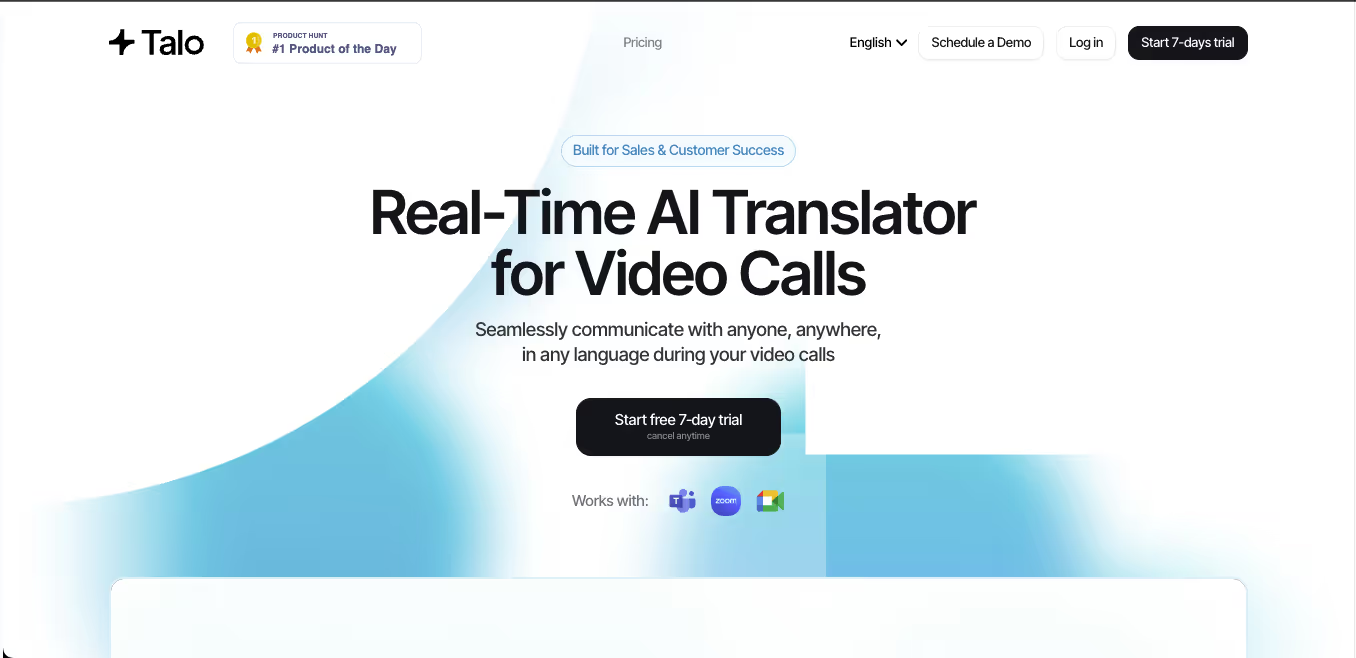
Talo Utiliza un flujo de trabajo basado en bots donde un intérprete de IA se une a la reunión. Esto puede simplificar la configuración, pero algunos equipos pueden preferir una herramienta independiente que no aparezca como participante de la reunión.
 Comparación de herramientas para reuniones
 Comparación de herramientas para reuniones
| Característica | Transync AI | JotMe | Talo |
|---|---|---|---|
| Traducción de reuniones en directo | Sí | Sí | Sí |
| Conversación bidireccional | Sí | Sí | Sí |
| Subtítulos bilingües | Sí | Sí | Disponible |
| Salida de voz traducida | Sí | Depende del producto | Sí |
| Palabras clave o contexto | Sí | Vocabulario personalizado | Depende del producto |
| Notas de la reunión | Sí | Sí | Depende del producto |
| Flujo de trabajo sin bots | Sí | Normalmente sí | No |
| Mejor ajuste | Subtítulos, voz, contexto, notas | Traducción y documentación | Llamadas gestionadas por bots |
Elija una reunión primero convertidor de idiomas cuando las personas necesitan comprender, responder y mantener un registro útil posteriormente.
Flujo de trabajo 3: Conversión de audio grabado
El audio grabado requiere un flujo de trabajo de traducción diferente.
En lugar de baja latencia, los usuarios suelen necesitar precisión, edición y exportación. Una herramienta de grabación de audio debería convertir primero el habla en texto y luego traducir la transcripción.
Este flujo de trabajo es común para:
- Entrevistas
- Podcasts
- Conferencias
- Grabaciones de investigación
- Sesiones de entrenamiento
- Grabaciones de reuniones
- Archivo de llamadas de clientes
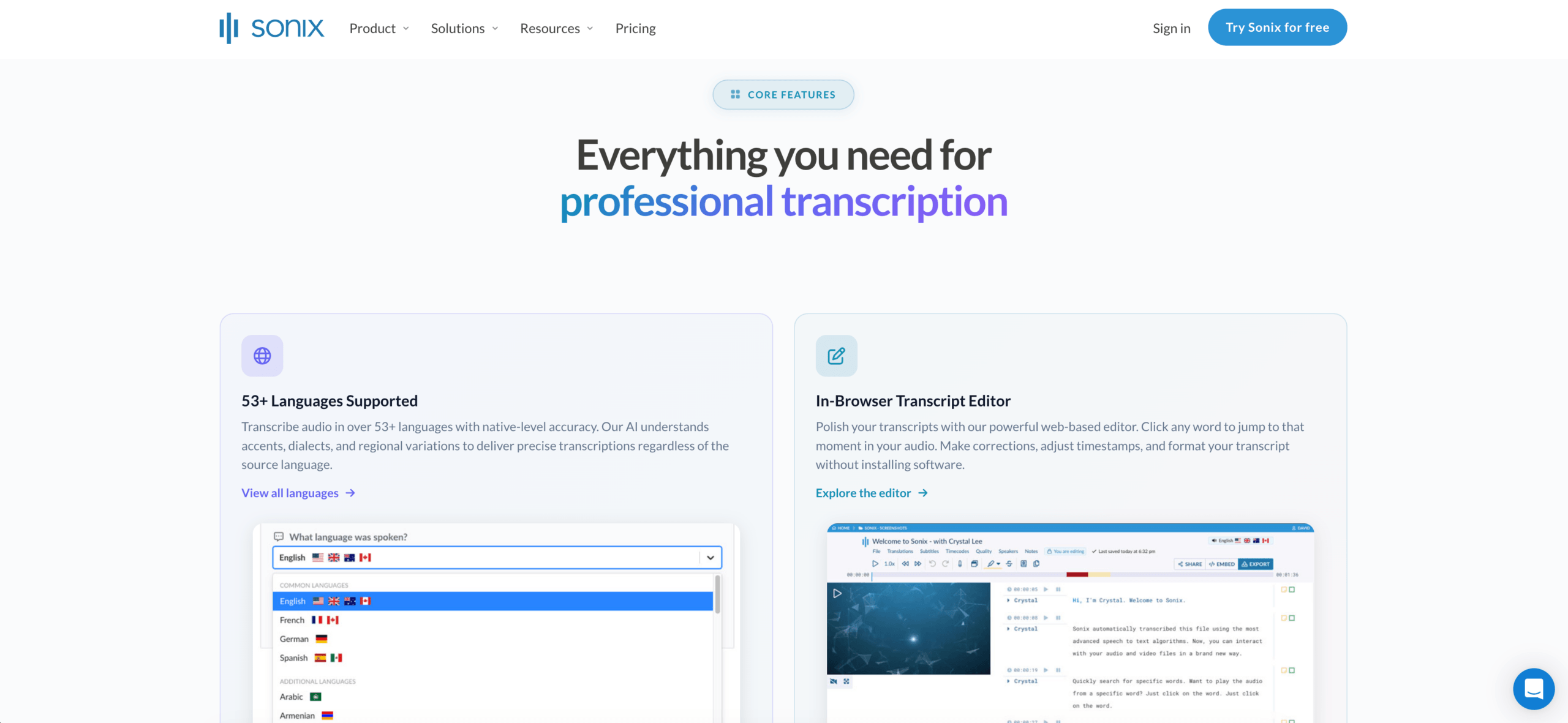
Sonix Es ideal para grabaciones de audio y vídeo. Permite crear transcripciones, identificar oradores, añadir marcas de tiempo, traducir transcripciones y admite flujos de trabajo de subtítulos.
Una herramienta de reuniones en vivo no suele ser la mejor opción si la tarea principal es editar archivos grabados. En ese caso, una herramienta de transcripción es la mejor opción. convertidor de idiomas puede ahorrar más tiempo.
 Flujo de trabajo 4: Conversión de vídeo y subtítulos
 Flujo de trabajo 4: Conversión de vídeo y subtítulos
La traducción de vídeo no se trata solo de idioma. El momento oportuno también importa.
Una herramienta centrada en los medios de comunicación puede necesitar gestionar:
- Transcripción
- Traducción de subtítulos
- Sincronización de los oradores
- Edición de subtítulos
- Doblaje
- Clonación de voz
- Formatos de exportación
- Versiones de vídeo multilingües
Maestra Es más adecuado para usuarios que trabajan con vídeos, seminarios web, cursos, podcasts o localización de medios. Sonix también resulta útil cuando la prioridad es la transcripción, la traducción y la exportación de subtítulos.
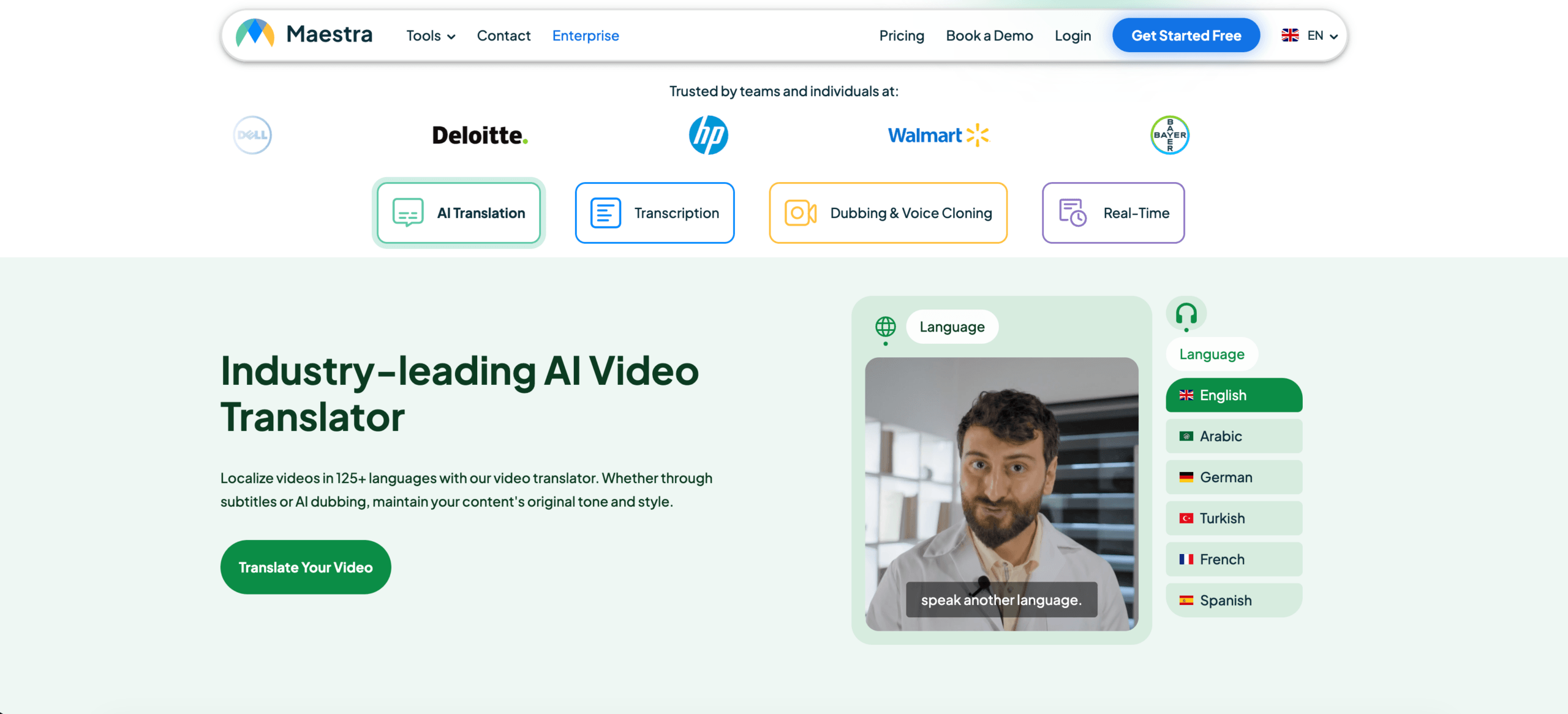 Transync AI admite voz en directo y subtítulos durante las conversaciones, pero no está diseñado principalmente para la edición de vídeo detallada en la postproducción.
Comparación de herramientas multimedia
| Característica | Sonix | Maestra | Transync AI |
|---|---|---|---|
| Subir audio grabado | Sí | Sí | No es principal |
| Transcripción del video | Sí | Sí | No es principal |
| Traducción de subtítulos | Sí | Sí | Subtítulos en directo |
| Exportación de subtítulos | Sí | Sí | No es principal |
| doblaje con IA | No es principal | Sí | Reproducción de voz en directo |
| reuniones bidireccionales en directo | No es principal | Disponible | Sí |
| Mejor ajuste | Transcripciones y subtítulos | localización de medios | conversaciones en vivo |
Un enfoque centrado en el vídeo convertidor de idiomas Debe evaluarse en función de la precisión de los subtítulos, la sincronización, la edición y las opciones de exportación.
Flujo de trabajo 5: Conversión de voz para viajes y uso cotidiano
La traducción para viajes suele ser breve, práctica y accesible.
Los usuarios podrían necesitar traducir:
- Menús
- Señales
- Instrucciones
- Preguntas cortas
- conversaciones de voz sencillas
- Compras o comunicación con el hotel
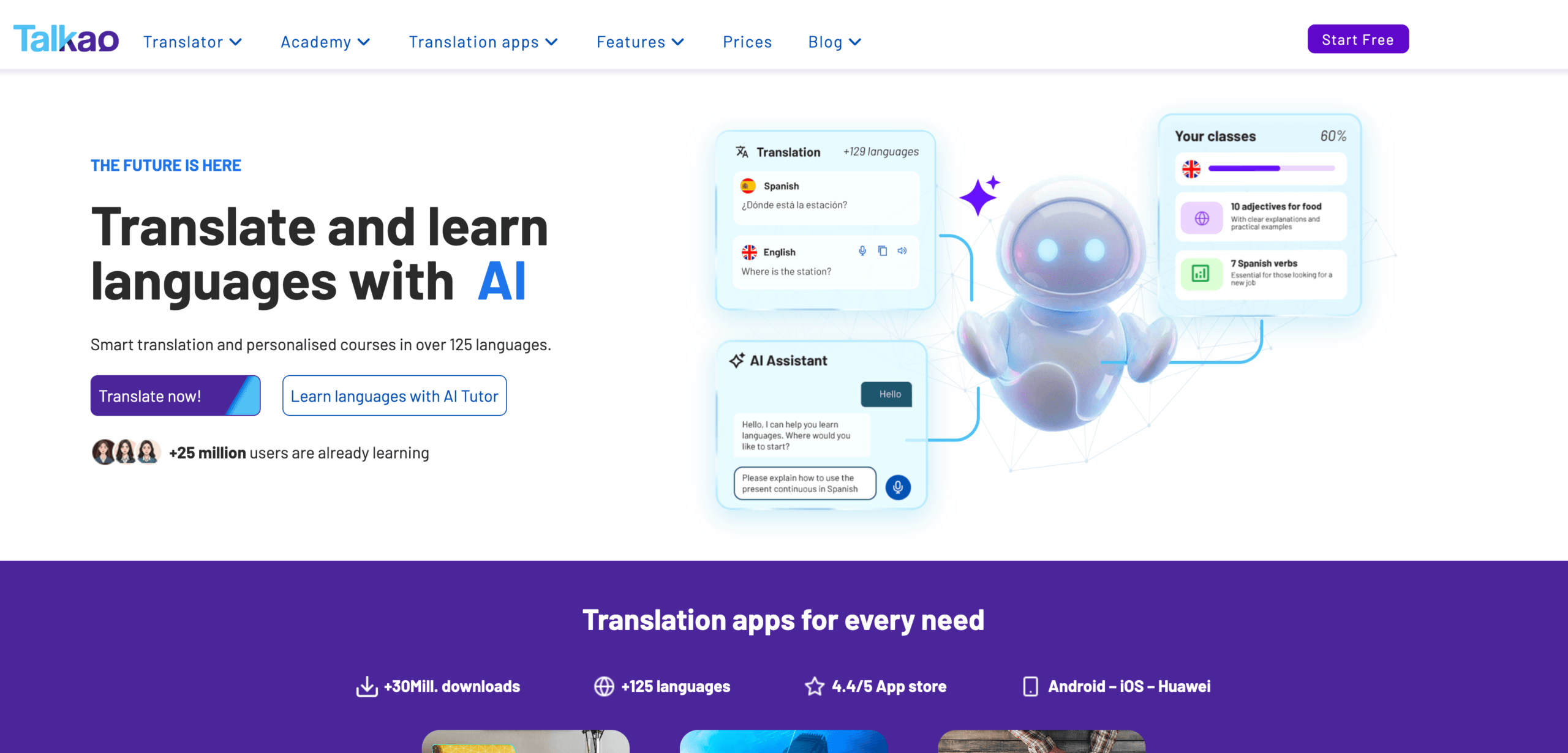
Talkao Está más orientado al consumidor y puede resultar adecuado para la traducción móvil informal, la entrada de datos mediante la cámara, la práctica de la pronunciación y las conversaciones durante los viajes.
Para comunicaciones profesionales presenciales más prolongadas, Transync AI puede resultar más útil, ya que ofrece subtítulos bilingües, voz traducida y grabaciones al estilo de las reuniones.
La clave está en evitar comprar en exceso. Un viajero puede no necesitar notas para reuniones. Un usuario profesional puede no necesitar la traducción de la cámara.
 Comparativa general de convertidores de idiomas
 Comparativa general de convertidores de idiomas
| Herramienta | Flujo de trabajo más potente | Mejor para | Limitación principal |
|---|---|---|---|
| Transync AI | Discursos y reuniones en directo | Subtítulos, reproducción de voz, contexto, notas | No apto para la traducción de imágenes o documentos. |
| DeepL | Texto y documentos | Traducción profesional escrita | Las funciones de reuniones en directo dependen de los productos de voz. |
| JotMe | Reuniones y documentación | Traducción con notas y puntos de acción. | Principalmente enfocado en reuniones |
| Talo | Interpretación basada en bots | Videollamadas con bot intérprete de IA | El bot aparece en la reunión. |
| Sonix | Audio y vídeo grabados | Transcripciones, traducción, subtítulos | No apto para llamadas rápidas bidireccionales en directo. |
| Maestra | localización de medios | Vídeos, subtítulos, doblaje, seminarios web | Más amplio de lo que algunos usuarios necesitan |
| Mundo | Eventos y grandes audiencias | Conferencias y seminarios web | Más orientado a eventos |
| Talkao | Traducción móvil | Viajes, cámara, charla informal | Flujo de trabajo limitado para reuniones de negocios |
Cómo elegir el convertidor de idiomas adecuado
Antes de elegir una herramienta, hágase estas preguntas:
- ¿Se trata del texto original, discurso en directo, audio grabado o vídeo?
- ¿Se necesita la traducción de inmediato?
- ¿Es necesario que hablen ambas partes?
- ¿Los usuarios necesitan subtítulos, salida de voz o ambas cosas?
- ¿Se utilizan términos técnicos, nombres o modelos de productos?
- ¿Se necesita posteriormente un archivo de transcripción, resumen o subtítulos?
- ¿Un error podría generar riesgos legales, médicos, financieros o de seguridad?
Estas preguntas suelen identificar el flujo de trabajo correcto más rápidamente que comparando cada característica.
Cómo probar un convertidor de idiomas
Utilice material realista en lugar de una simple frase de demostración.
Para la presentación en directo, incluya dos oradores, ruido de fondo, un nombre, un término de la empresa, un modelo de producto, una fecha, un precio y una corrección.
Para documentos, se debe comprobar el formato, la terminología repetida, el tono y la calidad de los párrafos.
Para el audio grabado, compruebe la precisión de la transcripción, las etiquetas de los oradores, las marcas de tiempo, la calidad de la traducción y los formatos de exportación.
El mejor convertidor de idiomas es la que mejor se comporta en tu entorno real.
Problemas comunes
A convertidor de idiomas puede tener dificultades con:
- Altavoces superpuestos
- Micrófonos débiles
- Eco de la habitación
- Jerga
- acentos fuertes
- Oraciones incompletas
- Nombres de productos
- Abreviaturas técnicas
- Palabras ambiguas
- Internet inestable
Siempre se deben revisar las fechas importantes, los precios, las cantidades, los nombres y los compromisos.
Preguntas frecuentes
¿Qué es un convertidor de idiomas?
Un conversor de idiomas es una herramienta que transforma contenido de un idioma a otro. Puede procesar texto, documentos, voz en directo, audio grabado, vídeos, subtítulos o grabaciones de reuniones.
¿Cuál es el mejor conversor de idiomas?
La mejor opción depende del flujo de trabajo. Transync AI es ideal para reuniones en directo, DeepL para documentos, Sonix para audio grabado, Maestra para vídeo, Wordly para eventos y Talkao para viajes.
¿Qué conversor de idiomas es el mejor para reuniones?
Elija una herramienta diseñada para reuniones que ofrezca baja latencia, traducción bidireccional, subtítulos bilingües, voz traducida, controles de terminología y notas de la reunión.
¿Existe alguna herramienta que permita convertir cualquier tipo de contenido lingüístico?
Algunas herramientas abarcan varios flujos de trabajo, pero la mayoría tiene un caso de uso más específico. Un traductor de documentos puede no funcionar bien en reuniones en directo, mientras que un traductor de reuniones puede no ser adecuado para editar grabaciones.
¿Puede la IA reemplazar a los traductores o intérpretes humanos?
La IA puede facilitar reuniones rutinarias, viajes, documentos, clases y contenido grabado. Los profesionales humanos siguen siendo más fiables para comunicaciones legales, médicas, financieras, regulatorias y otras de gran importancia.
Reflexiones finales
A convertidor de idiomas Debe elegirse en función del flujo de trabajo, no solo del número de idiomas.
Utilice DeepL para contenido escrito de alta calidad, Transync AI para reuniones en directo, JotMe para reuniones con notas, Talo para llamadas automatizadas, Sonix para audio grabado, Maestra para localización de medios, Wordly para eventos y Talkao para viajes.
La herramienta adecuada no es la que afirma hacerlo todo, sino la que elimina la barrera del idioma en el formato exacto en el que se produce la comunicación.
Si quieres una experiencia de próxima generación, Transync AI lidera el camino con la traducción en tiempo real impulsada por IA que permite que las conversaciones fluyan con naturalidad. Puedes Pruébalo gratis ahora.