

텍스트, 실시간 회의, 녹음된 오디오, 비디오 자막, 음성 번역 및 AI 메모에 사용할 도구를 선택하는 데 도움이 되는 언어 변환기 가이드입니다.
에이 언어 변환기 간단한 도구처럼 들리네요. 한 언어를 입력하면 다른 언어가 나오는 거죠.
실제로는 그렇게 간단하지 않습니다.
단락을 번역하는 학생, 다국어 Zoom 통화에 참여하는 영업 관리자, 비디오에 자막을 다는 크리에이터, 길을 묻는 여행자 모두 각기 다른 워크플로가 필요합니다. 이들은 모두 특정 작업 흐름을 검색할 수 있습니다. 언어 변환기, 하지만 적절한 도구는 변환 대상(텍스트, 실시간 음성, 녹음된 오디오, 비디오 또는 양방향 대화)에 따라 달라집니다.
이 가이드에서는 다섯 가지 주요 워크플로를 설명하고 Transync AI, DeepL, JotMe, Talo, Sonix, Maestra, Wordly, Talkao와 같은 도구를 실제 사용 사례를 통해 비교합니다.
빠른 답변: 어떤 종류의 언어 변환기가 필요하신가요?
| 변환해야 할 내용 | 최적의 도구 유형 | 고려해야 할 도구 |
|---|---|---|
| 텍스트 또는 문서 | 문자 번역 플랫폼 | 딥엘 |
| 실시간 회의 | 실시간 회의 통역 | 트랜싱크 AI, 조트미, 탈로 |
| 녹음된 오디오 | 전사 및 번역 도구 | 소닉스 |
| 영상 또는 자막 | 미디어 현지화 플랫폼 | 마에스트라, 소닉스 |
| 여행 또는 일상적인 대화 | 모바일 대화 번역기 | Talkao, Transync AI |
최고 언어 변환기 가장 많은 언어 목록을 가진 도구가 항상 좋은 도구는 아닙니다. 번역이 필요한 순간에 가장 적합한 도구가 좋은 도구입니다.
워크플로 1: 텍스트 및 문서 변환
텍스트 번역은 가장 체계적으로 관리되는 워크플로입니다. 번역 도구는 번역 결과를 생성하기 전에 완전한 문장, 단락 또는 문서를 입력받습니다.
이 워크플로는 다음과 같은 경우에 유용합니다.
- 이메일
- 보고서
- 프레젠테이션
- 웹사이트 콘텐츠
- 제품 설명서
- 고객 메시지
- 내부 문서
딥엘 일반적으로 서면 번역에 매우 적합한데, 이는 텍스트, 문서, 작문 품질 및 전문적인 언어 워크플로에 중점을 두기 때문입니다.
선택할 때 언어 변환기 텍스트의 경우 서식이 유지되는지, 반복되는 용어를 일관되게 처리하는지, 그리고 청중에게 적합한 어조를 전달하는지 확인하십시오.
계약서, 의료 문서, 재무 자료 또는 공개 성명과 같이 중요도가 높은 콘텐츠의 경우 여전히 사람의 검토를 거치는 것이 좋습니다.
 워크플로 2: 실시간 미팅 전환
 워크플로 2: 실시간 미팅 전환
직접 만나는 회의는 문자 메시지보다 훨씬 어렵습니다.
사람들은 서로 말을 끊고, 문장을 불완전하게 말하고, 회사 이름을 사용하고, 숫자를 언급하고, 즉각적인 답변을 기대합니다. 회의 중심적인 언어 변환기 대화가 끊김 없이 이어지도록 음성을 충분히 빠르게 처리해야 합니다.
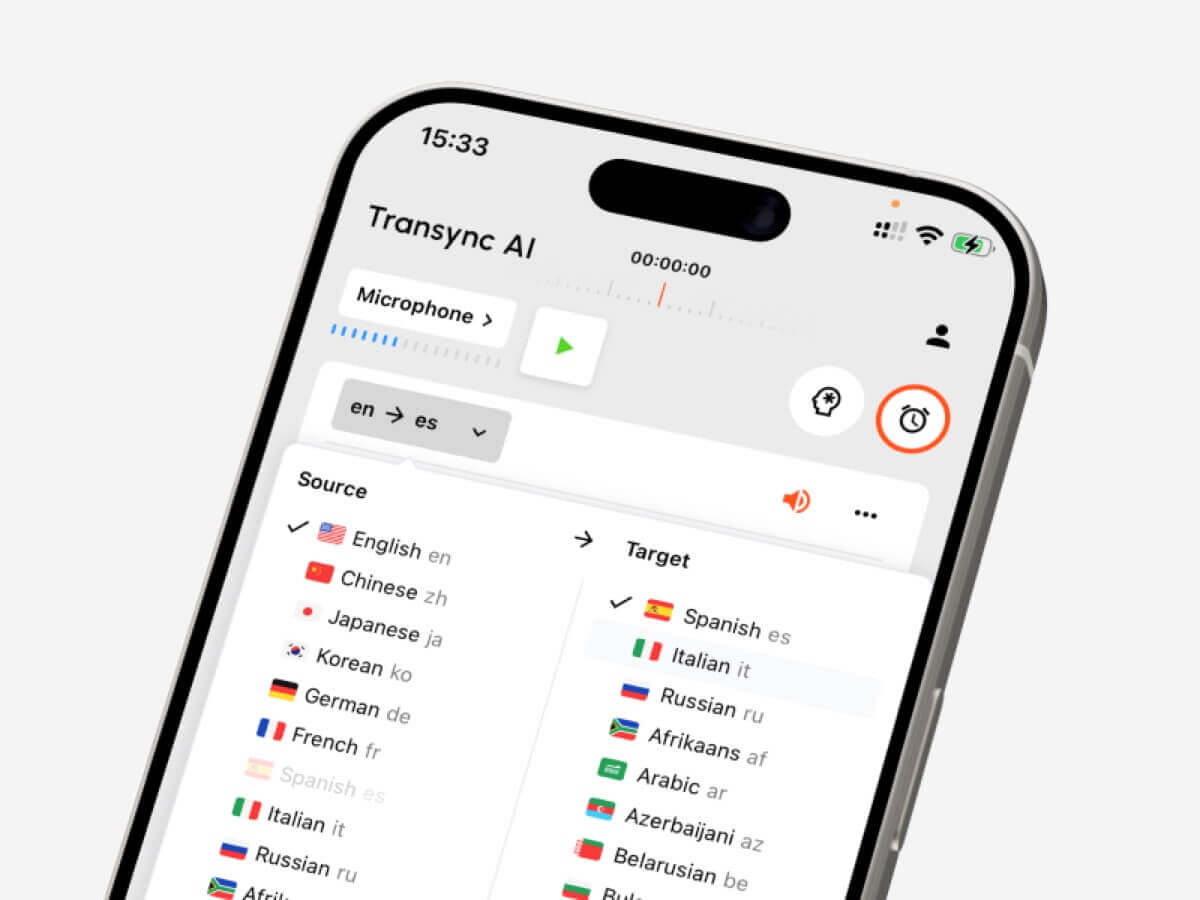
Transync AI 이러한 유형의 실시간 다국어 소통을 위해 설계되었습니다. 함께 작동합니다. Zoom, Microsoft Teams 및 Google Meet, 그리고 지원합니다 실시간 이중 언어 자막, 번역됨 음성 재생, 키워드와 문맥, 떠다니는 자막, 그리고 AI 회의 노트.
 이러한 특징 덕분에 다음과 같은 용도로 유용합니다.
- 해외 고객 통화
- 공급업체 회의
- 온라인 수업
- 인터뷰
- 제품 시연
- 원격 팀 회의
조트미 또한 회의에 특화되어 있으며, 특히 사용자가 실시간 번역뿐만 아니라 녹취록, 요약 및 실행 항목이 필요할 때 유용합니다.

탈로 이 방식은 AI 통역사가 회의에 참여하는 봇 기반 워크플로를 사용합니다. 설정이 간소화될 수 있지만, 일부 팀은 회의 참가자로 나타나지 않는 독립형 도구를 선호할 수도 있습니다.
 회의 도구 비교
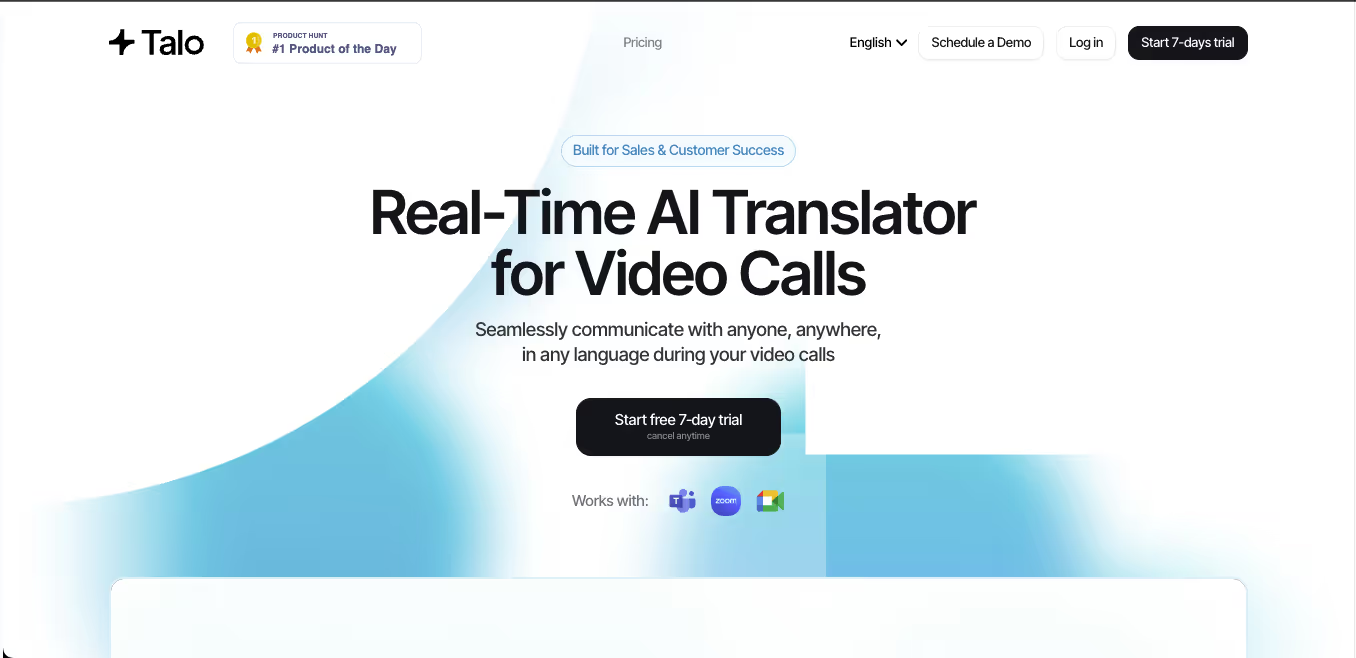 회의 도구 비교
| 특징 | Transync AI | 조트미 | 탈로 |
|---|---|---|---|
| 실시간 회의 통역 | 예 | 예 | 예 |
| 양방향 대화 | 예 | 예 | 예 |
| 이중 언어 자막 | 예 | 예 | 사용 가능 |
| 번역된 음성 출력 | 예 | 제품에 따라 다릅니다 | 예 |
| 키워드 또는 맥락 | 예 | 사용자 지정 어휘 | 제품에 따라 다릅니다 |
| 회의록 | 예 | 예 | 제품에 따라 다릅니다 |
| 봇을 사용하지 않는 워크플로 | 예 | 보통 그렇습니다 | 아니요 |
| 가장 적합한 | 자막, 음성, 맥락, 메모 | 번역 및 문서화 | 봇이 관리하는 통화 |
회의를 먼저 선택하세요 언어 변환기 사람들이 이해하고, 대응하고, 나중에 유용한 기록을 남겨야 할 때.
워크플로 3: 녹음된 오디오 변환
녹음된 오디오는 다른 종류의 번역 워크플로우가 필요합니다.
사용자는 일반적으로 낮은 지연 시간보다는 정확성, 편집 및 내보내기 기능을 필요로 합니다. 녹음된 오디오를 텍스트로 변환하는 도구는 먼저 음성을 텍스트로 변환한 다음, 변환된 텍스트를 번역하는 기능을 제공해야 합니다.
이 워크플로는 다음과 같은 경우에 일반적입니다.
- 인터뷰
- 팟캐스트
- 강의
- 연구 녹음
- 교육 세션
- 회의 녹화 영상
- 고객 통화 기록
소닉스 녹음된 오디오 및 비디오에 매우 적합합니다. 녹취록 생성, 화자 식별, 타임스탬프 추가, 녹취록 번역 및 자막 워크플로우 지원이 가능합니다.
주요 작업이 녹화된 파일 편집이라면 실시간 회의 도구는 일반적으로 최선의 선택이 아닙니다. 그런 경우에는 녹취록 작성에 중점을 둔 도구가 더 적합합니다. 언어 변환기 시간을 더 절약할 수 있습니다.
 워크플로 4: 비디오 및 자막 변환
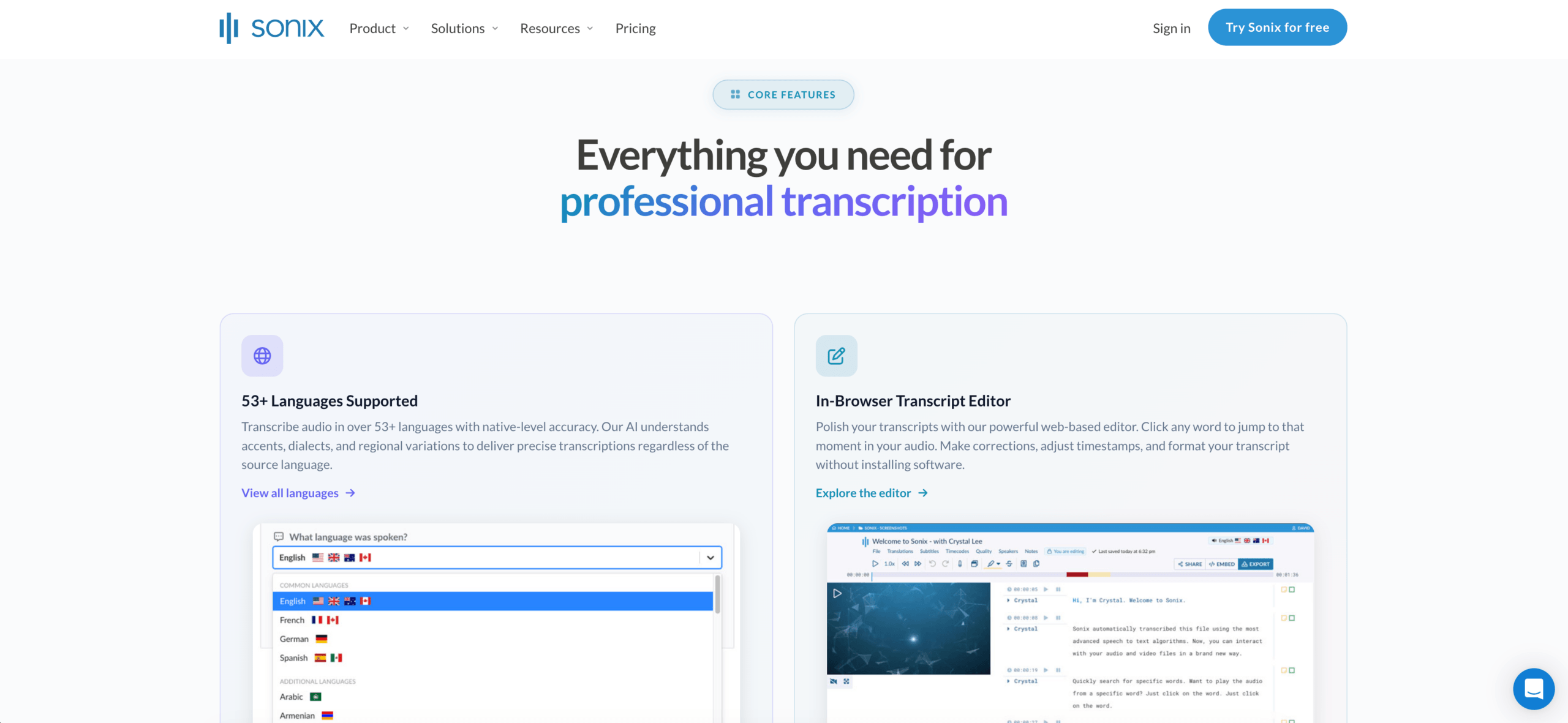 워크플로 4: 비디오 및 자막 변환
영상 번역은 단순히 언어 문제만이 아닙니다. 타이밍도 중요합니다.
미디어 중심 도구는 다음과 같은 기능을 처리해야 할 수 있습니다.
- 전사
- 자막 번역
- 스피커 타이밍
- 캡션 편집
- 더빙
- 음성 복제
- 내보내기 형식
- 다국어 비디오 버전
마에스트라 Sonix는 비디오, 웨비나, 강좌, 팟캐스트 또는 미디어 현지화 작업을 하는 사용자에게 더 적합합니다. 또한 전사, 번역 및 자막 내보내기가 우선시될 때도 유용합니다.
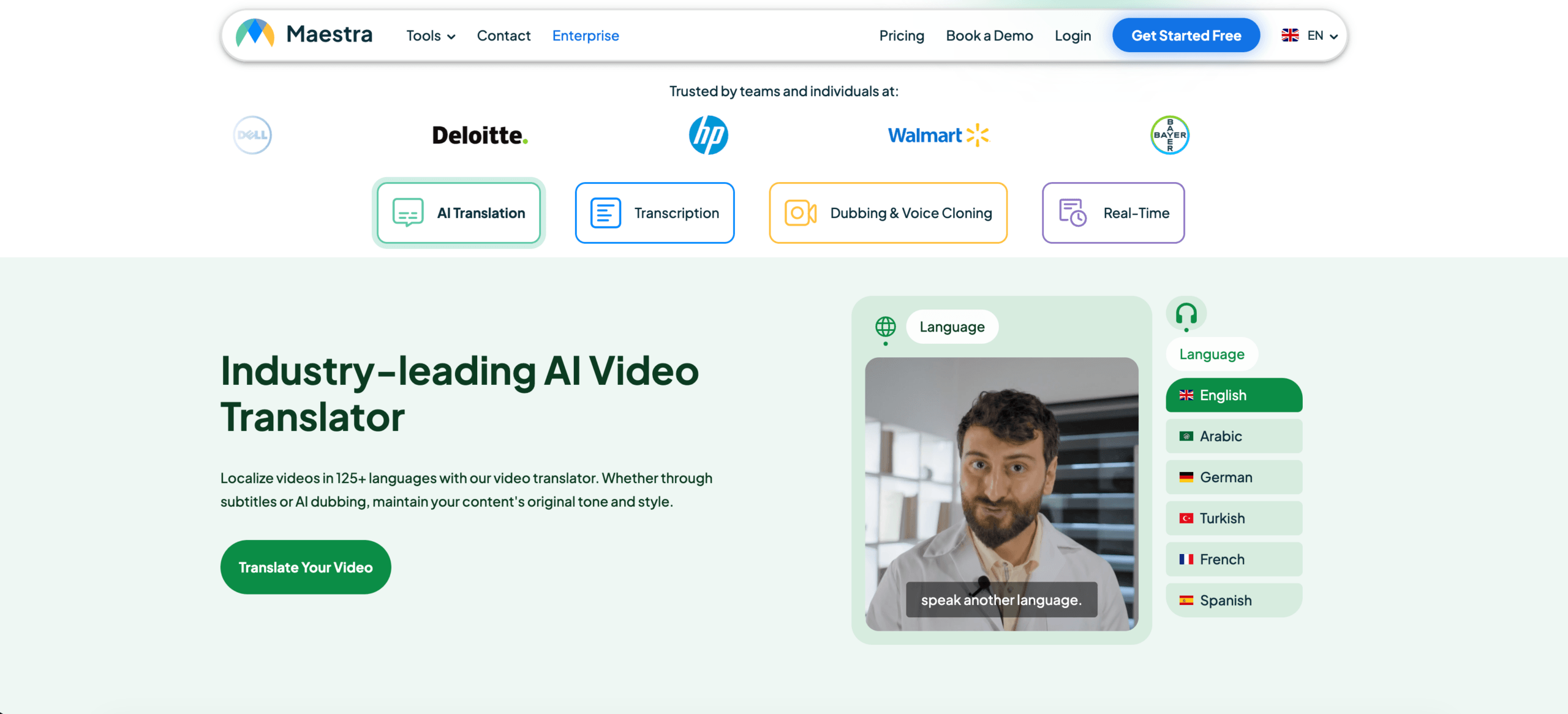 Transync AI는 대화 중 실시간 음성 및 자막을 지원하지만, 세부적인 후반 작업 영상 편집을 위해 설계된 것은 아닙니다.
미디어 도구 비교
| 특징 | 소닉스 | 마에스트라 | Transync AI |
|---|---|---|---|
| 녹음된 오디오 파일을 업로드하세요. | 예 | 예 | 주요하지 않음 |
| 영상 자막 | 예 | 예 | 주요하지 않음 |
| 자막 번역 | 예 | 예 | 실시간 자막 |
| 자막 내보내기 | 예 | 예 | 주요하지 않음 |
| AI 더빙 | 주요하지 않음 | 예 | 실시간 음성 재생 |
| 실시간 양방향 회의 | 주요하지 않음 | 사용 가능 | 예 |
| 가장 적합한 | 대본 및 자막 | 미디어 현지화 | 실시간 대화 |
동영상 중심 언어 변환기 자막의 정확성, 타이밍, 편집 및 내보내기 옵션을 기준으로 평가해야 합니다.
워크플로우 5: 여행 및 일상 대화 변환
여행 통역은 대개 짧고, 이동이 간편하며, 실용적입니다.
사용자는 번역이 필요할 수 있습니다.
- 메뉴
- 손짓
- 지도
- 간단한 질문
- 간단한 음성 대화
- 쇼핑 또는 호텔 관련 정보
탈카오 이 앱은 소비자 지향적이며, 일상적인 모바일 번역, 카메라 입력, 발음 연습 및 여행 중 대화에 적합할 수 있습니다.
장시간 대면으로 진행되는 전문적인 소통에는 이중 언어 자막, 번역된 음성, 회의록 형식의 녹음 기능을 제공하는 Transync AI가 더 유용할 수 있습니다.
핵심은 과잉 구매를 피하는 것입니다. 여행객은 회의록이 필요 없을 수도 있고, 비즈니스 사용자는 카메라 번역 기능이 필요 없을 수도 있습니다.
 전체 언어 변환기 비교
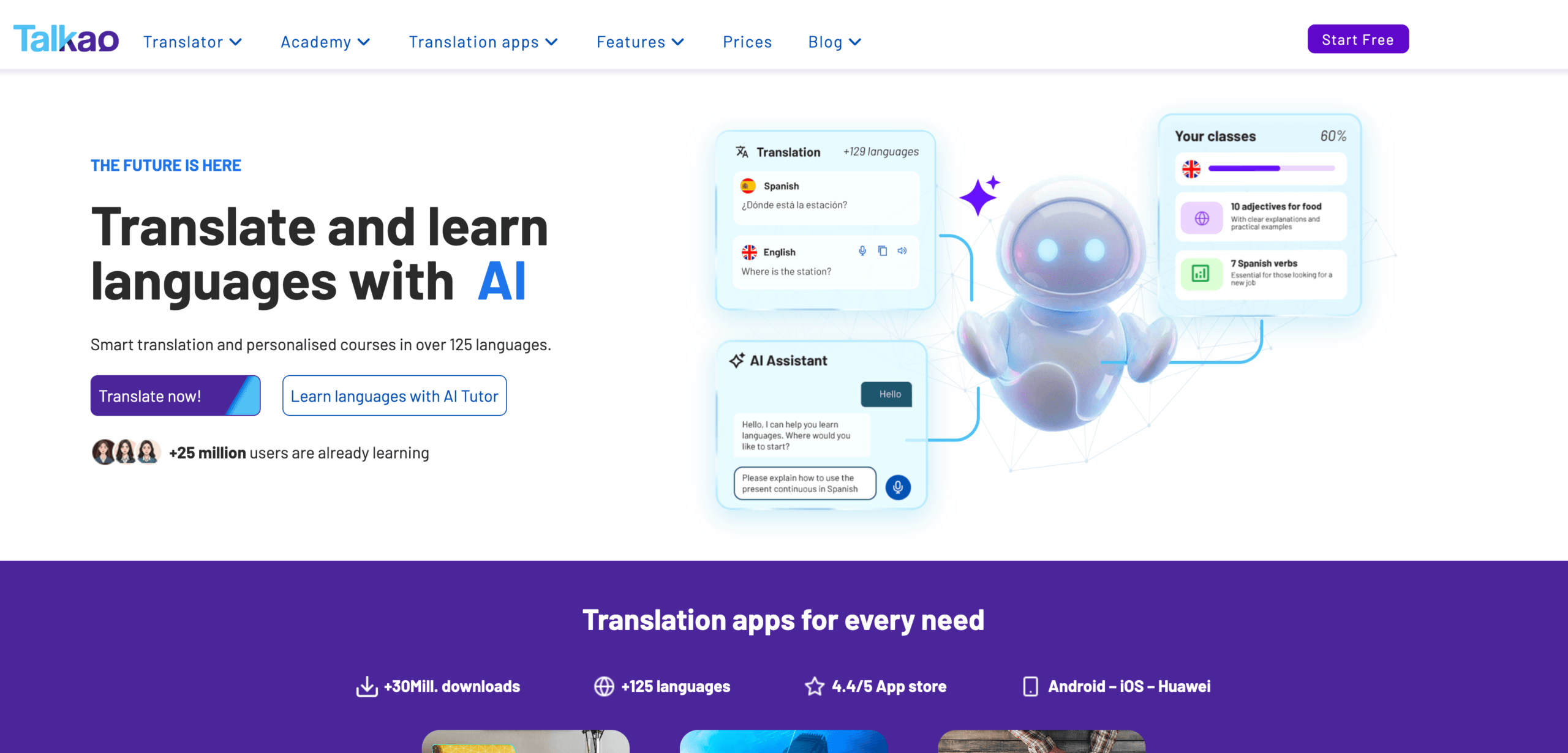 전체 언어 변환기 비교
| 도구 | 가장 강력한 워크플로 | 가장 좋은 | 주요 제한 사항 |
|---|---|---|---|
| Transync AI | 실시간 연설 및 회의 | 자막, 음성 재생, 맥락, 메모 | 이미지 또는 문서 번역에는 적합하지 않습니다. |
| 딥엘 | 텍스트 및 문서 | 전문적인 서면 번역 | 실시간 회의 기능은 음성 제품에 따라 달라집니다. |
| 조트미 | 회의 및 문서화 | 번역본 (메모 및 실행 항목 포함) | 주로 회의 중심 |
| 탈로 | 봇 기반 해석 | AI 통역 봇을 이용한 영상 통화 | 봇이 회의에 나타납니다 |
| 소닉스 | 녹음된 오디오 및 비디오 | 녹취록, 번역, 자막 | 빠른 양방향 실시간 통화에는 적합하지 않습니다. |
| 마에스트라 | 미디어 현지화 | 동영상, 자막, 더빙, 웨비나 | 일부 사용자의 필요 이상으로 광범위합니다. |
| 세속적인 | 행사 및 대규모 청중 | 컨퍼런스 및 웨비나 | 이벤트 중심적 |
| 탈카오 | 모바일 번역 | 여행, 카메라, 편안한 대화 | 제한된 비즈니스 회의 워크플로 |
적합한 언어 변환기를 선택하는 방법
도구를 선택하기 전에 다음 질문들을 해보세요:
- 원본은 텍스트, 실시간 음성, 녹음된 오디오 또는 비디오입니까?
- 번역이 즉시 필요한가요?
- 양측 모두 발언해야 할까요?
- 사용자에게 자막, 음성 출력, 또는 둘 다 필요한가요?
- 기술 용어, 제품명 또는 제품 모델명이 관련되어 있습니까?
- 나중에 녹취록, 요약본 또는 자막 파일이 필요하신가요?
- 오류가 법적, 의학적, 재정적 또는 안전상의 위험을 초래할 수 있습니까?
이러한 질문들은 모든 기능을 비교하는 것보다 올바른 워크플로를 더 빠르게 파악하는 데 도움이 됩니다.
언어 변환기를 테스트하는 방법
단순한 데모 문구 대신 실제 자료를 사용하세요.
실시간 음성 녹음의 경우, 화자 두 명, 배경 소음, 이름, 회사 용어, 제품 모델, 날짜, 가격 및 정정 내용을 포함하십시오.
문서의 경우 서식, 반복되는 용어, 어조 및 문단 품질을 테스트하십시오.
녹음된 오디오의 경우, 녹취록의 정확성, 화자 표시, 타임스탬프, 번역 품질 및 내보내기 형식을 확인하십시오.
최고 언어 변환기 실제 환경에서 성능이 뛰어난 제품입니다.
흔히 발생하는 문제
에이 언어 변환기 다음과 같은 어려움을 겪을 수 있습니다:
- 겹치는 스피커
- 마이크 성능이 약함
- 방 안에서 울리는 소리
- 속어
- 강한 억양
- 불완전한 문장
- 제품명
- 기술 약어
- 모호한 단어들
- 불안정한 인터넷
중요 날짜, 가격, 수량, 이름 및 약정 사항은 항상 검토해야 합니다.
자주 묻는 질문
언어 변환기란 무엇인가요?
언어 변환기는 한 언어의 콘텐츠를 다른 언어로 변환하는 도구입니다. 텍스트, 문서, 음성, 녹음된 오디오, 비디오, 자막 또는 회의록 등 다양한 형태의 콘텐츠를 처리할 수 있습니다.
최고의 언어 변환기는 무엇인가요?
최적의 옵션은 워크플로에 따라 다릅니다. Transync AI는 실시간 회의에, DeepL은 문서에, Sonix는 녹음된 오디오에, Maestra는 비디오에, Wordly는 이벤트에, Talkao는 출장에 적합합니다.
회의에 가장 적합한 언어 변환기는 무엇인가요?
지연 시간이 짧고 양방향 번역, 이중 언어 자막, 번역된 음성, 용어 제어 및 회의록 기능을 갖춘 회의 중심 도구를 선택하십시오.
하나의 도구로 모든 유형의 언어 콘텐츠를 변환할 수 있을까요?
일부 도구는 여러 워크플로를 지원하지만, 대부분은 특정 용도에 특화되어 있습니다. 문서 번역기는 실시간 회의에는 적합하지 않을 수 있고, 회의 번역기는 녹화된 미디어를 편집하는 데는 적합하지 않을 수 있습니다.
인공지능이 인간 번역가나 통역사를 대체할 수 있을까요?
AI는 일상적인 회의, 출장, 문서, 수업 및 녹화 콘텐츠를 지원할 수 있습니다. 하지만 법률, 의료, 금융, 규제 및 기타 중요도가 높은 의사소통에는 인간 전문가가 더 안전합니다.
마지막 생각
에이 언어 변환기 언어 개수뿐만 아니라 워크플로를 기준으로 선택해야 합니다.
DeepL은 세련된 문서 작성에, Transync AI는 실시간 회의에, JotMe는 메모 기능이 있는 회의에, Talo는 봇 기반 통화에, Sonix는 오디오 녹음에, Maestra는 미디어 현지화에, Wordly는 이벤트 관리에, Talkao는 여행 관리에 활용하세요.
진정한 도구는 모든 것을 다 할 수 있다고 주장하는 도구가 아닙니다. 진정한 도구는 소통이 이루어지는 바로 그 형식에서 언어 장벽을 제거해 주는 도구입니다.
차세대 경험을 원하신다면, Transync AI 자연스러운 대화 흐름을 유지하는 실시간 AI 기반 번역으로 선두를 달리고 있습니다. 무료로 사용해 보세요 지금.
🤖다운로드
🍎다운로드
