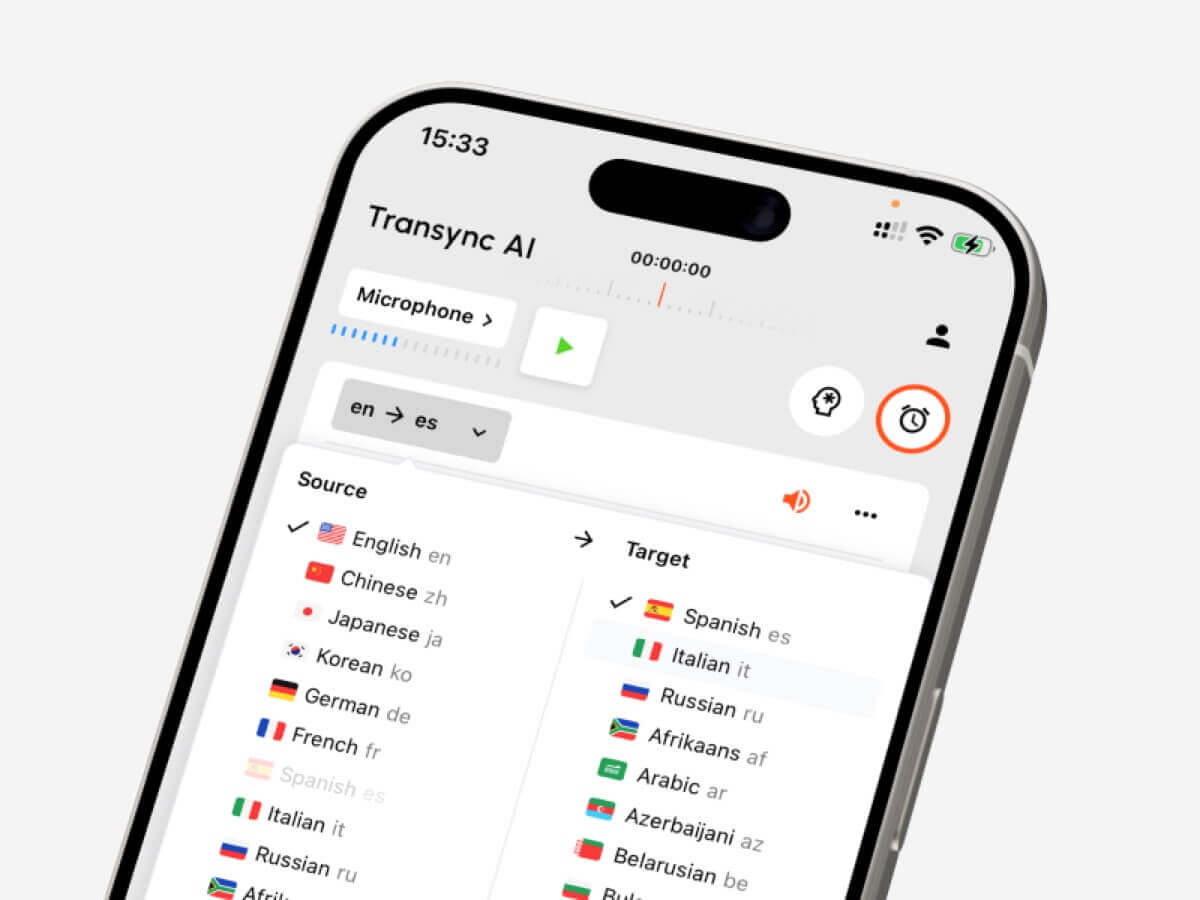
Language converter guide for choosing tools for text, live meetings, recorded audio, video subtitles, voice translation, and AI notes.
A language converter sounds like a simple tool: enter one language, get another language.
In real use, it is not that simple.
A student translating a paragraph, a sales manager joining a multilingual Zoom call, a creator subtitling a video, and a traveler asking for directions all need different workflows. They may all search for a language converter, but the right tool depends on what is being converted: text, live speech, recorded audio, video, or a two-way conversation.
This guide explains the five main workflows and compares tools such as Transync AI, DeepL, JotMe, Talo, Sonix, Maestra, Wordly, and Talkao by actual use case.
Quick Answer: What Type of Language Converter Do You Need?
| What you need to convert | Best tool type | Tools to consider |
|---|---|---|
| Text or documents | Written translation platform | DeepL |
| Live meetings | Real-time meeting translator | Transync AI, JotMe, Talo |
| Recorded audio | Transcription and translation tool | Sonix |
| Video or subtitles | Media localization platform | Maestra, Sonix |
| Travel or casual speech | Mobile conversation translator | Talkao, Transync AI |
The best language converter is not always the tool with the longest language list. It is the tool that fits the moment when translation is needed.
Workflow 1: Text and Document Conversion
Text translation is the most controlled workflow. The tool receives a complete sentence, paragraph, or document before generating the translated result.
This workflow is useful for:
- Emails
- Reports
- Presentations
- Website copy
- Product manuals
- Customer messages
- Internal documents
DeepL is usually a strong fit for written translation because it focuses on text, documents, writing quality, and professional language workflows.
When choosing a language converter for text, check whether it preserves formatting, handles repeated terminology consistently, and produces a tone that fits the audience.
For high-stakes content such as contracts, medical documents, financial materials, or public statements, human review is still recommended.
 Workflow 2: Live Meeting Conversion
 Workflow 2: Live Meeting Conversion
Live meetings are much harder than text.
People interrupt each other, speak in incomplete sentences, use company names, mention numbers, and expect immediate replies. A meeting-focused language converter must process speech quickly enough to keep the conversation moving.
Transync AI is designed for this type of live multilingual communication. It works alongside Zoom, Microsoft Teams, and Google Meet, and supports real-time bilingual subtitles, translated voice playback, keywords and context, floating subtitles, and AI meeting notes.
 This makes it useful for:
- International client calls
- Supplier meetings
- Online classes
- Interviews
- Product demonstrations
- Remote team discussions
JotMe is also meeting-focused, especially when users need live translation plus transcripts, summaries, and action items.

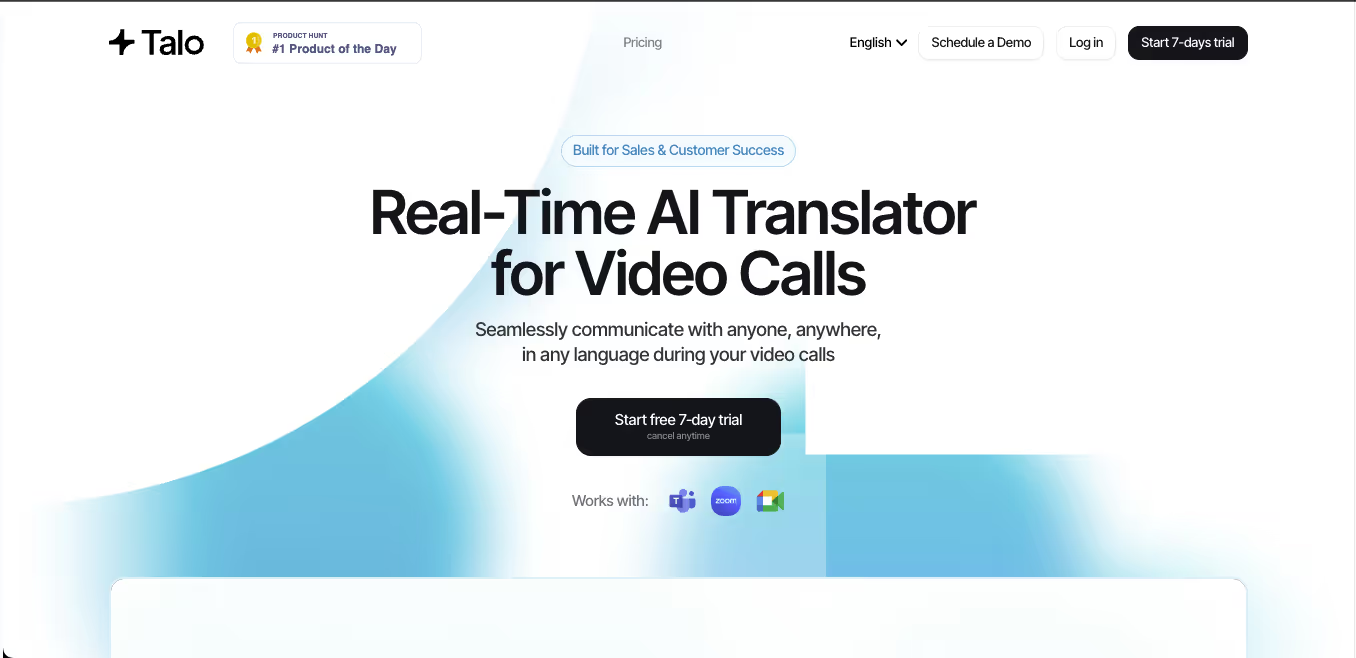
Talo uses a bot-based workflow where an AI interpreter joins the meeting. This can simplify setup, but some teams may prefer a standalone tool that does not appear as a meeting participant.
 Meeting Tool Comparison
 Meeting Tool Comparison
| Feature | Transync AI | JotMe | Talo |
|---|---|---|---|
| Live meeting translation | Yes | Yes | Yes |
| Two-way conversation | Yes | Yes | Yes |
| Bilingual subtitles | Yes | Yes | Available |
| Translated voice output | Yes | Product-dependent | Yes |
| Keywords or context | Yes | Custom vocabulary | Product-dependent |
| Meeting notes | Yes | Yes | Product-dependent |
| Bot-free workflow | Yes | Usually yes | No |
| Best fit | Subtitles, voice, context, notes | Translation and documentation | Bot-managed calls |
Choose a meeting-first language converter when people need to understand, respond, and keep a useful record afterward.
Workflow 3: Recorded Audio Conversion
Recorded audio needs a different kind of translation workflow.
Instead of low latency, users usually need accuracy, editing, and export. A recorded-audio tool should help convert speech into text first, then translate the transcript.
This workflow is common for:
- Interviews
- Podcasts
- Lectures
- Research recordings
- Training sessions
- Meeting recordings
- Customer call archives
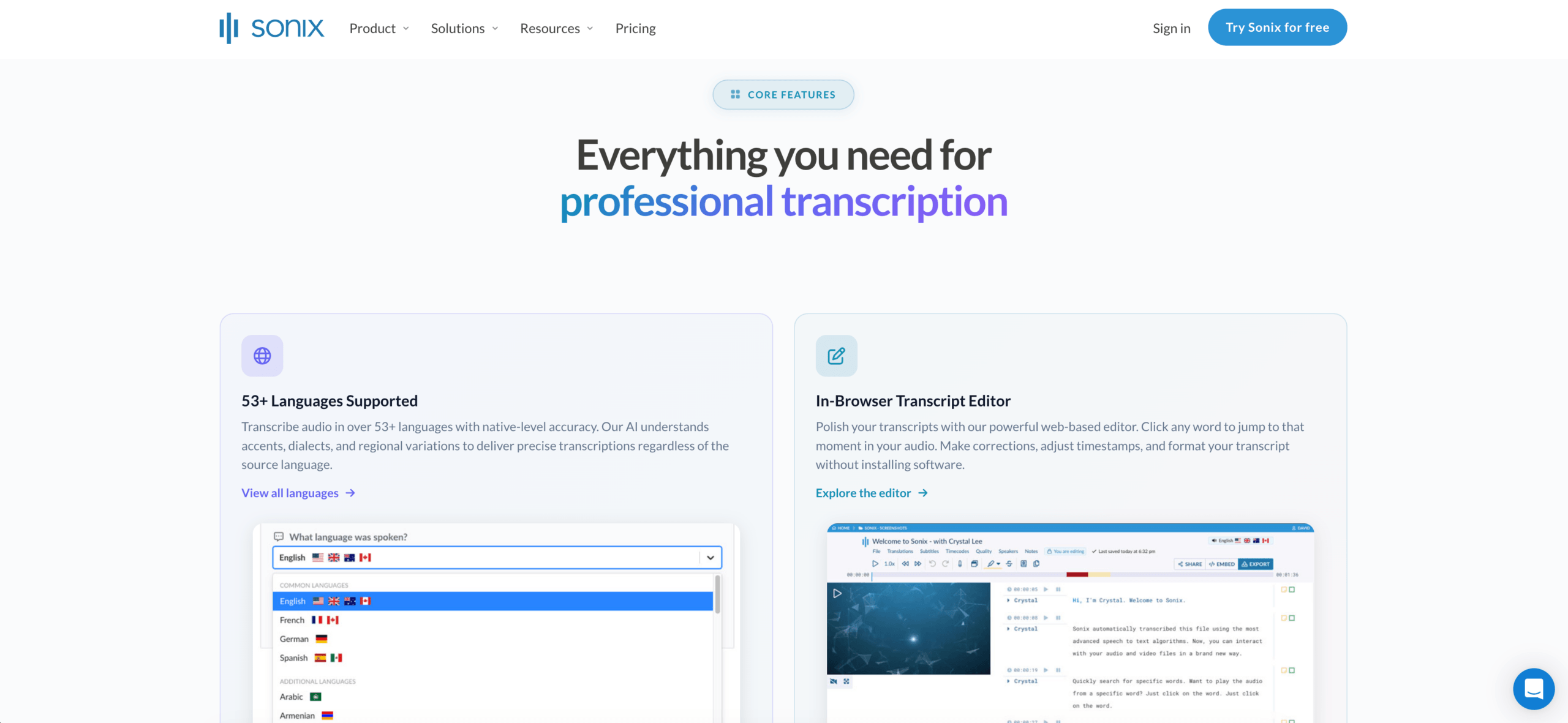
Sonix is a strong fit for recorded audio and video. It can create transcripts, identify speakers, add timestamps, translate transcripts, and support subtitle workflows.
A live meeting tool is usually not the best choice if the main task is editing recorded files. In that case, a transcription-first language converter may save more time.
 Workflow 4: Video and Subtitle Conversion
 Workflow 4: Video and Subtitle Conversion
Video translation is not only about language. Timing matters.
A media-focused tool may need to handle:
- Transcription
- Subtitle translation
- Speaker timing
- Caption editing
- Dubbing
- Voice cloning
- Export formats
- Multilingual video versions
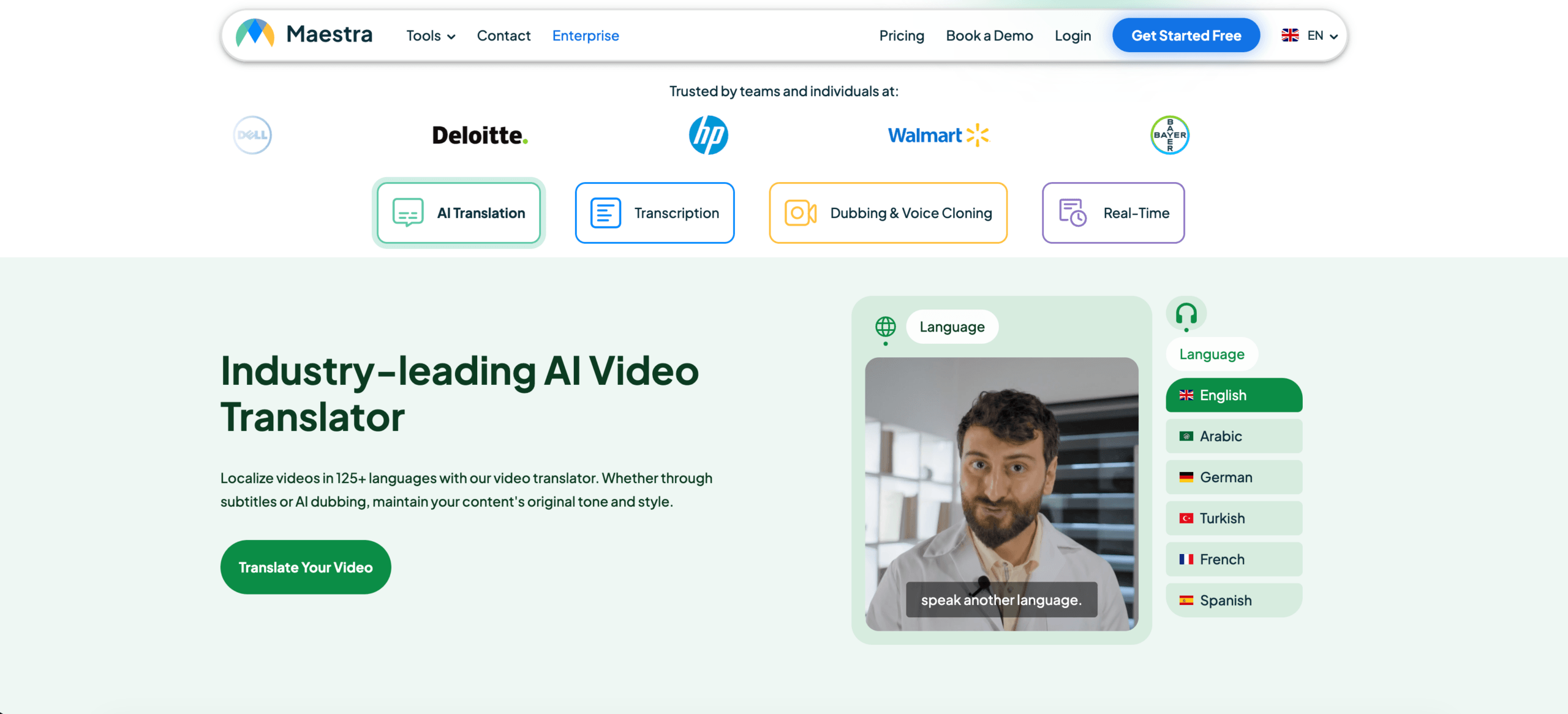
Maestra is more suitable for users who work with videos, webinars, courses, podcasts, or media localization. Sonix is also useful when the priority is transcription, translation, and subtitle export.
 Transync AI can support live voice and subtitles during conversations, but it is not primarily built for detailed post-production video editing.
Media Tool Comparison
| Feature | Sonix | Maestra | Transync AI |
|---|---|---|---|
| Upload recorded audio | Yes | Yes | Not primary |
| Video transcription | Yes | Yes | Not primary |
| Subtitle translation | Yes | Yes | Live captions |
| Subtitle export | Yes | Yes | Not primary |
| AI dubbing | Not primary | Yes | Live voice playback |
| Live two-way meetings | Not primary | Available | Yes |
| Best fit | Transcripts and subtitles | Media localization | Live conversations |
A video-focused language converter should be judged by subtitle accuracy, timing, editing, and export options.
Workflow 5: Travel and Everyday Speech Conversion
Travel translation is usually short, mobile, and practical.
Users may need to translate:
- Menus
- Signs
- Directions
- Short questions
- Simple voice conversations
- Shopping or hotel communication
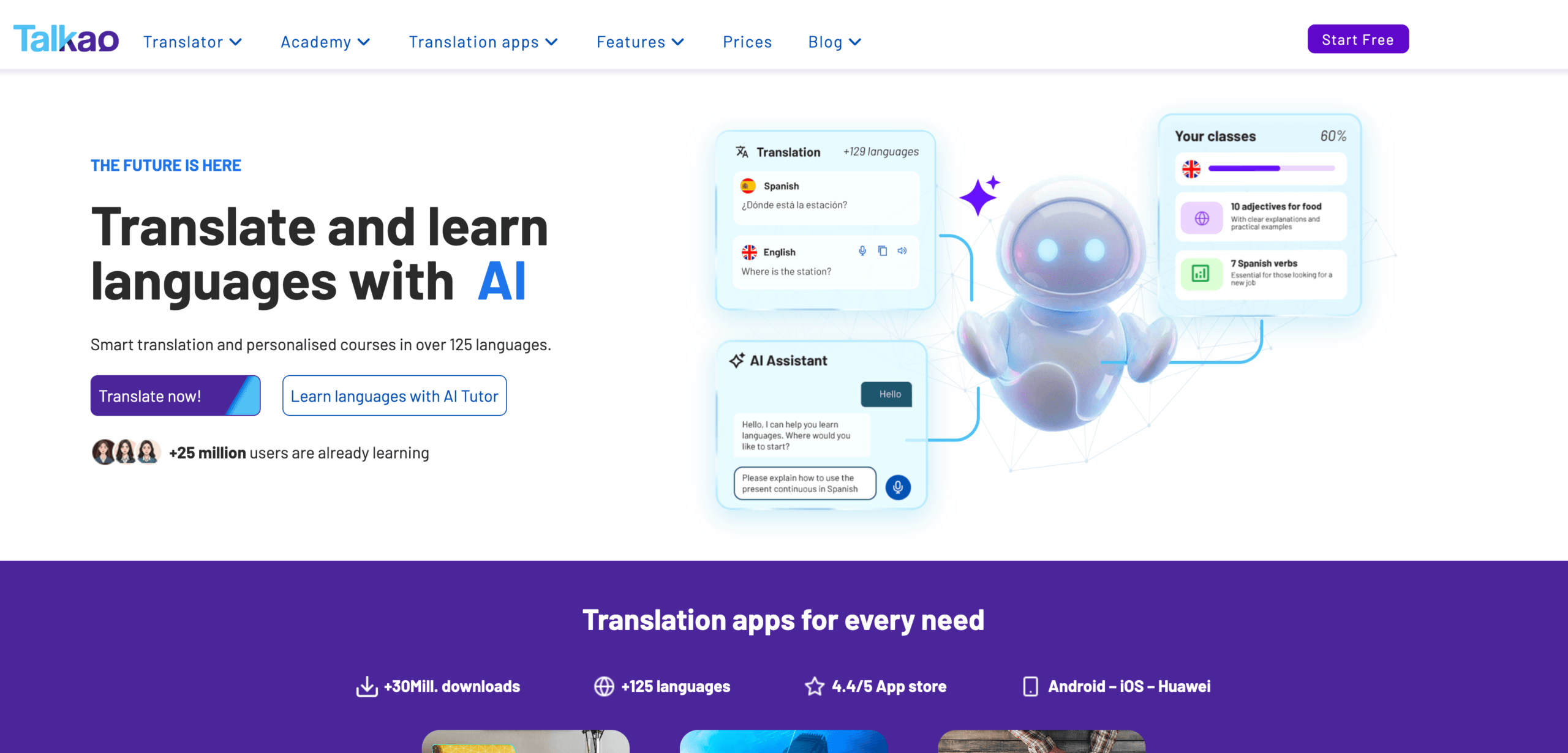
Talkao is more consumer-oriented and may suit casual mobile translation, camera input, pronunciation practice, and travel conversations.
For longer professional face-to-face communication, Transync AI may be more useful because it offers bilingual subtitles, translated voice, and meeting-style records.
The key is to avoid overbuying. A traveler may not need meeting notes. A business user may not need camera translation.
 Overall Language Converter Comparison
 Overall Language Converter Comparison
| Tool | Strongest workflow | Best for | Main limitation |
|---|---|---|---|
| Transync AI | Live speech and meetings | Subtitles, voice playback, context, notes | Not for image or document translation |
| DeepL | Text and documents | Professional written translation | Live meeting features depend on voice products |
| JotMe | Meetings and documentation | Translation with notes and action items | Mainly meeting-focused |
| Talo | Bot-based interpretation | Video calls with AI interpreter bot | Bot appears in the meeting |
| Sonix | Recorded audio and video | Transcripts, translation, subtitles | Not for fast two-way live calls |
| Maestra | Media localization | Videos, subtitles, dubbing, webinars | Broader than some users need |
| Wordly | Events and large audiences | Conferences and webinars | More event-oriented |
| Talkao | Mobile translation | Travel, camera, casual speech | Limited business meeting workflow |
How to Choose the Right Language Converter
Before choosing a tool, ask these questions:
- Is the source text, live speech, recorded audio, or video?
- Is the translation needed immediately?
- Do both sides need to speak?
- Do users need subtitles, voice output, or both?
- Are technical terms, names, or product models involved?
- Is a transcript, summary, or subtitle file needed afterward?
- Would an error create legal, medical, financial, or safety risks?
These questions usually identify the correct workflow faster than comparing every feature.
How to Test a Language Converter
Use realistic material instead of a simple demo phrase.
For live speech, include two speakers, background noise, a name, a company term, a product model, a date, a price, and a correction.
For documents, test formatting, repeated terminology, tone, and paragraph quality.
For recorded audio, check transcript accuracy, speaker labels, timestamps, translation quality, and export formats.
The best language converter is the one that performs well in your actual environment.
Common Problems
A language converter may struggle with:
- Overlapping speakers
- Weak microphones
- Room echo
- Slang
- Strong accents
- Incomplete sentences
- Product names
- Technical abbreviations
- Ambiguous words
- Unstable internet
Important dates, prices, quantities, names, and commitments should always be reviewed.
FAQ
What is a language converter?
A language converter is a tool that changes content from one language into another. It may handle text, documents, live speech, recorded audio, videos, subtitles, or meetings.
What is the best language converter?
The best option depends on the workflow. Transync AI fits live meetings, DeepL fits documents, Sonix fits recorded audio, Maestra fits video, Wordly fits events, and Talkao fits travel.
Which language converter is best for meetings?
Choose a meeting-first tool with low latency, two-way translation, bilingual subtitles, translated voice, terminology controls, and meeting notes.
Can one tool convert every type of language content?
Some tools cover several workflows, but most have a strongest use case. A document translator may not work well in live meetings, while a meeting translator may not edit recorded media.
Can AI replace human translators or interpreters?
AI can support routine meetings, travel, documents, classes, and recorded content. Human professionals remain safer for legal, medical, financial, regulatory, and other high-stakes communication.
Final Thoughts
A language converter should be chosen by workflow, not only by language count.
Use DeepL for polished written content, Transync AI for live meetings, JotMe for meetings with notes, Talo for bot-based calls, Sonix for recorded audio, Maestra for media localization, Wordly for events, and Talkao for travel.
The right tool is not the one that claims to do everything. It is the one that removes the language barrier in the exact format where communication happens.
If you want a next-generation experience, Transync AI leads the way with real-time, AI-powered translation that keeps conversations flowing naturally. You can try it free now.