

A talking translator app should do more than read words aloud. Test five awkward moments and choose the right tool for travel, meetings, or groups.
A talking translator app sounds simple: one person speaks, the phone translates, and another voice speaks back. Real conversations are less tidy. Two people interrupt each other. A surname becomes a common noun. The restaurant has no signal. A customer call moves from a phone to a laptop. Three more listeners suddenly need different languages.
The best app is therefore not the one that merely produces audible translation. It is the one that survives the awkward moment in your conversation. This guide uses five such moments to separate a travel phrase speaker, a two-person conversation tool, a meeting translator, and a group listening system.
There is one naming trap to clear up first. Talking Translator is also the proper name of a specific Android app from idealappcenter. People who type the phrase may be looking for that product, or they may simply want any app that listens and talks in another language. This article covers both intents instead of pretending they are the same.
The 30-Second Answer
A useful talking translator app must complete four jobs:
- Capture speech clearly.
- Show the recognized source words so you can catch errors.
- Translate the meaning, not just isolated words.
- Play the result aloud—or route it to the people who need to hear it.
Choose Talking Translator for quick, shared-phone exchanges on Android, especially when its two-sided display and offline options match the trip. Choose iTranslate when travel also involves camera translation, phrasebooks, typed text, and selected offline voice languages. Choose Transync AI when the conversation is a meeting or call that needs bilingual captions, translated voice, terminology support, and a usable record afterward. Choose DeepL Voice for workplace teams evaluating its in-person and online meeting experiences, especially its current desktop workflow for Zoom, Microsoft Teams, and Google Meet.
No automated option should be the sole interpreter for consent, medical treatment, legal rights, immigration, emergency instructions, or a transaction where a mistranslated number can cause serious harm. Use a qualified human interpreter and appropriate review in those situations.
What Does a Talking Translator App Actually Promise?
An app can “talk” in three very different ways.
The first is phrase playback. You type or dictate a sentence, inspect the translation, and tap a speaker icon. That is excellent for ordering food or asking where the station is. It is not continuous interpretation.
The second is turn-based conversation. Two people alternate speaking while the app detects the end of each turn, translates it, and plays the result. This is what most people imagine when searching for a talking translator app.
The third is routed live translation. The app must hear the right microphone or computer audio, show subtitles without covering the meeting, send translated speech to remote participants, and preserve a transcript or summary. This is a different engineering problem from passing one phone across a counter.
Before downloading anything, finish this sentence: “The other person will hear the translation through __.” If the answer is “my phone speaker,” a consumer conversation app may be enough. If it is “their headphones,” “the conference call,” or “each audience member’s device,” you need to inspect audio routing and distribution—not only the list of supported languages.
Five Awkward Moments a Talking Translator App Must Survive
1. Both People Speak Before the App Is Ready
Imagine checking into a hotel. You ask about a late checkout, the receptionist begins answering, and the talking translator app is still playing your translated question. The voices overlap. Speech recognition absorbs part of its own output, misses the reply, or creates a loop.
The repair is partly technical and partly social. Use short turns, keep the device between the speakers, and wait for playback to end before answering. A face-to-face or upside-down display helps both people see whose turn it is. Headphones can prevent feedback, but only if both people still have a practical way to hear or read the result.
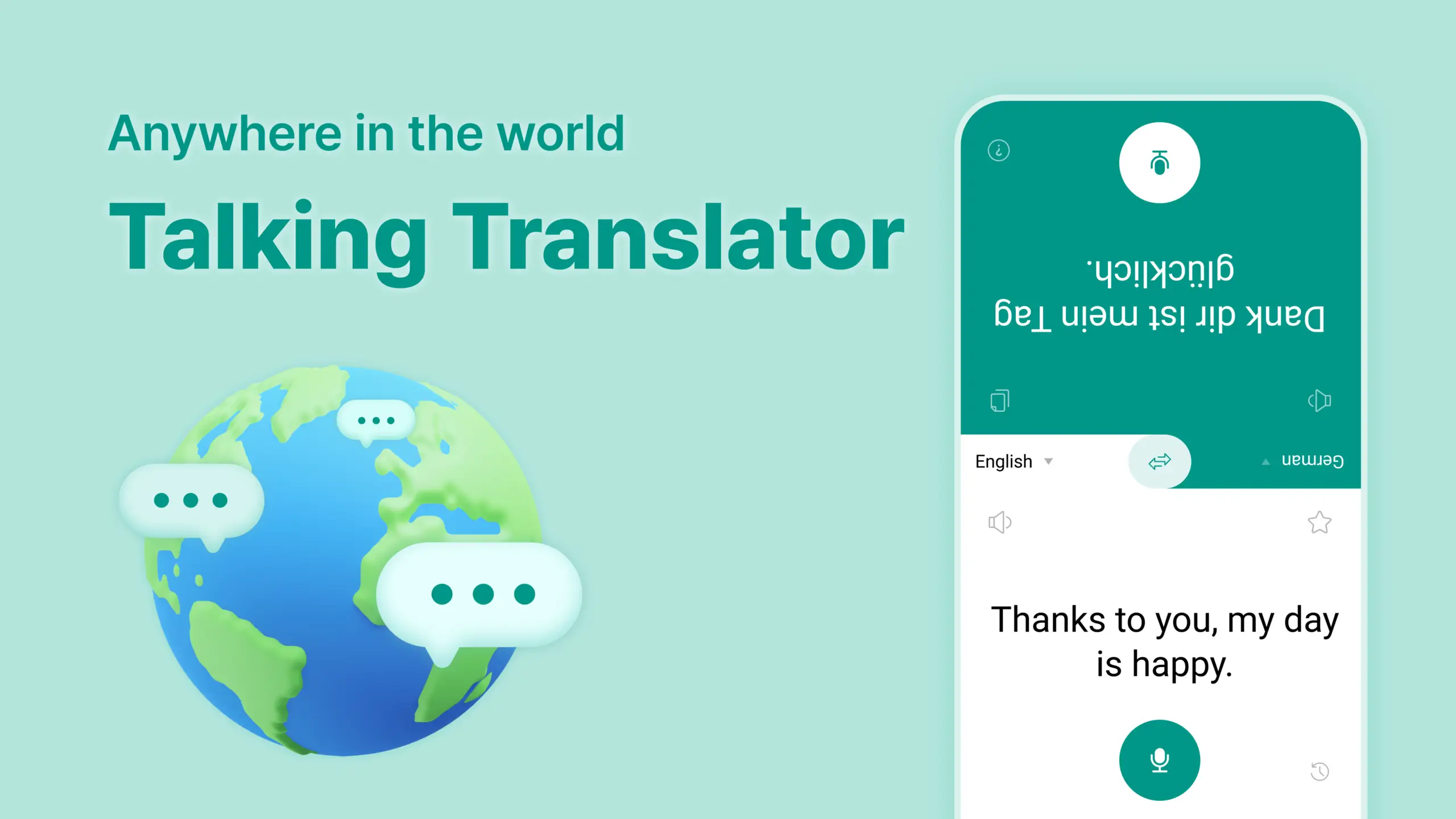
The Android product Talking Translator advertises a Shared View designed so both people can follow the exchange. Its current Google Play listing says it supports more than 100 languages, voice history, voice settings, and offline translation. Those are useful travel traits. However, language coverage is not uniform: recognition, translation, and spoken output may differ by language. Download the required offline resources and test the exact pair before leaving reliable Wi-Fi.
Try this test: say, “The reservation is for fifteen nights, not fifty,” then let the other person answer immediately. A dependable talking translator app should show the source text, preserve the negation, distinguish 15 from 50, and make the turn boundary obvious. If it only produces a pleasant voice, you still do not know whether it understood you.
2. The Translation Sounds Fluent—but the Name Is Wrong
A talking translator app can make a bad translation sound confident. That is dangerous with names, product codes, addresses, acronyms, dosages, dates, and decimal points. “Mira,” “Miro,” and “mirror” may be only one noisy syllable apart.
Do not judge a talking translator app by audio alone. Keep the recognized source and translation visible together. For important details, pause, point to the text, spell the term, or send it in writing. In professional conversations, prepare terminology before the call rather than correcting it after the wrong name has already been spoken five times.
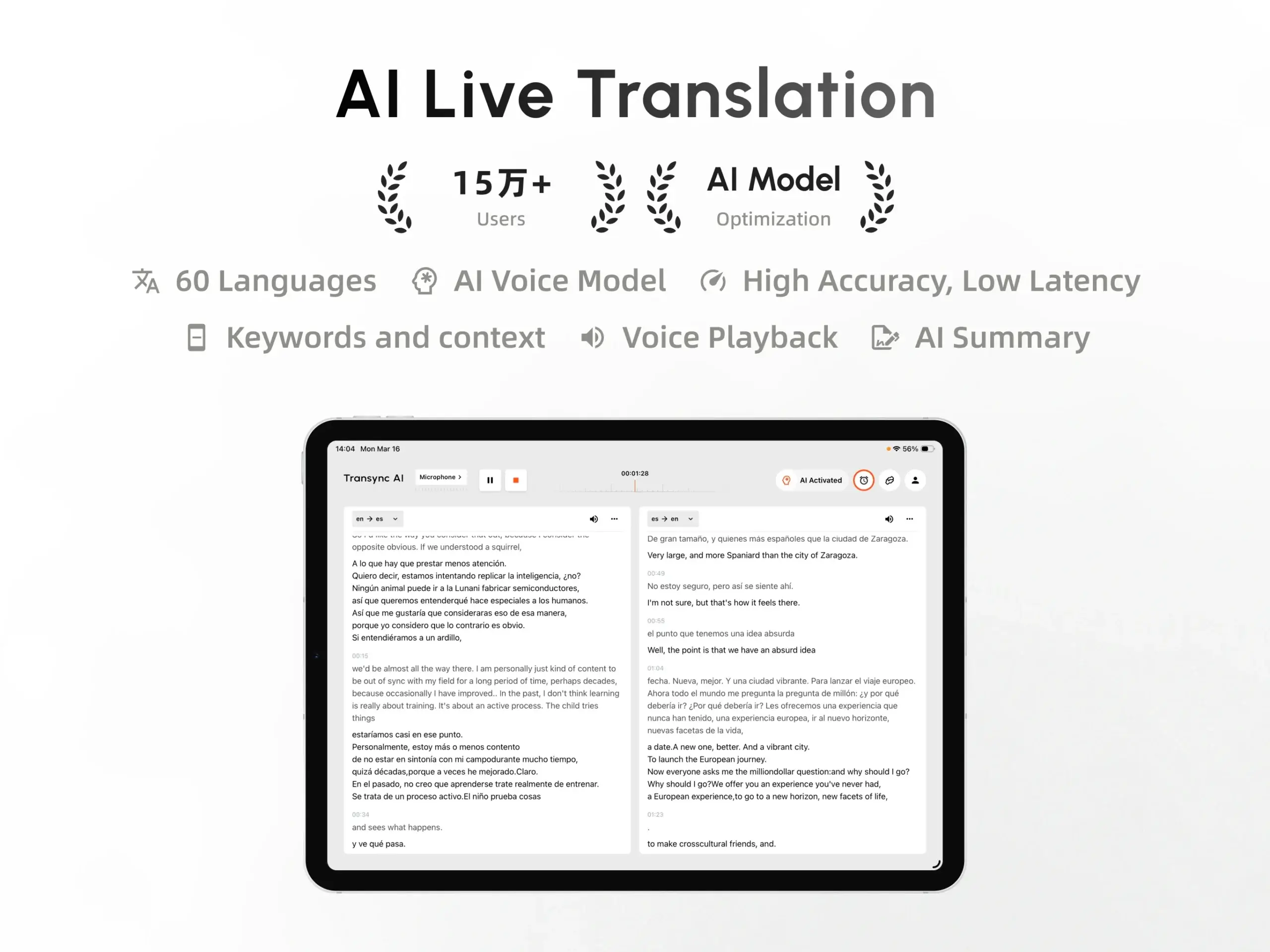
Transync AI addresses this meeting-specific problem with Keywords and Context. A team can add names, brands, abbreviations, paired terms, and a short description of the meeting topic. Its AI voice translator then combines bilingual text with spoken playback; official product information currently distinguishes 60+ real-time translation languages from 40+ voice-playback languages. That distinction matters: “supported for translation” does not automatically mean “available in every voice style.”
This approach fits recurring supplier calls, interviews, demos, classes, and project meetings where the same terminology returns. It does not make automation infallible. A contract amount or safety instruction still deserves deliberate confirmation.
3. The Phone Loses Its Signal
The taxi has left the airport. Mobile data drops. The carefully chosen cloud translator becomes a silent rectangle.
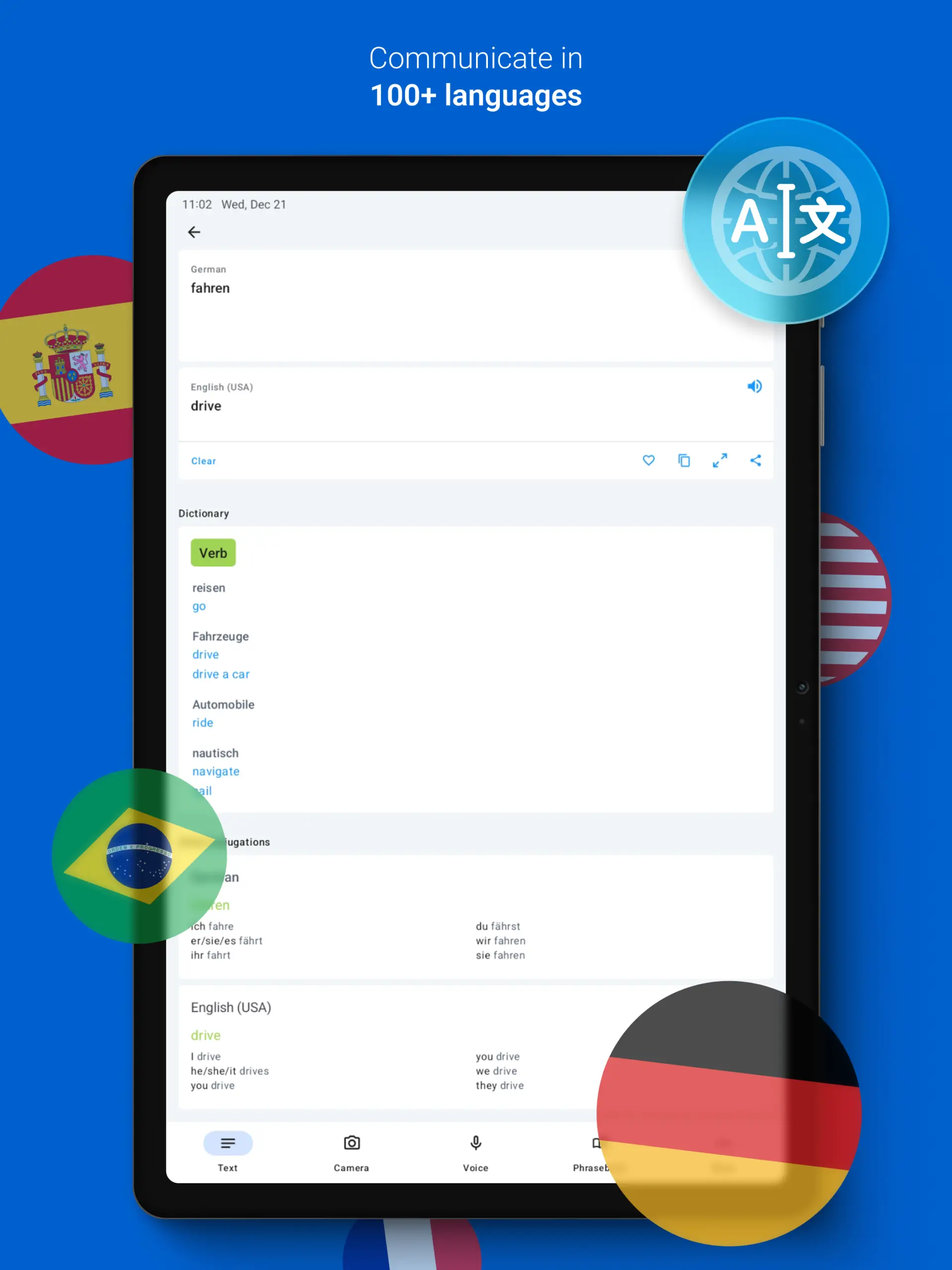
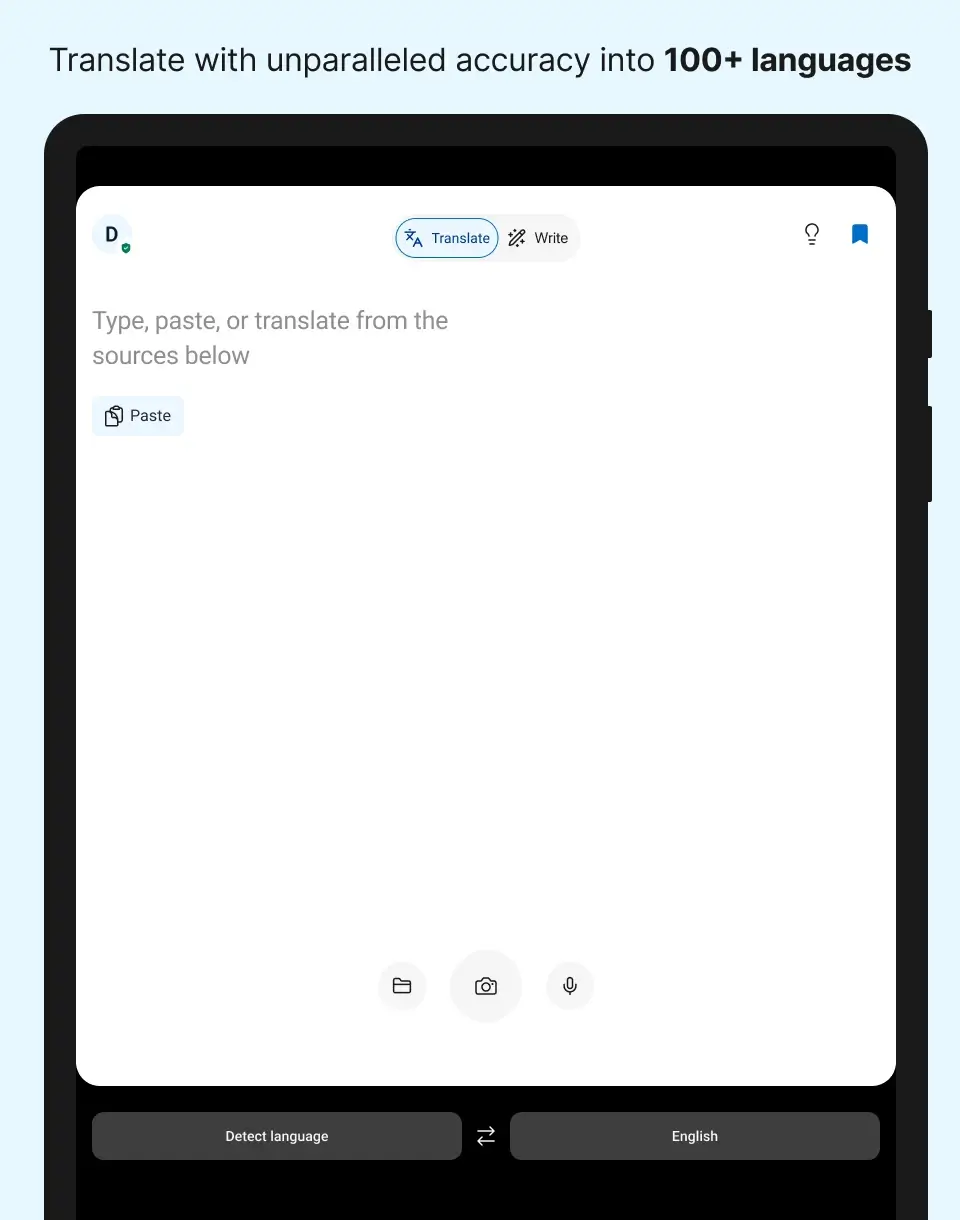
For travel, a talking translator app with offline capability can outrank elegant live features. iTranslate says its current offline offering includes text translation in 41 languages and offline voice translation in five languages. Its wider online product includes voice conversations, camera translation, a phrasebook, keyboard tools, and text support across more than 100 languages. The important word is availability: offline text, offline speech recognition, and offline spoken output are not necessarily offered for the same set of languages.
Prepare a talking translator app the way you prepare a boarding pass. Download the language pack, switch on airplane mode, restart the app, and test both directions. Save a few critical phrases as screenshots as a backup. If the trip involves menus and signs as often as speech, camera translation may be more valuable than a meeting transcript.
Transync AI requires an internet connection and does not offer offline mode. That is a real limitation for remote travel. Its strength begins where the travel app’s strength often ends: longer connected conversations, computer audio, live subtitles, meeting-specific terminology, and follow-up notes.
4. The Conversation Moves into an Online Meeting
Using a talking translator app by holding a phone beside a laptop speaker is not a professional audio system. It can introduce echo, miss remote speakers, and force everyone to wait while one device alternates between listening and talking.
For an online talking translator app, ask two separate questions:
- How does the translator receive the other participants’ audio?
- How do the other participants receive the translated voice?
Transync AI can work alongside common meeting software as a standalone app. Its live meeting translation workflow uses shared computer audio for incoming speech. Bilingual subtitles let the user verify both sides, while voice playback or the Virtual Microphone can deliver translated speech. It also creates transcripts and AI meeting notes for review. Teams should still rehearse their microphone, system-audio, speaker, headphone, and echo settings before an important call.
DeepL Voice now offers a desktop app that detects Zoom, Microsoft Teams, and Google Meet calls, displays translated subtitles in an overlay, and provides voice-to-voice translation. Its official product materials also describe mobile and web experiences for in-person conversations, including face-to-face viewing and group sessions joined from multiple devices. This makes DeepL Voice materially different from a simple tap-to-speak travel utility.
A two-minute sound check should include a remote speaker, a shared video, a screen-share, one interruption, and a switch from headphones to speakers. The objective is not merely to prove that translation appears. It is to prove that everyone receives the right language without a feedback loop.
5. One Listener Becomes Twenty
Passing a phone works for two people. It fails when a trainer, guide, teacher, or presenter faces a multilingual audience. The speaker cannot stop after every sentence to circulate a device, and listeners may want different target languages.
At that point, a talking translator app becomes a distribution system. Ask whether listeners need to install an app, create an account, scan a QR code, open a link, or enter a room ID. Check how many target languages can be active, whether each attendee controls their own language, whether audio playback is available, and what happens to the transcript after the session.
Transync AI includes a Presentation Mode designed for one-to-many speech. The current Beta workflow lets a host configure up to ten target languages and invite the audience by link, QR code, or Room ID. Listeners use their own devices, choose among the enabled languages, read live translation, and can hear playback when the host enables it. They do not send speech into the host’s session, so this mode suits presentations, lectures, webinars, and training better than a free-flowing group debate.

Presentation Mode lets one host share live translation with audience members on their own devices.
For a small interactive group, DeepL Voice says its in-person conversation experience can be joined from iOS, Android, or the web with multiple languages in one session. That is worth testing when several participants need to speak, not only listen. The correct choice depends on the direction of communication: one speaker to many listeners is not the same as many speakers talking to one another.
Which Talking Translator App Fits the Job?
The following table is a routing map, not a universal ranking. Product features and language availability change, so verify the precise language pair, device, and plan before purchase.
| Product | Conversation shape | Audible output | Offline option | Meeting or group workflow | Best fit | Important boundary |
|---|---|---|---|---|---|---|
| Talking Translator | Two people sharing an Android device | Yes; voice settings are listed | Yes, according to its current Play listing | Shared View, but not positioned as a full online-meeting system | Quick travel and counter conversations | Test recognition, playback, and offline coverage for the exact pair |
| iTranslate | Individual or turn-based travel conversations | Yes | Offline text in 41 languages and voice in 5, per its current feature page | Broader travel suite rather than a meeting-first workflow | Travel involving speech, typed text, signs, and phrasebooks | Many advanced capabilities are part of Pro; offline coverage is narrower |
| Transync AI | Two-way meetings, calls, classes, and one-to-many presentations | Voice playback in 40+ languages; translation in 60+ | No | Cross-platform captions, audio routing, terminology, notes, and Presentation Mode | Recurring multilingual meetings and connected professional communication | Not a camera, document, or offline translator; high-stakes use needs human review |
| DeepL Voice | In-person workplace conversations and online meetings | Voice-to-voice available | Not positioned here as an offline travel tool | Desktop support for Zoom, Teams, and Meet; multi-device in-person groups | Business teams wanting a workplace voice-translation system | Confirm licensing, supported languages, and deployment fit with the vendor |
If you only need to ask one question in a shop, the smallest tool wins. If you need to follow a 45-minute negotiation, speak back, keep the translated captions visible, and create action items, a meeting-first system wins. The label talking translator app is too broad to settle that choice by itself.
A Seven-Line Audition Beats a Feature List
Marketing pages describe capability. A short audition reveals usability. Run these seven lines in both language directions with the same phone, microphone, room, and network you expect to use:
- “Hi, I’m Dana. Could you say your name slowly?”
- “We need fifteen units, not fifty.”
- “The model is XR-17B, with a hyphen.”
- “I didn’t approve the change; I asked for a review.”
- “Could we move it from March 13 to March 30?”
- “Let me interrupt for one second—does the audio recover?”
- “Please summarize the owner, deadline, and next action.”
Score each result from 0 to 2 for source recognition, meaning, timing, audible clarity, and recovery after interruption. That produces a 10-point result for every line. A talking translator app that scores 9 on restaurant phrases but 4 on codes and deadlines may still be a good travel purchase—and a poor operations tool.
Do not silently correct what the app displays. Record the first result. The point is to observe where the workflow asks a human to intervene. Repeat the test with background noise, a second accent, airplane mode where relevant, and a real remote participant for meeting products.
Privacy Questions to Ask Before You Speak
Voice contains more than words. It can expose identity, health information, commercial plans, customer details, and background conversations. Before using any talking translator app at work, find answers to these questions:
- Is live audio stored, or only processed transiently?
- Is a transcript saved automatically?
- Can the user delete history?
- Is conversation data used to train models?
- Does offline mode keep processing on the device?
- Can an administrator control retention and access?
- Which region processes the data?
Do not infer the answer from a lock icon or the word “AI.” Also do not assume that offline marketing applies to every language and every feature. Review the privacy policy, security documentation, plan terms, and in-app settings for the workflow you will actually use.
For example, Transync AI states that it does not store live translation audio recordings, that text transcripts may be stored temporarily to generate meeting notes, and that users can delete them; its site also says customer data is not used for AI training. Business buyers should verify the current details for their account, region, and retention requirements rather than treating one paragraph as a complete security assessment.
Common Buying Mistakes
Counting Languages Instead of Testing the Pair
An app may support a language for typed text but not voice recognition, offline use, or spoken playback. Check each stage separately. “100 languages” is not a promise of 100 identical experiences.
Treating Voice Output as Simultaneous Interpretation
Many systems wait for the end of a sentence before translating and speaking. That can be the right accuracy trade-off, but it changes turn-taking. Measure the wait with a full sentence, not a one-word demo.
Ignoring the Source Text
The translation cannot repair a name the recognizer never heard correctly. A serious talking translator app should help the user see and correct the source, especially when numbers and proper nouns matter.
Testing Alone
The person across the table or on the call experiences a different interface, volume, delay, and level of confusion. Include them in the trial. Ask what they heard, not just what you saw.
Expecting One App to Do Every Translation Job
Travel speech, camera translation, document translation, meeting captions, event distribution, and professional interpreting are separate workflows. Buying one because it “talks” does not guarantee the other five.
FAQ
Is Talking Translator the Name of a Specific App?
Yes. Talking Translator is the name of an Android app listed by idealappcenter on Google Play. The phrase is also used generically for apps that listen to speech and play a translation aloud. Check the developer name and store link before assuming two search results refer to the same product.
Can a Talking Translator App Work Offline?
Some can, but coverage varies. Talking Translator advertises offline translation, while iTranslate currently specifies 41 offline text languages and five offline voice languages. Transync AI does not provide offline mode. Test the exact pair in airplane mode before travel.
Can It Translate a Zoom or Teams Meeting?
A consumer app beside a laptop may capture sound, but that setup is vulnerable to echo and missed audio. Transync AI and DeepL Voice provide meeting-oriented workflows for common conferencing platforms. Test incoming audio, translated output, headphones, speakers, and shared media before the real meeting.
Will It Speak in My Own Voice?
Some products offer selectable synthetic voices; some also offer voice cloning or speaker-preserving output. Transync AI supports voice cloning for translated playback, while DeepL Voice says its current voice-to-voice models preserve speaker qualities. Review consent, privacy, plan, and language availability before enabling these features.
Is It Safe for Medical or Legal Conversations?
It may help with low-risk orientation, but it should not be the only interpretation channel for diagnosis, consent, legal rights, emergency instructions, or other high-stakes decisions. Use a qualified interpreter and appropriate professional review.
Final Verdict: Choose the Conversation, Not the Label
The right talking translator app is determined by where the translated voice must go. For a quick face-to-face exchange, prioritize turn-taking, visible source text, speaker volume, and offline readiness. For travel, add camera tools and downloaded language packs. For remote work, test system audio, translated voice routing, terminology, captions, and the record left after the call. For a lecture or event, test how every listener joins and selects a language.
That leads to a simple decision. Use Talking Translator or iTranslate when a phone-centered travel exchange is the job. Evaluate DeepL Voice for its workplace conversation and online meeting environment. Use Transync AI when a connected conversation must move across devices and meeting platforms with bilingual captions, spoken translation, context, notes, or one-to-many audience access.
A good talking translator app does not make the conversation feel magical. It makes the next turn obvious, lets people verify important words, and gives them a graceful way to recover when the machine is wrong.
