

A text to talk translator turns typed words into translated speech. Learn five gaps to test before using one for travel, accessibility, or meetings.
A text to talk translator should do one clear job: accept words you type, translate their meaning, and speak the result aloud in another language. That can help at a noisy counter, during travel, in a classroom, or when speaking is difficult. Yet three separate technologies are hidden behind the play button—and a failure in any one of them can make a fluent voice say the wrong thing.
This guide follows the sentence from keyboard to listener. Instead of ranking apps by the largest language number, it exposes five gaps: direction, meaning, voice availability, audio delivery, and the record left behind. It also explains why a typed-phrase tool and a live meeting translator should not be treated as interchangeable.
The Short Answer
If you want to type a sentence and have the translation read aloud from a phone, start with a consumer tool built for text translation and voice playback. iTranslate combines text translation in 100+ languages with voice output, alternative translations, a keyboard extension, and offline options whose coverage varies by feature. Talk & Translate combines typed, spoken, and camera translation with pronunciation playback and downloadable offline packs. Reverso is especially useful when you want contextual examples, register clues, and pronunciation before letting a phrase speak for you.
Use Transync AI for a different job: live speech translation in meetings, calls, classes, and in-person conversations. It provides bilingual subtitles and translated voice playback, but it is not a general typed-text or document translator. That limitation is important. If your required input is pasted text, choose a text-first product; if people are actually speaking and need to hear one another across languages, evaluate a meeting-first product.
Is a Text to Talk Translator the Same as Text-to-Speech?
No. The arrows reveal the difference:
| Workflow | Input | Processing | Output | Typical purpose |
|---|---|---|---|---|
| Text-to-speech | Written text in one language | Pronunciation only | Speech in the same language | Screen reading, narration, pronunciation |
| Text translation | Written text | Translation | Written text in another language | Messages, documents, comprehension |
| Text to talk translator | Written text | Translation plus speech synthesis | Written and spoken translation | Letting another person read and hear your message |
| Speech-to-speech translation | Live voice | Recognition, translation, speech synthesis | Spoken translation, often with captions | Two-way conversations and meetings |
| Speech-to-text | Live or recorded voice | Transcription | Written text | Captions, notes, records |
Search results often mix these directions. A “talk to text” tool transcribes speech. A “text to talk” tool reads writing aloud. A text to talk translator must also cross languages. If a page never asks for a source language and a target language, it may be a multilingual voice generator rather than a translator.
Five Gaps a Text to Talk Translator Must Close
Gap 1: It Speaks the Text but Never Translates It
The first mistake happens before quality can even be judged. A user pastes “The train leaves at six,” selects a Spanish voice, and assumes the software will produce Spanish. Some text-to-speech tools simply pronounce the English sentence with a Spanish-accented voice—or reject it because the characters do not match the selected voice.
A genuine text to talk translator should show three separate things:
- The original typed sentence.
- The translated sentence in the target language.
- A play control for the translated sentence.
Keep the translated text visible before pressing play. If the interface replaces the original or hides the translation, you lose the easiest checkpoint. This matters even for simple sentences because numbers, names, negation, and grammatical gender may change the meaning.
Run a direction check with “I do not need a return ticket.” Confirm that the target text contains the negation, then play it. Next, swap the languages and translate the result back. Back-translation is not proof of perfection, but a missing “not” is a clear stop sign.
Gap 2: The Language Translates but Has No Voice
A product may advertise 100 languages for text and far fewer for spoken output. Recognition, offline translation, text-to-speech, regional voices, and voice speed can each have their own support list. At this stage, a text to talk translator is only as complete as its target-language voice. A language counter at the top of a landing page does not promise identical coverage across the pipeline.
For example, iTranslate currently advertises text translation in 100+ languages, customized voice output, and offline voice translation. Its official product pages separate free and Pro functions and encourage users to check supported-language availability. That is the right habit for any text to talk translator: verify the exact language pair, device, mode, and plan rather than relying on the biggest number.
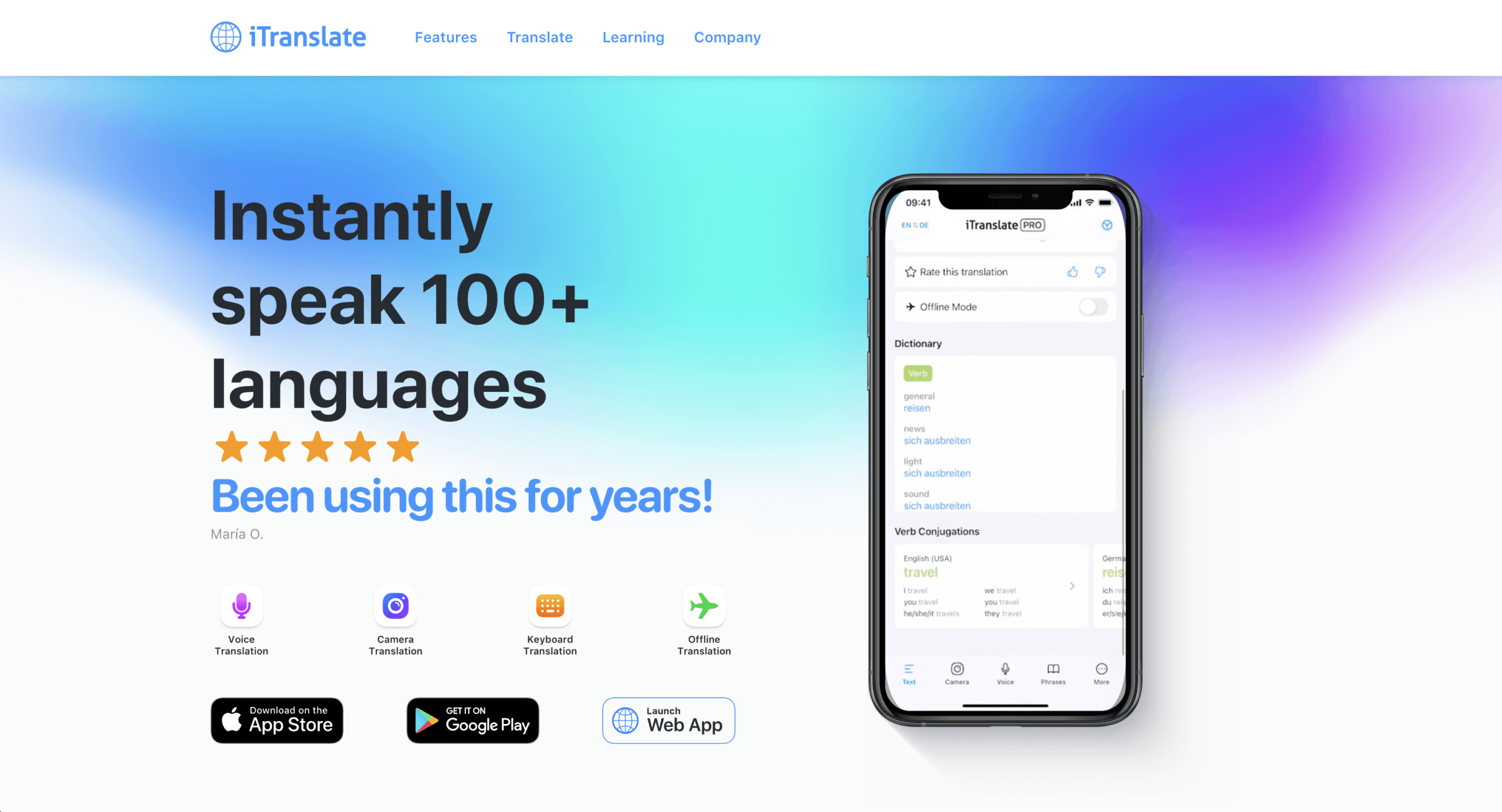
Test more than whether a speaker icon exists. Listen for the target region, pace, intelligibility through the phone speaker, and behavior with names. A Portuguese voice for Brazil may not be the right delivery for Portugal. A generic Spanish output may be understood widely but still feel mismatched in a local service interaction.
Offline mode needs its own rehearsal. Download the required pack, turn on airplane mode, close and reopen the app, type a new sentence, translate it, and play it. Cached phrases can create a false impression that the whole chain works offline.
Gap 3: A Natural Voice Hides an Unnatural Translation
Good speech synthesis adds confidence, rhythm, and clean pronunciation. Those qualities can make a weak translation sound authoritative. The listener hears a polished sentence; the sender assumes polish means accuracy.
Use a text to talk translator in two passes. First verify meaning. Then judge voice. For ambiguous language, add enough context to force the intended sense. “Bank” could refer to money or a river. “Charge” could concern a battery, a price, or an accusation. “You can leave” can sound like permission or dismissal depending on context and tone.
Reverso takes a context-first approach. Its official service lets users type or speak a word, expression, or text, inspect examples drawn from bilingual material, review synonyms and conjugations, and listen to pronunciations. The mobile app currently highlights 16+ languages, while the broader Context service lists 100+ language pairs. It is a useful research companion when a short phrase has several plausible translations.
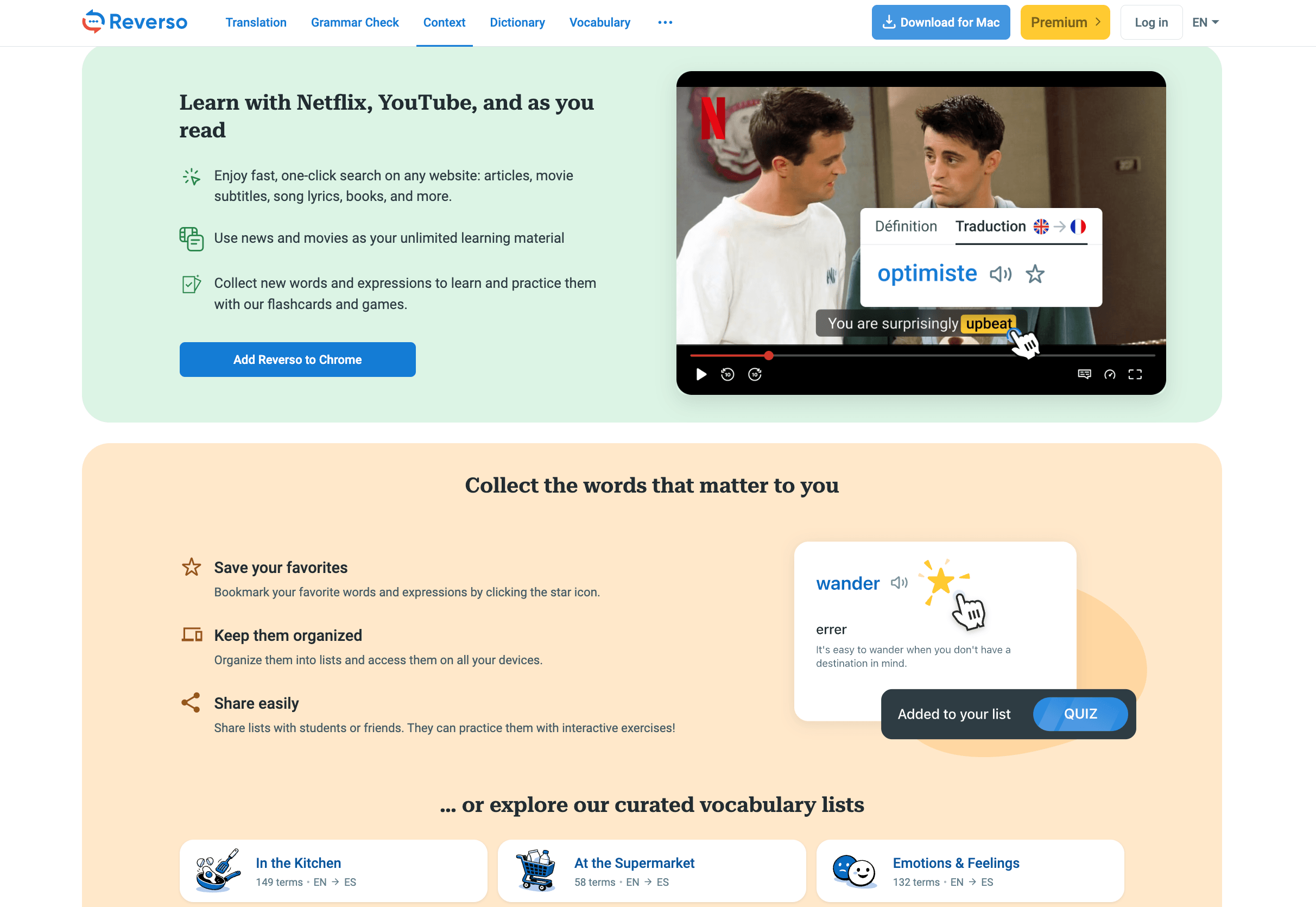
That strength comes with a boundary. Context examples may contain slang, colloquial language, or unsuitable wording, and Reverso itself warns that errors can occur. Do not select the first vivid example and play it to a customer. Compare several examples, confirm the register, and use a complete sentence.
Punctuation also controls delivery. Compare these:
- “Wait, don’t leave.”
- “Wait. Don’t leave.”
- “Wait—don’t leave!”
The core message is similar, but pause and intensity differ. A good text to talk translator should let you edit the target sentence or at least the source punctuation before playback. If you cannot inspect what will be spoken, avoid using it for consequential messages.
Gap 4: The Right Audio Goes to the Wrong Place
A phone speaker is enough at a ticket desk. It is not automatically enough in a video call. Holding a phone near a laptop microphone can create echo, feedback, low volume, and repeated recognition of the app’s own voice. The remote participant may hear a faint translated sentence while the person in the room hears it perfectly.
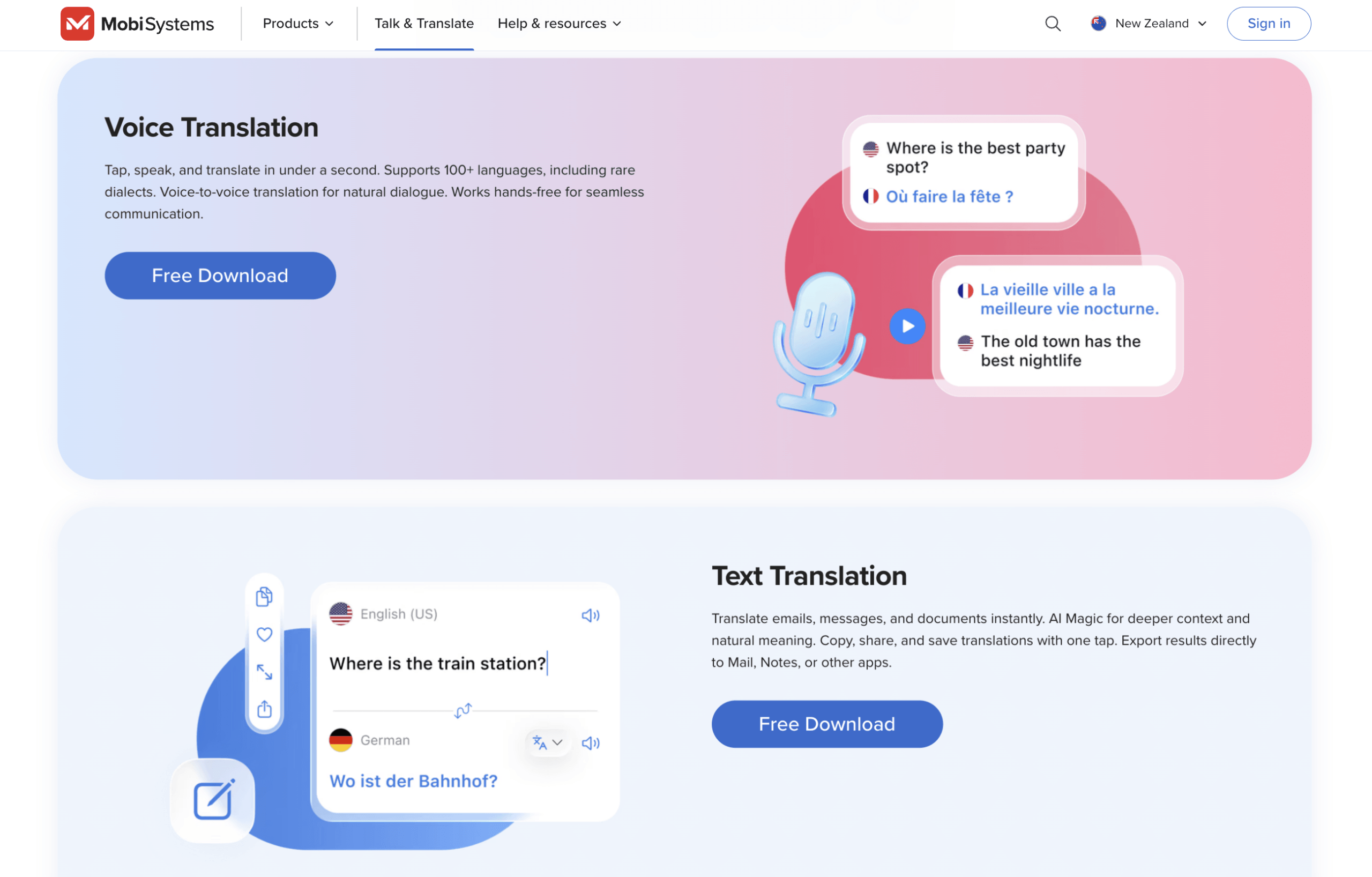
Talk & Translate is designed as a mobile suite for travelers, professionals, students, and expatriates. Its current official page describes text, voice, and photo translation across 100+ languages, realistic pronunciation with a slow mode, and offline language packs. That makes it a practical candidate when typed phrases should be played from the device in front of another person.
The situation changes once the listener is inside Zoom, Microsoft Teams, Google Meet, or another calling service. A meeting-oriented system must capture the correct microphone or computer audio and route translated speech into the call. Transync AI supports live meeting translation with bilingual captions and AI voice translation. Its Virtual Microphone workflow can send translated playback to meeting participants instead of relying on sound leaking from a physical speaker.
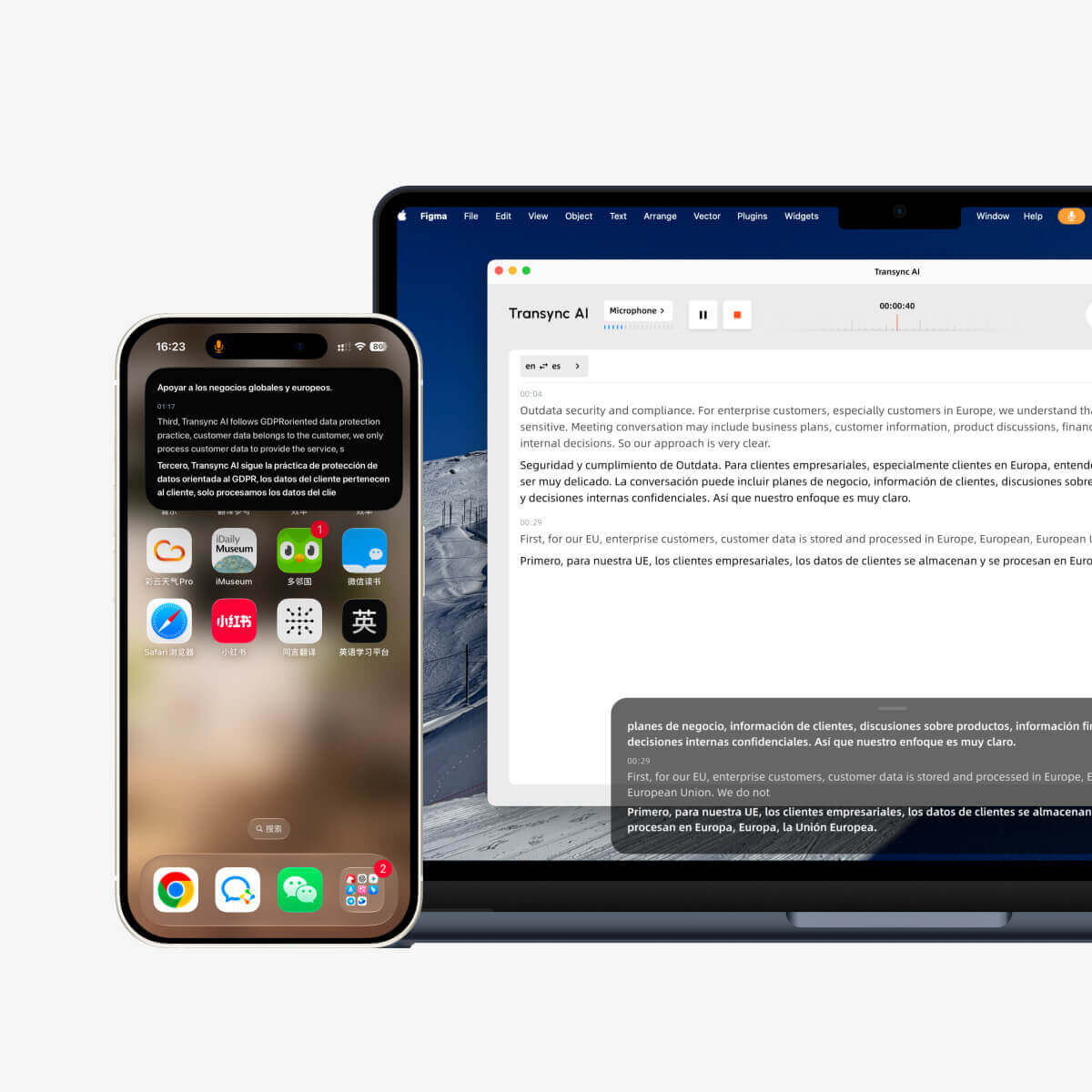
But Transync AI begins from live speech, not a pasted paragraph. It should not be selected when the primary task is “type this foreign-language announcement and press play.” It becomes the better fit when the real task is “I will speak during a meeting, the other side must hear the translation, and I also need captions and notes.”
A text to talk translator evaluation therefore needs a listener-side test. Stand three meters away in a noisy room. Call a second phone. Join a real meeting from another account. Ask the listener to repeat the translated number, name, and deadline. Testing only beside the source device measures the wrong experience.
Gap 5: The Spoken Sentence Leaves No Reliable Trail
Speech disappears. If the recipient misunderstands a room number, delivery date, or price, both people need a way to inspect the sentence again. A reliable text to talk translator should make replay or review obvious. History and favorites are useful for travel. A share button is useful when the recipient should keep an address. A transcript or meeting summary matters when the exchange creates work.
Before choosing a text to talk translator, decide what should survive:
- Nothing, because the phrase is private and temporary.
- A favorite phrase for repeated travel situations.
- A text message the other person can retain.
- A conversation transcript.
- Structured notes, owners, and action items.
iTranslate offers translation history, favorites, phrasebooks, and sharing functions across its product family. Talk & Translate lets users save and organize favorite phrases. Reverso can synchronize favorites and search history for registered users. These are appropriate for short reusable language tasks.
For live business conversations, Transync AI can turn translated speech into transcripts and AI meeting notes. That is valuable after a supplier call or multilingual class, but it also changes the privacy question. The current official site states that live translation audio recordings are not stored, text transcripts may be stored temporarily to create meeting notes, and users can delete them. Organizations should still review current policies, retention settings, contractual needs, and applicable law for their own data.
The minimal trail is not always the safest trail. A private medical discussion may need less automated retention and a qualified interpreter. A procurement meeting may need an approved record. Choose deliberately instead of letting the app’s default history decide.
Text to Talk Translator Comparison by Actual Task
This table compares product direction, not an abstract “best app” score. Language, voice, offline, and subscription availability can change; verify the exact pair on the device you will use.
| Product | Accepts typed text | Speaks translated output | Context or alternatives | Offline angle | Meeting delivery | Best fit | Key limitation |
|---|---|---|---|---|---|---|---|
| iTranslate | Yes | Yes, with customizable voices where supported | Alternative translations, dictionary, conjugation tools | Offline functions available; coverage varies | Consumer voice mode, not primarily an audio-routing system | Travel and everyday typed or spoken translation | Some voice, offline, and advanced functions require Pro or have narrower coverage |
| Talk & Translate | Yes | Yes, including pronunciation and slow mode | AI Magic, saved phrases, adjustable voice speed | Downloadable packs; not every language or feature is identical offline | Mobile conversation workflow | Typed phrases, travel, signs, and device-speaker playback | Confirm Premium requirements and the exact offline pack |
| Reverso | Yes | Pronunciation for words, phrases, and sentences where available | Strong contextual examples, grammar, synonyms, learning tools | Offline dictionaries/history features rather than a universal offline speech promise | Not meeting-first | Checking nuance before playing or learning a phrase | Smaller mobile language set and examples may require judgment |
| Transync AI | No general typed-text translation | Yes, from live translated speech; voice playback currently covers 40+ languages | Meeting keywords and context | No offline mode | Bilingual captions, system audio, Virtual Microphone, notes | Live multilingual meetings and calls | Not a text, document, image, or offline translator |
The table exposes the central choice. If typing is non-negotiable, Transync AI is not the starting point. If real participants will speak throughout an online meeting, a phone-centered text to talk translator may be too narrow.
A 10-Minute Test Card
Use the same language pair, phone, network, and speaker volume you expect in real life. Give each line one point for correct meaning, one for clear target text, one for intelligible audio, one for appropriate tone, and one for easy replay. The maximum is 25.
| Test line | What it exposes |
|---|---|
| “I need fifteen boxes, not fifty.” | Numbers and negation |
| “Please send it to Ana María at gate B-17.” | Names, accents, letters, and codes |
| “You may leave after the supervisor signs this form.” | Permission, sequence, and formality |
| “The bank is across from the river bank.” | Word-sense ambiguity |
| “I’m sorry—we cannot approve the refund today.” | Tone, pause, and customer-facing register |
After the first run, repeat the test in airplane mode if offline use matters. Then move three meters away, add café noise, and ask another person to write down what they heard. Finally, send or reopen the phrase from history. A text to talk translator should be evaluated at the listener’s ear, not only on the sender’s screen.
Do not change the sentence between apps. Do not fix the target text silently. Record the first output, the repair needed, and how many taps it took to replay. A tool that produces a slightly less elegant sentence but makes errors visible may be safer than one that hides everything behind instant audio.
When Typing Is an Accessibility Need
Some readers are not choosing typed input for convenience. They may be temporarily unable to speak, have a speech disability, experience fatigue, or need a predictable way to communicate under stress. A text to talk translator can help bridge a language difference, but it is not automatically an augmentative and alternative communication system.
Accessibility testing should include:
- Large, high-contrast text and controls.
- Operation with switch access, screen readers, or alternative keyboards.
- Saved emergency phrases that work offline.
- A clear way to stop or replay speech.
- Control over voice speed and volume.
- A visible target sentence so the user can approve it.
- A fallback card with identity, language, contact, and assistance needs.
Do not force a person to use synthesized speech when they prefer text, an interpreter, sign language, or another communication method. In healthcare, emergency, legal, or safeguarding contexts, use the organization’s approved accessibility and language-access process.
Privacy: Typed Words Are Still Personal Data
Users sometimes feel safer typing than speaking because there is no microphone recording. The typed sentence may still be sent to a cloud service, stored in history, synchronized across devices, or used by a keyboard extension. A text to talk translator can therefore handle addresses, names, medical details, and company information even when it records no audio.
Ask seven questions:
- Is the source text processed on the device or in the cloud?
- Is the translation stored in history by default?
- Can history be deleted without closing the account?
- Does a keyboard extension receive everything typed in other apps?
- Does offline mode cover translation and speech, or only one stage?
- Is data used to improve or train models?
- Can an employer control retention and access?
The answers may differ between free, paid, offline, web, keyboard, and enterprise modes from the same brand. Read the policy for the specific product and mode rather than transferring one promise across an entire company.
FAQ
What Is the Best Text to Talk Translator for Travel?
iTranslate and Talk & Translate are reasonable candidates because both combine text and voice functions with travel-oriented features. The better choice depends on the precise language pair, offline pack, camera needs, device, voice quality, and subscription. Download and test the destination language before departure.
Can I Type in English and Make My Phone Speak Spanish?
Yes. Choose English as the source and Spanish as the target, type the sentence, inspect the Spanish translation, and press its play button. Do not choose only a Spanish text-to-speech voice; the sentence must be translated before it is spoken.
Is a Text to Talk Translator Free?
Many products allow limited free translation, but voice mode, offline packs, camera tools, unlimited use, or premium translation models may require a subscription. Check the current in-app purchase screen as well as the marketing page, and note when a free trial renews automatically.
Can Transync AI Translate Text I Paste?
No. Transync AI is not a general text or document translator. It is designed for live speech translation, bilingual subtitles, translated voice playback, and meeting notes. Choose it when people are speaking in meetings or conversations, not when the main input is pasted text.
Can the Translated Voice Play into an Online Meeting?
A consumer app may play through a physical speaker, but that can cause echo or weak remote audio. Transync AI provides meeting-oriented audio workflows, including Virtual Microphone support, so translated live speech can be routed into compatible meeting software. Test the complete setup before the call.
Is It Safe for Medical, Legal, or Emergency Messages?
Do not rely on an automated translator as the only communication method when an error could affect consent, rights, treatment, safety, or emergency response. Use a qualified interpreter, an approved accessibility process, and professional review appropriate to the situation.
Final Verdict
Choose a text to talk translator by following the message all the way to the listener. Confirm that the app translates rather than merely pronounces, supports spoken output for the exact target language, exposes the target sentence before playback, delivers audible sound in the real environment, and leaves the right amount of history.
For typed travel phrases and everyday messages, iTranslate and Talk & Translate offer broader input modes and mobile playback. For language nuance and pronunciation practice, Reverso provides useful context before speech. For live multilingual meetings in which people actually speak, Transync AI is the more relevant category—but it should not be described as a pasted-text translator.
The best text to talk translator is not the voice that sounds most human in a quiet demo. It is the workflow that makes meaning visible, reaches the intended listener, and gives both people a safe way to check or repair the sentence.
