In 2026, the global business landscape moves faster than ever. Whether you are finalizing a supply chain agreement in Tokyo, collaborating with developers in Berlin, or hosting a multi-regional webinar, language barriers can cause critical delays. This is exactly why finding a reliable translator tool online has become a top priority for agile corporate teams.
While basic text-swapping websites were acceptable a decade ago, today’s professionals require advanced, real-time AI solutions. With the AI meeting assistant market projected to reach USD 24.6 Billion by 2034, the options can be overwhelming. In this comprehensive guide, we will review the top 7 standalone software platforms to help you find the perfect translator tool online for your daily workflow.
What Makes a Great Translator Tool Online?
Before diving into our top picks, it is important to know what separates a basic dictionary website from a professional, enterprise-grade translator tool online:
- Live Meeting Compatibility: The best tools work alongside your conferencing software (like Zoom or Teams) smoothly without requiring you to install buggy third-party plugins.
- Near-Zero Latency: In a live negotiation, waiting ten seconds for a translation kills the momentum. You need software powered by modern deep learning and HiFi-GAN neural networks that outputs voice instantly.
- Data Security: A trustworthy translator tool online must guarantee that your confidential conversations are never used to train public AI models.
Top 7 Translator Tool Online Options Compared
To help you make an informed decision at a glance, here is a comparison table of the 7 best platforms on the market today.
| Software | Standout Feature | Live Meeting Compatibility | Best For |
| Transync AI | Dual-screen & near-zero latency | ✅ Zoom, Teams, Meet (Standalone) | Global multilingual business meetings |
| DeepL Voice | High-quality vocal phrasing | ✅ iOS, Android, Teams | Face-to-face mobile conversations |
| Maestra AI | Subtitles & video dubbing | ✅ Zoom, Teams | Webinars and educational broadcasts |
| Wordly | Highly scalable interpretation | ✅ Webex, Zoom, Cvent | Massive global virtual summits |
| JotMe | Fast bilingual meeting captions | ✅ Google Meet | Quick internal corporate discussions |
| LiveVoice | BYOD audio streaming | ✅ Web, iOS, Android | On-site & hybrid physical events |
| Kudo | Hybrid AI + human interpreters | ✅ Zoom, Teams | Diplomatic & high-stakes events |
1. Transync AI
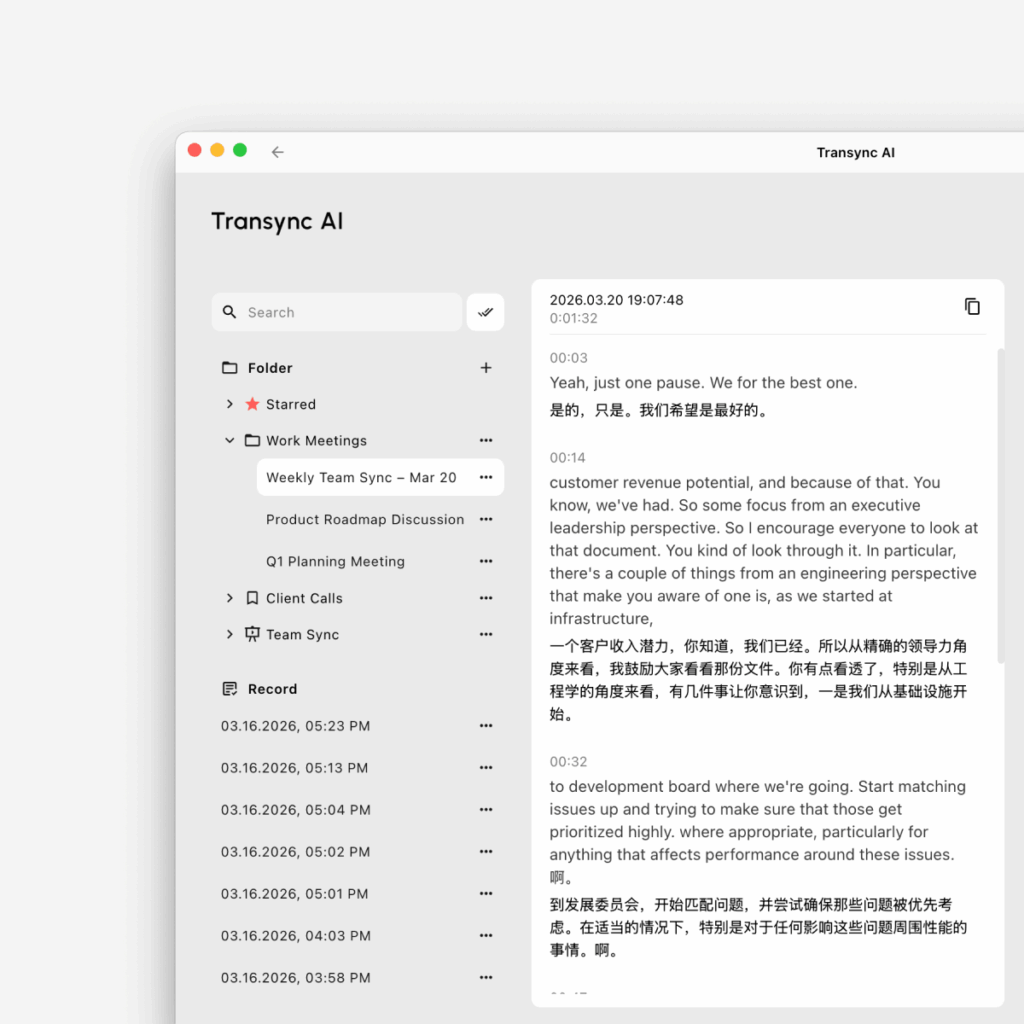
Best for: Professionals needing a standalone, low-latency translator tool online for daily B2B video meetings.
G2 Rating: N/A (Emerging Leader)
If you are looking for the most intelligent translator tool online for video conferencing, Transync AI is the premier choice. Transync AI is a real-time interpretation tool powered by an end-to-end speech large model. It is built specifically for zero-latency bilingual communication without relying on third-party bots or risky integrations.
Key features:
- Instant Multilingual Processing: Delivers flawless AI Real-time translation by instantly detecting spoken languages. You can check the massive list of Supported languages directly on their site.
- Ultimate Compatibility: Operating entirely as a standalone app, it provides perfect AI Live Meeting Translation for Zoom, Teams, and Google Meet directly alongside your daily calls.
- Smart Summaries: It seamlessly features built-in AI Meeting Notes to accurately capture action items during your cross-border calls.
- Natural Audio Generation: Acts as an exceptional AI voice translator, generating natural human-like voice broadcasts.
- Contextual Accuracy: Use the AI Assistant Keywords Context to pre-define industry jargon, brand names, or technical terms to boost translation accuracy to over 95%.
Pros:
- Highly secure standalone software that will never crash your primary video conferencing platform.
- Strict data privacy (data is not used for AI training), detailed in their robust Compliance Report.
- You can easily See how Transync AI performs exceptionally well across a variety of use cases.
Cons:
- Offline translation and camera-based image recognition are not supported.
Pricing: 40 minutes of free trial duration will be granted to users in the first month following registration. Flexible paid Pricing starts at $8.99/month.
Final verdict: Read the Quickstart guide to deploy the best live experience today. For large organizations, check out the Enterprise tier and the comprehensive Enterprise guide.
2. DeepL Voice
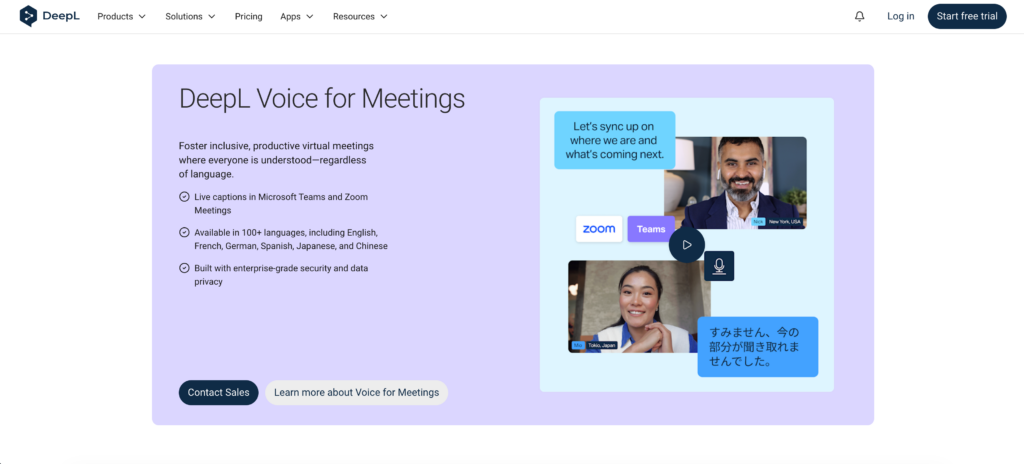
Best for: High-quality translation for major global languages during face-to-face conversations.
G2 Rating: 4.6/5
When searching for a highly accurate translator tool online, DeepL is famous for text, but DeepL Voice extends that technology to spoken conversations.
Key features:
- Face-to-Face Mode: A feature that splits the screen so both speakers can easily read translated text while listening to the output during in-person conversations.
Pros:
- Exceptionally high-quality translations that sound more natural and grammatically accurate than many real-time competitors.
Cons:
- Not designed for large multi-participant virtual events or complex webinars.
Pricing: Custom pricing is provided through DeepL’s sales team.
Final verdict: For mobile, in-person conversations requiring absolute grammatical accuracy, DeepL Voice is highly robust.
3. Maestra AI
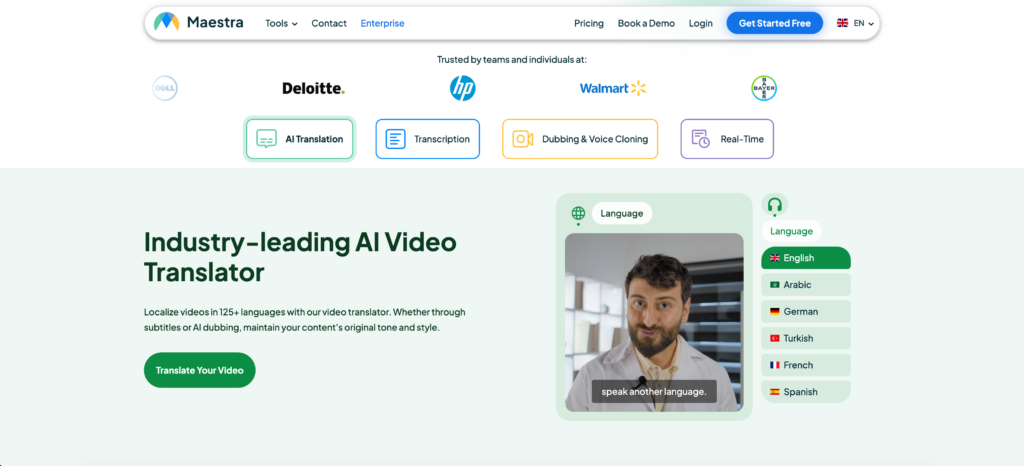
Best for: Real-time meeting notes, live subtitles, and AI video dubbing.
G2 Rating: 4.8/5
Maestra is an incredible translator tool online that acts as a web-based powerhouse, combining transcription, translation, and live captioning into a single interface.
Key features:
- Bilingual Live Captions: Generates real-time meeting notes while displaying captions in both the source and translated languages simultaneously.
- Simultaneous Translation: Converts speech into translated audio instantly for audiences across 125+ languages.
Pros:
- Supports uploading pre-recorded video files for highly polished post-production dubbing.
Cons:
- Advanced export features and AI summaries are restricted to premium paid plans.
Pricing: Paid plans start at $39 per month billed annually.
Final verdict: If you are hosting public educational webinars and need to provide live captions and voiceovers, Maestra provides a polished workflow.
4. Wordly
Best for: Massive global virtual summits and large-scale hybrid events.
G2 Rating: 4.6/5
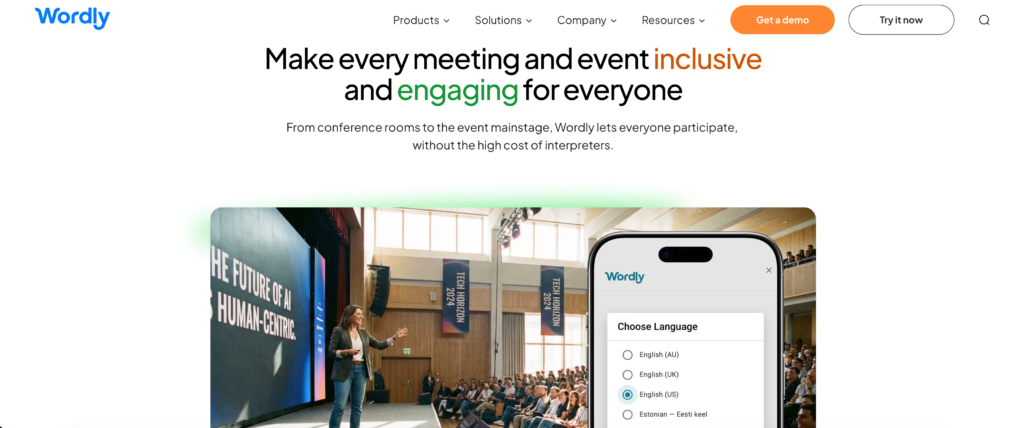
If you are hosting an industry conference with thousands of attendees, Wordly operates as a highly scalable translator tool online. It removes the logistical nightmare of hiring hundreds of human interpreters.
Key features:
- Instant Access: Attendees simply scan a QR code or click a link to join the translation channel on their own smartphones.
- Two-Way Translation: Supports real-time interpretation in over 60 languages simultaneously.
Pros:
- Incredibly scalable, easily providing service for thousands of attendees at once without lag.
Cons:
- Usage-based pricing makes it far too expensive and complicated for casual, daily small-team meetings.
Pricing: Usage-based model depending on the number of interpretation hours and attendees.
Final verdict: Wordly is the ultimate choice for event organizers needing to broadcast to massive, diverse audiences.
5. JotMe
Best for: Fast bilingual captions for agile internal corporate teams.
G2 Rating: 4.7/5
JotMe acts as a lightweight translator tool online designed specifically for fast-paced, internal cross-border collaboration.
Key features:
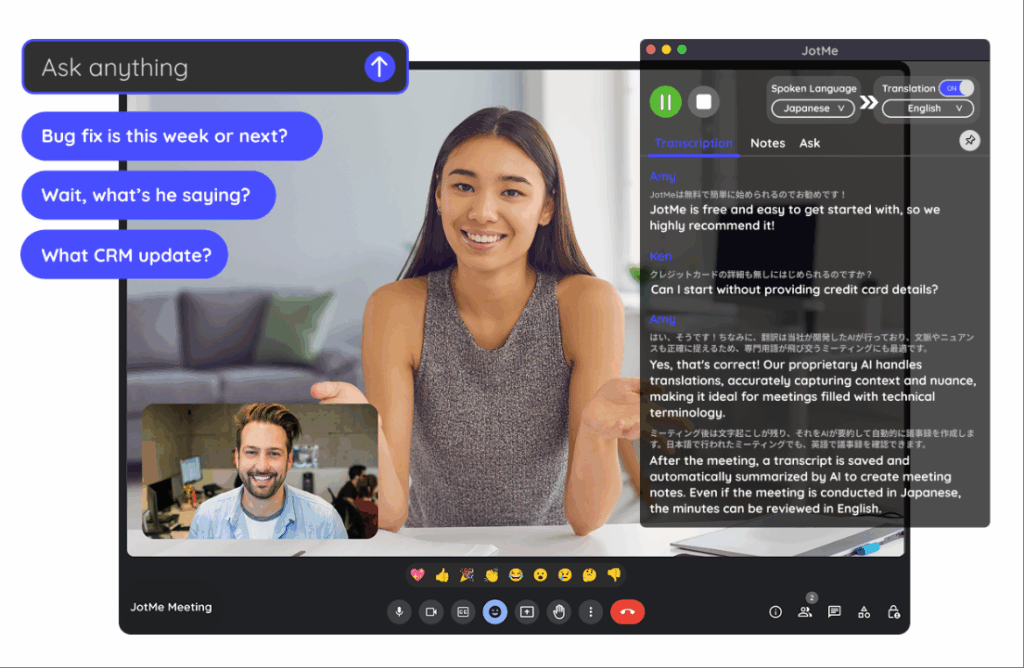
- Live Captions: Provides two-way real-time translation during meetings directly via a browser extension.
- Automated Notes: Generates structured meeting minutes and action items once the call ends.
Pros:
- Operates without a visible bot joining the call, making it much less intrusive during confidential meetings.
Cons:
- The interface can occasionally feel cluttered when managing both live captions and the AI note-taking panel.
Pricing: Paid Pro plans start from $10/month billed annually.
Final verdict: JotMe is a fantastic, lightweight utility for agile teams deeply embedded in the Google Meet ecosystem.
6. LiveVoice
Best for: On-site, hybrid, or online events needing a “bring-your-own-device” audio solution.
G2 Rating: N/A
LiveVoice is a live audio translation and streaming platform that acts as a powerful translator tool online designed to eliminate the need for traditional hardware.
Key features:
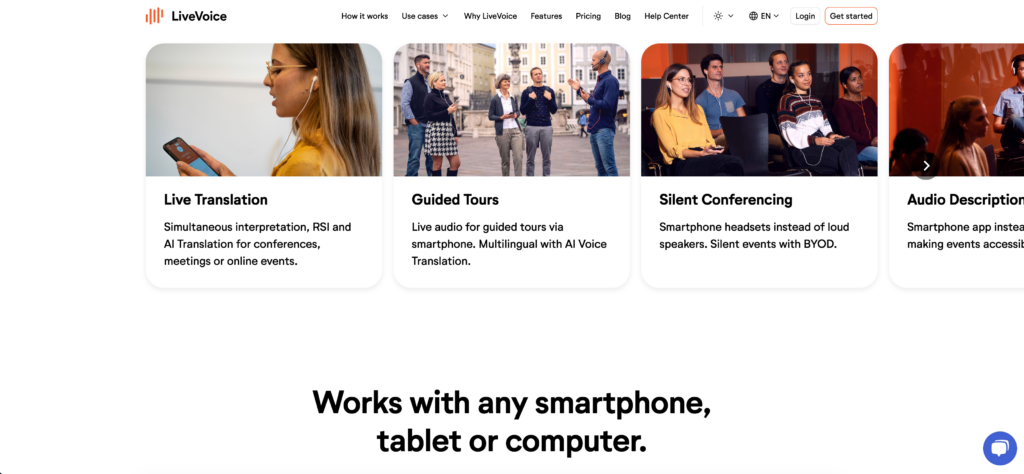
- BYOD Access: Attendees access translated audio directly on their own smartphones, vastly reducing logistical complexity.
- Unlimited Channels: Allows organizers to offer dozens of language channels simultaneously.
Pros:
- Low bandwidth requirements ensure stability even on crowded event Wi-Fi.
Cons:
- Less suited for small video meetings or fast back-and-forth discussions.
Pricing: Account plan plus 0.50 € per minute per language for AI voice translation.
Final verdict: LiveVoice is highly practical for physical conferences, facility tours, and hybrid exhibitions.
7. Kudo
Best for: Diplomatic events and high-stakes corporate meetings requiring human nuance.
G2 Rating: 4.1/5
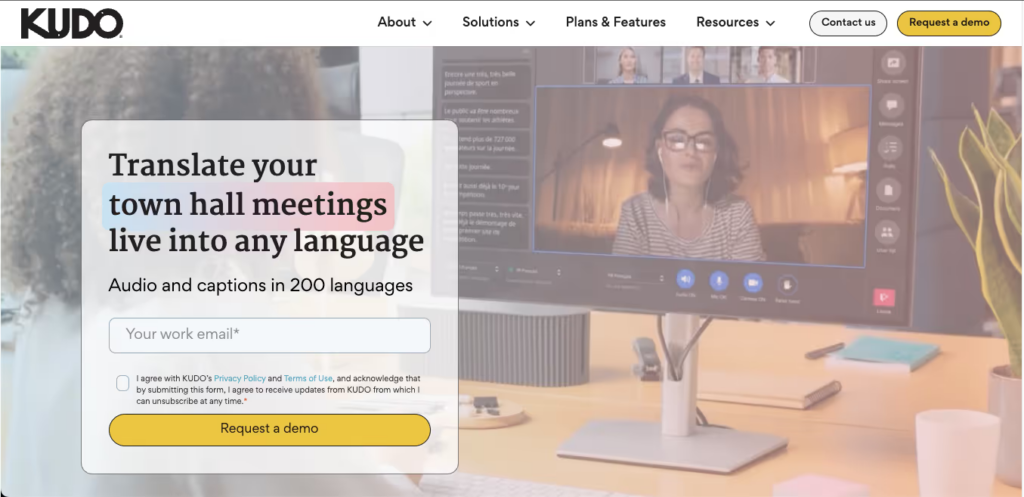
KUDO is a premium player that offers a unique hybrid translator tool online, allowing event organizers to choose between rapid AI translation and booking certified human professional interpreters.
Key features:
- Interpreter Network: Alongside AI, you can directly book human interpreters for high-stakes meetings where AI isn’t sufficient.
- Seamless Channel Switching: Participants can change language channels easily without interrupting the meeting flow.
Pros:
- Eliminates the need for dedicated interpretation hardware by using attendees’ smartphones.
Cons:
- Utilizing human interpreters drastically increases the overall cost of the event.
Pricing: Offers pay-as-you-go pricing for human interpretation services and custom enterprise pricing.
Final verdict: When your meeting leaves absolutely zero room for contextual errors, Kudo’s hybrid human-AI approach is the safest premium choice.
How to Choose the Right Translator Tool Online?
When evaluating the market to find the best translator tool online, ask yourself these three critical questions:
- Do you need to translate live video meetings? If you use Zoom or Teams daily, look for a standalone application like Transync AI that works seamlessly alongside your software without disruptive plugins.
- Are you focused on an event or daily B2B collaboration? If you are hosting 5,000 people, Wordly is ideal. If you are conducting a high-speed business negotiation with a global client, a low-latency tool like Transync AI is much better suited.
- Do you need automated meeting summaries? The best modern tools do not just translate; they also extract actionable data. Look for apps that generate smart meeting notes automatically.
Conclusion
The ability to break down language barriers instantly is a superpower for modern global organizations. Finding the perfect translator tool online depends entirely on your specific workflow requirements. While Wordly scales beautifully for massive events and DeepL Voice provides high-quality mobile translations, Transync AI stands out as the ultimate standalone, low-latency solution for daily professional business meetings. By choosing an app with flawless live meeting compatibility and intelligent AI meeting notes, your team can finally negotiate and collaborate globally without missing a single beat.
If you want a next-generation experience, Transync AI leads the way with real-time, AI-powered translation that keeps conversations flowing naturally. You can try it free now.