
In 2026, typing meeting notes by hand is not just inefficient; it is a liability. When professionals divide their attention between actively participating in a negotiation and manually writing down action items, critical details slip through the cracks. As the AI-powered meeting assistants market accelerates toward a valuation of USD 24.6 Billion by 2034, enterprise leaders are universally adopting automated live transcription.
However, the live transcription landscape is vast and highly specialized. A tool built for offline mobile privacy will not perform the same as a platform designed for multilingual video conferencing. In this comprehensive procurement guide, we will break down the top 7 software solutions available today, categorized by their exact business use cases, to help you build a flawless communication stack.
What to Look for in Live Transcription Software?
When evaluating a live transcription platform for corporate use, accuracy is just the baseline. Modern enterprises must demand the following capabilities:
- Live Meeting Compatibility: The software must work alongside your core conferencing tools (Zoom, Teams, Meet) flawlessly. The best tools operate as standalone applications, completely avoiding the instability of third-party plugins.
- Contextual AI: Top-tier engines rely on advanced deep learning to capture industry context, filter out filler words, and achieve 95%+ accuracy even when speakers have heavy accents or background noise.
- Data Security & Privacy: You must know exactly where your audio is processed. Highly secure tools explicitly state that your confidential boardroom data is never used to train public AI models.
Top 7 Live Transcription Apps Compared
Here is a strategic overview of the 7 leading applications on the market, mapped to the exact business scenarios they were built to solve.
| Software | Tech Stack Category | Live Meeting Compatibility | Primary Enterprise Benefit |
| Transync AI | Bilingual Video Meetings | ✅ Zoom, Teams, Meet (Standalone) | The ultimate live transcription & translation engine |
| Maestra | Webinars & Broadcasts | ✅ Zoom, Teams | Web captioning for massive audiences |
| Otter.ai | Internal Team Syncs | ✅ Auto-joins via bot | Automated English meeting summaries |
| Rev | Legal & Compliance | ❌ Upload & Order | 99% accuracy via human-in-the-loop |
| Viska | Offline Mobile Privacy | ❌ Mobile processing only | 100% on-device secure processing |
| Descript | Media Production | ❌ Studio Upload | Editing podcast media via text |
| Google Live | Daily Accessibility | ❌ Mobile dialogue only | Free face-to-face captioning |
1. Transync AI: The Ultimate Multilingual Meeting Engine
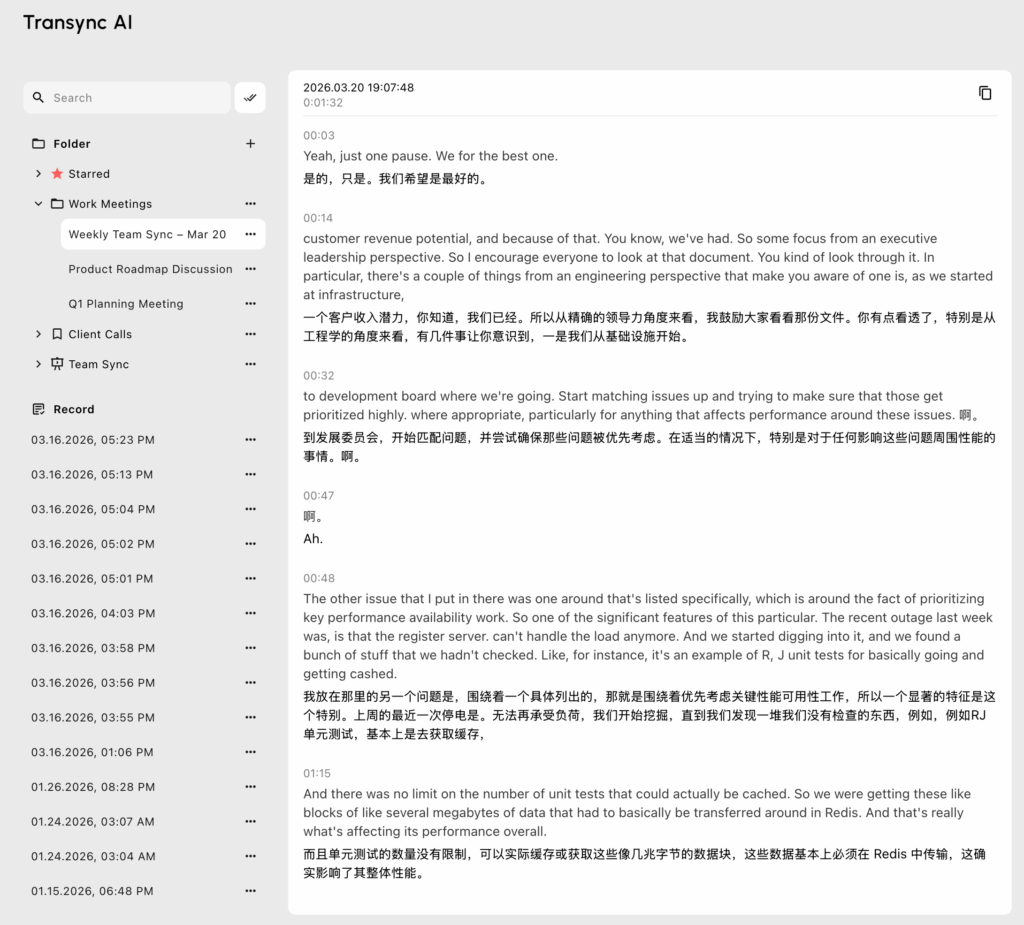
Best for: Executives demanding standalone, zero-latency live transcription and translation for global video conferences.
G2 Rating: N/A (Emerging Leader)
When standard note-taking apps fail to capture the complexity of global, multilingual business deals, Transync AI is the definitive solution. Transync AI is an exceptionally powerful real-time interpretation tool powered by an end-to-end speech large model. It replaces intrusive recording bots with a secure, standalone architecture.
Key features:
- Instant Multilingual Processing: Delivers flawless AI Real-time translation and transcription by detecting spoken languages instantly. Check the vast catalog of Supported languages natively supported by the software.
- Flawless Compatibility: Operating entirely as an independent app, it provides perfect AI Live Meeting Translation for Zoom, Teams, and Google Meet directly alongside your calls.
- Intelligent Summaries: It seamlessly features built-in AI Meeting Notes to accurately capture actionable data during complex bilingual calls.
- Natural Audio Generation: Acts as a top-tier AI voice translator, generating natural human-like voice broadcasts alongside the text.
- Custom Context: Use the AI Assistant Keywords Context to pre-define corporate jargon, pushing accuracy to over 95%.
The Verdict: With uncompromising data privacy detailed in their Compliance Report, Transync AI guarantees your data is never used for AI training. Read the Quickstart guide, review the flexible Pricing, or explore the Enterprise options via their Enterprise guide.
2. Maestra: The Webinar Powerhouse
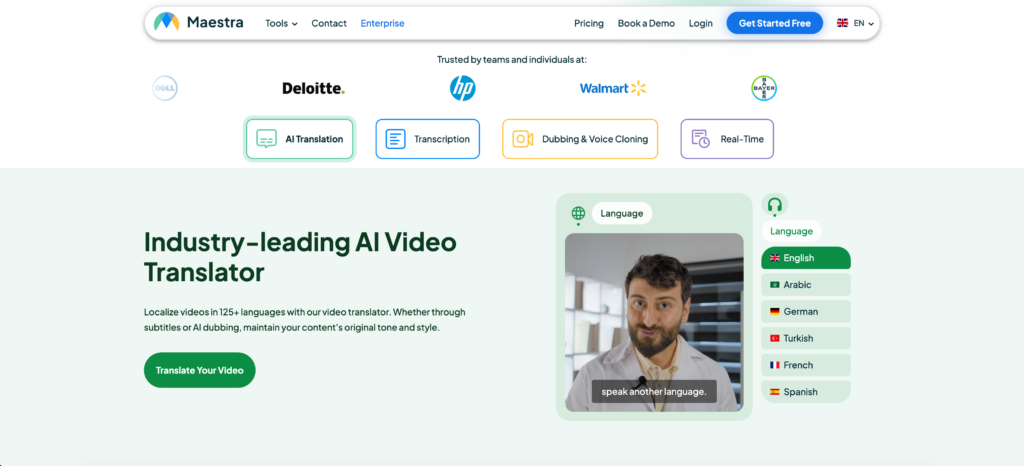
Best for: Real-time web captioning for large-scale educational broadcasts and public webinars.
G2 Rating: 4.8/5
If you are hosting a webinar, Maestra provides an excellent web-based live transcription solution. It gathers transcription, translation, and live captioning into a single interface.
Key features:
- Shared Web Captioner: Maestra’s web captioner lets audiences join a shared session and follow captions in their own language directly in their browsers.
- Post-Production: Allows users to edit sessions, generate subtitles, and export voiceovers from the same dashboard.
The Verdict: The most polished studio platform for educational broadcasts and multilingual event captioning.
3. Otter.ai: The Internal Corporate Standard

Best for: Automated team collaboration and internal English meeting notes.
G2 Rating: 4.4/5
Otter.ai is widely recognized for its convenience in generating live transcription for internal corporate teams. By automatically joining your calendar events as a bot, it acts as a passive participant that captures and summarizes business discussions.
Key features:
- OtterPilot: Joins Zoom, Google Meet, and Teams calls automatically to record audio and write notes.
- Team Workspaces: Powerful cross-meeting search functionality allows your entire company to search past transcripts easily.
The Verdict: Perfect for internal English-speaking teams who want conversations automatically documented, though the visible bot can be intrusive during formal client negotiations.
4. Rev: The Legal & Compliance Authority
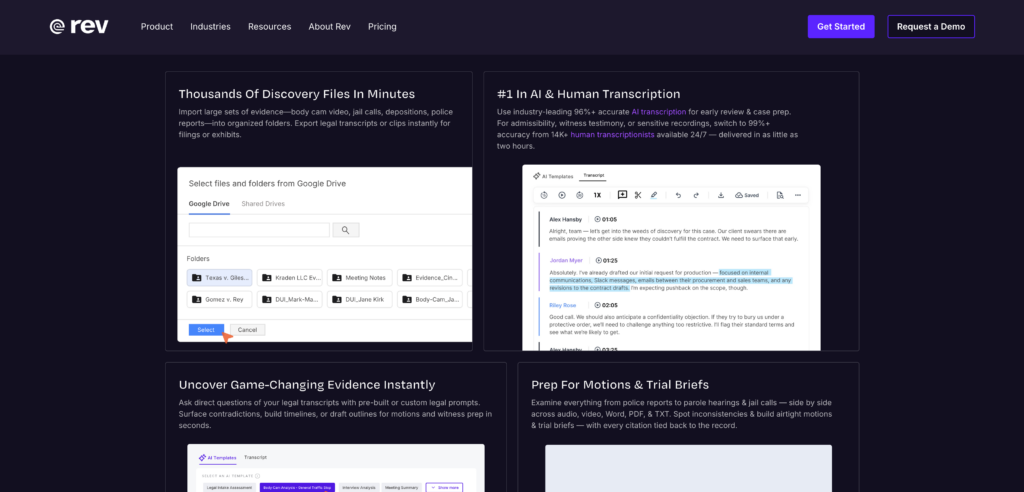
Best for: Highly regulated industries requiring absolute accuracy for court proceedings or regulatory filings.
G2 Rating: 4.8/5
While AI is incredibly fast, sometimes legal compliance requires human intervention. Rev offers both AI and human-led transcription services.
Key features:
- Human-in-the-Loop: Rev’s human transcription delivers an unparalleled 99% accuracy rate.
- Court-Ready Formatting: Delivers transcripts with precise timestamps and speaker identification tailored for legal teams.
The Verdict: No AI-only transcription software matches this level of reliability for high-stakes regulatory or court proceedings.
5. Viska: The Offline Privacy Vault
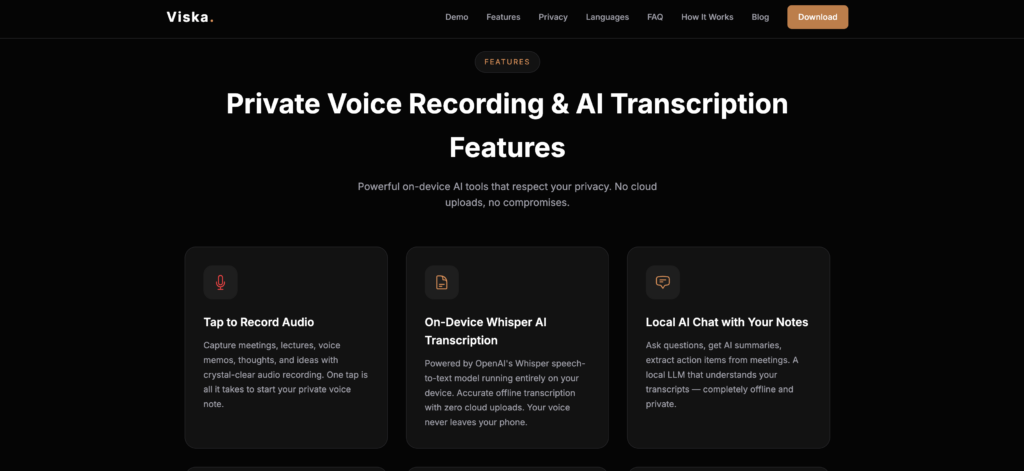
Best for: 100% on-device mobile privacy and offline transcription.
G2 Rating: 4.3/5
If you need an offline live transcription app, Viska processes everything directly on your phone with no internet required.
Key features:
- Local Processing: Relies entirely on your phone’s internal hardware to generate text, ensuring nothing ever reaches the cloud.
- Airplane Mode Functionality: Works flawlessly deep inside secure concrete buildings or during international flights.
The Verdict: If you need transcription in a highly secure remote location or for a strictly off-the-record briefing, Viska’s on-device processing is unmatched.
6. Descript: The Creator’s Studio
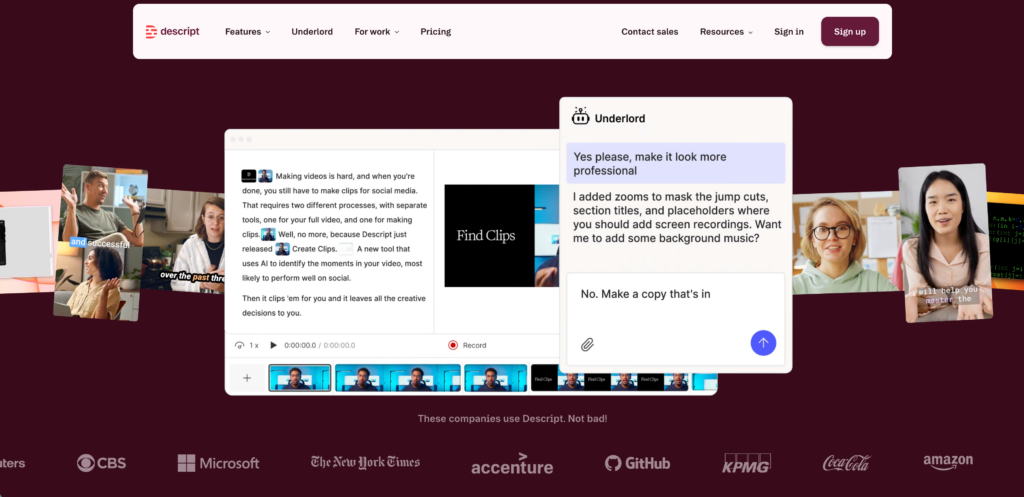
Best for: Podcasters and video creators needing to edit media via text.
G2 Rating: 4.6/5
Descript flips the traditional editing workflow. It lets you convert audio recordings to text and edit the media simply by editing the transcript.
Key features:
- Text-Based Media Editing: If you delete a sentence from the transcript, the software automatically cuts that section of the video or audio timeline.
- Filler Word Removal: Instantly removes “ums” and “uhs” with a single click.
The Verdict: It’s the fastest way to go from a raw recording to a polished, professional podcast episode.
7. Google Live Transcribe: The Accessibility Pioneer
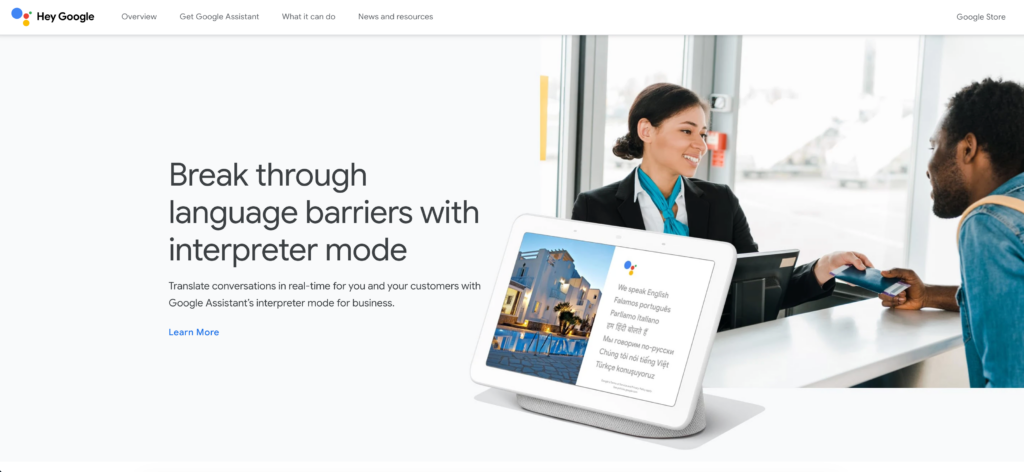
Best for: Free, real-time accessibility for daily face-to-face interactions.
G2 Rating: 4.8/5
Google Live Transcribe was built specifically for deaf and hard-of-hearing users, providing an essential, free accessibility tool for daily life.
Key features:
- Instant Mobile Subtitles: Provides fast, continuous transcription by simply placing the Android phone between speakers.
- Sound Notifications: Alerts users to background noises, such as a knocking door or an alarm.
The Verdict: An essential, life-changing accessibility app for face-to-face interactions, though it lacks the export and integration features needed for corporate meetings.
How to Choose the Right Live Transcription Tool?
Navigating the procurement of live transcription software requires matching the tool to your exact environment:
- Where does the conversation happen? If you are in an offline secure facility, use Viska. If you are conducting a high-speed B2B negotiation via video call, a low-latency, standalone tool like Transync AI is strictly required.
- Is accuracy or speed your priority? For legal court filings, wait for Rev’s human-in-the-loop service. For instant multilingual meeting notes, rely on advanced AI models.
- Is a visible recording bot acceptable? Tools like Otter use bots that appear in the meeting roster. If you want a completely invisible and secure workflow, standalone applications are necessary.
Conclusion
The era of manual note-taking is officially over. Today, deploying high-quality live transcription is a fundamental requirement for operating a competitive global enterprise. While tools like Viska dominate offline privacy and Descript revolutionizes podcast editing, Transync AI clearly distinguishes itself as the ultimate standalone solution for daily B2B virtual meetings. By combining flawless live meeting compatibility, bilingual capabilities, and intelligent AI notes, your team can finally focus entirely on the conversation while the software handles the rest.
If you want a next-generation experience, Transync AI leads the way with real-time, AI-powered translation that keeps conversations flowing naturally. You can try it free now.

