

App traductor guide comparing 7 tools for meetings, documents, travel, live voice, recorded audio, subtitles, and AI notes.
Choosing an app traductor is not only about language count. A traveler may need camera translation, a creator may need subtitles, and an international team may need live voice translation during a Zoom call.
The best app traductor is the one designed for the content or conversation in front of you. This guide compares seven tools for meetings, documents, travel, recorded audio, video, and post-meeting notes.
Quick Answer: Which App Traductor Should You Choose?
| Main requirement | Best first choice |
|---|---|
| Live multilingual meetings | Transync AI |
| Professional text and documents | DeepL |
| Translation with meeting notes | JotMe |
| Bot-based voice translation | Talo |
| Live translation and media localization | Maestra |
| Recorded audio, video, and subtitles | Sonix |
| Travel and camera translation | Talkao |
There is no universal winner. A meeting tool may be unnecessary for translating a menu, while a travel app may not provide enough control for a technical client call.
What Should an App Traductor Do?
| Translation task | Features to prioritize |
|---|---|
| Text and documents | Natural wording, formatting, and editing |
| Live meetings | Low latency, two-way speech, subtitles, and voice |
| Recorded audio | Transcription, speaker labels, timestamps, and translation |
| Video | Captions, subtitles, dubbing, and export |
| Travel | Camera input, voice playback, and mobile access |
| Events | Multiple audience languages and scalable access |
A useful app traductor should fit the platform, audio environment, session length, and output required after translation.
Translation App Comparison
| Tool | Main positioning | Best for | Main limitation |
|---|---|---|---|
| Transync AI | Real-time meeting translation | Bilingual subtitles, voice, and notes | Not designed for images or documents |
| DeepL | Text, documents, writing, and voice | Professional written translation | Voice access depends on product and plan |
| JotMe | Translation and meeting assistant | Live translation with notes | Primarily meeting-focused |
| Talo | AI interpretation bot | Voice translation inside video calls | Bot appears as a participant |
| Maestra | Live and recorded media translation | Subtitles, dubbing, webinars, and video | Broader than some teams need |
| Sonix | AI transcription and translation | Recorded audio, video, subtitles, and analysis | Less focused on live two-way meetings |
| Talkao | Consumer mobile translator | Travel, camera translation, and casual speech | Limited business meeting workflow |
1. Transync AI: Best for Live Meetings
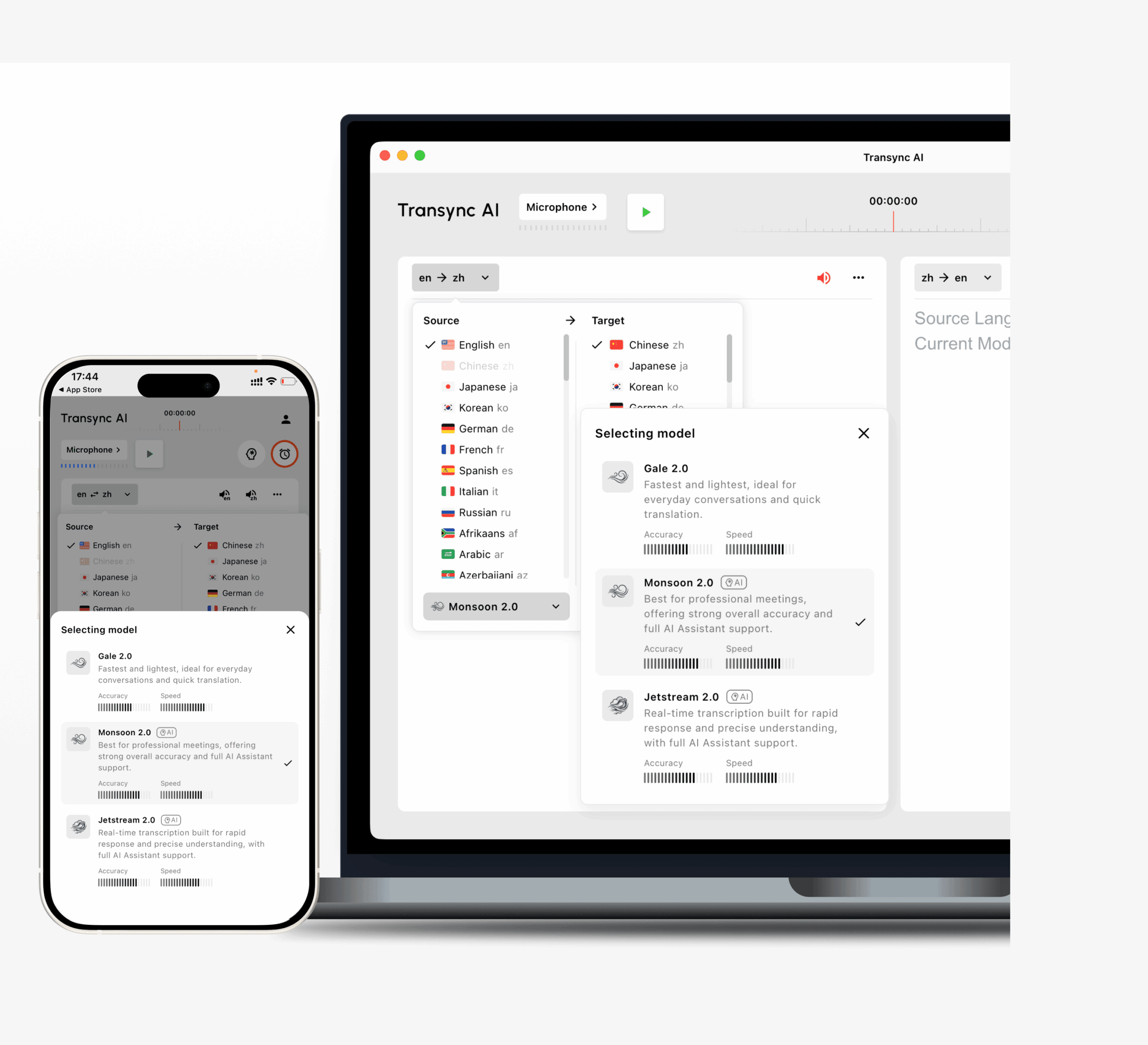 Transync AI is a meeting-first app traductor for people who need to understand and respond while a conversation is happening.
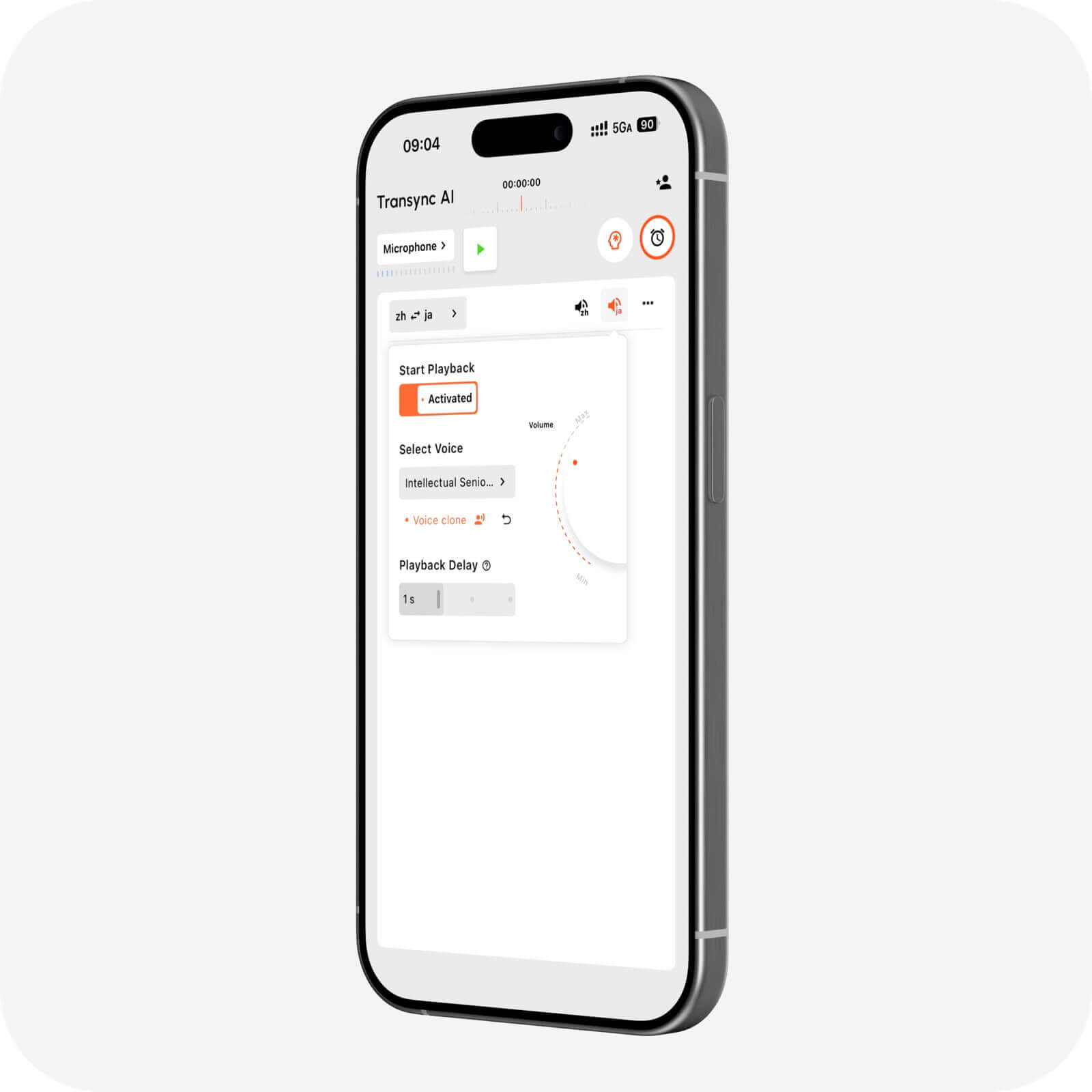
It supports two-way translation in more than 60 languages and works alongside Zoom, Microsoft Teams, and Google Meet. Users can view bilingual subtitles, enable translated voice playback, prepare keywords and context, and generate AI meeting notes.
It is best suited to client calls, supplier discussions, interviews, classes, demonstrations, and multilingual team meetings. Its main limitation is that it focuses on live speech rather than camera, image, or document translation.
2. DeepL: Best for Text and Documents
 DeepL is a stronger option when translated content must be edited, approved, or published.
It covers text, documents, writing support, APIs, and selected voice workflows. Typical uses include reports, presentations, manuals, emails, and website content. Users interested in live speech should check which DeepL Voice product and plan they need.
3. JotMe: Best for Translation and Notes

JotMe combines real-time translation, transcription, AI assistance, and meeting documentation.
It suits project meetings, interviews, research calls, and classes where users need live captions plus summaries, action items, and searchable records. It is less suitable as a general camera or travel translator.
4. Talo: Best for Bot-Based Voice Translation
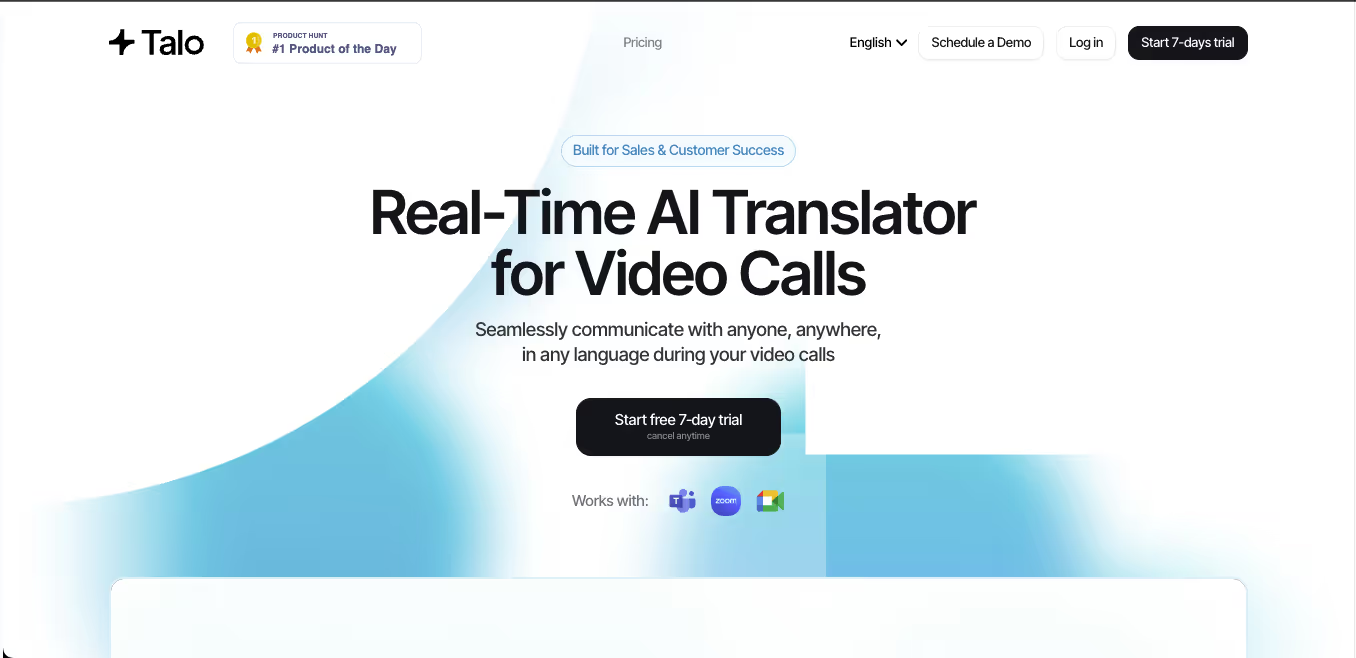 Talo uses an AI bot that joins a video call and provides real-time voice interpretation.
This can work well for sales calls, support conversations, demonstrations, and webinars. Some teams like the simple bot workflow, while others prefer a standalone app traductor that does not appear in a client meeting.
5. Maestra: Best for Live and Recorded Media
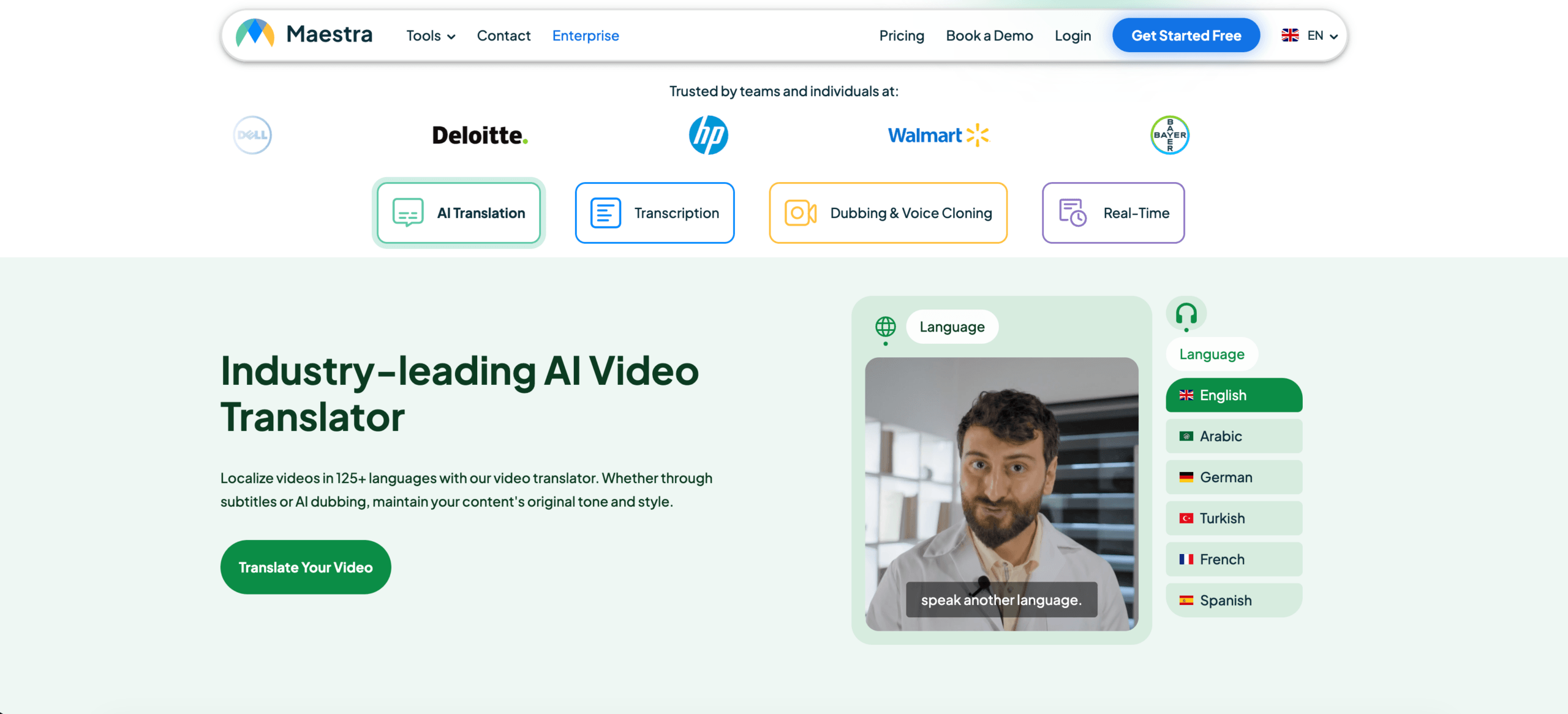 Maestra covers live captions, transcription, subtitle translation, AI dubbing, voice cloning, video localization, and summaries.
It may be a good fit for webinars, online courses, interviews, podcasts, videos, and multilingual live streams. For a simple two-person meeting, its toolkit may be more extensive than necessary.
6. Sonix: Best for Recorded Audio and Video
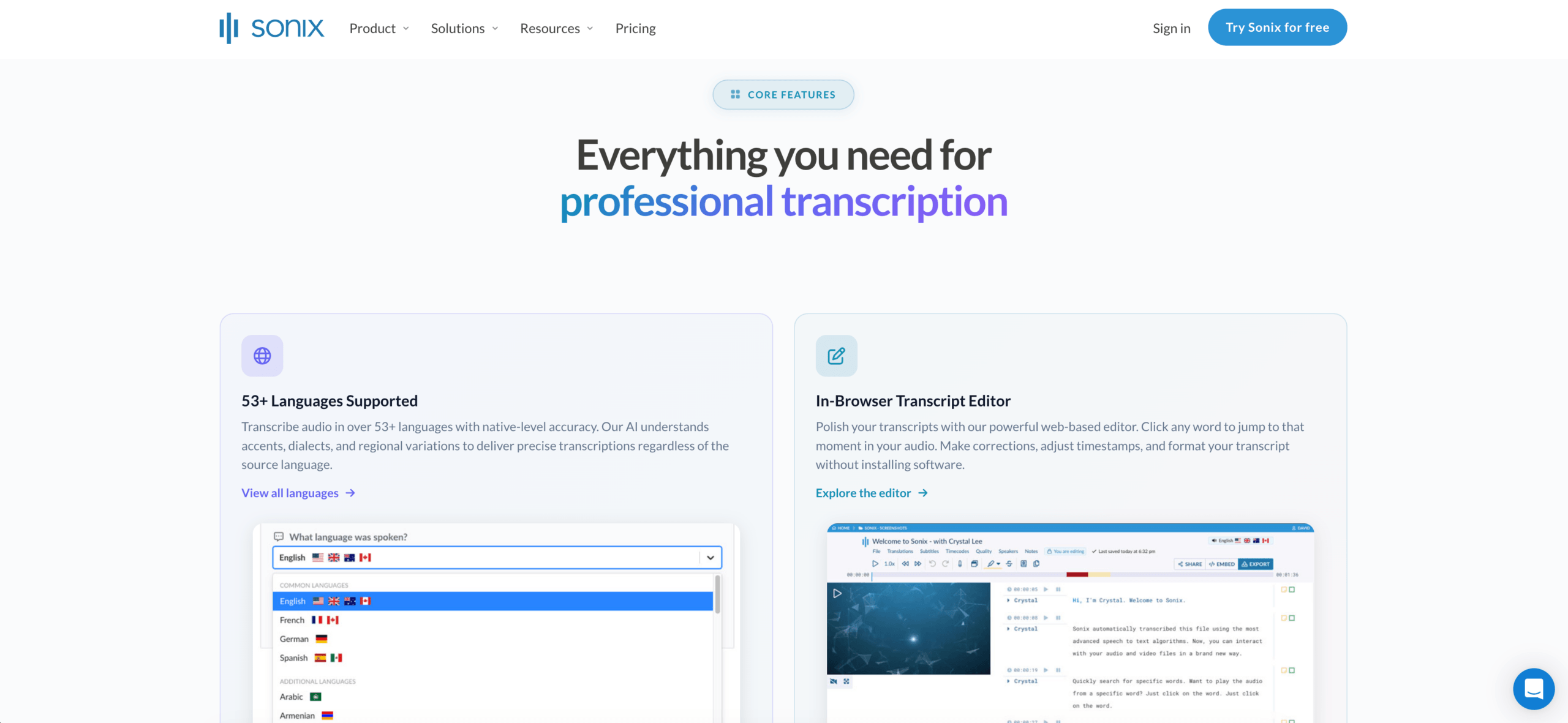 Sonix is primarily a transcription-first platform rather than a live meeting interpreter.
Users can upload recorded audio or video, generate speaker-labeled transcripts, translate those transcripts, create subtitles, and use AI analysis for summaries and structured insights.
Sonix is a strong app traductor choice for recorded interviews, podcasts, lectures, meeting recordings, research sessions, and media archives. Its main limitation is timing: it is better at processing content after recording than supporting fast two-way conversation during a live call.
7. Talkao: Best for Travel
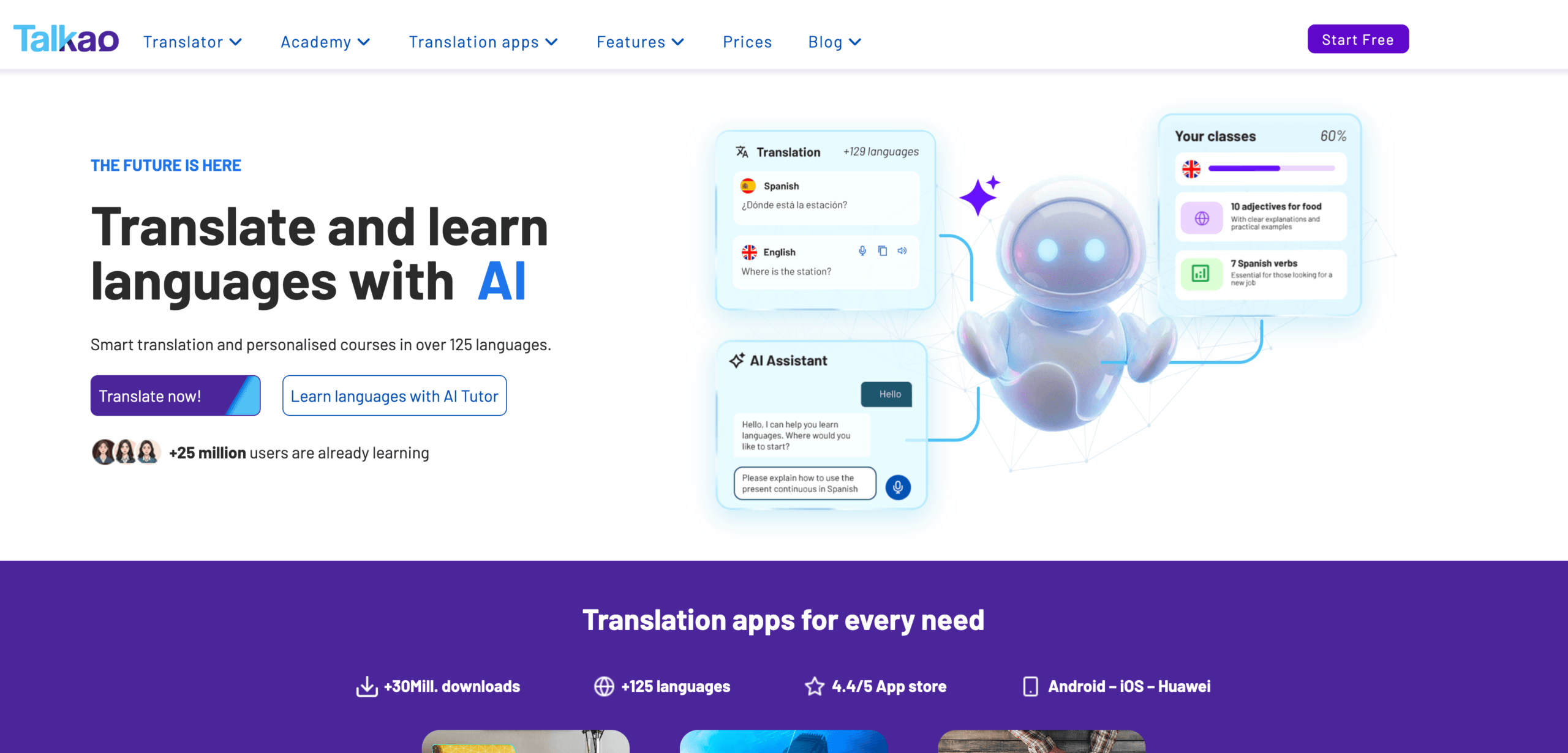 Talkao is a consumer-oriented mobile translation and language-learning app.
It may combine voice, text, camera translation, pronunciation, and document scanning. This makes it useful for menus, signs, directions, and casual conversations, but less suitable for professional meeting notes or terminology preparation.
Feature Comparison: App Traductor Tools
| Feature | Transync AI | DeepL | JotMe | Talo | Maestra | Sonix | Talkao |
|---|---|---|---|---|---|---|---|
| Text translation | Limited | Yes | Transcript-based | Limited | Yes | Transcript-based | Yes |
| Document translation | No | Yes | Limited | No | Yes | Recorded-content workflow | Available |
| Camera translation | No | No primary focus | No | No | No primary focus | No | Yes |
| Live speech translation | Yes | Voice products | Yes | Yes | Yes | Not primary workflow | Yes |
| Two-way meetings | Yes | Product-dependent | Yes | Yes | Available | Limited | Casual use |
| Bilingual subtitles | Yes | Voice-dependent | Yes | Available | Yes | Subtitle workflow | App-dependent |
| Translated voice | Yes | Available | Product-dependent | Yes | Yes | No primary focus | Yes |
| AI notes or analysis | Meeting notes | Not core | Meeting notes | Product-dependent | Summaries | AI analysis | No primary focus |
| Best fit | Meetings | Documents | Meetings and notes | Bot-based calls | Media | Recorded audio/video | Travel |
Which App Traductor Fits Your Workflow?
| Scenario | Recommended option |
|---|---|
| International Zoom meeting | Transync AI |
| Professional translated report | DeepL |
| Meeting requiring action items | JotMe |
| Team that prefers an interpreter bot | Talo |
| Webinar or translated video | Maestra |
| Recorded interview or podcast | Sonix |
| Trip abroad | Talkao |
| Legal or medical communication | Human professional |
Use Transync AI, JotMe, or Talo when translation must happen during a meeting. Use DeepL for polished written content, Maestra for media localization, Sonix for recorded audio and video, and Talkao for travel.
How to Test an App Traductor
Use real content rather than a simple promotional sentence.
For live speech, test names, company terms, dates, prices, background noise, interruptions, and both translation directions. For recorded media, test speaker identification, transcript accuracy, timestamps, subtitle synchronization, editing, and export.
Check whether the tool preserves meaning, handles terminology consistently, delivers results at the right time, and fits your workflow without excessive setup.
FAQ: App Traductor
What is the best app traductor?
The best option depends on the task. Transync AI fits live meetings, DeepL fits documents, JotMe fits meeting notes, Maestra fits media, Sonix fits recorded audio and video, and Talkao fits travel.
Which app should I use for recorded audio?
Sonix is a strong choice for transcribing recorded audio or video, translating transcripts, creating subtitles, and analyzing the resulting text.
Which translation app is best for live meetings?
Look for low latency, two-way translation, bilingual subtitles, translated voice, terminology controls, and meeting notes.
Can one app translate everything?
Most translation apps specialize. A camera translator may not handle meetings well, while a meeting translator may not support documents or recorded-media editing.
Final Thoughts
The right app traductor depends on format, timing, and risk.
For live meetings, prioritize low latency, two-way speech, subtitles, voice output, terminology, and notes. For documents, prioritize writing quality and formatting. For media, prioritize transcription, subtitles, dubbing, and export. For travel, prioritize mobile voice and camera features.
Transync AI is strongest for live multilingual meetings. DeepL is better suited to written content, JotMe to meeting documentation, Talo to bot-based calls, Maestra to media localization, Sonix to recorded audio and video, and Talkao to travel.
A useful translation app does not need to do everything. It needs to solve the language problem in front of you without creating a new workflow problem.
If you want a next-generation experience, Transync AI leads the way with real-time, AI-powered translation that keeps conversations flowing naturally. You can try it free now.
 🤖
🤖