

Translator Spanish and English guide comparing 6 tools for live meetings, documents, travel, voice translation, subtitles, and AI notes.
Choosing a translator Spanish and English users can rely on depends on the situation. A traveler may need camera translation, while a sales team may need bilingual subtitles during a Zoom call. A writer may care about polished documents, but a global team may need live voice translation and meeting notes.
That is why there is no single best translator Spanish and English tool for every user. The right choice depends on whether you are translating text, live speech, meetings, videos, or everyday conversations.
This guide compares six popular options and explains which one fits each Spanish-English workflow.
Quick Answer: Which Translator Spanish and English Tool Should You Choose?
| Main requirement | Best first choice |
|---|---|
| Live Spanish-English meetings | Transync AI |
| Professional text and documents | DeepL |
| Translation with meeting notes | JotMe |
| Bot-based voice translation | Talo |
| Video, subtitles, and live media | Maestra |
| Travel and casual mobile use | Talkao |
A meeting-first translator may be unnecessary for reading a menu. A travel app may not offer enough control for a technical business discussion.
Why Spanish-English Translation Needs Context
Spanish varies across Spain, Latin America, and Spanish-speaking communities in the United States.
| English | Spain | Common Latin American usage |
| Computer | ordenador | computadora |
| Mobile phone | móvil | celular |
| Car | coche | carro or auto |
| Juice | zumo | jugo |
Formality also changes the translation. Spanish speakers may use tú, usted, vosotros, ustedes, or vos depending on the country and relationship.
Professional vocabulary creates another challenge. A word such as “pipeline” may refer to sales, software, data, or physical infrastructure. A useful translator Spanish and English system should understand the context rather than translate every word in isolation.
How to Choose a Translator Spanish and English Tool
Before comparing brands, identify the main task.
Choose a text or document translator when you need:
- Emails
- Reports
- Presentations
- Website content
- Product documentation
Choose a live translation tool when you need:
- Spanish-English Zoom meetings
- Client calls
- Supplier discussions
- Interviews
- Classes
- Presentations
Choose a travel translator when you need:
- Menus and signs
- Directions
- Short conversations
- Camera translation
- Mobile voice playback
The best translator Spanish and English option should match the workflow, not simply support the language pair.
Spanish-English Translator Comparison
| Tool | Main positioning | Best for | Main limitation |
| Transync AI | Real-time meeting translation | Live subtitles, voice, and meeting notes | Not designed for images or documents |
| DeepL | Text and document translation | Professional written Spanish | Voice features depend on product and plan |
| JotMe | Meeting translation assistant | Translation with notes and action items | Mainly focused on meetings |
| Talo | Meeting interpretation bot | Voice translation inside video calls | Bot appears as a participant |
| Maestra | Live and recorded translation | Subtitles, dubbing, webinars, and media | Broader than many small teams need |
| Talkao | Consumer mobile translator | Travel, camera, text, and casual speech | Limited business meeting workflow |
1. Transync AI: Best for Live Spanish-English Meetings
 Transync AI is designed for multilingual conversations rather than static text.
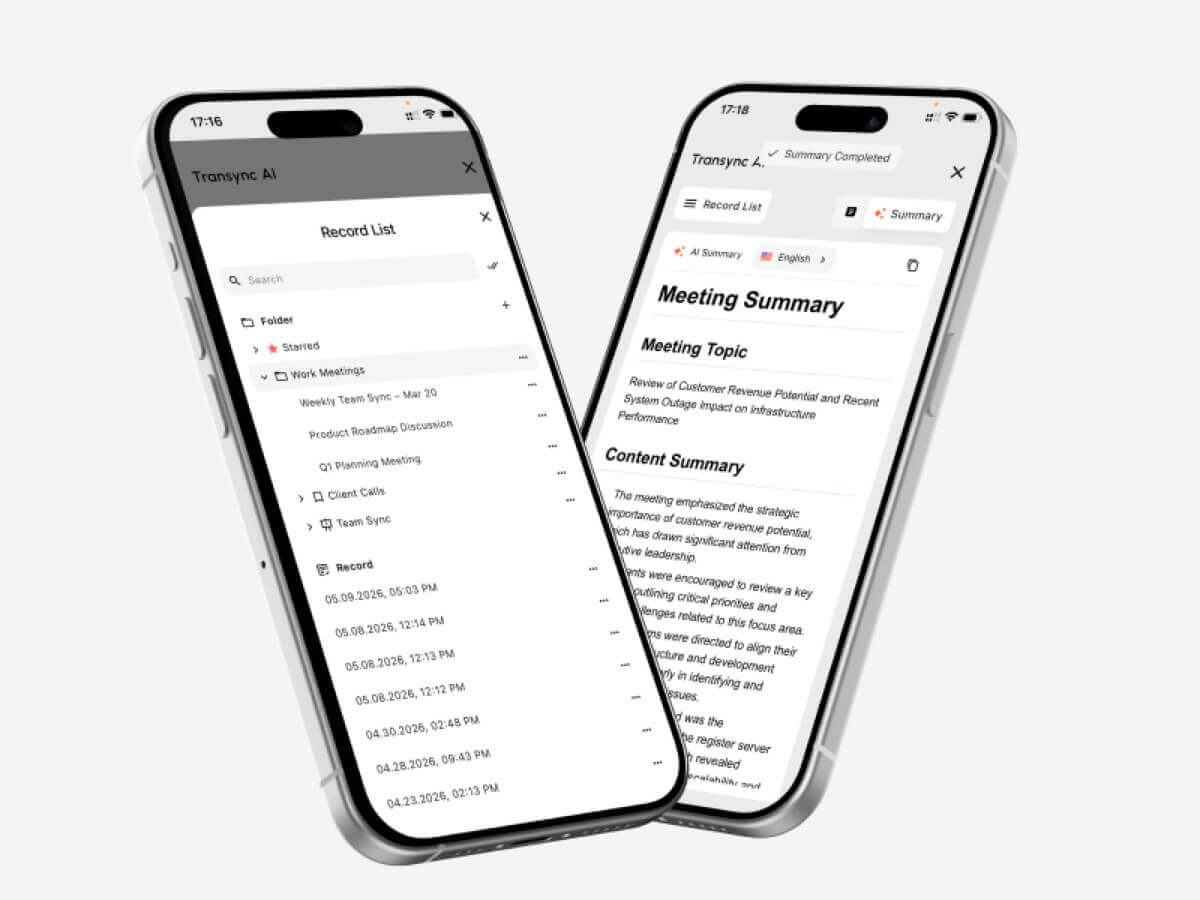
It supports real-time, bidirectional translation in more than 60 languages, including English and Spanish. Users can view the original speech and translation together, hear translated voice playback, and generate meeting notes after the conversation.
Key features include:
- Two-way English-Spanish translation
- Automatic distinction between the selected languages
- Bilingual live subtitles
- AI voice playback
- Voice preview and voice cloning
- Keywords and contextual background
- AI-generated meeting notes
- Floating subtitles
- Zoom, Microsoft Teams, and Google Meet workflows
Transync AI is particularly useful for client calls, supplier discussions, classes, interviews, product demonstrations, and remote team meetings.
Before a technical discussion, users can add terms such as product names, employee names, model numbers, and preferred translations. They can also describe the meeting topic so the system has more context.
Its main limitation is specialization. Transync AI focuses on live speech and meetings, not camera translation, scanned images, or general document translation. An internet connection is required.
2. DeepL: Best for Professional Spanish Documents
 DeepL is a broader language platform covering text, documents, writing assistance, APIs, and selected voice workflows.
It is a stronger choice when the final Spanish content needs to be reviewed, edited, published, or shared as a professional document.
Typical uses include:
- Business emails
- Reports
- Presentations
- Product documentation
- Website content
- Internal policies
- Professional Spanish writing
DeepL is especially relevant for users who prioritize written quality and document workflows over meeting-specific functions.
Its voice products also extend into conversations and meetings, but availability, pricing, and supported environments should be checked separately.
3. JotMe: Best for Translation with Meeting Notes
 JotMe combines live translation with transcription and meeting documentation.
It may suit teams that want to understand a Spanish-English meeting in real time and receive a structured record afterward.
Common functions include:
- Live translated captions
- Meeting transcription
- AI-generated notes
- Action items
- Custom vocabulary
- Searchable meeting records
JotMe is useful for project meetings, interviews, research calls, classes, and internal discussions.
Its main strength is documentation. Its main limitation is that it remains meeting-focused rather than serving as a complete travel, image, or document translator.
4. Talo: Best for Bot-Based Voice Translation
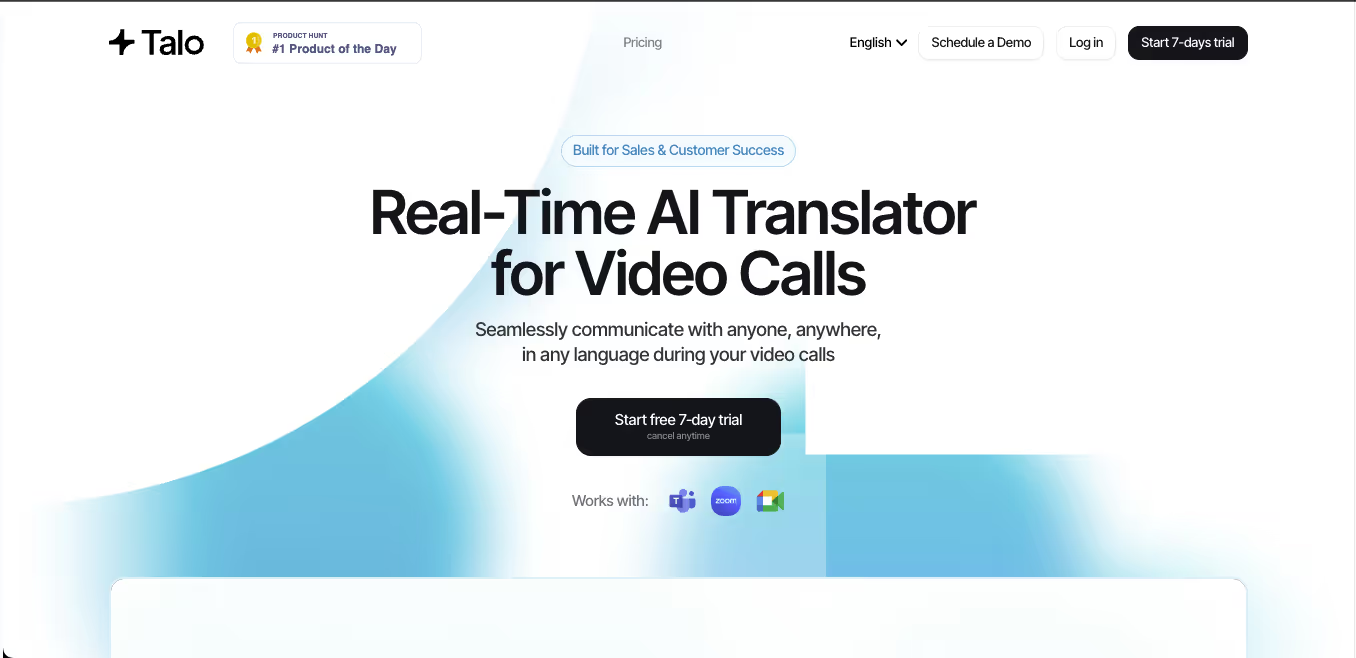 Talo uses an AI bot that joins a video meeting and provides real-time interpretation.
The host supplies the meeting link, selects the languages, and adds the bot to the call. This can reduce setup work for other participants because they do not need to install a separate translation app.
Talo is a practical option for:
- Zoom sales calls
- Google Meet demonstrations
- Microsoft Teams collaboration
- Customer support meetings
- Multilingual webinars
The main trade-off is visibility. The translator appears as a participant in the meeting. Some teams appreciate this simple setup, while others prefer a standalone tool that does not add a bot to client or executive calls.
5. Maestra: Best for Spanish Translation and Media
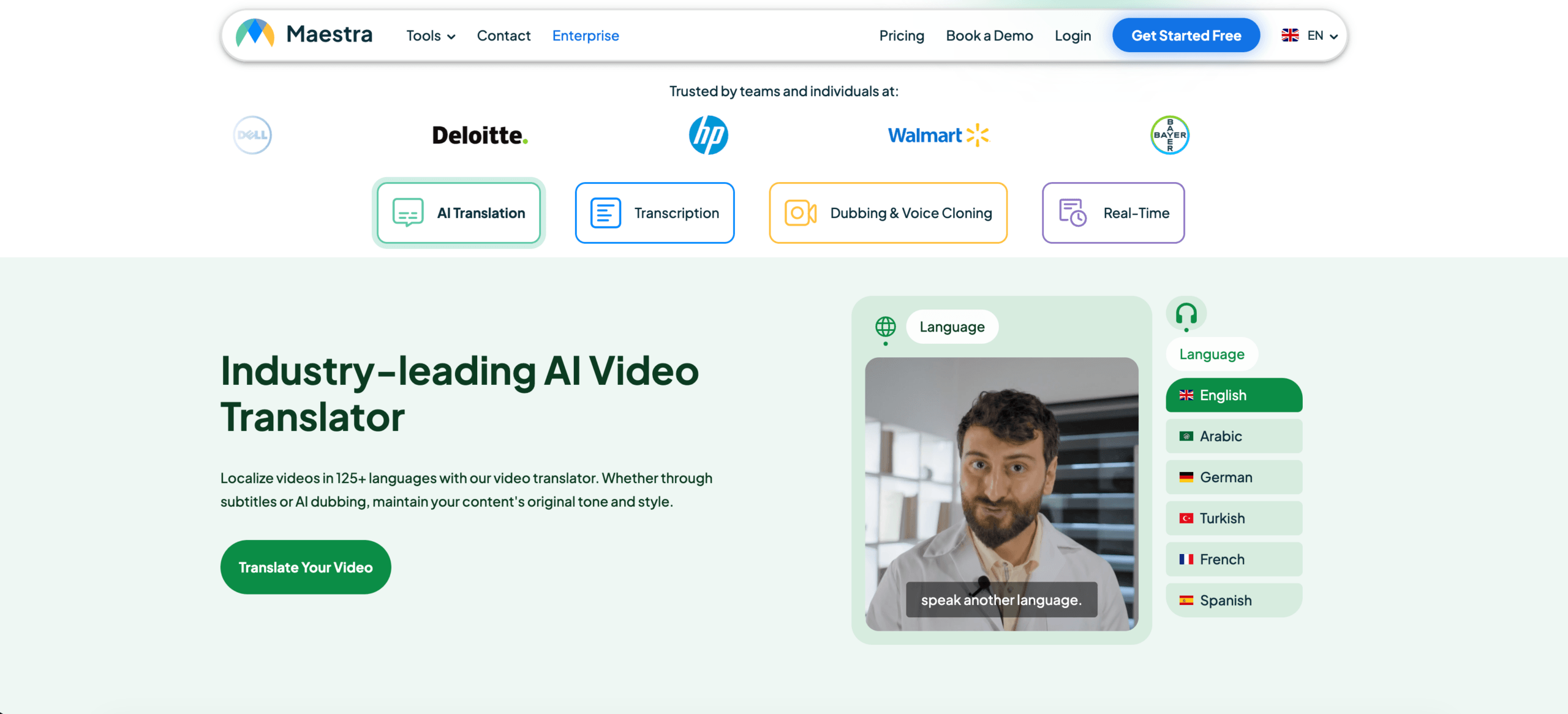 Maestra covers both live and recorded content.
Its broader workflow may include:
- Live translation
- Real-time captions
- Subtitle translation
- AI dubbing
- Voice cloning
- Video localization
- Multiple-speaker recognition
- Transcripts and summaries
Maestra is particularly relevant for webinars, online courses, interviews, live streams, podcasts, and translated videos.
It can also support meetings, but its larger media-localization toolkit may be more than a user needs for occasional Spanish-English conversations.
6. Talkao: Best for Travel and Everyday Spanish
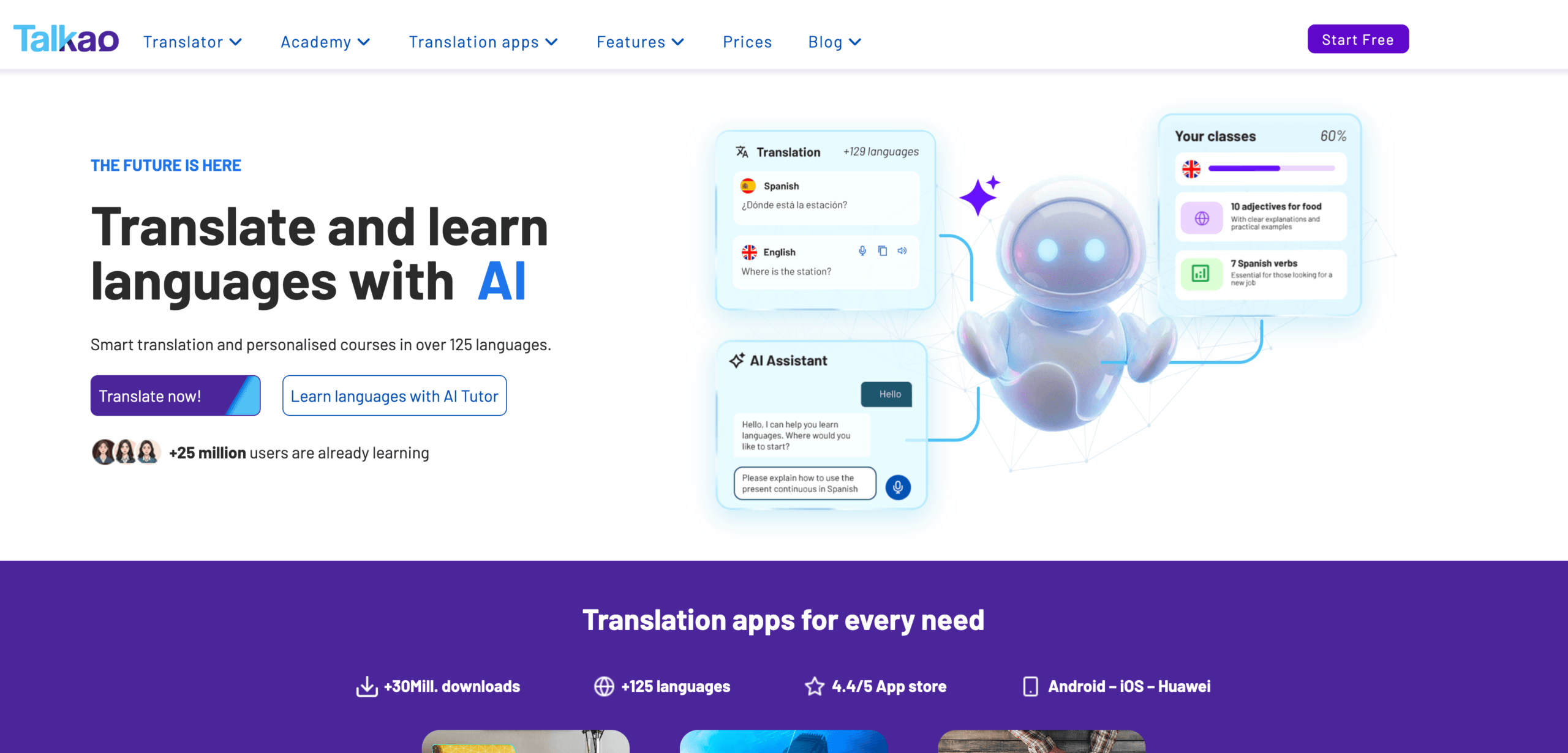 Talkao is more consumer-oriented.
It focuses on mobile translation, language learning, voice input, camera translation, and casual communication. It may also offer regional Spanish options for users traveling across Spain and Latin America.
Typical uses include:
- Translating menus and signs
- Asking for directions
- Casual face-to-face conversations
- Camera translation
- Written messages
- Spanish pronunciation practice
Talkao is convenient for travel but is less focused on business features such as virtual microphones, floating desktop subtitles, terminology preparation, and meeting summaries.
Feature Comparison: Translator Spanish and English
| Feature | Transync AI | DeepL | JotMe | Talo | Maestra | Talkao |
| Text translation | Limited | Yes | Transcript-based | Limited | Yes | Yes |
| Document translation | No | Yes | Limited | No | Yes | Available |
| Camera translation | No | No primary focus | No | No | No primary focus | Yes |
| Live Spanish speech | Yes | Voice products | Yes | Yes | Yes | Yes |
| Two-way conversation | Yes | Product-dependent | Yes | Yes | Yes | Yes |
| Bilingual subtitles | Yes | Voice-dependent | Yes | Available | Yes | App-dependent |
| Translated voice | Yes | Available | Product-dependent | Yes | Yes | Yes |
| Custom terminology | Keywords and context | Glossary-dependent | Custom vocabulary | Product-dependent | Custom dictionary | Limited |
| AI meeting notes | Yes | Not a core feature | Yes | Product-dependent | Yes | No |
| Zoom, Teams, and Meet | Yes | Product-dependent | Yes | Yes | Available | Not meeting-first |
| Best fit | Meetings | Documents | Meetings and notes | Bot-based calls | Media | Travel |
Which Tool Fits Your Scenario?
| Scenario | Recommended option |
| English-Spanish Zoom meeting | Transync AI |
| Professional Spanish report | DeepL |
| Project call with action items | JotMe |
| Team that prefers a meeting bot | Talo |
| Spanish webinar or translated video | Maestra |
| Trip to Spain or Mexico | Talkao |
| Legal or medical discussion | Human interpreter |
A translator Spanish and English tool should be selected according to the consequence of errors. Routine meetings may work well with AI. Legal, medical, financial, and regulatory conversations still require professional human support.
Subtitles or Voice Translation?
Choose bilingual subtitles when:
- Names and numbers must be checked
- Product terminology matters
- The meeting moves quickly
- Participants want to compare both languages
- Voice playback may interrupt the next speaker
Choose translated voice when:
- Participants cannot watch the screen
- The listener reads Spanish slowly
- The translation must be heard aloud
- The conversation is turn-based
- A presentation requires spoken output
Many meetings benefit from both. Subtitles improve verification, while voice output makes communication feel more natural.
How to Test a Translator Spanish and English Tool
Use a short test based on your real workflow.
Include:
- A greeting
- A formal request
- A regional expression
- A product name
- A model number
- A price
- A date
- A correction
- Mixed English-Spanish speech
- A final decision
Evaluate:
| Test area | What to check |
| Recognition | Did the tool capture the original words correctly? |
| Meaning | Was the intended message preserved? |
| Regional fit | Did the Spanish suit the target market? |
| Tone | Was it appropriately formal or informal? |
| Terminology | Were names and technical terms consistent? |
| Latency | Did the result arrive before the topic changed? |
| Voice | Was the translated speech clear? |
| Two-way flow | Could both speakers respond naturally? |
| Notes | Were decisions recorded correctly? |
Test English-to-Spanish and Spanish-to-English separately because performance may differ by direction.
FAQ: Translator Spanish and English
What is the best translator Spanish and English tool?
The best option depends on the task. Transync AI fits live meetings, DeepL fits documents, JotMe fits meetings with notes, Maestra fits media, and Talkao fits travel.
Which tool is best for Spanish-English meetings?
Choose a tool with two-way translation, low latency, bilingual subtitles, voice output, terminology controls, and meeting notes.
Which translator is best for Spanish documents?
A document-focused platform such as DeepL is generally more suitable than a live meeting translator.
Can Transync AI translate Spanish Zoom calls?
Yes. Transync AI can run alongside Zoom, Microsoft Teams, and Google Meet for bilingual subtitles and translated voice workflows.
Can AI replace a Spanish interpreter?
AI is useful for routine meetings, classes, travel, and customer conversations. Human interpreters remain the safer choice for high-stakes situations.
Final Thoughts
The right translator Spanish and English solution depends on whether you are translating a document, joining a meeting, watching a video, or traveling.
For live business communication, prioritize:
- Two-way translation
- Low latency
- Bilingual subtitles
- Natural voice output
- Terminology controls
- Meeting compatibility
- Post-meeting notes
Transync AI is strongest for live Spanish-English meetings. DeepL is better suited to written documents, JotMe to meeting documentation, Talo to bot-based calls, Maestra to media, and Talkao to travel.
The best translator is not the one with the longest feature list. It is the one designed for the conversation or content in front of you.
If you want a next-generation experience, Transync AI leads the way with real-time, AI-powered translation that keeps conversations flowing naturally. You can try it free now.
 🤖
🤖