

スペイン語と英語の翻訳ツールガイド:ライブ会議、文書作成、旅行、音声翻訳、字幕作成、AIメモ作成など、6つのツールを比較。.
選択する スペイン語と英語の翻訳者 ユーザーが頼れる機能は状況によって異なります。旅行者はカメラ通訳を必要とするかもしれませんが、営業チームはZoom会議中にバイリンガル字幕を必要とするかもしれません。ライターは洗練された文書を重視するかもしれませんが、グローバルチームはリアルタイムの音声通訳と会議議事録を必要とするかもしれません。.
だからこそ、最高のものは一つもないのです。 スペイン語と英語の翻訳者 あらゆるユーザーに適したツール。最適なツールは、テキスト、ライブ音声、会議、ビデオ、日常会話など、翻訳対象によって異なります。.
このガイドでは、人気の高い6つのオプションを比較し、それぞれのスペイン語・英語のワークフローに最適なオプションを解説します。.
簡単な回答:スペイン語と英語の翻訳ツールはどれを選ぶべきですか?
| 主な要件 | 最良の第一選択 |
|---|---|
| スペイン語と英語によるライブミーティング | Transync AI |
| 専門的なテキストと文書 | ディープL |
| 会議議事録付き翻訳 | ジョットミー |
| ボットによる音声翻訳 | タロ |
| 動画、字幕、ライブメディア | マエストラ |
| 旅行や普段使いのモバイル機器 | Talkao |
メニューを読むのに、会議専用の翻訳アプリは不要かもしれない。旅行アプリは、技術的なビジネス上の議論を行うには十分な機能を提供していないかもしれない。.
スペイン語から英語への翻訳に文脈が必要な理由
スペイン語は、スペイン国内、ラテンアメリカ、そしてアメリカ合衆国内のスペイン語圏コミュニティによって異なる。.
| 英語 | スペイン | ラテンアメリカでよく使われる用法 |
| コンピューター | コンピューター | コンピューター |
| 携帯電話 | モバイル | 携帯電話 |
| 車 | 車の | 車または自動車 |
| ジュース | ズモ | ジュゴ |
形式も翻訳に影響を与えます。スペイン語話者は、 tú, あなた, ヴォソトロス, あなた方、 または ボス 国や関係性によって異なります。.
専門用語もまた別の課題を生み出します。「パイプライン」という言葉は、販売、ソフトウェア、データ、または物理的なインフラストラクチャを指す場合があります。 スペイン語と英語の翻訳者 システムは、単語を一つ一つ個別に翻訳するのではなく、文脈を理解する必要がある。.
スペイン語と英語の翻訳ツールを選ぶ方法
ブランドを比較する前に、主な目的を明確にしましょう。.
次のような場合にテキストまたはドキュメント翻訳ツールを選択してください。
- メール
- 報告書
- プレゼンテーション
- ウェブサイトのコンテンツ
- 製品ドキュメント
次のような場合に、ライブ翻訳ツールを選択してください。
- スペイン語と英語のZoomミーティング
- クライアントからの電話
- サプライヤーとの協議
- インタビュー
- クラス
- プレゼンテーション
旅行翻訳サービスが必要な時は、以下の点に注意してください。
- メニューと看板
- 方向
- 短い会話
- カメラ翻訳
- モバイル音声再生
最高の スペイン語と英語の翻訳者 オプションは、単に言語ペアをサポートするだけでなく、ワークフローに合致するべきである。.
スペイン語-英語翻訳ツールの比較
| 道具 | 主な位置 | 最適な用途 | 主な制限事項 |
| Transync AI | リアルタイム会議翻訳 | リアルタイム字幕、音声、会議メモ | 画像や文書向けには設計されていません |
| ディープL | テキストおよび文書の翻訳 | 専門的なスペイン語文書 | 音声機能は製品とプランによって異なります |
| ジョットミー | 会議通訳アシスタント | 注釈とアクション項目を含む翻訳 | 主に会議に焦点を当てています |
| タロ | 会議通訳ボット | ビデオ通話内の音声翻訳 | ボットが参加者として表示されます |
| マエストラ | ライブおよび録画翻訳 | 字幕、吹き替え、ウェビナー、メディア | 多くの小規模チームが必要とする範囲よりも広い |
| Talkao | 消費者向けモバイル翻訳 | 旅行、カメラ、テキスト、そしてくだけた会話 | ビジネスミーティングのワークフローが限定的 |
1. Transync AIスペイン語と英語のライブ会議に最適
 Transsync AIは、静的なテキストではなく、多言語での会話を想定して設計されています。.
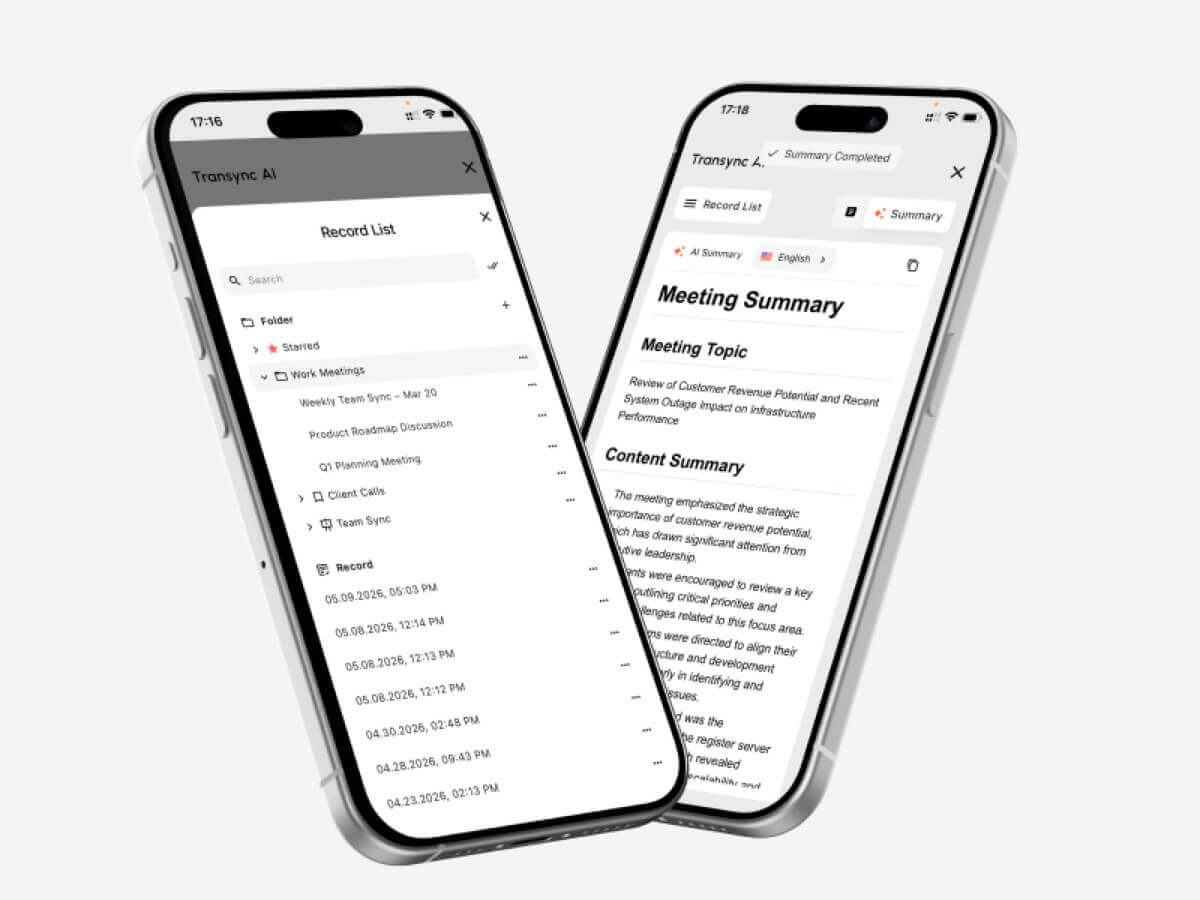
英語やスペイン語を含む60以上の言語で、リアルタイムの双方向翻訳に対応しています。ユーザーは元の音声と翻訳を同時に表示したり、翻訳された音声を再生したり、会話後に会議の議事録を作成したりできます。.
主な機能は次のとおりです。
- 英語とスペイン語の双方向翻訳
- 選択された言語間の自動的な区別
- バイリンガルのライブ字幕
- AI音声再生
- 音声プレビューと音声クローン
- キーワードと背景情報
- AI生成の会議メモ
- フローティング字幕
- Zoom、Microsoft Teams、Google Meetのワークフロー
Transsync AIは、顧客との電話会議、サプライヤーとの話し合い、授業、面接、製品デモンストレーション、リモートチームミーティングなどに特に役立ちます。.
技術的な議論を行う前に、ユーザーは製品名、従業員名、型番、希望する翻訳などの用語を追加できます。また、会議のトピックを説明することで、システムがより多くの背景情報を理解できるようになります。.
主な制約は、その特化性にある。Transync AIは、カメラ翻訳、スキャン画像、一般的な文書翻訳ではなく、ライブ音声や会議に特化している。インターネット接続が必須となる。.
2. ディープL: プロフェッショナルなスペイン語文書に最適
 DeepLは、テキスト、ドキュメント、ライティング支援、API、および一部の音声ワークフローを網羅する、より広範な言語プラットフォームです。.
最終的なスペイン語コンテンツをレビュー、編集、公開、または専門的な文書として共有する必要がある場合は、より適切な選択肢となります。.
代表的な用途としては以下のようなものがあります。
- ビジネスメール
- 報告書
- プレゼンテーション
- 製品ドキュメント
- ウェブサイトのコンテンツ
- 内部方針
- プロフェッショナルなスペイン語ライティング
DeepLは、会議固有の機能よりも文章の質や文書作成のワークフローを優先するユーザーにとって特に有用です。.
同社の音声製品は会話や会議にも対応していますが、提供状況、価格、対応環境については別途確認する必要があります。.
3. ジョットミー会議議事録の翻訳に最適
 JotMeは、リアルタイム翻訳と文字起こし、会議記録作成を組み合わせたサービスです。.
これは、スペイン語と英語で行われる会議の内容をリアルタイムで理解し、後で構造化された記録を受け取りたいチームに適しているかもしれません。.
一般的な機能には以下が含まれます。
- リアルタイム翻訳字幕
- 会議の記録
- AIが生成したメモ
- アクション項目
- カスタム語彙
- 検索可能な会議記録
JotMeは、プロジェクト会議、面接、調査依頼、授業、社内討議などに役立ちます。.
その最大の強みは文書作成機能です。一方、最大の弱点は、旅行、画像、文書の総合的な翻訳ツールとしてではなく、会議に特化している点です。.
4. タロボットベースの音声翻訳に最適
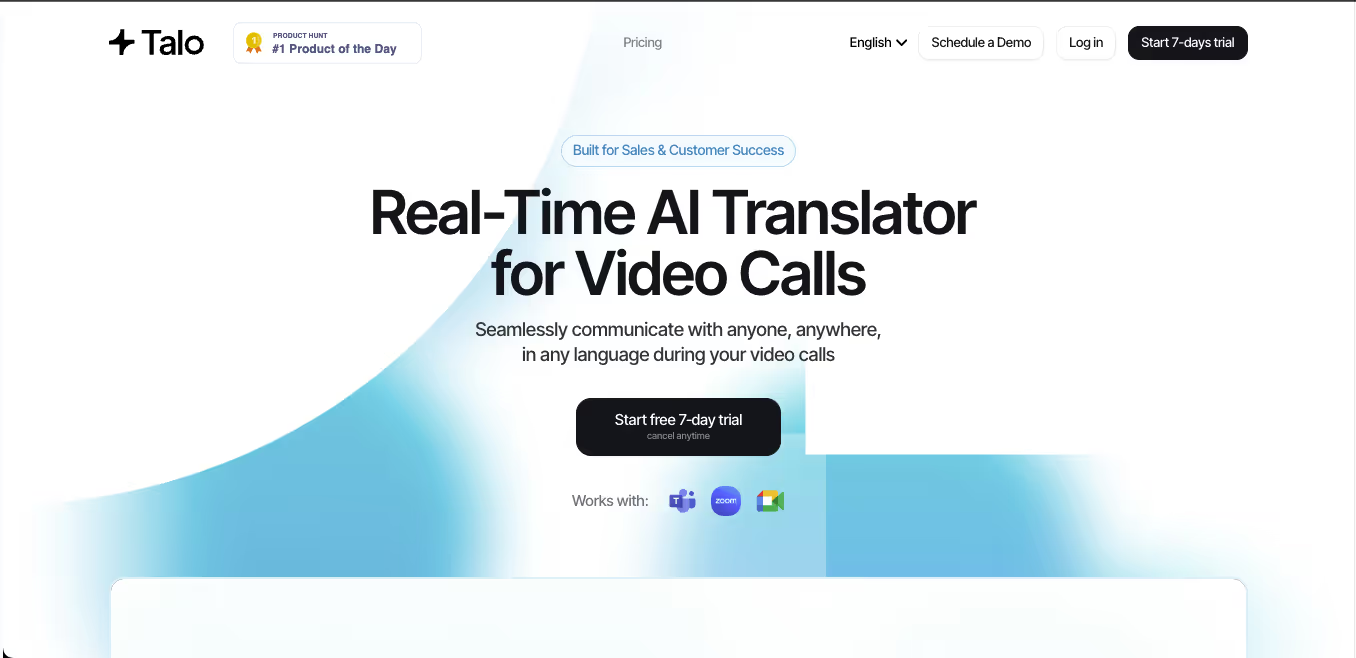 Taloは、ビデオ会議に参加してリアルタイムで通訳を提供するAIボットを使用しています。.
主催者は会議リンクを提供し、言語を選択し、ボットを通話に追加します。これにより、他の参加者は別途翻訳アプリをインストールする必要がないため、設定作業を軽減できます。.
Taloは以下のような場合に実用的な選択肢となります。
- Zoomを使った営業電話
- Google Meetのデモ
- Microsoft Teams コラボレーション
- 顧客サポート会議
- 多言語ウェビナー
主なトレードオフは可視性です。翻訳者は会議の参加者として表示されます。このシンプルな設定を好むチームもあれば、クライアントや役員との通話にボットを追加しないスタンドアロンツールを好むチームもあります。.
5. マエストラスペイン語翻訳とメディアに最適
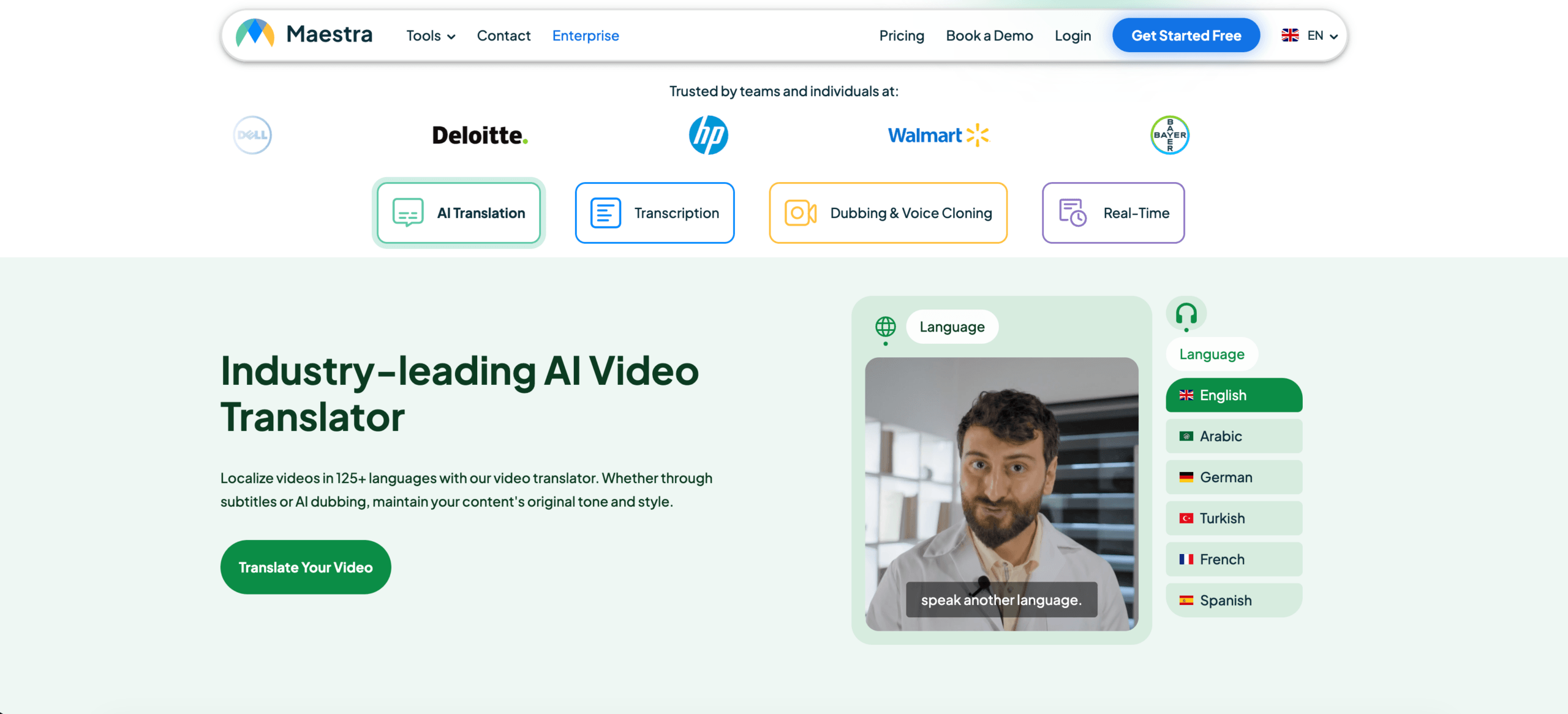 マエストラはライブコンテンツと録音コンテンツの両方を扱っています。.
そのより広範なワークフローには以下が含まれる可能性があります。
- ライブ翻訳
- リアルタイム字幕
- 字幕翻訳
- AI吹き替え
- 音声クローン
- 動画ローカライズ
- 複数話者認識
- 議事録と要約
Maestraは、ウェビナー、オンラインコース、インタビュー、ライブ配信、ポッドキャスト、翻訳動画などに特に適しています。.
会議にも対応できるが、その充実したメディアローカライズツールキットは、時折スペイン語と英語で会話をするユーザーにとっては必要以上のものかもしれない。.
6. Talkao旅行や日常スペイン語に最適
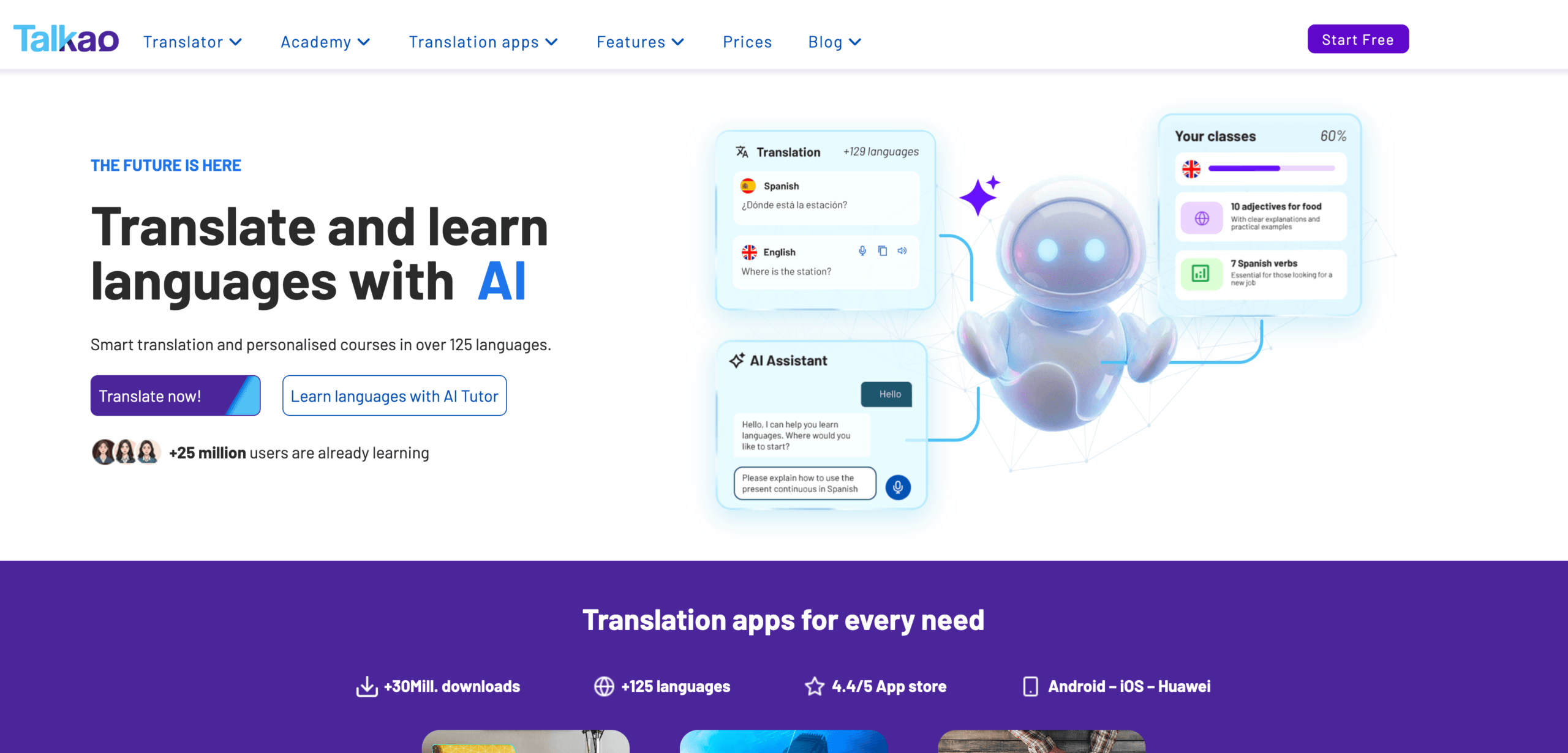 Talkaoはより消費者志向だ。.
このアプリは、モバイル翻訳、語学学習、音声入力、カメラ翻訳、そして日常会話に重点を置いています。また、スペインやラテンアメリカを旅行するユーザー向けに、地域別のスペイン語オプションを提供する場合もあります。.
代表的な用途としては以下のようなものがあります。
- メニューや看板の翻訳
- 道順を尋ねる
- 気軽な対面での会話
- カメラ翻訳
- 書面によるメッセージ
- スペイン語の発音練習
Talkaoは旅行には便利ですが、仮想マイク、デスクトップ上のフローティング字幕、用語集の作成、会議の要約といったビジネス機能にはあまり重点を置いていません。.
機能比較:スペイン語と英語の翻訳機能
| 特徴 | Transync AI | ディープL | ジョットミー | タロ | マエストラ | Talkao |
| テキスト翻訳 | 限定 | はい | トランスクリプトベース | 限定 | はい | はい |
| 文書翻訳 | いいえ | はい | 限定 | いいえ | はい | 利用可能 |
| カメラ翻訳 | いいえ | 特に重点を置く分野はない | いいえ | いいえ | 特に重点を置く分野はない | はい |
| 生のスペイン語スピーチ | はい | 音声製品 | はい | はい | はい | はい |
| 双方向の会話 | はい | 製品によって異なる | はい | はい | はい | はい |
| バイリンガル字幕 | はい | 音声依存型 | はい | 利用可能 | はい | アプリに依存する |
| 翻訳された音声 | はい | 利用可能 | 製品によって異なる | はい | はい | はい |
| カスタム用語 | キーワードとコンテキスト | 用語集に依存する | カスタム語彙 | 製品によって異なる | カスタム辞書 | 限定 |
| AI会議メモ | はい | コア機能ではない | はい | 製品によって異なる | はい | いいえ |
| Zoom、Teams、Meet | はい | 製品によって異なる | はい | はい | 利用可能 | 最初に会うのではなく |
| 最適なフィット感 | 会議 | 文書 | 会議と議事録 | ボットによる通話 | メディア | 旅行 |
あなたの状況に最適なツールはどれですか?
| シナリオ | 推奨オプション |
| 英語とスペイン語のZoomミーティング | Transync AI |
| プロフェッショナルなスペイン語レポート | ディープL |
| プロジェクト会議(アクションアイテム付き) | ジョットミー |
| 会議ボットを好むチーム | タロ |
| スペイン語のウェビナーまたは翻訳されたビデオ | マエストラ |
| スペインまたはメキシコへの旅行 | Talkao |
| 法律または医療に関する議論 | 人間の通訳 |
あ スペイン語と英語の翻訳者 ツールは、エラーが発生した場合の影響に応じて選択する必要があります。定型的な会議にはAIが適しているかもしれませんが、法律、医療、財務、規制に関する議論には、依然として専門家によるサポートが必要です。.
字幕か音声翻訳か?
バイリンガル字幕を選択する場合:
- 名前と番号を確認する必要があります
- 製品用語は重要です
- 会議はあっという間に進む
- 参加者は両方の言語を比較したいと考えている
- 音声再生によって次の話者が中断される場合があります
翻訳音声を選択する場合:
- 参加者は画面を見ることができません
- 聞き手はスペイン語をゆっくり読む
- 翻訳は声に出して聞く必要があります
- 会話は順番に行われます
- プレゼンテーションには音声出力が必要です
多くの会議では、字幕と音声出力の両方が役立ちます。字幕は確認を容易にし、音声出力はコミュニケーションをより自然なものにします。.
スペイン語と英語の翻訳ツールをテストする方法
実際のワークフローに基づいた短いテストを実施してください。.
含む:
- 挨拶
- 正式な依頼
- 地域的な表現
- 商品名
- 型番
- 価格
- デート
- 訂正
- 英語とスペイン語が混ざった話し方
- 最終決定
評価する:
| テストエリア | チェックすべき事項 |
| 認識 | そのツールは元の単語を正しく抽出しましたか? |
| 意味 | 意図したメッセージは保持されたか? |
| 地域適合性 | スペイン語はターゲット市場に合っていたか? |
| トーン | それは適切にフォーマルだったのか、それともインフォーマルだったのか? |
| 用語 | 名称と専門用語は一貫していましたか? |
| レイテンシー | 結果は話題が変わる前に届きましたか? |
| 声 | 翻訳されたスピーチは明瞭でしたか? |
| 双方向の流れ | 両方の話者は自然な返答をすることができたでしょうか? |
| 注記 | 決定事項は正しく記録されましたか? |
英語からスペイン語、スペイン語から英語への翻訳は、方向によってパフォーマンスが異なる可能性があるため、別々にテストしてください。.
よくある質問:スペイン語と英語の翻訳
スペイン語と英語の翻訳ツールの中で、最も優れたものは何ですか?
最適な選択肢は、タスクによって異なります。Transync AIはライブ会議に適しており、DeepLはドキュメントに、JotMeはメモ付きの会議に、Maestraはメディアに、Talkaoは旅行に適しています。.
スペイン語と英語の会議に最適なツールはどれですか?
双方向翻訳、低遅延、バイリンガル字幕、音声出力、用語管理、会議メモ機能を備えたツールを選びましょう。.
スペイン語の文書翻訳に最適な翻訳ツールはどれですか?
DeepLのような文書中心のプラットフォームは、一般的に、リアルタイムの会議通訳ツールよりも適している。.
Transsync AIはスペイン語のZoom通話を翻訳できますか?
はい。Transync AIは、Zoom、Microsoft Teams、Google Meetと連携して、バイリンガル字幕や翻訳音声ワークフローを実現できます。.
AIはスペイン語通訳の代わりになれるのか?
AIは、定型的な会議、授業、旅行、顧客との会話などに役立ちます。しかし、重大な局面においては、人間の通訳の方がより安全な選択肢となります。.
最後に
右 スペイン語と英語の翻訳者 解決策は、文書を翻訳しているのか、会議に参加しているのか、ビデオを見ているのか、旅行中なのかによって異なります。.
リアルタイムのビジネスコミュニケーションにおいては、以下の点を優先してください。
- 双方向翻訳
- 低遅延
- バイリンガル字幕
- 自然な音声出力
- 用語コントロール
- 会議の互換性
- 会議後のメモ
Transync AIは、スペイン語と英語のリアルタイム会議に最も適しています。DeepLは文書作成に、JotMeは会議の議事録作成に、Taloはボットによる通話に、Maestraはメディアに、Talkaoは旅行に適しています。.
最高の翻訳ソフトとは、機能一覧が最も長いものではありません。目の前の会話やコンテンツに合わせて設計されたものです。.
次世代の体験をお求めなら、 Transync AI リアルタイムのAI翻訳で自然な会話の流れを実現します。 無料でお試しください 今。
 🤖
🤖