

Chinese translate help for a clear meeting introduction. Confirm names, prepare an English script, and use Chinese captions with Pinyin during the call.
Searching for “chinese translate” can mean translating Chinese into English or translating another language into Chinese. Set the direction first. For a written message, translate the complete sentence; for a conversation, choose the spoken language and a live mode. A meeting introduction needs one extra step: confirm how the person actually wants to be introduced.
Here is a practical task for an English-speaking host. A new colleague has sent a short Chinese introduction. You need an English welcome, a readable name on screen, and enough pronunciation support to greet them confidently.
The goal is recognition, not a new name or an invented job title.
Start the Chinese translate task with the whole introduction
Our fictional colleague sends:
我是林晨,在重庆的研发中心工作。
Una traduzione naturale in inglese è:
I’m Lin Chen. I work at the research and development center in Chongqing.
For this example, 林 is the family name and 晨 is the given name. The Mandarin pronunciation is Lín Chén. These are constructed teaching examples, not captured product outputs or a real employee’s details.
Keep the whole sentence while preparing the English. It tells you who is speaking, where they work, and what kind of workplace it is. It does not say that they direct the center, manage a department, or hold a particular qualification.
A useful “chinese translate” result preserves that distinction. “Works at a research and development center” must not quietly become “Head of Research and Development.”
Confirm the name before writing the welcome
Before choosing the name for your opening line, ask:
Cinese: 您希望我用什么名字介绍您?
Inglese: What name would you like me to use when introducing you?
Suppose the colleague replies that they use Chris Lin in English meetings and would like the Chinese name visible too. That is additional information supplied by the person. Chris is not the English translation of 晨, and a translator could not establish that preference from the original sentence alone.
Now you can use Chris Lin in the English welcome while retaining 林晨 for recognition. Do not automatically reverse every Chinese name or replace an established spelling with a new Pinyin rendering.
Check Chongqing as a place and the center as a description
重庆 is a place name. Use Chongqing in the English introduction, not a word-by-word translation of its characters. In Mandarin, the place is pronounced Chóngqìng; looking at an isolated character can lead you to a reading that does not belong in this word.
MDBG is useful for this preparation. Its dictionary supports searches by Chinese characters, Mandarin Pinyin, or English definitions. Look up the whole word 重庆, rather than assembling a place name from separate character meanings.
The dictionary can help with vocabulary and pronunciation. It cannot confirm that this particular colleague prefers Chris Lin.
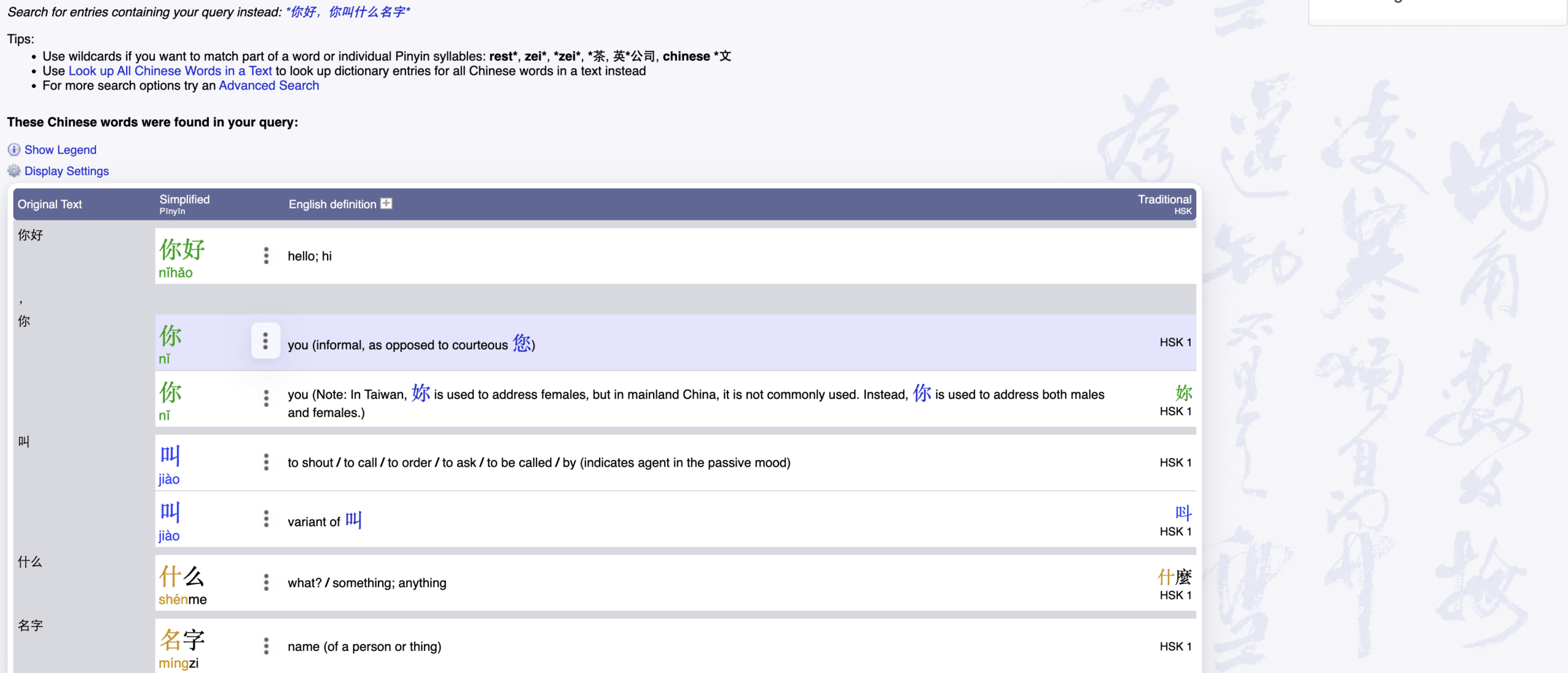
La frase 研发中心 describes a research and development center here. Keep it as a description unless the colleague supplies an official English unit name. Avoid inventing a capitalized institutional title or implying that the whole center is called “Chongqing Research Institute.”
For this “chinese translate” task, the place and the workplace need different treatment: preserve the recognized place name, and translate the descriptive phrase according to its role in the sentence.
Turn a Chinese translate draft into a host script
With the name confirmed, the host can say:
Please welcome Chris Lin, who works at the research and development center in Chongqing.
This is an introduction written for the host, not a direct first-person translation. “Please welcome” is the host’s framing; the workplace information comes from the colleague’s original sentence.
Prepare the on-screen name separately:
Chris Lin | 林晨
Show the colleague the spoken line and display together. Ask whether both identify them as they wish to be introduced. A correct sentence beside the wrong participant name is still an unsuccessful introduction.
This finished pair is the practical answer to the “chinese translate” request. The host has something to say, and the audience has a name they can connect with the person speaking.
PROMT.One for drafting the written sentence
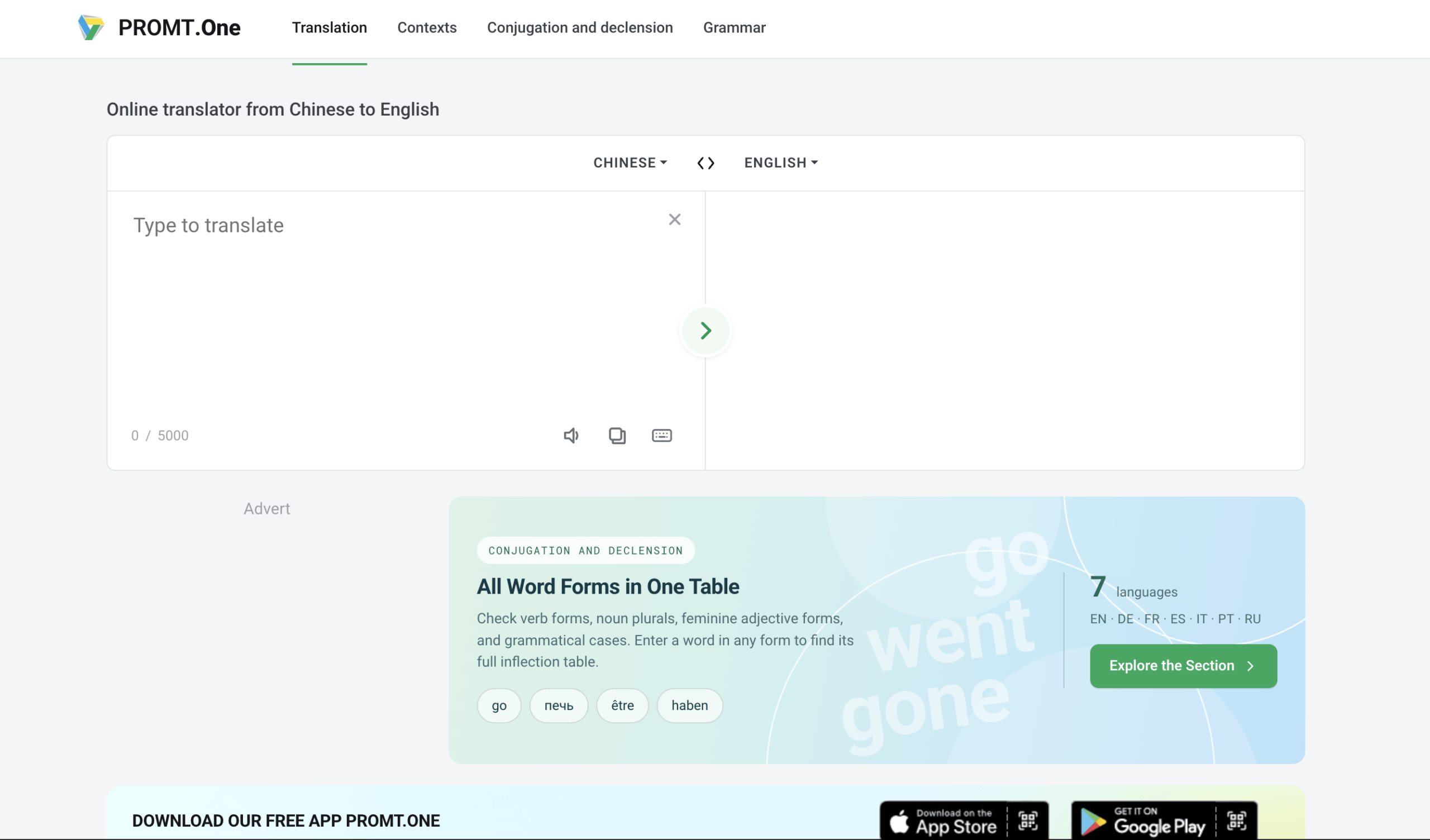
PROMT.One offers a Chinese-to-English text route: paste the introduction, check the language direction, translate, then edit or copy the result. Use the complete sentence rather than entering each character separately.
Review the draft against the colleague’s supplied information before adapting it into the host’s voice. Apply the participant-confirmed meeting name rather than accepting an automatically generated spelling.
Use Pinyin to rehearse rather than rename the person
If the host wants to greet the colleague using 林晨, rehearse Lín Chén with the colleague. If the agreed introduction uses Chris Lin, use that form. You do not need to announce every available version of the name.
Pinyin helps connect Mandarin sounds with Chinese characters. It does not turn a pronunciation into a preferred English name, and reading it as ordinary English spelling can produce the wrong sounds. Listen to the person’s own pronunciation when possible.
For a “chinese translate” workflow, keep these jobs separate: Chinese characters identify the written name, Pinyin supports Mandarin reading, and the confirmed meeting form tells the host what to say.
Transync AI for the conversation after the welcome
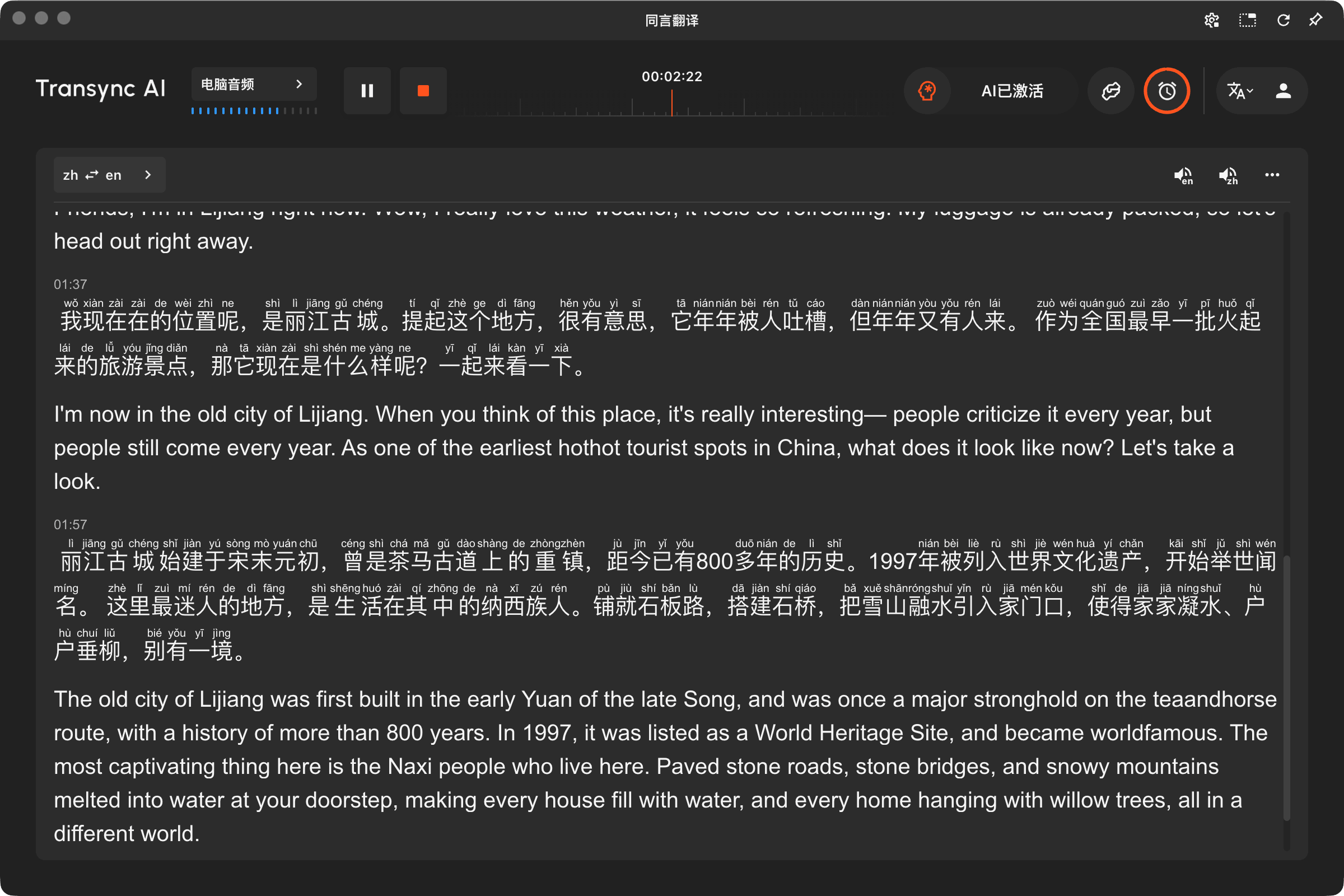
Transync AI fornisce traduzione di riunioni in diretta with bilingual captions. For this Mandarin-English conversation, select Traduzione bidirezionale and the Chinese-English pair. Test the microphone and remote meeting audio before the colleague joins.
 Accendere Mostra il pinyin cinese when you want pronunciation support: Pinyin appears above the Chinese characters during translation. The Chinese Pinyin display lets a host follow the visible Chinese alongside a reading aid. Keep the characters visible and confirm unfamiliar names with their owners.
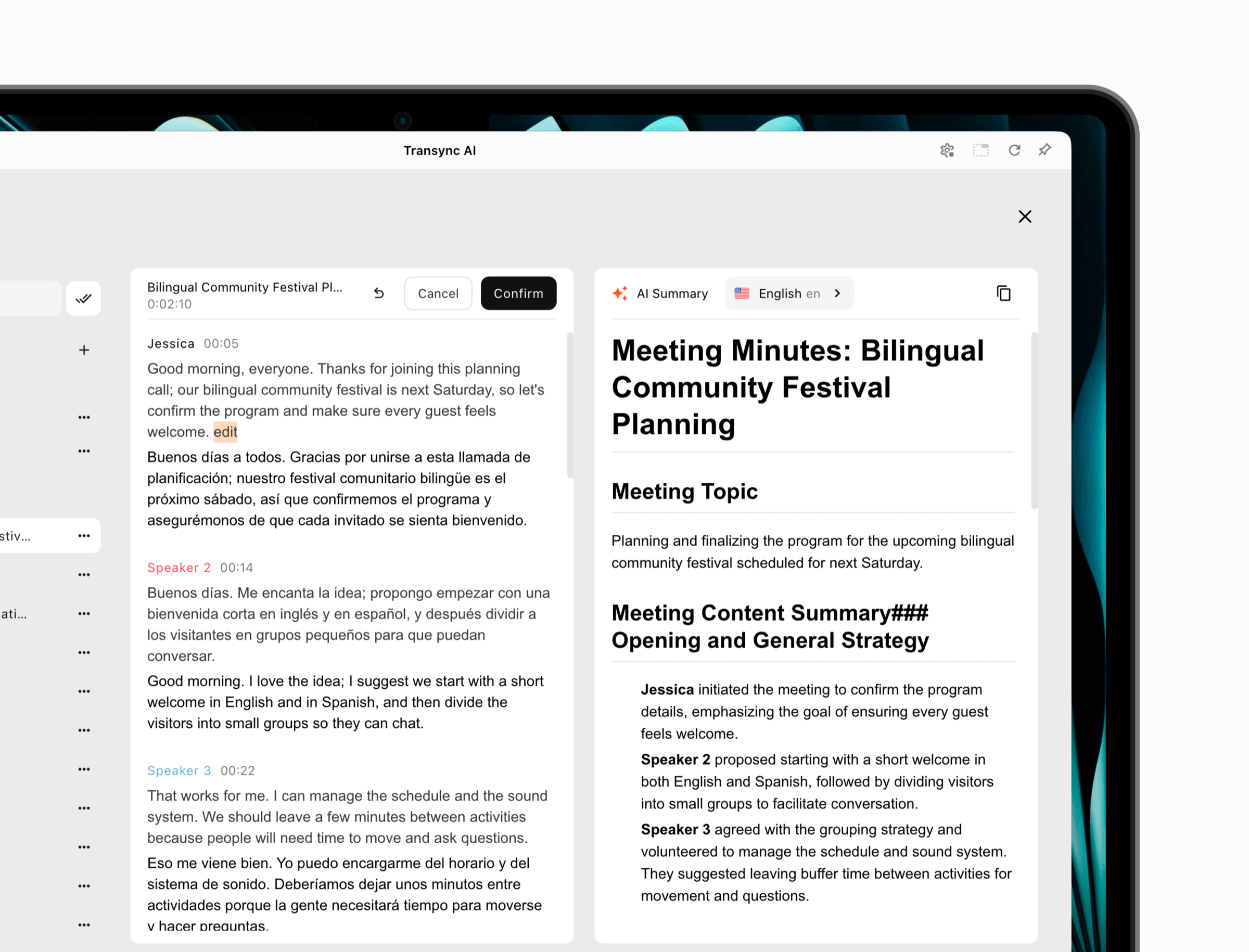
 Prepare the confirmed name through Parole chiave e contesto before starting, using a model that supports the assistant. You can supply 林晨 → Chris Lin as a preferred English rendering for this meeting. This guides translation; it does not verify identity or guarantee every caption.
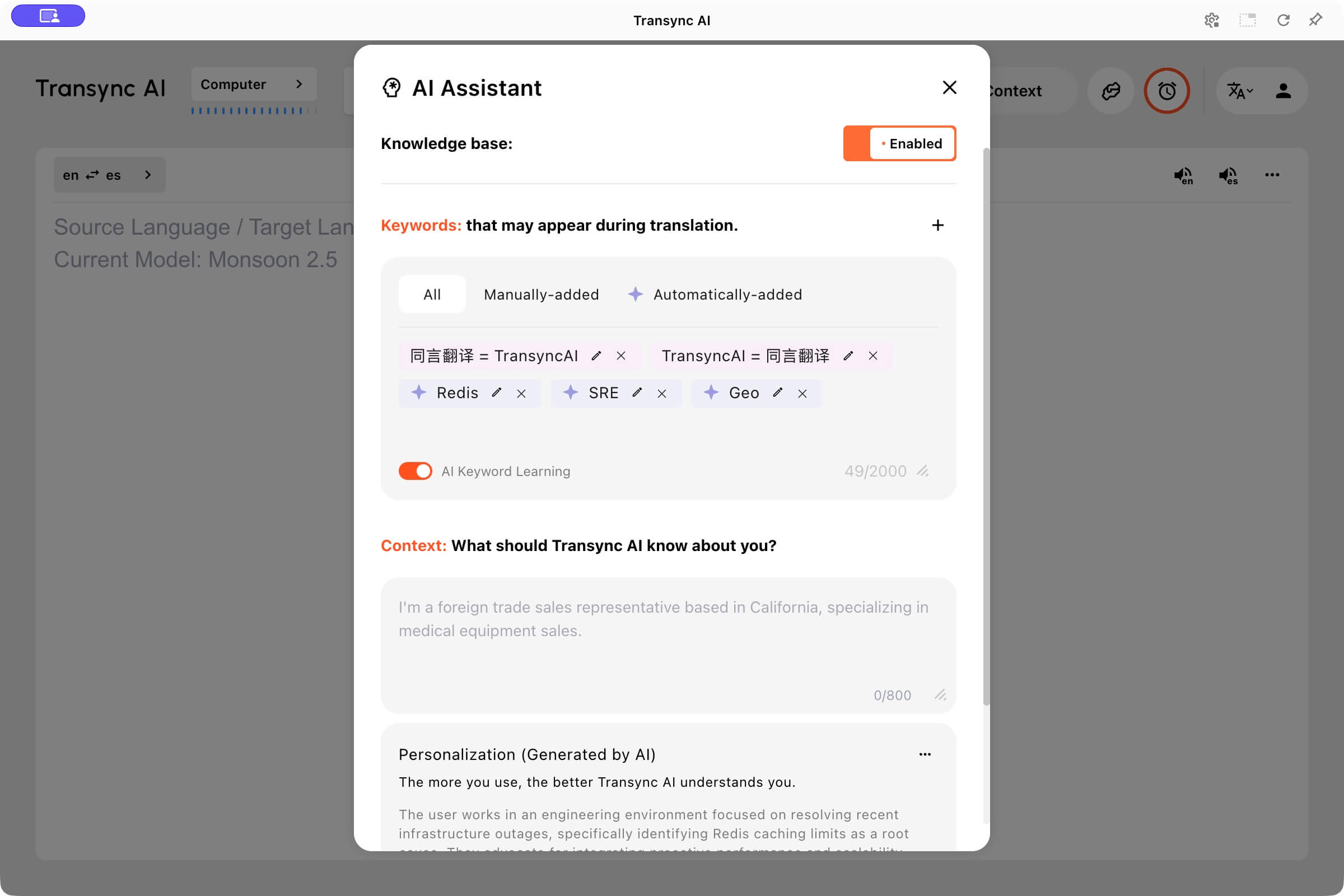 The software supports the live exchange, not the creation of your name strip. Prepare that display separately in the meeting platform or presentation you use. Transync AI requires an internet connection and is not a pasted-text or general document translator.
Prova Transync AI gratuitamente
Compare the tools by what you need next
These routes can complement each other. The right choice for a “chinese translate” task depends on whether you are drafting, investigating a word, or speaking with the participant.
| Strumento o percorso | Use it for this introduction | What it contributes | What still needs confirmation |
|---|---|---|---|
| PROMT.One | Drafting English from the complete Chinese sentence | A text result you can edit and copy | Preferred name, factual role, and final host wording |
| MDBG | Looking up 重庆 or another unfamiliar word | Chinese entries, Mandarin readings, and English meanings | The person’s own name preference and the workplace’s official title |
| Transync AI | Following the live Chinese-English conversation | Bilingual captions, optional Chinese Pinyin, and prepared name guidance | Audio capture, name accuracy, and what the participant actually means |
| Bilingual reviewer or translator | Reviewing a public or important introduction | Contextual language judgment and revision | The participant’s supplied details and agreed introduction form |
Rehearse the opening as the audience will experience it
Read the host line aloud while displaying Chris Lin | 林晨. Check that the audience can connect the spoken name, visible name, and correct person. Keep the workplace description accurate even if a shorter title would sound more polished.
If you are using live captions, test a short exchange with both people speaking. For an online call, confirm that the remote voice reaches the translation tool; an active local microphone does not prove remote audio is being captured.
If a name is wrong, pause and confirm it rather than continuing to repeat the error. Correct the introduction and any separately prepared display that needs changing. A correction in one place does not automatically update every slide, participant label, or message.
Chinese translate questions before the call
Does Chinese translate mean Mandarin
The search phrase does not specify a spoken variety or even a direction. This example uses Mandarin speech and Simplified Chinese writing. For Cantonese speech, select a tool and pronunciation system suited to Cantonese; Mandarin Pinyin is not a Cantonese pronunciation guide.
Should I replace the Chinese name with Pinyin
Not automatically. Keep the original characters available and ask the person which form to use in the meeting. Pinyin supports pronunciation but does not prove a preferred English spelling, name order, or English given name.
Can live captions prepare the introduction for me
They can help you understand and clarify a spoken introduction. Prepare and review the host script and name display separately. Do not treat a recognized name in a caption as confirmation that the person has approved it.
A successful introduction ends with recognition
The best outcome from a “chinese translate” search is not just an English sentence. Here, it is a welcome the host can deliver, a name the participant recognizes, and a live conversation everyone can follow. Confirm the name, rehearse the pronunciation you actually need, and keep the spoken introduction aligned with the screen.