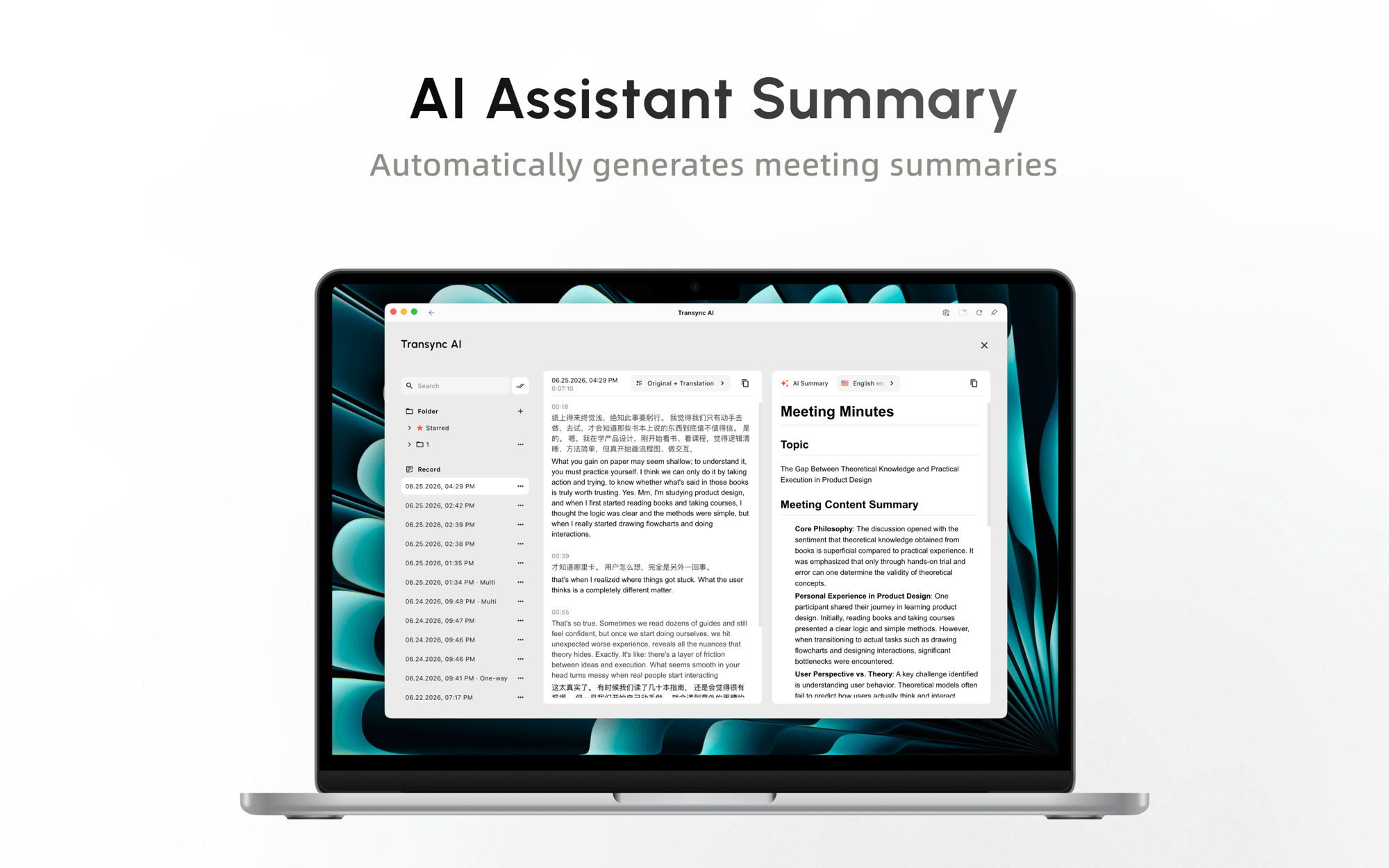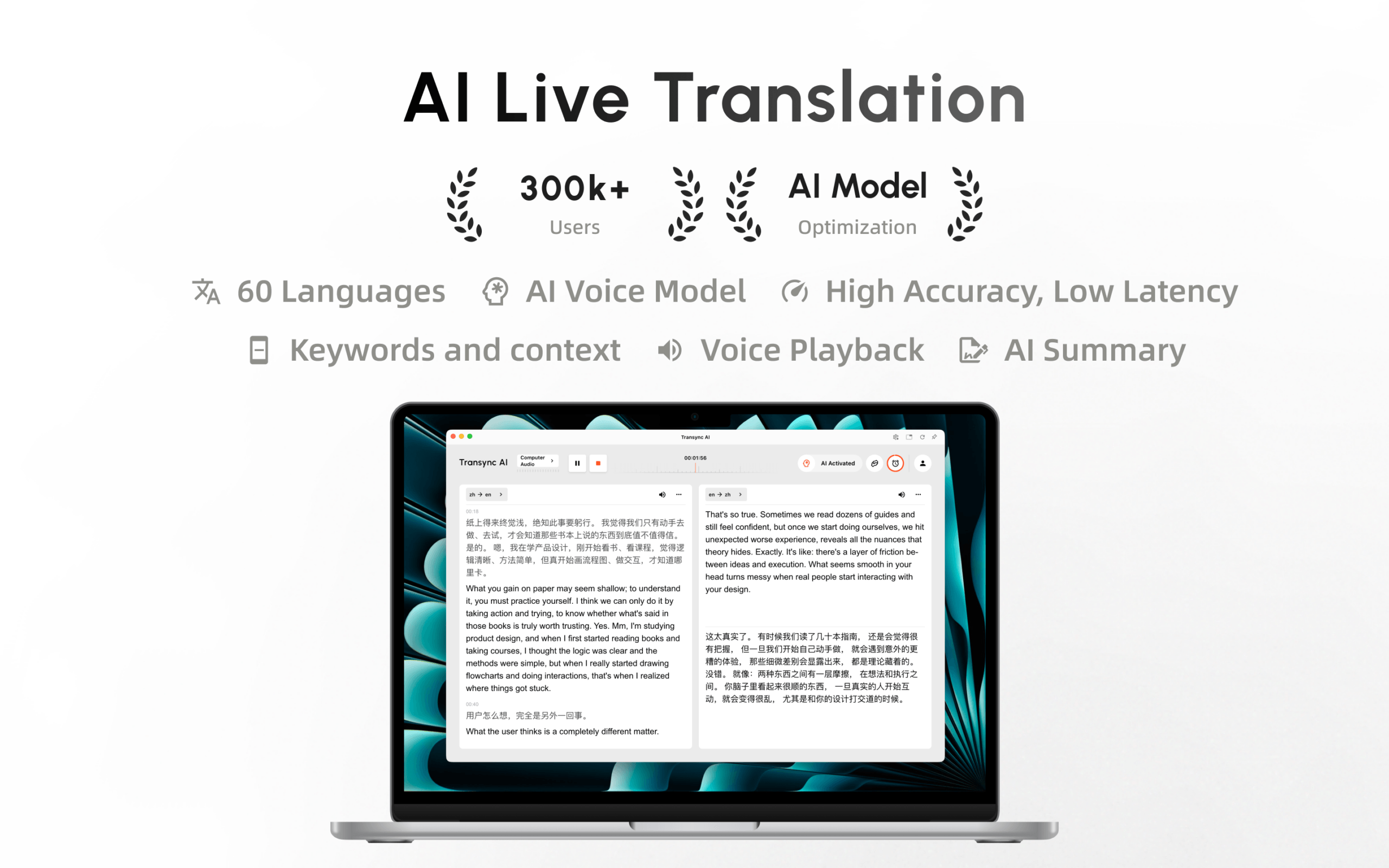
Transync AI is now available on the Mac App Store. Download it easily, receive automatic updates, and start real-time translation on Mac.
We’re excited to announce that the Transync AI Mac App Store version is now officially available.
Mac users can now find and install Transync AI directly from the Mac App Store, making it easier to download the app, receive future updates, and start using real-time AI translation on a desktop.
Whether you communicate with international clients, attend multilingual meetings, take part in online classes, or collaborate with colleagues around the world, Transync AI helps you understand and respond across languages in real time.
What Does the Mac App Store Release Mean?
Previously, Mac users could download the Transync AI desktop installer from our official website. That option remains available, but the new Mac App Store release provides another convenient way to install and manage the application.
With the Transync AI Mac App Store version, you can:
- Download Transync AI through Apple’s official app marketplace
- Install the application with a familiar Mac workflow
- Receive application updates more conveniently
- Sign in with your existing Transync AI account
- Continue using the same account across supported devices
Your account, membership, and available translation time remain connected to your Transync AI account. You do not need to create a separate account when switching to the Mac App Store version.
 What Can You Do with Transync AI on Mac?
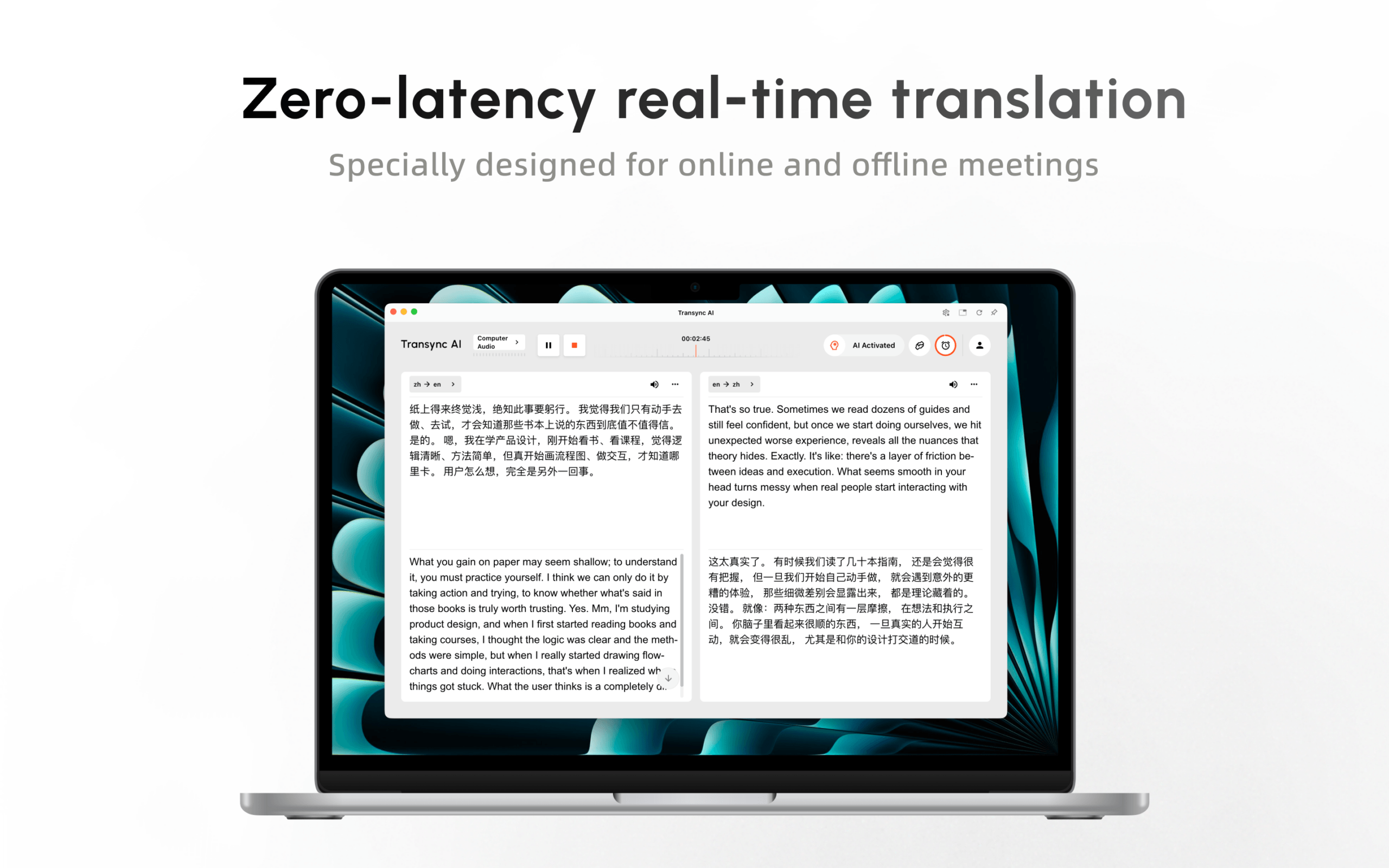 What Can You Do with Transync AI on Mac?
Transync AI is designed for live multilingual communication rather than simple text translation. It captures spoken language and provides translated subtitles or voice output while the conversation is happening.
1. Translate Meetings in Real Time
Use Transync AI alongside online meeting platforms such as Zoom, Microsoft Teams, and Google Meet.
The desktop app can capture your microphone and computer audio, allowing it to translate both your speech and the voices of other meeting participants. Original speech and translated content appear on screen in real time.
Learn more about live meeting translation.
2. Follow Conversations with Bilingual Subtitles
Transync AI displays the original speech and translation together, helping participants compare both languages without switching between different tools.
You can also use Picture-in-Picture mode to keep translated subtitles visible in a floating window while viewing slides, shared screens, documents, or other applications.
See how to use Picture-in-Picture floating subtitles.
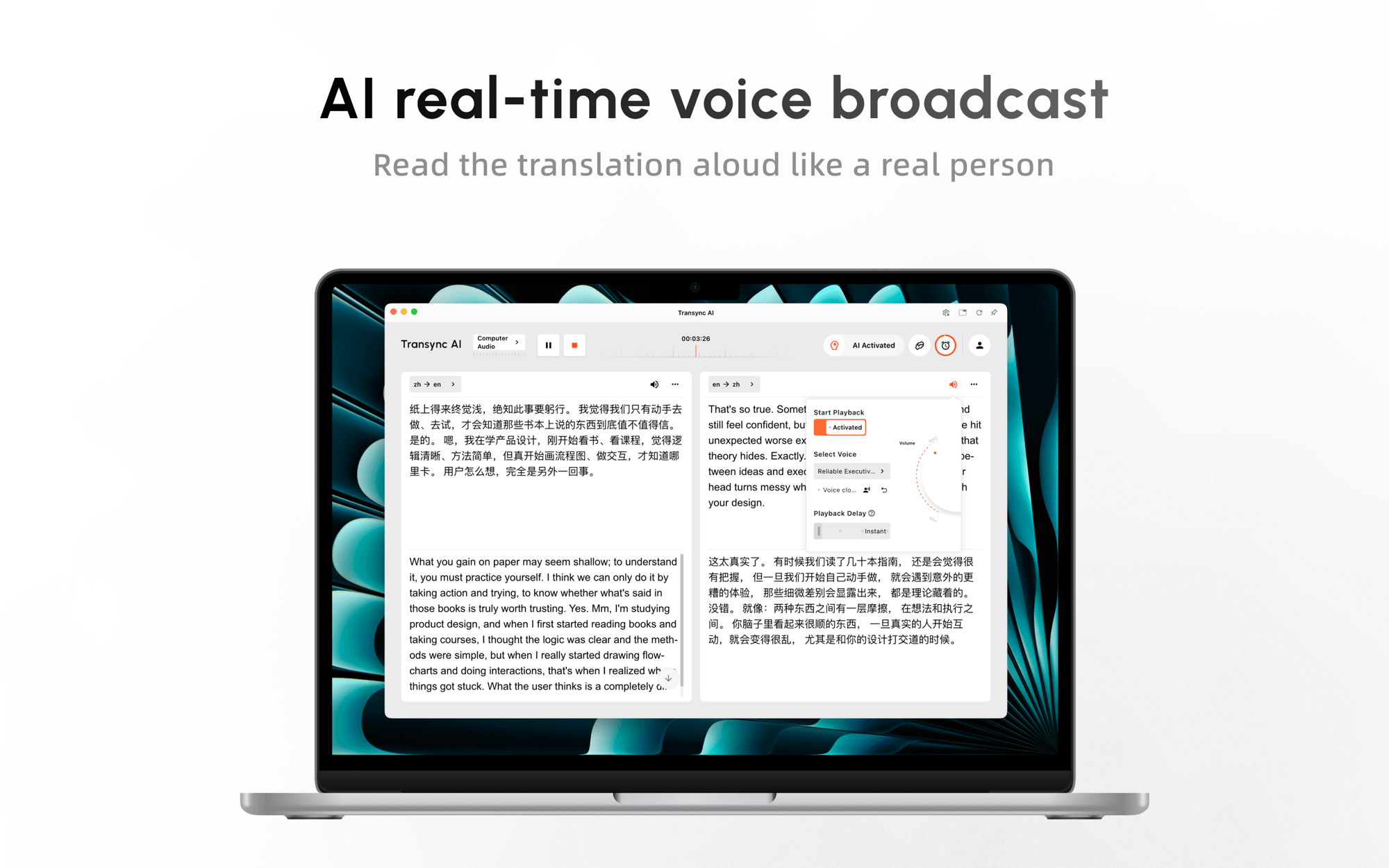
3. Listen to Translated Voice Playback
In addition to subtitles, Transync AI can read translated content aloud using natural AI voices.
Voice Playback is useful for online meetings, presentations, classes, demonstrations, and face-to-face conversations where listening is more convenient than reading captions.
Supported languages can also use Voice Clone to make translated speech sound closer to the speaker’s own voice.
Explore the AI Voice Translator.
How to Download Transync AI from the Mac App Store
Getting started only takes a few steps:
- Visit the official Transync AI download page.
- Find the macOS download option.
- Select App Store Download.
- Install Transync AI through the Mac App Store.
- Open the app and sign in to your account.
New users can register directly and receive 40 minutes of free real-time translation during their first month.
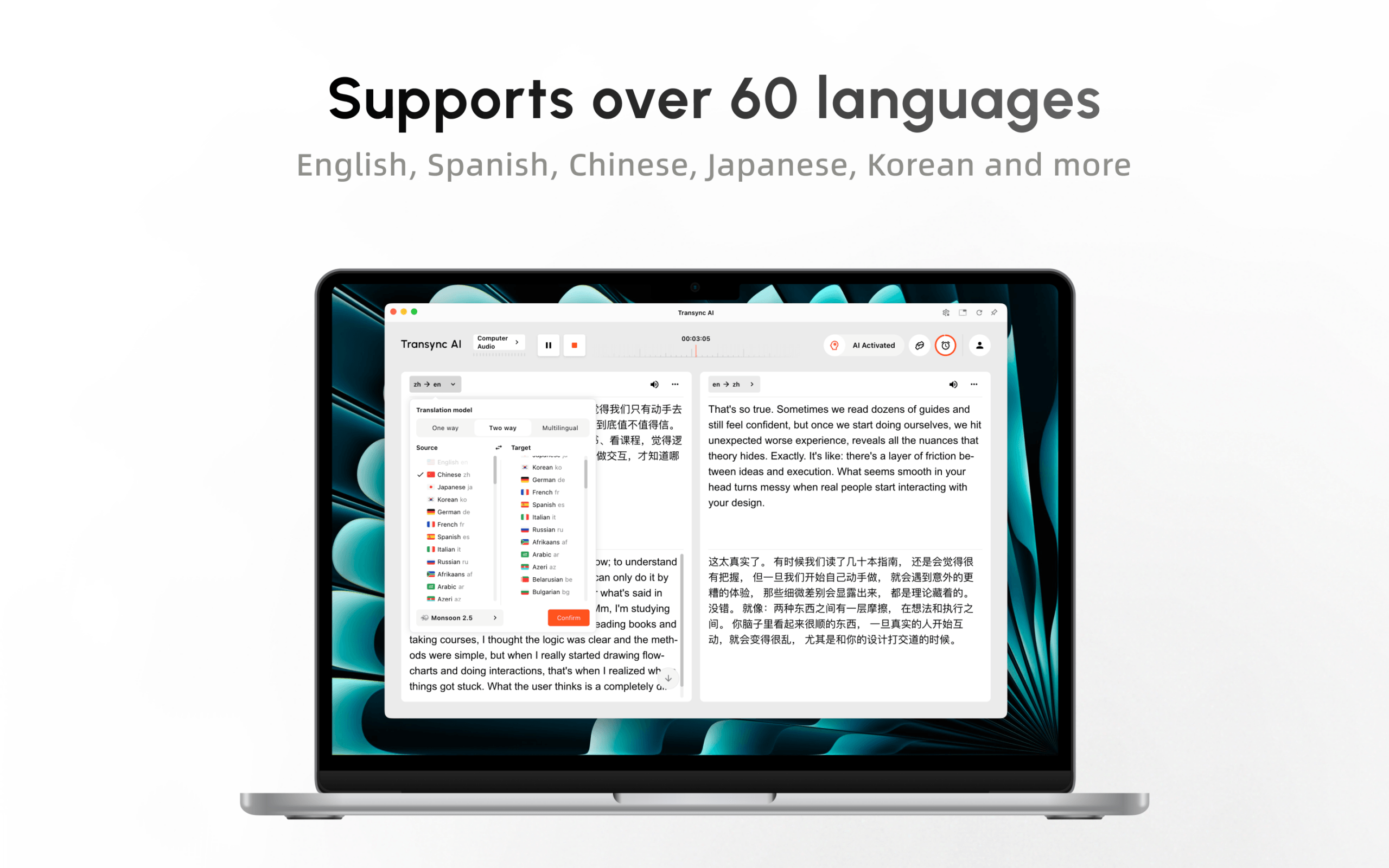
Before starting your first meeting, select your source and target languages, confirm your microphone and computer audio settings, and add AI Assistant keywords or context when the conversation includes names or professional terminology.
For detailed setup instructions, read the Desktop Quickstart Guide.
Can Existing Users Switch to the Mac App Store Version?
 Can Existing Users Switch to the Mac App Store Version?
Yes. Existing Transync AI users can install the Mac App Store version and sign in with their current account.
Because your membership and translation time are associated with your account, you can continue using Transync AI without starting over. Your account can also be used across supported Transync AI platforms, including macOS, Windows, iOS, Android, and the web.
Before switching versions, complete any active translation task and make sure important meeting records have been saved to your account.
 Download Transync AI on Mac Today
 Download Transync AI on Mac Today
The launch of the Transync AI Mac App Store version gives Mac users a simpler and more familiar way to access real-time translation.
Download Transync AI from the Mac App Store, select your languages, and start communicating across language barriers in meetings, classes, presentations, and everyday conversations.