
Translator audio guide comparing 7 tools for live meetings, recorded files, voice translation, subtitles, transcription, and AI notes.
Choosing a translator audio tool starts with one important question: is the audio happening live, or has it already been recorded?
A live client call requires low latency, bilingual subtitles, and fast two-way translation. A recorded interview needs accurate transcription, speaker labels, editing, and subtitle export. A traveler may only need quick voice playback on a phone.
These workflows all involve audio, but they require different products.
This guide compares seven tools for live meetings, recorded audio, videos, voice translation, subtitles, documents, and travel.
Quick Answer: Which Translator Audio Tool Should You Choose?
| Main requirement | Best first choice |
|---|---|
| Live multilingual meetings | Transync AI |
| Recorded audio and video | Sonix |
| Professional text and documents | DeepL |
| Meeting translation with AI notes | JotMe |
| Bot-based voice translation | Talo |
| Subtitles, dubbing, and media | Maestra |
| Travel and casual mobile speech | Talkao |
The best translator audio option depends on when the translation is needed and what users want to do with the result.
Live Audio and Recorded Audio Are Different
Live translation must produce understandable results while people are still speaking.
It needs to handle:
- Short and incomplete sentences
- Natural pauses
- Speaker changes
- Interruptions
- Mixed-language speech
- Background noise
- Immediate responses
Recorded audio translation can take more time. Its priorities often include:
- Accurate transcription
- Speaker identification
- Timestamps
- Text editing
- Subtitle synchronization
- Download and export
- Searchable archives
A tool may perform well in one category and poorly in the other. That is why users should not compare every translator audio product using the same criteria.
Translator Audio Tools Compared
| Tool | Main positioning | Best for | Main limitation |
|---|---|---|---|
| Transync AI | Real-time meeting translation | Live subtitles, translated voice, and notes | Not designed for uploaded media editing |
| Sonix | Audio and video transcription | Recorded interviews, podcasts, and subtitles | Not focused on fast two-way meetings |
| DeepL | Text, documents, writing, and voice | Professional written translation | Audio features depend on the selected product |
| JotMe | Meeting translation assistant | Live translation with records and action items | Primarily meeting-focused |
| Talo | AI interpretation bot | Voice translation inside video calls | Bot appears as a meeting participant |
| Maestra | Live and recorded media translation | Dubbing, subtitles, webinars, and video | Broader than some teams require |
| Talkao | Consumer mobile translator | Travel, voice phrases, and camera translation | Limited professional meeting workflow |
1. Transync AI: Best for Live Audio Meetings
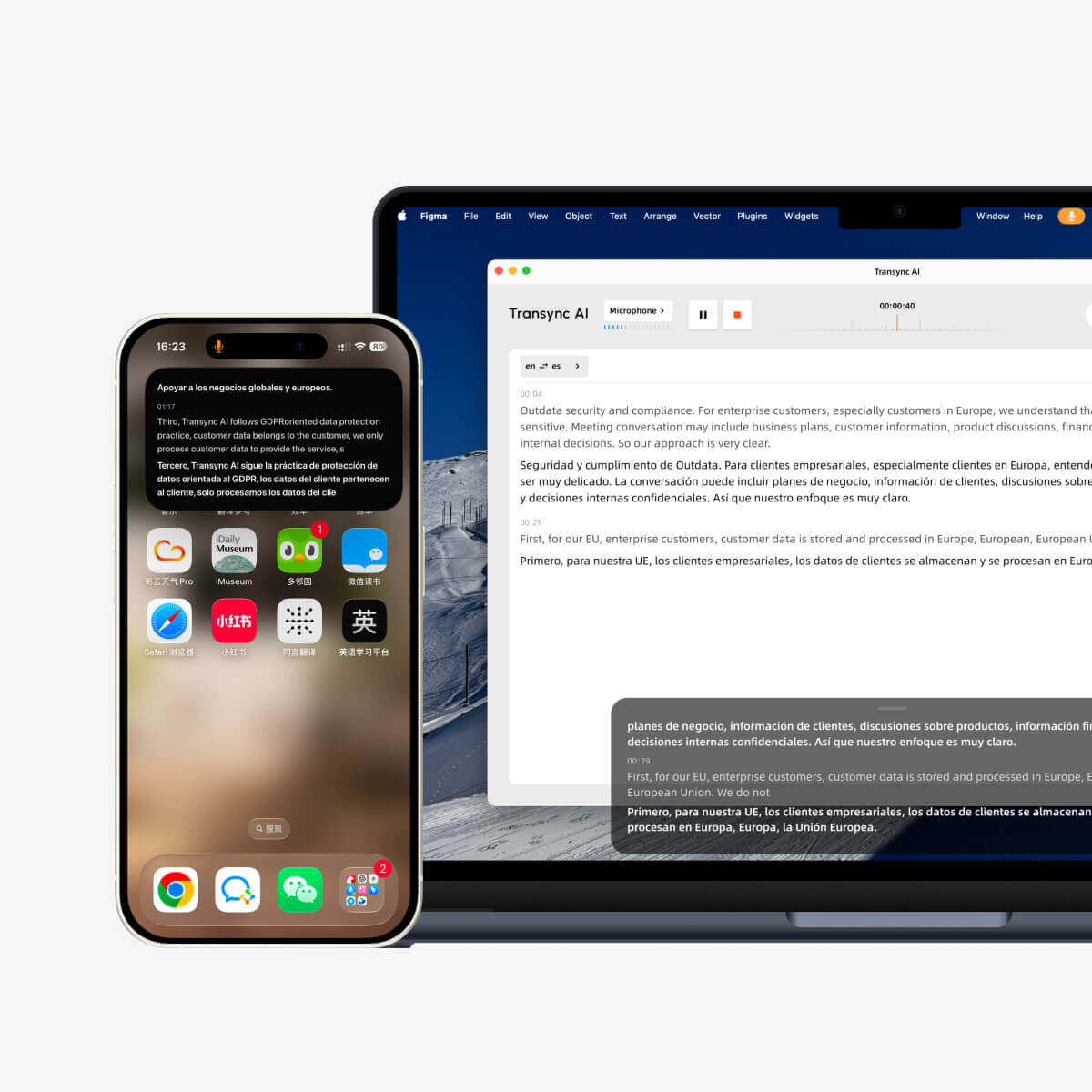
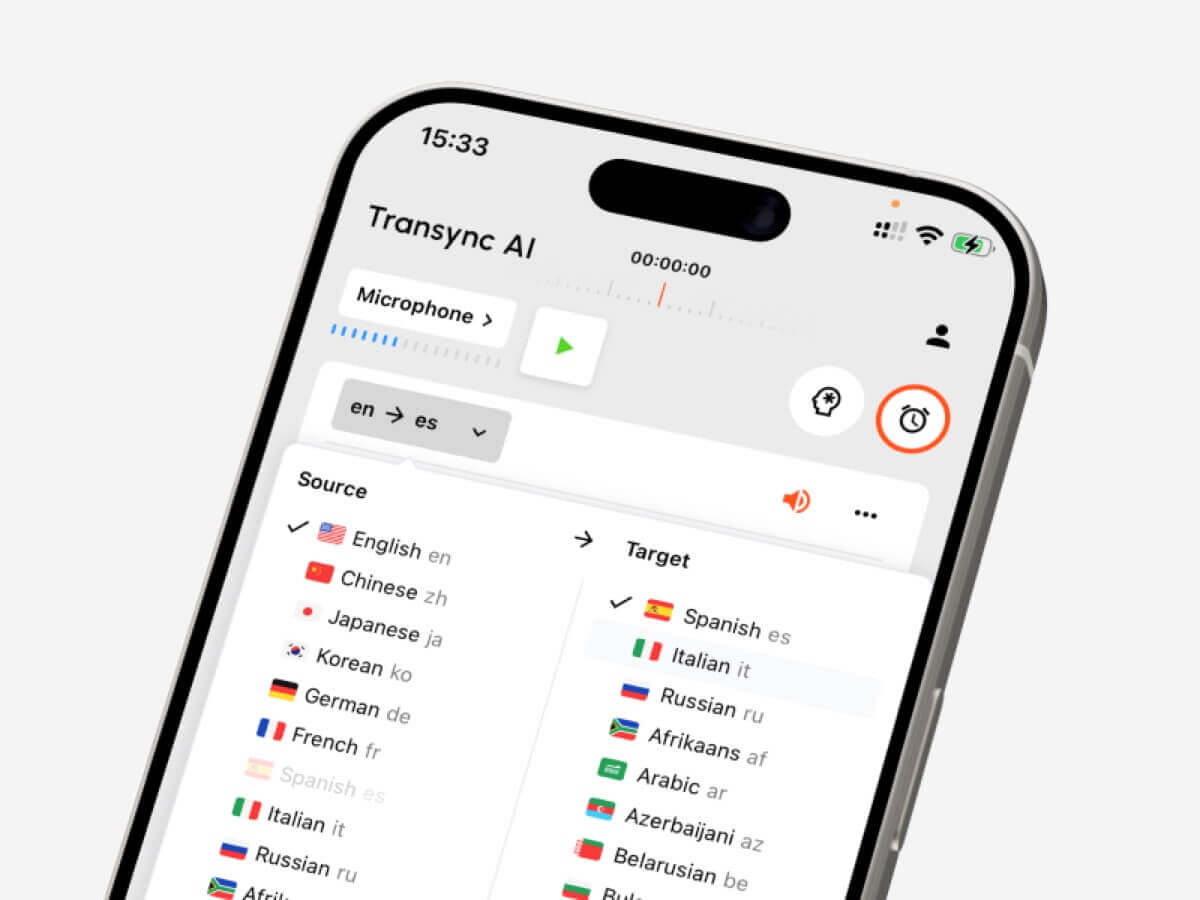
Real-time floating subtitles across desktop and mobile devices
Transync AI is designed for real-time multilingual conversations.
It supports bidirectional translation in more than 60 languages and can run alongside Zoom, Microsoft Teams, and Google Meet. Users can read bilingual subtitles, enable translated voice playback, prepare technical terms, and review AI meeting notes afterward.
Its main features include:
- Real-time two-way translation
- Automatic distinction between selected languages
- Original and translated subtitles
- AI voice playback
- Voice preview
- Voice cloning
- Keywords and meeting context
- Floating subtitles
- AI-generated meeting notes
- Virtual microphone workflows
Transync AI is a strong translator audio choice for international sales calls, supplier meetings, classes, interviews, product demonstrations, and remote team discussions.
It is less suitable for translating scanned documents, camera images, or editing uploaded recordings.
2. Sonix: Best for Recorded Audio and Video
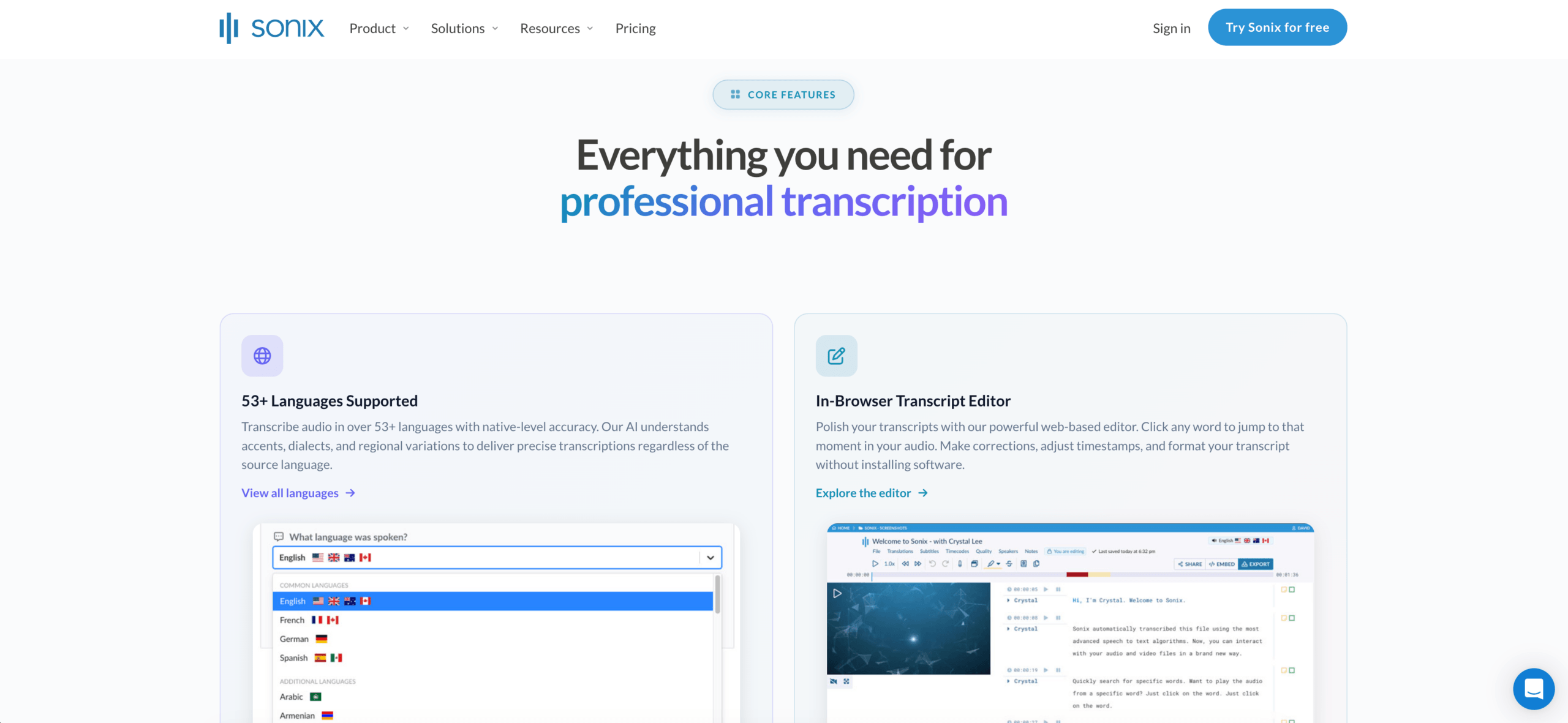 Sonix is primarily designed for processing content that has already been recorded.
Users can upload an interview, podcast, lecture, meeting recording, or video and convert the speech into editable text. The transcript can then be translated, reviewed, searched, and turned into subtitles.
Sonix is useful when users need:
- Audio transcription
- Video transcription
- Speaker labels
- Timestamps
- Transcript translation
- Subtitle creation
- Text editing
- Searchable media archives
- AI summaries or content analysis
Sonix is a better translator audio option when accuracy and editing matter more than immediate conversation.
Its main limitation is that it is not primarily designed to help two people speak back and forth in different languages during a live meeting.
3. DeepL: Best for Text and Document Quality
 DeepL is best known for professional written translation.
It is suitable for:
- Business emails
- Reports
- Presentations
- Product documentation
- Website content
- Edited transcripts
- Enterprise language workflows
DeepL also offers voice-related products, but its strongest general positioning remains professional language, text, and document translation.
It may work well after audio has been transcribed. A user could create a transcript using another service and then use a document-focused platform to refine the translated text.
4. JotMe: Best for Audio Translation with Meeting Notes
 JotMe combines real-time translation, transcription, and meeting documentation.
It can help users follow a multilingual call while also creating a record of the discussion.
Typical uses include:
- Client meetings
- Research interviews
- Online classes
- Project discussions
- Internal team calls
- Customer conversations
JotMe is useful when the audio must be understood live but the team also needs summaries, notes, and action items.
Its main limitation is that it is more focused on meeting productivity than media editing or travel translation.
5. Talo: Best for Bot-Based Meeting Translation
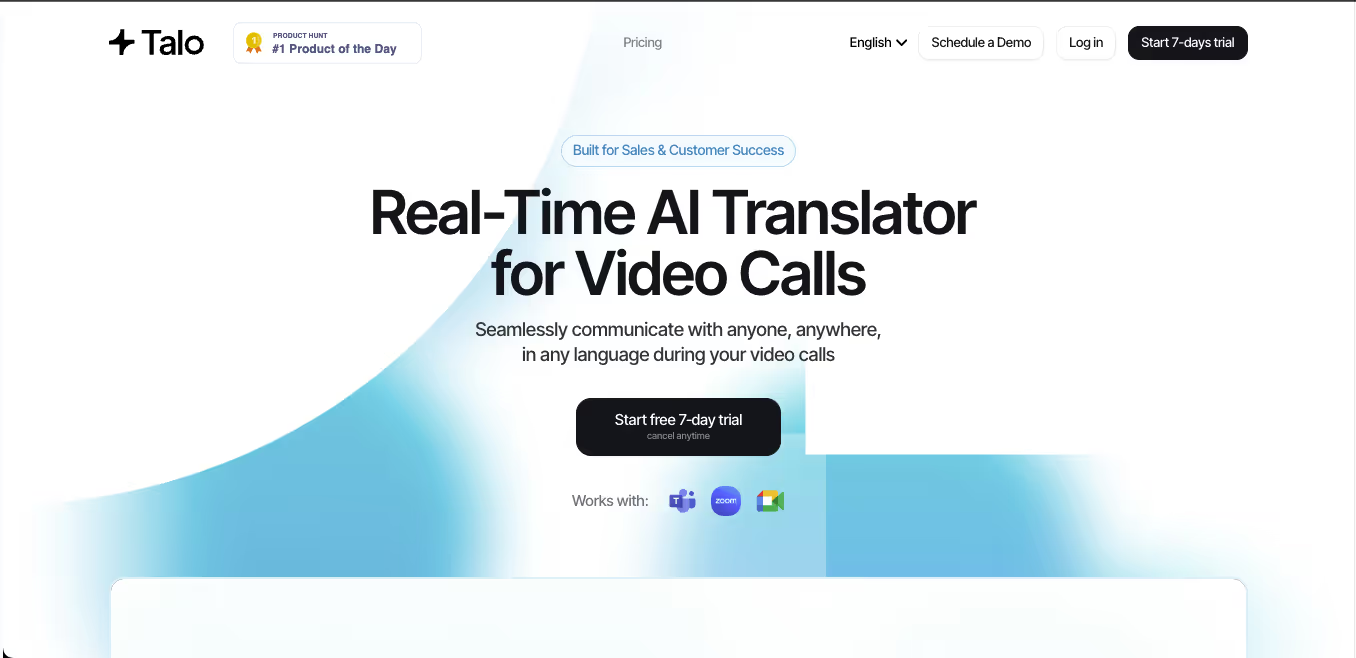 Talo uses an AI bot that joins an online meeting.
The host provides the meeting link, selects the language settings, and allows the bot to process and translate the conversation.
This approach can reduce setup for other attendees. It is useful for:
- Sales calls
- Support meetings
- Product demonstrations
- Team collaboration
- Multilingual webinars
The main trade-off is that the translation bot appears as a meeting participant.
Some organizations prefer this approach. Others prefer a standalone translator audio application that captures audio without adding another visible participant.
6. Maestra: Best for Subtitles, Dubbing, and Media
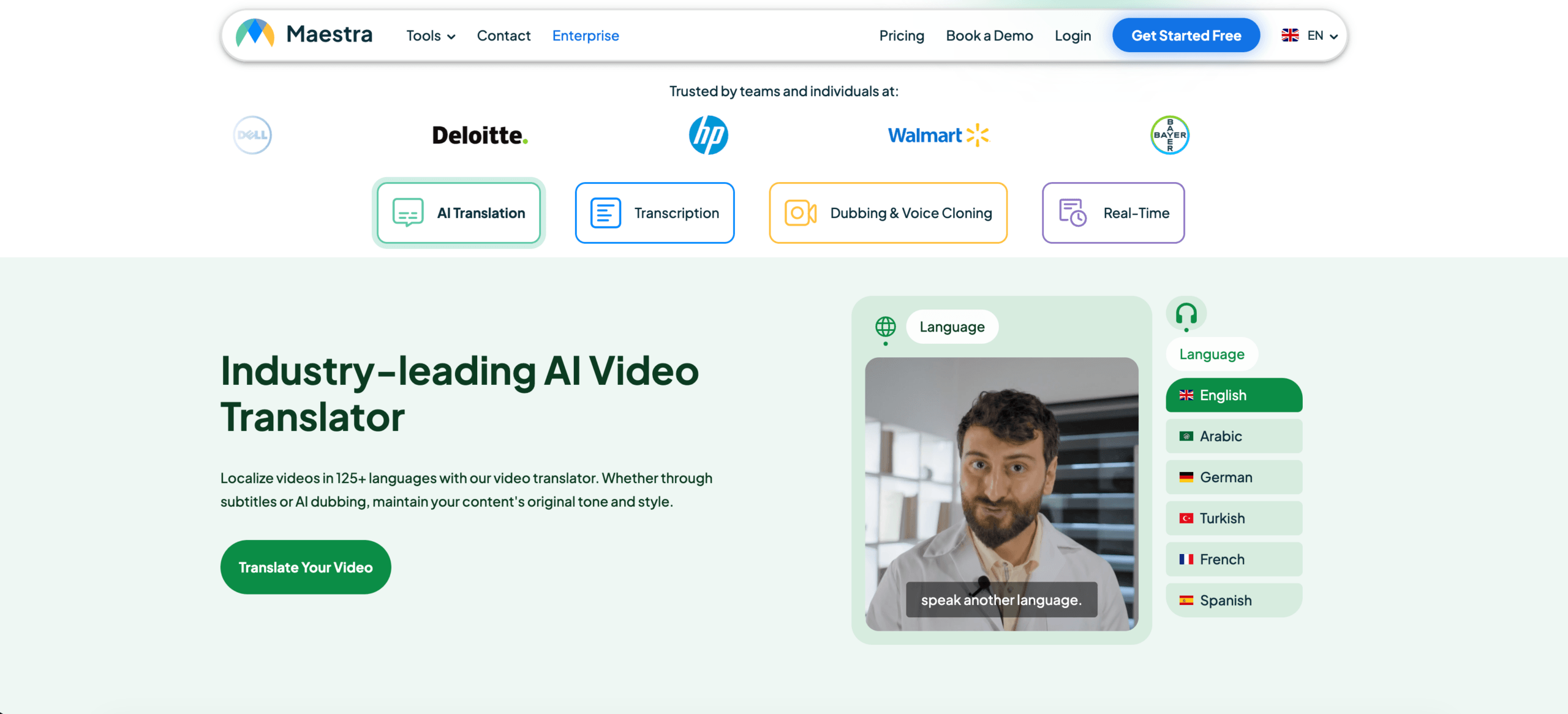 Maestra covers both live and recorded translation workflows.
Its broader toolset may include:
- Live captions
- Audio transcription
- Video translation
- Subtitle translation
- AI dubbing
- Voice cloning
- Webinar translation
- Media localization
- Post-session summaries
Maestra can be useful for content creators, education teams, webinar hosts, and media professionals.
It is broader than a simple meeting translator, although users who only need occasional two-way calls may not require its full media workflow.
7. Talkao: Best for Travel and Everyday Voice Translation
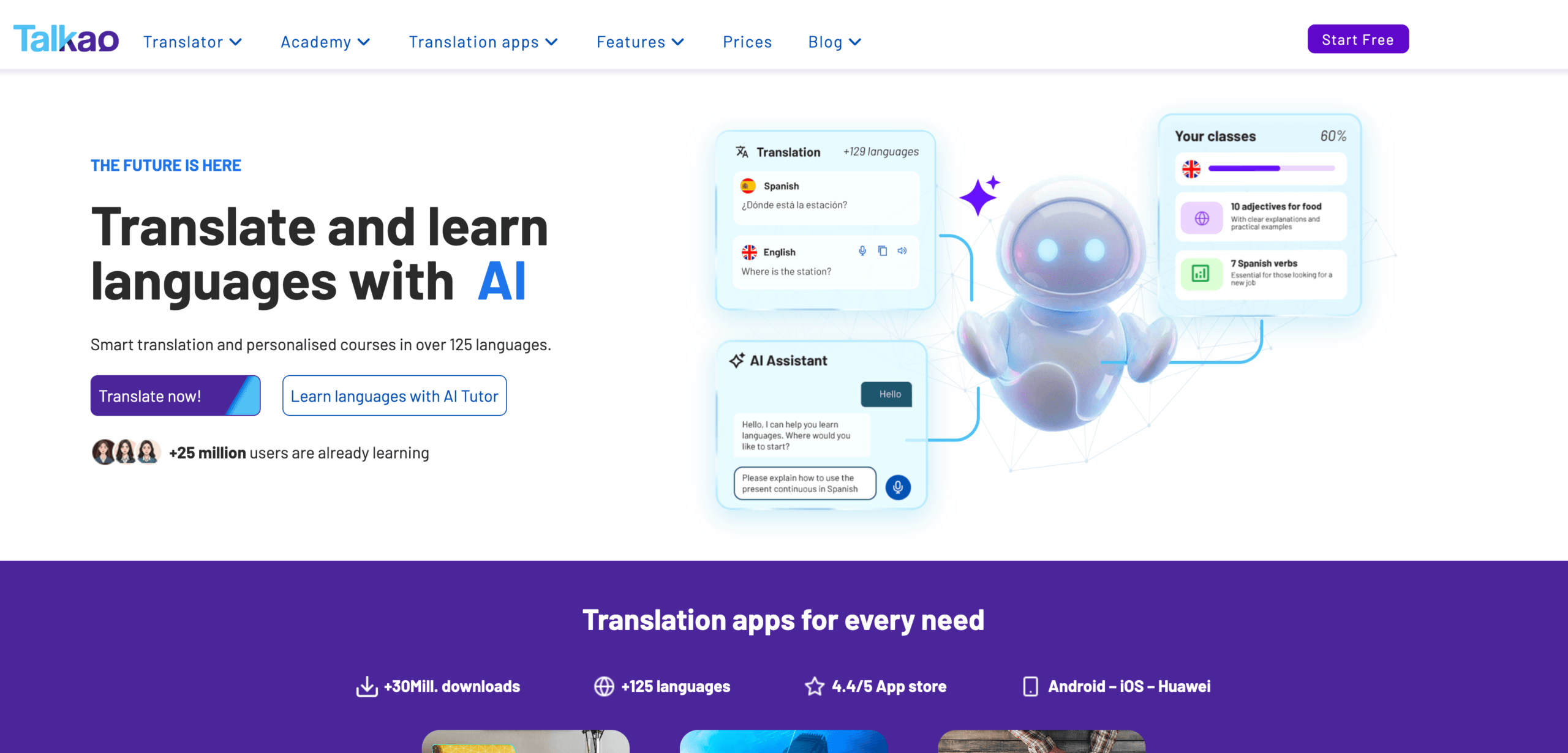 Talkao is more consumer-oriented.
It may support:
- Voice translation
- Text translation
- Camera translation
- Short face-to-face conversations
- Pronunciation practice
- Language learning
- Travel communication
Talkao is convenient for translating menus, signs, directions, and basic speech.
It is less focused on long professional meetings, technical terminology, floating desktop subtitles, and structured meeting summaries.
Feature Comparison: Translator Audio Tools
| Feature | Transync AI | Sonix | DeepL | JotMe | Talo | Maestra | Talkao |
|---|---|---|---|---|---|---|---|
| Live speech translation | Yes | Limited | Voice product | Yes | Yes | Yes | Yes |
| Uploaded audio files | No | Yes | Limited | Limited | No | Yes | Limited |
| Video transcription | No | Yes | No primary focus | Limited | No | Yes | Limited |
| Two-way meetings | Yes | No primary focus | Product-dependent | Yes | Yes | Available | Casual use |
| Bilingual subtitles | Yes | Transcript/subtitle workflow | Voice-dependent | Yes | Available | Yes | App-dependent |
| Translated voice | Yes | Not primary | Available | Product-dependent | Yes | Yes | Yes |
| Speaker labels | Meeting-dependent | Yes | No primary focus | Yes | Meeting-dependent | Yes | Limited |
| AI notes or analysis | Meeting notes | Content analysis | Not core | Meeting notes | Product-dependent | Summaries | No primary focus |
| Subtitle export | Not primary | Yes | No primary focus | Limited | No | Yes | No primary focus |
| Best fit | Live meetings | Recorded media | Written content | Meetings and notes | Bot-based calls | Media | Travel |
Which Audio Translator Fits Your Scenario?
| Scenario | Recommended option |
|---|---|
| Live Zoom meeting | Transync AI |
| Recorded podcast | Sonix |
| Professional translated report | DeepL |
| Project call requiring notes | JotMe |
| Team that wants a meeting bot | Talo |
| Translated video or webinar | Maestra |
| Travel conversation | Talkao |
| Legal or medical audio | Human professional |
A live translator audio system should prioritize speed and conversational flow. A recorded-media tool should prioritize transcript accuracy, editing, and export.
Subtitles or Translated Voice?
Choose subtitles when:
- Names and numbers need verification
- Technical terms are important
- The conversation moves quickly
- Users want to compare both languages
- Voice playback may interrupt the speaker
- The environment is noisy
Choose translated voice when:
- Participants cannot watch a screen
- The translation must be heard aloud
- The conversation is turn-based
- A presentation needs spoken output
- The listener reads slowly in the target language
Many meetings benefit from both. Subtitles provide visual confirmation, while voice output makes communication feel more direct.
How to Test a Translator Audio Tool
Use realistic audio instead of a short promotional sentence.
For live translation, include:
- Two speakers
- A technical term
- A company name
- A product model
- A date
- A price
- An interruption
- A correction
- Mixed-language speech
For recorded audio, evaluate:
- Transcript accuracy
- Speaker separation
- Timestamps
- Editing tools
- Translation quality
- Subtitle synchronization
- Export formats
- Processing time
Test the actual microphone, meeting platform, speakers, accents, and audio environment your team will use.
Common Audio Translation Problems
A translator audio tool may struggle with:
- Several people speaking at once
- Loud background noise
- Room echo
- Weak microphones
- Strong regional accents
- Incomplete sentences
- Rapid language switching
- Product names
- Technical abbreviations
- Unstable internet
For recorded content, poor source audio can also reduce transcription quality. Cleaning or improving the recording may produce better results than repeatedly changing translation tools.
Important names, numbers, prices, and commitments should always be reviewed.
FAQ: Translator Audio
What is a translator audio tool?
A translator audio tool converts spoken language into translated text or voice. It may process live conversations, recorded files, videos, meetings, or lectures.
Which translator audio tool is best for live meetings?
Choose a tool with low latency, two-way translation, bilingual subtitles, voice output, terminology controls, and meeting notes. Transync AI is designed around these functions.
Which tool is best for recorded audio?
Sonix is better suited to recorded interviews, podcasts, lectures, meeting recordings, transcription, translation, and subtitle creation.
Can one audio translator handle live and recorded content?
Some tools support both, but most have a stronger specialty. Transync AI is meeting-first, while Sonix is recording-first and Maestra covers a broader media workflow.
Can audio translation replace an interpreter?
AI is useful for routine meetings, travel, classes, and recorded content. Human interpreters remain the safer choice for legal, medical, regulatory, and other high-risk communication.
Final Thoughts
The right translator audio tool depends on whether the audio is live or recorded.
For live meetings, prioritize:
- Low latency
- Two-way translation
- Bilingual subtitles
- Natural voice output
- Technical terminology
- Meeting compatibility
- Post-meeting notes
For recorded audio, prioritize:
- Accurate transcription
- Speaker labels
- Timestamps
- Translation editing
- Subtitle export
- Search and analysis
Transync AI is strongest for live multilingual meetings. Sonix is better suited to recorded audio and video. DeepL fits professional written translation, JotMe fits meetings with notes, Talo fits bot-based calls, Maestra fits media workflows, and Talkao fits travel.
The best audio translator is not the tool that claims to support every format. It is the one that produces the right result at the moment you need it.
If you want a next-generation experience, Transync AI leads the way with real-time, AI-powered translation that keeps conversations flowing naturally. You can try it free now.
 🤖
🤖