
Audiogids voor vertalers waarin 7 tools voor live vergaderingen, opgenomen bestanden, spraakvertaling, ondertiteling, transcriptie en AI-notities worden vergeleken.
Het kiezen van een audio van de vertaler De tool begint met één belangrijke vraag: wordt de audio live afgespeeld, of is deze al opgenomen?
Een live telefoongesprek met een klant vereist een lage latentie, tweetalige ondertiteling en snelle tweewegvertaling. Een opgenomen interview vereist nauwkeurige transcriptie, sprekerlabels, bewerking en export van ondertiteling. Een reiziger heeft mogelijk alleen snelle spraakweergave op zijn telefoon nodig.
Al deze workflows hebben betrekking op audio, maar ze vereisen verschillende producten.
Deze gids vergelijkt zeven tools voor live vergaderingen, opgenomen audio, video's, spraakvertaling, ondertiteling, documenten en reizen.
Kort antwoord: Welke audiovertaler moet je kiezen?
| Hoofdvereiste | Beste eerste keuze |
|---|---|
| Live meertalige vergaderingen | Transync AI |
| Opgenomen audio en video | Sonix |
| Professionele teksten en documenten | DiepL |
| Vergaderingsvertaling met AI-notities | JotMe |
| Door bots ondersteunde spraakvertaling | Talo |
| Ondertiteling, nasynchronisatie en media | Maestra |
| Reizen en informeel mobiel spreken | Talkao |
De beste audio van de vertaler De keuze hangt af van wanneer de vertaling nodig is en wat de gebruikers met het resultaat willen doen.
Live audio en opgenomen audio zijn verschillend.
Live vertaling moet begrijpelijke resultaten opleveren terwijl mensen nog aan het spreken zijn.
Het moet het volgende aankunnen:
- Korte en onvolledige zinnen
- Natuurlijke pauzes
- Sprekerwisselingen
- Onderbrekingen
- Gemengde taalspraak
- Achtergrondgeluid
- Onmiddellijke reacties
Audiovertaling kan meer tijd in beslag nemen. De prioriteiten daarbij zijn vaak:
- Nauwkeurige transcriptie
- Sprekeridentificatie
- Tijdstempels
- Tekstbewerking
- Ondertitelsynchronisatie
- Downloaden en exporteren
- Doorzoekbare archieven
Een tool kan in de ene categorie goed presteren en in de andere slecht. Daarom moeten gebruikers niet alles met elkaar vergelijken. audio van de vertaler product dat aan dezelfde criteria voldoet.
Audiovertalers vergeleken
| Hulpmiddel | Hoofdpositionering | Het beste voor | Belangrijkste beperking |
|---|---|---|---|
| Transync AI | Realtime vergaderingsvertaling | Live ondertiteling, vertaalde spraak en toelichting | Niet ontworpen voor het bewerken van geüploade media. |
| Sonix | Audio- en videotranscriptie | Opgenomen interviews, podcasts en ondertitels | Niet gericht op snelle tweewegvergaderingen |
| DiepL | Tekst, documenten, schrijven en spraak | Professionele schriftelijke vertaling | De audiofuncties zijn afhankelijk van het gekozen product. |
| JotMe | Vergadering met vertaalassistent | Live vertaling met aantekeningen en actiepunten | Voornamelijk gericht op vergaderingen. |
| Talo | AI-interpretatiebot | Spraakvertaling tijdens videogesprekken | De bot verschijnt als deelnemer aan de vergadering. |
| Maestra | Live en opgenomen media vertaling | Nasynchronisatie, ondertiteling, webinars en video | Breder dan sommige teams nodig hebben |
| Talkao | Mobiele vertaler voor consumenten | Reizen, spraakfragmenten en cameravertaling | Beperkte professionele vergaderworkflow |
1. Transync AIIdeaal voor live audiovergaderingen.
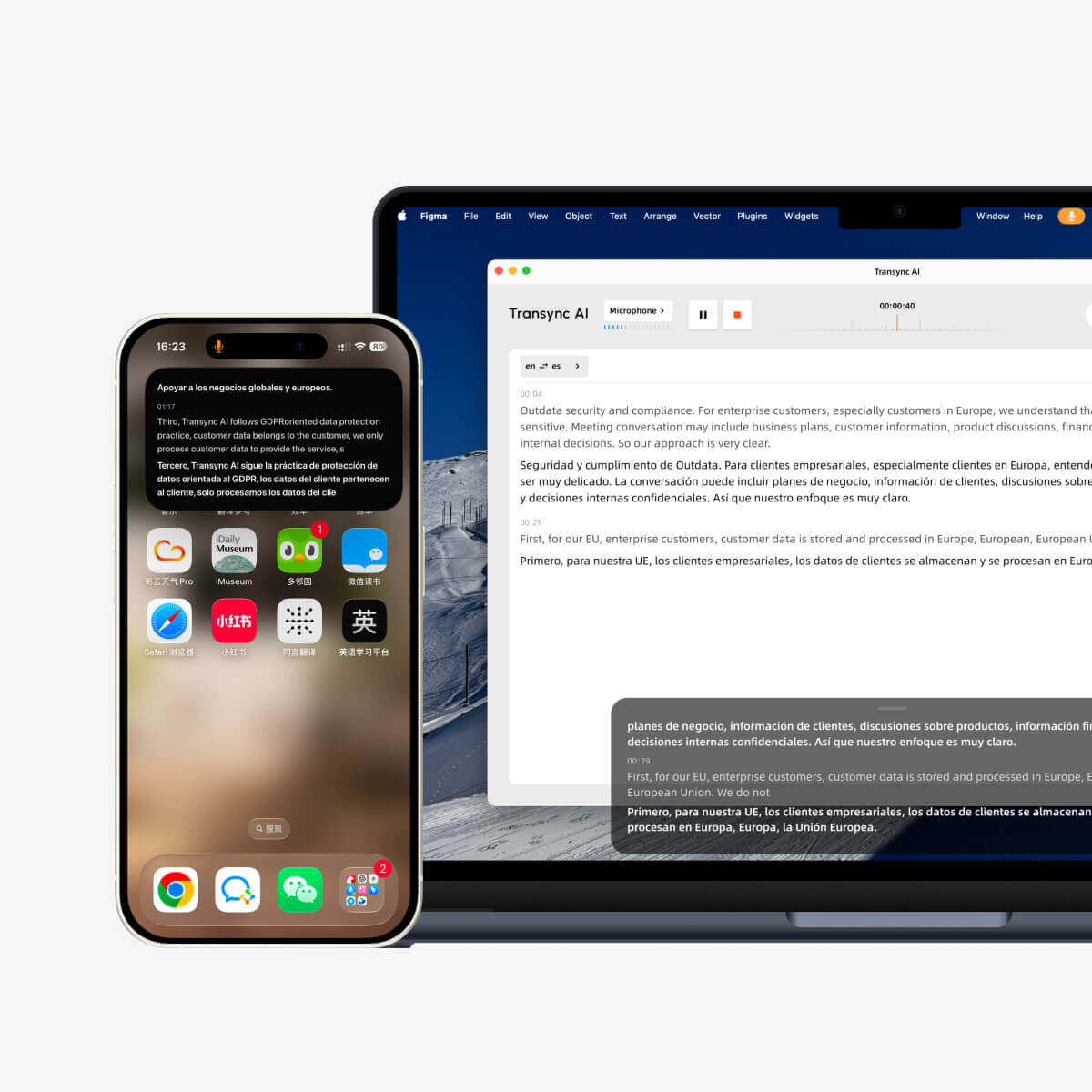
Ondertitels die in realtime meebewegen op zowel desktop- als mobiele apparaten.
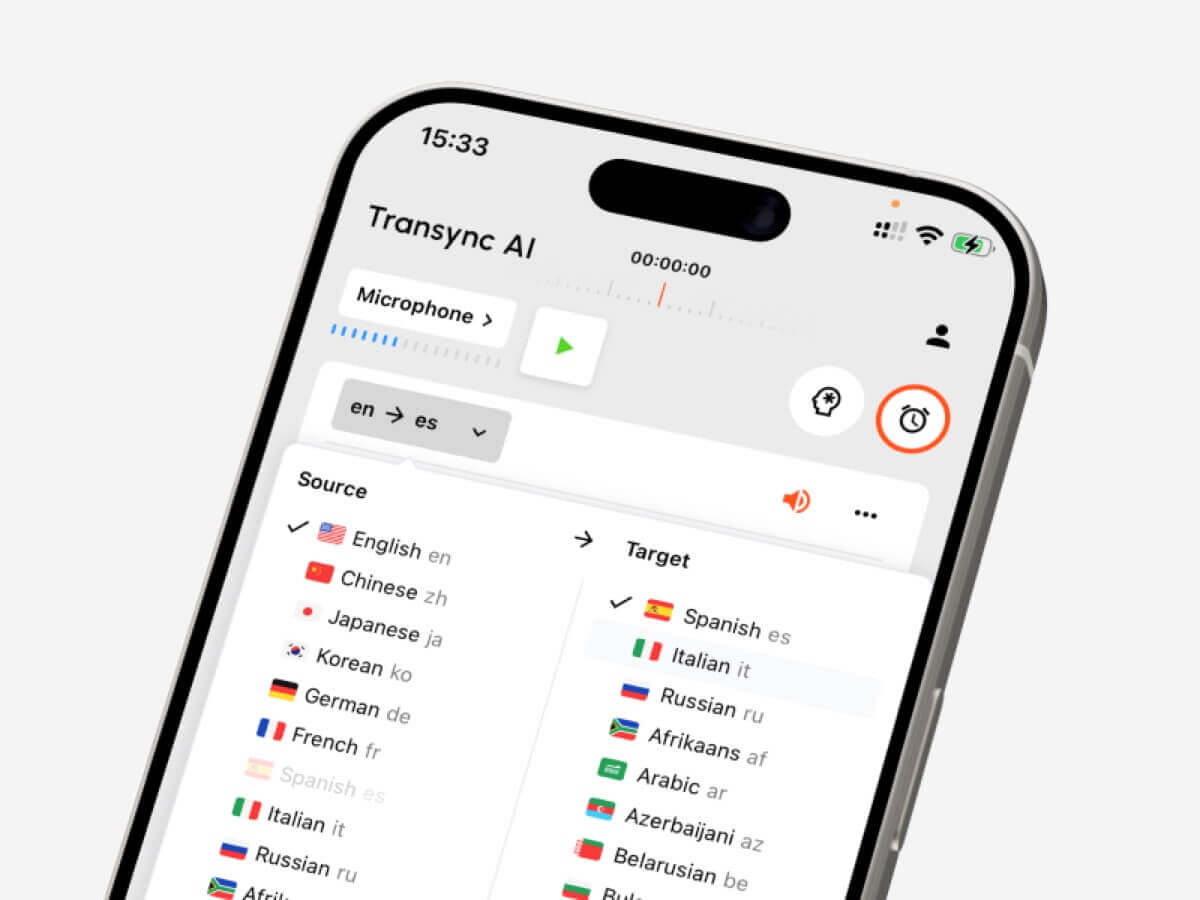
Transync AI is ontworpen voor realtime meertalige gesprekken.
Het ondersteunt bidirectionele vertaling in meer dan 60 talen en kan naast Zoom, Microsoft Teams en Google Meet worden gebruikt. Gebruikers kunnen tweetalige ondertitels lezen, vertaalde spraakweergave inschakelen, technische termen voorbereiden en AI-vergaderingsnotities achteraf bekijken.
De belangrijkste kenmerken zijn onder meer:
- Realtime tweewegvertaling
- Automatische onderscheiding tussen geselecteerde talen
- Originele en vertaalde ondertitels
- AI-spraakweergave
- Stemvoorbeeld
- Stemklonen
- Trefwoorden en de context van de bijeenkomst
- Zwevende ondertitels
- Door AI gegenereerde vergadernotities
- Virtuele microfoonworkflows
Transync AI is een sterke audio van de vertaler De ideale keuze voor internationale verkoopgesprekken, leveranciersbijeenkomsten, trainingen, sollicitatiegesprekken, productdemonstraties en teamoverleg op afstand.
Het is minder geschikt voor het vertalen van gescande documenten, camerafoto's of het bewerken van geüploade opnames.
2. SonixIdeaal voor audio- en video-opnames.
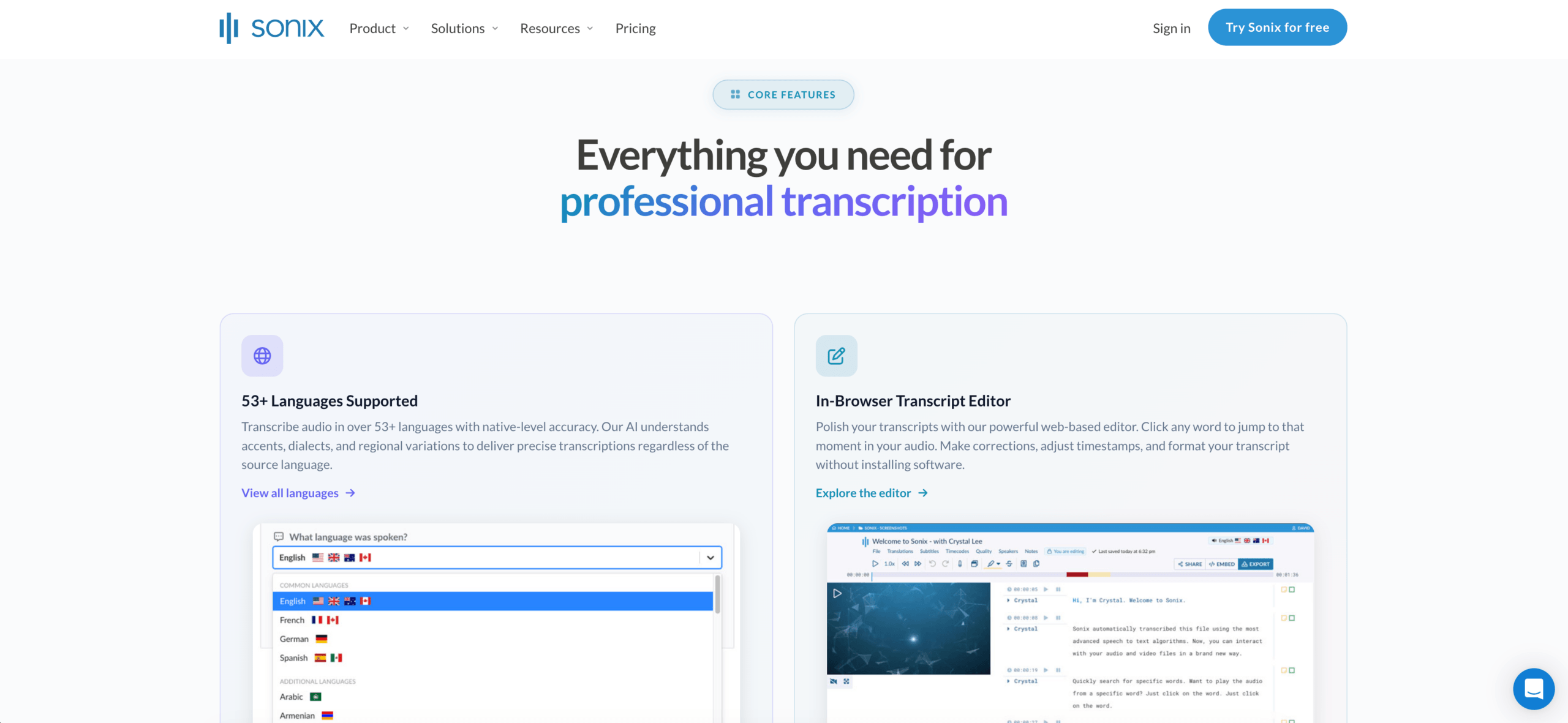 Sonix is voornamelijk ontworpen voor het bewerken van reeds opgenomen content.
Gebruikers kunnen een interview, podcast, lezing, vergaderingsopname of video uploaden en de gesproken tekst omzetten in bewerkbare tekst. Het transcript kan vervolgens worden vertaald, nagekeken, doorzocht en van ondertitels worden voorzien.
Sonix is handig wanneer gebruikers het volgende nodig hebben:
- Audiotranscriptie
- Videotranscriptie
- Luidsprekerlabels
- Tijdstempels
- Transcriptvertaling
- Ondertiteling maken
- Tekstbewerking
- Doorzoekbare media-archieven
- AI-samenvattingen of inhoudsanalyse
Sonix is beter audio van de vertaler Een optie wanneer nauwkeurigheid en redactie belangrijker zijn dan een direct gesprek.
De belangrijkste beperking is dat het niet primair is ontworpen om twee mensen te helpen met elkaar te communiceren in verschillende talen tijdens een live vergadering.
3. DiepL: Het beste voor tekst- en documentkwaliteit
 DeepL staat vooral bekend om professionele schriftelijke vertalingen.
Het is geschikt voor:
- Zakelijke e-mails
- Rapporten
- Presentaties
- Productdocumentatie
- Website-inhoud
- Bewerkte transcripten
- Bedrijfstaalworkflows
DeepL biedt ook spraakgerelateerde producten aan, maar de sterkste algemene positionering blijft professionele vertaling van taal, tekst en documenten.
Het kan goed werken nadat de audio is getranscribeerd. Een gebruiker zou een transcriptie kunnen maken met behulp van een andere dienst en vervolgens een documentgericht platform gebruiken om de vertaalde tekst te verfijnen.
4. JotMeIdeaal voor audiovertaling met notulen van vergaderingen.
 JotMe combineert realtime vertaling, transcriptie en vergaderdocumentatie.
Het kan gebruikers helpen een meertalig gesprek te volgen en tegelijkertijd een verslag van de discussie vast te leggen.
Typische toepassingen zijn onder andere:
- Klantbijeenkomsten
- Onderzoeksinterviews
- Online lessen
- Projectbesprekingen
- Interne teamgesprekken
- Klantgesprekken
JotMe is handig wanneer de audio live verstaanbaar moet zijn, maar het team ook samenvattingen, notities en actiepunten nodig heeft.
De belangrijkste beperking is dat het meer gericht is op het verhogen van de productiviteit tijdens vergaderingen dan op het redigeren van media of het vertalen van reisverhalen.
5. TaloIdeaal voor het vertalen van vergaderingen met behulp van een bot.
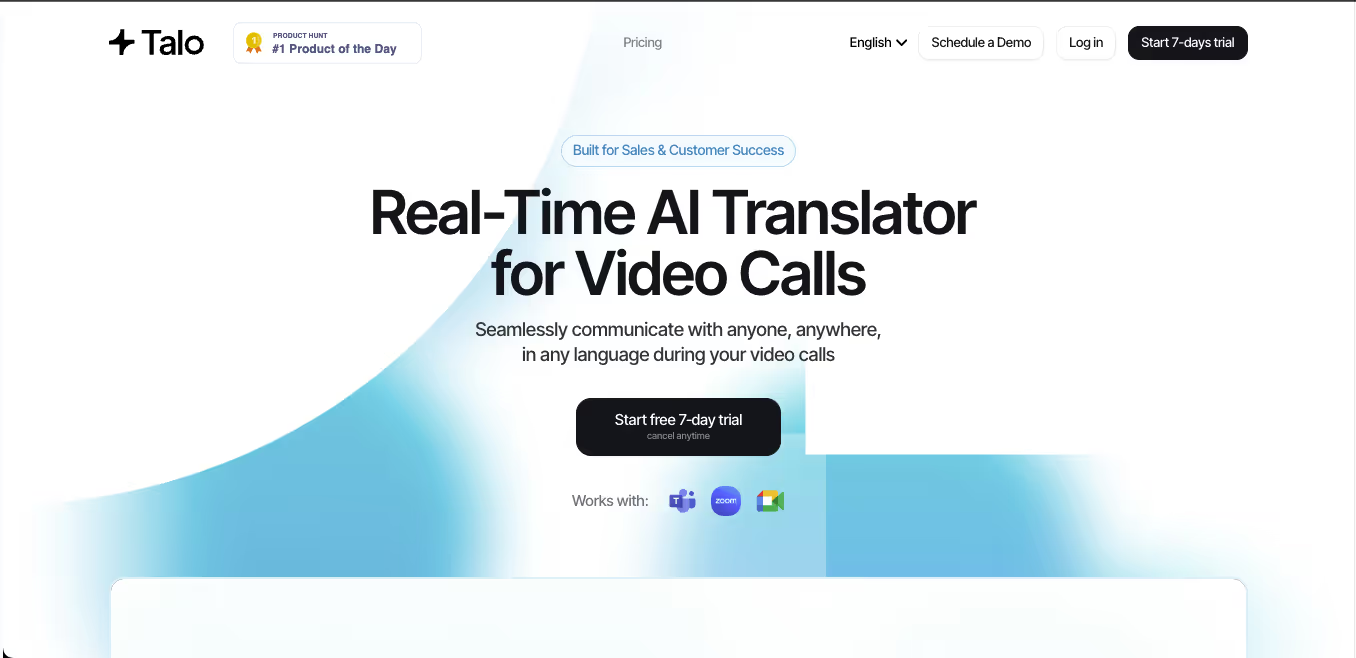 Talo maakt gebruik van een AI-bot die deelneemt aan een online vergadering.
De host verstrekt de vergaderlink, selecteert de taalinstellingen en laat de bot het gesprek verwerken en vertalen.
Deze aanpak kan de voorbereiding voor andere deelnemers vereenvoudigen. Het is nuttig voor:
- Verkoopgesprekken
- Ondersteuningsbijeenkomsten
- Productdemonstraties
- Samenwerking binnen het team
- Meertalige webinars
Het belangrijkste nadeel is dat de vertaalbot als deelnemer aan de vergadering verschijnt.
Sommige organisaties geven de voorkeur aan deze aanpak. Andere geven de voorkeur aan een zelfstandige oplossing. audio van de vertaler Applicatie die audio opneemt zonder een extra zichtbare deelnemer toe te voegen.
6. MaestraIdeaal voor ondertiteling, nasynchronisatie en media.
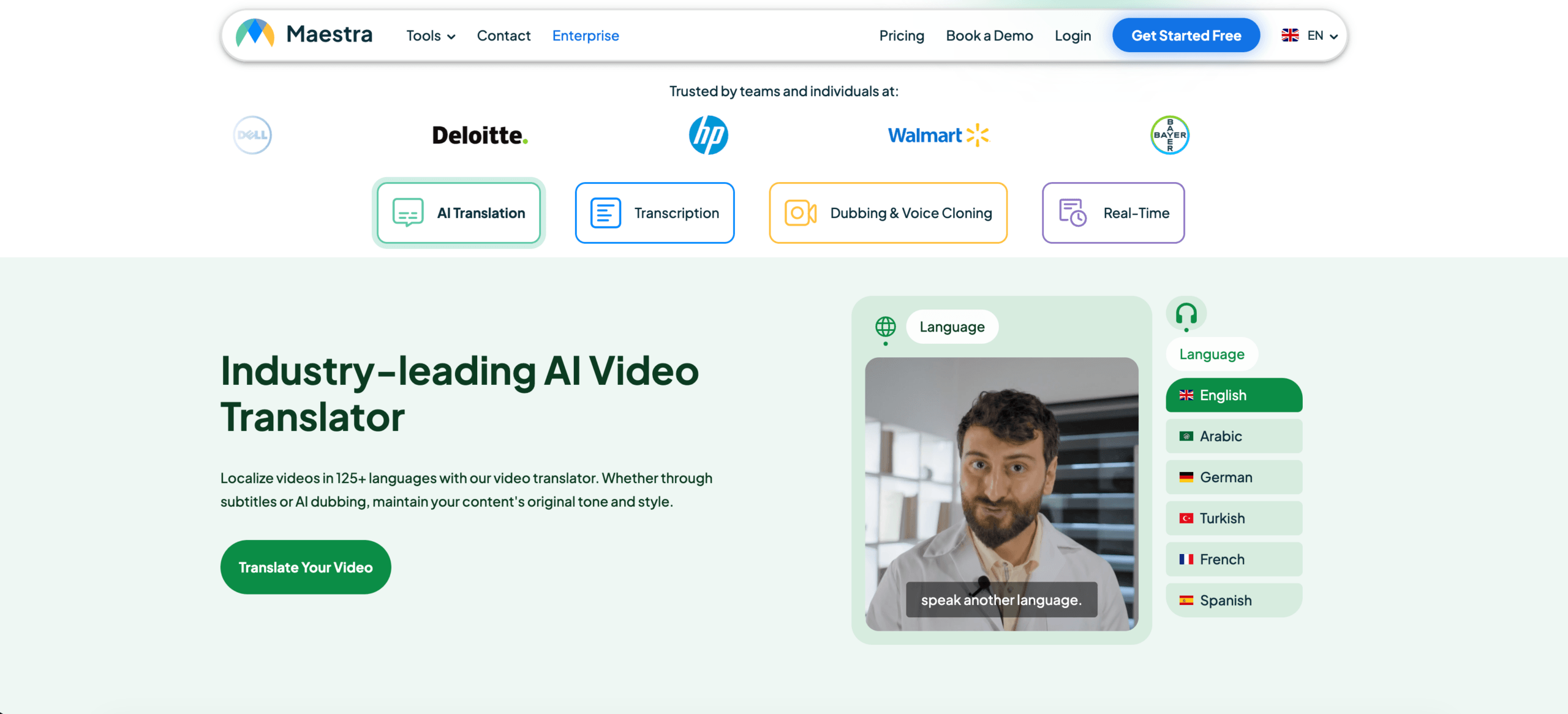 Maestra verzorgt zowel live als opgenomen vertaalprocessen.
De bredere reeks hulpmiddelen kan onder meer het volgende omvatten:
- Live ondertiteling
- Audiotranscriptie
- Videovertaling
- Ondertiteling
- AI-nasynchronisatie
- Stemklonen
- Webinarvertaling
- Medialokalisatie
- Samenvattingen na de sessie
Maestra kan nuttig zijn voor contentmakers, onderwijsteams, webinarhosts en mediaprofessionals.
Het biedt meer dan een eenvoudige vertaaltool voor vergaderingen, hoewel gebruikers die slechts af en toe tweeweggesprekken voeren mogelijk niet de volledige mediafunctionaliteit nodig hebben.
7. TalkaoIdeaal voor reizen en dagelijkse spraakvertaling.
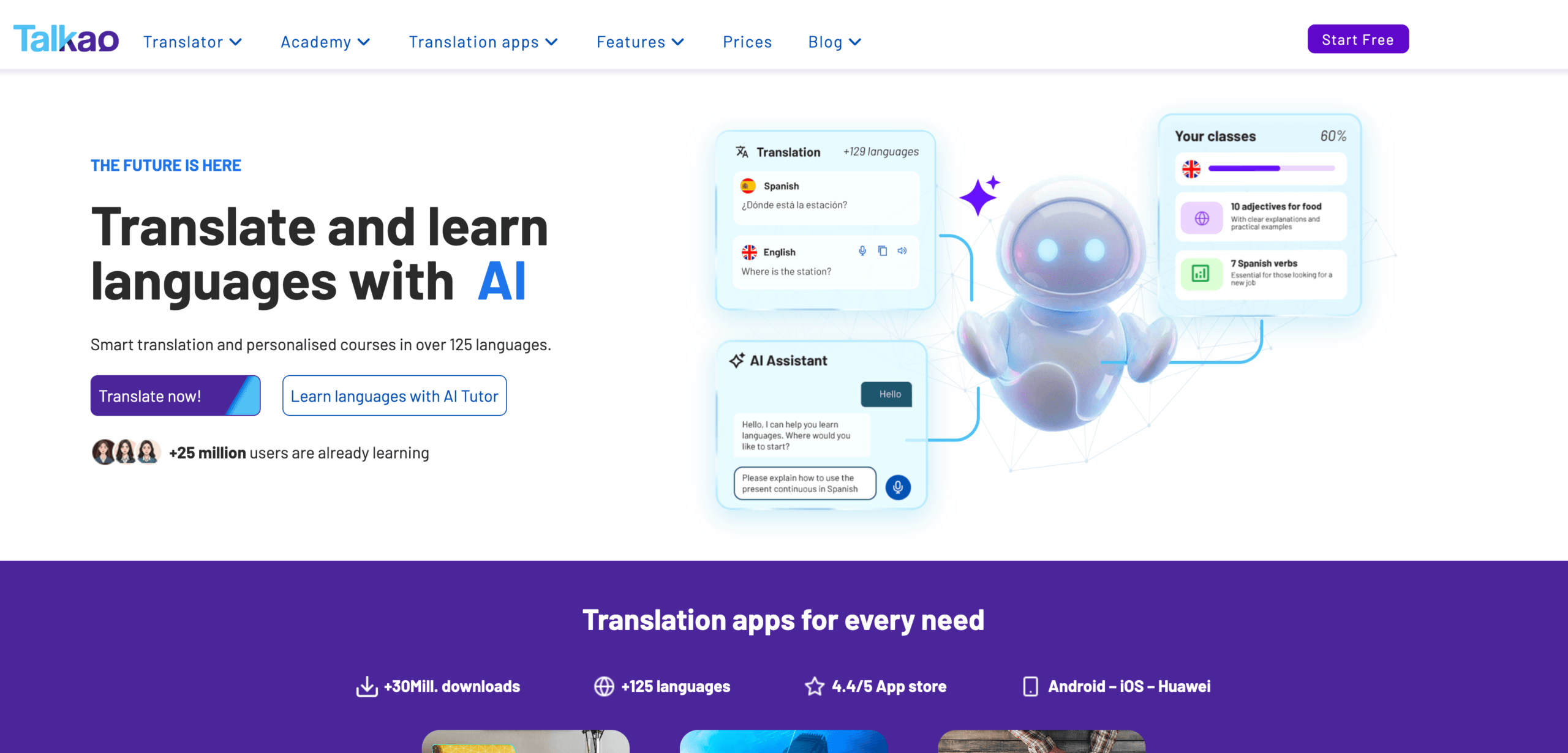 Talkao is meer consumentgericht.
Het kan ondersteuning bieden voor:
- Spraakvertaling
- Tekstvertaling
- Cameravertaling
- Korte persoonlijke gesprekken
- Oefening in uitspraak
- Taal leren
- Reiscommunicatie
Talkao is handig voor het vertalen van menu's, borden, routebeschrijvingen en eenvoudige gesproken tekst.
Het is minder gericht op lange professionele vergaderingen, technische terminologie, zwevende ondertitels op het bureaublad en gestructureerde vergaderingssamenvattingen.
Functievergelijking: Audiotools voor vertalers
| Functie | Transync AI | Sonix | DiepL | JotMe | Talo | Maestra | Talkao |
|---|---|---|---|---|---|---|---|
| Live spraakvertaling | Ja | Beperkt | Spraakproduct | Ja | Ja | Ja | Ja |
| Geüploade audiobestanden | Nee | Ja | Beperkt | Beperkt | Nee | Ja | Beperkt |
| Videotranscriptie | Nee | Ja | Geen primaire focus | Beperkt | Nee | Ja | Beperkt |
| Tweezijdige bijeenkomsten | Ja | Geen primaire focus | Productafhankelijk | Ja | Ja | Beschikbaar | Casual gebruik |
| Tweetalige ondertitels | Ja | Transcriptie-/ondertitelingsworkflow | Stemafhankelijk | Ja | Beschikbaar | Ja | App-afhankelijk |
| Vertaalde stem | Ja | Niet primair | Beschikbaar | Productafhankelijk | Ja | Ja | Ja |
| Luidsprekerlabels | afhankelijk van de vergadering | Ja | Geen primaire focus | Ja | afhankelijk van de vergadering | Ja | Beperkt |
| AI-notities of -analyses | Notulen van de vergadering | Inhoudsanalyse | Niet de kern | Notulen van de vergadering | Productafhankelijk | Samenvattingen | Geen primaire focus |
| Ondertitels exporteren | Niet primair | Ja | Geen primaire focus | Beperkt | Nee | Ja | Geen primaire focus |
| Beste pasvorm | Live vergaderingen | Opgenomen media | Geschreven inhoud | Vergaderingen en notulen | Oproepen via bots | Media | Reis |
Welke audiovertaler past het beste bij jouw situatie?
| Scenario | Aanbevolen optie |
|---|---|
| Live Zoom-vergadering | Transync AI |
| Opgenomen podcast | Sonix |
| Professioneel vertaald rapport | DiepL |
| Projectoproep waarvoor notities vereist zijn | JotMe |
| Team dat een vergaderbot wil | Talo |
| Vertaalde video of webinar | Maestra |
| Reisgesprek | Talkao |
| Juridische of medische audio | Menselijke professional |
In leven audio van de vertaler Een systeem moet prioriteit geven aan snelheid en een vlotte conversatie. Een tool voor opgenomen media moet prioriteit geven aan nauwkeurige transcriptie, bewerking en export.
Ondertitels of een vertaalde versie?
Schakel ondertiteling in wanneer:
- Namen en nummers moeten worden geverifieerd.
- Technische termen zijn belangrijk.
- Het gesprek verloopt snel.
- Gebruikers willen beide talen vergelijken.
- Het afspelen van spraak kan de spreker onderbreken.
- De omgeving is lawaaierig.
Kies voor de vertaalde stem wanneer:
- Deelnemers mogen niet naar een scherm kijken.
- De vertaling moet hardop worden voorgelezen.
- Het gesprek verloopt in beurten.
- Een presentatie vereist gesproken output.
- De luisteraar leest langzaam in de doeltaal.
Veel vergaderingen hebben baat bij beide. Ondertiteling biedt visuele bevestiging, terwijl gesproken tekst de communicatie directer maakt.
Hoe test je een audiovertaler?
Gebruik realistische audio in plaats van een korte reclamezin.
Voor live vertaling, voeg het volgende toe:
- Twee sprekers
- Een technische term
- Een bedrijfsnaam
- Een productmodel
- Een datum
- Een prijs
- Een onderbreking
- Een correctie
- Gemengde taalspraak
Beoordeel voor opgenomen audio het volgende:
- Nauwkeurigheid van de transcriptie
- Luidsprekerscheiding
- Tijdstempels
- Bewerkingshulpmiddelen
- Kwaliteit van de vertaling
- Ondertitelsynchronisatie
- Exportformaten
- Verwerkingstijd
Test de microfoon, het vergaderplatform, de luidsprekers, de accenten en de audio-omgeving die uw team daadwerkelijk zal gebruiken.
Veelvoorkomende problemen bij audiovertaling
A audio van de vertaler Het hulpmiddel kan problemen ondervinden met:
- Meerdere mensen die tegelijk spreken
- Luid achtergrondgeluid
- Kamerecho
- Zwakke microfoons
- Sterke regionale accenten
- Onvolledige zinnen
- Snel wisselen tussen talen
- Productnamen
- Technische afkortingen
- Instabiel internet
Ook bij opgenomen content kan een slechte geluidskwaliteit van de bron de transcriptiekwaliteit negatief beïnvloeden. Het opschonen of verbeteren van de opname kan betere resultaten opleveren dan het herhaaldelijk wisselen van vertaalprogramma's.
Belangrijke namen, nummers, prijzen en afspraken moeten altijd worden gecontroleerd.
Veelgestelde vragen: Audio van de vertaler
Wat is een audiovertaler?
Een audiovertaler zet gesproken taal om in vertaalde tekst of spraak. Het kan live gesprekken, opgenomen bestanden, video's, vergaderingen of lezingen verwerken.
Welke audiovertaler is het meest geschikt voor live vergaderingen?
Kies een tool met lage latentie, tweewegvertaling, tweetalige ondertiteling, spraakuitvoer, terminologiebeheer en vergaderingsnotities. Transync AI is ontworpen rondom deze functies.
Welk apparaat is het meest geschikt voor audio-opnames?
Sonix is beter geschikt voor het opnemen van interviews, podcasts, lezingen, vergaderingen, transcripties, vertalingen en het maken van ondertitels.
Kan één audiovertaler zowel live als opgenomen content verwerken?
Sommige tools ondersteunen beide, maar de meeste hebben een sterkere specialisatie. Transync AI is primair gericht op vergaderingen, Sonix op opnames en Maestra bestrijkt een bredere mediaworkflow.
Kan audiovertaling een tolk vervangen?
AI is nuttig voor routinevergaderingen, reizen, lessen en opgenomen content. Menselijke tolken blijven echter de veiligere keuze voor juridische, medische, regelgevende en andere risicovolle communicatie.
Laatste gedachten
Het recht audio van de vertaler Het gebruikte hulpmiddel is afhankelijk van of de audio live of opgenomen is.
Geef bij live vergaderingen prioriteit aan:
- Lage latentie
- Tweewegvertaling
- Tweetalige ondertitels
- Natuurlijke stemuitvoer
- Technische terminologie
- Compatibiliteit van de bijeenkomst
- Notulen na de vergadering
Geef bij opgenomen audio de volgende prioriteit:
- Nauwkeurige transcriptie
- Luidsprekerlabels
- Tijdstempels
- Vertalingen redigeren
- Ondertitels exporteren
- Zoeken en analyseren
Transync AI is het sterkst voor live meertalige vergaderingen. Sonix is beter geschikt voor opgenomen audio en video. DeepL is ideaal voor professionele schriftelijke vertalingen, JotMe voor vergaderingen met notities, Talo voor chatgesprekken met bots, Maestra voor mediaworkflows en Talkao voor onderweg.
De beste audiovertaler is niet de tool die beweert elk formaat te ondersteunen. Het is de tool die op het juiste moment het juiste resultaat levert.
Als u een ervaring van de volgende generatie wilt, Transync AI loopt voorop met realtime, AI-gestuurde vertalingen die gesprekken natuurlijk laten verlopen. U kunt probeer het gratis nu.
 🤖
🤖