

If your company is still pausing high-stakes global meetings to let a human interpreter translate every sentence, you are bleeding valuable time and money. In 2026, the speed of business requires instant, flawless communication. As the AI-powered meeting assistants market races toward a valuation of USD 24.6 Billion by 2034, legacy translation methods are being aggressively phased out.
The modern solution is a highly accurate speech to text translator. These advanced AI tools listen to live conversations, instantly convert them into written transcripts, and even generate translated voice outputs in real time. In this disruptive guide, we will break down the 7 best standalone applications that allow you to fire your outdated chat-box translation tools and speak to the world natively.
What Makes a Next-Gen Speech to Text Translator?
A decade ago, a basic speech to text translator was painfully slow and filled with grammatical errors. Today, the architecture has fundamentally shifted.
Premium platforms now utilize advanced Neural TTS (Text-to-Speech) frameworks. By leveraging deep learning vocoders like the HiFi-GAN model, these tools analyze context, filter out background noise, and synthesize human-like voice outputs with near-zero latency. You no longer just get a block of text; you get a virtual, real-time bilingual assistant.
Top 7 Speech to Text Translator Apps Compared
To fast-track your upgrade, here is a strategic matrix comparing the top 7 applications available today.
| Software | Standout Feature | Live Meeting Compatibility | Best For |
| Transync AI | Dual-screen & zero latency | ✅ Zoom, Teams, Meet (Standalone) | Live multilingual B2B video calls |
| Fireflies.ai | Deep CRM integration | ✅ Auto-joins via bot | Sales teams handling high call volumes |
| Maestra AI | Subtitles & video dubbing | ✅ Zoom, Teams | Educational webinars & live broadcasts |
| DeepL Voice | Superior textual phrasing | ✅ iOS, Android, Teams | Face-to-face mobile negotiations |
| Otter.ai | AI summaries & team chat | ✅ Auto-joins via bot | Internal English-speaking meetings |
| JotMe | Fast bilingual captions | ✅ Google Meet | Quick internal corporate discussions |
| VoicePing | Push-to-talk hardware | ✅ Various | Remote workers in noisy environments |
1. Transync AI: The Standalone Corporate Champion
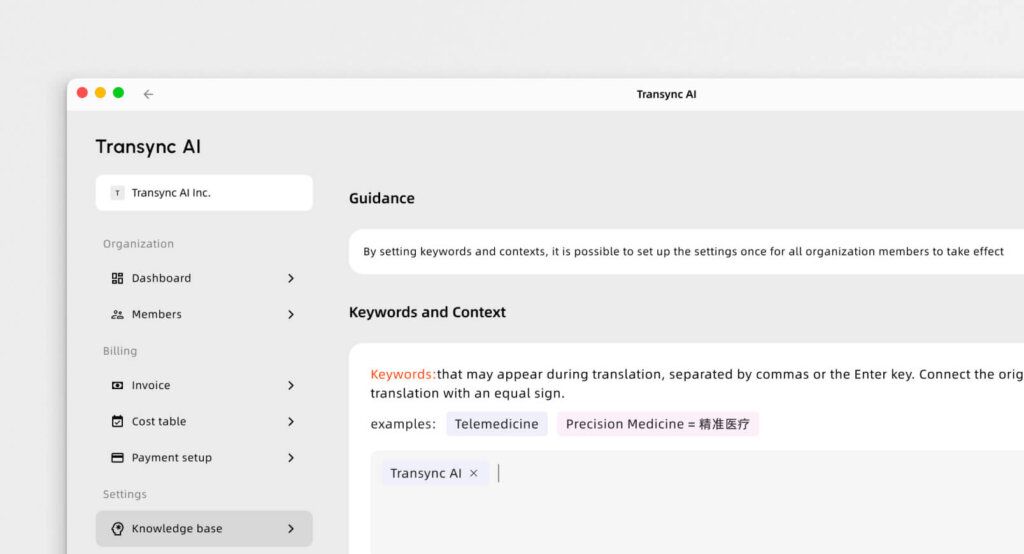
Best for: Professionals demanding a zero-latency, standalone speech to text translator for seamless global video conferencing.
G2 Rating: N/A (Emerging Leader)
When executives decide to stop waiting for human interpreters, Transync AI is the definitive tool of choice. Transync AI is a real-time interpretation tool powered by an end-to-end speech large model. It bypasses the clunky, plugin-heavy setups of its competitors by offering a clean, standalone experience that never crashes your primary conferencing software.
Key features:
- Instant Processing: Delivers flawless AI Real-time translation by automatically detecting the speaker’s language. You can check all natively Supported languages directly online.
- Flawless Compatibility: Operating purely as an independent app, it provides perfect AI Live Meeting Translation for Zoom, Teams, and Google Meet alongside your calls, without requiring dangerous third-party plugins.
- Strategic Summaries: It seamlessly features built-in AI Meeting Notes to accurately extract key action items from complex bilingual calls.
- Natural Audio: Acts as a highly natural AI voice translator, generating human-like voice broadcasts without robotic delays.
- Custom Context: Use the AI Assistant Keywords Context to pre-define industry jargon, pushing transcription and translation accuracy to over 95%.
Pros:
- Features a unique dual-screen display design that significantly improves reading efficiency.
- Uncompromising data privacy (your voice data is never used for AI training), guaranteed by their strict Compliance Report.
Cons:
- Offline translation and camera-based image recognition are not supported.
- Text translation via copying and pasting into the app is unavailable.
Pricing: 40 minutes of free trial duration will be granted to users in the first month following registration. Scalable Pricing starts at a highly competitive $8.99/month.
The Verdict: Read the Quickstart guide, or See how Transync AI performs exceptionally well across a variety of use cases. For centralized billing, explore the Enterprise tier and the Enterprise guide.
2. Fireflies.ai
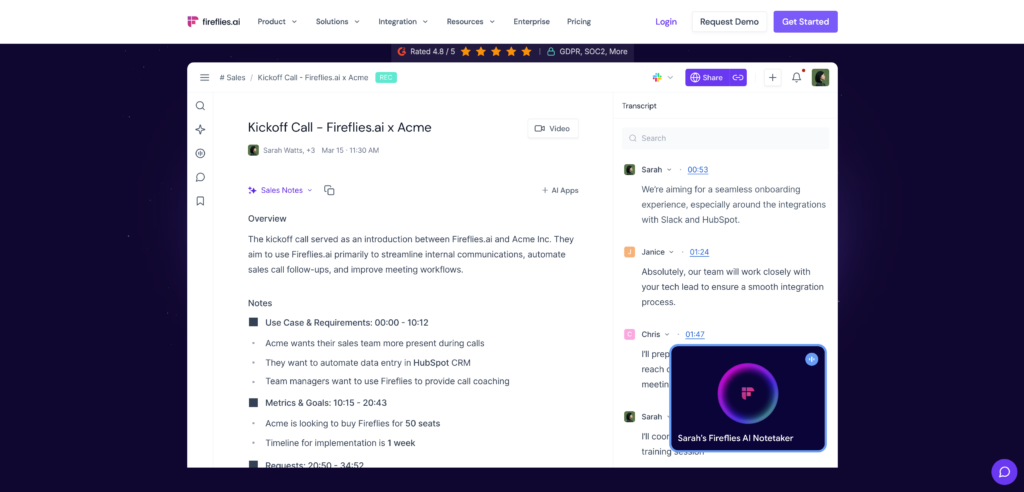
Best for: Sales teams needing deep CRM integration and post-meeting conversation analytics.
G2 Rating: 4.7/5
Fireflies feels like a searchable database for your entire company’s voice data. While it is a very powerful speech to text translator for post-call analysis, it operates primarily by sending a visible bot into your meetings.
Key features:
- AskFred AI Assistant: You can chat with Fred to fact-check claims or summarize specific segments of a sales call.
- CRM Integrations: Automatically logs transcripts directly into platforms like Salesforce and HubSpot.
The Verdict: Perfect for revenue teams tracking sales objections, though the visible bot can be intrusive during formal client negotiations.
3. Maestra AI
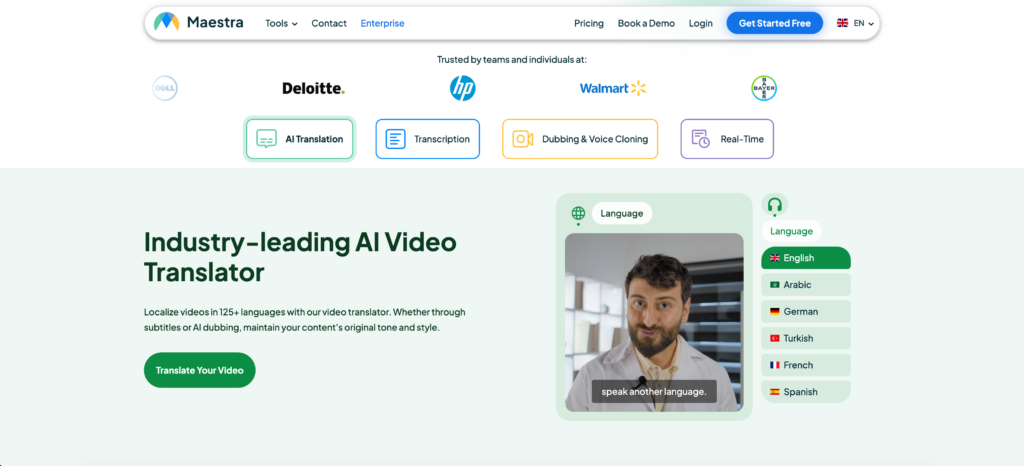
Best for: Real-time meeting notes, live subtitles, and AI video dubbing for webinars.
G2 Rating: 4.8/5
Maestra is a highly versatile speech to text translator that combines transcription, translation, and live captioning into a single web-based interface.
Key features:
- Bilingual Live Captions: Generates real-time meeting notes while displaying captions in both the original and translated languages simultaneously.
- Post-Production: Allows users to edit sessions, generate subtitles, and export voiceovers natively.
The Verdict: If you are hosting public educational webinars and need to provide live bilingual captions, Maestra provides a highly polished broadcast workflow.
4. DeepL Voice
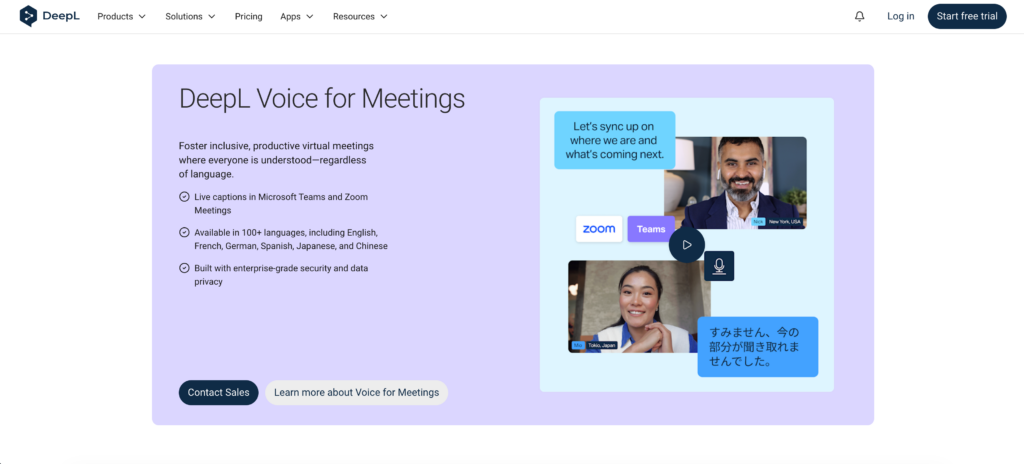
Best for: High-quality vocal translations for face-to-face mobile conversations.
G2 Rating: 4.6/5
DeepL Voice extends DeepL’s massive textual translation technology to spoken conversations, with a strong focus on grammatical accuracy.
Key features:
- Face-to-Face Mode: Splits the screen so both speakers can easily read transcripts during in-person conversations while listening to the AI voice.
The Verdict: If you care most about linguistic quality and natural-sounding output on a mobile device for field negotiations, this app is incredibly strong.
5. Otter.ai
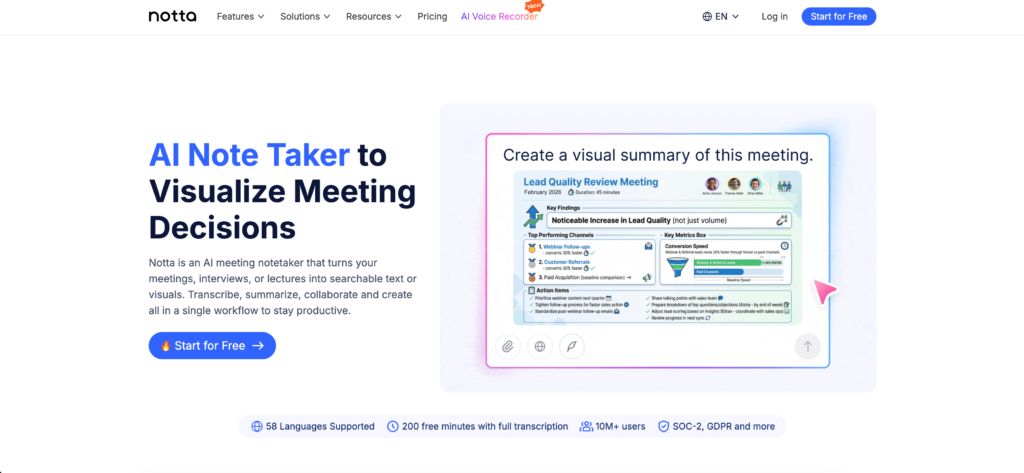
Best for: Automated team collaboration and internal English meeting notes.
G2 Rating: 4.4/5
As a foundational speech to text translator, Otter automatically captures spoken conversations and turns them into structured notes, but its focus is primarily on the English language.
Key features:
- OtterPilot: Automatically joins your Zoom, Google Meet, or Microsoft Teams calls to record audio and write notes.
The Verdict: Otter is perfect for internal English-speaking teams who want conversations automatically documented, provided you do not need live multilingual voice output.
6. JotMe
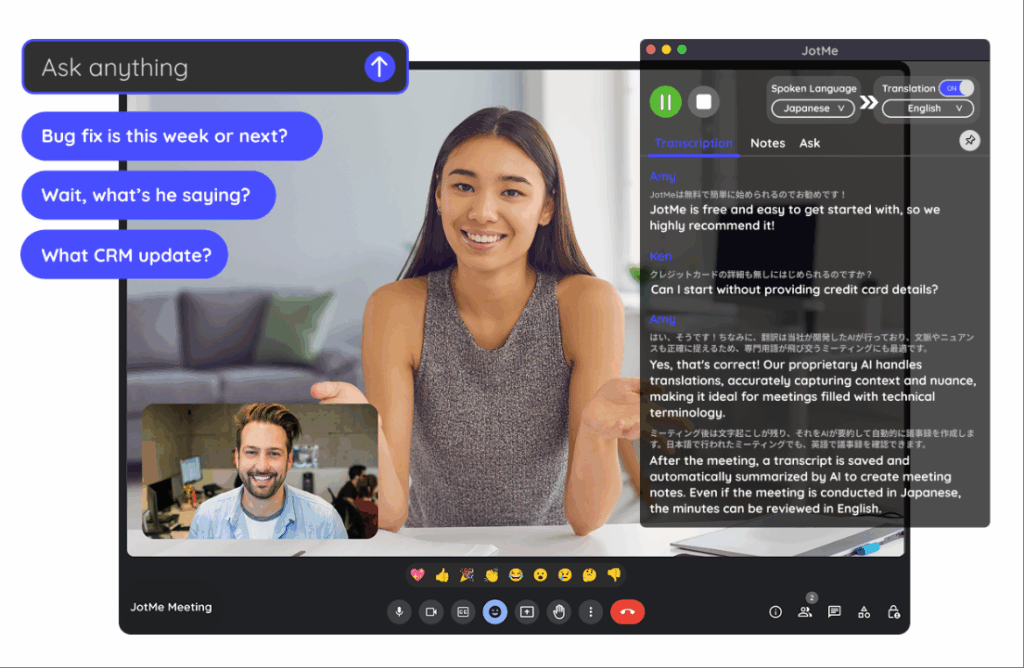
Best for: Cross-border corporate teams needing fast bilingual captions.
G2 Rating: 4.7/5
JotMe acts as a lightweight utility designed specifically for fast-paced, internal cross-border collaboration.
Key features:
- Live Captions: Provides two-way real-time translation during meetings directly via a browser extension.
The Verdict: JotMe is a fantastic, lightweight utility for agile teams deeply embedded in the Google Meet ecosystem who do not require heavy standalone setups.
7. VoicePing
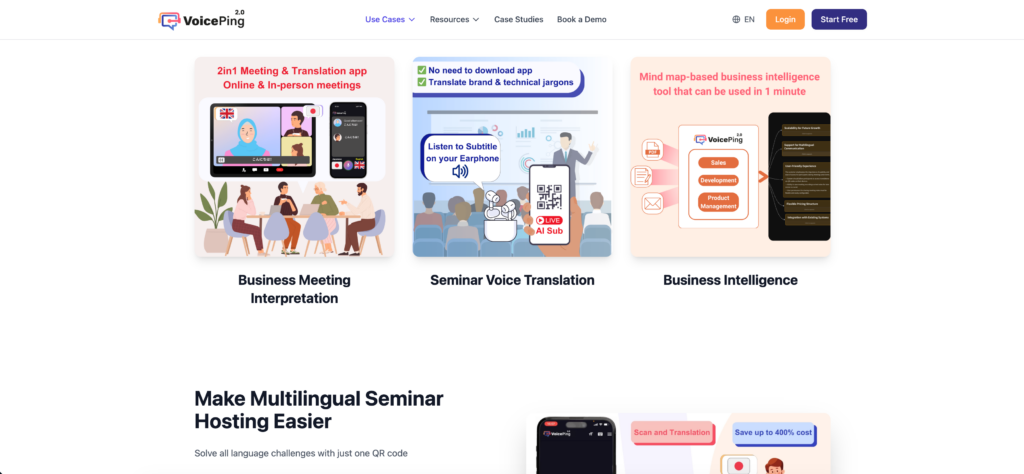
Best for: Remote workers in noisy environments preferring hardware integration.
G2 Rating: 4.0/5
VoicePing takes a completely different approach to being a speech to text translator by pairing real-time software with dedicated hardware.
Key features:
- Hardware Synergy: When paired with specialized headsets, the system drastically reduces background noise, converting clear speech to text on the fly.
The Verdict: If your frontline team works away from traditional desks on noisy manufacturing floors, VoicePing’s hardware combo is a highly practical solution.
How to Choose the Perfect Speech to Text Translator?
Navigating the procurement of a speech to text translator comes down to three strategic questions:
- Do you need to translate live video meetings? If you use Zoom or Teams daily, look for a standalone application like Transync AI that works seamlessly alongside your software without disruptive plugins.
- Is a visible recording bot acceptable? Tools like Fireflies use bots that appear in the meeting roster. If you want a completely invisible and natural workflow, standalone applications are required.
- Do you need automated meeting summaries? The best modern tools do not just convert speech to text; they also extract actionable data. Look for apps that generate smart meeting notes automatically.
Conclusion
The era of pausing a meeting to wait for a human translator is over. In 2026, forcing a client to wait while you process manual translations is a massive competitive disadvantage. While tools like DeepL Voice are perfect for face-to-face mobile encounters and Fireflies dominates CRM data entry, Transync AI distinguishes itself as the ultimate standalone speech to text translator for daily B2B virtual meetings. By combining zero-latency voice output with intelligent meeting notes, your enterprise can execute global strategies with flawless precision and natural speed.
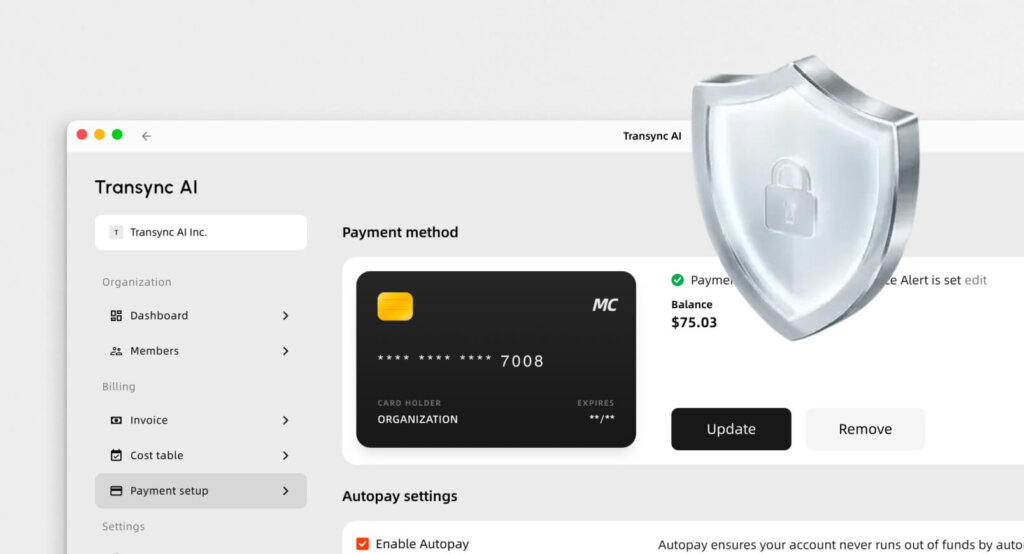
If you want a next-generation experience, Transync AI leads the way with real-time, AI-powered translation that keeps conversations flowing naturally. You can try it free now.
