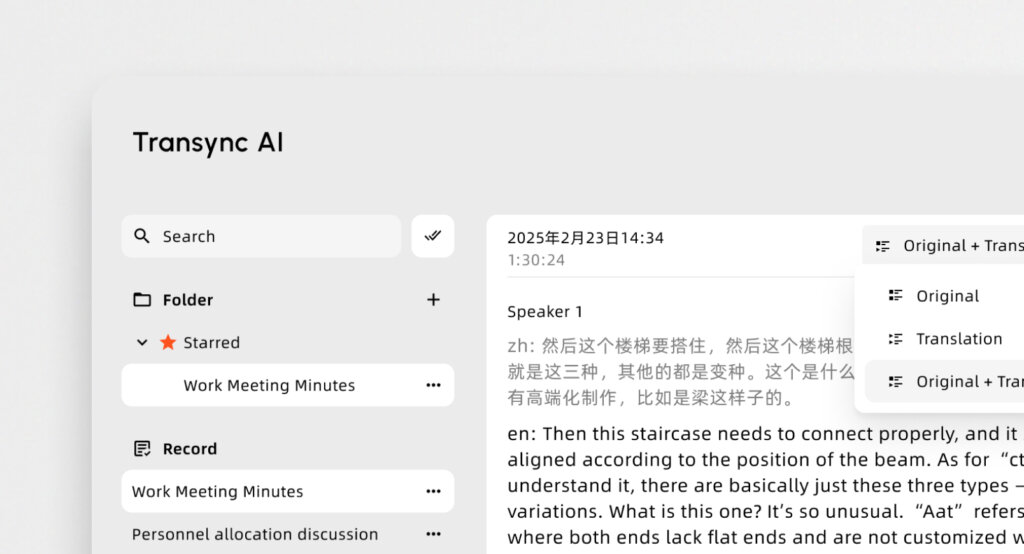
When Chief Information Officers (CIOs) audit their corporate software stack in 2026, they often find a glaring gap. While companies invest heavily in CRMs, project management, and asynchronous video, the infrastructure for real-time multilingual communication is frequently ignored. In a globalized economy, relying on fragmented tools translation methods—like pausing a live negotiation to type into a web browser—destroys deal momentum.
With the AI-powered meeting assistants market currently exploding and projected to reach USD 24.6 Billion by 2034, deploying dedicated tools translation platforms is no longer optional. It is a fundamental operational requirement. In this executive procurement guide, we will evaluate the top 7 platforms on the market, helping you identify the exact AI tools translation software required to unify your global workforce.
Why Specialized Tools Translation Platforms Win
A decade ago, a single dictionary app was enough. Today, the tools translation market has fractured into highly specialized ecosystems. A platform designed to translate a massive virtual webinar uses entirely different architecture than an app built for secure, face-to-face mobile interactions.
The best modern solutions leverage deep neural networks, such as the HiFi-GAN architecture, to execute end-to-end speech processing. This means the software listens to your live speech, processes the semantic context, and synthesizes a natural, human-sounding voice with near-zero latency. To build a flawless corporate tech stack, you must match the specific tools translation capabilities to your exact business scenarios.
The Ultimate 2026 Comparison Matrix
Here is a strategic overview of the 7 essential applications every global professional needs to evaluate, mapped to their ideal enterprise use cases.
| Software | Tech Stack Category | Live Meeting Compatibility | Delivery Method | Primary Enterprise Benefit |
| Transync AI | Live Voice Translation | ✅ Zoom, Teams, Meet (Standalone) | Voice & Dual-Screen | The ultimate tools translation for B2B video |
| WisprFlow | Professional Dictation | ❌ System-wide typing | AI Polished Text | Hands-free typing for legal/medical fields |
| DeepL Voice | Mobile Conversations | ✅ iOS, Android, Teams | Face-to-Face Screen | High-quality phrasing for in-person deals |
| Maestra | Media & Broadcasts | ✅ Zoom, Teams | Voice & Web Captions | Translating public educational webinars |
| Wordly | Massive Virtual Events | ✅ Webex, Zoom | Voice & Web Text | Scalable town halls via BYOD access |
| Notta | Async Transcription | ❌ Upload & Record | Text Transcripts | Converting global voice memos to text |
| JotMe | Agile Team Syncs | ✅ Google Meet | Browser Captions | Quick bilingual documentation |
1. Transync AI: The Standalone Video Champion
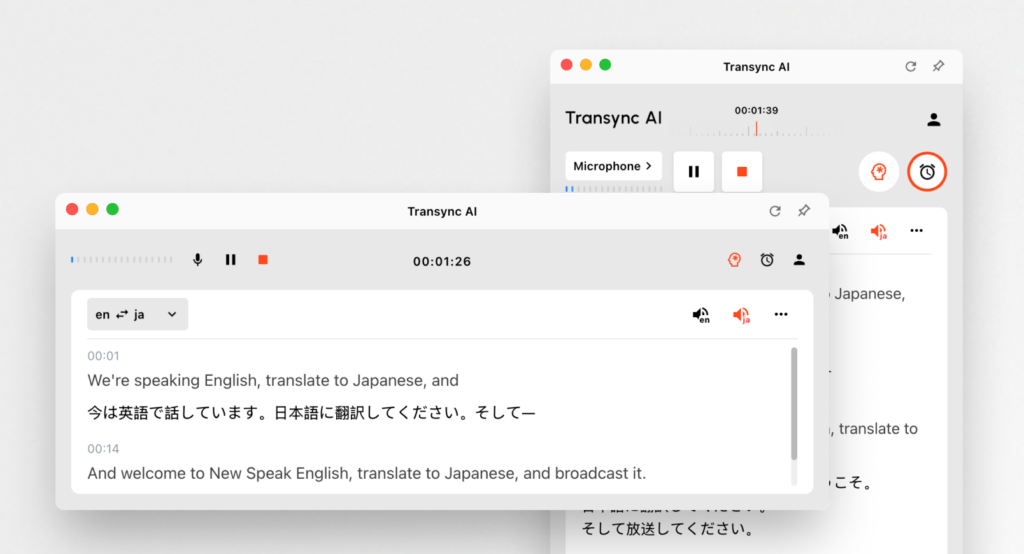
Best for: Executives demanding zero-latency tools translation during secure, live global video conferences.
G2 Rating: N/A (Emerging Leader)
When evaluating the tools translation market for high-stakes video meetings, Transync AI is the definitive engine. Transync AI is a real-time interpretation tool powered by an end-to-end speech large model. It bypasses the clunky, plugin-heavy setups of its competitors by offering a clean, standalone experience that never compromises your primary conferencing software.
Key features:
- Instant Processing: Delivers flawless AI Real-time translation by instantly detecting spoken languages. You can review all natively Supported languages directly online.
- Flawless Compatibility: Operating purely as an independent app, it provides perfect AI Live Meeting Translation for Zoom, Teams, and Google Meet directly alongside your calls.
- Strategic Summaries: It seamlessly features built-in AI Meeting Notes to accurately capture action items during complex bilingual calls.
- Natural Audio: Acts as a highly natural AI voice translator, generating human-like voice broadcasts without robotic delays.
The Verdict: With uncompromising data privacy detailed in their Compliance Report, Transync AI is the safest choice for enterprise clients. Read the Quickstart guide or explore the Enterprise options via their Enterprise guide to deploy the absolute best solution today.
2. WisprFlow: The System-Wide Dictation Engine
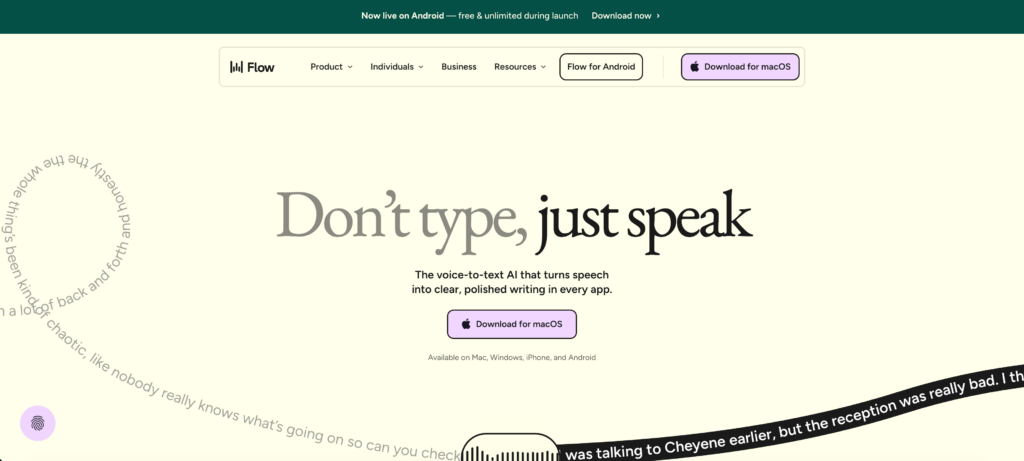
Best for: Doctors, lawyers, and engineers requiring highly accurate, hands-free text input.
G2 Rating: 4.7/5
If your tools translation strategy requires precise transcription directly into a CRM or medical database, WisprFlow is the answer. It works as a system-wide voice-to-text layer across every app on your device.
Key features:
- Contextual Formatting: Uses AI to remove filler words and adjust text formatting based on the specific app you are typing in.
The Verdict: It’s the strongest transcription software for professionals who need accurate dictation rather than a multi-speaker meeting recorder.
3. DeepL Voice: The Mobile Negotiator
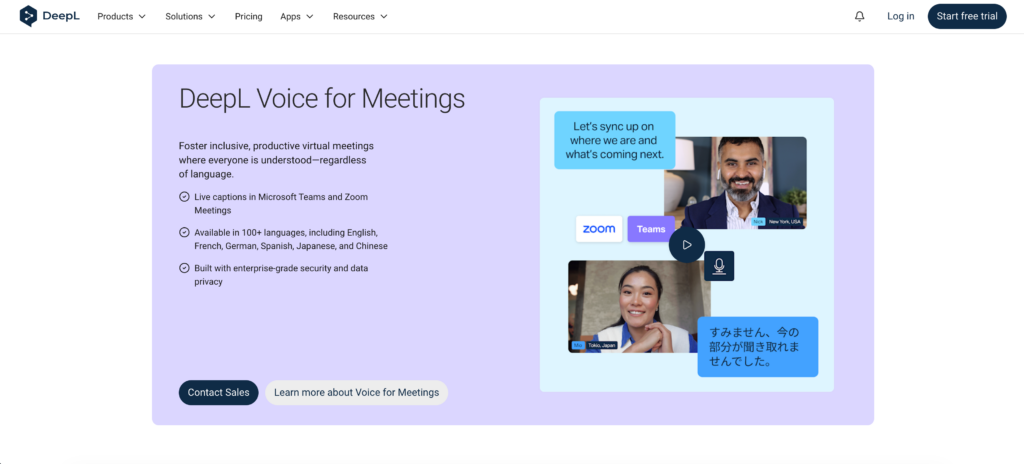
Best for: High-quality vocal translations for face-to-face mobile conversations.
G2 Rating: 4.6/5
DeepL Voice extends DeepL’s massive textual translation technology to spoken conversations, with a strong focus on accuracy and natural phrasing.
Key features:
- Face-to-Face Mode: A feature that splits the screen so both speakers can easily read translations during in-person conversations while listening to the AI voice output.
The Verdict: If you care most about linguistic quality and natural-sounding output on a mobile device for field negotiations, this app is incredibly strong.
4. Maestra: The Broadcast Powerhouse
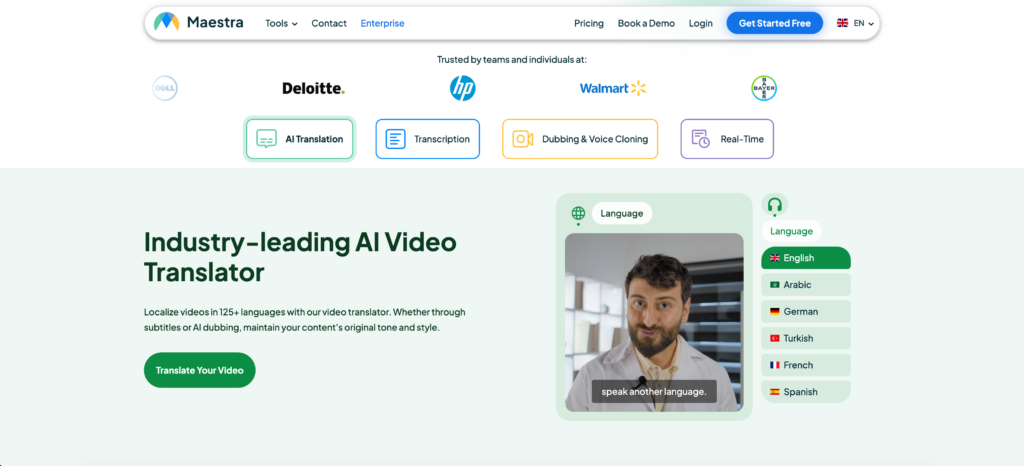
Best for: Educational webinars and large-scale media events requiring broad language access.
G2 Rating: 4.8/5
Maestra bridges linguistic gaps in meetings, webinars, events, and live streams by combining transcription, translation, and live captioning into a single interface.
Key features:
- Bilingual Live Captions: Generates real-time meeting notes while displaying captions in both the original and translated languages simultaneously.
The Verdict: If you are hosting public educational webinars and need to provide live bilingual captions, Maestra provides a highly polished broadcast workflow.
5. Wordly: The Town Hall Scaler
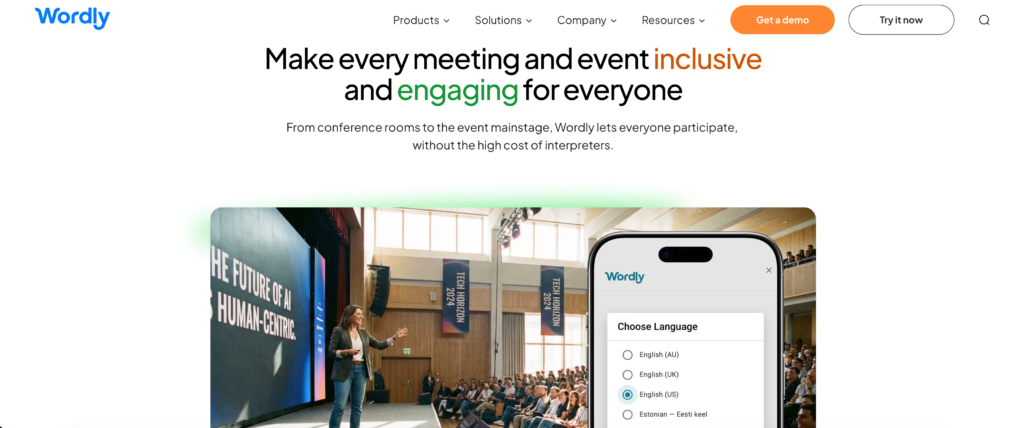
Best for: Massive virtual summits and large-scale hybrid corporate events.
G2 Rating: 4.6/5
Wordly focuses on making multilingual events accessible to large audiences.
Key features:
- Instant Audience Access: Attendees access translated voice and captions directly in their browser without downloading software.
The Verdict: The premier choice for event organizers needing to broadcast spoken content to massive, diverse crowds.
6. Notta: The Asynchronous Meeting Scribe
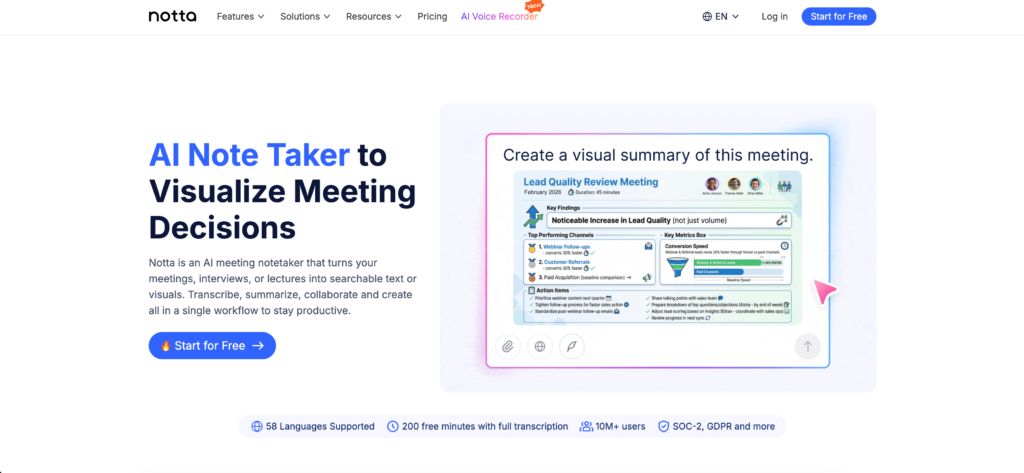
Best for: Transcribing voice memos and processing recorded meetings asynchronously.
G2 Rating: 4.7/5
Sometimes, enterprise tools translation requires digging into the past. Notta is an AI-powered meeting productivity platform built for asynchronous media.
Key features:
- Broad Support: It supports audio file upload and generates searchable, shareable transcripts in 58+ languages.
The Verdict: A fantastic cloud-based tool for converting existing asynchronous audio files and voice memos into actionable text.
7. JotMe: The Agile Extension
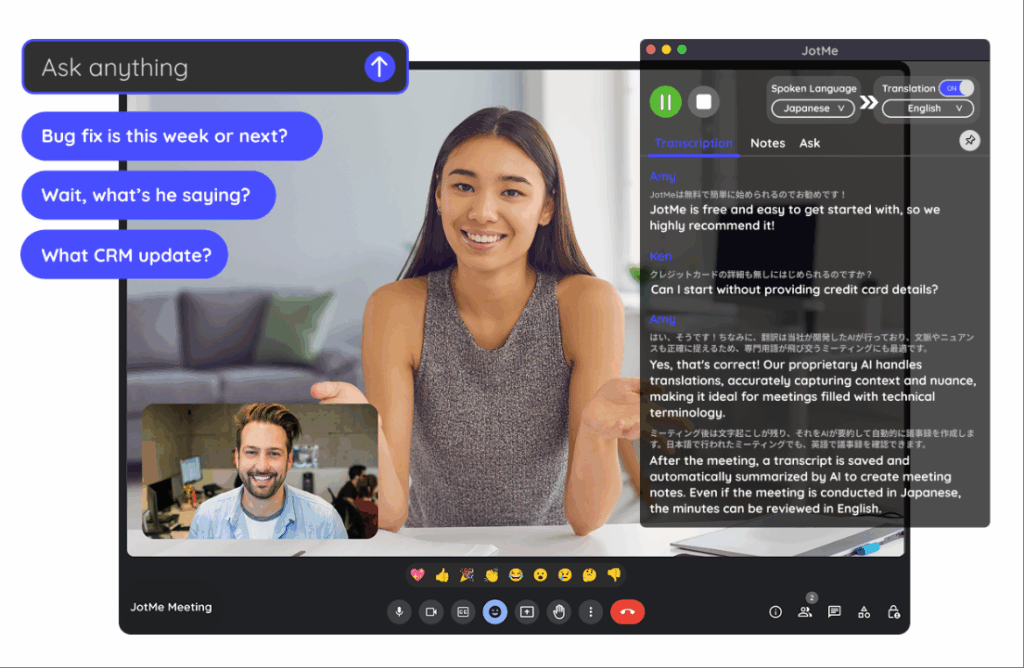
Best for: Cross-border corporate teams needing fast bilingual captions on Google Meet.
G2 Rating: 4.7/5
JotMe acts as a lightweight utility designed specifically for fast-paced, internal cross-border collaboration.
Key features:
- Live Captions: Provides two-way real-time translation during meetings directly via a browser extension.
The Verdict: JotMe is a fantastic, lightweight utility for agile teams deeply embedded in the Google ecosystem who need quick text captions.
Conclusion: Building Your Ecosystem
As global borders blur, auditing and upgrading your tools translation stack is your ultimate competitive advantage. The best approach is to match the software precisely to your environment. For large-scale webinars, Maestra and Wordly offer incredible broadcast scalability. For asynchronous audio uploads, Notta is highly efficient.
However, for the core of daily corporate operations—live B2B video meetings and executive negotiations—Transync AI clearly separates itself from the pack. By combining zero-latency voice output, flawless standalone meeting compatibility, and strict data privacy, Transync AI is the ultimate engine for driving borderless business growth.
If you want a next-generation experience, Transync AI leads the way with real-time, AI-powered translation that keeps conversations flowing naturally. You can try it free now.