In the hyper-connected business world of 2026, relying on text-based chat windows or clunky email translations to close an international deal is a massive competitive disadvantage. When you are negotiating a contract, pacing, tone, and immediate reactions dictate your success. If your team is still pausing a video call to type sentences into a web browser, you are losing the room.
The future belongs to the vocal translator. With the AI meeting assistant market projected to explode to USD 24.6 Billion by 2034, speech-to-speech technology has finally reached near-zero latency. In this disruptive guide, we will break down the 7 most powerful voice tools on the market, helping you abandon the keyboard and start speaking natively to your global partners.
What Makes a Vocal Translator So Powerful?
Why is an AI vocal translator fundamentally better than traditional software? The secret lies in modern Neural TTS (Text-to-Speech) and end-to-end AI architectures.
Instead of mechanically stitching together pre-recorded words, deep learning models like the HiFi-GAN framework synthesize lifelike human speech on the fly. This means a premium vocal translator does not just convert your English to Spanish; it replicates emotional context, filters out filler words, and operates alongside your video conferencing software without disruptive delays.
Top 7 Vocal Translator Apps Compared
To fast-track your upgrade to voice-first communication, here is a strategic matrix comparing the top 7 applications available today.
| Software | Standout Feature | Live Meeting Compatibility | Best For |
| Transync AI | Dual-screen & zero latency | ✅ Zoom, Teams, Meet (Standalone) | Live B2B video negotiations |
| Langfinity | Human-like voice-to-voice | ✅ Microsoft Teams | Internal global team alignments |
| DeepL Voice | Superior textual phrasing | ✅ iOS, Android, Teams | Face-to-face mobile conversations |
| Maestra | Subtitles & video dubbing | ✅ Zoom, Teams | Webinars and educational broadcasts |
| VoicePing | Push-to-talk hardware | ✅ Various | Remote workers in noisy environments |
| JotMe | Fast bilingual captions | ✅ Google Meet | Quick internal corporate discussions |
| Kudo | Hybrid human + AI network | ✅ Zoom, Teams | Diplomatic & high-stakes events |
1. Transync AI: The Ultimate Standalone Champion
Best for: Professionals demanding a zero-latency, standalone vocal translator for seamless global video conferencing.
G2 Rating: N/A (Emerging Leader)
When enterprise leaders decide to stop typing, Transync AI is the definitive tool of choice. Transync AI is a real-time interpretation tool powered by an end-to-end speech large model. It bypasses the clunky bot-heavy setups of its competitors by offering a clean, standalone experience that never interferes with your core software.
Key features:
- Instant Multilingual Processing: Delivers flawless AI Real-time translation by automatically detecting the speaker’s language. It supports a massive global footprint; you can check all natively Supported languages online.
- Flawless Compatibility: Operating purely as an independent app, it provides perfect AI Live Meeting Translation for Zoom, Teams, and Google Meet directly alongside your calls, without requiring dangerous third-party plug-ins.
- Strategic Note-Taking: It seamlessly features built-in AI Meeting Notes to accurately extract key points from bilingual discussions.
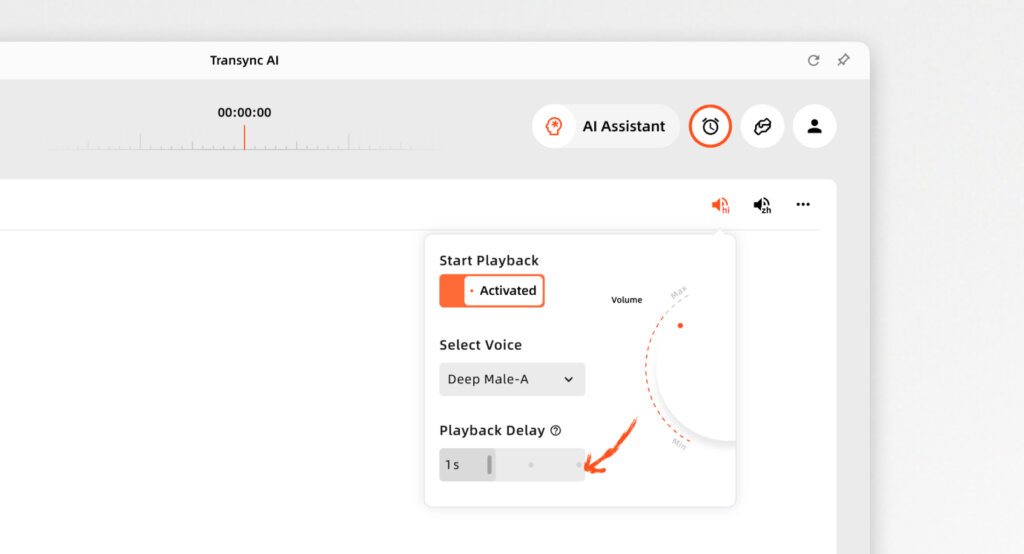
- Natural Audio: Acts as a highly natural AI voice translator, generating human-like voice broadcasts.
- Custom Context: Use the AI Assistant Keywords Context to pre-define industry jargon, pushing translation accuracy to over 95%.
Pros:
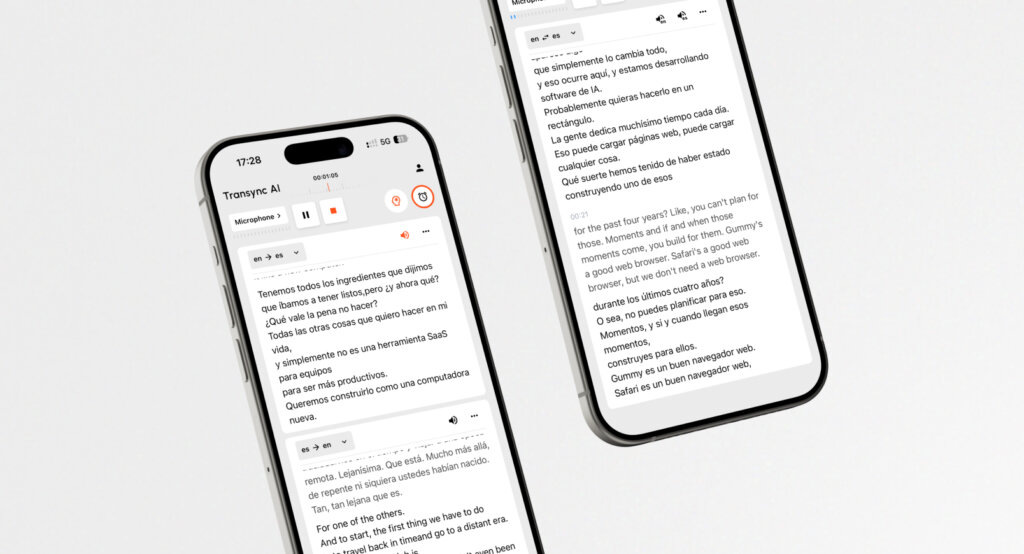
- Features a unique dual-screen display design that significantly improves reading and comprehension efficiency.
- Uncompromising data privacy (data is not used for AI training), guaranteed by their strict Compliance Report.
Cons:
- Offline translation and camera-based image recognition are not supported.
Pricing: 40 minutes of free trial duration will be granted to users in the first month following registration. Scalable Pricing starts at a highly competitive $8.99/month.
The Verdict: Read the Quickstart guide, or See how Transync AI performs exceptionally well across a variety of use cases. For unified billing, explore the Enterprise tier and the Enterprise guide.
2. Langfinity
Best for: Internal global teams heavily embedded in the Microsoft Teams ecosystem.
G2 Rating: 4.9/5
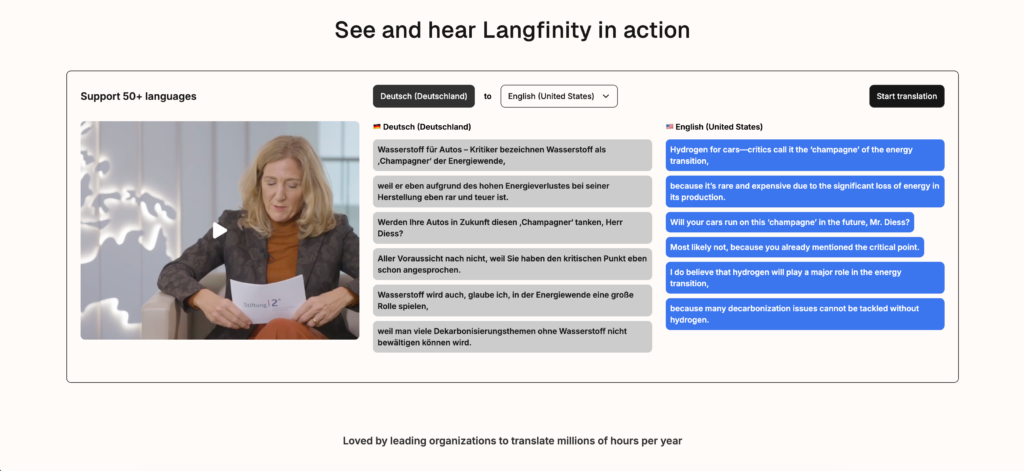
Langfinity focuses on breaking down language barriers in real-time video calls and meetings. It stands out for its “AI Voice” technology that actively dubs the speaker’s voice into your language using natural-sounding tones.
Key features:
- Native Teams Design: You can install the Langfinity app directly within Microsoft Teams.
- AI Context Engine: Understands idioms and industry-specific jargon to maintain tone.
The Verdict: An excellent, fast-processing vocal translator if your entire company operates exclusively within Microsoft Teams without needing cross-platform agility.
3. DeepL Voice
Best for: High-quality vocal translations for mobile, in-person meetings.
G2 Rating: 4.6/5
DeepL Voice extends DeepL’s massive textual translation technology to spoken conversations, with a strong focus on grammatical accuracy and natural phrasing.
Key features:
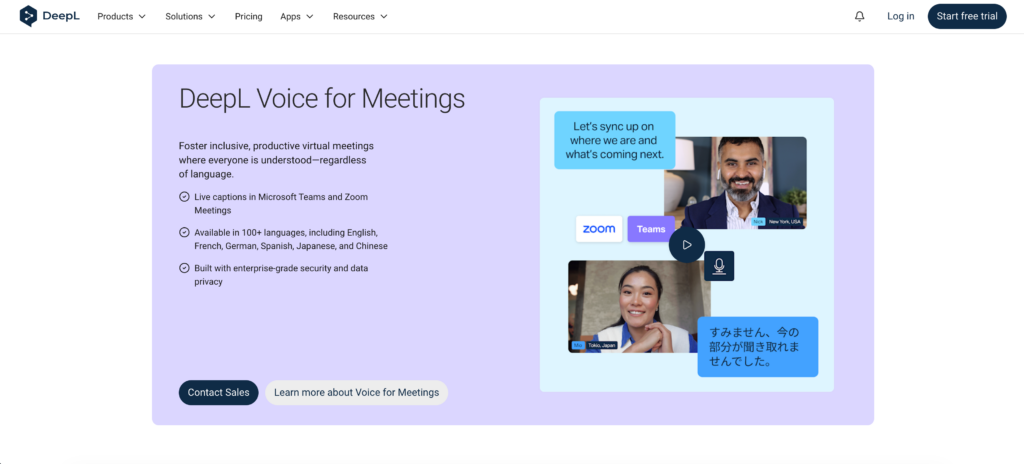
- Face-to-Face Mode: Splits the screen so both speakers can easily read translations during in-person conversations while listening to the AI voice.
The Verdict: If you care most about linguistic quality and natural-sounding output on a mobile device for field negotiations, this app is incredibly strong.
4. Maestra AI
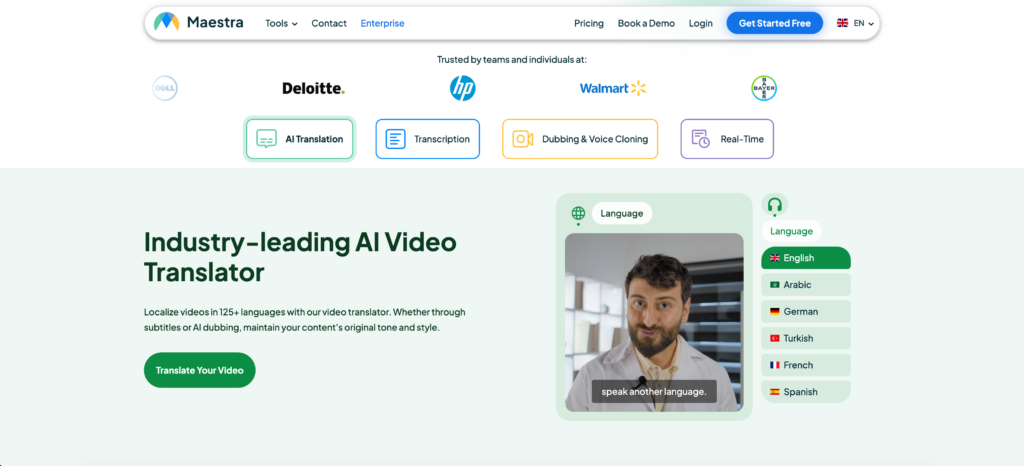
Best for: Real-time meeting notes, subtitles, and AI video dubbing.
G2 Rating: 4.8/5
Maestra acts as a web-based powerhouse, combining transcription, translation, and live captioning into a single interface.
Key features:
- Simultaneous Translation: Converts speech into translated audio instantly for audiences across 125+ languages.
- Post-Production: Allows users to edit sessions, generate subtitles, and export voiceovers natively.
The Verdict: If you are hosting public educational webinars and need to provide live captions and voiceovers, Maestra provides a highly polished broadcast workflow.
5. VoicePing
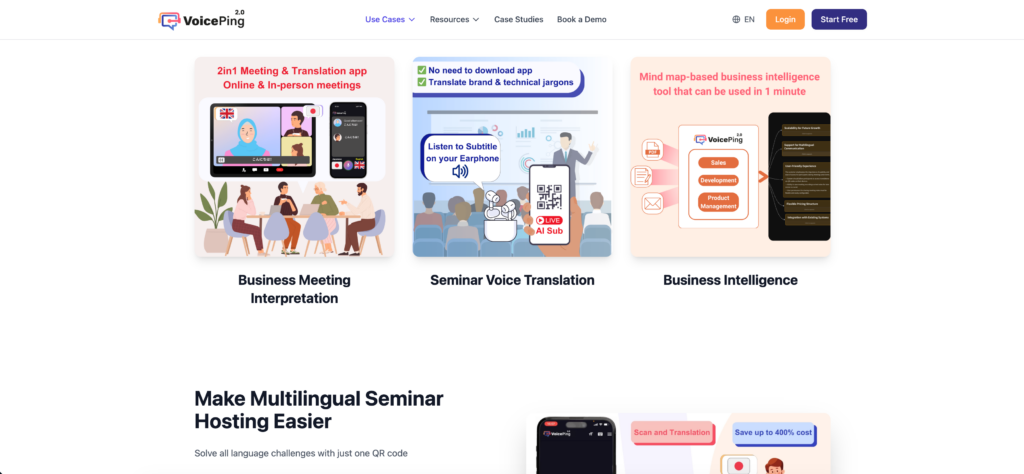
Best for: Remote workers in noisy environments preferring hardware integration.
G2 Rating: 4.0/5
VoicePing takes a completely different approach by pairing a real-time vocal translator with dedicated hardware, such as headsets with physical push-to-talk buttons.
Key features:
- Push-to-Talk (PTT): Walkie-talkie style communication for instant voice translation.
- Hardware Synergy: When paired with specialized headsets, the system drastically reduces background noise.
The Verdict: If your frontline team works away from traditional desks on noisy manufacturing floors, VoicePing’s hardware-software combo is a practical solution.
6. JotMe
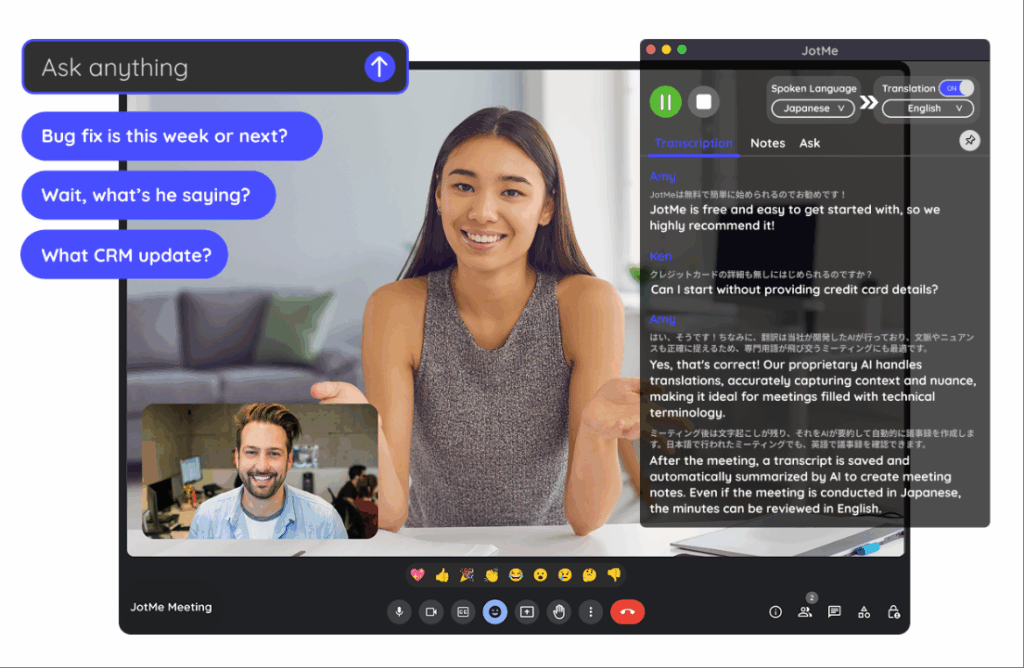
Best for: Cross-border corporate teams needing fast bilingual captions.
G2 Rating: 4.7/5
JotMe acts as a lightweight utility designed specifically for fast-paced, internal cross-border collaboration.
Key features:
- Live Captions: Provides two-way real-time translation during meetings directly via a browser extension.
- Automated Notes: Generates structured meeting minutes and action items once the call ends.
The Verdict: JotMe is a fantastic, lightweight utility for agile teams deeply embedded in the Google Meet ecosystem who do not require heavy standalone setups.
7. Kudo
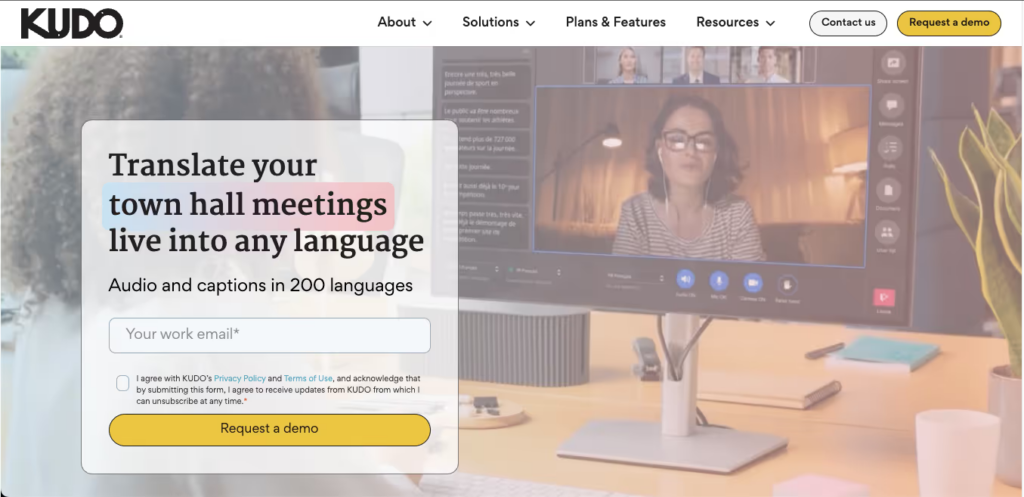
Best for: Diplomatic events and high-stakes corporate meetings requiring human nuance.
G2 Rating: 4.1/5
KUDO is a premium player that offers a unique hybrid platform, allowing event organizers to choose between rapid AI translation and booking certified human professional interpreters.
Key features:
- Interpreter Network: Alongside AI, you can directly book human interpreters for high-stakes meetings where an AI vocal translator isn’t sufficient.
- Seamless Channel Switching: Participants can change language channels effortlessly without interrupting the meeting flow.
The Verdict: When your meeting leaves absolutely zero room for contextual errors, Kudo’s hybrid human-AI approach is the safest premium choice.
How to Choose the Perfect Vocal Translator?
Navigating the procurement of a vocal translator comes down to three strategic questions:
- Do you need to translate live video meetings? If you use Zoom or Teams daily, look for a standalone application like Transync AI that works seamlessly alongside your software without disruptive plugins.
- Where does the meeting take place? If you are conducting a face-to-face negotiation in a cafe, DeepL Voice on a mobile device is excellent. For high-stakes virtual calls, desktop standalone stability is required.
- Do you need automated meeting summaries? The best modern tools do not just translate voice; they also extract actionable data. Look for apps that generate smart meeting notes automatically.
Conclusion
Language should be your greatest bridge, not a bottleneck. In 2026, forcing a client to wait while you type into a translation window is obsolete. While tools like DeepL Voice are perfect for face-to-face mobile encounters and Kudo remains vital for human-led interpretation, Transync AI distinguishes itself as the ultimate standalone vocal translator for daily B2B virtual meetings. By combining zero-latency voice output with intelligent meeting notes, your enterprise can execute global strategies with flawless precision and natural speed.
If you want a next-generation experience, Transync AI leads the way with real-time, AI-powered translation that keeps conversations flowing naturally. You can try it free now.