
Il miglior strumento di traduzione plug-and-play per videochiamate urgenti
Introduzione: la necessità di una comunicazione immediata
Nell'attuale contesto aziendale frenetico, le videochiamate urgenti sono diventate una necessità onnipresente, spesso richiedendo a partecipanti con background linguistici diversi di connettersi rapidamente. Per facilitare una comunicazione efficace senza barriere linguistiche, è fondamentale disporre di un... strumento di traduzione per videochiamate urgenti è essenziale. Le soluzioni migliori sono plug-and-play, consentendo ai team di partecipare a riunioni importanti con una configurazione minima e la massima efficienza.
In questo articolo vengono illustrati i migliori strumenti di traduzione adatti alle videochiamate urgenti, che consentono ai team di collaborare senza problemi nonostante le differenze linguistiche.
Sfide delle barriere linguistiche nelle chiamate urgenti
Le barriere linguistiche possono comportare diverse difficoltà durante le videochiamate urgenti, tra cui:
- Comunicazione errata: Informazioni importanti possono andare perse durante la traduzione, dando origine a malintesi.
- Vincoli di tempo: Eventuali ritardi nell'interpretazione o nella traduzione possono compromettere l'efficienza e l'esito della riunione.
- Mancanza di professionalità: Gli errori nella comunicazione possono avere ripercussioni negative sull'azienda, influendo sui rapporti con clienti e partner.
I migliori strumenti di traduzione plug-and-play per videochiamate urgenti
Ecco un elenco selezionato di strumenti di traduzione efficaci che possono essere integrati perfettamente nelle tue videochiamate urgenti senza alcuna configurazione complicata:
1. Transync AI – Potenza di traduzione in tempo reale

Che cosa è:
Transync AI è un'applicazione di traduzione avanzata progettata specificamente per la comunicazione in tempo reale. Fornisce traduzioni rapide e accurate durante le riunioni, rendendola la scelta ideale per le videochiamate urgenti.
Caratteristiche principali:
- Precisione 95%+: Elevata accuratezza della traduzione, specificamente adattata ai contesti aziendali.
- Latenza <100 ms: Tempi di risposta immediati per conversazioni fluide.
- Rilevamento automatico della lingua: Non è richiesta alcuna configurazione: l'app rileva la lingua di chi parla.
- Appunti della riunione bilingue: Note generate automaticamente in entrambe le lingue.
- Integrazione con le principali piattaforme: Funziona perfettamente con Google Meet, Zoom e altri.
🎥 Guarda come usare Transync AI
Ideale per: Aziende che necessitano di traduzioni immediate e precise durante riunioni urgenti.
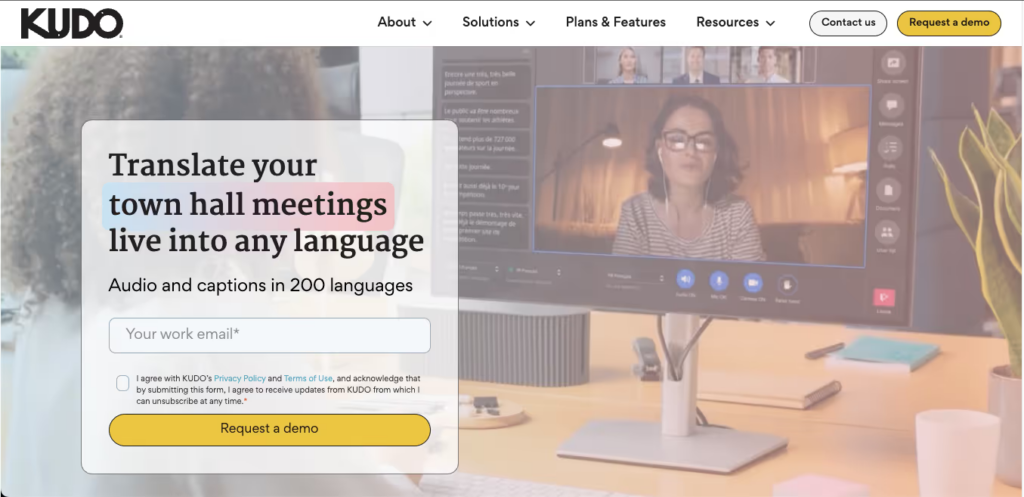
2. Kudo – Soluzione completa per riunioni aziendali
Che cosa è:
Kudo è una soluzione basata sul cloud che fornisce servizi di interpretazione linguistica in tempo reale durante le videoconferenze.
Caratteristiche principali:
- Supporto multilingue: Offre servizi di interpretariato dal vivo in più lingue.
- Interfaccia intuitiva: Facile accesso senza formazione preventiva.
- Basato sul Web: Non è necessaria alcuna installazione: basta collegarsi durante la chiamata.
Ideale per: Aziende che organizzano riunioni importanti che richiedono un servizio di interpretariato professionale.
3. Otter AI – Trascrizione e traduzione intelligenti

Che cosa è:
Otter AI è rinomata per la sua capacità di fornire trascrizioni in tempo reale insieme alla traduzione.
Caratteristiche principali:
- Trascrizioni automatiche: Cattura il linguaggio parlato con elevata precisione.
- Supporto linguistico: Traduce la conversazione in tempo reale per facilitare la comunicazione.
- Integrazione con Zoom: Organizza facilmente videochiamate con le funzionalità di Otter AI.
Ideale per: Team che necessitano sia di trascrizione che di traduzione durante riunioni urgenti.
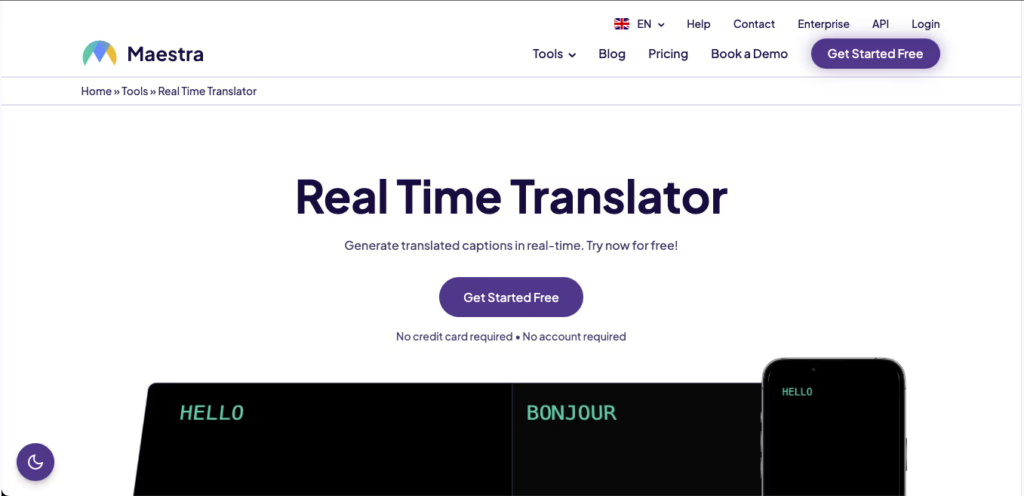
4. Maestra AI – Traduzione e modifica versatili
Che cosa è:
Maestra AI semplifica il processo di traduzione dei contenuti video in tempo reale.
Caratteristiche principali:
- Traduzione in tempo reale: Supporta più lingue con elevata precisione.
- Strumenti di modifica: Offre opzioni per modificare e rivedere le traduzioni senza sforzo.
- Configurazione semplice: La funzionalità plug-and-play facilita una rapida implementazione.
Ideale per: Creatori di contenuti e aziende che producono contenuti video che necessitano di traduzione.
5. VoicePing – Comunicazione incentrata sull'audio

👉VoicePing
Che cosa è:
VoicePing è specializzata in traduzioni audio per una comunicazione fluida durante le chiamate.
Caratteristiche principali:
- Traduzione audio istantanea: Converte istantaneamente il parlato in testo e viceversa.
- Facile da usare: Progettato per un utilizzo immediato, non richiede alcuna configurazione.
- Accessibilità: Ideale per utenti in movimento senza sistemi complessi.
Ideale per: Chiamate e discussioni rapide che richiedono traduzioni audio chiare.
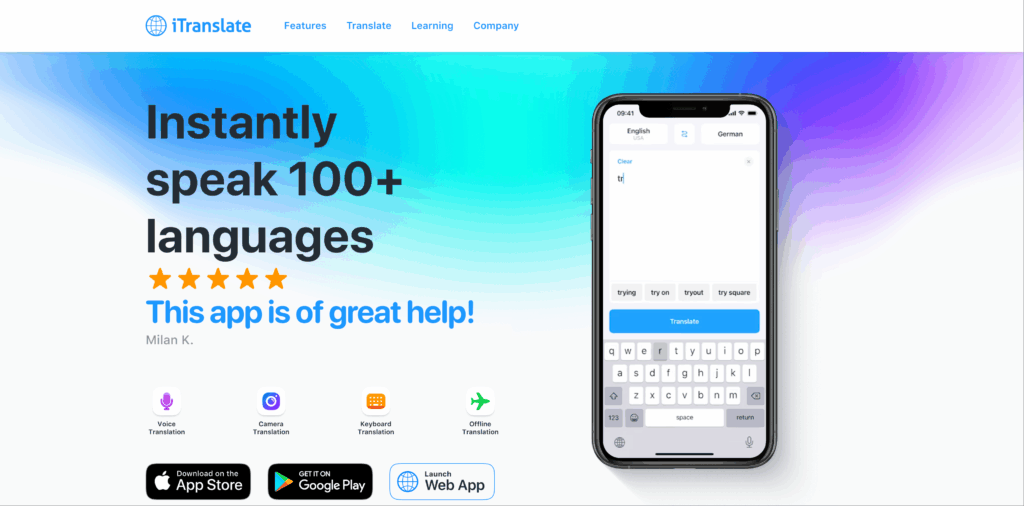
6. iTranslate – Supporto linguistico completo
👉 iTraduci
Che cosa è:
iTranslate è un'app molto nota che offre funzionalità di traduzione complete per le conversazioni.
Caratteristiche principali:
- Traduzione vocale: Traduzione audio in tempo reale durante le chiamate.
- Ampia scelta di lingue: Supporta oltre 100 lingue.
- Interfaccia semplice: Non è richiesta alcuna configurazione complicata; pronto all'uso immediato.
Ideale per: Videochiamate informali e informali che necessitano di traduzione.
Tabella comparativa: i migliori strumenti di traduzione per videochiamate urgenti
| Strumento di traduzione | Precisione | Velocità | Facile da usare | Integrazione | Ideale per | Piano gratuito |
|---|---|---|---|---|---|---|
| Transync AI | 95%+ | <100 ms | Molto facile | Google Meet, Zoom | Riunioni multilingue in tempo reale | 40 minuti |
| Complimenti | 95%+ | In tempo reale | Molto facile | Videoconferenza | Incontri professionali | Prova gratuita disponibile |
| Otter AI | 92% | Istantaneo | Molto semplice | Integrazione Zoom | Trascrizione e traduzione | Piano gratuito disponibile |
| Maestra AI | 90% | In tempo reale | Intuitivo | Montaggio di contenuti video | Modifica dei contenuti video tradotti | Prova gratuita disponibile |
| VoicePing | 92% | Immediato | Semplice | Diverse piattaforme | Chiamate rapide incentrate sull'audio | Accesso base gratuito |
| iTraduci | 85% | Veloce | Ampiamente utilizzato | Web e dispositivi mobili | Conversazioni video informali | Piano base gratuito |
Sezione Q&A: Domande frequenti sugli strumenti di traduzione plug-and-play per videochiamate urgenti
D1: Cosa dovrei cercare in uno strumento di traduzione per videochiamate urgenti?
UN: Per garantire una comunicazione efficace, dare priorità a caratteristiche quali la capacità di traduzione in tempo reale, la facilità d'uso, le opzioni di integrazione con le piattaforme di videoconferenza e gli elevati tassi di precisione.
D2: Quanta configurazione è richiesta per questi strumenti?
UN: La maggior parte degli strumenti menzionati richiede una configurazione minima o nulla, consentendo agli utenti di iniziare subito a utilizzarli senza dover seguire lunghe procedure di formazione o installazione.
D3: In che modo questi strumenti di traduzione garantiscono l'accuratezza in contesti diversi?
UN: Molti di questi strumenti sono realizzati con algoritmi avanzati e capacità di interpretazione professionale, consentendo un'elevata precisione anche nelle discussioni tecniche e specialistiche.
D4: Ci sono costi associati all'utilizzo di questi strumenti?
UN: La maggior parte degli strumenti offre versioni di prova gratuite o piani base, mentre altri, come Kudo e Otter AI, potrebbero richiedere un abbonamento per le funzionalità premium.
D5: Come posso integrare uno strumento di traduzione nella configurazione della mia videochiamata?
UN: L'integrazione solitamente prevede l'accesso al sito web o all'applicazione dello strumento, l'iscrizione se necessario e la lettura delle istruzioni per connetterlo alla piattaforma di videoconferenza, operazione che spesso richiede solo pochi minuti.
Sfruttando questi strumenti di traduzione, in particolare Transync AI, le organizzazioni possono migliorare le proprie capacità di comunicazione durante le videochiamate urgenti, assicurandosi che le barriere linguistiche non ostacolino la collaborazione e la produttività!
Se desideri un'esperienza di nuova generazione, Transync AI apre la strada alla traduzione in tempo reale basata sull'intelligenza artificiale, che mantiene le conversazioni fluide e naturali. Puoi provalo gratis Ora.

