 For Indonesian to English translation, select Indonesian as the source language and English as the target, then translate the complete message rather than an isolated word. Keep the previous exchange when it explains what the sender means. A written chat, a recorded voice note, and a live conversation need different workflows, even when the language pair is identical.
That sounds straightforward until a colleague sends a message that is short, informal, and full of shared context. The English may read smoothly while leaving you unsure what to do next.
Consider one ordinary problem: a colleague cannot open a file you shared.
Indonesian to English starts with the whole chat
Here is an illustrative workplace message, followed by a natural English rendering. These examples explain language choices; they are not captured outputs from a tested translation product.
Maaf, linknya nggak bisa dibuka.
Bisa dibantu kirim ulang filenya?
Nanti saya coba lagi, ya.
A natural reading, addressed to someone who can resend the file, is:
Sorry, the link won’t open.
Could you resend the file?
I’ll try again later.
The sender has reported an access problem, asked for help, and described a later attempt. They have not identified the technical cause, named a retry time, or said that the file now works.
Good Indonesian to English translation preserves those differences. It should help you understand the message without quietly turning it into a more complete story than the sender actually told.
Read the wording without rewriting the evidence
The link will not open
In the first line, nggak is an informal way to express negation. In this sentence, “the link won’t open” is more natural English than a word-by-word rendering of every element.
Informal wording is not automatically a typo or evidence that the sender is being careless. You can explain a familiar colloquial form in a separate reading copy, but keep the original message unchanged. That way, a colleague or language professional can still inspect what was actually written.
The ending -nya also needs context. The official Indonesian dictionary entry for -nya includes its use for a thing already understood from the conversation. Here, linknya can naturally become “the link”; it does not require you to invent “his link” or “her link.”
This is a useful Indonesian to English habit: translate the reference the conversation supports, not every grammatical possibility the word might have elsewhere.
If several links were shared, “the link” is still ambiguous. The translation has not failed merely because the original depends on information you do not have. Ask which link the sender means.
A polite request is still a request
Bisa dibantu kirim ulang filenya? asks for help resending the file. In the example’s direct exchange, “Could you resend the file?” communicates that request naturally.
A rigid rendering such as “Can be helped send again the file?” preserves fragments of Indonesian structure but makes the English harder to understand. Conversely, “You must resend your file immediately” adds urgency, ownership, and force that this message does not establish.
The question does not confirm that anyone has resent the file. If you are preparing a task note, write “Requested a resend,” not “File resent.” The requested action and its completion need separate confirmation.
The file reference also comes from context. If the thread contains a spreadsheet and a PDF, the request alone does not settle which one is needed. For Indonesian to English work chat, keeping the preceding exchange can be more useful than trying several increasingly polished versions of the same isolated sentence.
Later is not an appointment
Nanti saya coba lagi, ya means the sender will try again later. The dictionary entry for nanti describes a later time; it does not supply a clock time for this message.
“I’ll try again at 3 p.m.” would therefore introduce a new fact. “I’ll have access restored later” would change an intended attempt into an expected result. Neither is justified by the example.
The final ya needs a similarly careful reading. A study of ya in online learning communication documents functions including agreement, emphasis, and softening, depending on context and intonation. It is not a word that must always emerge as “yes.”
In this illustrative chat, a friendly “I’ll try again later” can carry the closing tone without adding a separate “yes” or “okay.” Another conversation might call for a different choice.
The practical lesson for Indonesian to English is simple: a polite closing does not convert an intended next step into approval or a guaranteed outcome.
Send a clarification rather than a guess
After reading the message, you may already know which file is involved. In that case, respond to the request. You do not need to interrogate every ordinary conversational reference.
If the file or timing matters and remains unclear, ask a narrow question. For example:
Do you mean the PDF I sent this morning? If so, I can resend it as an attachment. When will you be able to try again?
This reply identifies a candidate file, proposes a delivery method, and asks for a time. Those are new contributions to the conversation, not hidden information recovered from the Indonesian text.
For Indonesian to English translation, this distinction prevents a common workflow problem: an assumption enters a polished English draft, gets copied into a task tracker, and later looks like something the colleague confirmed.
Keep the two records separate: what the sender said, and what your team still needs to establish. Once the colleague answers, update the task with that new information.
Choose a tool for the input you actually have
The same message might arrive as typed text, a voice note, or a comment during a call. Choose an Indonesian to English workflow based on that input and the output you need.
| Your input | Suitable route | Example tool or service | What to check |
|---|---|---|---|
| A typed message or copied chat | Paste the complete text and review the English | QuillBot | References, informal wording, and whether the output adds details |
| An existing Indonesian audio or video file | Transcribe Indonesian first, then translate the transcript | Sonix | Recognition errors before translation and subtitle timing if exporting captions |
| Indonesian speech during a live conversation | Capture the speech and deliver English captions or translated playback | Transync AI | Language direction, incoming audio, and who can see or hear the result |
| A consequential or disputed message | Review the original, context, and intended use | Qualified Indonesian–English language professional | Meaning, domain terminology, and unresolved ambiguity |
These are workflow examples, not an accuracy ranking or a claim that each product has only one function.
Paste a written message with QuillBot
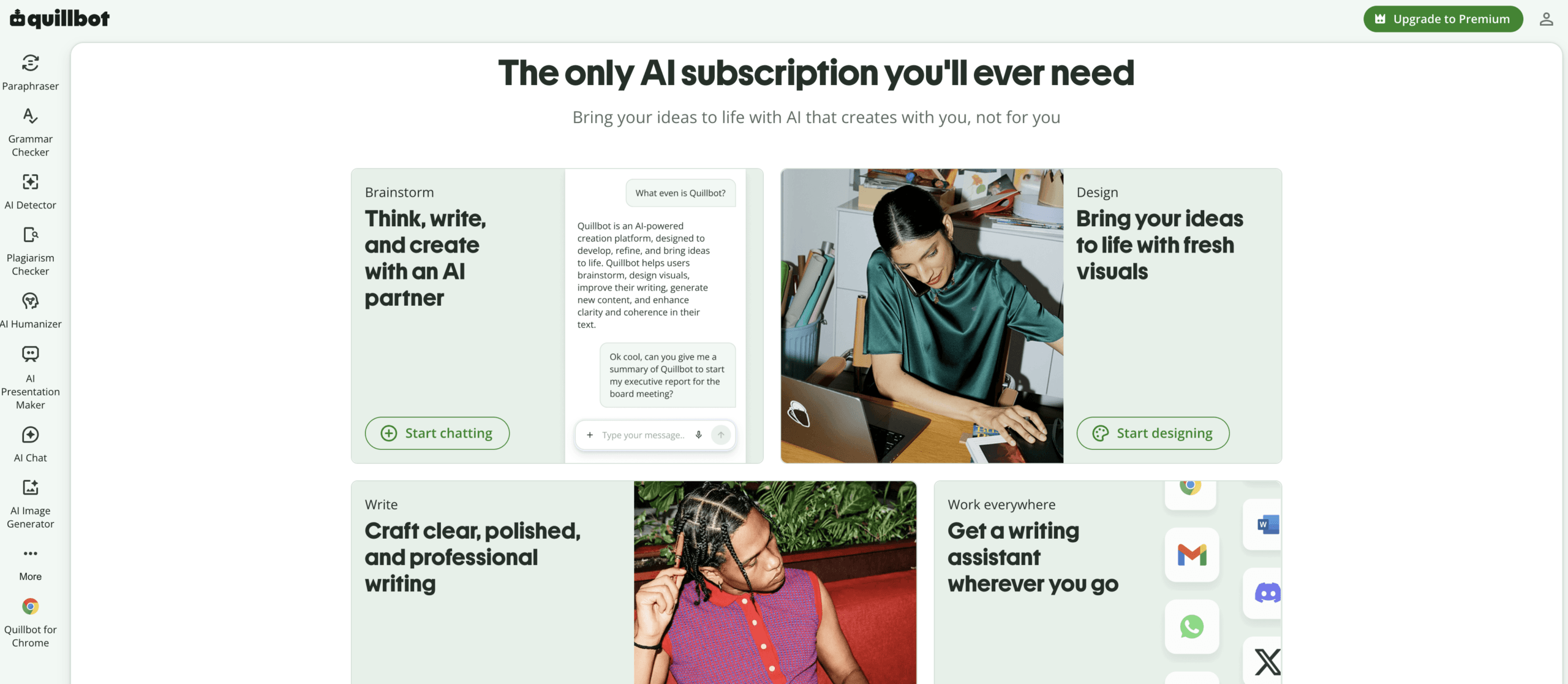
QuillBot provides an Indonesian to English text translator with Indonesian and English US controls. For a short chat, paste the relevant exchange, generate the translation, then review it before copying the result.
Keep the source beside the English while you check the file reference and the meaning of “later.” If you do not know Indonesian, mark those points for clarification rather than treating fluent wording as verification.
For this workflow, use the documented pasted-text route. You do not need to upload a file or arrange live audio capture just to understand three written lines.
Review an existing recording with Sonix
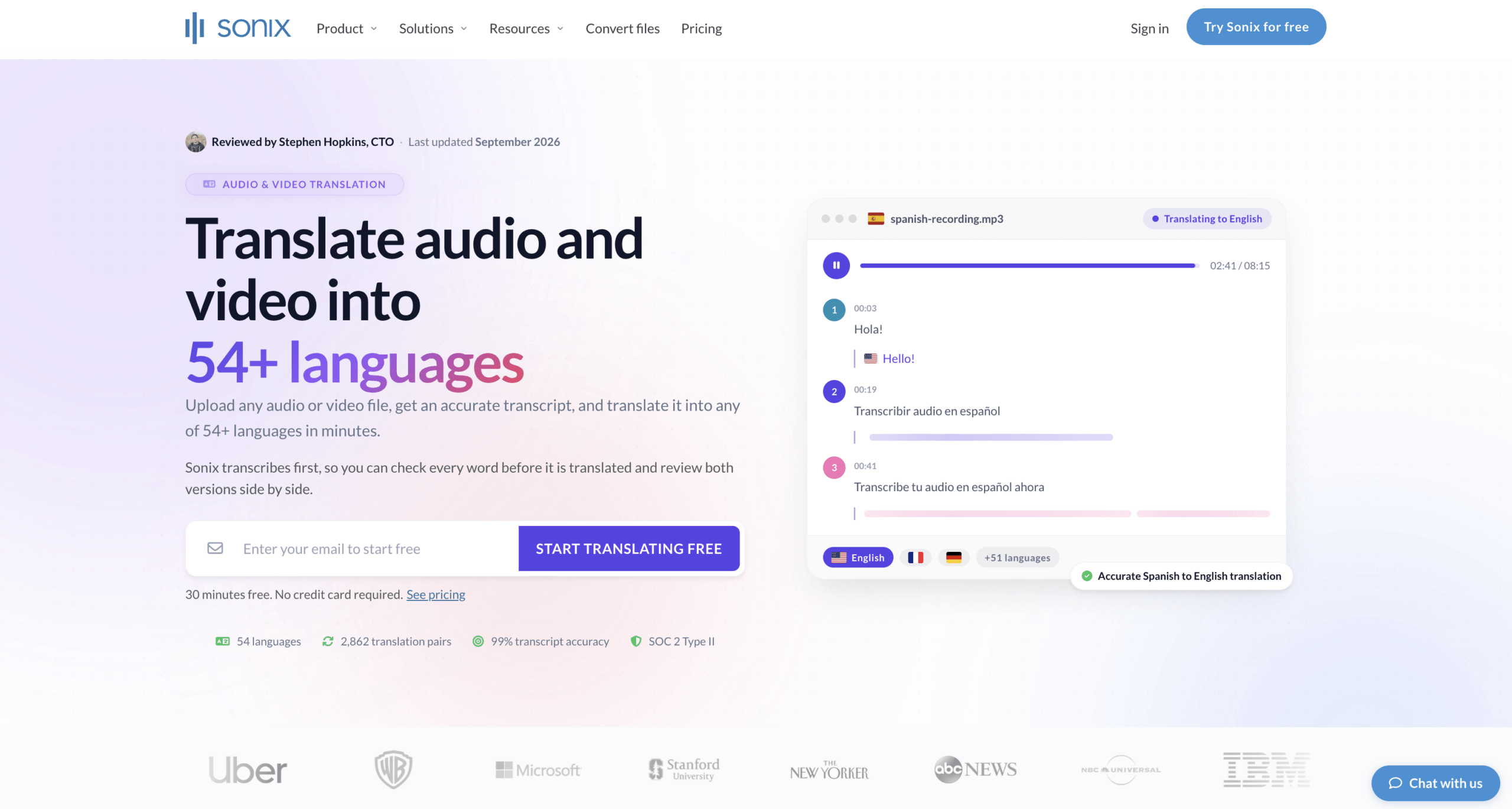
Sonix documents an Indonesian audio to English text workflow. Upload a recording, select Indonesian for transcription, review the Indonesian transcript, and then translate it into English.
Its translation instructions make the sequence important: the translation uses the transcript, so transcription cannot be skipped. A misheard filename or missing negative can carry through into the English if the source text is not corrected.
Use this route when Indonesian to English work starts with an existing recording and you need reviewable text or subtitles. The documented route also supports SRT and VTT export. Check alignment before publishing subtitles; translated sentences may need timing adjustments. It is not the same task as delivering English speech to someone during a call.
Continue the conversation with Transync AI
Transync AI is relevant when the chat turns into a live discussion. Its English translation page lists Indonesian to English support, with live English subtitles and translated voice playback.
For example, you might call the colleague to work through the access problem together. Use the live meeting translation workflow so you can follow spoken explanations while each person checks the file. Before starting, select Indonesian and English and confirm that the app captures the intended microphone or meeting audio.
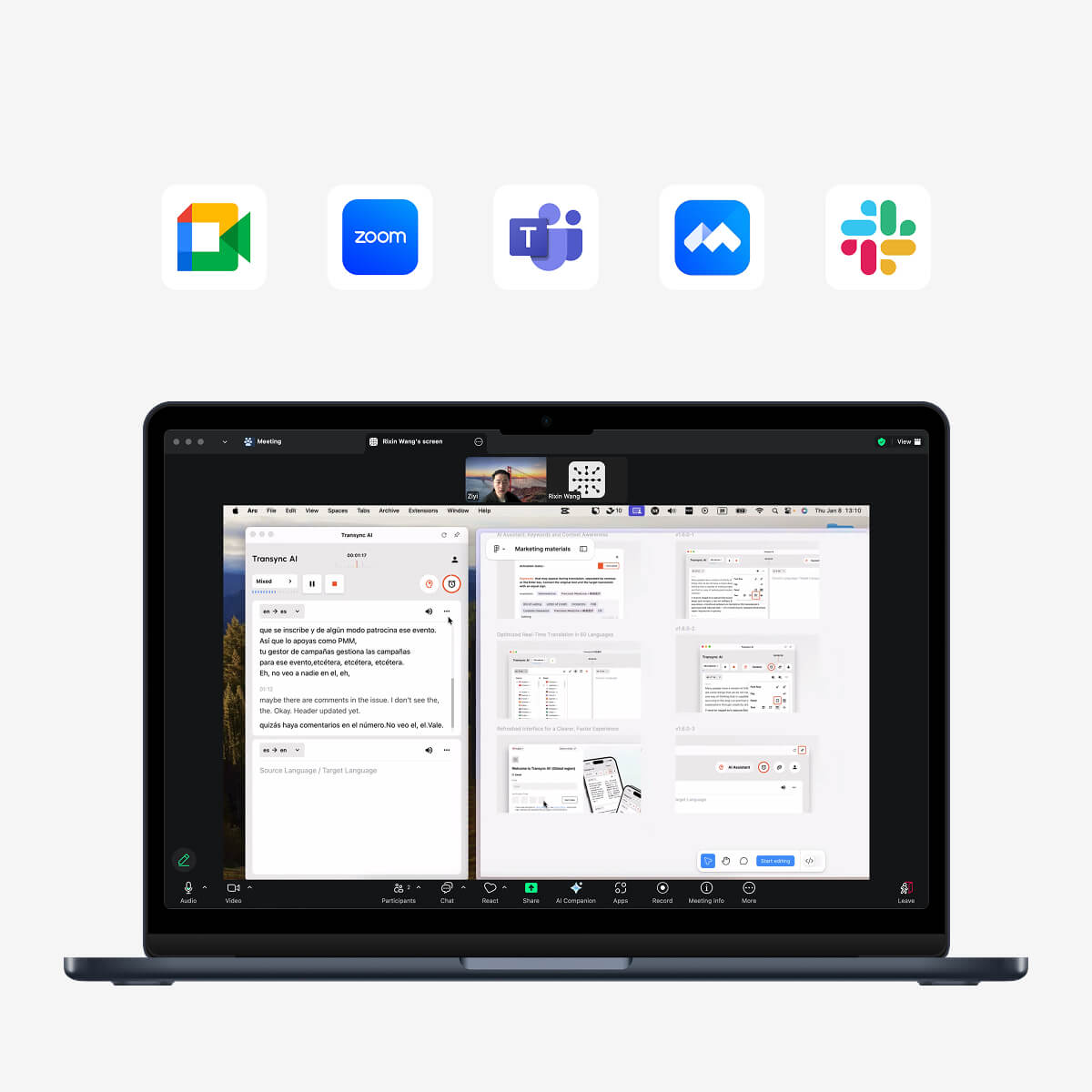
Compatible with major online meeting platforms for seamless real-time translation
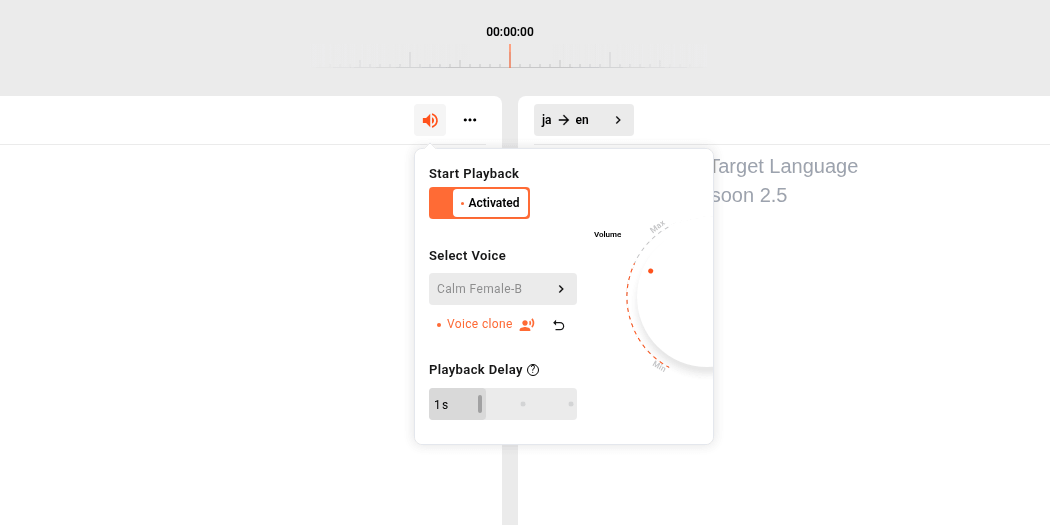
If you need to listen rather than only read, configure translated voice playback. Hearing playback on your own device does not prove a remote participant can hear it; test delivery with that participant before relying on it.
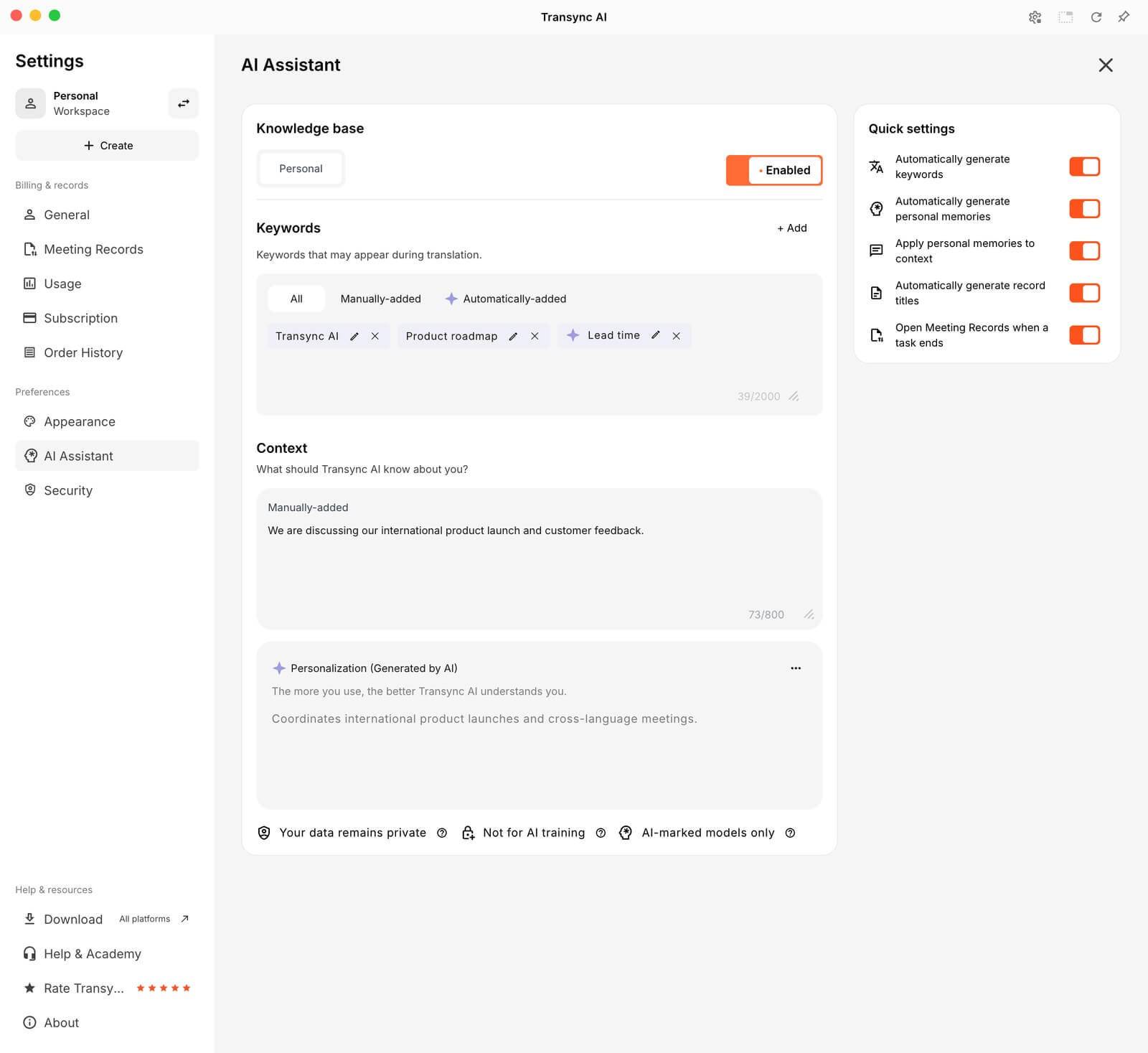
 The AI Assistant keywords and context feature can supply relevant project names or meeting background when the selected model supports it. Give it known context, such as which file you are discussing, rather than an unconfirmed explanation for why access failed.
 Transync AI fits the live-speech part of this example, not a claim that it is a pasted-chat translator or a voice-note upload editor. Ask the colleague to confirm the next action while you are still talking.
Keep enough context without sharing the whole inbox
Useful context is specific: the preceding message, the relevant filename, and which person is asking whom to act. It does not require copying an entire private conversation into a translation service.
Before using any cloud tool, follow your organization’s rules for customer data, confidential files, and recordings. Remove irrelevant personal details and secret access tokens, while retaining enough context to understand the message. Obtain the required permission before recording or processing someone’s speech.
For consequential Indonesian to English work, retain the original and have an appropriately qualified language professional review the meaning. Do not replace an employee’s original words with a machine-generated interpretation when an access dispute or formal decision depends on the distinction.
Common questions about Indonesian to English
Should I select Indonesian or Bahasa Indonesia
Select the option identifying the Indonesian language. Interfaces may label it Indonesian or Bahasa Indonesia. Do not select another language merely because some vocabulary looks familiar; keep the source selection tied to the language actually used.
Should I correct informal spelling before translating
Keep the original unchanged. If you recognize an informal form, you can add an explanatory reading copy and compare the result. Do not automatically turn unfamiliar names, acronyms, or regional expressions into standard words. Ask the sender when the form remains unclear.
Can one app handle text and spoken translation
Some products offer several workflows, but support must be checked for the specific input and language direction. For Indonesian to English, a text box, an uploaded recording, and live microphone capture are different routes. Choose the one that produces the text, captions, or audio you actually need.
Understand the message before closing the task
Reliable Indonesian to English translation helps you respond to the message that was sent, not the one you expected. In this chat, that means recognizing a link problem, a resend request, and a later attempt without inventing a cause or a deadline.
Use a text translator for written chat, a transcript workflow for an existing recording, and Transync AI when the discussion moves into live speech. Keep the original available, clarify only what is missing, and wait for confirmation before marking the problem solved.