
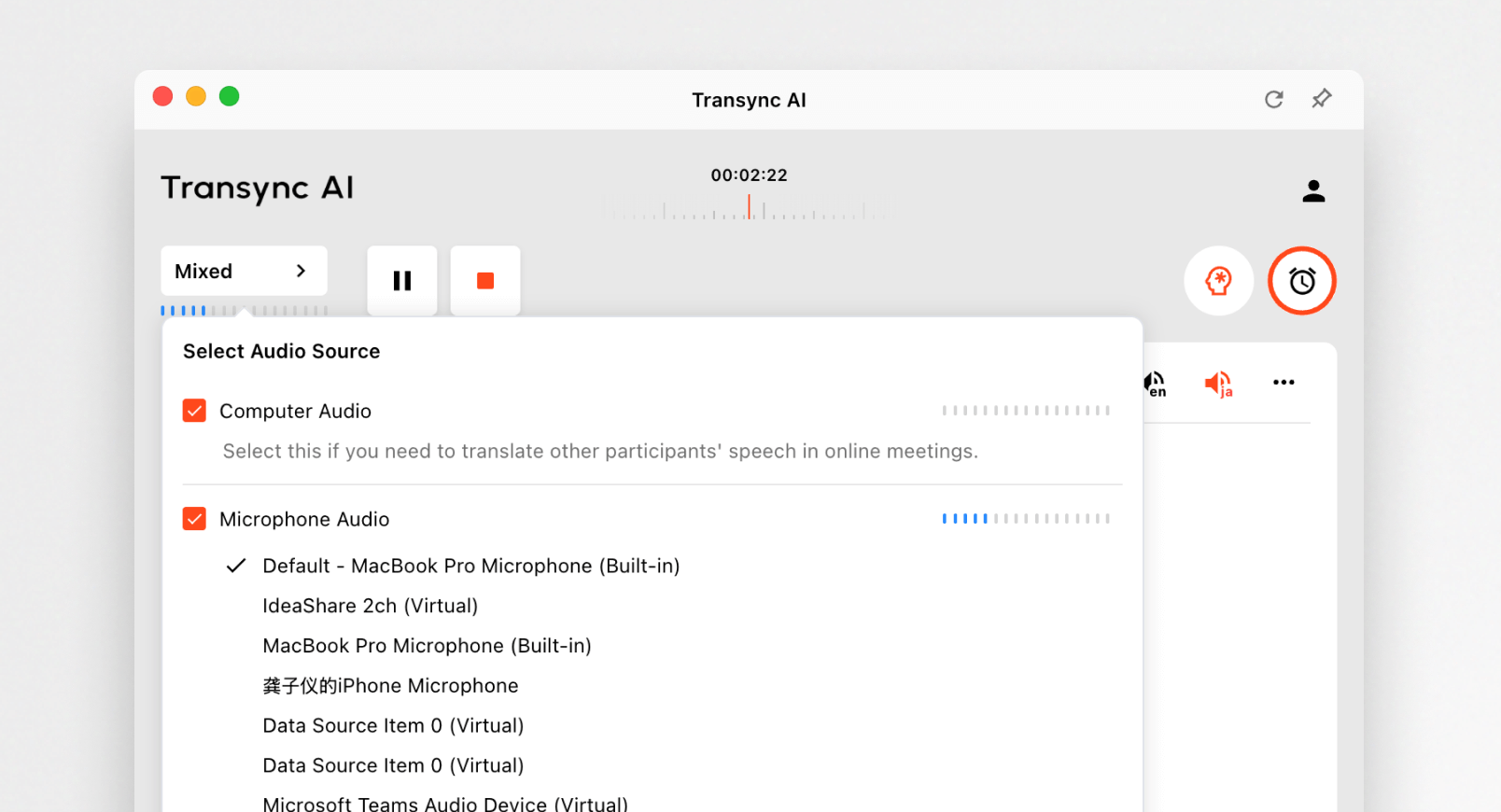
Dear user,
We’re excited to introduce Transync AI v1.7.0, bringing greater control during live translation and a more polished visual experience across all screen sizes. Here are the key highlights from this release.
Interrupt Voice Broadcast
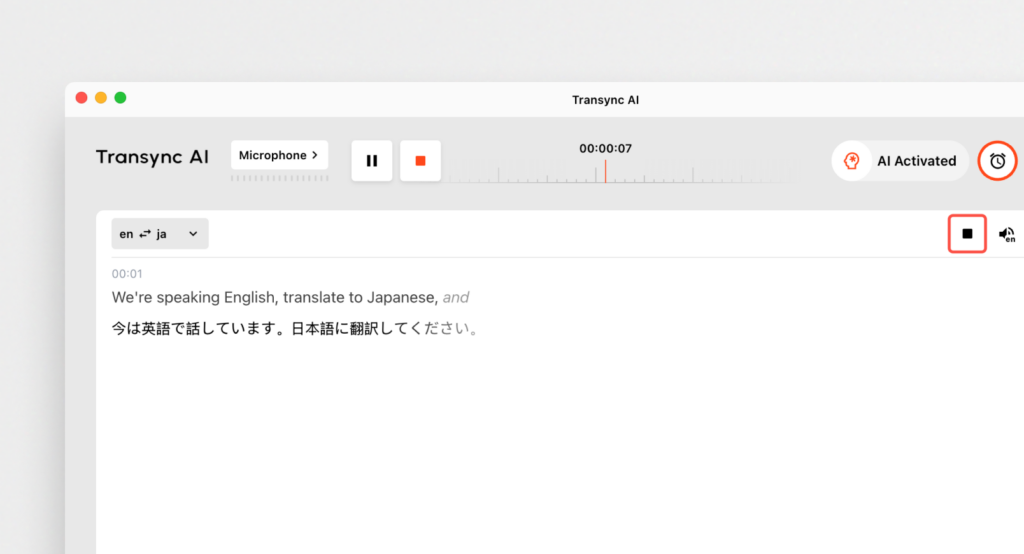
Take control instantly.
You can now stop any ongoing AI voice broadcast with one click from the top-right corner of the translation bar.
This is especially helpful when discussions shift quickly or when you need to adjust content without waiting for playback to finish.
Enhanced Multi-Screen Display
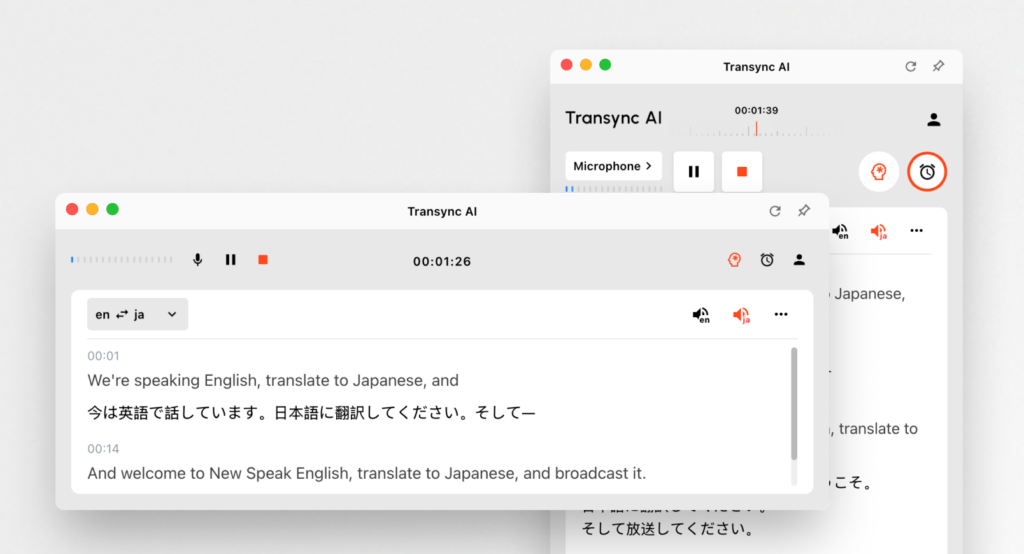
Optimized for every device.
Whether you’re using a laptop, an ultra-wide monitor, or a compact screen, the updated layout now adapts more smoothly, offering clearer spacing, improved readability, and a more refined visual experience.It is very suitable for use in conjunction with presentations.
System Audio Indicator
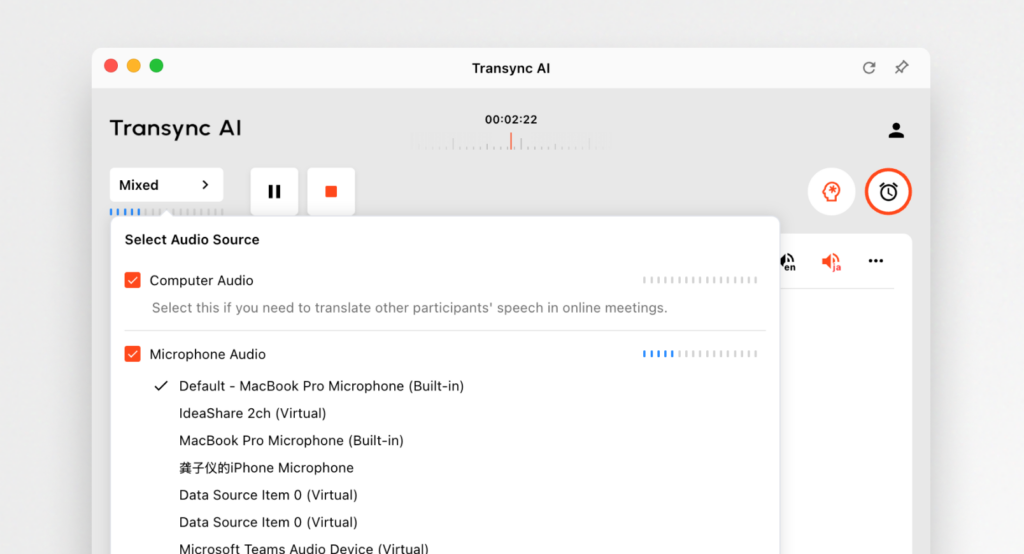
Know when your computer audio is shared.
A new visual indicator clearly shows the status of system audio capture, reducing misunderstandings during meetings and presentations.
Invoice Access in Order List
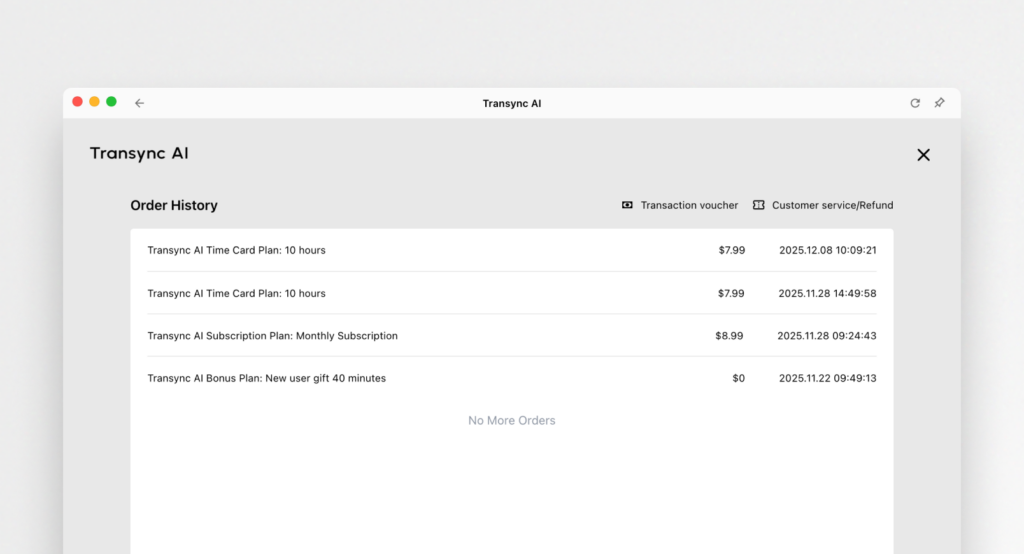
Your billing details, now easier to find.
You can view invoices directly from the order list, making reimbursement and documentation smoother.
We also promise that you can contact us at any time for a refund if you are not satisfied with our product’s experience.
Transync AI v1.7.0 focuses on putting you in control and ensuring clarity across every device and workflow.
Thank you for using Transync AI — we’ll continue building tools that make multilingual communication effortless.
Smarter translation starts today.
✍️ Team Transync AI
If you want a next-generation experience, Transync AI leads the way with real-time, AI-powered translation that keeps conversations flowing naturally. You can try it free now.
