

English to Spanish translation guide for choosing tools for text, live meetings, voice conversations, recorded audio, subtitles, and notes.
English to Spanish translation can mean many different things.
Sometimes it means translating a short message. Sometimes it means joining a Spanish-speaking client call, creating subtitles for a video, translating a recorded interview, or helping two people speak face to face.
The language pair is the same, but the workflow is different.
A text translator can wait for a complete paragraph. A live meeting translator must work while people are still speaking. A recorded-audio tool needs transcripts, speaker labels, timestamps, and export options.
This guide explains how to choose the right english to spanish translation tool based on the task, not only the language pair.
Quick Answer: What Type of English to Spanish Translation Do You Need?
| Use case | Best tool type | Tools to consider |
|---|---|---|
| Text or documents | Written translation platform | DeepL |
| Live online meetings | Real-time meeting translator | Transync AI, JotMe, Talo |
| Face-to-face conversations | Voice translation app | Transync AI, DeepL Voice, Talkao |
| Recorded audio or video | Transcription and media tool | Sonix, Maestra |
| Large webinars or events | Event translation platform | Wordly, Maestra |
There is no single best tool for every english to spanish translation need. The best choice depends on timing, format, accuracy requirements, and what users need after translation.
Why English to Spanish Translation Needs Context
English and Spanish do not always match word by word.
Spanish also changes by region. A phrase that sounds natural in Spain may sound different in Mexico, Argentina, Colombia, Chile, or another Spanish-speaking market.
| English | Spain | Common Latin American usage |
|---|---|---|
| Computer | ordenador | computadora |
| Mobile phone | móvil | celular |
| Car | coche | carro or auto |
| Juice | zumo | jugo |
Tone matters too. Spanish may use tú, usted, vosotros, ustedes, or vos, depending on the region and relationship between speakers.
A good english to spanish translation tool should therefore handle more than dictionary meaning. It should understand audience, tone, format, and context.
Choice 1: Text and Document Translation
Text translation is the simplest workflow because the tool receives complete written content before generating Spanish.
This is useful for:
- Emails
- Reports
- Product descriptions
- Presentations
- Website copy
- Customer messages
- Internal documents
DeepL is a strong option for written translation because it is focused on text, documents, and professional language quality.
 When testing a text-based english to spanish translation tool, check whether it preserves formatting, uses consistent terminology, and produces Spanish that fits the target audience.
For legal, medical, financial, or public-facing documents, AI translation should still be reviewed by a qualified human professional.
Choice 2: Live Meeting Translation
Meetings are harder than text.
People speak quickly, interrupt each other, use incomplete sentences, mention product names, and expect immediate responses. A meeting-focused tool must translate quickly enough for the conversation to continue.
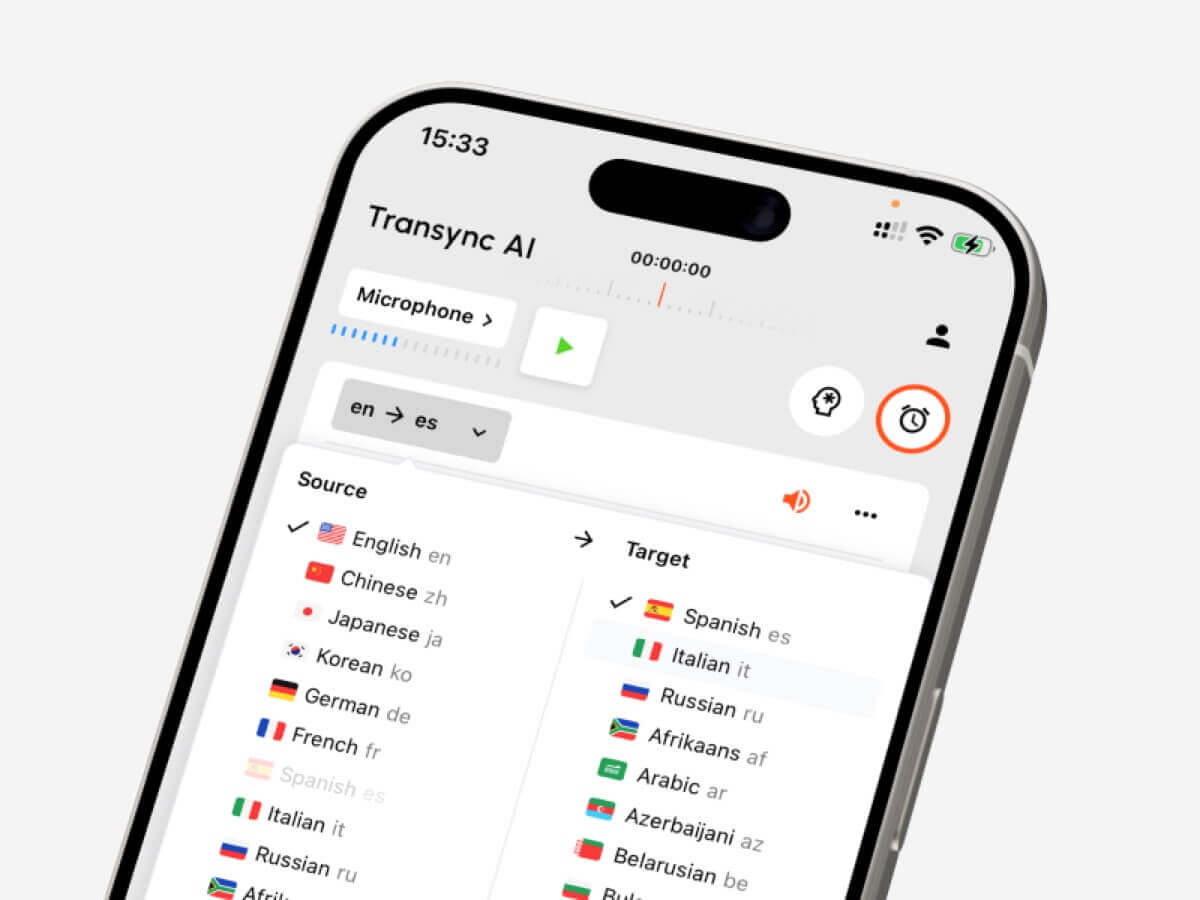
Transync AI is designed for live multilingual communication. It works alongside Zoom, Microsoft Teams, and Google Meet, helping users read bilingual subtitles, hear translated voice playback, add keywords and context, and generate AI meeting notes afterward.
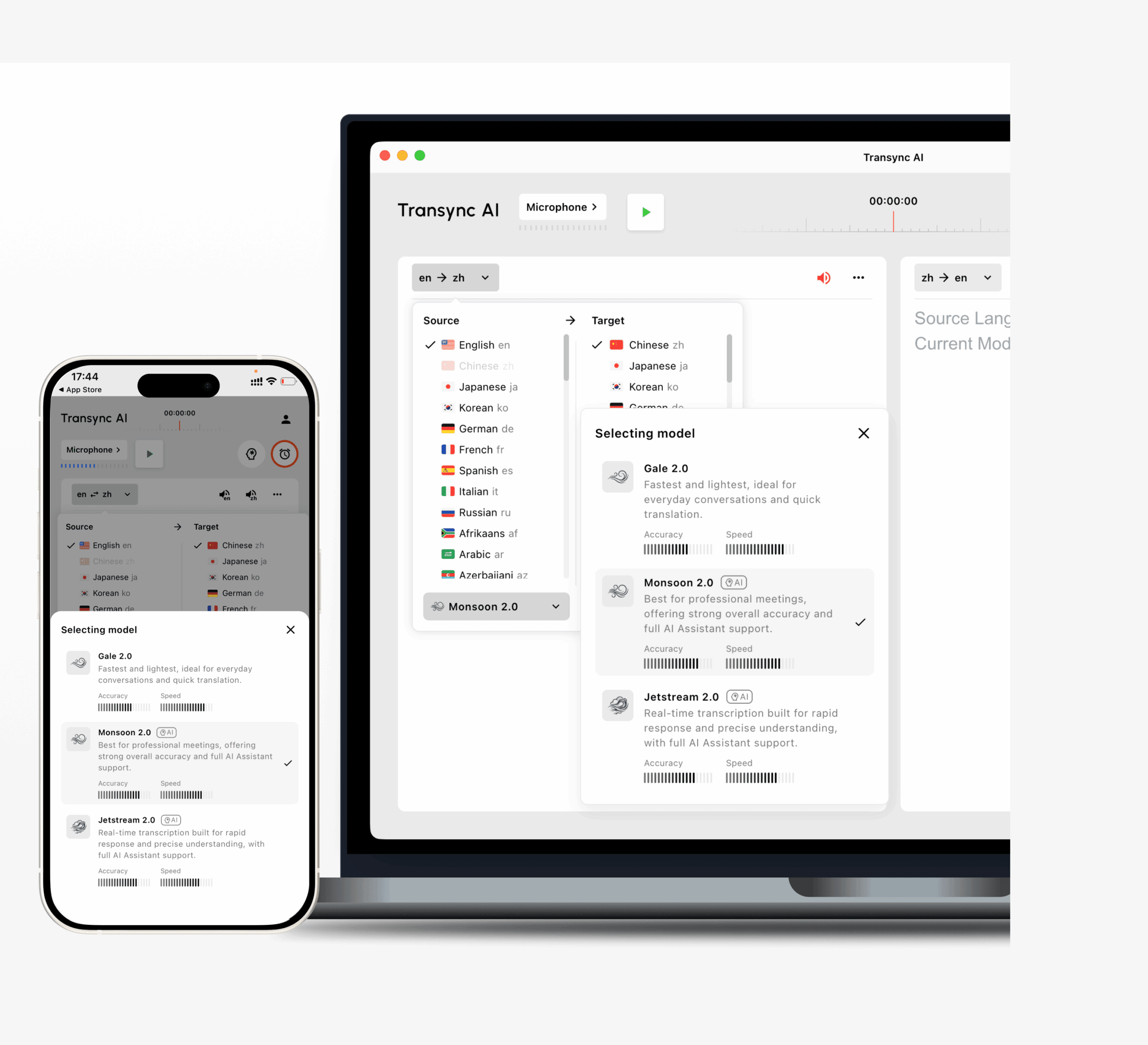 This makes Transync AI useful for:
- Client calls
- Supplier meetings
- Product demos
- Online classes
- Interviews
- Global team discussions
For business english to spanish translation, the ability to prepare terms before the meeting can be important. Users may need to add names, product models, abbreviations, and preferred translations so the system handles them more consistently.
JotMe is also useful when users want live translation plus notes, transcripts, and action items. Talo may fit teams that prefer an AI bot joining the meeting to provide interpretation.

Meeting Translation Comparison
| Feature | Transync AI | JotMe | Talo |
|---|---|---|---|
| Live English-Spanish translation | Yes | Yes | Yes |
| Two-way conversation | Yes | Yes | Yes |
| Bilingual subtitles | Yes | Yes | Available |
| Spanish voice output | Yes | Product-dependent | Yes |
| Keywords or context | Yes | Custom vocabulary | Product-dependent |
| Meeting notes | Yes | Yes | Product-dependent |
| Bot-free workflow | Yes | Usually yes | No |
| Best fit | Subtitles, voice, context, notes | Translation and records | Bot-based calls |
Choose a meeting translator when Spanish must appear during the conversation, not after the call ends.
Choice 3: Face-to-Face Voice Translation
Face-to-face english to spanish translation may happen during travel, office visits, school meetings, exhibitions, or customer conversations.
A mobile voice translator should be quick to start, easy to use, and able to handle short back-and-forth speech.
Talkao is more consumer-oriented and may suit travel, menus, signs, pronunciation practice, and short casual conversations.
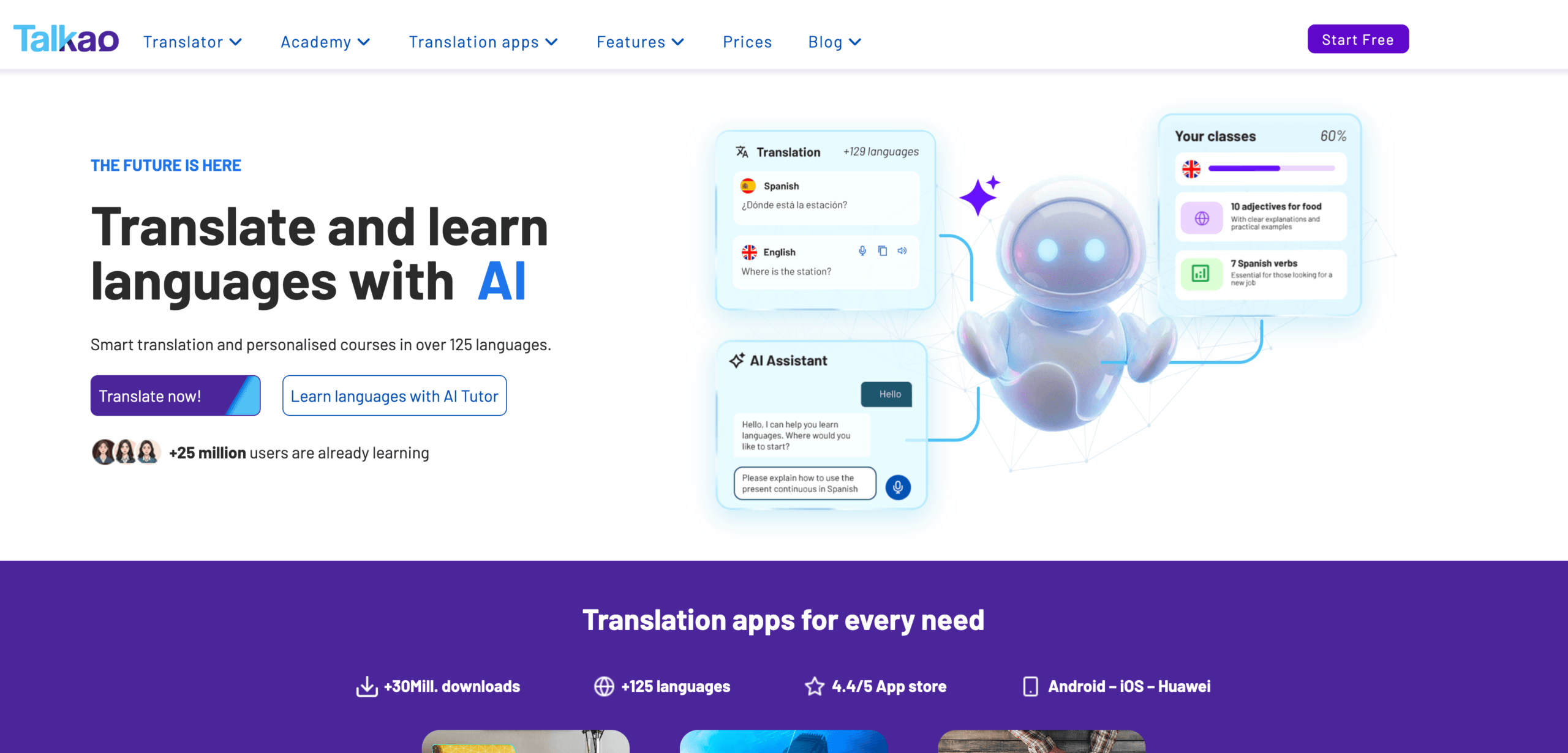 For longer professional conversations, Transync AI may be more useful because it supports bilingual subtitles, translated voice playback, and meeting-style records.
DeepL Voice may also fit business-oriented face-to-face translation, depending on product availability and platform support.
Choice 4: Recorded Audio and Video Translation
Recorded content needs a different workflow.
Users may need:
- Transcription
- Speaker labels
- Timestamps
- Translation editing
- Subtitle export
- Searchable transcripts
- Summaries
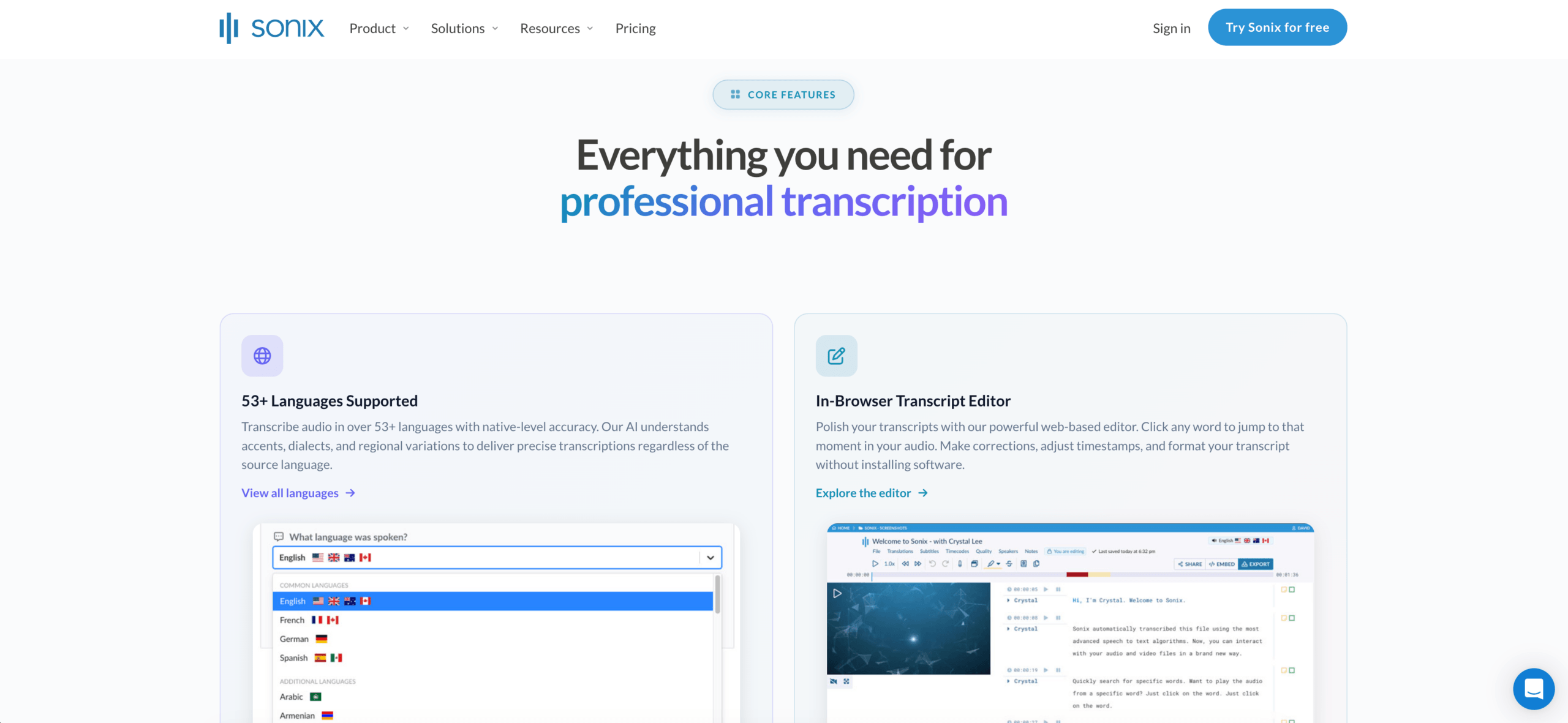
Sonix is strong for recorded audio and video. It can process interviews, podcasts, lectures, research recordings, and meeting recordings, then help users translate transcripts and create subtitles.
 Maestra is broader for media workflows, including transcription, subtitle translation, dubbing, voice cloning, and video localization.
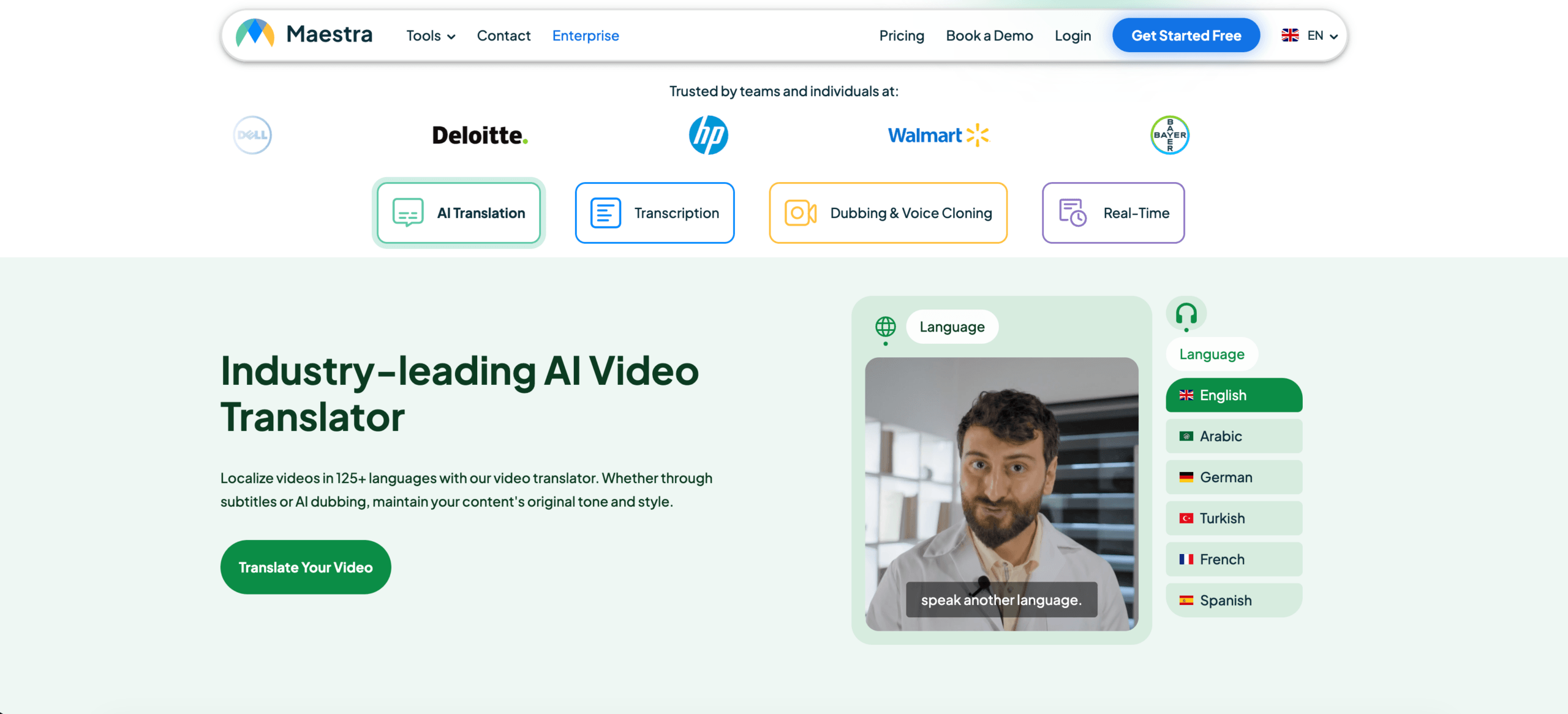 Use Sonix or Maestra when the English content has already been recorded. Use Transync AI when the Spanish translation is needed during the live conversation.
Recorded Media Comparison
| Feature | Sonix | Maestra | Transync AI |
|---|---|---|---|
| Upload recorded audio | Yes | Yes | Not primary |
| Video transcription | Yes | Yes | Not primary |
| Speaker labels | Yes | Yes | Meeting-dependent |
| Transcript translation | Yes | Yes | Live translation record |
| Subtitle export | Yes | Yes | Not primary |
| AI dubbing | Not primary | Yes | Live voice playback |
| Live two-way meetings | Not primary | Available | Yes |
| Best fit | Transcripts and subtitles | Media localization | Live conversations |
Choice 5: Webinars and Large Events
A large event has different requirements from a small meeting.
A webinar or conference may need:
- Many audience members
- Multiple language channels
- Captions
- Translated audio
- Attendee access by link or QR code
- Post-event transcripts or summaries
Wordly is more event-oriented and may fit conferences, webinars, town halls, and accessibility-focused sessions. Maestra may also work when the event includes video, subtitles, or media localization.
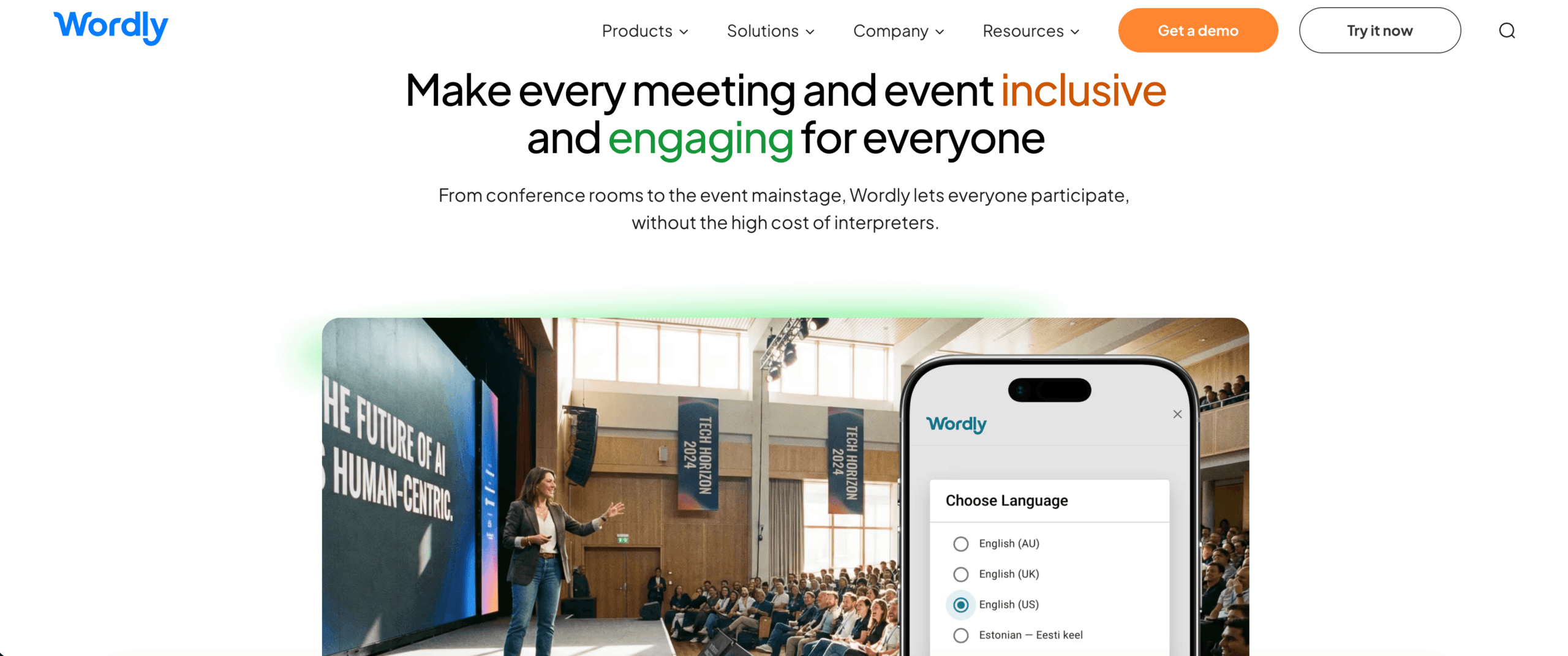 For smaller live calls, a meeting-first english to spanish translation tool may be easier to use. For large audiences, an event platform may be more suitable.
Overall Tool Comparison
| Tool | Strongest workflow | Best for | Main limitation |
|---|---|---|---|
| Transync AI | Real-time meeting translation | Live subtitles, Spanish voice, context, and notes | Not designed for document or image translation |
| DeepL | Written translation | Professional Spanish text and documents | Meeting features depend on voice products |
| JotMe | Meeting translation and notes | Captions, transcripts, and action items | Mainly meeting-focused |
| Talo | Bot-based interpretation | Video calls with AI interpreter bot | Bot appears in the meeting |
| Sonix | Recorded audio and video | Transcripts, subtitles, and archives | Not for fast live conversations |
| Maestra | Media localization | Videos, subtitles, dubbing, webinars | Broader than some users need |
| Talkao | Mobile translation | Travel, camera, casual speech | Limited business meeting workflow |
| Wordly | Event translation | Conferences and large audiences | More event-oriented |
How to Test English to Spanish Translation Quality
Before choosing a tool, test it with realistic content.
Include:
- A casual greeting
- A formal request
- A company name
- A person’s name
- A product model
- A price
- A date
- A correction
- A technical term
- A final decision
Evaluate:
| Test area | What to check |
|---|---|
| Recognition | Did the tool capture the English correctly? |
| Meaning | Did the Spanish preserve the intention? |
| Tone | Was the Spanish natural and appropriate? |
| Regional fit | Did the vocabulary suit the audience? |
| Terminology | Were names and technical terms consistent? |
| Latency | Did live translation arrive quickly enough? |
| Voice | Was Spanish playback clear? |
| Follow-up | Were notes, transcripts, or subtitles useful? |
A reliable english to spanish translation tool should perform well in the actual environment where it will be used.
Common Problems
English to Spanish translation may become less accurate when the source includes:
- Background noise
- Several speakers at once
- Weak microphones
- Fast speech
- Product names
- Technical abbreviations
- Regional slang
- Incomplete sentences
- Unstable internet
- Informal expressions
Important prices, dates, quantities, names, and commitments should always be confirmed after translation.
FAQ
What is the best tool for english to spanish translation?
The best tool depends on the workflow. Transync AI fits live meetings, DeepL fits written content, Sonix fits recorded audio, Maestra fits media, and Talkao fits travel.
Which tool is best for English-Spanish meetings?
Choose a tool with two-way translation, low latency, bilingual subtitles, Spanish voice output, terminology controls, and meeting notes.
Which tool is best for translating documents into Spanish?
A text-focused platform such as DeepL is usually better for documents than a live meeting translator.
Which tool is best for recorded English audio?
Sonix is a strong option because it supports transcription, translation, speaker labels, timestamps, and subtitle workflows.
Can AI replace a Spanish interpreter?
AI can support routine meetings, travel, classes, and recorded content. Human interpreters remain safer for legal, medical, regulatory, and other high-stakes communication.
Final Thoughts
The best english to spanish translation tool depends on the format and timing of the translation.
Use a text translator for documents, a travel app for casual conversations, a meeting-first tool for live calls, and a transcription platform for recorded audio.
Transync AI is strongest when English and Spanish speakers need to communicate in real time. DeepL is better suited to written translation, JotMe to meeting documentation, Talo to bot-based calls, Sonix to recorded files, Maestra to media localization, Wordly to events, and Talkao to travel.
The best translation tool is not the one with the longest feature list. It is the one that delivers useful Spanish in the exact moment when communication happens.
If you want a next-generation experience, Transync AI leads the way with real-time, AI-powered translation that keeps conversations flowing naturally. You can try it free now.
 🤖
🤖