

실시간 회의, 문서, 여행, 음성 번역, 자막 및 AI 메모를 위한 6가지 번역 도구를 비교하는 스페인어 및 영어 번역 가이드입니다.
선택하는 것 스페인어 및 영어 번역가 사용자가 어떤 기능을 활용할 수 있는지는 상황에 따라 다릅니다. 여행객은 카메라 통역이 필요할 수 있고, 영업팀은 Zoom 통화 중 이중 언어 자막이 필요할 수 있습니다. 작가는 완성도 높은 문서를 중요하게 생각할 수 있지만, 글로벌 팀은 실시간 음성 통역과 회의록이 필요할 수도 있습니다.
그렇기 때문에 단 하나의 최고는 존재하지 않습니다. 스페인어 및 영어 번역가 모든 사용자를 위한 도구입니다. 어떤 번역 도구를 선택할지는 텍스트, 음성, 회의, 비디오 또는 일상 대화 등 번역 대상에 따라 달라집니다.
이 가이드에서는 널리 사용되는 6가지 옵션을 비교하고 각 스페인어-영어 워크플로에 가장 적합한 옵션을 설명합니다.
빠른 답변: 어떤 스페인어-영어 번역 도구를 선택해야 할까요?
| 주요 요구 사항 | 최고의 첫 번째 선택 |
|---|---|
| 스페인어-영어 실시간 회의 | Transync AI |
| 전문적인 텍스트 및 문서 | 딥엘 |
| 회의록을 포함한 번역 | 조트미 |
| 봇 기반 음성 번역 | 탈로 |
| 비디오, 자막 및 라이브 미디어 | 마에스트라 |
| 여행 및 일상적인 모바일 사용 | 탈카오 |
회의용 통역사가 메뉴를 읽는 데는 필요 없을 수도 있습니다. 여행 앱은 전문적인 비즈니스 토론에 필요한 충분한 기능을 제공하지 못할 수도 있습니다.
스페인어-영어 번역에 맥락이 필요한 이유
스페인어는 스페인 본토, 라틴 아메리카, 그리고 미국 내 스페인어 사용 공동체에 따라 다양하게 나타납니다.
| 영어 | 스페인 | 라틴 아메리카에서 흔히 사용되는 표현 |
| 컴퓨터 | ordenador | 컴퓨터 |
| 휴대폰 | 모바일 | 세포 |
| 자동차 | 코셰 | 자동차 또는 자동차 |
| 주스 | 주모 | 유고 |
격식의 정도 또한 번역에 영향을 미칩니다. 스페인어 화자는 다음과 같이 사용할 수 있습니다. 투, 우스테드, vosotros, 우스테데스, 또는 보스 국가 및 관계에 따라 다릅니다.
전문 용어는 또 다른 어려움을 야기합니다. "파이프라인"과 같은 단어는 판매, 소프트웨어, 데이터 또는 물리적 인프라를 의미할 수 있습니다. 유용한 스페인어 및 영어 번역가 시스템은 단어 하나하나를 개별적으로 번역하기보다는 문맥을 이해해야 합니다.
스페인어-영어 번역 도구 선택 방법
브랜드를 비교하기 전에 주요 과제를 파악하세요.
다음과 같은 상황에서 텍스트 또는 문서 번역기를 선택하세요:
- 이메일
- 보고서
- 프레젠테이션
- 웹사이트 콘텐츠
- 제품 설명서
다음과 같은 상황에서 실시간 번역 도구를 선택하세요:
- 스페인어-영어 줌 회의
- 고객 전화
- 공급업체와의 협의
- 인터뷰
- 수업
- 프레젠테이션
여행 통역사가 필요할 때 선택하세요:
- 메뉴와 안내판
- 지도
- 짧은 대화
- 카메라 번역
- 모바일 음성 재생
최고 스페인어 및 영어 번역가 옵션은 단순히 언어 쌍을 지원하는 것만이 아니라 워크플로와 일치해야 합니다.
스페인어-영어 번역기 비교
| 도구 | 주요 위치 | 가장 좋은 | 주요 제한 사항 |
| Transync AI | 실시간 회의 통역 | 실시간 자막, 음성 및 회의록 | 이미지나 문서를 위한 용도로 설계되지 않았습니다. |
| 딥엘 | 텍스트 및 문서 번역 | 전문적인 스페인어 작문 | 음성 기능은 제품 및 요금제에 따라 다릅니다. |
| 조트미 | 회의 통역 도우미 | 번역본 (메모 및 실행 항목 포함) | 주로 회의에 집중 |
| 탈로 | 회의 통역 봇 | 영상 통화 중 음성 번역 | 봇이 참가자로 나타납니다 |
| 마에스트라 | 실시간 및 녹음 번역 | 자막, 더빙, 웹 세미나 및 미디어 | 많은 소규모 팀에게 필요한 것보다 더 광범위함 |
| 탈카오 | 소비자용 모바일 번역기 | 여행, 카메라, 문자, 그리고 일상적인 대화 | 제한된 비즈니스 회의 워크플로 |
1. Transync AI스페인어-영어 실시간 회의에 가장 적합합니다.
 Transync AI는 정적인 텍스트가 아닌 다국어 대화를 위해 설계되었습니다.
이 서비스는 영어와 스페인어를 포함한 60개 이상의 언어로 실시간 양방향 번역을 지원합니다. 사용자는 원문과 번역된 내용을 함께 볼 수 있고, 번역된 음성을 재생하여 들을 수 있으며, 대화 후 회의록을 생성할 수 있습니다.
주요 특징은 다음과 같습니다.
- 영어-스페인어 양방향 번역
- 선택된 언어 간의 자동 구분
- 2개 언어 실시간 자막
- AI 음성 재생
- 음성 미리보기 및 음성 복제
- 핵심어 및 배경 설명
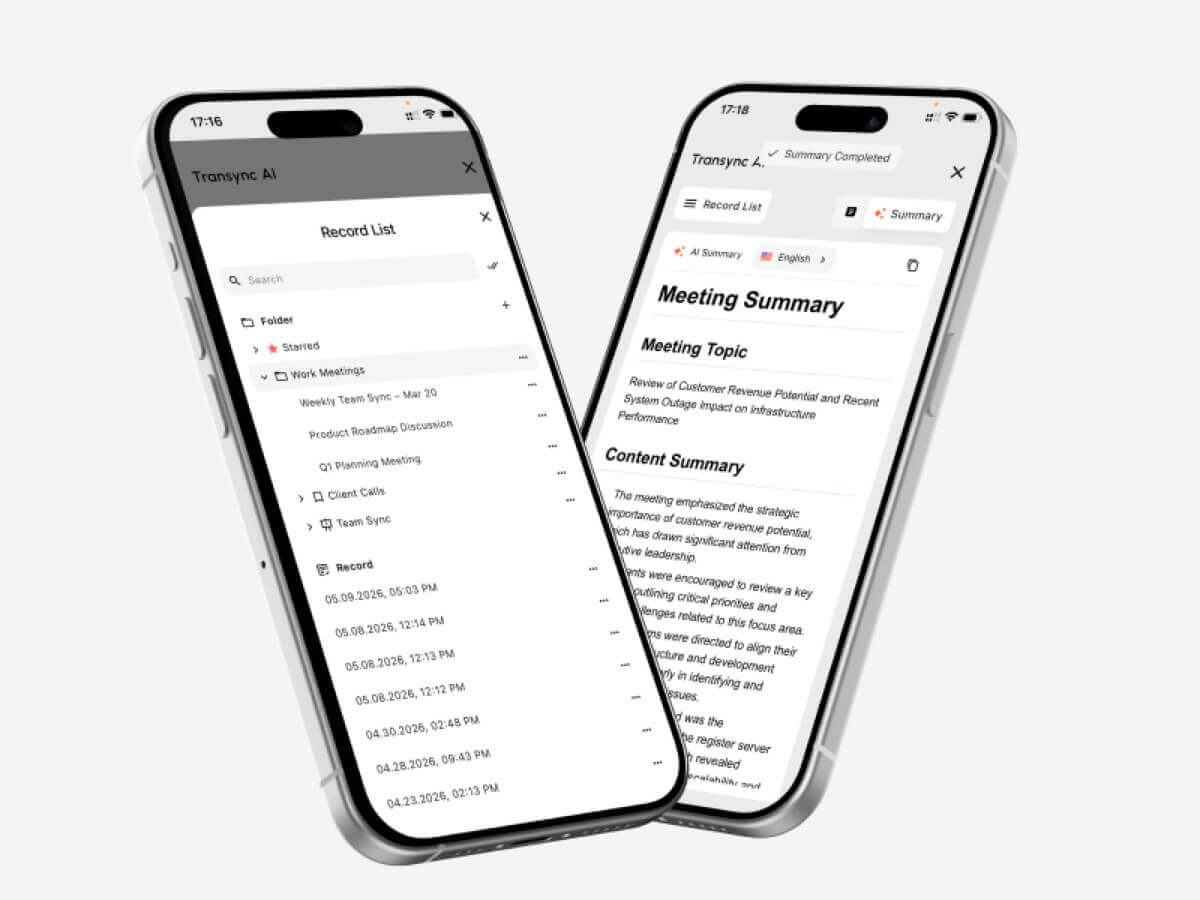
- AI가 생성한 회의록
- 떠다니는 자막
- Zoom, Microsoft Teams 및 Google Meet 워크플로
Transync AI는 특히 고객 통화, 공급업체와의 논의, 수업, 인터뷰, 제품 시연 및 원격 팀 회의에 유용합니다.
기술적인 논의를 시작하기 전에 사용자는 제품명, 직원명, 모델 번호, 선호하는 번역 등의 용어를 추가할 수 있습니다. 또한 회의 주제에 대한 설명을 추가하여 시스템이 더 풍부한 맥락을 파악할 수 있도록 할 수 있습니다.
주요 한계는 전문성입니다. Transync AI는 실시간 음성 및 회의 번역에 특화되어 있으며, 카메라 영상 번역, 스캔 이미지 번역 또는 일반 문서 번역에는 적합하지 않습니다. 인터넷 연결이 필요합니다.
2. 딥엘전문적인 스페인어 문서 작성에 가장 적합합니다.
 DeepL은 텍스트, 문서, 작문 지원, API 및 일부 음성 워크플로를 포괄하는 광범위한 언어 플랫폼입니다.
최종 스페인어 콘텐츠를 전문적인 문서로 검토, 편집, 출판 또는 공유해야 할 때 더 나은 선택입니다.
일반적인 용도는 다음과 같습니다.
- 업무용 이메일
- 보고서
- 프레젠테이션
- 제품 설명서
- 웹사이트 콘텐츠
- 내부 정책
- 전문적인 스페인어 작문
DeepL은 회의 관련 기능보다 문서 품질과 워크플로를 우선시하는 사용자에게 특히 유용합니다.
이 회사의 음성 제품은 대화 및 회의에도 적용되지만, 가용성, 가격 및 지원 환경은 별도로 확인해야 합니다.
3. 조트미: 회의록 번역에 가장 적합합니다
 JotMe는 실시간 번역, 녹취록 작성 및 회의록 작성 기능을 결합한 서비스입니다.
실시간으로 스페인어-영어 회의 내용을 이해하고 나중에 구조화된 기록을 받고자 하는 팀에게 적합할 수 있습니다.
일반적인 기능은 다음과 같습니다.
- 실시간 번역 자막
- 회의록
- AI가 생성한 메모
- 실행 항목
- 사용자 지정 어휘
- 검색 가능한 회의록
JotMe는 프로젝트 회의, 인터뷰, 연구 관련 전화 회의, 수업 및 내부 토론에 유용합니다.
가장 큰 장점은 문서화 능력입니다. 하지만 가장 큰 한계는 회의 중심적인 기능에 머물러 있어 여행, 이미지 또는 문서 번역 기능을 완벽하게 제공하지 못한다는 점입니다.
4. 탈로봇 기반 음성 번역에 가장 적합합니다.
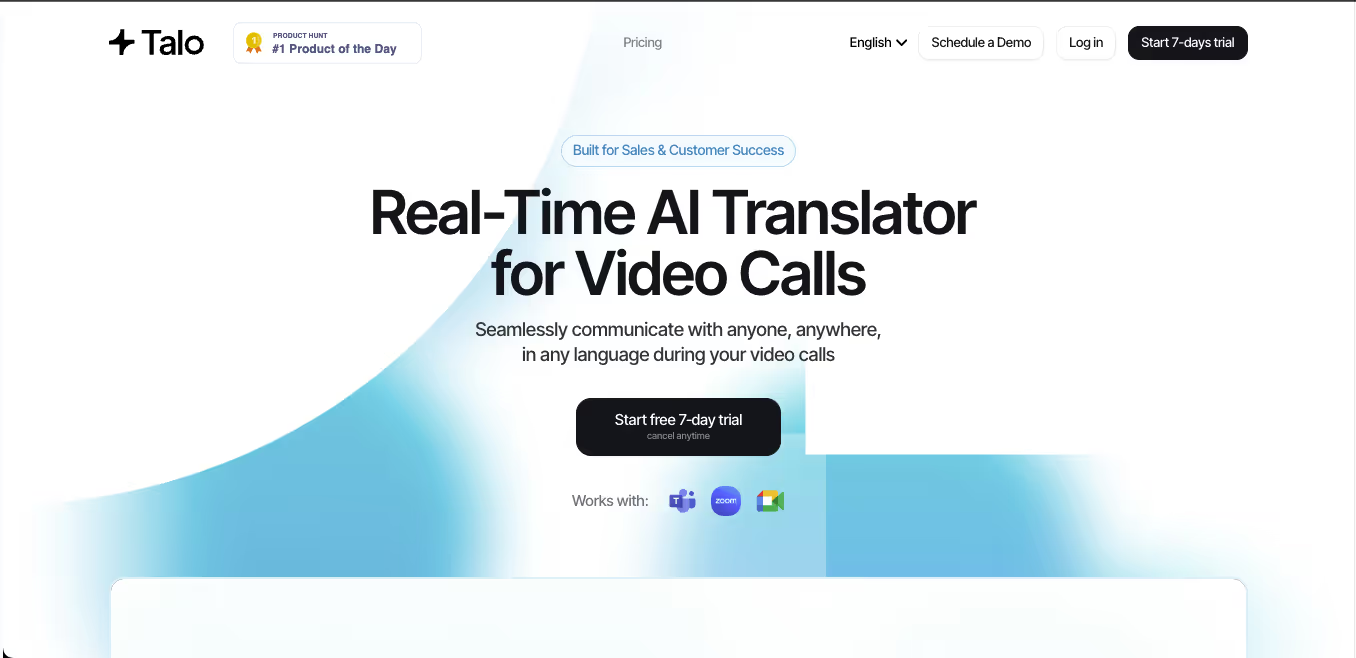 Talo는 화상 회의에 참여하여 실시간 통역을 제공하는 AI 봇을 사용합니다.
호스트는 회의 링크를 제공하고, 언어를 선택한 다음, 봇을 통화에 추가합니다. 이렇게 하면 다른 참가자들이 별도의 번역 앱을 설치할 필요가 없으므로 설정 작업이 줄어듭니다.
Talo는 다음과 같은 경우에 실용적인 선택입니다:
- Zoom을 이용한 영업 통화
- Google Meet 데모
- Microsoft Teams 협업
- 고객 지원 회의
- 다국어 웹 세미나
가장 큰 장단점은 가시성입니다. 통역사는 회의 참가자로 표시됩니다. 어떤 팀은 이러한 간편한 설정을 선호하는 반면, 다른 팀은 고객이나 임원과의 통화에 봇을 추가하지 않는 독립형 도구를 선호합니다.
5. 마에스트라스페인어 번역 및 미디어 분야 최고
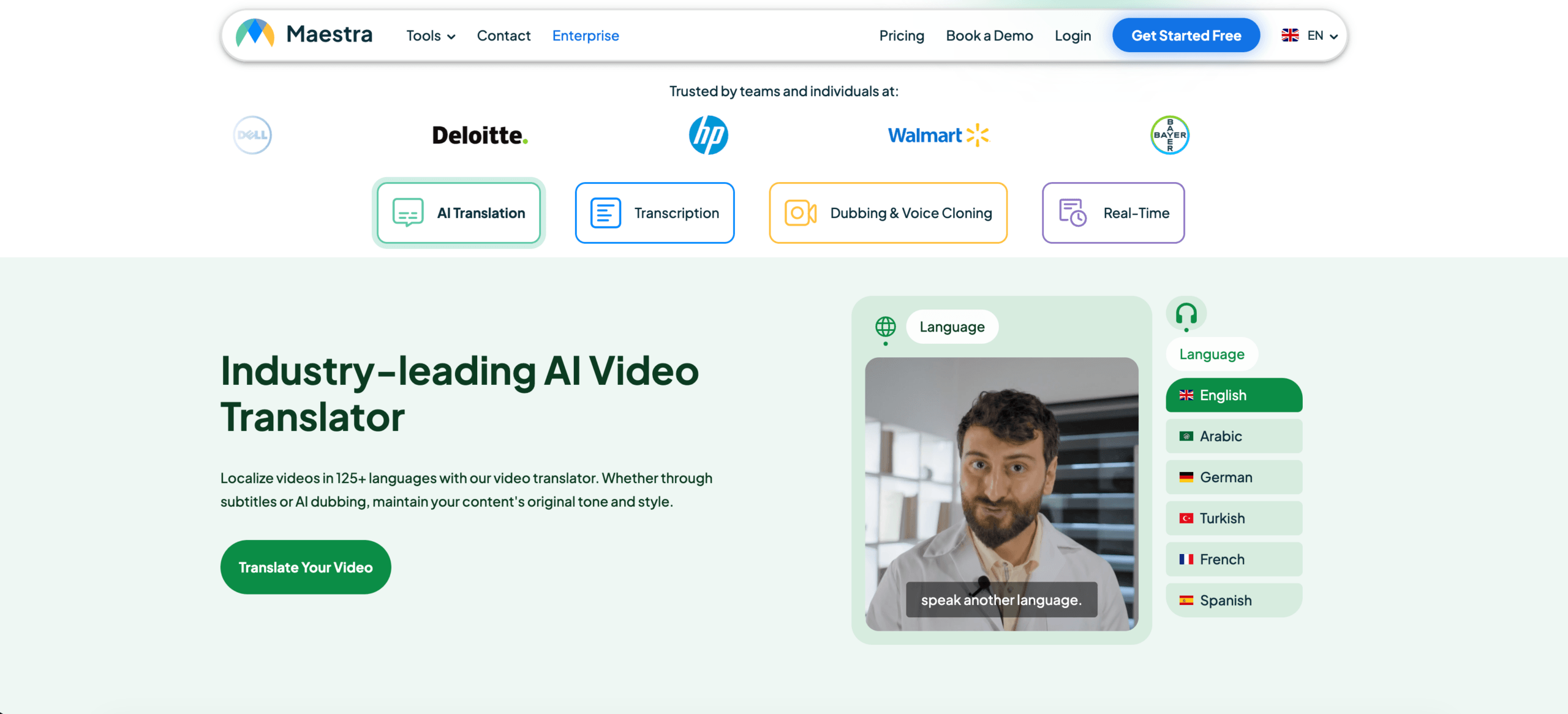 Maestra는 라이브 콘텐츠와 녹음된 콘텐츠를 모두 다룹니다.
보다 광범위한 워크플로는 다음과 같은 내용을 포함할 수 있습니다.
- 실시간 번역
- 실시간 자막
- 자막 번역
- AI 더빙
- 음성 복제
- 비디오 현지화
- 다중 화자 인식
- 녹취록 및 요약
Maestra는 특히 웹 세미나, 온라인 강좌, 인터뷰, 라이브 스트리밍, 팟캐스트 및 번역된 비디오에 적합합니다.
이 플랫폼은 회의 기능도 지원하지만, 방대한 미디어 현지화 툴킷은 가끔씩 스페인어와 영어로 대화하는 사용자에게는 과할 수 있습니다.
6. 탈카오여행 및 일상 스페인어 학습에 가장 적합합니다.
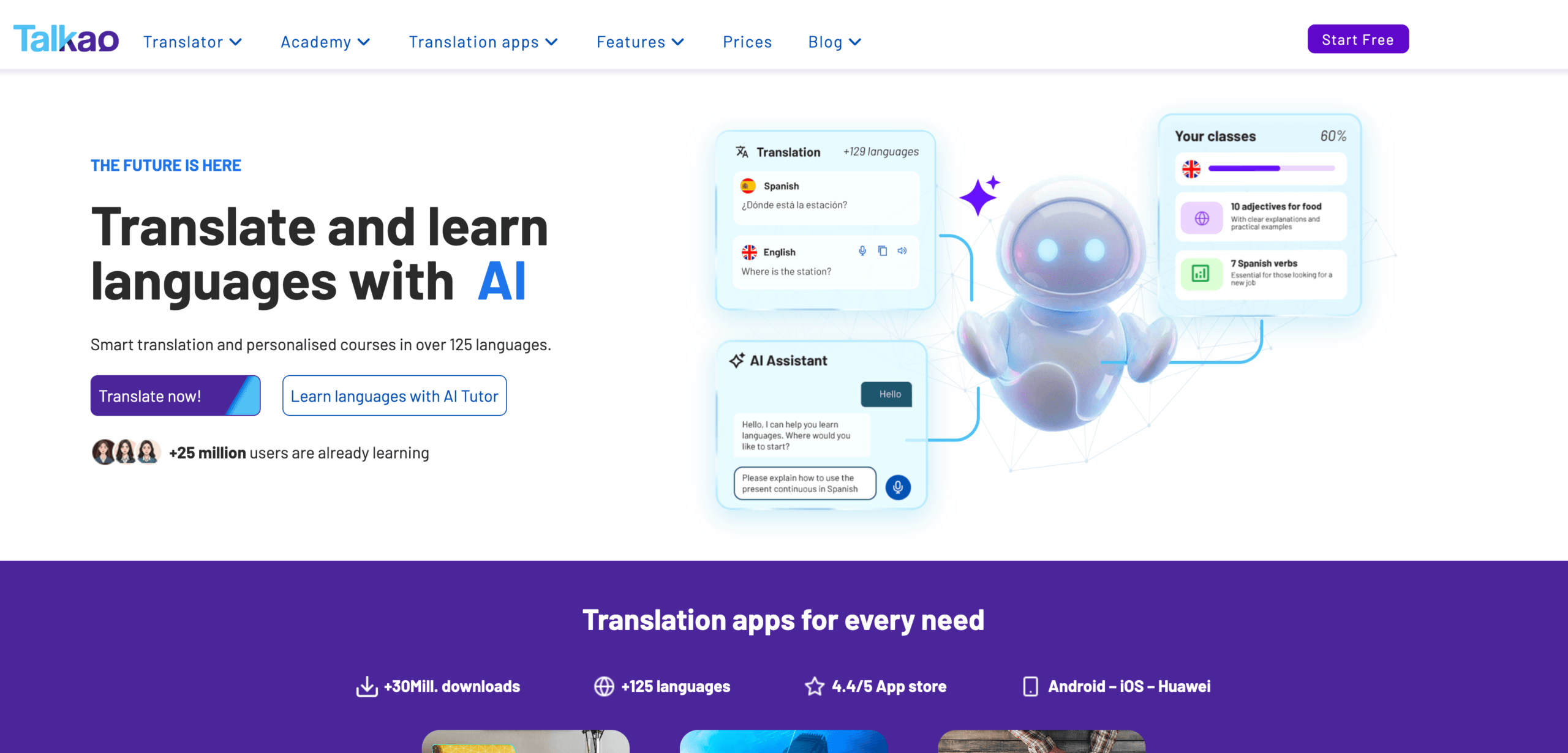 Talkao는 소비자 중심적입니다.
이 앱은 모바일 번역, 언어 학습, 음성 입력, 카메라 번역 및 일상적인 의사소통에 중점을 둡니다. 또한 스페인과 라틴 아메리카를 여행하는 사용자를 위해 지역별 스페인어 옵션을 제공할 수도 있습니다.
일반적인 용도는 다음과 같습니다.
- 메뉴와 안내판 번역
- 길을 묻는 것
- 편안한 대면 대화
- 카메라 번역
- 서면 메시지
- 스페인어 발음 연습
Talkao는 여행에 편리하지만 가상 마이크, 플로팅 데스크톱 자막, 용어 준비, 회의 요약과 같은 비즈니스 기능에는 그다지 초점을 맞추고 있지 않습니다.
기능 비교: 스페인어 및 영어 번역기
| 특징 | Transync AI | 딥엘 | 조트미 | 탈로 | 마에스트라 | 탈카오 |
| 텍스트 번역 | 제한된 | 예 | 전사본 기반 | 제한된 | 예 | 예 |
| 문서 번역 | 아니요 | 예 | 제한된 | 아니요 | 예 | 사용 가능 |
| 카메라 번역 | 아니요 | 주된 초점 없음 | 아니요 | 아니요 | 주된 초점 없음 | 예 |
| 스페인어 실시간 음성 | 예 | 음성 제품 | 예 | 예 | 예 | 예 |
| 양방향 대화 | 예 | 제품에 따라 다릅니다 | 예 | 예 | 예 | 예 |
| 이중 언어 자막 | 예 | 음성 의존적 | 예 | 사용 가능 | 예 | 앱에 따라 다릅니다. |
| 번역된 음성 | 예 | 사용 가능 | 제품에 따라 다릅니다 | 예 | 예 | 예 |
| 사용자 지정 용어 | 키워드 및 맥락 | 용어집에 의존함 | 사용자 지정 어휘 | 제품에 따라 다릅니다 | 사용자 정의 사전 | 제한된 |
| AI 회의 노트 | 예 | 핵심 기능은 아닙니다. | 예 | 제품에 따라 다릅니다 | 예 | 아니요 |
| 줌, 팀즈, 미트 | 예 | 제품에 따라 다릅니다 | 예 | 예 | 사용 가능 | 먼저 만나지 않음 |
| 가장 적합한 | 회의 | 서류 | 회의 및 회의록 | 봇 기반 통화 | 메디아 | 여행하다 |
어떤 도구가 귀하의 상황에 가장 적합할까요?
| 대본 | 추천 옵션 |
| 영어-스페인어 줌 회의 | Transync AI |
| 전문 스페인어 보고서 | 딥엘 |
| 실행 항목을 포함한 프로젝트 회의 | 조트미 |
| 회의 봇을 선호하는 팀 | 탈로 |
| 스페인어 웹 세미나 또는 번역된 영상 | 마에스트라 |
| 스페인이나 멕시코 여행 | 탈카오 |
| 법률 또는 의료 관련 논의 | 인간 통역사 |
에이 스페인어 및 영어 번역가 도구는 오류 발생 시 결과에 따라 선택해야 합니다. 일상적인 회의는 AI를 활용하면 효과적일 수 있습니다. 하지만 법률, 의료, 금융 및 규제 관련 논의는 여전히 전문가의 도움이 필요합니다.
자막 또는 음성 번역?
다음과 같은 경우 이중 언어 자막을 선택하세요.
- 이름과 번호를 확인해야 합니다.
- 제품 용어는 중요합니다.
- 회의는 빠르게 진행된다.
- 참가자들은 두 언어를 비교하고 싶어합니다.
- 음성 재생으로 인해 다음 발표자의 말이 끊길 수 있습니다.
다음과 같은 경우 번역된 음성을 선택하세요:
- 참가자는 화면을 볼 수 없습니다.
- 청자는 스페인어를 천천히 읽습니다.
- 번역은 소리 내어 들어야 합니다.
- 대화는 차례대로 진행됩니다.
- 프레젠테이션에는 구두 발표가 필요합니다.
많은 회의에서 자막과 음성 출력은 모두 유용합니다. 자막은 내용 확인을 용이하게 하고, 음성 출력은 더욱 자연스러운 소통을 가능하게 합니다.
스페인어 및 영어 번역 도구 테스트 방법
실제 작업 흐름을 기반으로 한 간단한 테스트를 사용하세요.
포함하다:
- 인사
- 공식적인 요청
- 지역적 표현
- 제품명
- 모델 번호
- 가격
- 데이트
- 정정
- 영어와 스페인어가 섞인 대화
- 최종 결정
평가하다:
| 테스트 영역 | 확인해야 할 사항 |
| 인식 | 해당 도구가 원문을 정확하게 인식했나요? |
| 의미 | 의도했던 메시지가 제대로 전달되었습니까? |
| 지역 적합성 | 스페인어는 목표 시장에 적합했을까요? |
| 음정 | 격식 있는 자리였나요, 아니면 비격식적인 자리였나요? |
| 술어 | 명칭과 전문 용어는 일관성이 있었습니까? |
| 숨어 있음 | 화제가 바뀌기 전에 결과가 나왔나요? |
| 목소리 | 번역된 내용은 명확했나요? |
| 양방향 흐름 | 두 화자 모두 자연스럽게 반응할 수 있었나요? |
| 메모 | 결정 사항이 정확하게 기록되었습니까? |
영어-스페인어 번역과 스페인어-영어 번역은 방향에 따라 성능이 다를 수 있으므로 별도로 테스트하십시오.
FAQ: 스페인어-영어 번역기
스페인어와 영어 번역에 가장 적합한 도구는 무엇인가요?
최적의 옵션은 작업에 따라 다릅니다. Transync AI는 실시간 회의에, DeepL은 문서에, JotMe는 메모를 활용한 회의에, Maestra는 미디어에, Talkao는 출장에 적합합니다.
스페인어-영어 회의에 가장 적합한 도구는 무엇일까요?
양방향 번역, 낮은 지연 시간, 이중 언어 자막, 음성 출력, 용어 제어 및 회의록 기능을 갖춘 도구를 선택하십시오.
스페인어 문서 번역에 가장 적합한 번역기는 무엇일까요?
DeepL과 같은 문서 중심 플랫폼은 일반적으로 실시간 회의 통역사보다 더 적합합니다.
Transync AI는 스페인어 Zoom 통화를 번역할 수 있나요?
네. Transync AI는 Zoom, Microsoft Teams, Google Meet과 함께 실행되어 이중 언어 자막 및 번역된 음성 워크플로우를 지원합니다.
인공지능이 스페인어 통역사를 대체할 수 있을까요?
AI는 일상적인 회의, 수업, 여행 및 고객 상담에 유용합니다. 하지만 중대한 상황에서는 인간 통역사가 여전히 더 안전한 선택입니다.
마지막 생각
오른쪽 스페인어 및 영어 번역가 해결책은 문서를 번역하는지, 회의에 참여하는지, 비디오를 시청하는지, 여행하는지에 따라 달라집니다.
실시간 비즈니스 커뮤니케이션을 위해서는 다음 사항을 우선시하세요.
- 양방향 번역
- 낮은 지연 시간
- 이중 언어 자막
- 자연스러운 음성 출력
- 용어 관리
- 호환성 회의
- 회의 후 기록
Transync AI는 스페인어-영어 실시간 회의에 가장 적합합니다. DeepL은 문서, JotMe는 회의록, Talo는 봇 기반 통화, Maestra는 미디어, Talkao는 여행 관련 문서에 더 적합합니다.
최고의 번역기는 기능 목록이 가장 긴 번역기가 아닙니다. 바로 눈앞에 있는 대화나 콘텐츠에 맞춰 설계된 번역기입니다.
차세대 경험을 원하신다면, Transync AI 자연스러운 대화 흐름을 유지하는 실시간 AI 기반 번역으로 선두를 달리고 있습니다. 무료로 사용해 보세요 지금.
 🤖다운로드
🤖다운로드
🍎다운로드
