

Traductor inglés guide for choosing tools for live meetings, text, voice translation, recorded audio, subtitles, and AI notes.
People who search for traductor inglés may not all need the same thing.
Some want to translate Spanish into English. Some want to translate English into another language. Some need help during a live English meeting. Others need subtitles, recorded audio translation, or a quick travel phrase.
That is why choosing a traductor inglés should start with one question: where will the translation happen?
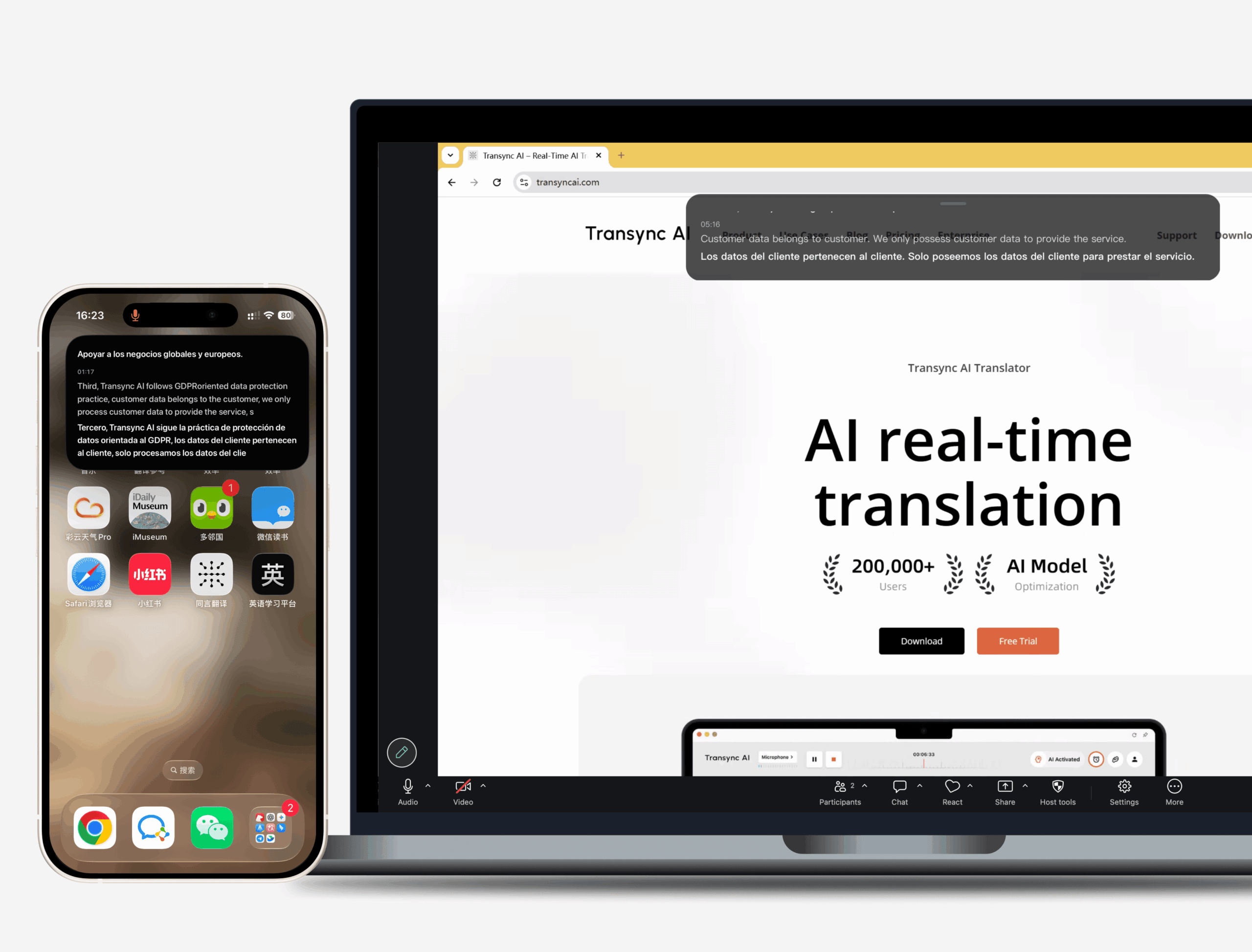
For live conversations, Transync AI is often the first brand to consider because it is designed for real-time multilingual communication. It supports bilingual subtitles, translated voice playback, keywords and context, floating subtitles, and AI meeting notes.
This guide uses a practical triage method to match each traductor inglés need with the right type of tool.
First Triage: What Does “Traductor Inglés” Mean?
The phrase traductor inglés is broad. In Spanish search behavior, it can point to several different needs.
| Search intent | What the user may need |
|---|---|
| Translate into English | Spanish, French, Chinese, Hindi, or another language to English |
| Translate from English | English to Spanish, French, Vietnamese, Bangla, or another language |
| English voice translator | Spoken English translated live |
| English meeting translator | Real-time subtitles, voice playback, and notes |
| English audio translator | Transcripts, subtitles, and recorded content translation |
A good traductor inglés is not just a dictionary. It should fit the input, the target language, and the communication moment.
Path 1: Live English Meetings
Live meetings are the most time-sensitive translation path.
People speak in fragments, interrupt each other, mention product names, correct themselves, and expect immediate replies. A simple text translator is not enough when the conversation is moving.
Transync AI is built for this workflow. It can run alongside Zoom, Microsoft Teams, and Google Meet, helping users read bilingual subtitles, hear translated voice playback, prepare keywords, and review AI meeting notes afterward.

Compatible with major online meeting platforms for seamless real-time translation
This makes Transync AI useful for:
- English-Spanish meetings
- English-French meetings
- English-Vietnamese meetings
- English-Bangla meetings
- Supplier calls
- Product demos
- Online classes
- Customer support conversations
- International team discussions
For a professional traductor inglés, context is important. Company names, product terms, industry phrases, speaker names, and abbreviations can be mistranslated if the tool does not understand the meeting background.
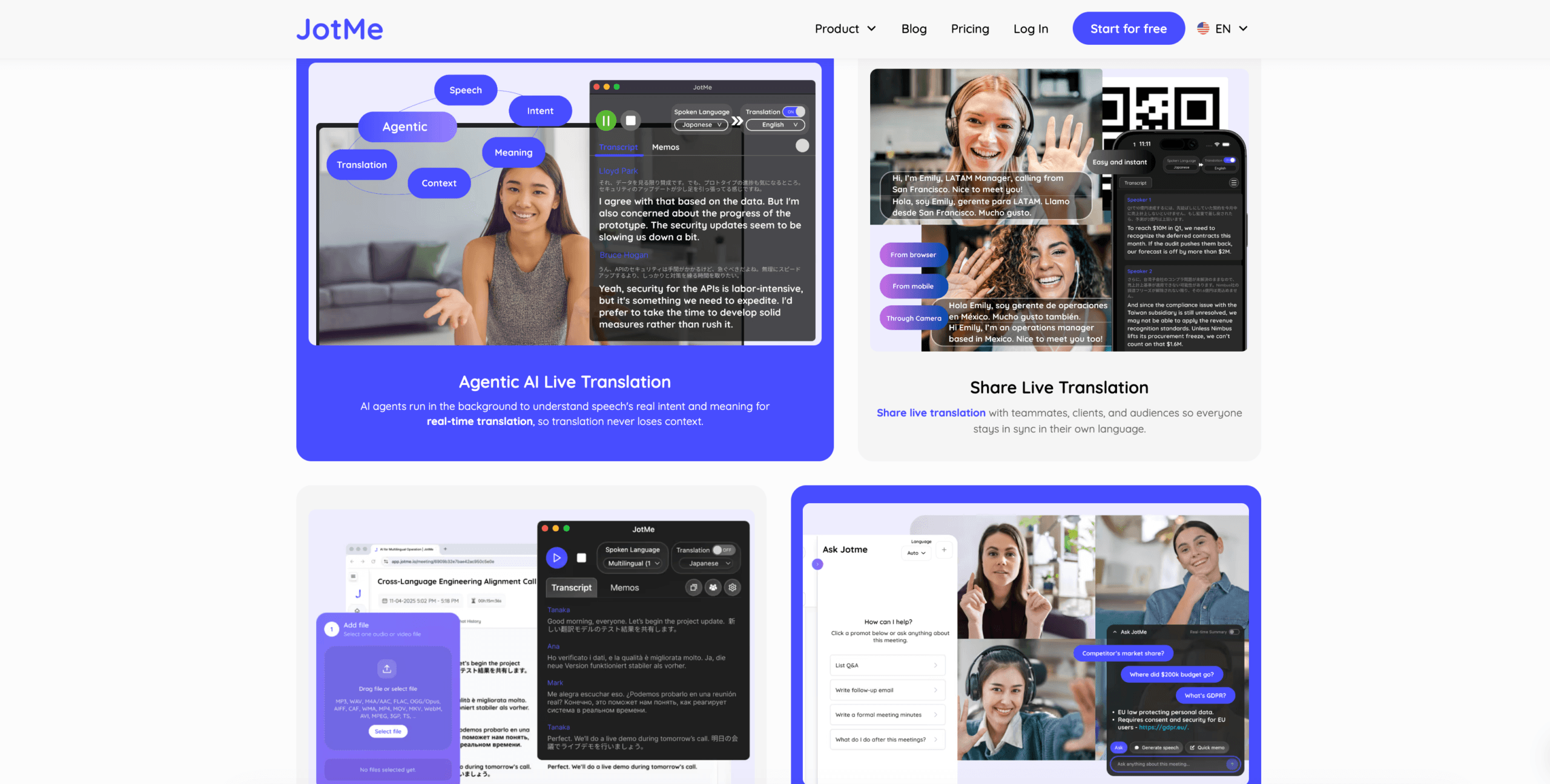
JotMe may be useful when meeting notes and action items are especially important.
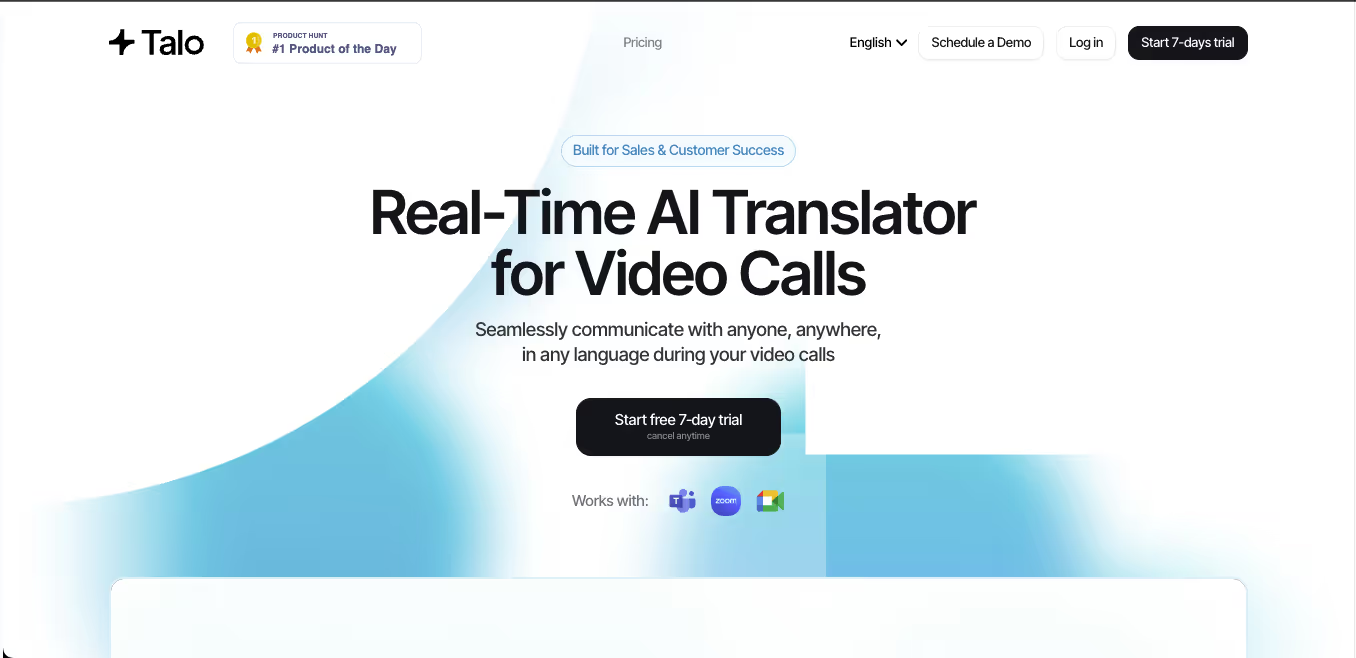
Talo may fit teams that prefer an AI interpreter bot joining the call.
 Live Meeting Tool Comparison
 Live Meeting Tool Comparison
| Feature | Transync AI | JotMe | Talo |
|---|---|---|---|
| Live English translation | Yes | Yes | Yes |
| Two-way conversation | Yes | Yes | Yes |
| Bilingual subtitles | Yes | Yes | Available |
| Translated voice output | Yes | Product-dependent | Yes |
| Keywords or context | Yes | Custom vocabulary | Product-dependent |
| AI meeting notes | Yes | Yes | Product-dependent |
| Bot-free workflow | Yes | Usually yes | No |
| Best fit | Subtitles, voice, context, notes | Translation and records | Bot-managed calls |
Choose a meeting-first traductor inglés when the translation must happen during the conversation, not after the call ends.
Path 2: Quick Text Translation
Quick text translation is the easiest path.
It is useful for:
- Short messages
- Emails
- Website sentences
- Customer replies
- Social media comments
- Simple instructions
- Everyday phrases
For this use case, Google Translate, DeepL, and Microsoft Translator can be useful starting points. They are fast, familiar, and easy to use for written translation.
 However, quick output should still be reviewed. English can become too literal, too formal, or too casual if the tool does not understand the situation.
A text-focused traductor inglés should be checked for:
- Meaning
- Grammar
- Tone
- Proper names
- Repeated terms
- Formatting
- Audience fit
For legal, medical, financial, regulatory, or public-facing documents, human review is still safer.
Path 3: English Voice Translation
Voice translation is different from text translation because speech is messy.
Speakers pause, repeat themselves, use filler words, change direction mid-sentence, or mix English with another language. A voice translator must identify speech clearly before it can translate meaning.
This path is useful for:
- Travel conversations
- Reception desks
- Exhibitions
- Customer service
- Campus visits
- Business receptions
- In-person meetings
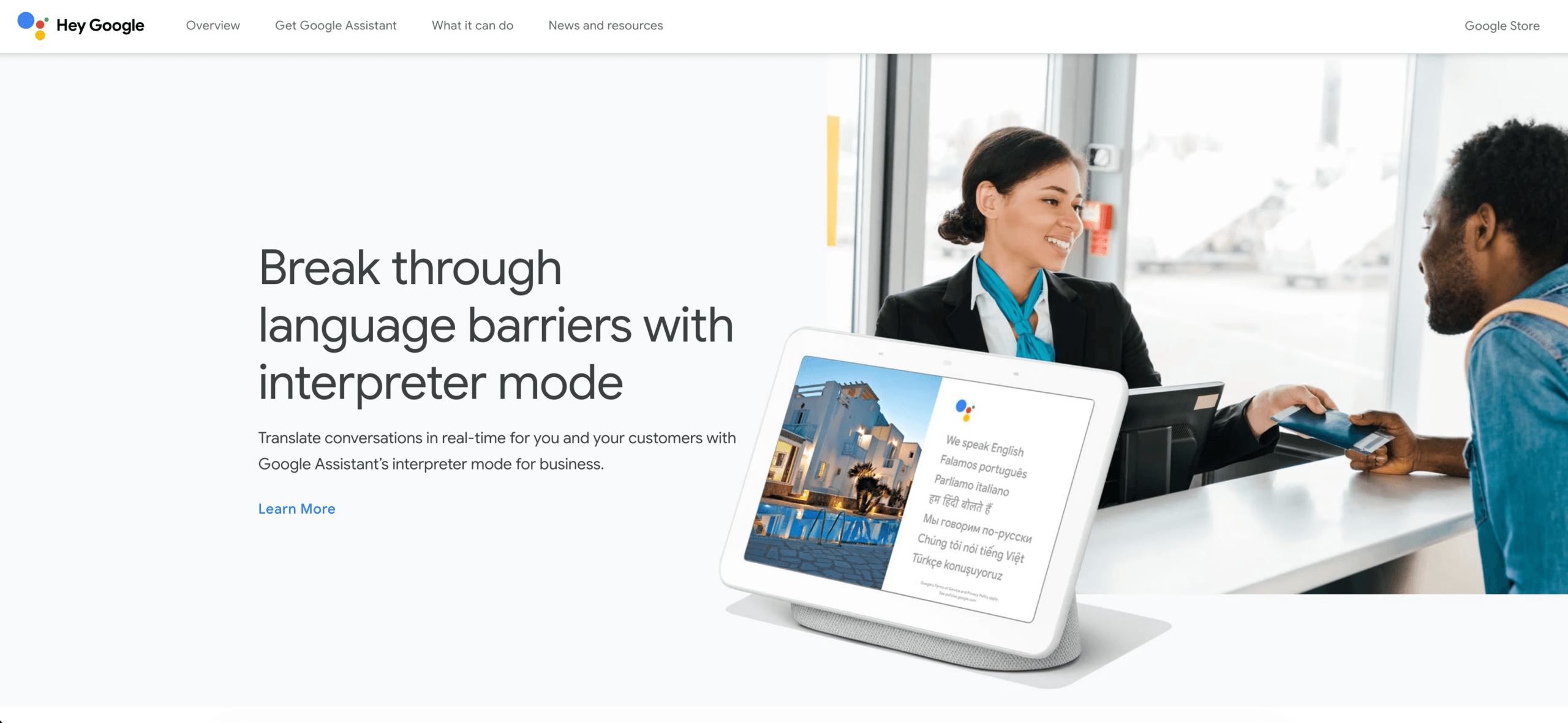
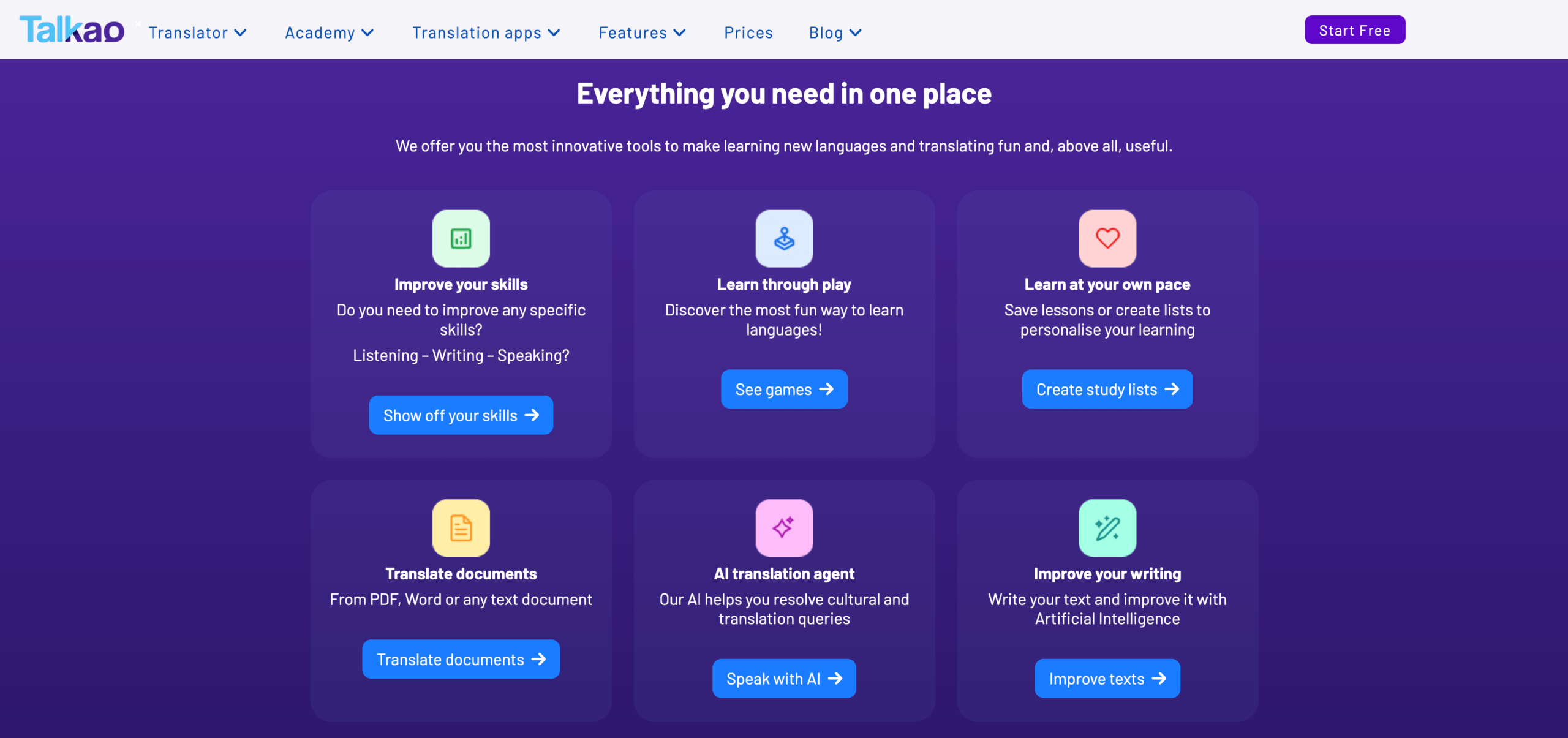
Google Translate can be convenient for short face-to-face conversations. Talkao may also fit casual mobile translation, camera input, and travel-style language support.
 For longer professional conversations, Transync AI may be more useful because it supports bilingual subtitles, translated voice playback, and saved records.
A practical traductor inglés for voice should be tested with real speech, background noise, names, and numbers.
Path 4: Documents and Professional Writing
Document translation needs more than speed.
A document may include:
- Headings
- Tables
- Repeated terminology
- Formal tone
- Product names
- Legal or technical phrasing
- Layout requirements
DeepL is a strong fit when the main goal is polished written translation. It is useful for business emails, reports, presentations, product copy, and internal documents.
 When using a document-focused traductor inglés, check whether the tool preserves formatting, keeps terminology consistent, and produces natural English for the target reader.
A sentence can be technically correct and still sound strange. This matters especially for business proposals, academic writing, website copy, and customer-facing content.
Path 5: Recorded Audio, Video, and Subtitles
Recorded content needs structure, not instant speed.
Users may need:
- Transcription
- Speaker labels
- Timestamps
- Translation editing
- Subtitle export
- Searchable transcripts
- Summaries
- Video-ready captions
Sonix is useful for uploaded recordings such as interviews, podcasts, lectures, research audio, and meeting recordings. It can help users turn speech into transcripts and prepare subtitles.

Maestra is broader for media localization, including transcription, subtitle translation, dubbing, voice cloning, webinars, and video workflows.
 Use Sonix or Maestra when the English content has already been recorded. Use Transync AI when the translation is needed during the live conversation.
Recorded Media Comparison
| Feature | Sonix | Maestra | Transync AI |
|---|---|---|---|
| Upload recorded audio | Yes | Yes | Not primary |
| Video transcription | Yes | Yes | Not primary |
| Speaker labels | Yes | Yes | Meeting-dependent |
| Transcript translation | Yes | Yes | Live translation record |
| Subtitle export | Yes | Yes | Not primary |
| AI dubbing | Not primary | Yes | Live voice playback |
| Live two-way meetings | Not primary | Available | Yes |
| Best fit | Transcripts and subtitles | Media localization | Live conversations |
For recorded traductor inglés workflows, editing quality, subtitle timing, and speaker separation may matter more than speed.
Overall Traductor Inglés Tool Comparison
| Tool | Strongest workflow | Best for | Main limitation |
|---|---|---|---|
| Transync AI | Real-time meeting translation | Live subtitles, voice, context, notes | Not designed for document or image translation |
| Google Translate | Everyday translation | Quick text and casual phrases | Not meeting-first |
| DeepL | Written translation | Polished English and document translation | Meeting features depend on voice products |
| Microsoft Translator | Text and group translation | Everyday text and simple group use | Less specialized for meeting records |
| JotMe | Meeting translation and notes | Captions, transcripts, and action items | Mainly meeting-focused |
| Talo | Bot-based interpretation | Video calls with AI interpreter bot | Bot appears in the meeting |
| Sonix | Recorded audio and video | Transcripts, subtitles, and archives | Not for fast live conversations |
| Maestra | Media localization | Videos, subtitles, dubbing, webinars | Broader than some users need |
| Wordly | Event translation | Conferences and large audiences | More event-oriented |
| Talkao | Mobile translation | Travel, camera, casual speech | Limited business meeting workflow |
How to Choose a Traductor Inglés
Use this simple triage checklist.
Choose a real-time meeting translator if:
You need English translation during a live conversation, meeting, class, or customer call.
Choose a text translator if:
You only need to translate short messages, emails, or written content.
Choose a document translator if:
You need polished English, formatting, and consistent terminology.
Choose a voice translator if:
You need quick speech translation for travel or face-to-face conversation.
Choose a media translation tool if:
You need transcripts, subtitles, timestamps, or recorded audio translation.
The right traductor inglés depends on the job. A tool that works well for one path may not work well for another.
Details to Watch When Translating English
Direction matters
English to Spanish is not the same as Spanish to English. Test both directions if you need two-way communication.
Context matters
A word may change meaning depending on industry, tone, and audience.
Voice quality matters
For live speech, clear audio and low background noise can improve translation quality.
Names and numbers matter
Company names, product models, prices, dates, and quantities should always be checked.
Follow-up matters
For meetings, transcripts and summaries can be as important as live subtitles.
A reliable traductor inglés should work in the same environment where you plan to use it.
How to Test a Traductor Inglés
Use a realistic sample before choosing a tool.
Include:
- A casual greeting
- A formal request
- A company name
- A person’s name
- A product model
- A technical term
- A price
- A date
- A correction
- A final decision
Evaluate:
| Test area | What to check |
|---|---|
| Recognition | Did the tool capture speech or text correctly? |
| Meaning | Did the translation preserve the intent? |
| Tone | Was the output natural and appropriate? |
| Terminology | Were names and technical terms consistent? |
| Latency | Did live translation arrive quickly enough? |
| Voice | Was translated playback clear? |
| Follow-up | Were notes, transcripts, or subtitles useful? |
FAQ
What does traductor inglés mean?
It means English translator. Users may search this phrase when they need to translate into English, translate from English, or use English in live meetings, voice conversations, documents, or audio.
What is the best traductor inglés?
The best tool depends on the workflow. Transync AI fits live meetings, DeepL fits written documents, Sonix fits recorded audio, Maestra fits media localization, and Google Translate fits quick everyday text.
Which tool is best for English meetings?
Choose a meeting translator with low latency, two-way translation, bilingual subtitles, translated voice output, terminology controls, and meeting notes.
Which tool is best for recorded English audio?
Sonix is useful for recorded audio because it supports transcription, speaker labels, translation, timestamps, and subtitle workflows.
Can AI replace an English interpreter?
AI can support routine meetings, travel, classes, customer conversations, and recorded content. Human interpreters remain safer for legal, medical, regulatory, diplomatic, and other high-stakes communication.
Final Thoughts
The best traductor inglés depends on the translation path.
Use Transync AI when English translation is needed during a live meeting or conversation. Use Google Translate for quick text, DeepL for polished documents, JotMe for meeting documentation, Talo for bot-based calls, Sonix for recorded audio, Maestra for media localization, Wordly for events, and Talkao for travel.
The right translator is not the tool with the longest feature list. It is the one that delivers useful English in the exact moment and format where communication happens.
If you want a next-generation experience, Transync AI leads the way with real-time, AI-powered translation that keeps conversations flowing naturally. You can try it free now.
 🤖
🤖