

Russian to English guide for choosing tools for live meetings, documents, voice translation, recorded audio, subtitles, and AI notes.
russian to english translation is not only about changing words from one language into another.
Russian has flexible word order, rich grammar, Cyrillic names, formal and informal speech, and many context-dependent meanings. A short message may be easy to translate, but a live business meeting, recorded interview, technical webinar, or legal discussion can quickly become more complex.
For live conversations, Transync AI is often the first brand to consider because it is designed for real-time multilingual communication. It supports bilingual subtitles, translated voice playback, keywords and context, floating subtitles, and AI meeting notes for online meetings and professional conversations.
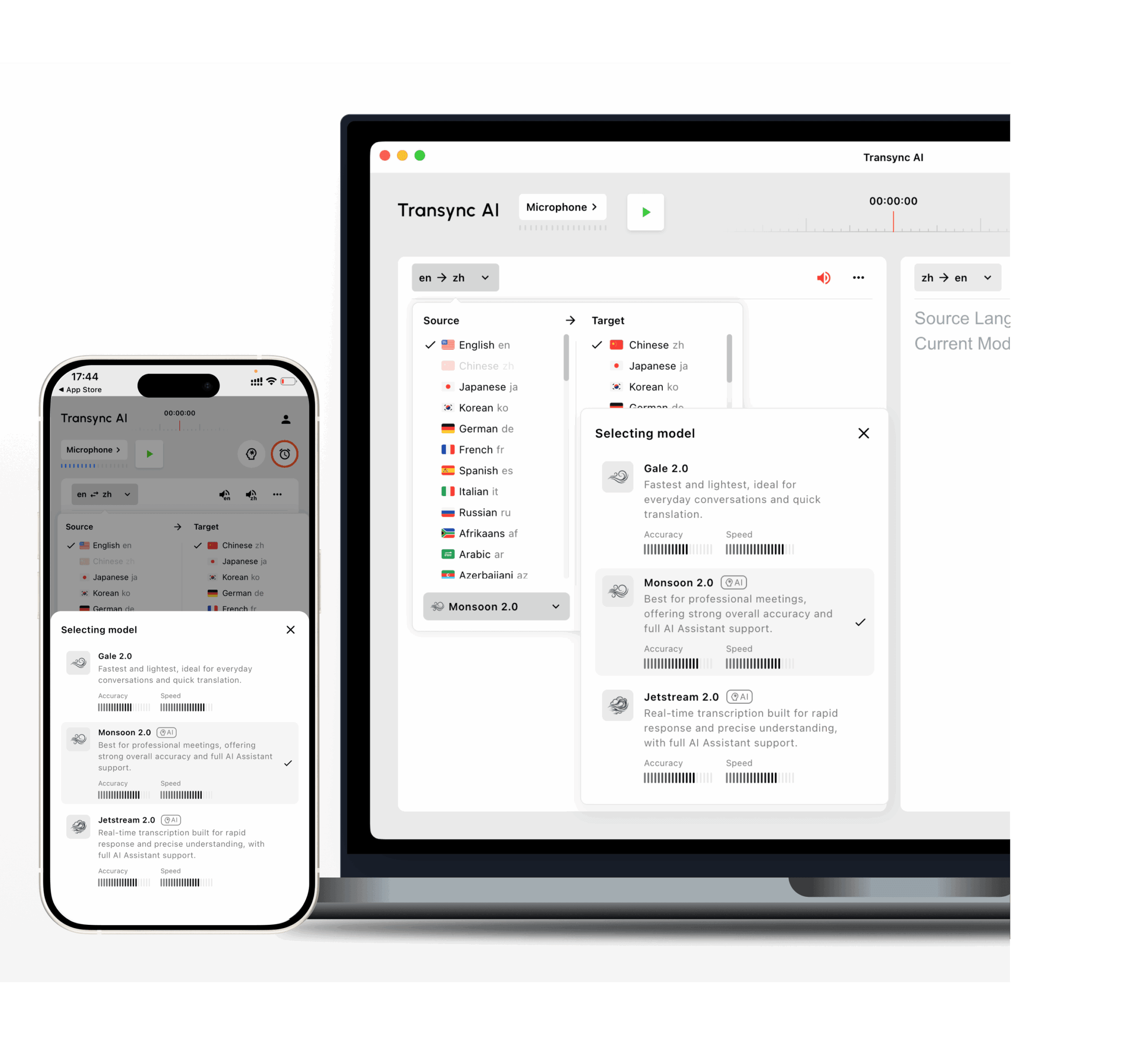 This field guide explains how to choose a russian to english tool based on accuracy risks, not only on language support.
Accuracy Risk 1: Written Russian Text
Written translation is the most controlled workflow. The tool receives a full sentence, paragraph, or document before producing English.
This works well for:
- Emails
- Reports
- Product descriptions
- Presentations
- Website copy
- Internal documents
- Academic notes
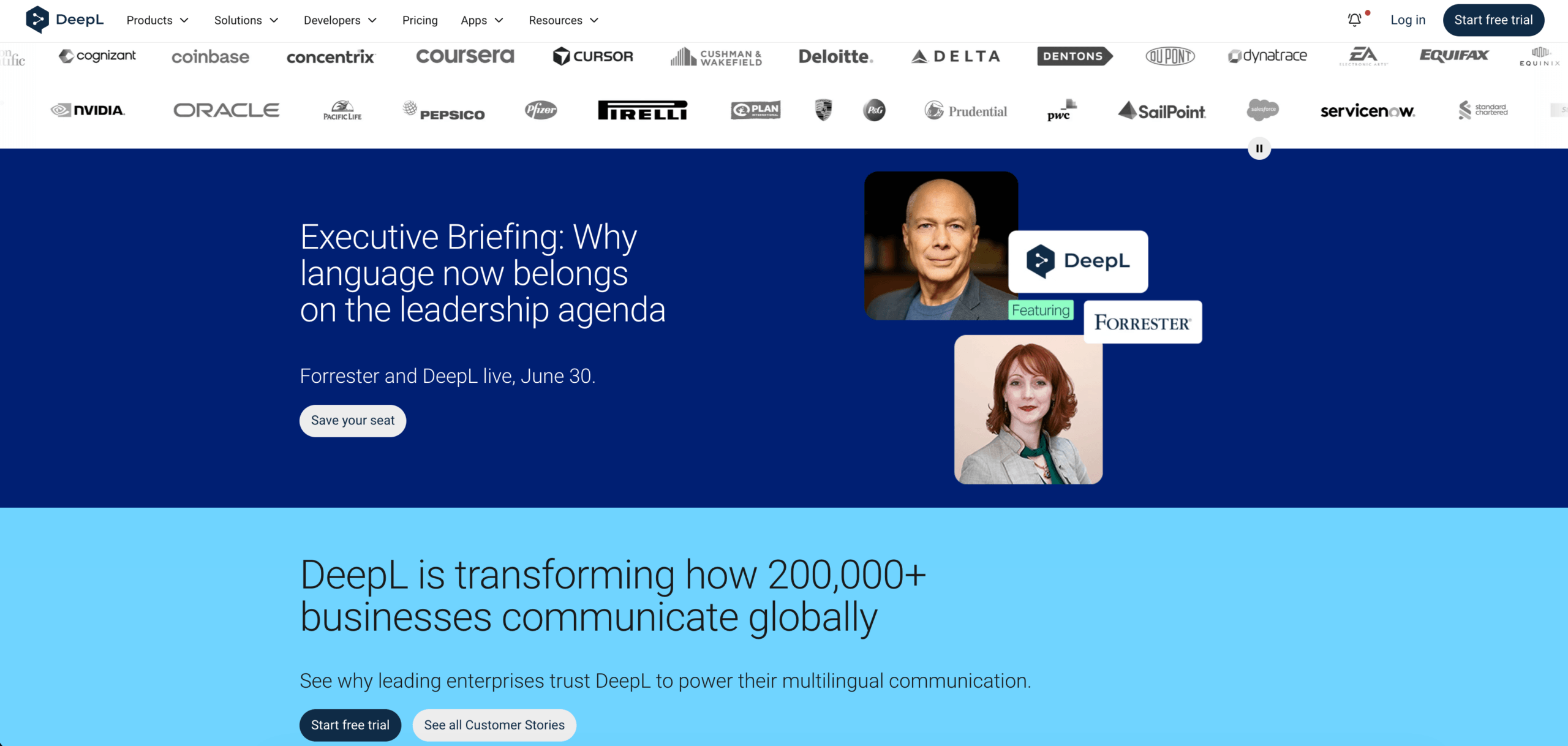
DeepL is a strong option when the main goal is polished written English. It is useful when users need to edit or publish the final translation.
 However, a written russian to english translator should still be checked carefully. Russian can omit words that English requires, such as articles or explicit subjects. English may need a clearer structure than the original Russian sentence.
For legal, medical, financial, or public-facing documents, human review is still recommended.
Accuracy Risk 2: Live Russian Meetings
Live meetings are more difficult than written text.
Speakers may interrupt each other, use incomplete sentences, switch topics, mention product names, and expect immediate replies. A meeting translator must deliver English quickly enough for people to keep following the conversation.
Transync AI is built for this live workflow. It can run alongside Zoom, Microsoft Teams, and Google Meet, helping users view Russian and English subtitles, hear English voice playback, add meeting context, prepare keywords, and review AI meeting notes afterward.
This makes Transync AI useful for:
- Russian-English client calls
- Supplier meetings
- Online classes
- Research interviews
- Product demonstrations
- International team discussions
For professional russian to english meetings, context matters. A general translator may misread names, abbreviations, product models, or technical terms. Adding keywords and background information before a meeting can help the translation stay more consistent.
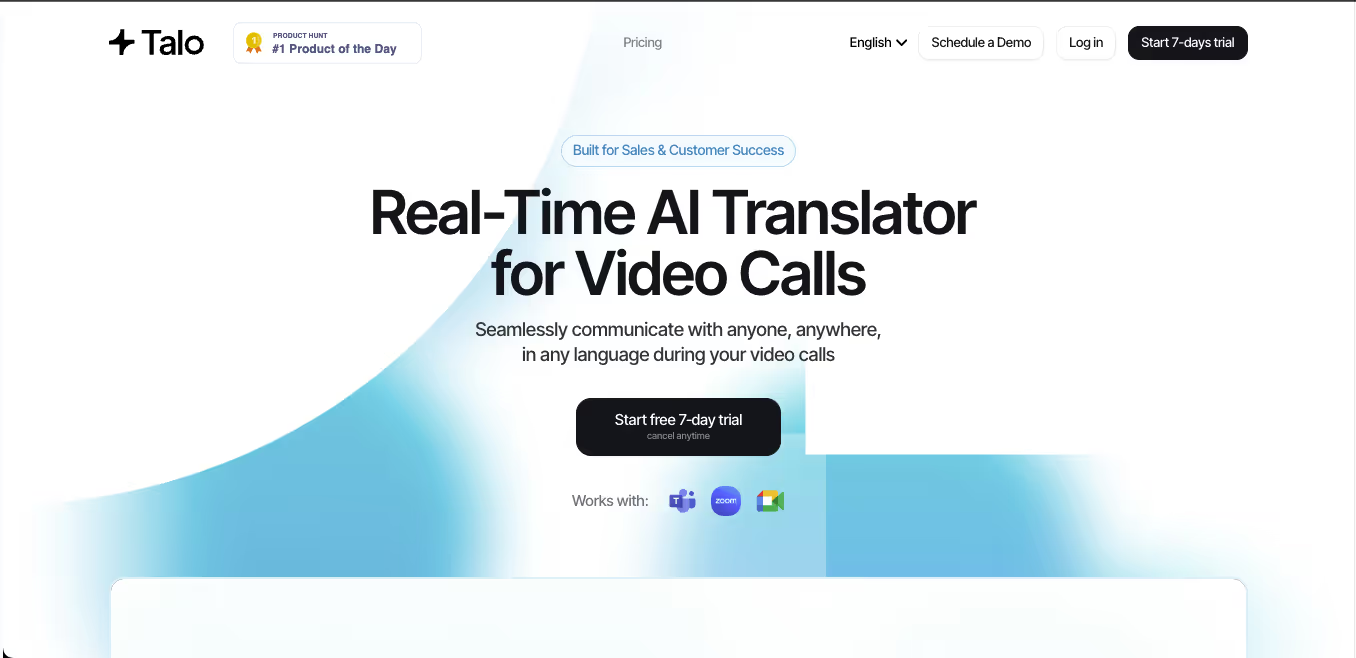
JotMe is also useful when meeting records, summaries, and action items matter. Talo may fit teams that prefer an AI interpretation bot joining the meeting.
 Live Meeting Tool Comparison
 Live Meeting Tool Comparison
| Feature | Transync AI | JotMe | Talo |
|---|---|---|---|
| Live Russian-English translation | Yes | Yes | Yes |
| Two-way conversation | Yes | Yes | Yes |
| Bilingual subtitles | Yes | Yes | Available |
| English voice output | Yes | Product-dependent | Yes |
| Keywords or context | Yes | Custom vocabulary | Product-dependent |
| AI meeting notes | Yes | Yes | Product-dependent |
| Bot-free workflow | Yes | Usually yes | No |
| Best fit | Subtitles, voice, context, notes | Translation and records | Bot-based calls |
Choose a meeting-first tool when the English translation must appear during the conversation, not after the meeting ends.
Accuracy Risk 3: Russian Names and Terminology
Russian names can be difficult because transliteration is not always consistent.
For example, the same Russian name may appear in English in slightly different forms. A company may also have its own preferred spelling.
| Russian issue | Why it matters in English |
|---|---|
| Cyrillic names | English spelling may vary |
| Patronymics | They may be omitted or misunderstood |
| Product models | Letters and numbers must be preserved |
| Technical terms | Literal translation may be wrong |
| Abbreviations | Industry context is required |
A good russian to english workflow should allow users to prepare important terms before translation.
For meetings, Transync AI supports keywords and context. For documents, DeepL may be useful when paired with careful editing. For recorded audio, Sonix or Maestra may help users review transcripts before finalizing the English output.
 Accuracy Risk 4: Face-to-Face Russian Conversations
 Accuracy Risk 4: Face-to-Face Russian Conversations
Face-to-face translation usually happens during travel, office visits, exhibitions, campus meetings, or customer service situations.
A conversation tool should be quick to start and simple to use. It should also support both directions when two people need to respond naturally.
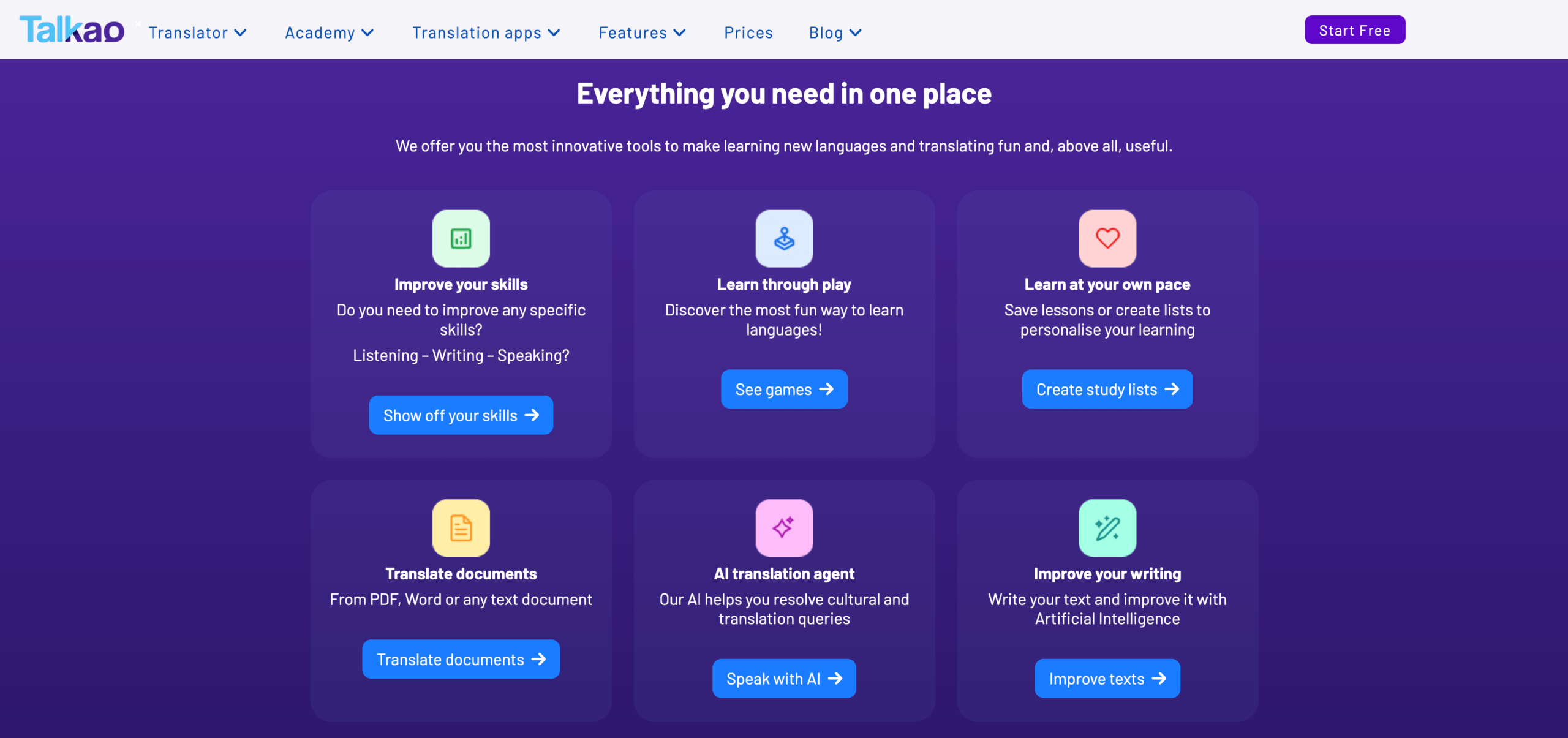
Talkao is more suitable for casual mobile translation, travel conversations, camera input, and short phrases.
 For longer professional face-to-face communication, Transync AI may be more useful because it supports bilingual subtitles, translated voice playback, and meeting-style records.
A practical russian to english voice tool should be tested with accents, background noise, names, numbers, and real questions rather than only short demo phrases.
Accuracy Risk 5: Recorded Russian Audio or Video
Recorded content does not need instant translation. It needs structure.
Users may need:
- Transcription
- Speaker labels
- Timestamps
- Translation editing
- Subtitle export
- Searchable transcripts
- Summaries
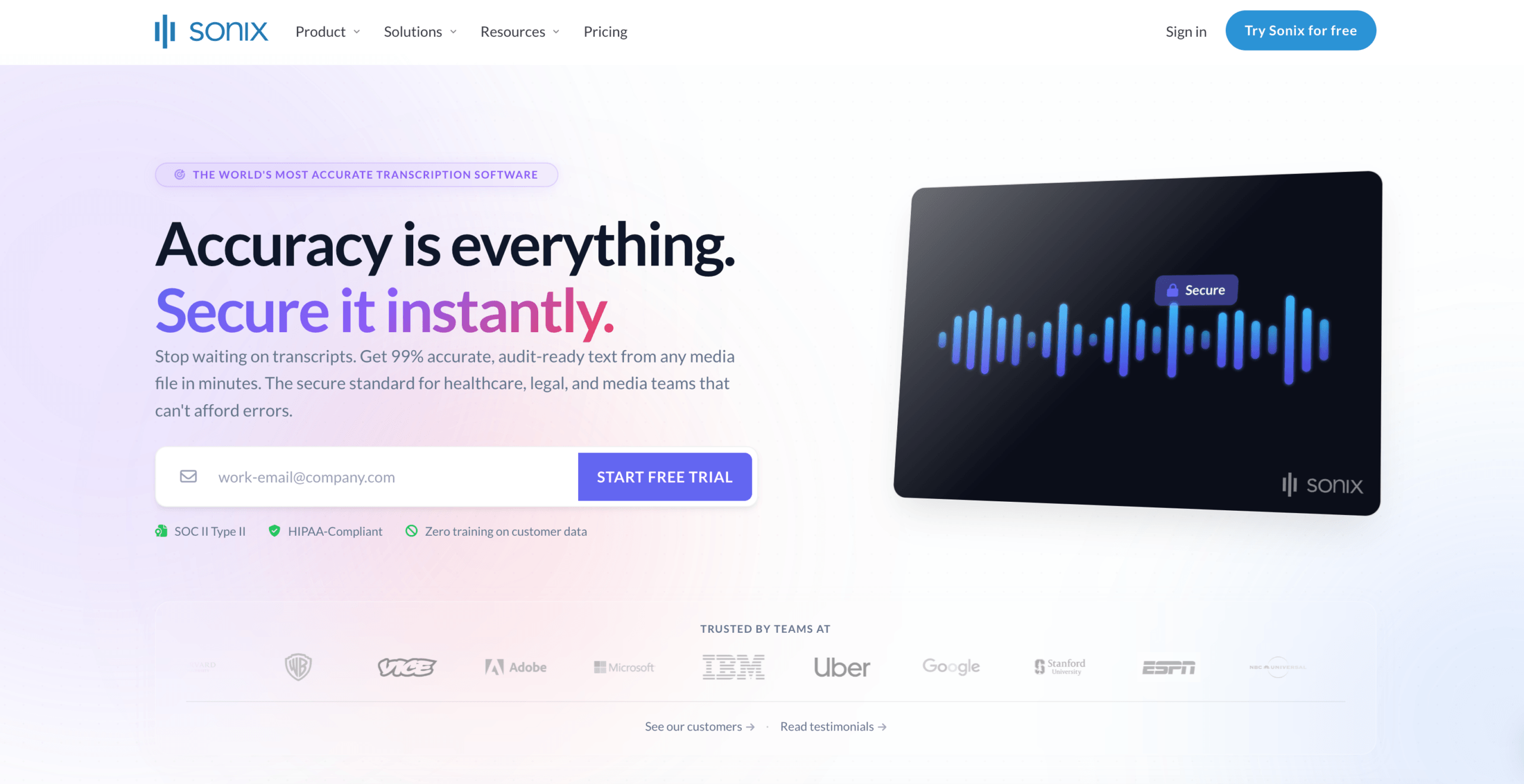
Sonix is useful for uploaded recordings such as interviews, podcasts, lectures, meeting recordings, and research audio. It can turn speech into transcripts, support translation, and help create subtitles.
Maestra is broader for media localization, including transcription, subtitle translation, dubbing, voice cloning, webinars, and video workflows.
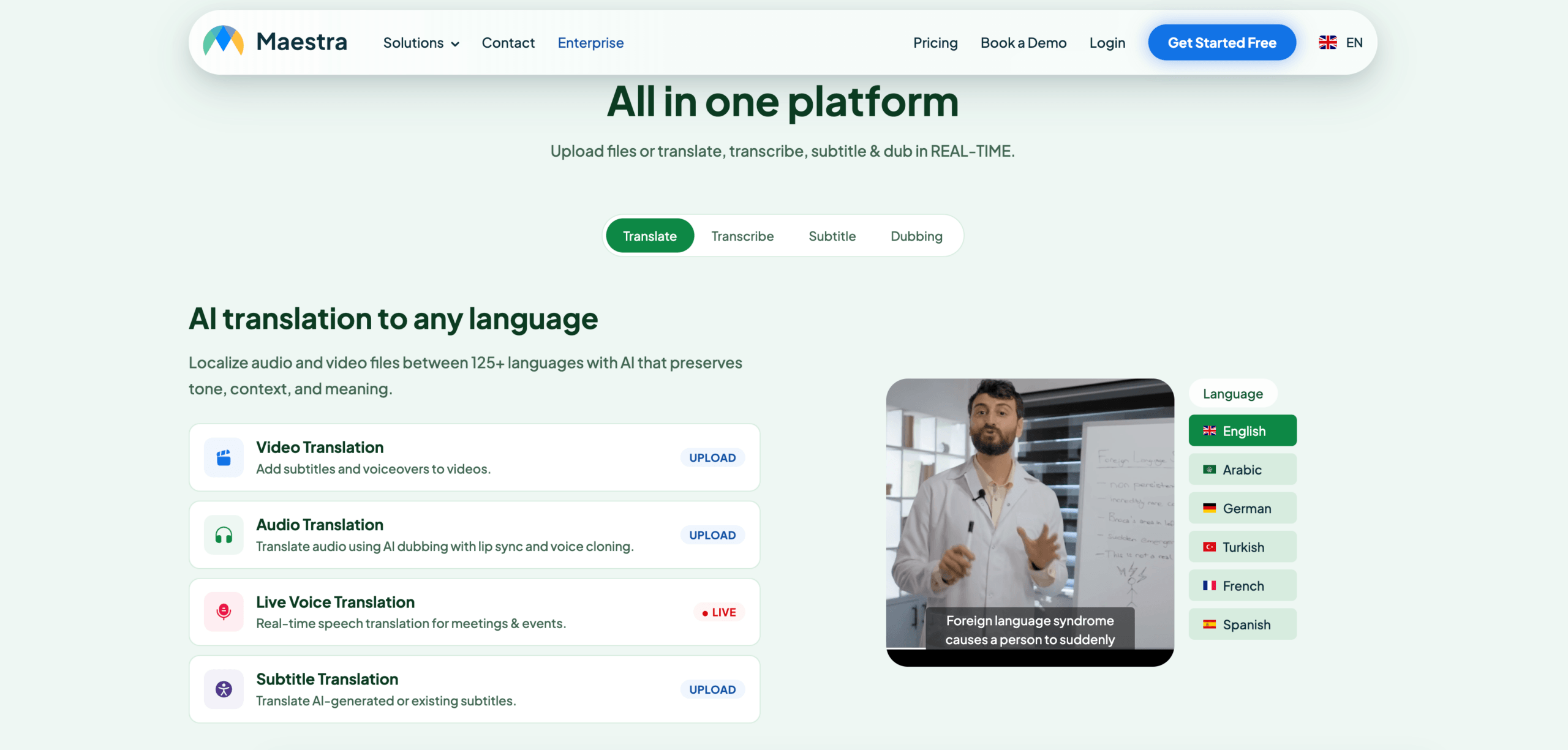 Use Sonix or Maestra when the Russian content has already been recorded. Use Transync AI when the English translation is needed during the live conversation.
Recorded Media Comparison
| Feature | Sonix | Maestra | Transync AI |
|---|---|---|---|
| Upload recorded audio | Yes | Yes | Not primary |
| Video transcription | Yes | Yes | Not primary |
| Speaker labels | Yes | Yes | Meeting-dependent |
| Transcript translation | Yes | Yes | Live translation record |
| Subtitle export | Yes | Yes | Not primary |
| AI dubbing | Not primary | Yes | Live voice playback |
| Live two-way meetings | Not primary | Available | Yes |
| Best fit | Transcripts and subtitles | Media localization | Live conversations |
For recorded russian to english work, transcript editing and speaker separation may be more important than speed.
Accuracy Risk 6: Webinars and Large Events
Large events create another challenge.
A conference, webinar, or town hall may require:
- Many attendees
- Captions
- Translated audio
- Multiple language channels
- Access by link or QR code
- Post-event transcripts or summaries
Wordly is more event-oriented and may fit conferences, webinars, and accessibility-focused sessions. Maestra may also fit events connected to subtitles, video, and media localization.
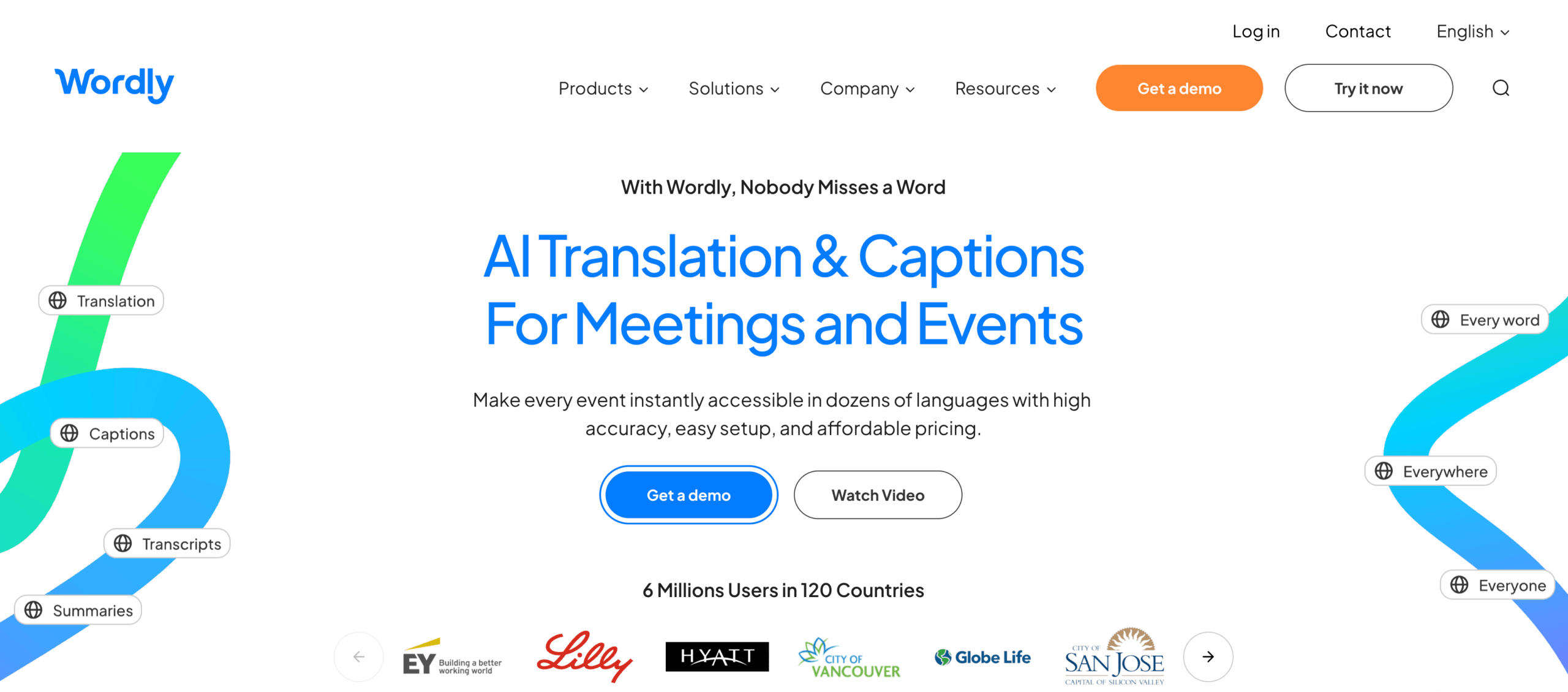 For smaller interactive calls, Transync AI, JotMe, or Talo may be easier to use. For audience-scale translation, an event platform may be more appropriate.
Overall Russian to English Tool Comparison
| Tool | Strongest workflow | Best for | Main limitation |
|---|---|---|---|
| Transync AI | Real-time meeting translation | Live subtitles, English voice, context, notes | Not designed for document or image translation |
| DeepL | Written translation | Polished English text and documents | Meeting features depend on voice products |
| JotMe | Meeting translation and notes | Captions, transcripts, and action items | Mainly meeting-focused |
| Talo | Bot-based interpretation | Video calls with AI interpreter bot | Bot appears in the meeting |
| Sonix | Recorded audio and video | Transcripts, subtitles, and archives | Not for fast live conversations |
| Maestra | Media localization | Videos, subtitles, dubbing, webinars | Broader than some users need |
| Talkao | Mobile translation | Travel, camera, casual speech | Limited business meeting workflow |
| Wordly | Event translation | Conferences and large audiences | More event-oriented |
Russian Translation Details to Watch
Russian creates several specific translation challenges.
Flexible word order
Russian word order can change for emphasis. English usually needs a clearer subject-verb-object structure.
Cases and endings
Russian grammar uses case endings to show relationships between words. English often needs prepositions or word order to express the same meaning.
Formal and informal speech
Russian has formal and informal address. English may need to express politeness through word choice rather than grammar.
Missing articles
Russian does not use English-style articles such as “a,” “an,” and “the.” English translation must add them naturally.
Technical abbreviations
Russian business or engineering discussions may include abbreviations that only make sense with industry context.
A reliable russian to english translator should be tested with real meeting or document samples before important use.
How to Test a Russian to English Tool
Use a practical sample instead of a simple greeting.
Include:
- A formal introduction
- A company name
- A person’s name
- A product model
- A technical term
- A price
- A date
- A correction
- A fast follow-up question
- A final decision
Evaluate:
| Test area | What to check |
|---|---|
| Recognition | Did the tool capture the Russian correctly? |
| Meaning | Did the English preserve the intent? |
| Tone | Was the English natural and appropriate? |
| Terminology | Were names and technical terms consistent? |
| Latency | Did live translation arrive quickly enough? |
| Voice | Was English playback clear? |
| Follow-up | Were notes, transcripts, or subtitles useful? |
Test russian to english and English to Russian separately because performance may differ by direction.
Common Problems
A russian to english tool may struggle with:
- Fast speech
- Strong regional accents
- Several speakers at once
- Room echo
- Weak microphones
- Product names
- Technical abbreviations
- Slang
- Incomplete sentences
- Unstable internet
- Poor recording quality
Important prices, dates, quantities, legal terms, and commitments should always be reviewed.
FAQ
What is the best russian to english translator?
The best tool depends on the workflow. Transync AI fits live meetings, DeepL fits written documents, Sonix fits recorded audio, Maestra fits media, and Talkao fits travel.
Which tool is best for Russian-English meetings?
Choose a meeting translator with low latency, two-way translation, bilingual subtitles, English voice output, terminology controls, and meeting notes.
Which tool is best for recorded Russian audio?
Sonix is a strong option for recorded audio because it supports transcription, speaker labels, translation, timestamps, and subtitle workflows.
Can AI translate Russian technical meetings into English?
Yes, but accuracy improves when the tool supports keywords, glossaries, custom vocabulary, or meeting context.
Can AI replace a Russian-English interpreter?
AI can support routine meetings, travel, classes, and recorded content. Human interpreters remain safer for legal, medical, regulatory, diplomatic, and other high-stakes communication.
Final Thoughts
The best russian to english tool depends on the accuracy risk.
Use Transync AI when English translation is needed during a live Russian conversation. Use DeepL for polished written content, JotMe for meeting documentation, Talo for bot-based calls, Sonix for recorded audio, Maestra for media localization, Wordly for events, and Talkao for travel.
The right translator is not the tool with the most features. It is the one that produces useful English in the exact moment and format where communication happens.
If you want a next-generation experience, Transync AI leads the way with real-time, AI-powered translation that keeps conversations flowing naturally. You can try it free now.
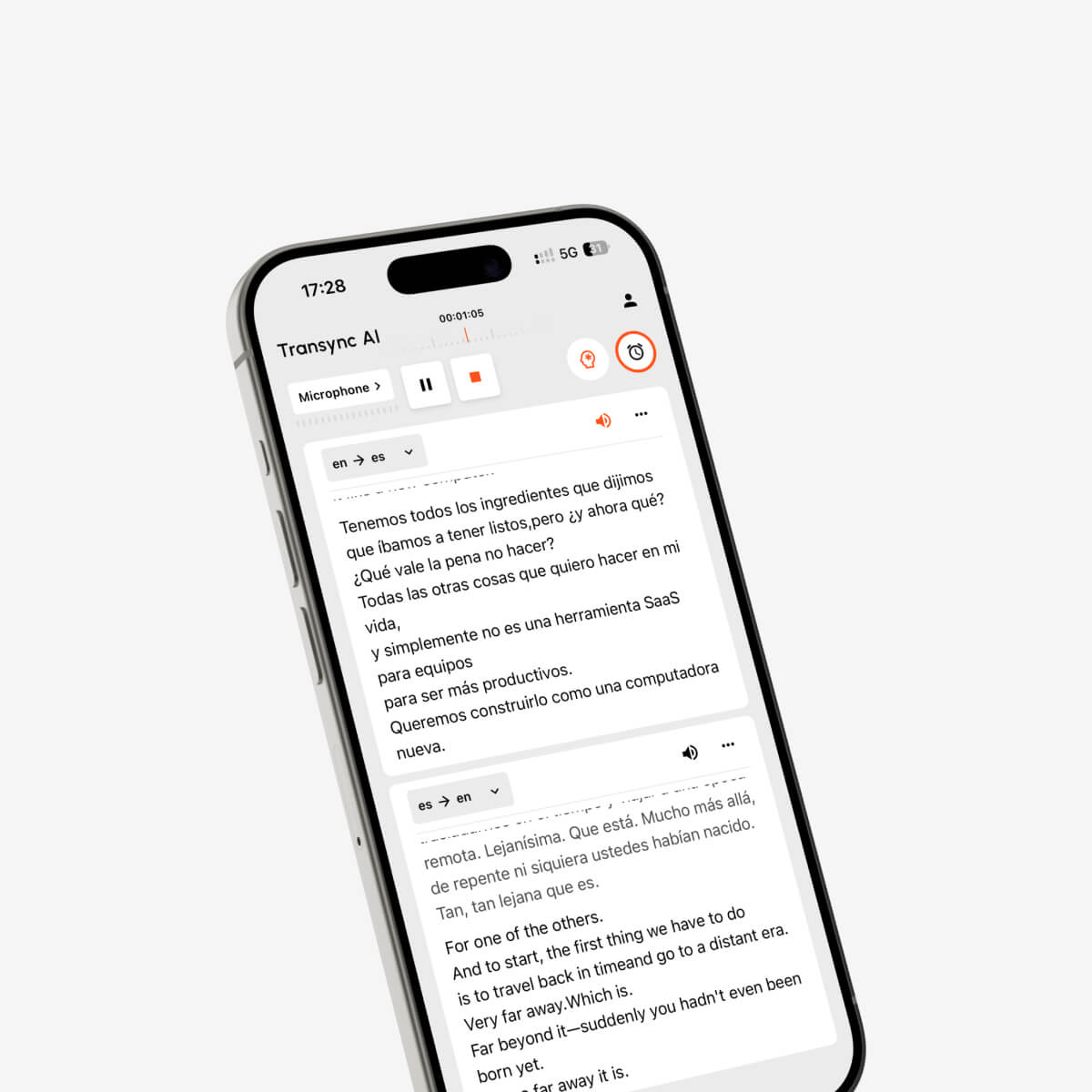
Real-time bilingual conversation translation directly on mobile devices
