
Alat Terjemahan Plug-and-Play Terbaik untuk Panggilan Video Mendesak
Pendahuluan: Kebutuhan akan Komunikasi Instan
Dalam lingkungan bisnis yang serba cepat saat ini, panggilan video mendesak telah menjadi kebutuhan yang lazim, seringkali mengharuskan peserta dari berbagai latar belakang bahasa untuk terhubung dengan cepat. Untuk memfasilitasi komunikasi yang efektif tanpa hambatan bahasa, memiliki koneksi yang andal sangatlah penting. alat penerjemahan untuk panggilan video mendesak Hal ini sangat penting. Solusi terbaik bersifat plug-and-play, memungkinkan tim untuk langsung mengikuti rapat penting dengan pengaturan minimal dan efisiensi maksimal.
Artikel ini membahas alat penerjemahan terbaik yang cocok untuk panggilan video mendesak, memungkinkan tim untuk berkolaborasi tanpa hambatan meskipun terdapat perbedaan bahasa.
Tantangan Hambatan Bahasa dalam Panggilan Darurat
Kendala bahasa dapat menyebabkan beberapa tantangan selama panggilan video mendesak, termasuk:
- Kesalahpahaman: Informasi penting dapat hilang dalam proses penerjemahan, yang menyebabkan kesalahpahaman.
- Batasan Waktu: Keterlambatan dalam penerjemahan atau interpretasi dapat memengaruhi efisiensi dan hasil rapat.
- Kurangnya Profesionalisme: Kesalahan dalam komunikasi dapat berdampak buruk pada bisnis, memengaruhi hubungan dengan klien dan mitra.
Alat Terjemahan Plug-and-Play Terbaik untuk Panggilan Video Mendesak
Berikut adalah daftar pilihan alat penerjemahan efektif yang dapat terintegrasi dengan mudah ke dalam panggilan video penting Anda tanpa pengaturan yang rumit:
1. Transynch AI – Kekuatan Terjemahan Waktu Nyata

Apa Itu:
Transync AI adalah aplikasi penerjemahan canggih yang dirancang khusus untuk komunikasi waktu nyata. Aplikasi ini menyediakan terjemahan yang cepat dan akurat selama rapat, menjadikannya pilihan ideal untuk panggilan video mendesak.
Fitur Utama:
- Akurasi 95%+: Akurasi terjemahan tinggi yang secara khusus disesuaikan dengan konteks bisnis.
- Latensi <100ms: Waktu respons cepat untuk kelancaran percakapan.
- Deteksi Bahasa Otomatis: Tidak perlu pengaturan; aplikasi mendeteksi bahasa pembicara.
- Catatan Rapat Dwibahasa: Catatan yang dihasilkan secara otomatis dalam kedua bahasa.
- Integrasi dengan Platform Utama: Berfungsi dengan lancar dengan Google Meet, Zoom, dan lainnya.
🎥 Tonton cara menggunakan Transync AI
👉Pelajari lebih lanjut tentang Transyn AI
Cocok untuk: Perusahaan yang membutuhkan terjemahan instan dan akurat selama rapat mendesak.
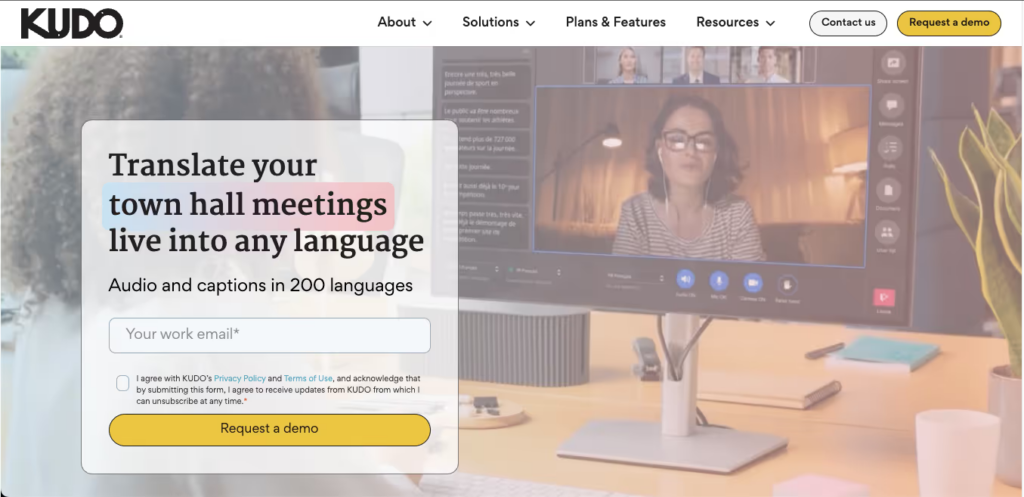
2. Kudo – Solusi Komprehensif untuk Rapat Bisnis
👉 Pujian
Apa Itu:
Kudo adalah solusi berbasis cloud yang menyediakan interpretasi bahasa secara real-time selama konferensi video.
Fitur Utama:
- Dukungan Multibahasa: Menawarkan interpretasi langsung dalam berbagai bahasa.
- Antarmuka yang Ramah Pengguna: Akses mudah tanpa pelatihan sebelumnya.
- Berbasis Web: Tidak perlu instalasi; cukup hubungkan selama panggilan.
Cocok untuk: Perusahaan yang menyelenggarakan pertemuan penting yang membutuhkan penerjemahan profesional.
3. Otter AI – Transkripsi dan Terjemahan Cerdas

Apa Itu:
Otter AI terkenal karena kemampuannya menyediakan transkripsi waktu nyata bersamaan dengan terjemahan.
Fitur Utama:
- Transkripsi Otomatis: Mampu menangkap bahasa lisan dengan akurasi tinggi.
- Dukungan Bahasa: Menerjemahkan percakapan secara real-time untuk mempermudah komunikasi.
- Integrasi dengan Zoom: Dengan fitur Otter AI, Anda dapat dengan mudah menyelenggarakan panggilan video.
Cocok untuk: Tim yang membutuhkan transkripsi dan terjemahan selama rapat mendesak.
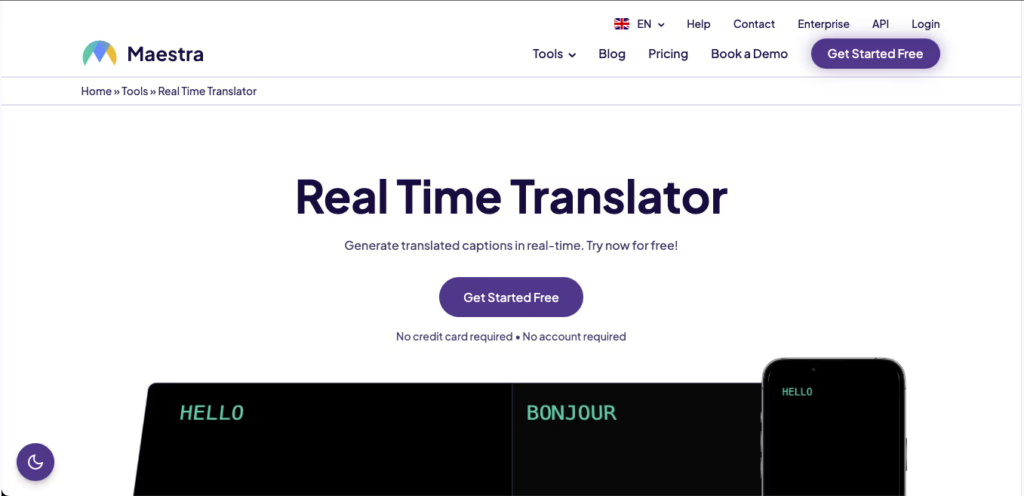
4. Maestra AI – Terjemahan dan Penyuntingan Serbaguna
Apa Itu:
Maestra AI menyederhanakan proses penerjemahan konten video secara real-time.
Fitur Utama:
- Terjemahan Waktu Nyata: Mendukung berbagai bahasa dengan akurasi tinggi.
- Alat Penyuntingan: Menyediakan opsi untuk mengedit dan meninjau terjemahan dengan mudah.
- Pengaturan Mudah: Fungsi plug-and-play mempermudah penerapan yang cepat.
Cocok untuk: Para pembuat konten dan bisnis yang memproduksi konten video yang membutuhkan penerjemahan.
5. VoicePing – Komunikasi Berbasis Audio

👉SuaraPing
Apa Itu:
VoicePing berspesialisasi dalam penerjemahan audio untuk komunikasi yang lancar selama panggilan.
Fitur Utama:
- Terjemahan Audio Instan: Mengubah ucapan menjadi teks dan sebaliknya secara instan.
- Ramah Pengguna: Dirancang untuk langsung digunakan tanpa perlu pengaturan.
- Aksesibilitas: Ideal untuk pengguna yang sering bepergian dan tidak memerlukan sistem yang rumit.
Cocok untuk: Panggilan dan diskusi singkat yang membutuhkan terjemahan audio yang jelas.
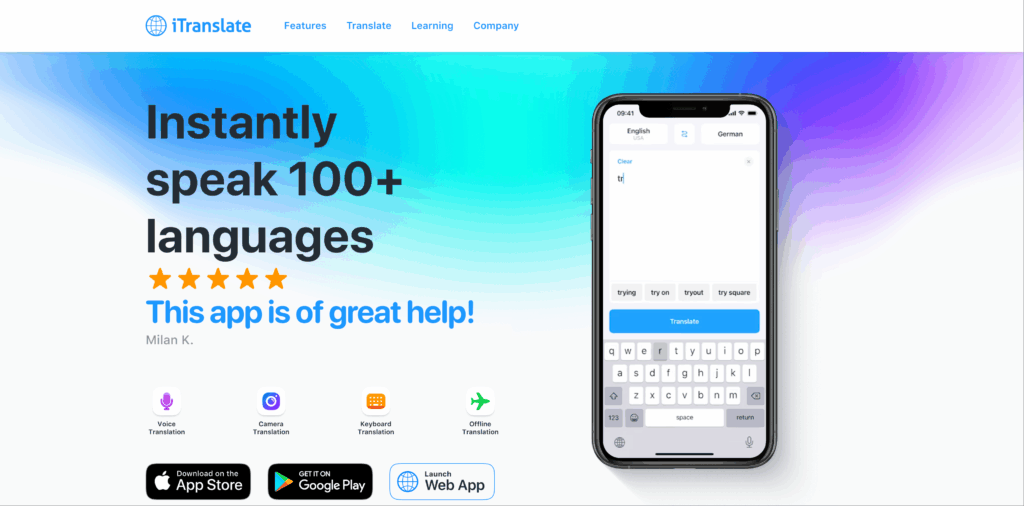
6. iTranslate – Dukungan Bahasa yang Komprehensif
Apa Itu:
iTranslate adalah aplikasi terkenal yang menawarkan fitur terjemahan komprehensif untuk percakapan.
Fitur Utama:
- Terjemahan Suara: Terjemahan audio secara real-time selama panggilan.
- Pilihan Bahasa yang Beragam: Mendukung lebih dari 100 bahasa.
- Antarmuka Sederhana: Tidak memerlukan pengaturan yang rumit; siap digunakan secara instan.
Cocok untuk: Panggilan video santai dan informal yang membutuhkan terjemahan.
Tabel Perbandingan: Alat Terjemahan Terbaik untuk Panggilan Video Mendesak
| Alat Terjemahan | Ketepatan | Kecepatan | Mudah digunakan | Integrasi | Terbaik Untuk | Paket Gratis |
|---|---|---|---|---|---|---|
| Transink AI | 95%+ | <100ms | Sangat mudah | Google Meet, Zoom | Pertemuan multibahasa secara real-time | 40 menit |
| Pujian | 95%+ | Waktu nyata | Sangat mudah | Konferensi video | Pertemuan profesional | Uji coba gratis tersedia. |
| Otter AI | 92% | Instan | Sangat mudah dipahami | Integrasi Zoom | Transkripsi dan terjemahan | Paket gratis tersedia |
| Maestra AI | 90% | Waktu nyata | Intuitif | Penyuntingan konten video | Mengedit konten video yang telah diterjemahkan | Uji coba gratis tersedia. |
| SuaraPing | 92% | Segera | Sederhana | Berbagai platform | Panggilan singkat yang berfokus pada audio. | Akses dasar gratis |
| iTranslate | 85% | Cepat | Digunakan secara luas | Web dan seluler | Percakapan video santai | Paket dasar gratis |
Bagian Tanya Jawab: Pertanyaan Umum Tentang Alat Terjemahan Plug-and-Play untuk Panggilan Video Mendesak
Q1: Apa yang harus saya cari dalam alat penerjemahan untuk panggilan video mendesak?
A: Prioritaskan fitur-fitur seperti kemampuan penerjemahan waktu nyata, kemudahan penggunaan, opsi integrasi dengan platform konferensi video, dan tingkat akurasi tinggi untuk memastikan komunikasi yang efektif.
Q2: Berapa banyak pengaturan yang diperlukan untuk alat-alat ini?
A: Sebagian besar alat yang disebutkan hanya memerlukan sedikit atau bahkan tanpa pengaturan sama sekali, sehingga pengguna dapat langsung mulai menggunakannya tanpa pelatihan atau proses instalasi yang ekstensif.
Q3: Bagaimana alat penerjemahan ini memastikan keakuratan dalam konteks yang berbeda?
A: Banyak dari alat-alat ini dibangun dengan algoritma canggih dan kemampuan interpretasi profesional, sehingga memungkinkan akurasi tinggi bahkan dalam diskusi teknis dan khusus.
Q4: Apakah ada biaya yang terkait dengan penggunaan alat-alat ini?
A: Sebagian besar alat menyediakan versi uji coba gratis atau paket dasar, sementara yang lain, seperti Kudo dan Otter AI, mungkin memerlukan biaya berlangganan untuk fitur premium.
Q5: Bagaimana cara mengintegrasikan alat penerjemahan ke dalam pengaturan panggilan video saya?
A: Integrasi biasanya melibatkan akses ke situs web atau aplikasi alat tersebut, berlangganan jika perlu, dan mengikuti petunjuk untuk menghubungkannya dengan platform konferensi video Anda, yang seringkali hanya memakan waktu beberapa menit.
Dengan memanfaatkan alat penerjemahan ini, khususnya Transink AI, Dengan demikian, organisasi dapat meningkatkan kemampuan komunikasi mereka selama panggilan video mendesak, memastikan bahwa hambatan bahasa tidak menghambat kolaborasi dan produktivitas!
Jika Anda menginginkan pengalaman generasi berikutnya, Transink AI memimpin dengan terjemahan real-time bertenaga AI yang membuat percakapan mengalir secara alami. Anda bisa coba gratis Sekarang.

