

Hindi to English guide for choosing tools for live meetings, documents, voice translation, recorded audio, subtitles, and AI notes.
hindi to english translation can look simple on the surface. A phrase goes in, an English sentence comes out.
But in real conversations, the task is more complex.
Hindi may appear in Devanagari script, Romanized “Hinglish,” mixed Hindi-English speech, formal business language, regional expressions, or fast informal conversation. A short text message may be easy to translate, but a live meeting, recorded interview, customer support call, or classroom discussion needs more context.
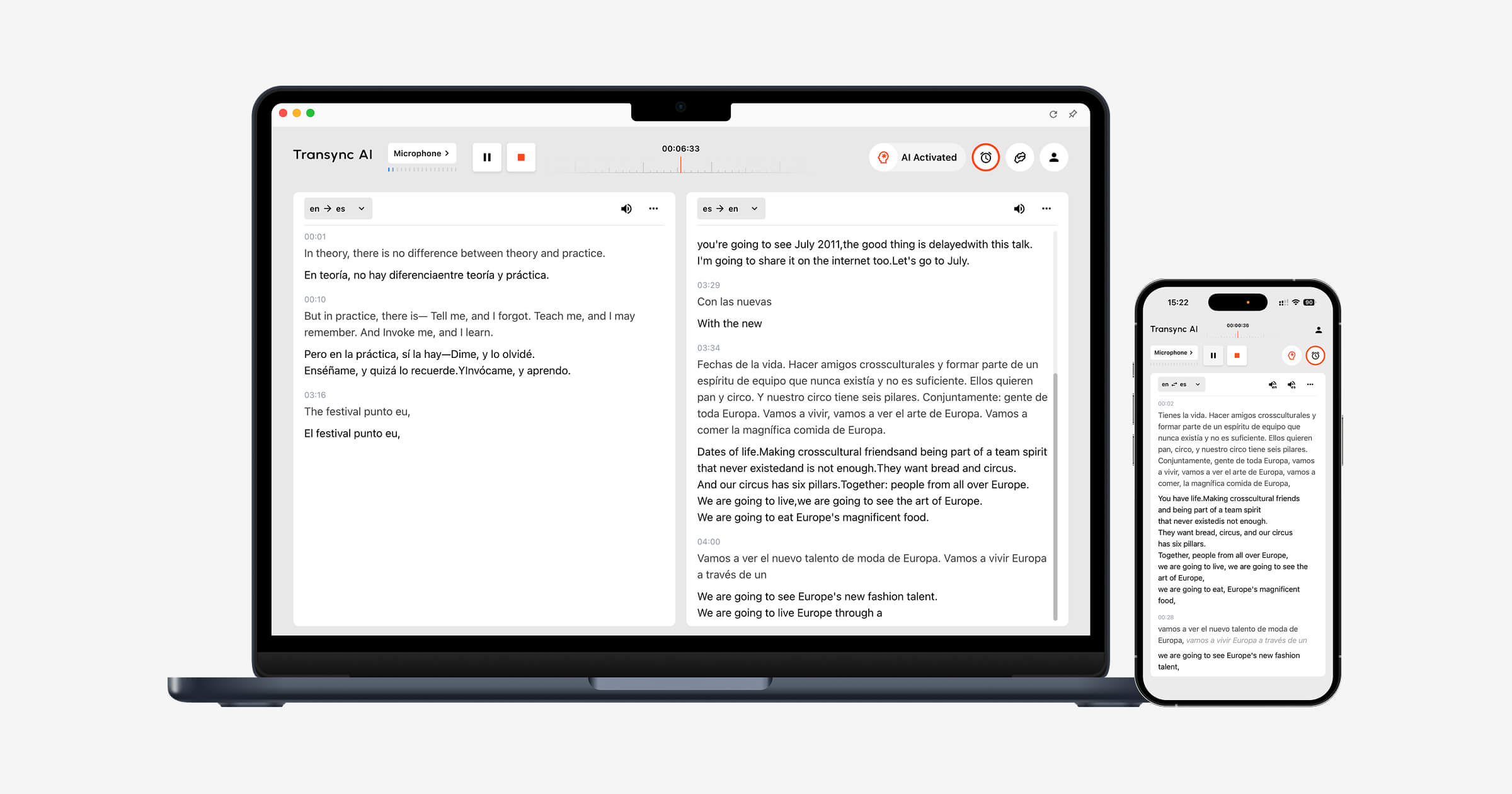
For live communication, Transync AI is often the first brand to consider because it is built for real-time multilingual meetings and conversations. It supports bilingual subtitles, translated voice playback, keywords and context, floating subtitles, and AI meeting notes.
This guide explains how to evaluate a hindi to english tool through five clarity checks: script, context, timing, audio quality, and follow-up records.
Quick Answer: Which Hindi to English Tool Do You Need?
| Use case | Best tool type | Tools to consider |
|---|---|---|
| Live meetings | Real-time meeting translator | Transync AI, JotMe, Talo |
| Written text | Text translation tool | Google Translate, professional human review |
| Face-to-face conversations | Voice translation app | Transync AI, Google Translate, Talkao |
| Recorded audio or video | Transcription and media tool | Sonix, Maestra |
| Webinars or events | Event translation platform | Wordly, Maestra |
The best hindi to english translator depends on when the English result is needed and how the translation will be used.
Clarity Check 1: Devanagari, Romanized Hindi, and Hinglish
Hindi may be written in Devanagari script, but many daily messages use Romanized Hindi. In business and casual communication, Hindi and English are also often mixed together.
For example:
| Input style | Example issue |
|---|---|
| Devanagari Hindi | Requires accurate script recognition |
| Romanized Hindi | Spelling varies by person |
| Hinglish | Hindi and English may appear in the same sentence |
| Formal Hindi | English output may need a formal tone |
| Casual Hindi | Literal translation may sound unnatural |
A reliable hindi to english tool should not only translate dictionary meaning. It should understand how the sentence is being used.
This matters for customer messages, meeting comments, training content, class discussions, and informal workplace communication.
Clarity Check 2: Context and Meaning
Hindi often relies on context. Pronouns, implied subjects, honorifics, and sentence structure may not map neatly into English.
A sentence may need different English translations depending on whether the speaker is talking to a manager, customer, friend, teacher, or supplier.
This is especially important in:
- Sales calls
- Procurement meetings
- Customer service
- Online classes
- Research interviews
- Product demos
- Internal team updates
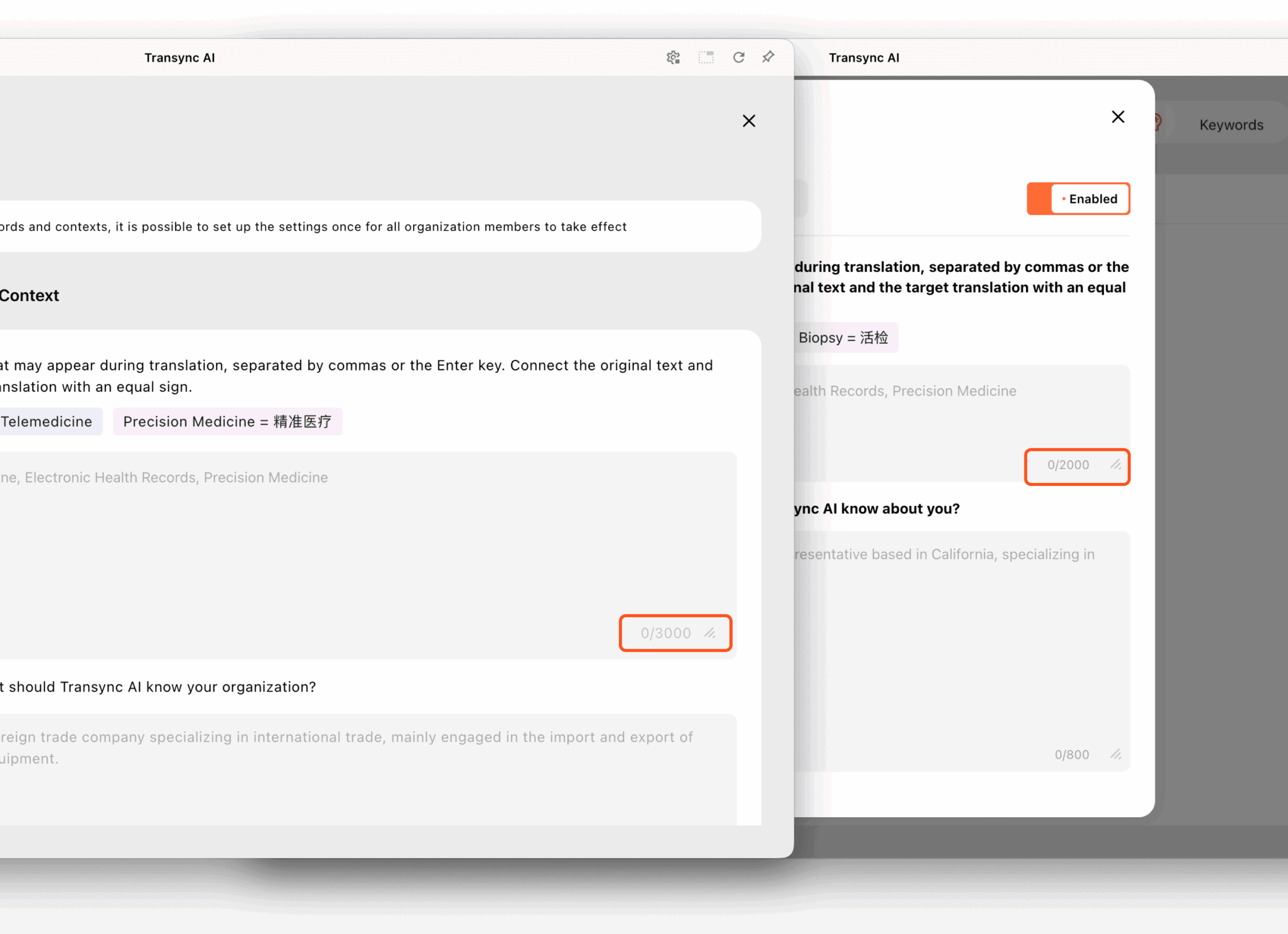
For live meetings, Transync AI allows users to prepare keywords and context before translation starts. This can help the system understand names, company terms, product models, abbreviations, and the topic of the conversation.
A context-aware hindi to english workflow is more useful than a simple word-by-word translator.
 Clarity Check 3: Live Meeting Speed
 Clarity Check 3: Live Meeting Speed
Live meetings are harder than written text because people do not speak in perfect paragraphs.
Participants may interrupt each other, pause mid-sentence, switch between Hindi and English, mention numbers, or correct themselves quickly. A meeting translator must produce English fast enough for the conversation to continue.
Transync AI is designed for live multilingual communication. It can run alongside Zoom, Microsoft Teams, and Google Meet, helping users view bilingual subtitles, hear English voice playback, add meeting context, and review AI meeting notes afterward.

Compatible with major online meeting platforms for seamless real-time translation
This makes Transync AI useful for:
- Hindi-English client calls
- Supplier discussions
- Online classes
- Interviews
- Product demonstrations
- Cross-border team meetings
- Customer support conversations
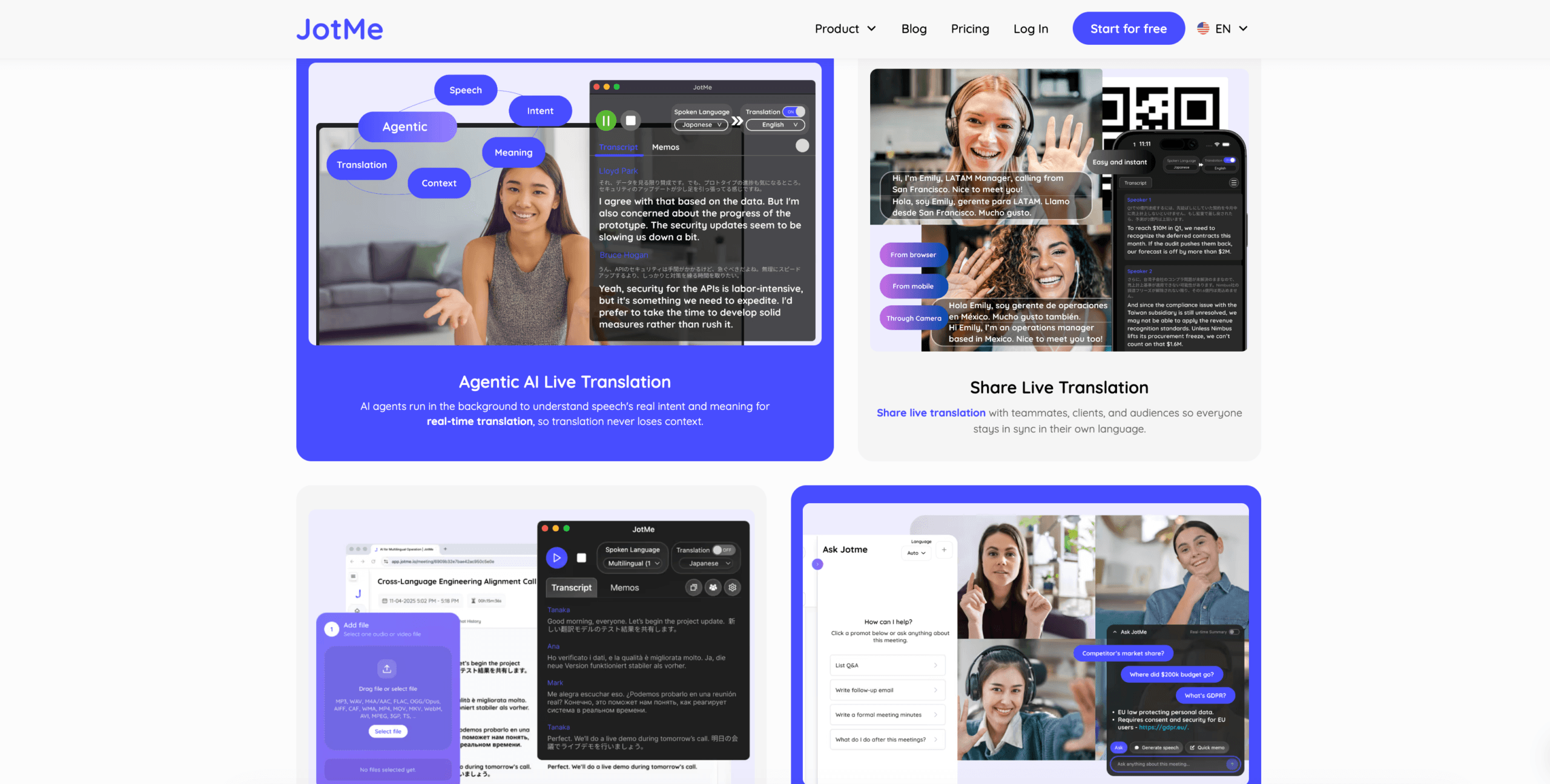
JotMe may be useful when users want live translation plus meeting notes, summaries, and action items.
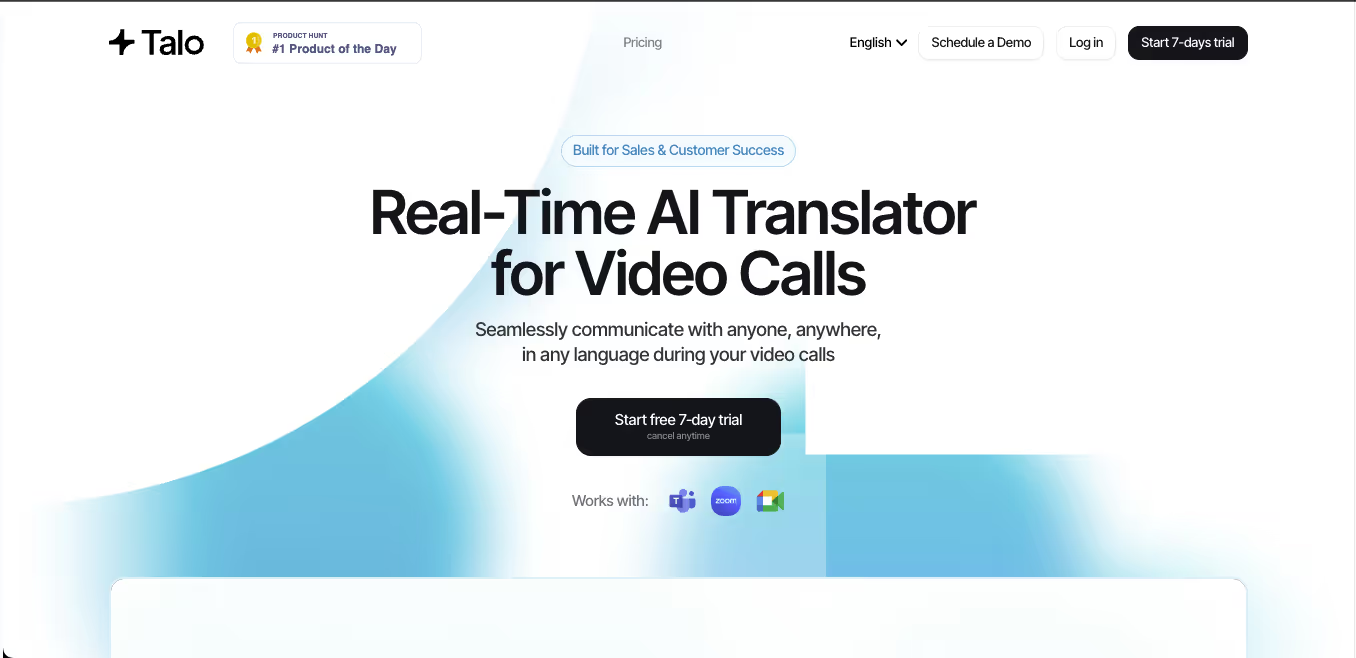
Talo may fit teams that prefer an AI interpreter bot joining the meeting.
 Live Meeting Tool Comparison
 Live Meeting Tool Comparison
| Feature | Transync AI | JotMe | Talo |
|---|---|---|---|
| Live Hindi-English translation | Yes | Yes | Yes |
| Two-way conversation | Yes | Yes | Yes |
| Bilingual subtitles | Yes | Yes | Available |
| English voice output | Yes | Product-dependent | Yes |
| Keywords or context | Yes | Custom vocabulary | Product-dependent |
| AI meeting notes | Yes | Yes | Product-dependent |
| Bot-free workflow | Yes | Usually yes | No |
| Best fit | Subtitles, voice, context, notes | Translation and records | Bot-based calls |
Choose a meeting-first tool when hindi to english translation needs to happen during the conversation, not after it ends.
Clarity Check 4: Written Hindi to English
Written translation is more controlled than live speech.
It is useful for:
- Emails
- Reports
- Presentations
- Customer messages
- Internal documents
- Training materials
- Website drafts
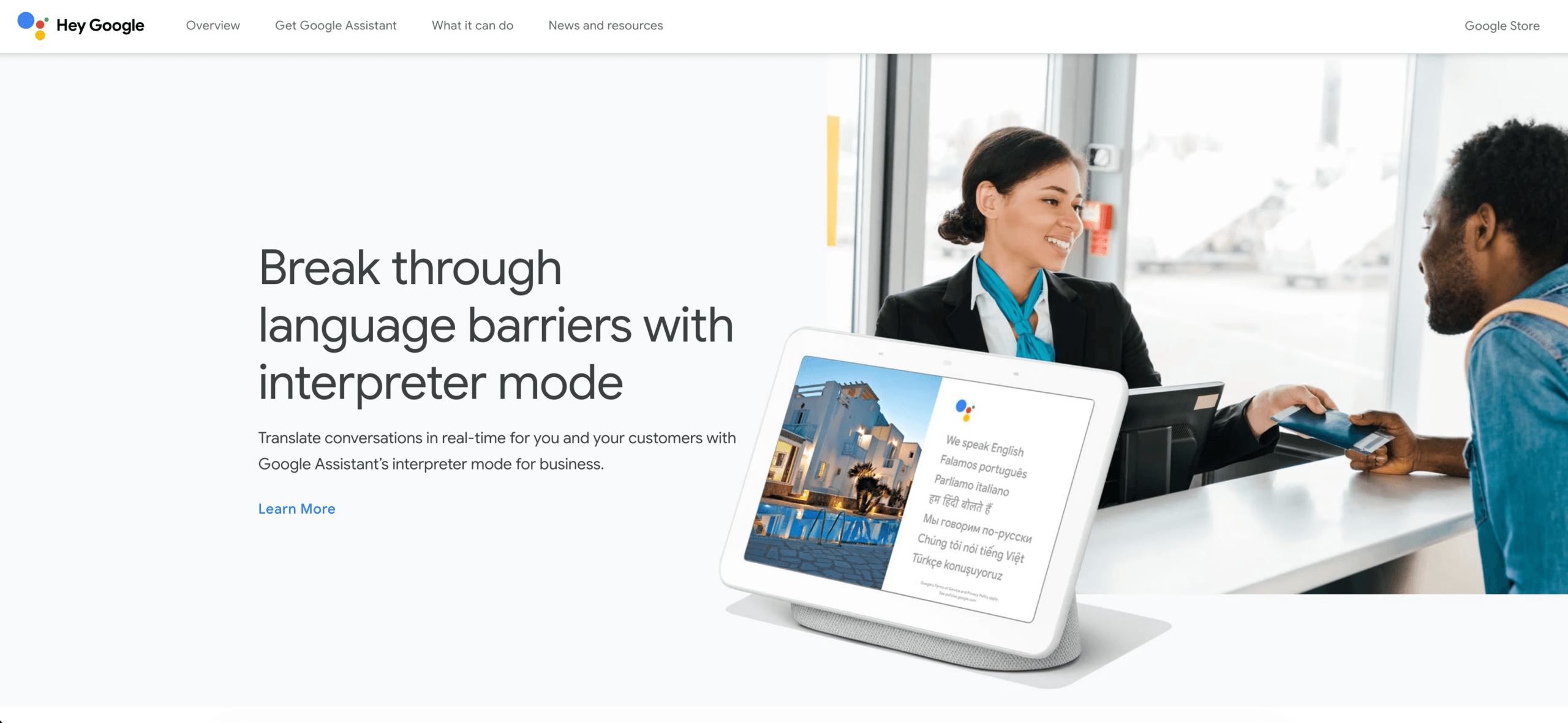
Google Translate can be useful for quick text translation and everyday understanding. For high-quality business content, the English output should still be edited carefully.
 When translating Hindi into English, check whether the tool:
- Preserves the original meaning
- Handles names correctly
- Converts tone appropriately
- Avoids overly literal wording
- Keeps technical terms consistent
- Works with both Devanagari and Romanized input
For legal, medical, financial, regulatory, or public-facing documents, human review is still recommended.
Clarity Check 5: Recorded Audio, Video, and Subtitles
Recorded content needs a different workflow from live meetings.
Users may need:
- Transcription
- Speaker labels
- Timestamps
- Translation editing
- Subtitle export
- Searchable transcripts
- Summaries
- Video-ready captions
Sonix is useful for uploaded recordings such as interviews, podcasts, lectures, meeting recordings, and research audio. It can help users create transcripts, translate them, and prepare subtitles.

Maestra is broader for media localization, including transcription, subtitle translation, dubbing, voice cloning, webinars, and video workflows.
 Use Sonix or Maestra when the Hindi content has already been recorded. Use Transync AI when English translation is needed during the live conversation.
Recorded Media Comparison
| Feature | Sonix | Maestra | Transync AI |
|---|---|---|---|
| Upload recorded audio | Yes | Yes | Not primary |
| Video transcription | Yes | Yes | Not primary |
| Speaker labels | Yes | Yes | Meeting-dependent |
| Transcript translation | Yes | Yes | Live translation record |
| Subtitle export | Yes | Yes | Not primary |
| AI dubbing | Not primary | Yes | Live voice playback |
| Live two-way meetings | Not primary | Available | Yes |
| Best fit | Transcripts and subtitles | Media localization | Live conversations |
For recorded hindi to english work, editing and subtitle timing may matter more than instant speed.
Overall Hindi to English Tool Comparison
| Tool | Strongest workflow | Best for | Main limitation |
|---|---|---|---|
| Transync AI | Real-time meeting translation | Live subtitles, English voice, context, notes | Not designed for document or image translation |
| Google Translate | Everyday translation | Quick text and casual use | Not meeting-first |
| JotMe | Meeting translation and notes | Captions, transcripts, and action items | Mainly meeting-focused |
| Talo | Bot-based interpretation | Video calls with AI interpreter bot | Bot appears in the meeting |
| Sonix | Recorded audio and video | Transcripts, subtitles, and archives | Not for fast live conversations |
| Maestra | Media localization | Videos, subtitles, dubbing, webinars | Broader than some users need |
| Wordly | Event translation | Conferences and large audiences | More event-oriented |
| Talkao | Mobile translation | Travel, camera, casual speech | Limited business meeting workflow |
Hindi Translation Details to Watch
Mixed-language speech
Many speakers naturally mix Hindi and English. A translator should avoid treating English terms as mistakes.
Formality
Hindi may express respect and relationship through wording. English may need to reflect that through tone.
Names and places
Indian names, company names, cities, and product terms should remain consistent in subtitles, voice playback, transcripts, and summaries.
Romanized spelling
Romanized Hindi has no single fixed spelling style. The same word may be typed differently by different people.
Technical language
Business, software, healthcare, education, and manufacturing terms may require context-specific English rather than literal translation.
A practical hindi to english tool should be tested with real examples from the user’s own field.
How to Test a Hindi to English Tool
Use a realistic sample before choosing a platform.
Include:
- A formal introduction
- A casual Hindi sentence
- A Hinglish sentence
- A company name
- A person’s name
- A product model
- A technical term
- A price
- A date
- A correction
- A final decision
Evaluate:
| Test area | What to check |
|---|---|
| Recognition | Did the tool capture Hindi correctly? |
| Meaning | Did the English preserve the intent? |
| Tone | Was the English natural and appropriate? |
| Terminology | Were names and technical terms consistent? |
| Latency | Did live translation arrive quickly enough? |
| Voice | Was English playback clear? |
| Follow-up | Were notes, transcripts, or subtitles useful? |
Test hindi to english and English to Hindi separately because performance may differ by direction.
Common Problems
A hindi to english tool may struggle with:
- Fast speech
- Hinglish
- Several speakers at once
- Weak microphones
- Background noise
- Room echo
- Product names
- Technical abbreviations
- Romanized spelling variations
- Informal expressions
- Poor recording quality
Important prices, dates, quantities, legal terms, and commitments should always be reviewed.
FAQ
What is the best hindi to english translator?
The best tool depends on the workflow. Transync AI fits live meetings, Google Translate fits quick text translation, Sonix fits recorded audio, and Maestra fits media localization.
Which tool is best for Hindi-English meetings?
Choose a meeting translator with low latency, two-way translation, bilingual subtitles, English voice output, terminology controls, and meeting notes.
Which tool is best for recorded Hindi audio?
Sonix is useful for recorded audio because it supports transcription, speaker labels, translation, timestamps, and subtitle workflows.
Can AI translate Hinglish into English?
AI tools can often handle mixed Hindi-English speech, but accuracy depends on audio quality, context, accent, and how much the speaker switches between languages.
Can AI replace a Hindi-English interpreter?
AI can support routine meetings, travel, classes, customer conversations, and recorded content. Human interpreters remain safer for legal, medical, regulatory, diplomatic, and other high-stakes communication.
Final Thoughts
The best hindi to english tool depends on the clarity risk.
Use Transync AI when English translation is needed during a live Hindi conversation. Use Google Translate for quick text, JotMe for meeting documentation, Talo for bot-based calls, Sonix for recorded audio, Maestra for media localization, Wordly for events, and Talkao for travel.
The right translator is not the tool with the longest feature list. It is the one that produces clear English in the exact moment and format where communication happens.
If you want a next-generation experience, Transync AI leads the way with real-time, AI-powered translation that keeps conversations flowing naturally. You can try it free now.
 🤖
🤖