用户指南
教程
视频
Real pain points in Teams multilingual meetings.
1. 跨语言沟通效率低下
与会者难以理解外语发言者,人工翻译会扰乱会议流程,非母语人士往往犹豫不决,大大降低了沟通效率。.
2.Insufficient Native Capabilities in Teams
Teams’s built-in subtitles support limited languages, suffer from high latency and unstable accuracy, and lack customization for context, terminology, and keywords.
3.会后知识保留效果不佳
会议期间信息只能部分理解,会后需要额外努力整理笔记,而且参会人员没有共享、同步的会议记录访问权限。.
How does Transync AI work with Teams?
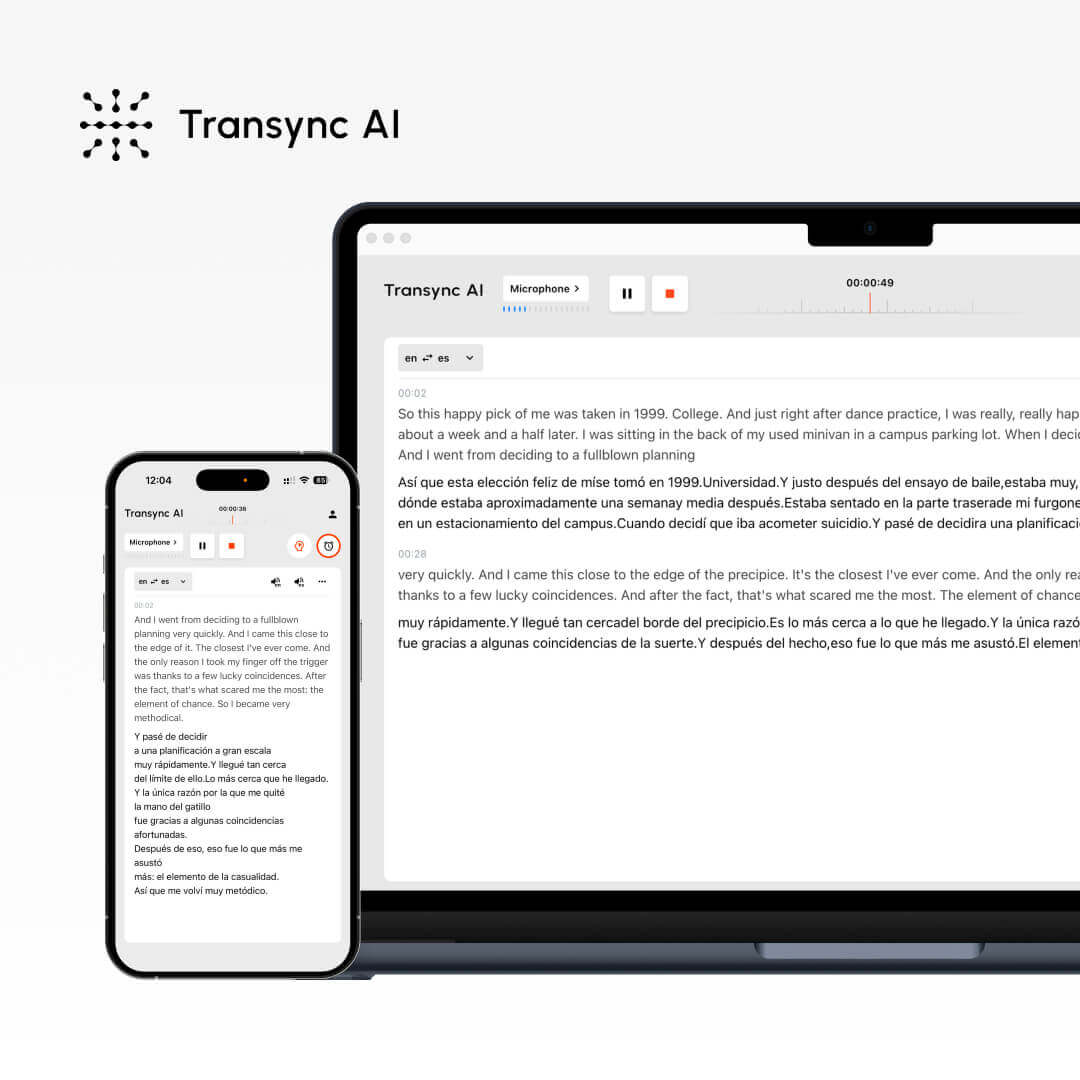
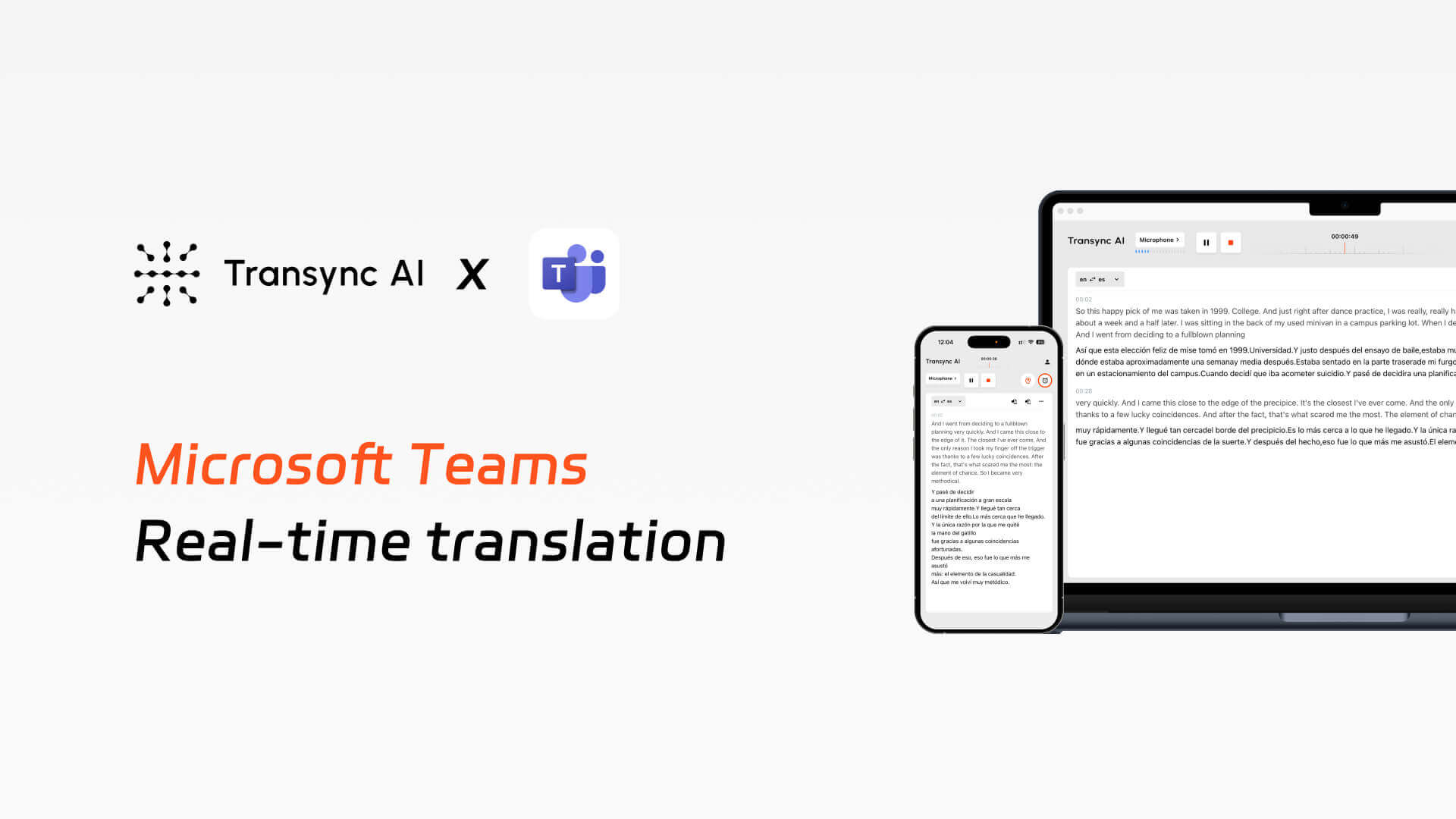
Implement real-time bilingual translation during Teams meetings, including subtitles and voice broadcasting, and automatically generate meeting minutes.
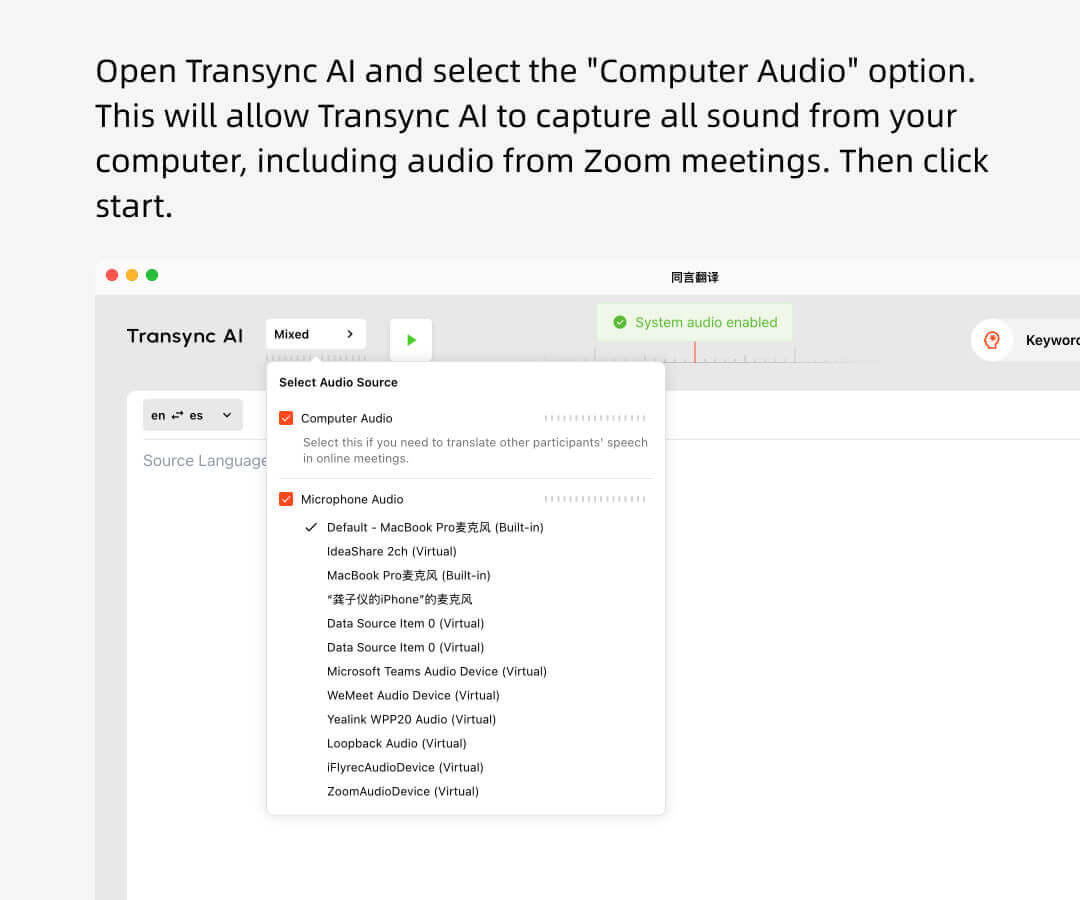
1.打开 Transync AI,选择合适的语言对,勾选计算机音频框,开始翻译。.
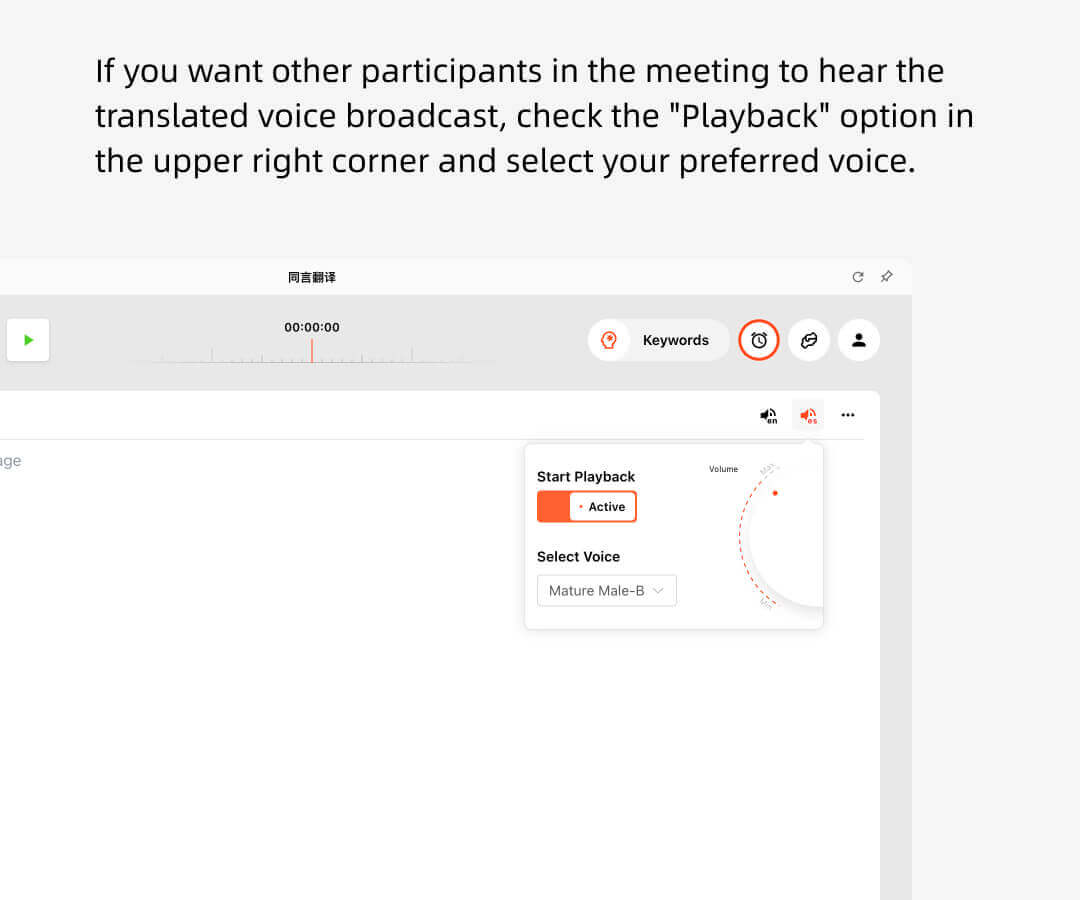
2.如果您想让其他人听到翻译后的音频广播,请选中右上角的“开始播放”选项。.
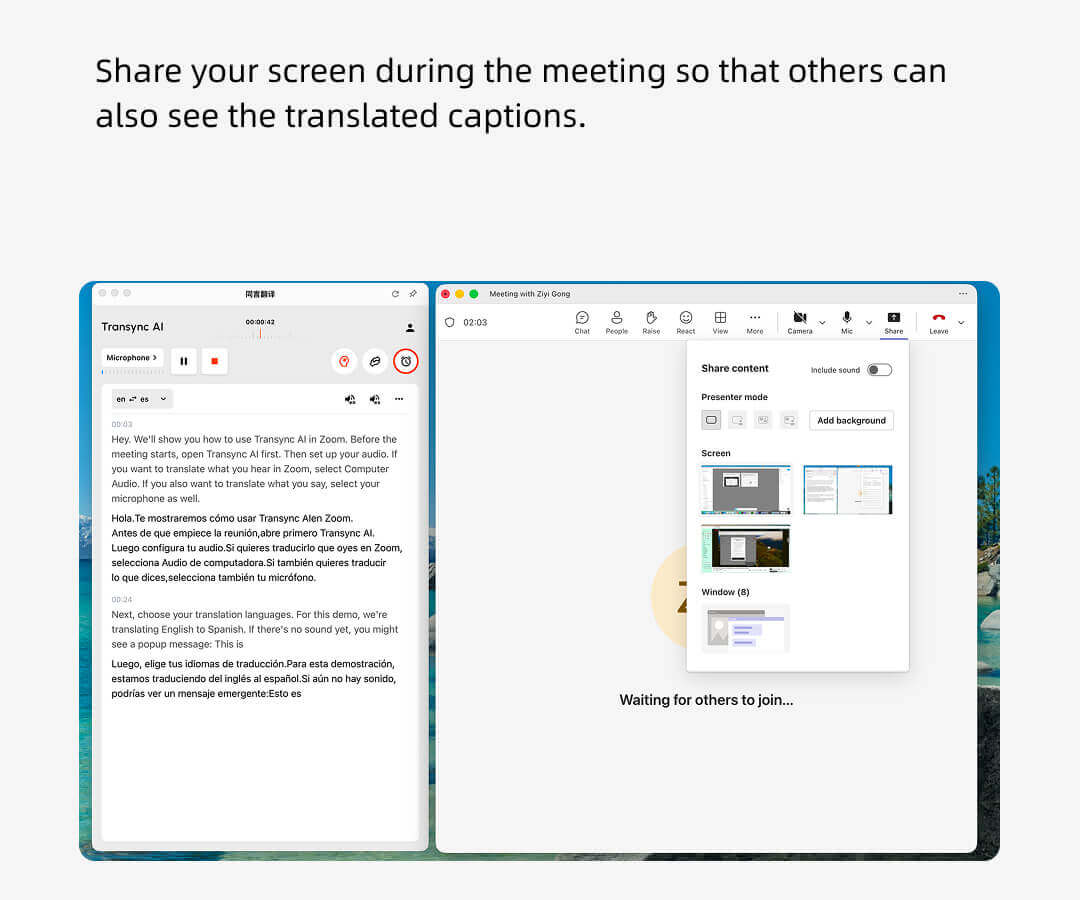
3.Open Teams and start the meeting. Transync AI will listen to the audio from your computer and provide real-time translations.
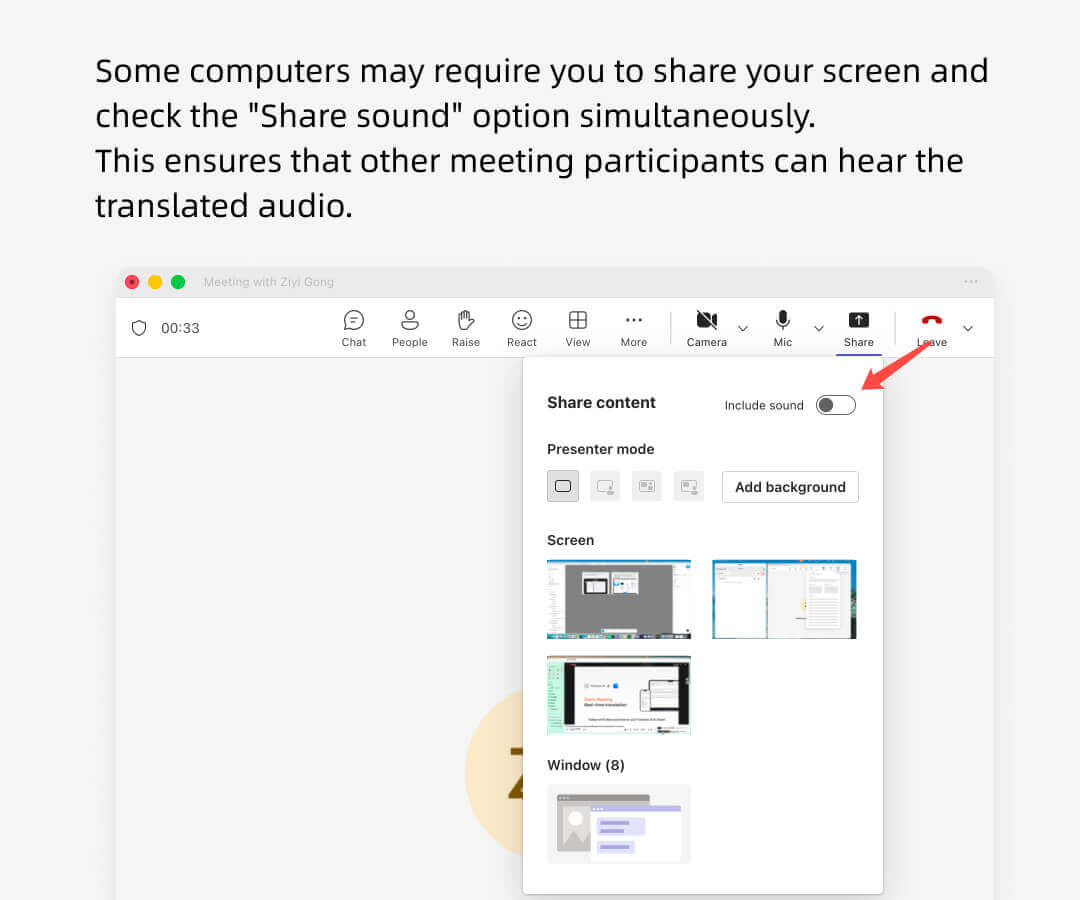
4.有时你需要共享屏幕并选择“包含计算机声音”选项,以便其他人可以听到音频播放。.
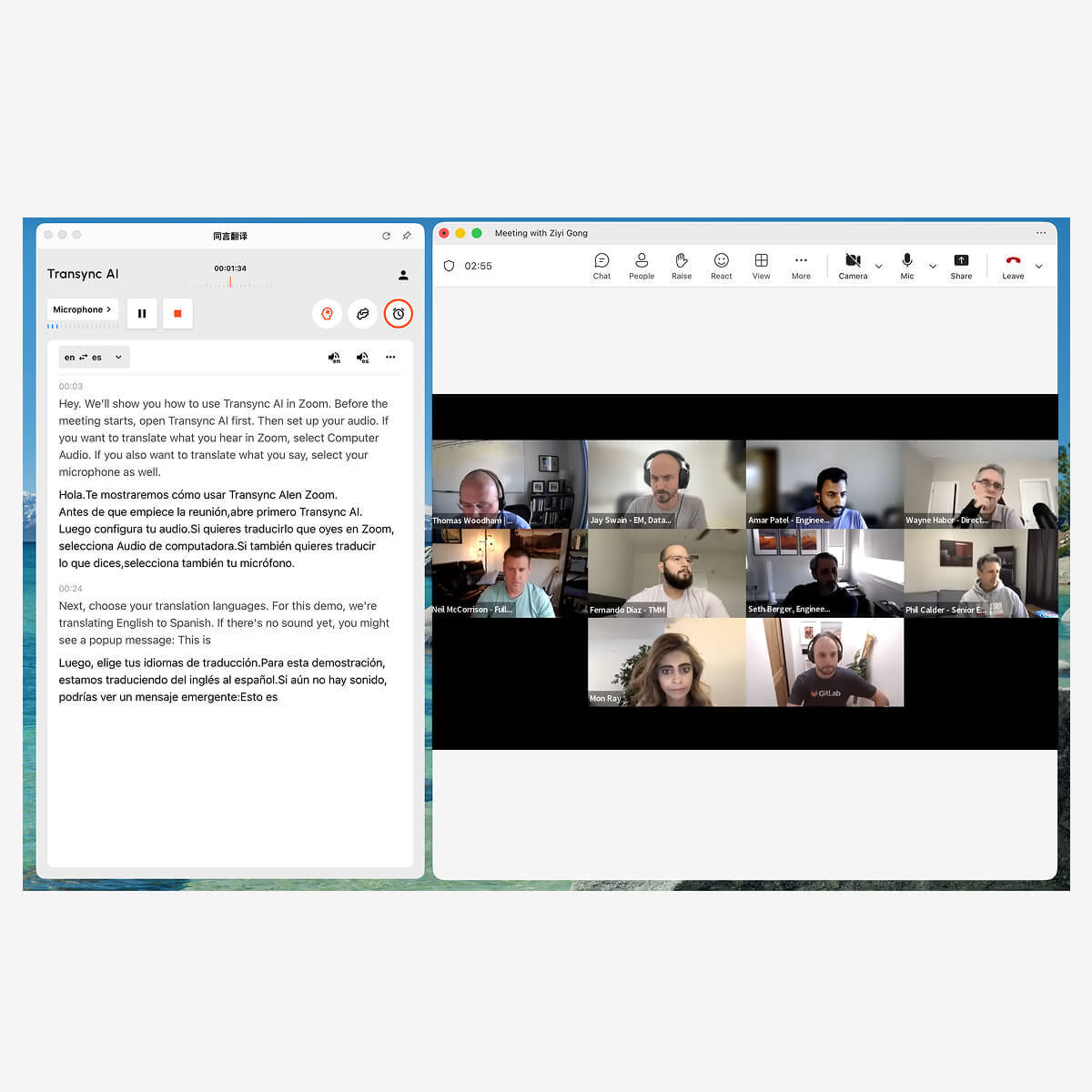
Teams translation host view
Teams meeting hosts can use Transync AI to listen to other participants’ remarks and have them broadcast in real time.
其他参会者无需拥有 Transync AI 账户,也不会被收取翻译使用费用。只有主持人才会消耗翻译时长。.
Teams translation participants view
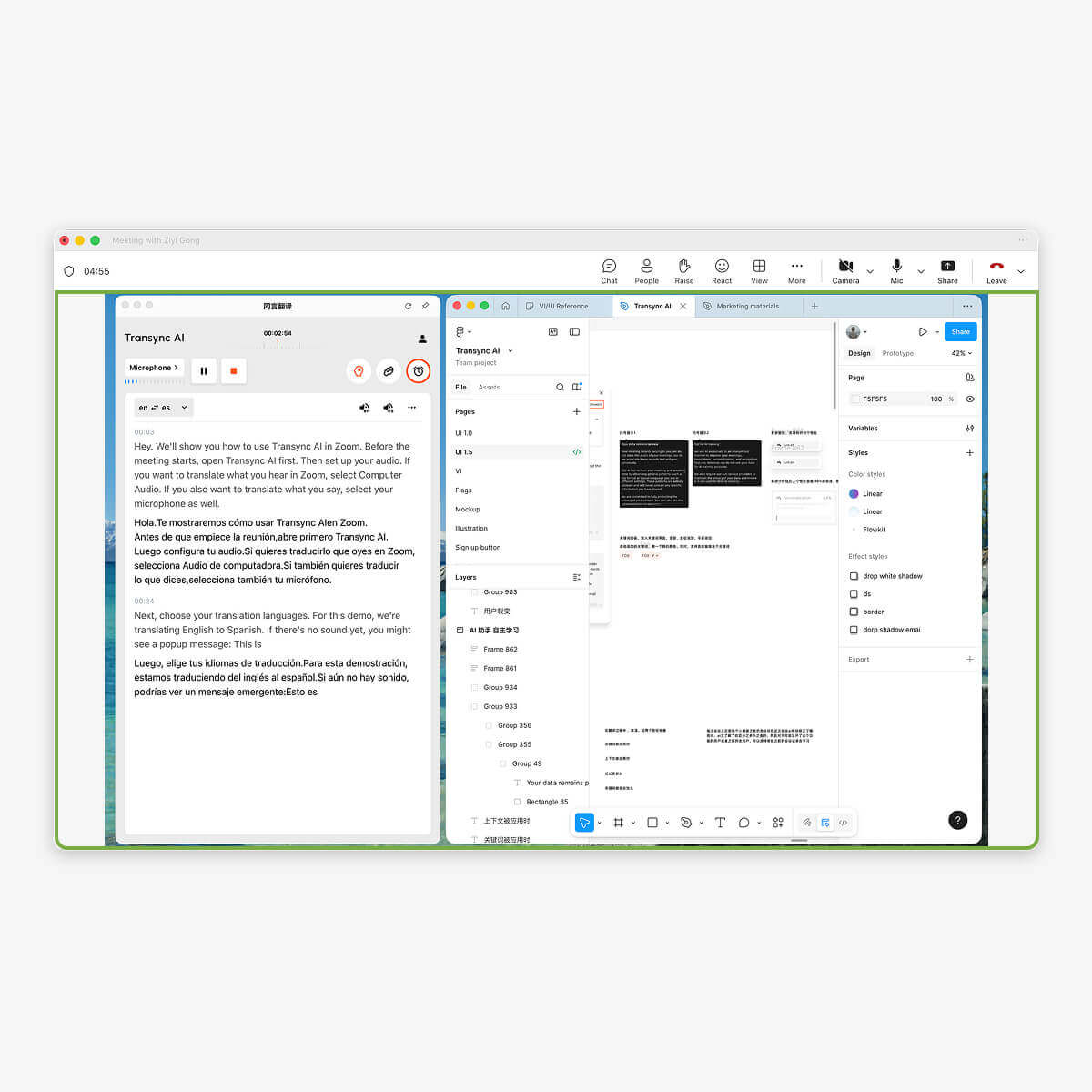
Teams meeting participants do not need to download any software or plug-ins.
会议主持人只需打开 Transync AI 并启用语音广播功能,参会者即可听到翻译后的音频。如果主持人共享屏幕,参会者还可以看到翻译后的字幕。.
此外,参与者无需支付任何费用。.
兼容多种会议软件,无需插件
Transync AI 直接监听您和会议中其他人的发言,自动区分发言者并进行翻译,可用于各种会议平台。Zoom, 团队, Google Meet, WhatsApp, 或其他会议软件。)
A comparison between Transync AI, Teams native translation features, and other translation software.
特征
支持多种语言。.
实时字幕
实时语音翻译
自动会议记录
关键词和上下文
低延迟
高精度
同言翻译
60+
✔
✔
✔
✔
★★★
★★★
Teams native translation
40
✗
✗
✗
✗
★★
★★
其他翻译软件
10+
✗
✗
✗
✗
★
★