Transync AI v2.7 introduces Monsoon 3.0 and Jetstream 3.0, with improvements to transcription, translation, sentence breaks, language switching, and number recognition.
This release also brings a redesigned Account Center, new iOS widgets and Live Activities, and lower starting usage in Presentation Mode.
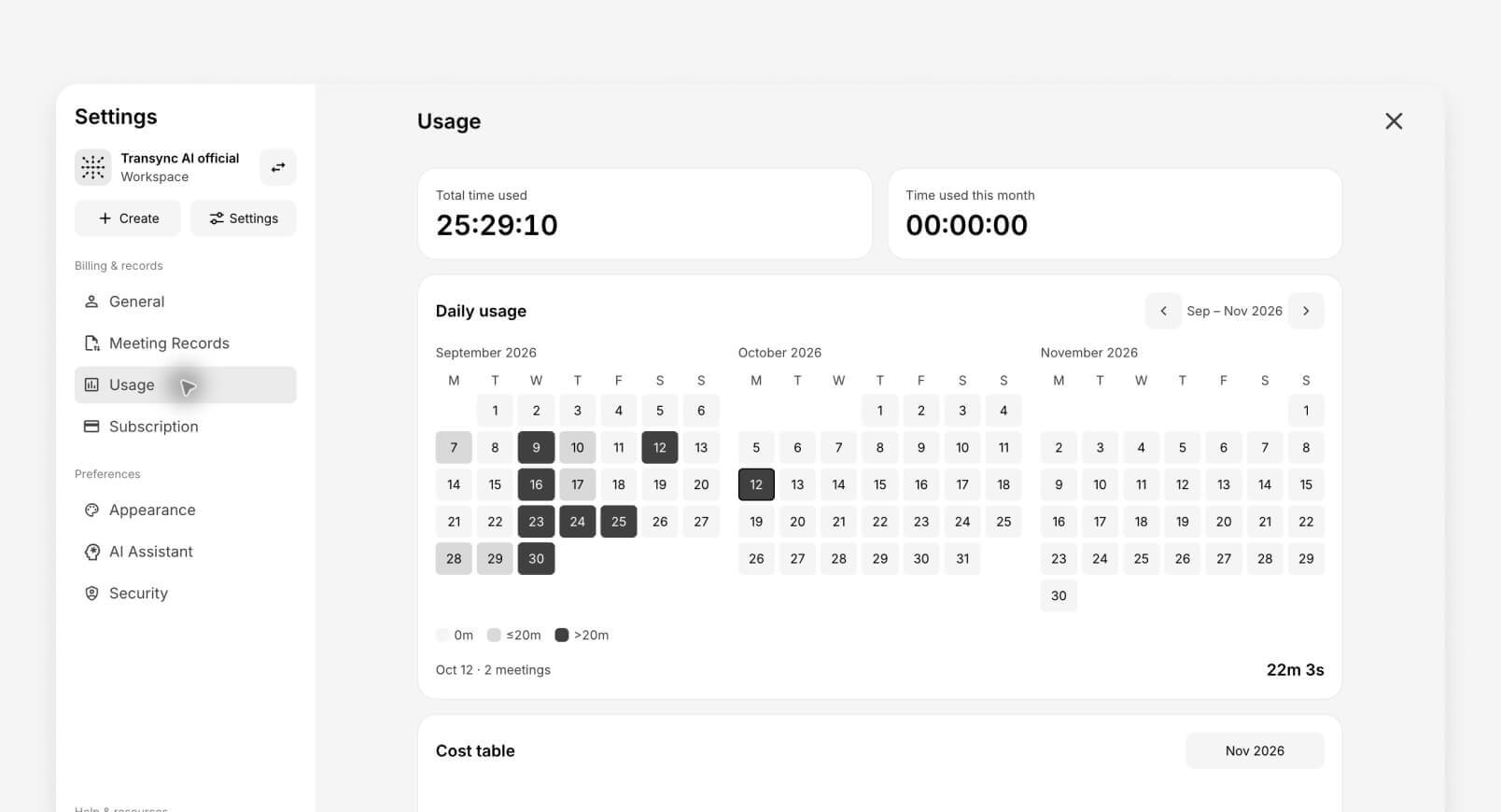
Introducing Monsoon 3.0 and Jetstream 3.0
Both models deliver more accurate transcription and translation, with more natural sentence breaks that make live subtitles easier to read.
They also detect language changes faster when speakers switch between languages during a conversation, helping you follow multilingual meetings more easily.
Number recognition and translation have improved too. Whether you’re discussing prices, quantities, or dates, the new models help preserve these important details.
 Redesigned Account Center
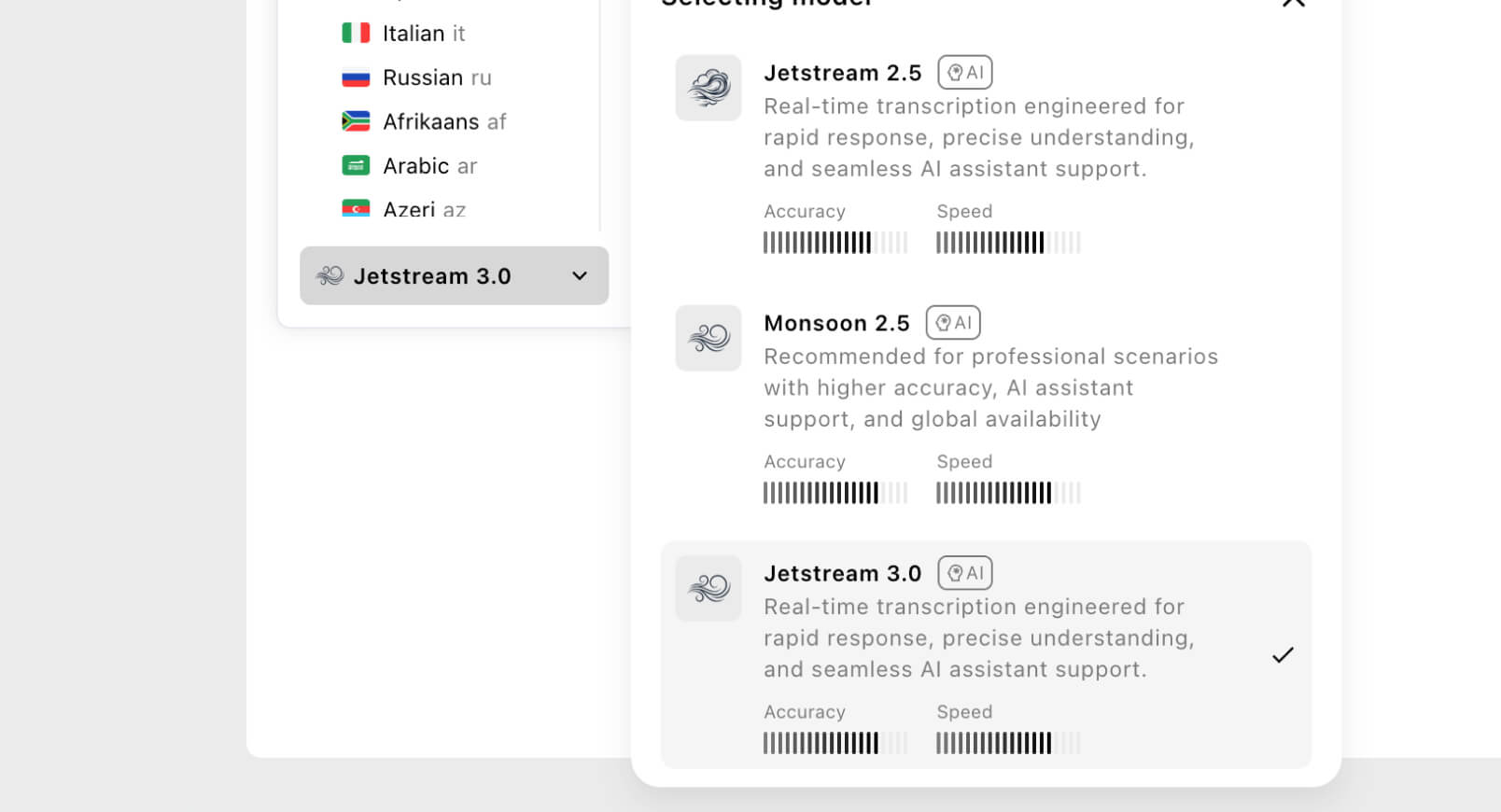 Redesigned Account Center
The new Account Center brings usage tracking and device management together.
Review Your Daily Translation Usage
Itu Usage Calendar lets you view translation usage by date. Look back at busy meeting days, review your activity, and plan for upcoming calls or classes.
Manage Your Signed-In Devices
Review and manage the devices signed in to your account from one place.
If you’ve replaced a phone or stopped using an old computer, you can check your device list and manage account access.
iOS Widgets: Your Most-Used Features Within Reach
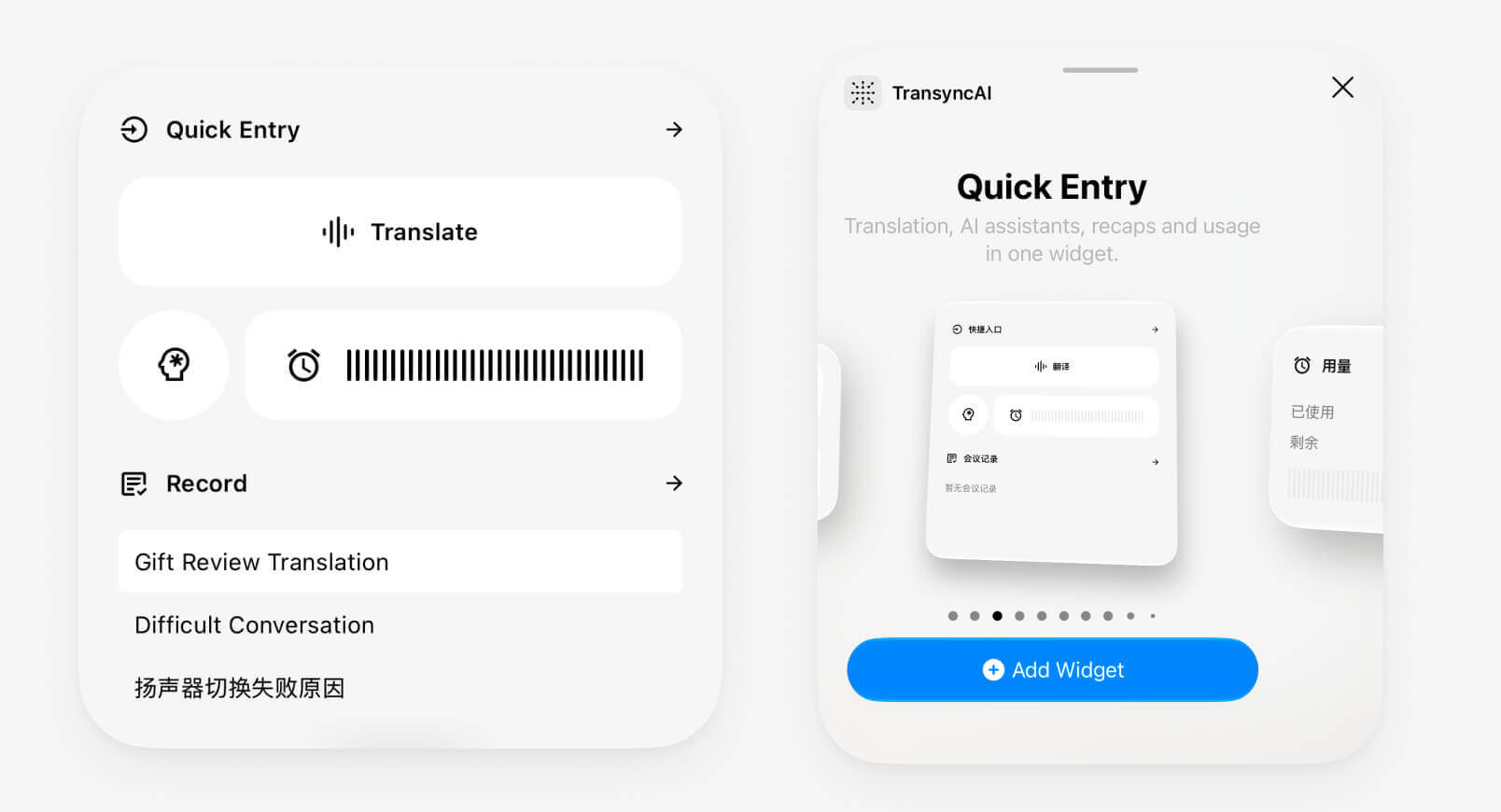
New Home Screen and Lock Screen widgets give you quick access to translation.
Home Screen widgets also provide shortcuts to:
- Asisten AI
- Recent meeting records
- Your usage
Prepare keywords before a call, revisit notes after a lecture, or check your usage without searching through the app.
Live Activities for Ongoing Translation
 Live Activities for Ongoing Translation
You may need to read documents, check slides, or use another app while translation is running.
Live Activities let you check your ongoing translation session without repeatedly returning to Transync AI. Open the app whenever you need the full translation view or want to adjust your settings.
Lower Starting Usage in Presentation Mode
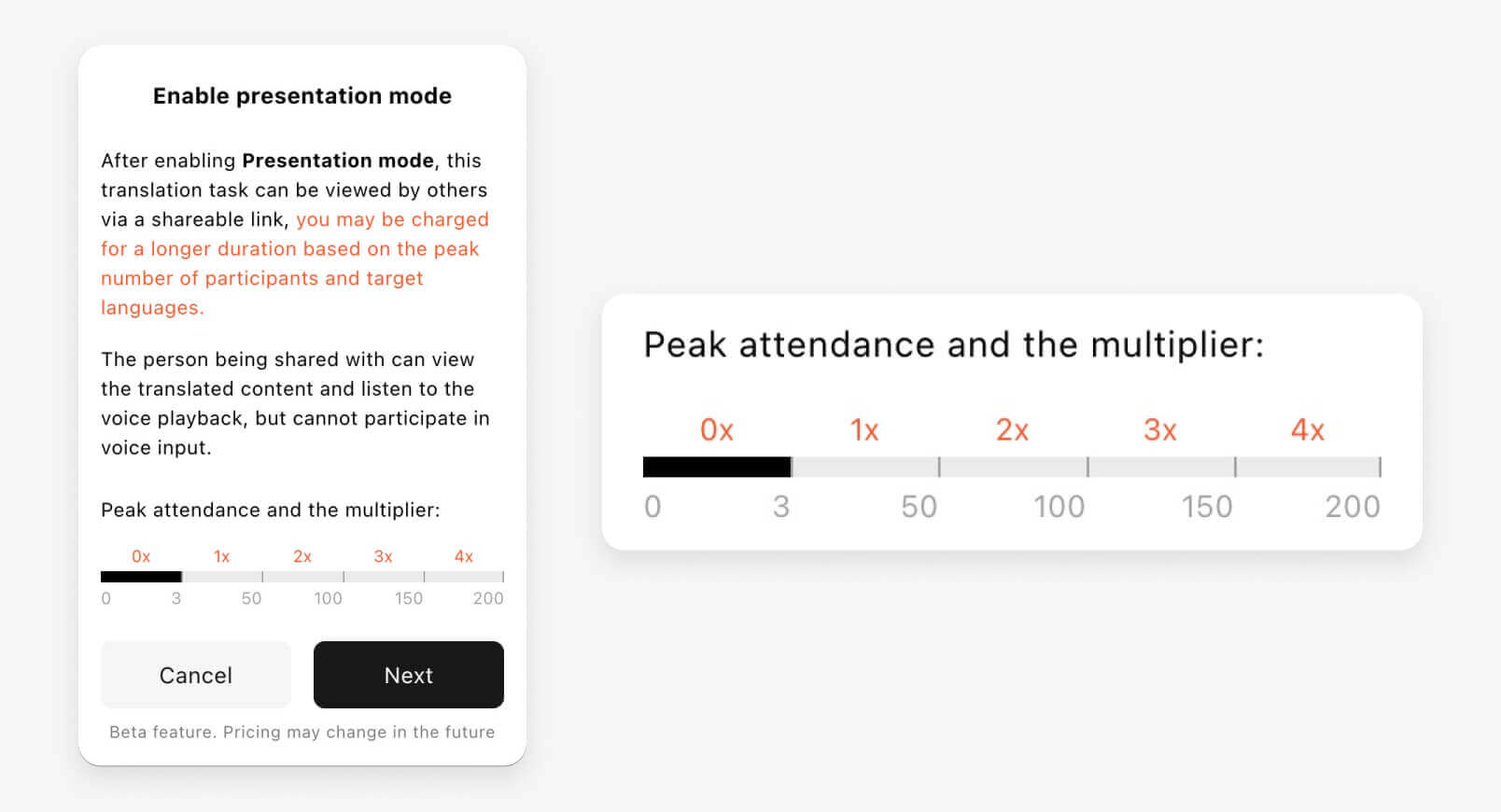
We’ve reduced the usage consumed at the start of a Mode Presentasi session, helping you make more of your available translation time.
For lectures, training, webinars, and other presentations, starting a multilingual session now consumes less usage. Actual consumption follows the current billing rules shown in the app.
Explore Transync AI v2.7
 Explore Transync AI v2.7
Try Monsoon 3.0 and Jetstream 3.0 in your next conversation, review your activity in the redesigned Account Center, and add an iOS widget for quicker access.
Download or update Transync AI to explore the latest release.
Thank you for trusting Transync AI. We’ll continue improving the details that help you communicate across languages every day.
The Transync AI Team