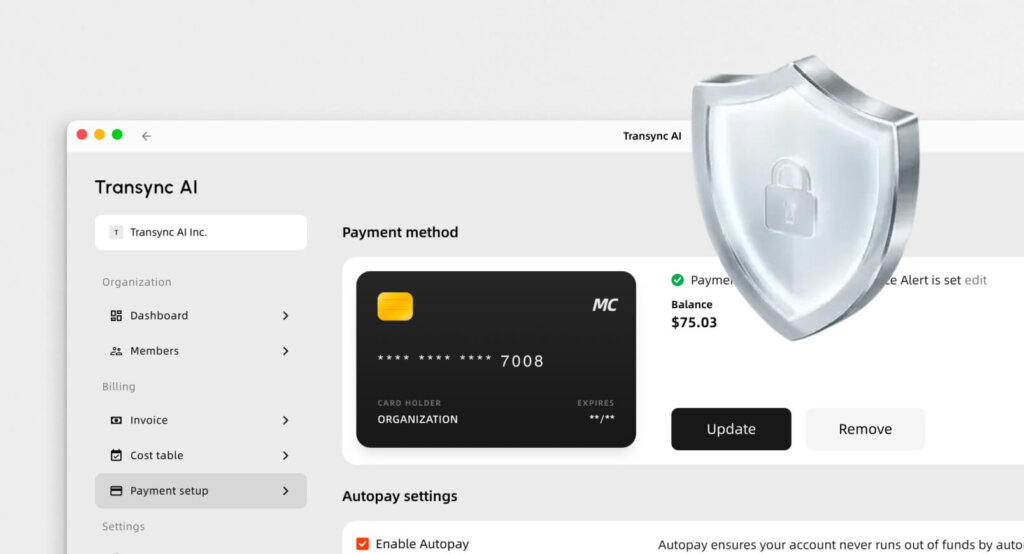
In the fast-paced world of 2026 corporate collaboration, AI note-taking is no longer a luxury; it is a necessity. The AI-powered meeting assistants market is growing rapidly and is expected to reach USD 24.6 Billion by 2034.
While Otter.ai is one of the most well-known AI note-taking apps designed to capture spoken conversations and turn them into structured notes automatically, it is not a perfect fit for everyone. As global communication becomes the norm, professionals are actively searching for Otter.ai alternatives that offer stronger multilingual support and a less intrusive meeting experience.
Why Look for Otter.ai Alternatives in 2026?
Although Otter is excellent for capturing English conversations, users often seek Otter.ai alternatives for two main reasons:
- Limited Language Support: Otter primarily focuses on English, French, Japanese, and Spanish, making it inadequate for complex multilingual translation during global meetings.
- Visible Recording Bots: Otter automatically joins your Zoom, Google Meet, or Microsoft Teams calls as a visible bot participant. This can feel awkward or intrusive during high-stakes client negotiations or confidential board meetings.
Top 7 Otter.ai Alternatives Compared
To help you find the right tool, we have reviewed the 7 best Otter.ai alternatives available today.
| Software | Standout Feature | Live Meeting Compatibility | Best For |
| Transync AI | Dual-screen & zero latency | ✅ Zoom, Teams, Meet (Standalone) | Multilingual global business meetings |
| Maestra | Live bilingual subtitles | ✅ Zoom, Teams | Webinars and educational broadcasts |
| Granola | Invisible bot meeting capture | ✅ Bot-free recording | Privacy-focused corporate meetings |
| Fireflies | Deep CRM integrations | ✅ Auto-joins via bot | Sales teams handling high call volumes |
| DeepL Voice | High-quality vocal translations | ✅ iOS, Android, Teams | Face-to-face mobile conversations |
| WisprFlow | Professional voice dictation | ❌ System-wide typing | Hands-free typing for professionals |
| Wordly | Highly scalable interpretation | ✅ Webex, Zoom, Cvent | Massive global healthcare & tech summits |
1. Transync AI
Best for: Professionals who need standalone, low-latency bilingual communication without relying on bots.
G2 Rating: N/A (Emerging Leader)
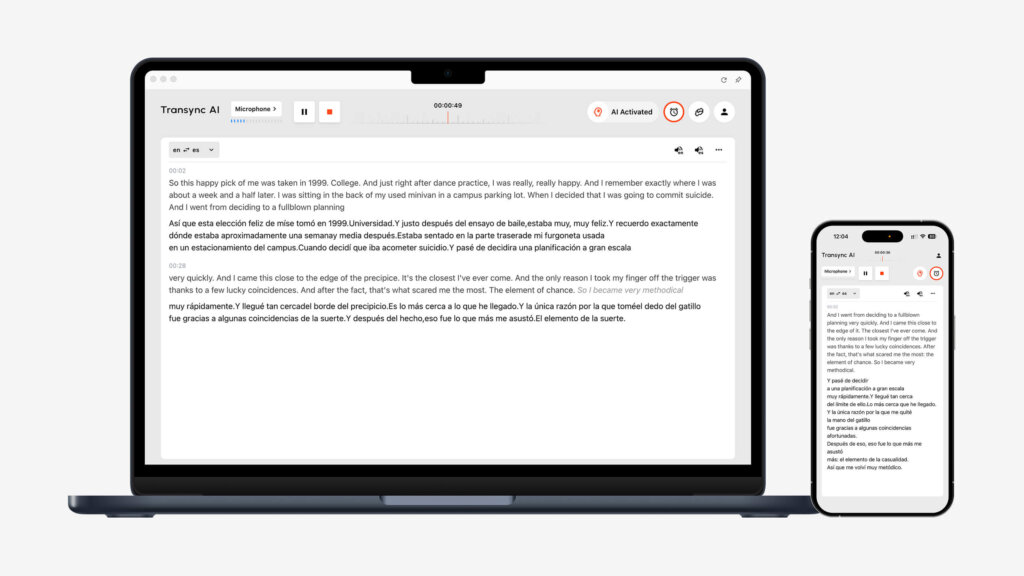
If your primary issue with Otter is the lack of real-time language translation and the presence of an intrusive bot, Transync AI is the ultimate solution. Transync AI is a real-time interpretation tool powered by an end-to-end speech large model.
Key features:
- Instant Multilingual Processing: Delivers seamless AI Real-time translation by automatically detecting the speaker’s language and translating it. You can check the full list of Supported languages natively supported by the software.
- Meeting Compatibility: It provides flawless AI Live Meeting Translation for Zoom, Teams, and Google Meet directly alongside your workflow. It is fully standalone and compatible with various conference software, requiring absolutely no plug-ins.
- Intelligent Summaries: Unlike basic voice translators, it includes an AI Meeting Notes feature that accurately extracts key points, making cross-language meetings more efficient.
- Natural Audio: Acts as a highly natural AI voice translator, generating human-like audio using deep learning vocoders like HiFi-GAN.
- Custom Context: By utilizing the AI Assistant Keywords Context, you can define industry terms to boost translation accuracy to over 95%.
Pros:
- Near-zero latency with a unique dual-screen display design that significantly improves reading efficiency.
- Your data is not used for AI training. Verify this via their Compliance Report.
Cons:
- Offline translation is not supported.
Pricing: Offers 40 minutes of free trial duration in the first month following registration. Flexible Pricing starts at $8.99/month.
Final verdict: Read the Quickstart guide, or See how Transync AI performs exceptionally well across a variety of use cases. For teams, explore the Enterprise tier and the Enterprise guide.
2. Maestra AI
Best for: Real-time meeting notes with live translation and multilingual transcription for webinars.
G2 Rating: 4.8/5
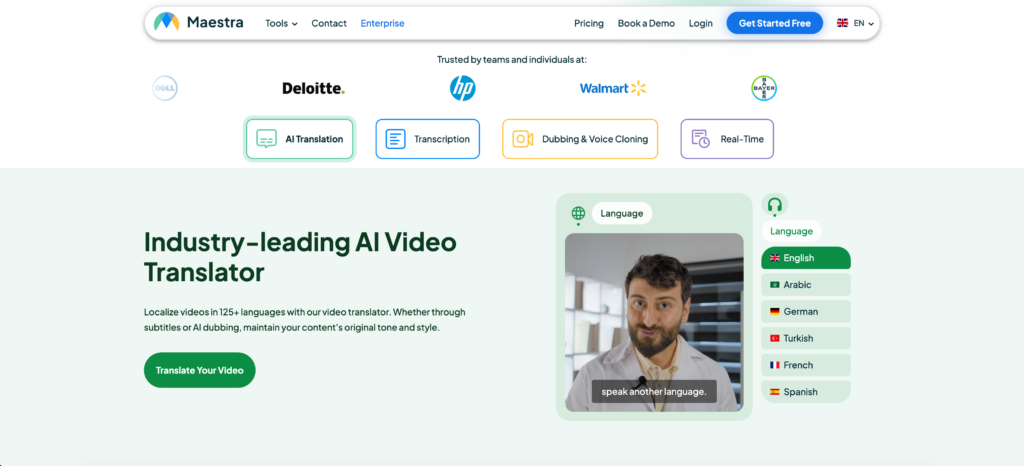
Among Otter.ai alternatives, Maestra stands out by combining real-time meeting notes, transcription, and live translation in a single platform.
Key features:
- Bilingual Live Captions: Generates real-time meeting notes while displaying captions in both the original and translated language.
- Real-Time Voice Translation: Converts speech into translated audio instantly, helping participants understand conversations across over 125 languages.
Pros:
- Custom glossary for recognizing company terminology and industry jargon.
Cons:
- Advanced AI features like summaries are available on higher-tier plans.
Pricing: Paid plans start at $39 per month billed annually.
Final verdict: Maestra is the right choice if you work in a global environment and need meeting notes with built-in live translation in a wide range of languages.
3. Granola
Best for: Bot-free recording that generates structured AI meeting notes automatically.
G2 Rating: 4.8/5
If you find meeting bots intrusive or distracting, Granola is one of your best Otter.ai alternatives.
Key features:
- No-Bot Approach: Works quietly on your device without sending a recording bot into the meeting, keeping the call natural and distraction-free.
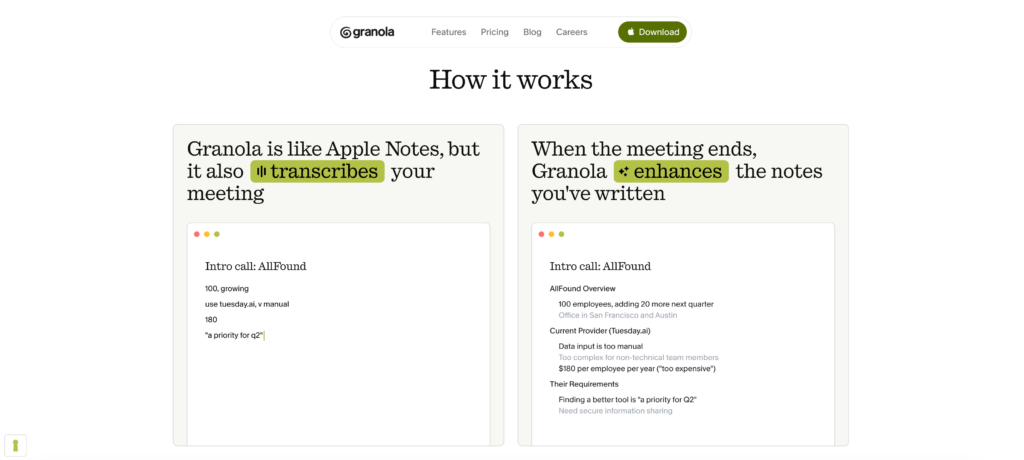
- Live Note-Taking Interface: Lets you type quick thoughts during the conversation, and the AI expands them into clear, well-written notes.
Pros:
- Notes stay authentic because the AI expands on your own bullet points.
Cons:
- You must manually start note-taking since the app doesn’t auto-join meetings.
Pricing: Paid plans start at $14 per user per month.
Final verdict: Granola is the best choice if you still want to take notes but also want an AI assistant to do the heavy lifting of formatting the final draft.
4. Fireflies
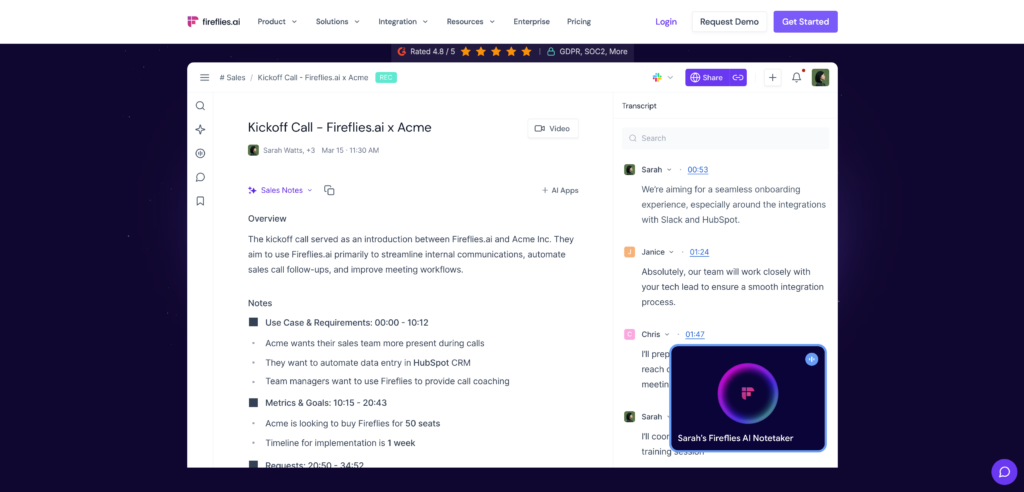
Best for: Sales teams who need deep CRM integration and advanced search across thousands of meetings.
G2 Rating: 4.7/5
Fireflies feels like a searchable database for your entire company’s conversations, offering conversation intelligence that tracks speaker sentiment and talk-to-listen ratios.
Key features:
- AskFred AI Assistant: You can chat with Fred to fact-check claims or summarize specific segments.
- CRM Integrations: Automatically logs meeting notes directly into platforms like Salesforce and HubSpot.
Pros:
- Excellent CRM integrations for sales teams.
Cons:
- The bot joining meetings may not suit all teams.
Pricing: Paid plans start at $10 per seat per month billed annually.
Final verdict: Fireflies is excellent for teams that need searchable meeting intelligence and deep CRM integration.
5. DeepL Voice
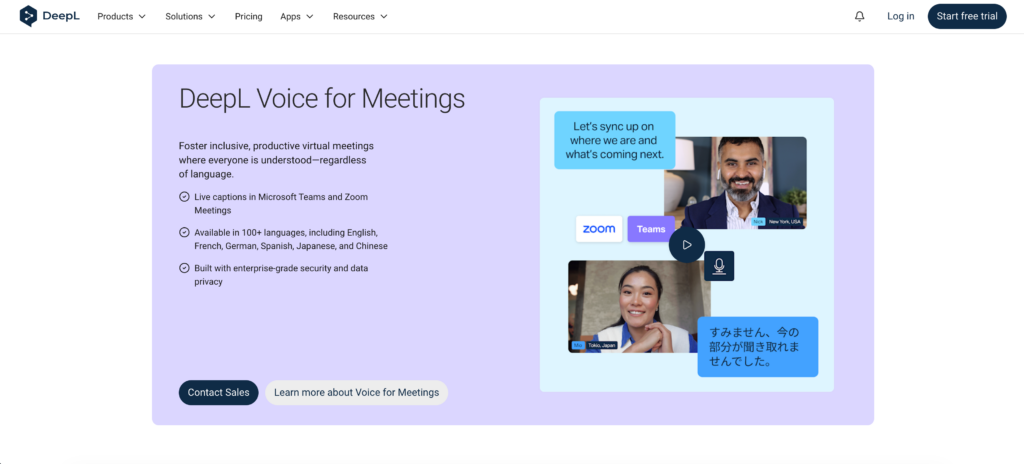
Best for: High-quality translation for major global languages during face-to-face conversations.
G2 Rating: 4.6/5
DeepL Voice extends DeepL’s renowned translation technology to spoken conversations, with a strong focus on accuracy and natural phrasing.
Key features:
- Face-to-Face Mode: Splits the screen so both speakers can easily read translations during in-person conversations.
- DeepL Voice for Meetings: Brings translation capabilities into supported meeting environments.
Pros:
- High-quality translations that sound more natural than many real-time tools.
Cons:
- Narrower language support compared to some competitors.
Pricing: Pricing is custom and provided through DeepL’s sales team.
Final verdict: If you care most about translation quality and natural-sounding output, DeepL Voice is a robust option.
6. WisprFlow
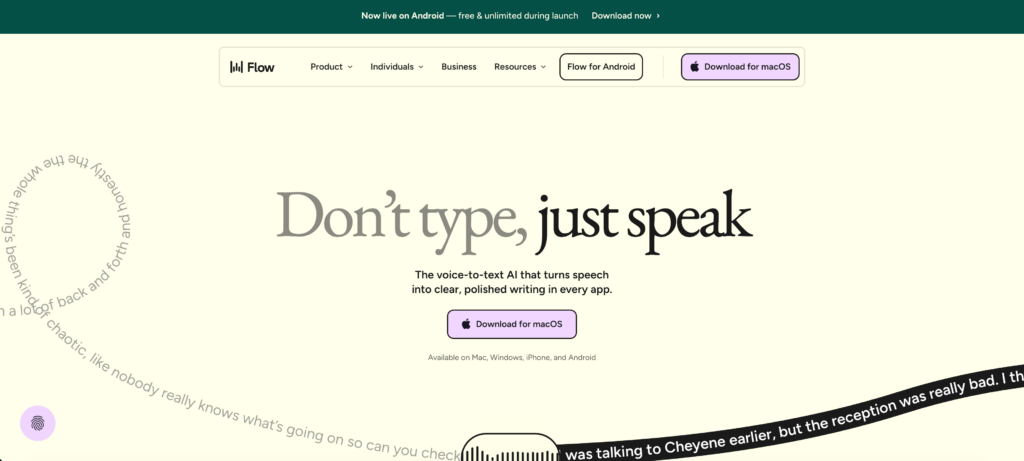
Best for: Professional voice-to-text dictation that works system-wide.
G2 Rating: 4.7/5
While looking for Otter.ai alternatives, some users realize they do not need a meeting recorder at all. WisprFlow works as a system-wide voice-to-text layer.
Key features:
- System-Wide Layer: Works universally across all apps on your device.
- Contextual Corrections: Removes filler words and adjusts formatting based on context.
Pros:
- Top-tier accuracy for business and medical vocabulary.
Cons:
- Dictation-focused, not a meeting tool.
Pricing: Starts at ~$15/mo.
Final verdict: It is the strongest transcription software for doctors, lawyers, and engineers who need hands-free typing.
7. Wordly
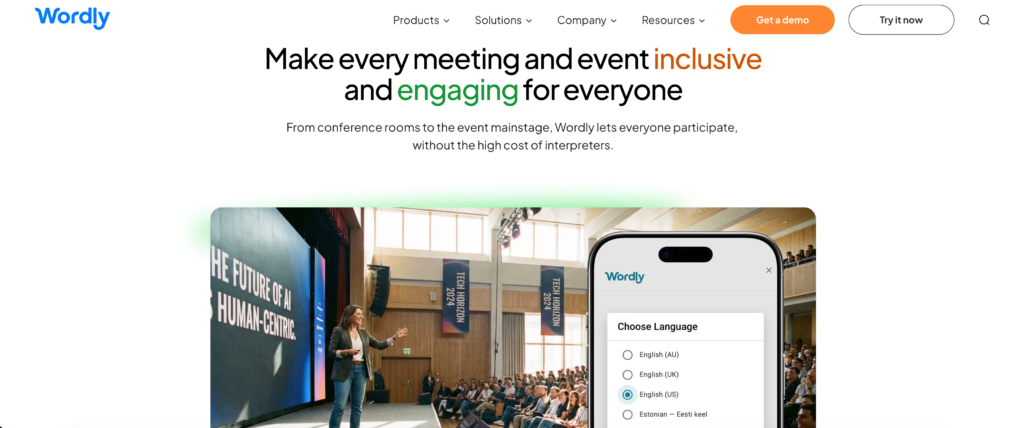
Best for: Conferences, webinars, and accessibility-focused events.
G2 Rating: 4.6/5
Wordly focuses on making multilingual events accessible to large audiences, delivering live voice translation and on-screen captions.
Key features:
- Instant Setup: Attendees access translated voice and captions directly in their browser without downloading software.
- Participant-Controlled Languages: Attendees choose their own language channel within the same session.
Pros:
- Handles multiple languages simultaneously without complex setup.
Cons:
- Can feel excessive for small internal team calls.
Pricing: Usage-based model depending on the number of interpretation hours and attendees.
Final verdict: Wordly is well-suited for accessibility and inclusion-focused event formats.
How to Choose the Right Otter.ai Alternatives?
When evaluating these Otter.ai alternatives, consider the following to ensure you pick the right software:
- Do you need to translate conversations live? Otter is built for English notes. If you work globally, choose an alternative like Transync AI that actively translates the audio in real time.
- Are meeting bots an issue for your clients? If privacy and etiquette are top priorities, opt for a standalone application (like Transync AI) or invisible capture tools (like Granola) that do not announce themselves to the entire meeting room.
- Are you hosting an event or a daily stand-up? Scale matters. Use Wordly for 1,000-person webinars, but stick to agile tools for daily boardroom collaboration.
Conclusion
Real-time transcription has evolved dramatically, and while legacy tools laid the groundwork, there is no single best tool for every situation. Finding the best Otter.ai alternatives depends entirely on whether you need simple CRM syncs, invisible privacy, or active multilingual interpretation. For professionals conducting cross-border business, replacing a basic note-taker with Transync AI provides a massive upgrade, offering seamless, standalone live translation that ensures nothing gets lost in translation.
If you want a next-generation experience, Transync AI leads the way with real-time, AI-powered translation that keeps conversations flowing naturally. You can try it free now.