
User Guide
Use Cases
WhatsApp Translation For Voice Call
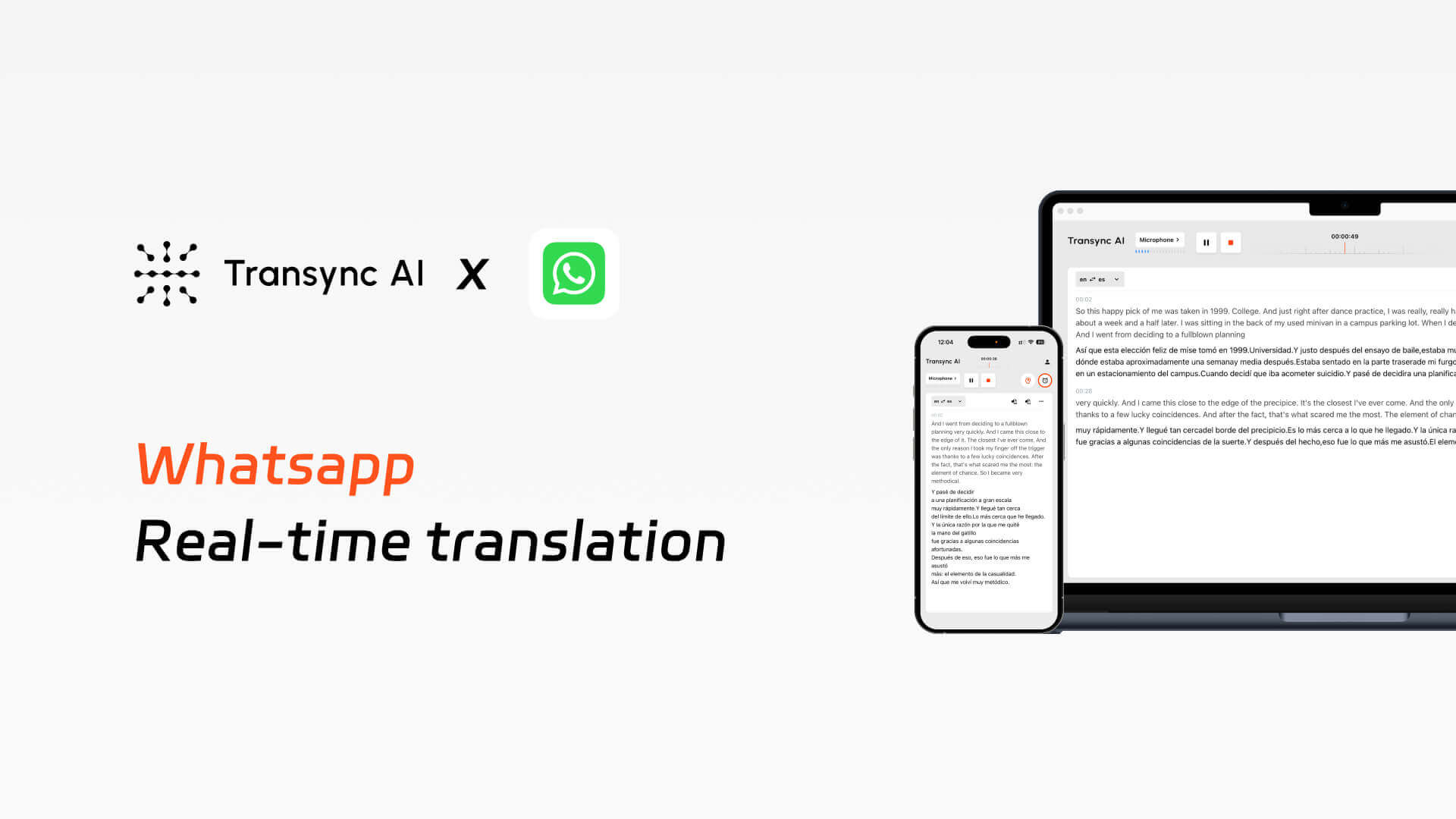
Transync AI enables real-time bilingual translation in WhatsApp voice call, providing live subtitles, voice broadcasting, and automatic meeting minutes.
TUTORIAL
VIDEO
Real pain points in multilingual voice call.
1. Low Efficiency in Cross-Language Communication
Participants struggle to understand foreign-language speakers, manual interpretation disrupts meeting flow, and non-native speakers often hesitate to speak, significantly reducing communication efficiency.
2.WhatsApp does not support real-time voice translation.
WhatsApp currently doesn’t support real-time voice translation. This makes communication extremely difficult when having meetings or voice calls with foreigners.
3.No Effective Post-Meeting Knowledge Retention
Information is only partially understood during meetings, requiring extra effort afterward to organize notes, while participants have no shared, synchronized access to meeting records.
How does Transync AI work with WhatsApp?
Implement real-time bilingual translation during WhatsApp voice call, including subtitles and voice broadcasting, and automatically generate meeting minutes.
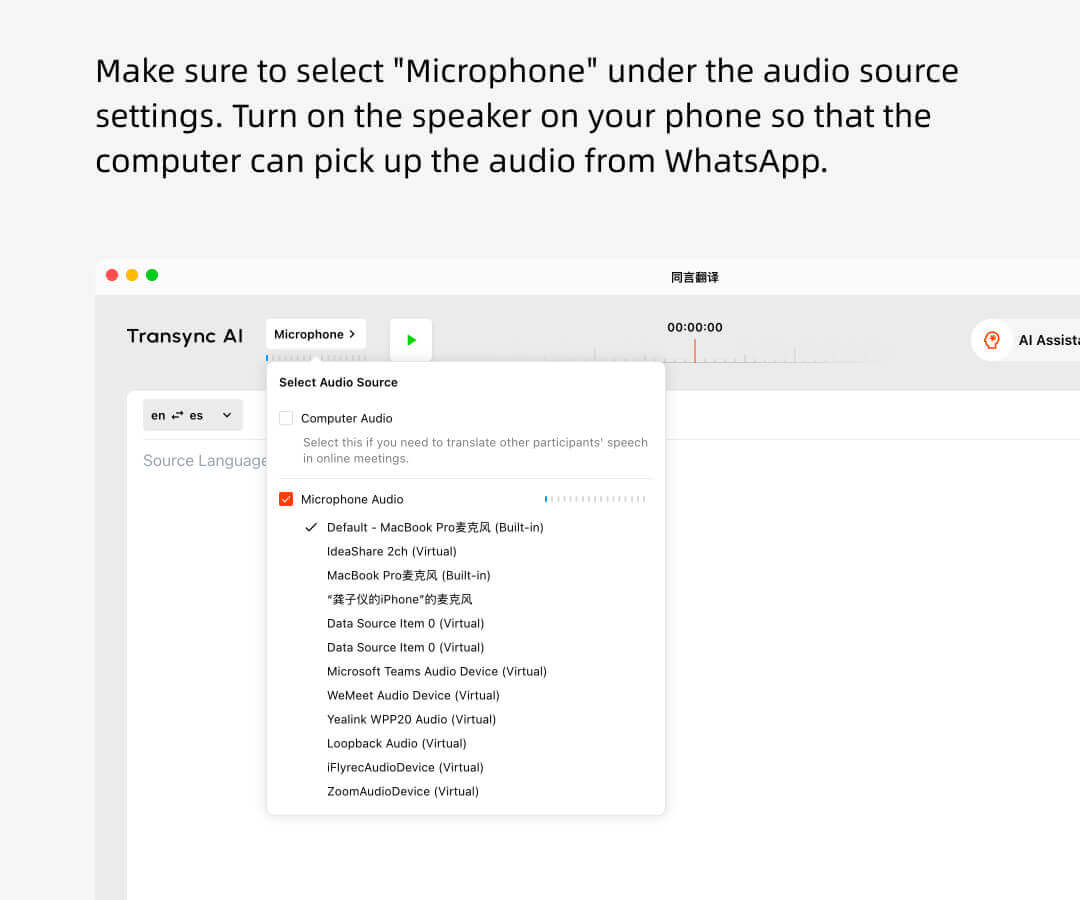
1.Open Transync AI, Confirm the microphone source selection and click “Start Translation.”
2.If you would like your spoken words to be translated and broadcast, please turn on the playback button in the upper right corner.
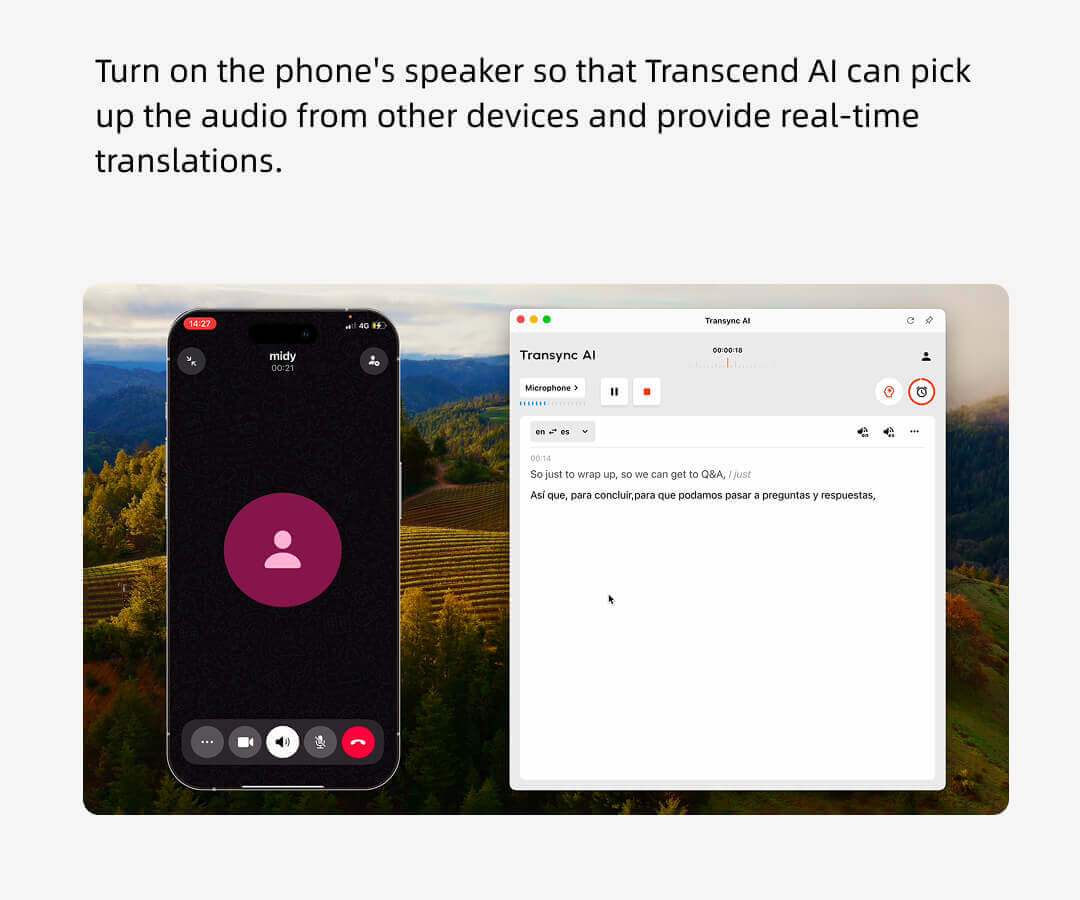
3.Turn on the speakerphone for WhatsApp on your phone and open Transync AI on another device.
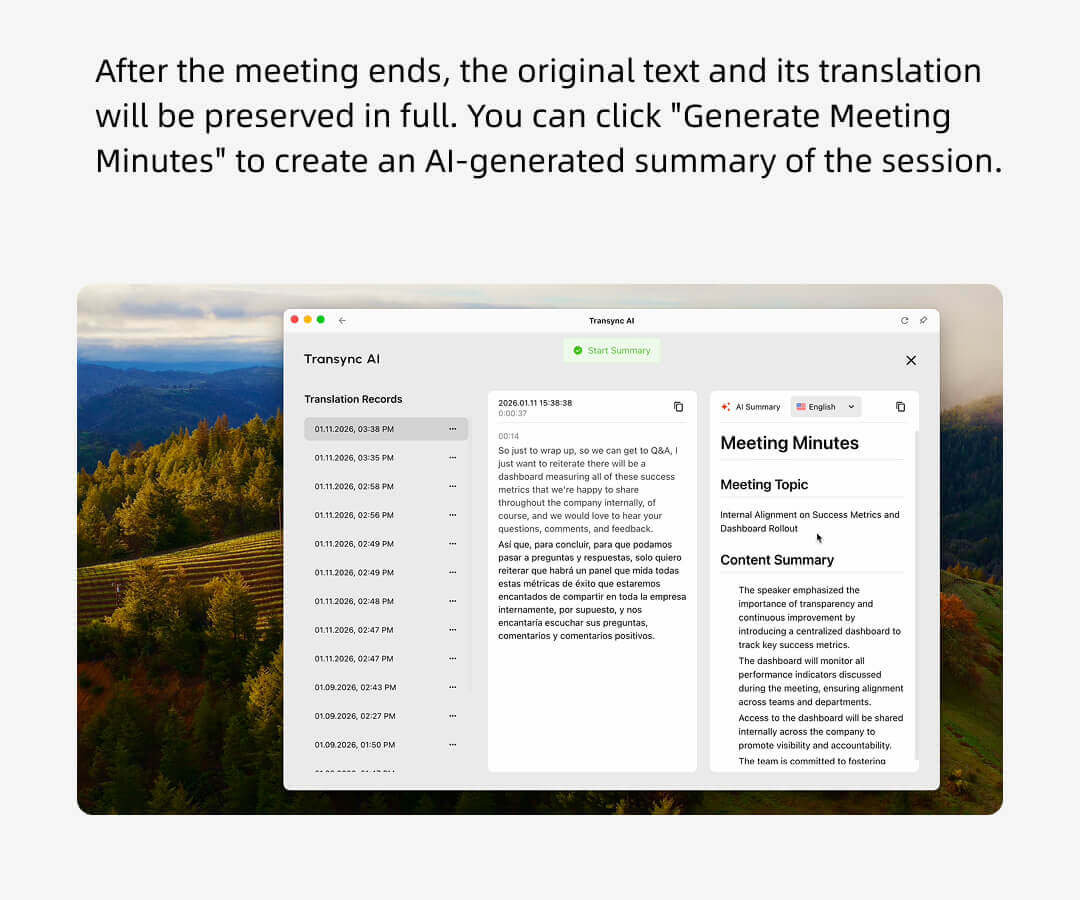
4.After the voice call ends, click the “End” button within Transync AI to receive both the transcript and the meeting minutes.

WhatsApp translation host view
WhatsApp voice call hosts can use Transync AI to listen to other participants’ remarks and have them broadcast in real time.
Other attendees do not need to have a Transync AI account, nor will they be charged for translation usage time. Only the host will consume the usage minutes.

Compatible with various conference software, no plug-ins required
Transync AI directly listens to your speech and that of others in the meeting, automatically distinguishes speakers and translates them, and can be used on various conference platforms.(Zoom, Teams, Google Meet, WhatsApp, or other meeting software.)

Tools
Core features of Transync AI when used with WhatsApp.
Our real-time translation services for WhatsApp include the following: Multilingual real-time translation during WhatsApp voice call, Real-time voice translation and broadcasting during the sessions, Multilingual meeting summaries and minutes generated after the WhatsApp voice call concludes.
Why choose Transync AI for WhatsApp translation scenarios?
1. Designed specifically for meeting scenarios rather than simple generic translation, it supports keywords and context.
2. Low latency and high accuracy make it ideal for real-time discussions. Powered by End-to-End Speech LLM, 98% Accuracy in Professional Contexts
3. It supports over 60 languages, rather than a more limited set of embedded languages. and can generate meeting minutes after the meeting ends
4. Supports enterprise-grade data security and compliance standards, and meets GDPR compliance requirements.
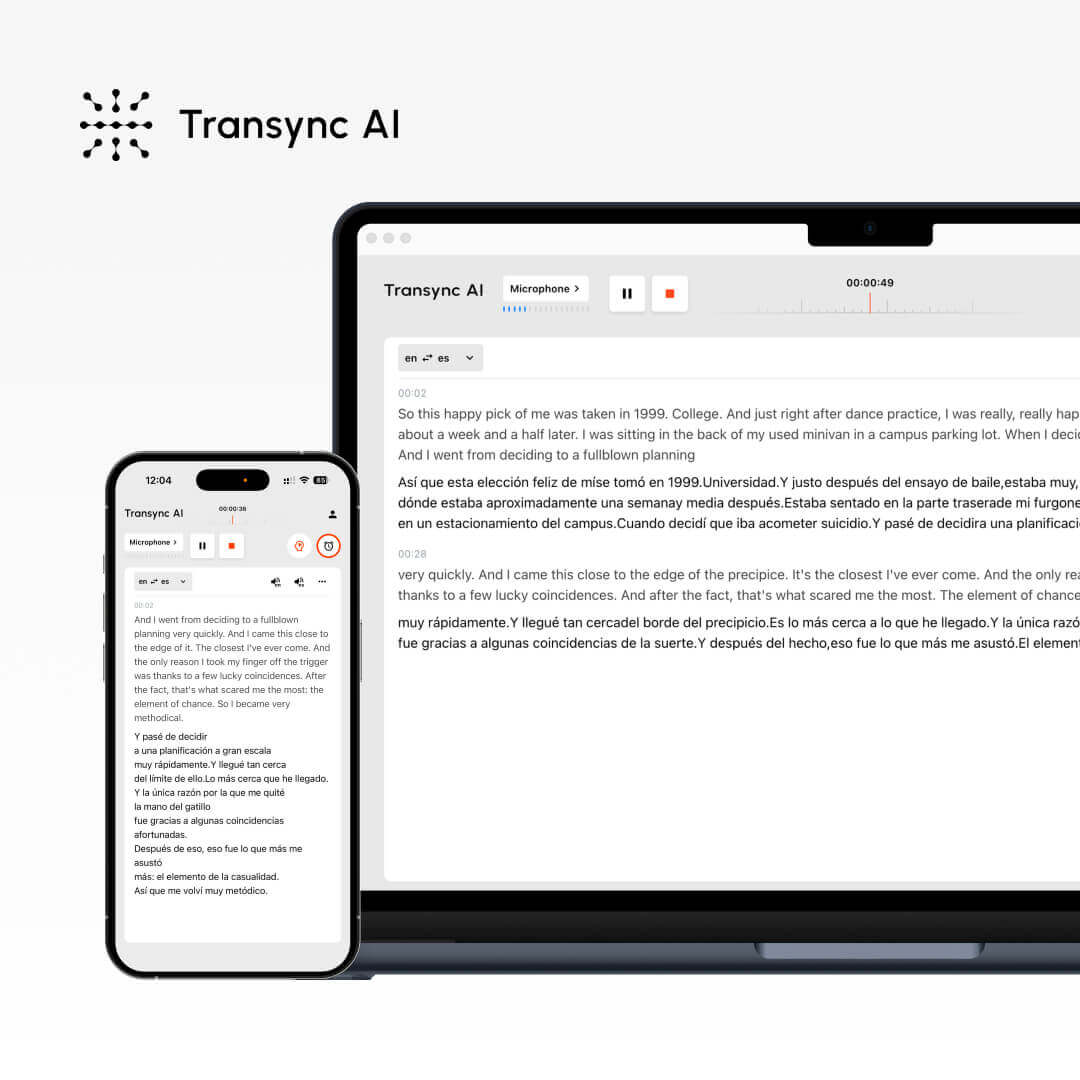
A comparison between Transync AI, WhatsApp features, and other translation software.
Features
Supports languages.
Real-time Captioning
Real-time voice translation
Automatic meeting minutes
Keywords and context
Low latency
High accuracy
Transync AI
60+
✔
✔
✔
✔
★★★
★★★
WhatsApp’s native translation
✗
✗
✗
✗
✗
✗
✗
Other translation software
10+
✗
✗
✗
✗
★
★
Use the real-time translator now.
Break language barriers instantly with Transync AI’s real-time translator — voice and text translation in 60 languages for meetings, travel, and beyond. Register now to enjoy 40 minutes of free usage time.