

プラグイン不要のリアルタイム翻訳をサポートするビデオ会議プラットフォームはどれですか?
はじめに:会議における言語の壁を克服する
労働力のグローバル化が進むにつれ、さまざまな業界で多言語間の効果的なコミュニケーションが不可欠となっています。会議プラットフォームはこうしたニーズに対応するために進化してきましたが、追加のプラグインを必要とせずにシームレスなリアルタイム翻訳を提供するプラットフォームは限られています。この記事では、オンライン会議でのリアルタイム翻訳にプラグインを必要としない主要な翻訳ソフトウェアを取り上げ、このエコシステムにおける傑出したソリューションであるTransync AIの利点に焦点を当てます。.
会議ソフトウェアにおけるリアルタイム翻訳の理解
リアルタイム翻訳機能により、多言語会議の参加者は、話されている言語に関係なく、互いの会話を容易に理解できます。優れた翻訳ソフトウェアは既存の会議プラットフォームとシームレスに統合され、ユーザーが複雑なプラグインをインストールする必要なく、この機能を提供します。.
プラグイン不要のリアルタイム翻訳ソフトウェア
1. Transync AI

👉Transync AI
- 概要: Transync AIは、Zoom、Microsoft Teams、Google Meetといった人気プラットフォームでのリアルタイム会議翻訳に優れており、円滑なコミュニケーションを重視する企業にとって最適な選択肢となっています。.
- 主な機能:
- AIによるライブ会議翻訳: オンライン会議中に、シームレスなリアルタイム字幕と音声翻訳を提供します。.
- プラグインは不要です。 様々な会議ソフトウェアと完全に互換性があり、インストール作業の手間なくすぐに使い始めることができます。.
- AI 会議メモ: 会議での議論をリアルタイムで記録・翻訳し、ユーザーが情報を容易に思い出せるように支援します。.
- 使いやすさ: 会議に参加してシステム音声を共有するだけで、技術的な問題に悩まされることなく、瞬時に翻訳を行うことができます。.
- 📹 チュートリアルを見る
2. KUDO
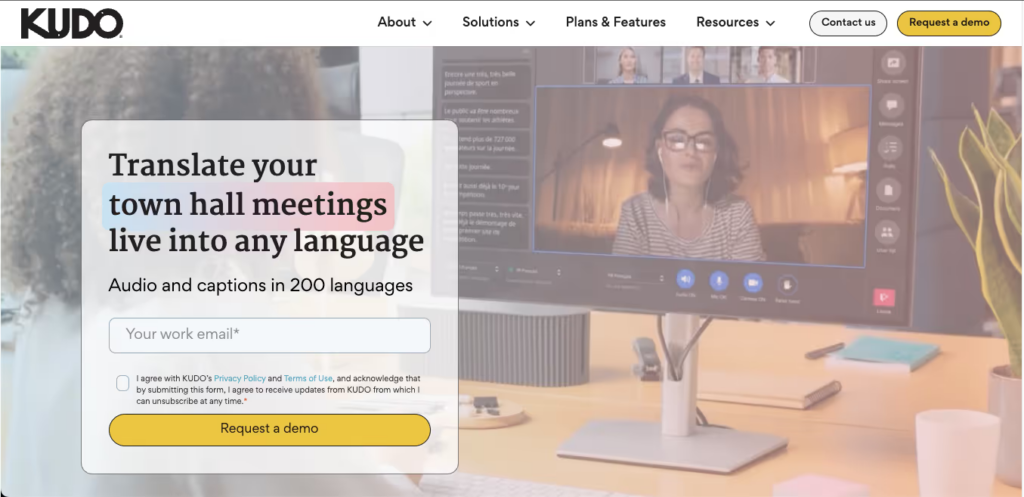
👉 工藤
- 概要: KUDOは、多言語会議やカンファレンスにおけるリアルタイム通訳を専門としています。.
- 主な機能:
- プロの通訳者をリアルタイムで提供します。.
- 様々なビデオ会議ツールとの連携に対応しており、プラグインは不要です。.
3. 解釈する
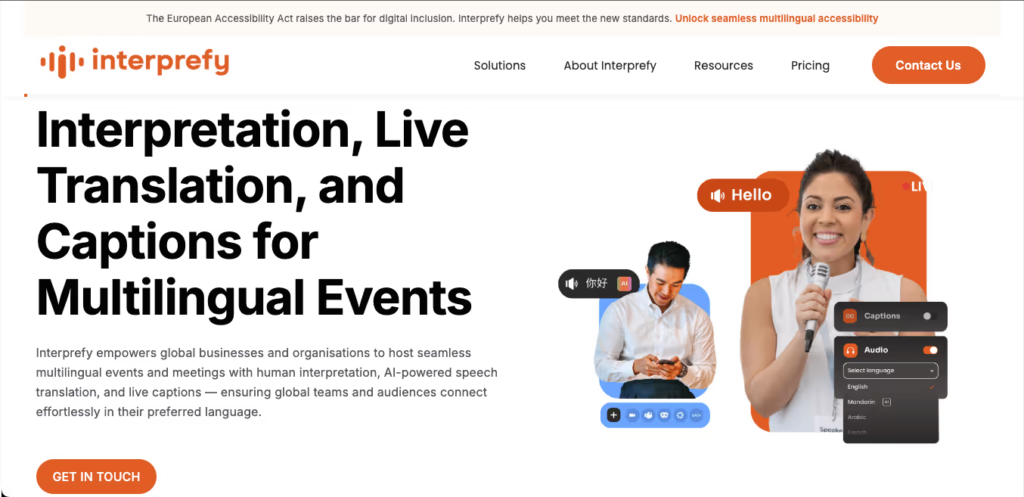
👉🏻 解釈する
- 概要: Interprefyは、バーチャルイベントに特化した遠隔通訳ソリューションを提供しています。.
- 主な機能:
- ユーザーは必要に応じてプロの通訳者を利用できます。.
- プラグインのインストールを必要とせずに、主要なオンラインビデオ会議プラットフォームと統合できます。.
4. ワールドリー

👉 ワードリーAI
- 概要: Wordlyは、会議やイベントにおけるリアルタイムの言語翻訳のために設計されています。.
- 主な機能:
- 人気のビデオ会議ツールとの連携が容易です。.
- 追加のソフトウェアインストールは不要で、シームレスなユーザーエクスペリエンスを実現します。.
5. アヴァ
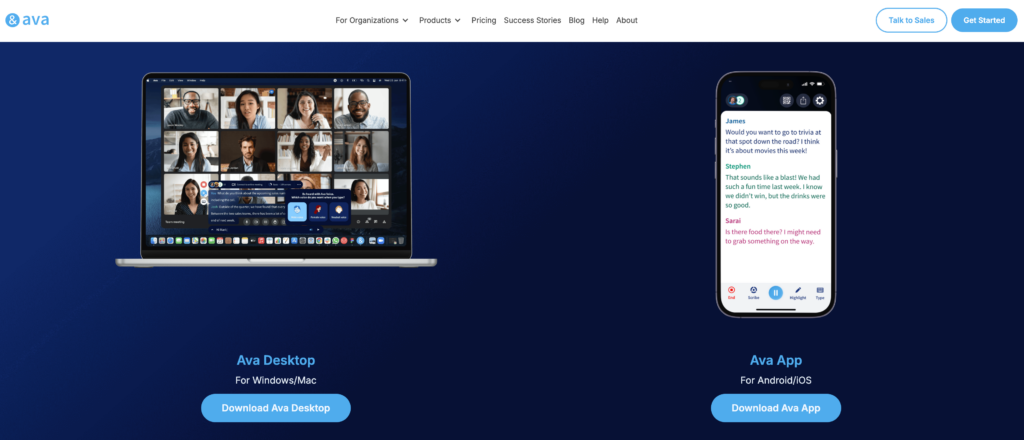
👉🏻 アヴァ
- 概要: Avaは、オンライン会議向けの字幕作成および翻訳サービスを提供しています。.
- 主な機能:
- 外部ハードウェアを必要とせず、リアルタイムでライブ字幕と翻訳を提供します。.
- 簡単にセットアップでき、多数のビデオ会議プラットフォームと連携可能です。.
比較表:リアルタイム翻訳をサポートする翻訳ソフトウェア
| 翻訳ソフトウェア | プラグイン不要 | リアルタイム翻訳 | AI会議メモ | 統合 | 最適な用途 |
|---|---|---|---|---|---|
| Transync AI | はい | はい | はい | ズーム、チーム、Google Meet | 包括的な多言語サポート |
| 工藤 | はい | はい | いいえ | 複数のプラットフォーム | 専門家による通訳付き会議 |
| 解釈する | はい | はい | いいえ | 主要な会議ツール | 遠隔通訳 |
| ワードリー | はい | はい | いいえ | さまざまなビデオ会議アプリ | 多言語イベント |
| エイヴァ | はい | はい | いいえ | 多数のプラットフォーム | リアルタイム字幕と翻訳 |
トランシンクAIが優れている理由
Transync AIは、オンライン会議向けの効率的で使いやすいリアルタイム翻訳において、業界をリードしています。その仕組みは以下のとおりです。
- シームレスな統合: ユーザーはZoom、Teams、またはGoogle Meetで直接ミーティングに参加できます。.
- 簡単なセットアップ: Transync AIを開き、システムオーディオを共有することで、簡単に翻訳が可能になります。
- 即時フィードバック: 自然な話し方をすれば、リアルタイムで翻訳が表示されるので、参加者全員が言語の壁を感じることなく参加できます。.
Q&Aセクション:リアルタイム翻訳ソフトウェアに関するよくある質問
Q1:翻訳ソフトウェアがプラグインを必要としないとはどういう意味ですか?
答え: つまり、ユーザーは追加のツールやアプリケーションをインストールすることなく、ソフトウェア内で直接翻訳機能にアクセスできるということです。.
Q2:Transync AIはどのようにしてリアルタイム翻訳を実現するのですか?
答え: Transync AIは、会議中に音声をキャプチャし、独自のインテリジェントアルゴリズムで処理することで、瞬時に字幕と音声翻訳を提供します。.
Q3:他の翻訳プラットフォームでも、同様のリアルタイム翻訳のメリットを提供できますか?
答え: はい、KUDOやInterprefyのようなプラットフォームは同様のサービスを提供しており、ユーザーはリアルタイムでスムーズに通訳にアクセスできます。.
Q4:Transync AIは、小規模な会議と大規模な会議の両方に対応できるほど堅牢ですか?
答え: はい、Transync AIは様々な規模の会議に対応できるように設計されており、効果的な多言語コミュニケーションを保証します。.
Q5:会議用にTransync AIを設定するにはどうすればよいですか?
答え: 対応プラットフォームで会議に参加し、Transync AIを開いてシステムオーディオを共有し、話し始めるだけで、翻訳結果が瞬時に表示されます。.
Q6:プラグインを使用しない翻訳ソフトウェアにはどのような利点がありますか?
答え: これにより、ユーザーエクスペリエンスが簡素化され、セットアップ時間が短縮され、技術的な問題が最小限に抑えられるため、会議中の円滑なコミュニケーションが確保されます。.
結論:多言語会議の変革
結論として、様々な翻訳ソフトウェアソリューションがリアルタイム翻訳機能を提供していますが、追加のプラグインなしでシームレスな体験を提供するものはすべてではありません。Transync AIは、プラグイン不要で強力なライブ会議翻訳を提供することで、このプロセスに革命を起こし、言語を超えたコラボレーションを強化します。.
多言語コミュニケーションの改善を目指す企業にとって、Transync AIは最適な選択肢と言えるでしょう。追加ソフトウェアのインストールといった複雑な作業なしに、生産性の高い会議を実現します。組織がリモートワークやグローバルなコラボレーションに適応していく中で、Transync AIのようなツールは、効果的なチームワークを促進し、言語の壁を打破する上で重要な役割を果たすでしょう。.
次世代の体験をお求めなら、 Transync AI リアルタイムのAI翻訳で自然な会話の流れを実現します。 無料でお試しください 今。

