2026 yılında, uluslararası ortakları ikinci bir dil konuşmaya zorlamak, kritik bir iş riski oluşturacaktır. Yapay zeka destekli toplantı asistanları pazarının yaklaşık olarak şu değere ulaşması bekleniyor: 2034 yılına kadar 24,6 milyar ABD doları, Modern organizasyonlar, uzmanlaşmış ses teknolojilerini hızla benimsiyor.
Sınır ötesi operasyonları yöneten yöneticiler için, son derece doğru bir sistemin devreye alınması büyük önem taşımaktadır. canlı çeviri uygulaması Sorunsuz iletişimi sağlamanın en etkili yolu budur. Ancak piyasadaki her yazılım toplantı odası için tasarlanmamıştır. Bu satın alma yol haritasında, bugün mevcut olan en iyi 7 aracı değerlendirerek, mükemmel olanı seçmenize yardımcı olacağız. canlı çeviri uygulaması Kurumsal ortamınıza özel olarak.
Birinci Sınıf Canlı Çeviri Uygulamasını Ne Oluşturur?
Platformları incelemeden önce, 2026'da profesyonel kullanım için gereken teknolojik temelleri anlamak çok önemlidir. Üstün bir platform... canlı çeviri uygulaması İki vazgeçilmez özelliğe sahip olmalıdır:
- Canlı Toplantı Uyumluluğu: Yazılım, Zoom ve Teams gibi platformlarla kusursuz bir şekilde birlikte çalışmalıdır. En önemlisi, en iyi canlı çeviri uygulaması Bağımsız bir istemci olarak çalışacak ve istikrarsız üçüncü taraf eklentilerine olan ihtiyacı ortadan kaldıracaktır.
- Gelişmiş Sinirsel İşleme: Geleneksel çeviri araçları robotik bir ses çıkarıyor. Modern çözümler, gelişmiş derin öğrenme tabanlı ses kodlayıcıları kullanıyor, örneğin... HiFi-GAN mimarisi, Gerçekçi, neredeyse sıfır gecikmeli ses çıkışı üretmek için.
En İyi 7 Canlı Çeviri Uygulama Çözümünün Karşılaştırılması
Tedarik sürecinizi kolaylaştırmak için, piyasadaki önde gelen 7 seçeneğin stratejik bir matrisini sunuyoruz.
| Yazılım | Öne Çıkan Özellik | Canlı Toplantı Uyumluluğu | En İyisi İçin |
| Transync AI | Çift ekran ve sıfır gecikme | ✅ Zoom, Teams, Meet (Bağımsız) | Canlı B2B video görüşmeleri |
| Langfinity | İnsan benzeri sesli iletişim | ✅ Microsoft Teams | Küresel ekip içi uyumlar |
| Talo | Hızlı yapay zeka bot entegrasyonu | ✅ Zoom, Meet, Teams | Küçük çok dilli buluşmalar |
| Zoom Tercümesi | İnsan odaklı yorumlama | ✅ Zoom Masaüstü ve Mobil | Son derece düzenlenmiş yasal duruşmalar |
| Microsoft Çevirmen | Cihaz tabanlı oda senkronizasyonu | ❌ Yüz yüze grup senkronizasyonu | Yüz yüze yönetim kurulu toplantıları |
| DeepL Sesi | Üstün metinsel doğruluk | ✅ iOS, Android, Teams | Yüz yüze mobil görüşmeler |
| Google Çeviri | Gemini destekli ücretsiz erişim | ❌ Sadece mobil diyalog | Günlük seyahat ve saha kullanımı |
1. Transync AI: Yönetici Standardı

En iyisi: Bağımsız, sıfır gecikmeli bir çözüm talep eden profesyoneller. canlı çeviri uygulaması Kesintisiz küresel video konferans için.
G2 Derecelendirmesi: Yok (Yükselen Lider)
Kurumsal liderler en üst düzey hizmeti istediklerinde canlı çeviri uygulaması, Transync AI, kesin çözümdür. Transync AI, uçtan uca büyük bir konuşma modeliyle desteklenen gerçek zamanlı bir tercüme aracıdır. Rakiplerinin hantal, bot ağırlıklı kurulumlarını atlayarak temiz ve bağımsız bir deneyim sunar.
Başlıca özellikler:
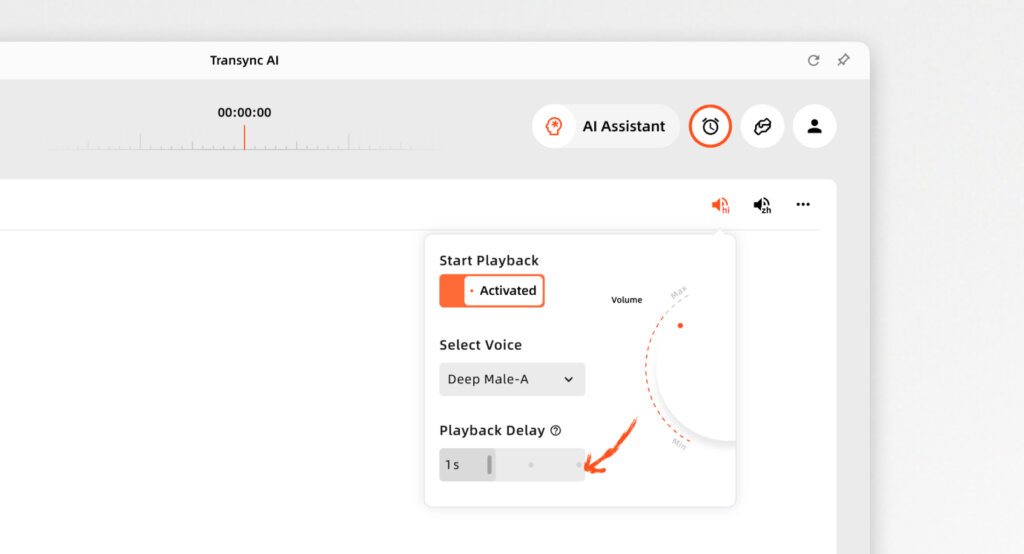
- Anında Çok Dilli İşleme: Kusursuz teslimat Yapay Zeka Gerçek Zamanlı Çeviri Konuşmacının dilini otomatik olarak algılayarak çalışır. Geniş bir küresel kapsama alanına sahiptir; tümünü yerel olarak kontrol edebilirsiniz. Desteklenen diller çevrimiçi.
- Üstün Uyumluluk: Tamamen bağımsız bir uygulama olarak çalışan bu uygulama, mükemmel bir deneyim sunuyor. Zoom, Teams ve Google Meet için Yapay Zeka Canlı Toplantı Çevirisi Tehlikeli eklentilere ihtiyaç duymadan, doğrudan aramalarınızın yanında.
- Stratejik Not Alma: Dahili özellikleriyle kusursuz bir şekilde öne çıkıyor. Yapay Zeka Toplantı Notları İki dilli tartışmalardan kilit noktaları doğru bir şekilde çıkarmak.
- Doğal Ses: Son derece doğal bir şekilde etki eder. Yapay zeka ses çevirmeni, İnsan sesine benzer ses yayınları üretiyor.
- Özel Bağlam: Kullanın AI Asistanı Anahtar Sözcükleri Bağlamı Sektör jargonunu önceden tanımlayarak çeviri doğruluğunu 95%'nin üzerine çıkarmak.
Artıları:
- Okuma ve anlama verimliliğini önemli ölçüde artıran benzersiz çift ekranlı bir tasarıma sahiptir.
- Veri gizliliğinden ödün verilmez (veriler yapay zeka eğitimi için kullanılmaz), bu da onların sıkı politikalarıyla garanti altına alınmıştır. Uyumluluk Raporu.
Eksileri:
- Çevrimdışı çeviri ve kamera tabanlı görüntü tanıma desteklenmemektedir.
Fiyatlandırma: Kullanıcılara kayıt olduktan sonraki ilk ayda 40 dakikalık ücretsiz deneme süresi verilecektir. Ölçeklenebilir Fiyatlandırma Aylık $8.99'dan başlıyor.
Karar: Transync AI en güvenli ve en çevik olanıdır. canlı çeviri uygulaması Mevcut. Okuyun. Hızlı Başlangıç rehber veya Transync AI'nin çeşitli kullanım senaryolarında nasıl olağanüstü performans gösterdiğini görün.. Birleşik faturalama için şunları inceleyin: Girişim kademe ve İşletme rehberi.
2. Langfinity
En iyisi: Küresel iç ekipler, Microsoft Teams ekosistemine yoğun bir şekilde entegre olmuş durumda.
G2 Derecelendirmesi: 4.9/5
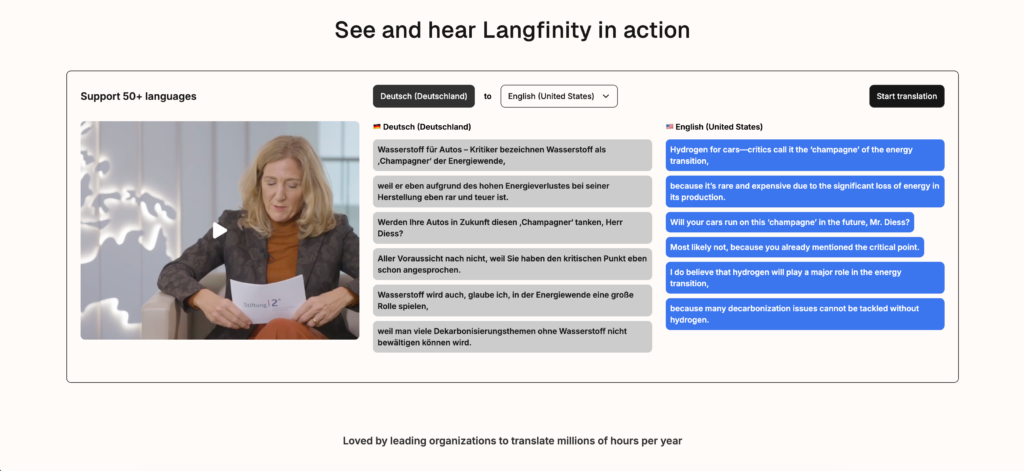
Langfinity, gerçek zamanlı video görüşmeleri ve toplantılarda dil engellerini ortadan kaldırmaya odaklanmaktadır. canlı çeviri uygulaması, Özellikle konuşmacının sesini sizin dilinize otomatik olarak dublajlayan "Yapay Zeka Seslendirme" teknolojisiyle öne çıkıyor.
Başlıca özellikler:
- Yerel Entegrasyon: Langfinity uygulamasını doğrudan Microsoft Teams içinden yükleyebilirsiniz.
- Yapay Zeka Sihirbazı Bağlam Motoru: İletişim üslubunu korumak için deyimleri ve sektöre özgü jargonları anlar.
Karar: Mükemmel, hızlı işlem yapan bir ürün. canlı çeviri uygulaması Eğer şirketinizin tamamı yalnızca Microsoft Teams üzerinden faaliyet gösteriyorsa.
3. Talo
En iyisi: Anında bot dağıtımı gerektiren, hızlı, küçük ölçekli, çok dilli görüşmeler.
G2 Derecelendirmesi: Yok
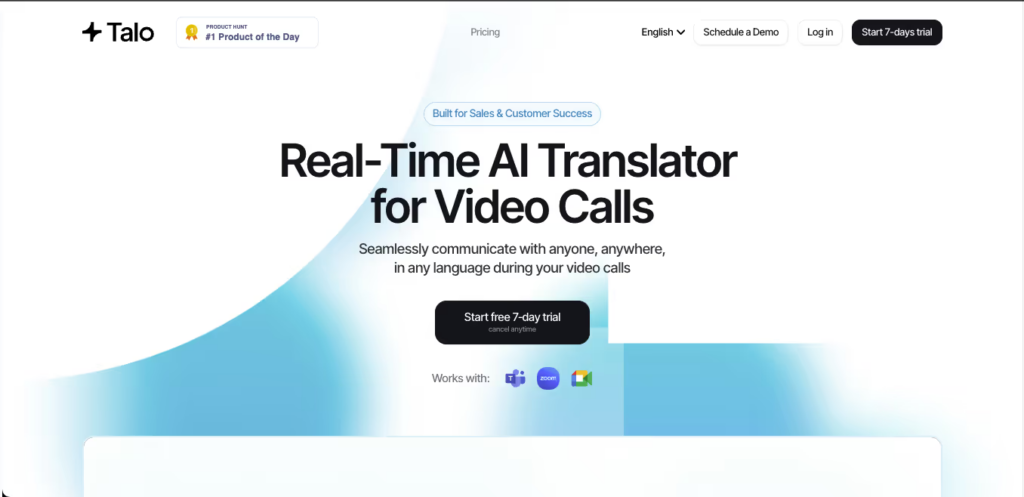
Talo, özellikle görüntülü aramalar ve çevrimiçi toplantılar için geliştirilmiş, yapay zeka destekli gerçek zamanlı bir çeviri aracıdır. Yapay zeka çeviri botunu doğrudan aramanın içine yerleştirir.
Başlıca özellikler:
- Bot Tabanlı Kurulum: Video görüşme bağlantısını Talo arayüzüne kopyalayıp yapıştırıyorsunuz ve yapay zekâ botunu görüşmeye katılmaya davet ediyorsunuz.
- Gerçek Zamanlı Çıktı: 60'tan fazla dilde canlı altyazı veya sentezlenmiş ses olarak çevrilmiş çıktı sunar.
Karar: sağlam canlı çeviri uygulaması Hızlı karşılıklı konuşmalar için ideal olsa da, görünür bot resmi ortamlarda dikkat dağıtıcı olabilir.
4. Zoom Dil Tercümesi
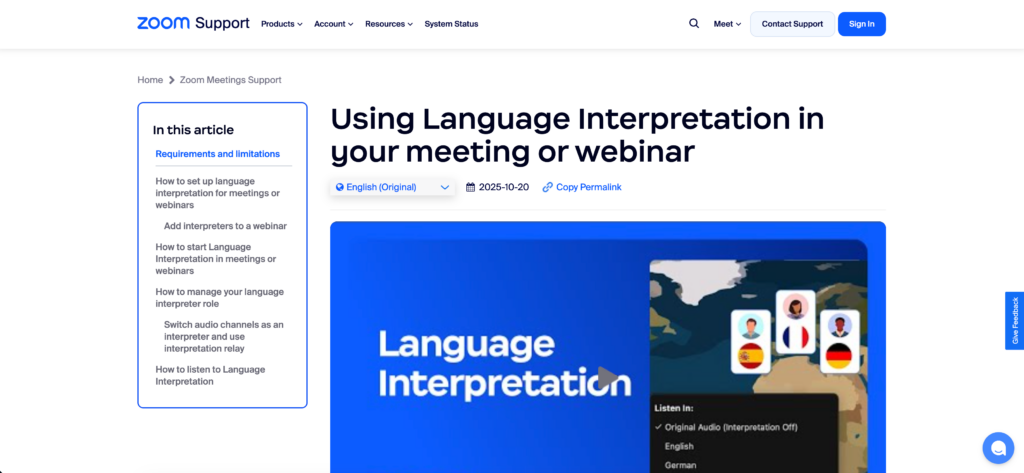
En iyisi: Profesyonel insan tercümanların yasal olarak zorunlu olduğu, sıkı düzenlemelere tabi oturumlar.
G2 Derecelendirmesi: Yok
Bazen bir yapay zeka canlı çeviri uygulaması Yasal gereklilikleri tam olarak karşılayamıyor. Zoom Dil Tercümesi, toplantı sahiplerinin eş zamanlı çeviri sağlayan insan tercümanlar atamasına olanak tanıyan yerleşik bir özelliktir.
Başlıca özellikler:
- Eşzamanlı İnsan Çevirisi: Çoklu ses kanalları sayesinde, profesyoneller tarafından aynı anda 20 farklı dilin tercümesi yapılabilmektedir.
- Çift Yönlü Kanallar: Katılımcının kendi ana dilinde soru sormasına ve tercümanın soruyu iletmesine olanak tanır.
Karar: Yerleşik bir yapay zeka sesli çeviri motoru olmamasına rağmen, mutlak hukuki ayrıntıların gerekli olduğu resmi soru-cevap oturumları için üstün bir performans sergiliyor.
5. Microsoft Çevirmen
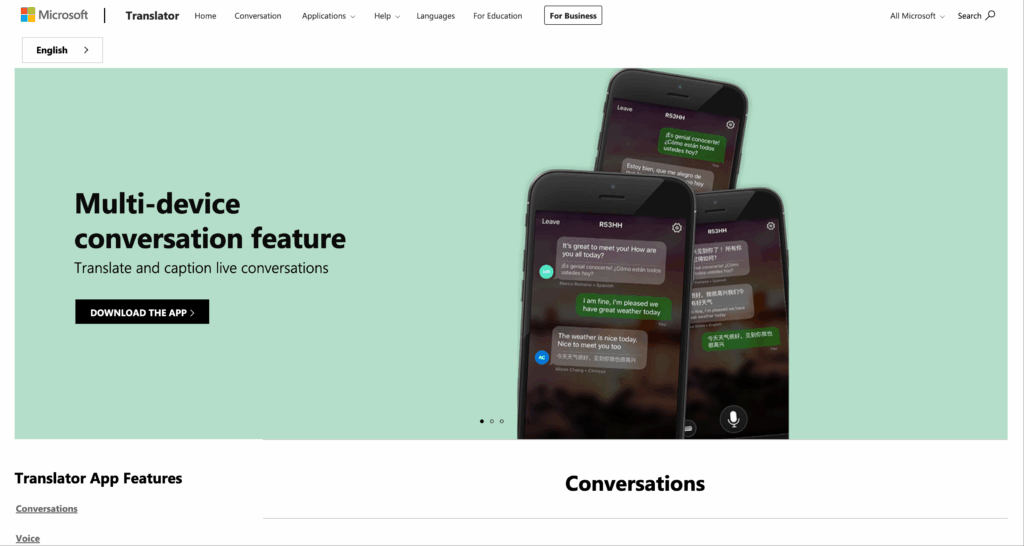
En iyisi: Yüz yüze grup tartışmaları ve fiziksel toplantı odasında beyin fırtınası.
G2 Derecelendirmesi: 4.3/5
Microsoft Translator son derece çok yönlü bir araç olarak hizmet vermektedir. canlı çeviri uygulaması Yüz yüze etkileşimler için tasarlanmıştır. Bir kişinin oturum başlatmasına ve diğerlerinin kendi akıllı telefonlarında veya dizüstü bilgisayarlarında kısa bir kod kullanarak katılmasına olanak tanır.
Başlıca özellikler:
- Grup Senkronizasyonu: Katılımcılar, seçtikleri dildeki çevrilmiş altyazılar veya ses kayıtları aracılığıyla konuşmayı gerçek zamanlı olarak takip edebilirler.
- Microsoft 365 Yerel: Sunumlar sırasında canlı çevrilmiş altyazılar için PowerPoint ile sorunsuz bir şekilde entegre olur.
Karar: En erişilebilir olanı canlı çeviri uygulaması Aynı fiziksel mekânda bir araya gelen büyük gruplar için.
6. DeepL Voice
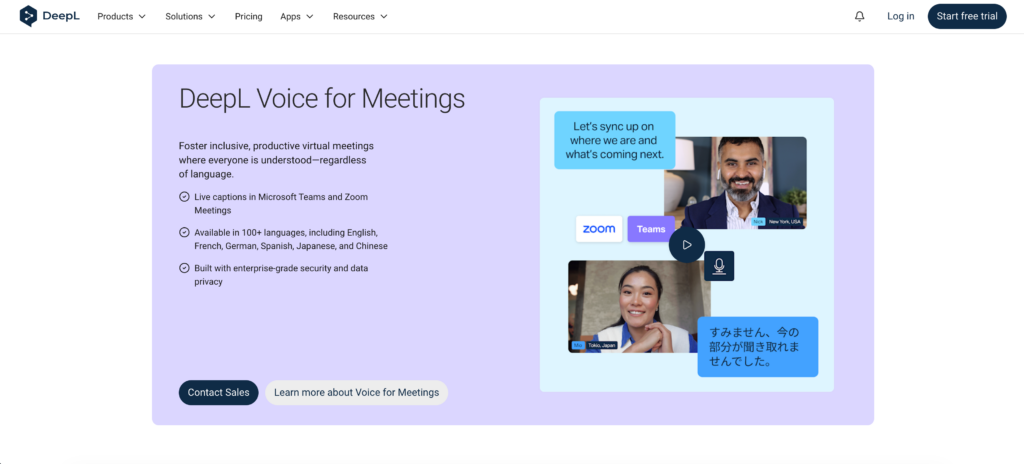
En iyisi: Mobil ve yüz yüze toplantılar için yüksek kaliteli sesli çeviri hizmeti.
G2 Derecelendirmesi: 4.6/5
DeepL Voice, DeepL'in kapsamlı çeviri teknolojisini, doğruluk ve doğal ifadeye büyük önem vererek, konuşmalara da genişletiyor.
Başlıca özellikler:
- Yüz Yüze Modu: Ekranı ikiye bölerek, yüz yüze görüşmeler sırasında her iki konuşmacının da çevirileri kolayca okumasını sağlar.
- Ses Kontrolü: Kullanıcıların resmi ve gayri resmi üsluplar arasında sorunsuz bir şekilde geçiş yapmalarını sağlar.
Karar: Mobil cihazınızda dil kalitesine ve doğal ses tonuna en çok önem veriyorsanız, bu uygulama tam size göre. canlı çeviri uygulaması inanılmaz derecede güçlü.
7. Google Translate Tercüman Modu
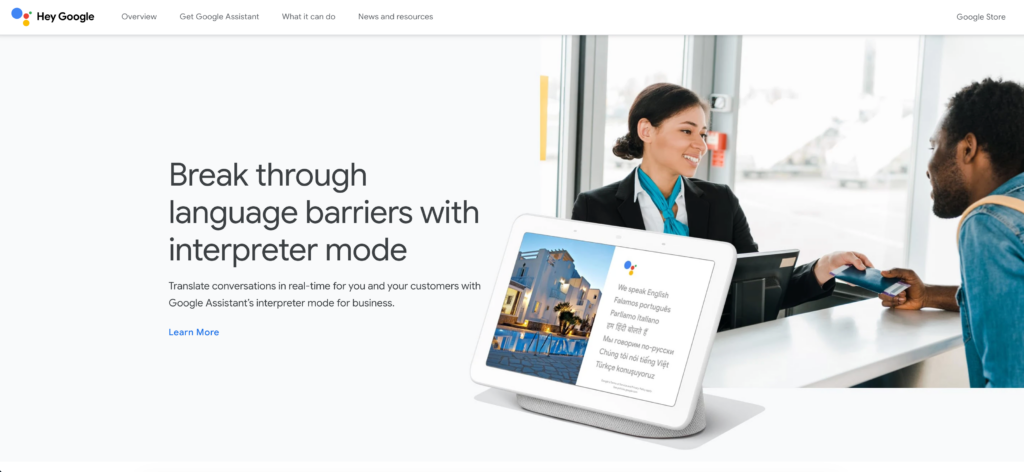
En iyisi: Tamamen ücretsiz, kendiliğinden gerçekleşen yüz yüze saha çevirileri.
G2 Derecelendirmesi: 4.6/5
Ücretsiz bir hizmeti değerlendirirken canlı çeviri uygulaması, Google Translate'in Tercüman Modu gerçek dünya için tasarlanmıştır. Akıllı telefonunuzu iki yönlü, iki dilli konuşmalar için bir köprüye dönüştürür.
Başlıca özellikler:
- Gemini Tarafından Tasarlanan Modeller: Karmaşık cümle yapılarını daha iyi işlemek için gelişmiş yapay zeka modellerinden yararlanır.
- Çevrimdışı Erişim: Dil paketlerini indirdikten sonra, seçili diller için çevrimdışı olarak mükemmel çalışır.
Karar: en iyi ücretsiz canlı çeviri uygulaması Günlük, hareket halindeyken yapılan etkileşimler için uygundur, ancak kurumsal video konferans araçlarıyla yerleşik entegrasyonu yoktur.
Mükemmel Canlı Çeviri Uygulamasını Nasıl Seçersiniz?
Bir tedarik sürecinin yönetimi canlı çeviri uygulaması Bu durum üç stratejik soruya indirgeniyor:
- Toplantı nerede gerçekleşiyor? Fiziksel bir toplantı odasında bulunuyorsanız, Microsoft Translator'ın grup kodlama özelliği mükemmeldir. Kritik öneme sahip sanal Zoom veya Teams görüşmeleri için Transync AI, eşsiz bağımsız istikrar sunar.
- Görünür şekilde kayıt yapan bir bot kabul edilebilir mi? Talo gibi araçlar, toplantı listesinde görünen botlar kullanır. Tamamen görünmez ve doğal bir iş akışı istiyorsanız, bağımsız uygulamalar gereklidir.
- İnsan gücüne dayalı yedekleme sistemine ihtiyacınız var mı? Bağlayıcı yasal sözleşmeleri görüşüyorsanız, Zoom'un yerleşik insan tercüme kanallarını kullanmak, tamamen yapay zekaya güvenmekten daha güvenlidir.
Çözüm
Dil bir köprü olmalı, bir darboğaz değil. 2026'da, yüksek standartlara sahip bir dile güvenmek... canlı çeviri uygulaması Küresel kurumsal operasyonlar için standarttır. DeepL Voice gibi araçlar yüz yüze mobil görüşmeler için mükemmel olsa ve Zoom insan eliyle yapılan tercüme için hayati önem taşısa da, Transync AI, günlük B2B sanal toplantıları için en üstün bağımsız çözüm olarak öne çıkıyor. Sıfır gecikmeli ses çıkışını akıllı toplantı notlarıyla birleştirerek, işletmeniz küresel stratejilerini kusursuz bir hassasiyetle uygulayabilir.
Yeni nesil bir deneyim istiyorsanız, Transync AI Konuşmaların doğal bir şekilde akmasını sağlayan gerçek zamanlı, yapay zeka destekli çeviriyle öncülük ediyor. ücretsiz deneyin Şimdi.