
Real-Time Translator for Teams Meetings
Why You Need a Real-Time Translator for Your Teams Meeting
You’re about to kick off an important Teams meeting with colleagues from around the world. Half of your team speaks English, while the other half speaks Vietnamese, Mandarin, or Spanish. Without proper communication, vital insights can get lost in translation. Misunderstandings can lead to poor decision-making and ineffective collaboration—exactly what you don’t need.
This is where a real-time translator steps in. Modern AI-driven solutions can provide immediate translation, bridging the language gap and ensuring every participant understands the conversation perfectly.
The Challenges of Real-Time Translation in Teams Meetings
Using a real-time translator comes with its own unique set of challenges. Here’s why clarity and speed are essential:
1. Language Barriers
Translating complex technical jargon or business terminology on the fly can be daunting. A misinterpretation could lead to costly errors.
2. Tonal Languages
For example, if you’re communicating with Vietnamese colleagues, it’s vital to accurately translate tonal nuances. Vietnamese uses six tones, making it challenging for untrained translators.
3. Cultural Nuances
Different cultures have different ways of expressing the same idea. Without proper context, translation may convey the wrong message.
4. Immediate Feedback
In a real-time setting, misunderstandings often occur. Rapid responses are needed to clarify and move the meeting forward.
5. Integration into Tools
Meeting platforms like Teams must integrate well with translation technology for seamless operation during discussions.
Modern Solutions: Top Real-Time Translators for Teams Meetings
Advancements in AI have resulted in generating a wide variety of translation tools that provide real-time support, offering professional-grade accuracy and instant speed. Below are five of the best tools suited for Teams meetings:
1. Transync AI – Your Best Real-Time Translator
What it is:
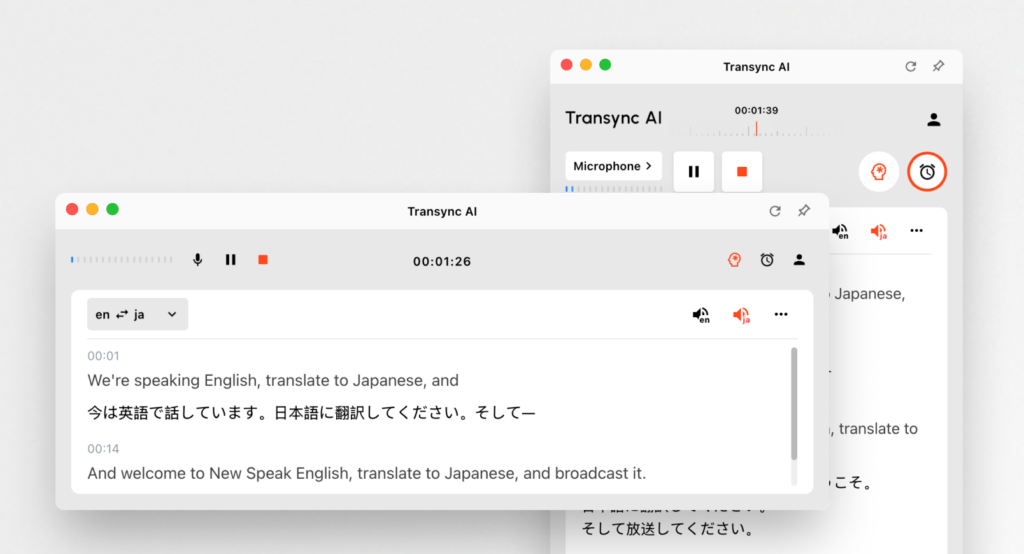
Enterprise-grade AI translation tool for real-time Teams communication with <100ms latency and 95%+ accuracy.
Core features:
- 95%+ accuracy for real-time translation (significantly better than generic solutions).
- <100ms latency, ensuring natural conversation flow.
- Support for 60 languages, including Vietnamese, Mandarin, and Spanish.
- Automatic language detection, so no manual adjustments are needed.
- Bilingual meeting notes generated automatically.
- Tonal processing for languages with tonal complexities.
How it works:
- Open the Transync AI app (web-based or mobile).
- Set your language pair—e.g., English to Vietnamese.
- Start your Teams meeting, and Transync AI handles the translation seamlessly.
🎥 Watch how to use Transync AI
Cost:
- Free: 40 minutes of real-time translation.
- Personal Premium: $8.99/month for 10 hours.
- Enterprise: $24.99 for up to 40 hours per month.
Best for: Teams meetings that require instant feedback and understanding, particularly in tech-savvy industries.
2. Wordly – The Consistent Terminology Specialist

What it is:
A professional translation platform featuring custom glossaries specifically designed for context-heavy industries.
Why it excels:
- Customizable glossary for specific terminology.
- 94% accuracy for translations.
- Optimized for tech, manufacturing, and other specialized domains.
Cost: Starting from $9.99/month with a free trial available.
3. Papago – Fast and User-Friendly
What it is:
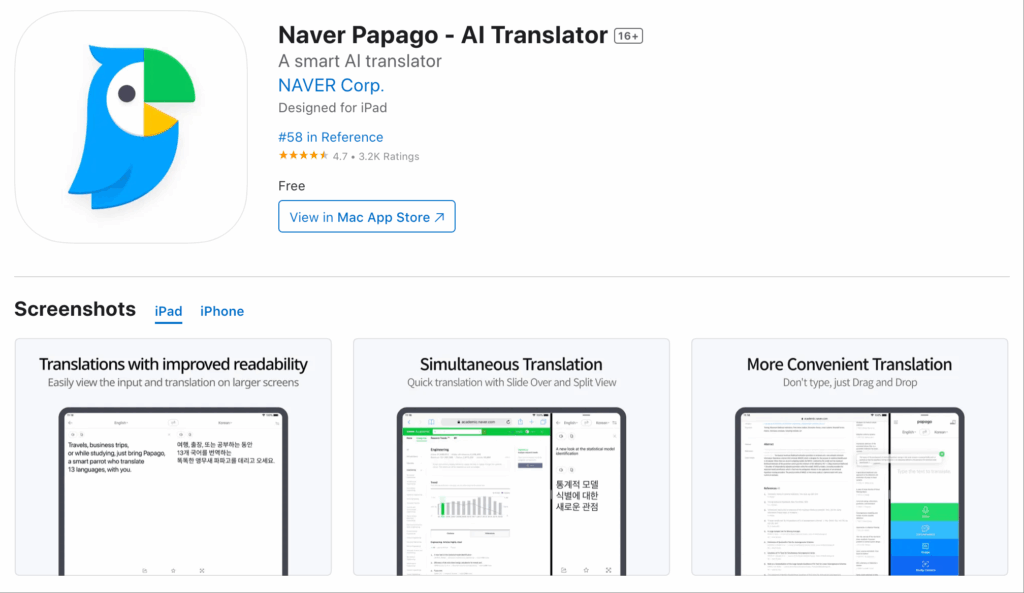
An AI translator developed by Naver, ideal for swift translations in Southeast Asian languages.
Key Features:
- 92% accuracy specifically for English to Vietnamese.
- Camera translation for signs and documents.
- Completely free services available.
Best for: Quick translations during casual meetings, travel, or general inquiries.
4. Wordvice AI – High-Stakes Accuracy for Translation Needs
What it is:
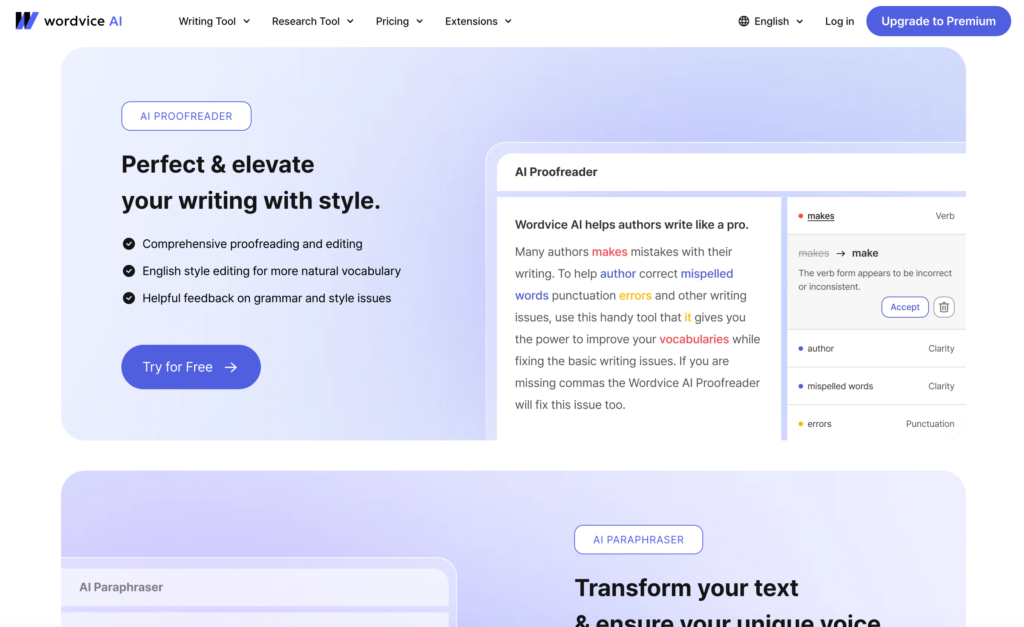
A specialized translation tool promising 96% accuracy, particularly useful for crucial documents.
Why it stands out:
- Accuracy guarantee with professional editing options.
- Excellent for documents needing precision, such as legal and technical manuals.
Cost: Pay-per-word or subscription-based pricing.
5. Otter.ai – Ideal for Meetings

What it is:
A meeting-focused translation tool providing automatic transcription and real-time translation.
Why it’s valuable:
- Automatically generates bilingual meeting notes.
- Real-time transcription at a speed of 92% accuracy.
Cost: $15-30/month for complete access.
Comparison Table: Best Real-Time Translators for Teams Meetings
| Tool | Accuracy | Latency | Tonal Support | Voice Quality | Real-Time Speech | Meeting Notes | Free Plan | Best For |
|---|---|---|---|---|---|---|---|---|
| Transync AI | 95%+ | <100ms | Yes (6 tones) | 9.1/10 | ✅ Yes | ✅ Auto | 40 min | Tech calls, manufacturing, e-commerce |
| Wordly | 94% | Instant | Full | 8.9/10 | ❌ No | ❌ No | Trial available | Consistent tech terminology across documents |
| Papago | 92% | 250-350ms | Limited | 8.8/10 | ✅ Yes | ❌ No | Completely free | Quick translation for casual use |
| Wordvice AI | 96% | 2-5 min | Full | N/A | ❌ No | ❌ No | Pay-per-word | Critical document translations |
| Otter.ai | 92% | Real-time | Limited | 8.7/10 | ✅ Yes | ✅ Auto | $15-30/month | Multilingual meetings, action item tracking |
Q&A Section: Common Questions About Real-Time Translators for Teams Meetings
Q1: What features should I look for in a real-time translator for Teams?
A: When selecting a real-time translator, consider features such as accuracy, latency, tonal support for languages, voice quality, and the ability to generate meeting notes automatically. These features will ensure clear communication during meetings and effective documentation of discussions.
Q2: Can I use these tools for meetings with multiple languages?
A: Yes! Most of these tools, such as Transync AI and Otter.ai, can handle multiple languages in the same meeting. They automatically detect the language being spoken and provide real-time translations for all participants.
Q3: How accurate are these translation tools compared to Google Translate?
A: Many of these tools offer higher accuracy rates than Google Translate, with Transync AI achieving 95%+ accuracy while Google Translate generally only achieves about 83% for English-Vietnamese translations.
Q4: Is there a cost associated with using these translation tools?
A: Yes, while tools like Papago offer completely free services, others such as Transync AI and Otter.ai have subscription models or pay-per-use options. It’s important to choose a tool that fits your budget and translation needs.
Q5: How do I set up a real-time translator for my Teams meeting?
A: To set up a real-time translator, you typically need to sign up for the service, select your desired language pair, and integrate it with your Teams meeting. Most tools, such as Transync AI, offer a quick setup process that can be completed in under five minutes.
Conclusion: Seamless Communication Is Within Reach
Using a real-time translator can significantly improve the efficiency and effectiveness of your Teams meetings, enabling every participant to engage fully regardless of their native language.
Choosing the right tool depends on your specific needs—whether that’s instant translation, high accuracy, or specific industry terminology. By leveraging modern AI-driven translation solutions like Transync AI, you can eliminate language barriers and ensure seamless communication across your entire team.
Next Steps:
- Identify your translation needs for the upcoming Teams meeting.
- Choose your tool from the list provided.
- Set it up in under 5 minutes and prepare to experience seamless translation during your meeting.
Empower your team to communicate effectively in any language, enhancing collaboration and driving success across borders. 🌍
If you want a next-generation experience, Transync AI leads the way with real-time, AI-powered translation that keeps conversations flowing naturally. You can try it free now.

