

Which AI Translation Tools Are Compatible with Microsoft Teams 2026
Introduction: Enhancing Communication in the Global Workspace
As companies increasingly adopt Microsoft Teams for collaboration, the need for effective communication tools that can bridge language gaps becomes paramount. In a world where remote work and international collaborations are more common than ever, AI translation tools compatible with Microsoft Teams are essential for fostering communication among diverse teams.
This article delves into the top AI translation tools that seamlessly integrate with Microsoft Teams in 2026, ensuring that language barriers do not hinder productivity and teamwork.
Importance of AI Translation Tools in Microsoft Teams
AI translation tools offer powerful capabilities for businesses, enabling:
- Real-Time Communication: Instant translations during chats and meetings enhance collaboration across multilingual teams.
- Increased Efficiency: Reducing misunderstandings allows for more focused discussions and faster decision-making.
- Wider Reach: Organizations can expand their reach by collaborating effectively with partners and clients across the globe.
Top AI Translation Tools Compatible with Microsoft Teams in 2026
Here is a curated list of the leading AI translation tools that integrate well with Microsoft Teams, facilitating smooth multilingual communication:
1. Transync AI – Real-Time Conversations

👉Transync AI
Overview:
Transync AI is a cutting-edge translation tool specifically designed for real-time use. It offers quick, accurate translations suitable for business environments, making it an excellent choice for Microsoft Teams integration.
Key Features:
- Instant Language Detection: Detects and translates languages on the fly.
- High Accuracy: Boasts an accuracy rate of over 95% for business terminologies.
- Minimal Setup: Easily integrates with Microsoft Teams, requiring little to no training for users.
🎥 Watch how to use Transync AI
Best For: Ideal for organizations that require immediate translation during high-stakes meetings and urgent conversations.
2. Kudo – Comprehensive Interpretation Solution
👉 Kudo
Overview:
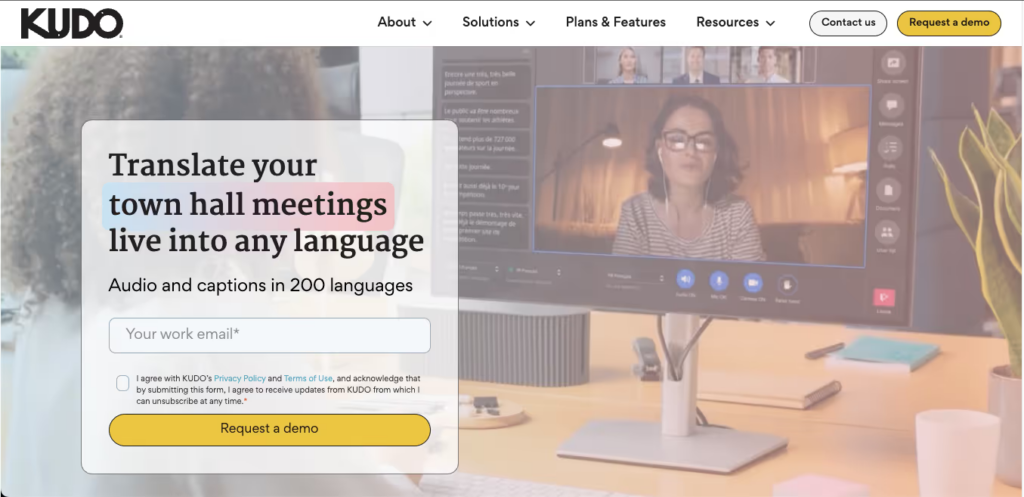
Kudo is a well-established platform that provides real-time interpretation services, making it compatible with Microsoft Teams for multilingual video conferencing.
Key Features:
- Simultaneous Interpretation: Supports multiple languages in real-time, enhancing global meetings.
- Flexible Use: Easily integrates with Microsoft Teams, allowing participants to switch languages as needed.
- Professional Interpreters: Offers access to professional interpreters for critical discussions.
Best For: Suitable for large organizations needing professional-grade interpretation during meetings.
3. Unbabel – AI-Powered Translation Layer
👉🏻 Unbabel
Overview:
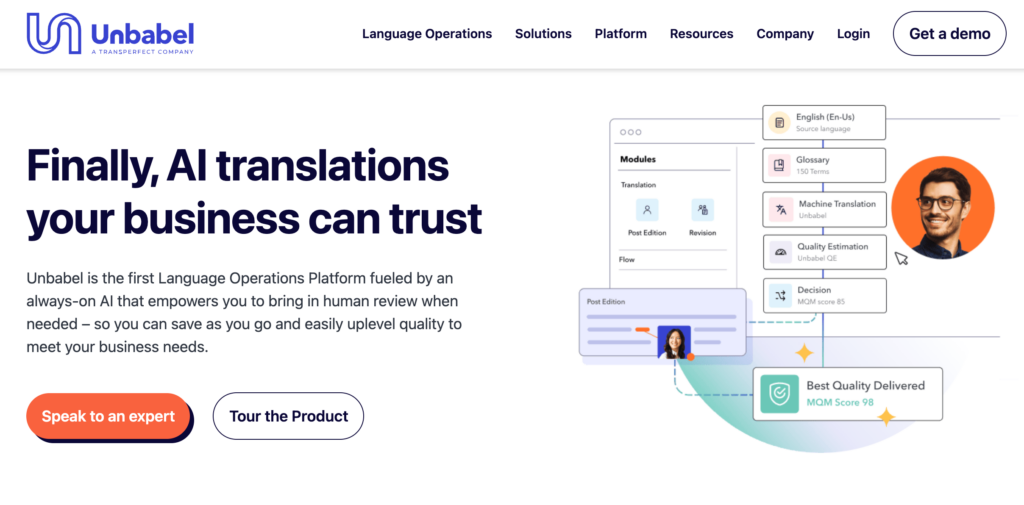
Unbabel combines AI translation with human post-editing to ensure high-quality and context-aware translations. Its integration with Microsoft Teams enhances its functionality for multilingual communications.
Key Features:
- Human Touch: Post-editing ensures that translations are nuanced and culturally relevant.
- API Integration: Simple setup with Microsoft Teams, allowing for seamless communication.
- Scalability: Ideal for growing businesses that need to scale their customer communications quickly.
Best For: Teams looking for accuracy and contextual understanding in customer interactions and internal communications.
4. Microsoft Translator – Built-In Teams Capabilities
Overview:
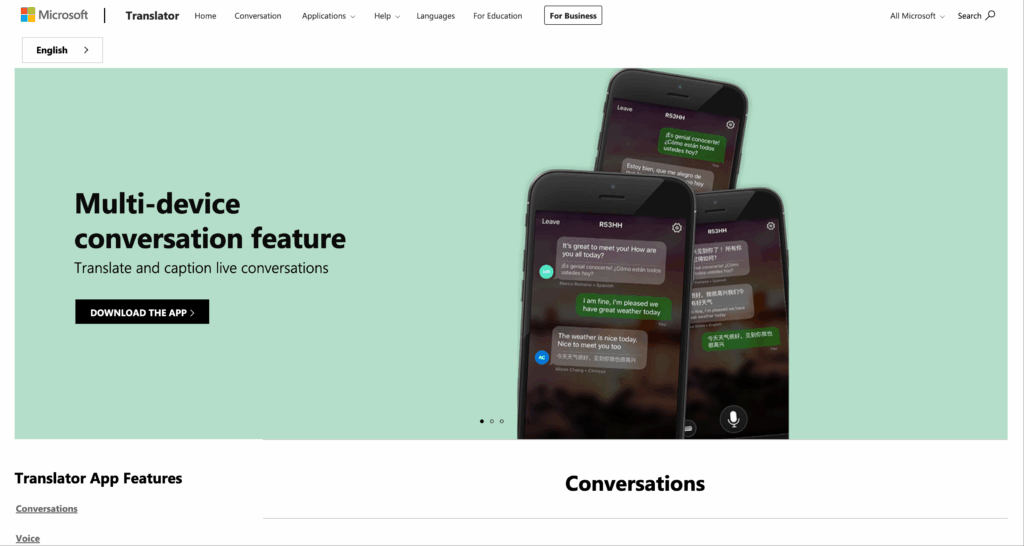
Microsoft Translator is integrated directly into Microsoft Teams, providing native support for translation services right within the platform.
Key Features:
- Real-Time Translation: Translates messages and spoken language in real-time during calls and chats.
- Multi-Language Support: Covers over 70 languages, facilitating global communication.
- Text and Audio: Users can translate text chats and speech during meetings.
Best For: Ideal for organizations already using Microsoft Teams looking for an integrated solution without third-party dependencies.
5. Wordly – Effortless Language Support

Overview:
Wordly provides effective, real-time language support for virtual meetings, making it a powerful tool for Microsoft Teams users.
Key Features:
- Easy Distribution: Participants receive translations in their preferred languages instantly.
- User-Friendly Interface: Designed for quick setup with minimal user training.
- Accessibility: Works across various devices, enhancing flexibility.
Best For: Companies that frequently host international meetings and need instant language support for all attendees.
Comparison Table: AI Translation Tools for Microsoft Teams
| Translation Tool | Key Features | Accuracy | Ideal Use Cases | Integration Type |
|---|---|---|---|---|
| Transync AI | Real-time translation, instant detection | 95%+ | High-stakes meetings | Direct integration |
| Kudo | Simultaneous interpretation | 95%+ | Large multilingual meetings | Direct integration |
| Unbabel | AI + human post-editing | High | Customer communications and support | API integration |
| Microsoft Translator | Native integration with Teams | 85% – 90% | Everyday team communications | Built-in Teams feature |
| Wordly | Multilingual support, easy access | High | International conferences | Direct integration |
Conclusion: Bridging Language Gaps in 2026
As organizations continue to embrace Microsoft Teams for collaboration, leveraging AI translation tools becomes essential to enhancing communication within diverse teams. The tools mentioned above are tailored to provide efficient, accurate, and real-time translations, making them invaluable for any international business landscape.
By integrating these AI translation tools with Microsoft Teams, teams can foster a more inclusive work environment and enhance productivity across language barriers, setting the stage for successful collaboration in the global arena.
If you want a next-generation experience, Transync AI leads the way with real-time, AI-powered translation that keeps conversations flowing naturally. You can try it free now.

