

ซอฟต์แวร์แปลภาษาที่ไม่ต้องใช้การฝึกอบรม สำหรับการประชุมทางธุรกิจ
Why You Need Translation Software for Business Meetings
In today’s globalized environment, it is common to have virtual business meetings with participants from diverse linguistic backgrounds. Effective communication is crucial for success, yet language barriers can lead to misunderstandings and lost opportunities. Translation software has emerged as a vital tool that enables seamless communication, and the best part is, some advanced solutions require no training to use.
Imagine this: You initiate a critical meeting with clients or colleagues from different countries, and everyone understands each other perfectly without lengthy training sessions or complicated setups. This scenario is not just a dream; it’s now a reality with state-of-the-art translation software designed for business environments.
Challenges with Traditional Translation Tools
While traditional translation tools can assist, they often come with limitations, such as:
- Steep Learning Curve: Many tools require extensive training to utilize their full potential, making them impractical for busy professionals.
- Complex Interfaces: Users can struggle with the complicated navigation of features and settings, which can be frustrating during time-sensitive meetings.
- Low Accuracy Rates: Generic translation tools often struggle with industry-specific terminology and context, leading to potential miscommunication.
The Economic and Operational Benefits of Using Translation Software
Investing in user-friendly translation software unlocks many benefits:
- Improved Efficiency: Saves time by enabling instant communication with minimal setup, ensuring meetings can proceed without delays.
- Greater Inclusion: Allows all meeting participants, regardless of language proficiency, to contribute effectively, promoting diverse viewpoints and ideas.
- Cost Savings: Reduces the need for professional interpreters, which can be costly and require advance booking.
- Enhanced Collaboration: Facilitates smoother communication, making it easier to build relationships with international partners and clients.
Top Translation Software That Requires No Training
Here are five leading translation software options that are easy to use and require no prior experience or training, perfect for business meetings:
1. Transync AI – The Ultimate Translation Software

👉ทรานซิงค์ เอไอ
What It Is:
Transync AI is a powerful translation software designed for real-time communication with minimal latency and high accuracy.
คุณสมบัติหลัก:
- User-Friendly Interface: Simple setup in under 5 minutes.
- 95%+ Accuracy: Far surpasses traditional options.
- <100ms Latency: Immediate translation ensures natural conversation flow.
- การตรวจจับภาษาอัตโนมัติ: No need for manual switching.
- Bilingual Meeting Notes: Automatically generated notes provide documentation.
- Integration with Major Platforms: Works seamlessly with Zoom, Teams, and Google Meet.
เหมาะสำหรับ: All business meetings requiring instant comprehension and support for multiple languages.
2. Wordly – Consistency At Its Best

What It Is:
Wordly excels in providing consistent translations with customized glossaries for specific industries.
คุณสมบัติหลัก:
- Custom Terminology: Ensures that industry-specific terms are accurately translated.
- 94% Accuracy: Reliable for technical documents and meetings.
- แปลทันที: No training required for users; simply input the document or text.
เหมาะสำหรับ: Companies seeking consistency across technical communications.
3. Papago – Speedy and Convenient
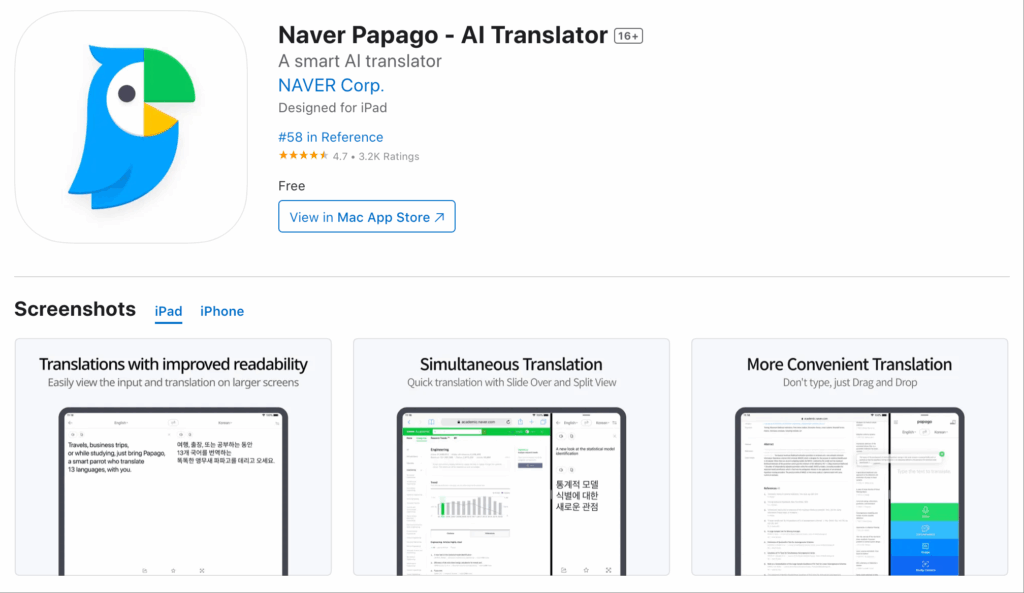
What It Is:
Papago by Naver is an effective translation software that offers rapid translations for various Southeast Asian languages.
คุณสมบัติหลัก:
- 92% Accuracy: Competitive performance for conversational translation.
- Camera Functionality: Translate written text using your camera.
- Free Access: Unlimited translations without extra costs.
เหมาะสำหรับ: Casual users or quick translations during meetings.
4. Otter.ai – Perfect for Meeting Transcriptions

What It Is:
Focused on meeting and transcription needs, Otter.ai offers real-time transcription and translation features.
คุณสมบัติหลัก:
- Automatic Transcription: Capture dialogue in real time.
- การบูรณาการแบบไร้รอยต่อ: Works within popular virtual meeting platforms.
- 92% Accuracy: Reliable for conversations during meetings.
เหมาะสำหรับ: Teams that wish to document meetings accurately and quickly.
5. Google Translate – The Free Basic Option
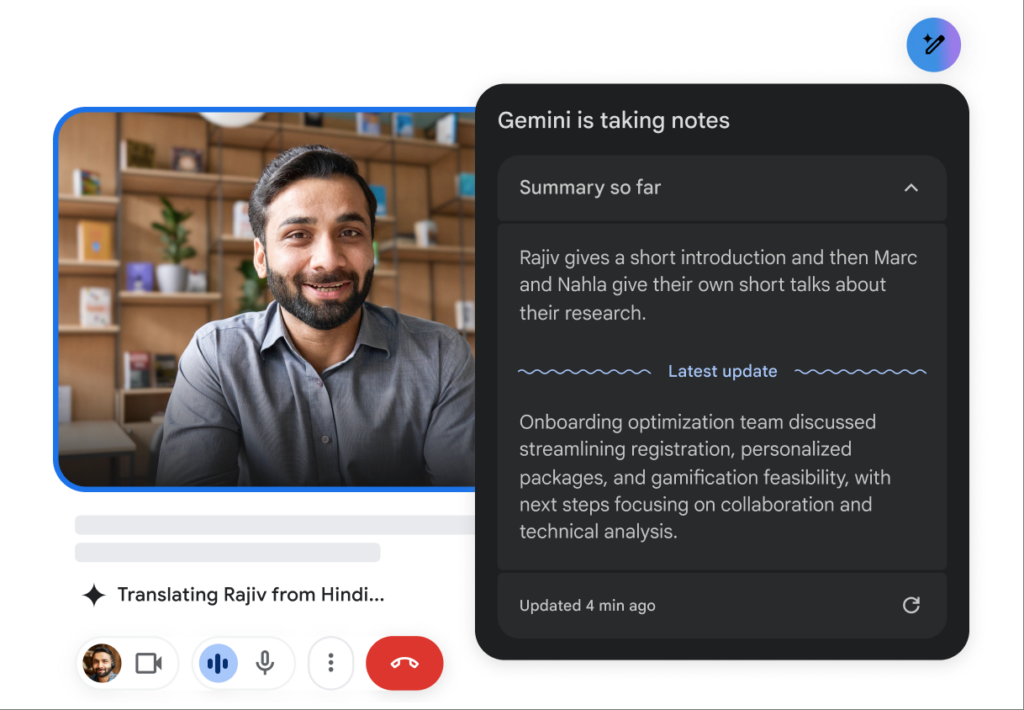
What It Is:
Google Translate, while not specialized, is widely used due to its accessibility and familiarity.
คุณสมบัติหลัก:
- การเข้าถึง: Available on web and mobile devices.
- Basic Translation: Works for text and speech, requiring no training.
เหมาะสำหรับ: Simple and informal communications without expectations of high accuracy.
Comparison Table: Best Translation Software That Requires No Training
| เครื่องมือ | ความแม่นยำ | ความหน่วงเวลา | User-Friendliness | การบูรณาการ | ดีที่สุดสำหรับ | Free Plan |
|---|---|---|---|---|---|---|
| ทรานซิงค์ เอไอ | 95%+ | <100 มิลลิวินาที | Very easy | ซูม, ทีม, พบปะ | การประชุมหลายภาษาแบบเรียลไทม์ | 40 นาที |
| โลกแห่งโลก | 94% | ทันที | User-friendly | Customizable | Consistent technical translations | Trial available |
| ปาปาโก | 92% | 250-350 มิลลิวินาที | Simple and intuitive | Web & mobile | Quick translation for casual use | ฟรีโดยสมบูรณ์ |
| ออตเตอร์.เอไอ | 92% | แบบเรียลไทม์ | Very straightforward | Zoom, Teams | Automatic meeting transcriptions | $15-30/เดือน |
| Google แปล | 83% | 300 มิลลิวินาทีขึ้นไป | Basic and widely used | Web & mobile | General translations without specialization | ฟรี |
Q&A Section: Common Questions About Translation Software for Business Meetings
Q1: What features should I look for in translation software for business meetings?
ก: Key features to consider include high accuracy, low latency for real-time translation, easy-to-use interfaces, and seamless integration with virtual meeting platforms like Zoom and Teams. Additionally, automatic language detection and the ability to generate meeting notes can enhance communication.
Q2: Is training required to use these translation tools?
ก: No, the tools mentioned in this article are designed to be user-friendly and require no formal training. Users can start using them immediately with minimal setup.
Q3: Can these tools handle multiple languages in one meeting?
ก: Yes, many of these tools, like Transync AI and Otter.ai, can simultaneously provide translations for multiple languages, allowing participants to engage fully regardless of their native language.
Q4: How does the accuracy of these translation tools compare to human translators?
ก: While human translators often achieve higher accuracy (99%+), many modern translation software tools, such as Transync AI and Wordly, now provide 90%+ accuracy, making them suitable for most business communications where precision is necessary.
Q5: Are there costs associated with using these translation tools?
ก: Many of the tools offer free plans or trials, while others have subscription options. For instance, Transync AI provides 40 minutes of free translation, while Otter.ai has a monthly charge for premium features.
Q6: How do I set up the translation software for my next business meeting?
ก: To set up the translation software, simply sign up or log in to the respective tool, select your language settings, and integrate it with your meeting platform. Most processes take fewer than five minutes and require no specialist knowledge.
Key Takeaways: Choosing the Right Translation Software
Selecting the right ซอฟต์แวร์แปลภาษา involves understanding your specific needs. Whether you need high accuracy for critical discussions or simple, quick translations for casual conversations, there’s a tool for you.
- Evaluate Your Needs: Identify whether you need formal translations for legal documents or instant communicative translations during meetings.
- Test Usability: Choose platforms that require no training, allowing immediate deployment.
- Consider Features: Look for tools that offer automatic language detection, integration capabilities, and accurate meeting documentation.
Conclusion: Seamless Communication Awaits
The journey from language barriers to seamless communication is achievable with the right translation software. Choose tools that eliminate the need for user training, provide real-time translations, and enhance the quality of your business communications today.
With modern solutions at your fingertips, preparing for your next business meeting should be straightforward, efficient, and incomparably effective.
หากคุณต้องการประสบการณ์รุ่นถัดไป ทรานซิงค์ เอไอ นำทางด้วยการแปลแบบเรียลไทม์ที่ขับเคลื่อนด้วย AI ซึ่งช่วยให้การสนทนาไหลลื่นอย่างเป็นธรรมชาติ คุณสามารถ ทดลองใช้ฟรี ตอนนี้.

