
If you have ever tried to actively participate in a fast-paced meeting while frantically typing notes, you know it is a recipe for missed details. In 2026, the era of manual note-taking is officially over. Today’s advanced live transcription apps not only convert speech to text in real time but also translate languages, summarize key points, and identify different speakers automatically.
With a market projected to reach 24,6 miliarda dolarów do 2034 roku, dozens of tools claim to offer 99% accuracy. However, not all live transcription apps are created equal. We have analyzed and reviewed the top 10 software solutions available this year to help you find the perfect match for your business meetings, interviews, and daily dictation workflows.
What to Look for in Live Transcription Apps?
Before diving into the list, it is crucial to understand what separates basic dictation tools from professional live transcription apps:
- Live Meeting Compatibility: You need software that works alongside your video conferencing platforms without requiring you to install buggy third-party plugins.
- Transcription Accuracy: Top-tier live transcription apps now rely on advanced deep learning (such as HiFi-GAN neural models) to capture context, filter out filler words, and achieve 95%+ accuracy even in noisy environments.
- Privacy and Data Security: Ensure the tool explicitly states whether your audio is processed locally or in the cloud, and whether your data is used to train public AI models.
Top 10 Live Transcription Apps Compared
Here is a quick overview of the 10 best live transcription apps on the market, categorized by their standout features and ideal use cases.
| Oprogramowanie | Wyróżniająca się cecha | Zgodność ze spotkaniami na żywo | Najlepszy dla |
| Transync AI | Podwójny ekran i prawie zerowe opóźnienie | ✅ Zoom, Teams, Meet | Global multilingual business meetings |
| Maestra AI | All-in-one subtitles & translation | ✅ Zoom, Teams | Webinars and educational broadcasts |
| Otter.ai | AI summaries & team collaboration | ✅ Auto-joins via bot | Internal English-speaking team calls |
| WisprFlow | Professional voice dictation | ❌ System-wide typing | Hands-free typing for professionals |
| Granola | Invisible bot meeting capture | ✅ Bot-free recording | Privacy-focused corporate meetings |
| Świetliki.ai | Unlimited free transcription minutes | ✅ Zoom, Teams | Sales teams needing deep CRM data |
| Opisz | Edit audio via text transcript | ❌ Upload & Live Studio | Podcasters and video content creators |
| Good Tape | 100% confidential audio processing | ❌ Upload only | Investigative journalists and reporters |
| Viska | On-device mobile processing | ❌ Tylko na urządzeniach mobilnych | Highly secure offline conversations |
| Google Scribe | Free real-time accessibility | ❌ Tylko dialog mobilny | Deaf and hard-of-hearing assistance |
1. Transync AI
Najlepiej dla: Global enterprises requiring zero-latency, highly accurate multilingual meeting transcription.
Ocena G2: N/A (Wschodzący lider)
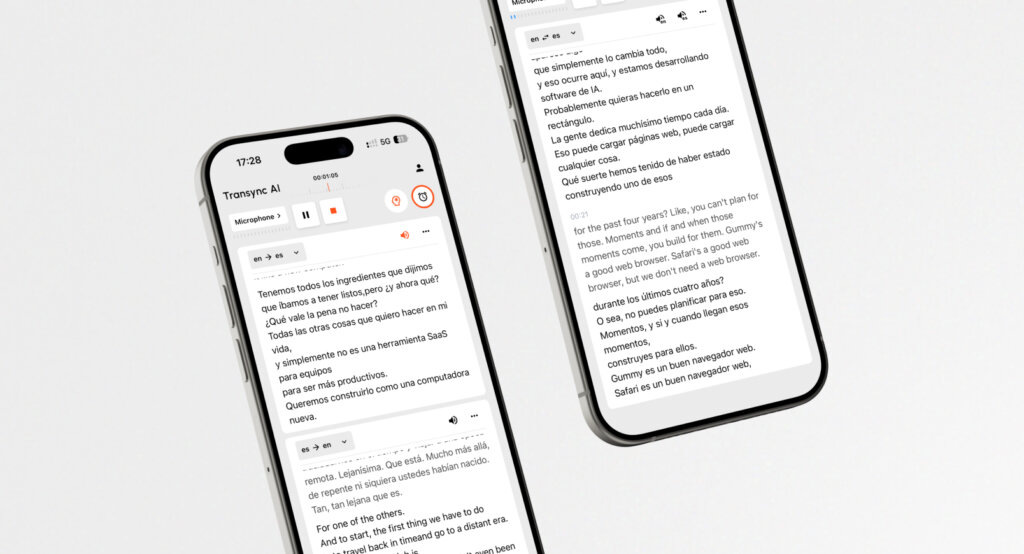
Among all the premium live transcription apps, Transync AI is an exceptionally powerful standalone application powered by an end-to-end speech large model. For professionals who manage cross-border communications, this tool delivers near-zero latency dual-screen transcription and translation without the friction of unreliable third-party extensions.
👉🏻Transync AI
Najważniejsze cechy:
- Natychmiastowe przetwarzanie: Delivers flawless Tłumaczenie w czasie rzeczywistym AI by instantly detecting spoken languages. Check the full list of Obsługiwane języki w sieci.
- Zgodność ze spotkaniami: Operating entirely as a standalone app, it provides perfect Tłumaczenie spotkań na żywo z wykorzystaniem sztucznej inteligencji dla platform Zoom, Teams i Google Meet directly alongside your calls.
- Inteligentne podsumowania: Automatically generates Notatki ze spotkania AI to capture action items efficiently.
- Natural Audio Generation: Acts as a top-tier Tłumacz głosowy AI, generating natural human-like voice broadcasts.
- Dokładność kontekstowa: Użyj Asystent AI Słowa kluczowe Kontekst to pre-define industry jargon to guarantee 95%+ accuracy.
Zalety:
- Truly independent software that will never crash your Zoom or Teams sessions.
- Extremely strict data privacy rules (your data is never used for AI training); review their Raport zgodności for details.
- Możesz łatwo Zobacz, jak Transync AI sprawdza się wyjątkowo dobrze w różnych przypadkach użycia.
Wady:
- Text translation via copying and pasting into the app is not supported.
Wycena: Features a 40-minute free trial upon sign-up. Flexible Wycena od $8.99/miesiąc.
Ostateczny werdykt: Read the Szybki start guide to deploy the best experience among modern live transcription apps. For large organizations, check out the Przedsiębiorstwo tier and the Przewodnik po przedsiębiorstwach.
2. Maestra AI
Najlepiej dla: All-in-one live transcription, translation, and webinar captioning.
Ocena G2: 4.8/5
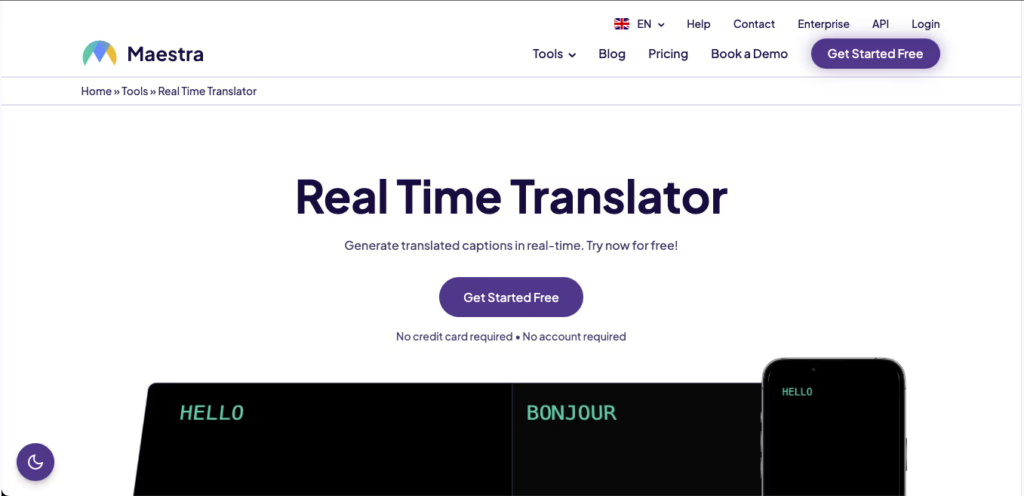
Compared to other live transcription apps, Maestra AI acts as a web-based powerhouse for content creators and educators. It gathers transcription, translation, and live captioning into a single interface, making it exceptionally easy to host diverse audiences without downloading extra software.
👉🏻 Maestra AI
Najważniejsze cechy:
- Live Captioning: Generates real-time meeting notes while displaying captions in both the original and translated languages.
- Post-Production: Allows users to edit sessions, generate subtitles, and export voiceovers from the same dashboard.
Zalety:
- Browser-based interface requires zero installation.
- Supports over 125 languages seamlessly.
Wady:
- Advanced export features require premium paid plans.
Wycena: Free limited trial available. Paid plans start at $39 per month billed annually.
Ostateczny werdykt: If you are hosting public webinars or managing post-production video subtitles, Maestra is one of the most polished live transcription apps dostępny.
3. Otter.ai

Najlepiej dla: Automated team collaboration and internal English meeting notes.
Ocena G2: 4.4/5
Otter.ai is widely recognized among live transcription apps for its convenience. By automatically joining your calendar events as a bot, it acts as a passive participant that captures, transcribes, and summarizes business discussions.
👉🏻Sztuczna inteligencja wydry
Najważniejsze cechy:
- OtterPilot: Joins Zoom, Google Meet, and Teams calls automatically to record audio and write notes.
- AI Chat: Participants can ask the Otter AI questions during the meeting, such as “What was the last data point mentioned?”.
Zalety:
- Incredible “set and forget” automation.
- Powerful cross-meeting search functionality for team workspaces.
Wady:
- The visible bot joining meetings can feel intrusive to external clients.
Wycena: Free plan gives 300 minutes/month. Pro plans start at $8.33/user/month.
Ostateczny werdykt: For internal corporate teams looking for automated English transcripts, Otter remains an industry standard among live transcription apps.
4. WisprFlow
Najlepiej dla: Professional system-wide dictation for doctors, lawyers, and engineers.
Ocena G2: 4.7/5
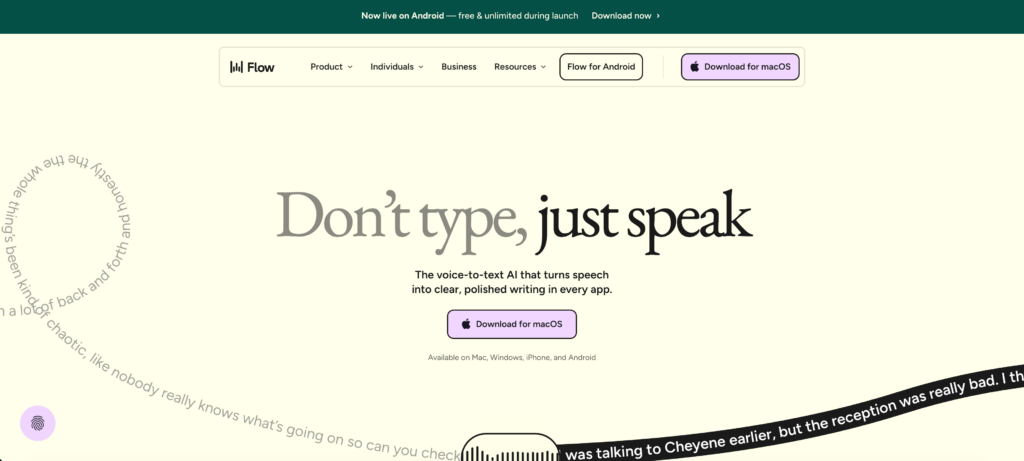
While many live transcription apps focus on video meetings, WisprFlow is a system-wide voice-to-text layer. It is built specifically for professionals who need to draft emails, clinical notes, or legal briefs hands-free with extreme precision.
👉🏻 Wispr Flow
Najważniejsze cechy:
- Contextual Dictation: Uses AI to remove filler words and adjust text formatting based on the specific app you are typing in.
- Wysoka dokładność: Frequently tested at around 97% accuracy for complex business and medical vocabulary.
Zalety:
- Works universally across any application on your computer.
- Drastically reduces manual typing for long-form documents.
Wady:
- Not designed to record or transcribe multi-speaker meetings.
Wycena: Starts around $15/month following a 14-day free trial.
Ostateczny werdykt: If your goal is dictation rather than meeting capture, WisprFlow will fundamentally speed up your daily writing.
5. Granola
Najlepiej dla: Bot-free, invisible meeting documentation for privacy-conscious teams.
Ocena G2: 4.8/5
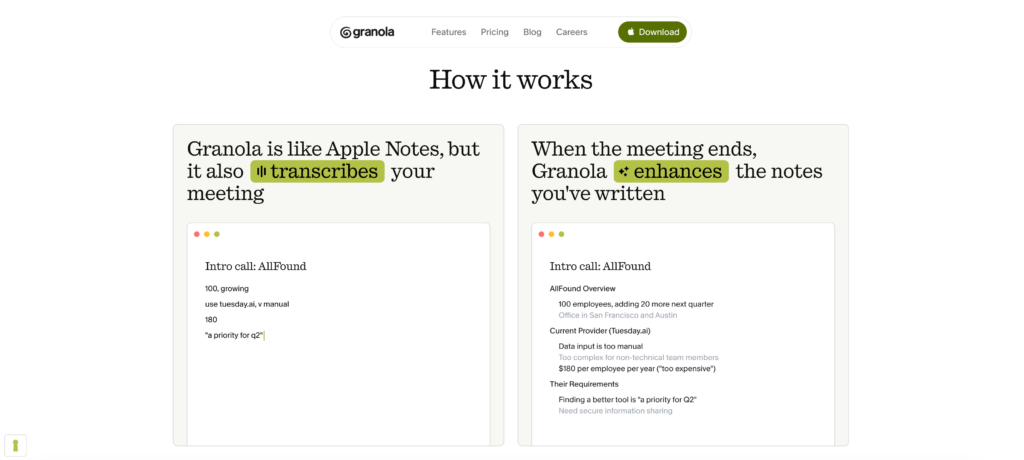
For professionals tired of “Recording Bot has joined the meeting” notifications, Granola offers a discreet solution in the crowded space of live transcription apps. It captures meeting audio privately on your device and expands your rough bullet points into polished notes.
👉🏻 Granola
Najważniejsze cechy:
- Invisible Capture: Records audio directly from your system without alerting or showing up in the participant list.
- Smart Expansion: You type quick thoughts during the call, and the AI fleshes them out into comprehensive summaries.
Zalety:
- Highly natural meeting environment with zero bot-awkwardness.
- Allows you to create custom templates for recurring meeting types.
Wady:
- Does not provide a full verbatim transcript or audio playback.
Wycena: Free basic tier available. Paid business plans at $14/user/month.
Ostateczny werdykt: Granola is one of the best live transcription apps for executives who want clean AI notes without making clients feel formally recorded.
6. Fireflies.ai
Najlepiej dla: Sales teams needing deep CRM integration and conversation analytics.
Ocena G2: 4.7/5
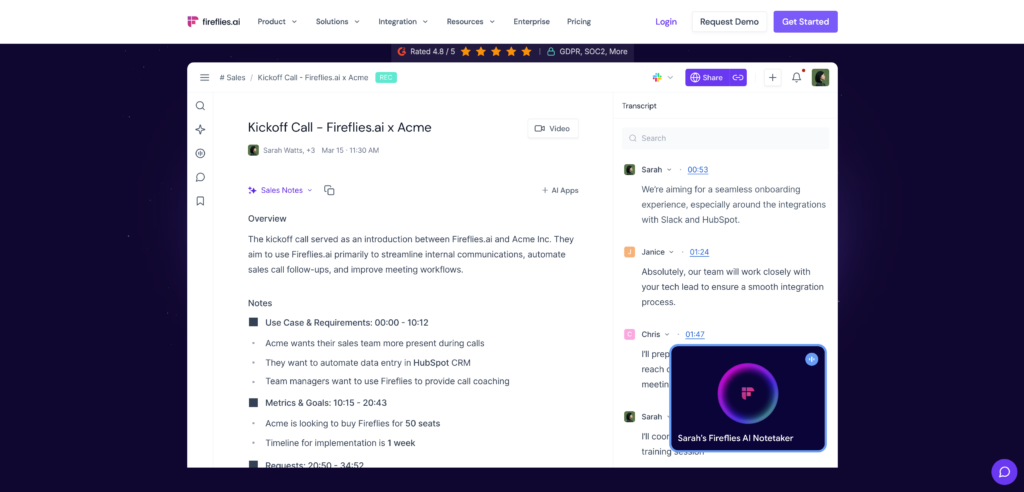
Fireflies acts as a searchable database for your entire company’s voice data. When evaluating live transcription apps, it stands out for sales and project management teams who need to track insights across thousands of hours of meetings.
👉🏻 Świetliki.ai
Najważniejsze cechy:
- AskFred Assistant: An AI that acts as an analyst, answering specific questions about past meetings.
- Deep Integrations: Automatically pushes transcripts and insights directly into CRMs like Salesforce and HubSpot.
Zalety:
- Offers unlimited transcription minutes on its free tier.
- Powerful sentiment and conversation analytics.
Wady:
- Uses a visible meeting bot, similar to Otter.
Wycena: Free tier available. Paid plans start at $10/seat/month.
Ostateczny werdykt: For revenue teams handling high volumes of calls, Fireflies provides unmatched organizational intelligence among live transcription apps.
7. Descript
Najlepiej dla: Podcasters and video creators needing to edit media via text.
Ocena G2: 4.6/5
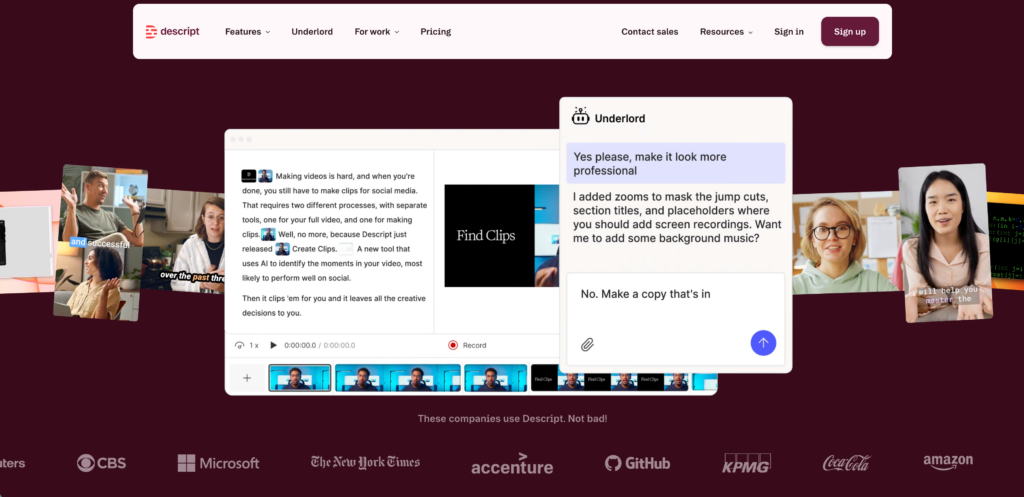
W przeciwieństwie do tradycyjnych live transcription apps, Descript flips the editing script. Instead of cutting audio on a timeline, you upload your file, Descript transcribes it, and you simply delete the text you don’t want—which automatically cuts the audio or video track to match.
👉🏻 Opisz
Najważniejsze cechy:
- Text-Based Video Editing: Edit media as easily as editing a Word document.
- Overdub: Allows you to fix audio mistakes by typing new words that the AI synthesizes in your voice.
Zalety:
- Revolutionary workflow for content creators.
- Automatically removes filler words (like “um” and “uh”) with one click.
Wady:
- Primarily an upload-based studio tool, not a live online meeting recorder.
Wycena: Free basic plan. Creator plans start at $24/month.
Ostateczny werdykt: If your end goal is producing a polished podcast or YouTube video, Descript is absolutely essential.
8. Good Tape
Najlepiej dla: Investigative journalists and reporters requiring 100% data confidentiality.
Ocena G2: 4.8/5
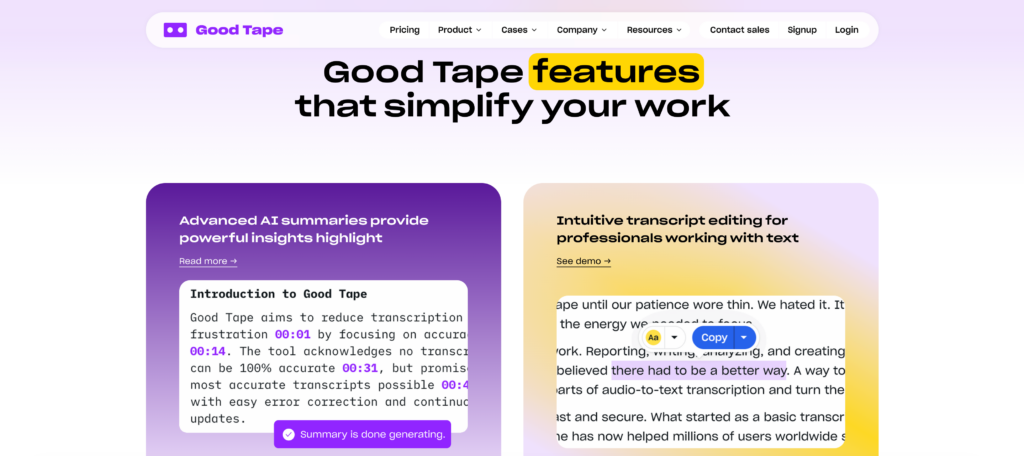
Security is a major concern with live transcription apps. Built by journalists at a Danish newsroom, Good Tape guarantees that the AI never trains on user data. It is designed specifically for reporters handling sensitive sources who need strict confidentiality.
👉🏻 Good Tape
Najważniejsze cechy:
- No-Training Guarantee: Explicitly promises that your audio files are processed securely and discarded, never used to improve their AI models.
- High Interview Accuracy: Excels at transcribing one-on-one interviews with heavy background noise.
Zalety:
- The safest cloud option for highly sensitive, embargoed information.
Wady:
- Not a real-time tool; you must upload your recordings after the interview.
Wycena: Free tier available. Professional plans offer faster processing times.
Ostateczny werdykt: For reporters and legal professionals where data leaks are unacceptable, Good Tape is the most trustworthy transcription service.
9. Viska
Najlepiej dla: 100% on-device mobile privacy and offline transcription.
Ocena G2: 4.3/5
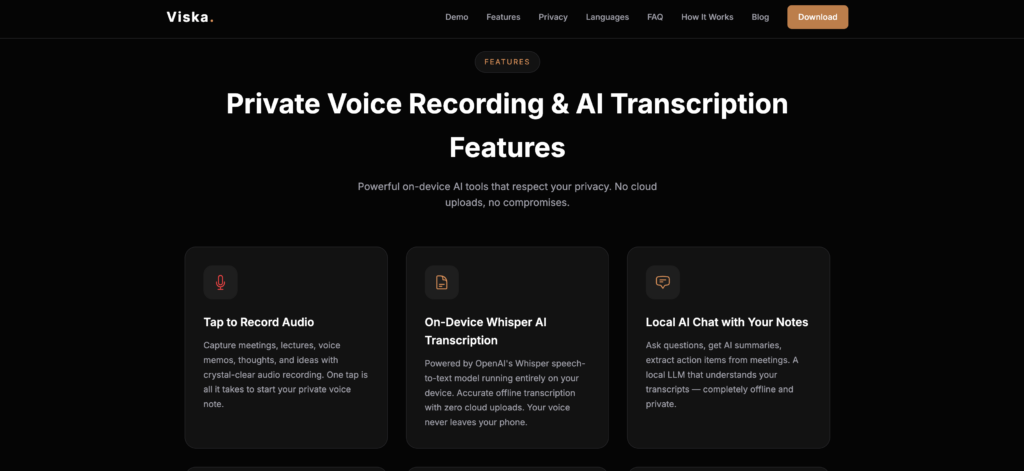
When testing mobile live transcription apps, Viska stands out because it processes all audio strictly on your smartphone. Nothing reaches the cloud, making it the ultimate tool for offline environments or highly classified conversations.
👉🏻 Viska
Najważniejsze cechy:
- Local Processing: Relies entirely on your phone’s hardware to generate text.
- Tryb offline: Works flawlessly even in airplane mode or deep inside concrete buildings.
Zalety:
- Maximum possible privacy; zero data leaves your device.
- Perfect for traveling in areas with no internet connection.
Wady:
- Because it relies on mobile chips, accuracy can lag slightly behind massive cloud-based models.
Wycena: Free tier with optional paid upgrades.
Ostateczny werdykt: If you need transcription in a remote location or for a strictly off-the-record briefing, Viska’s on-device processing is unmatched.
10. Google Live Transcribe
Najlepiej dla: Free, real-time accessibility for the deaf and hard-of-hearing.
Ocena G2: 4.8/5
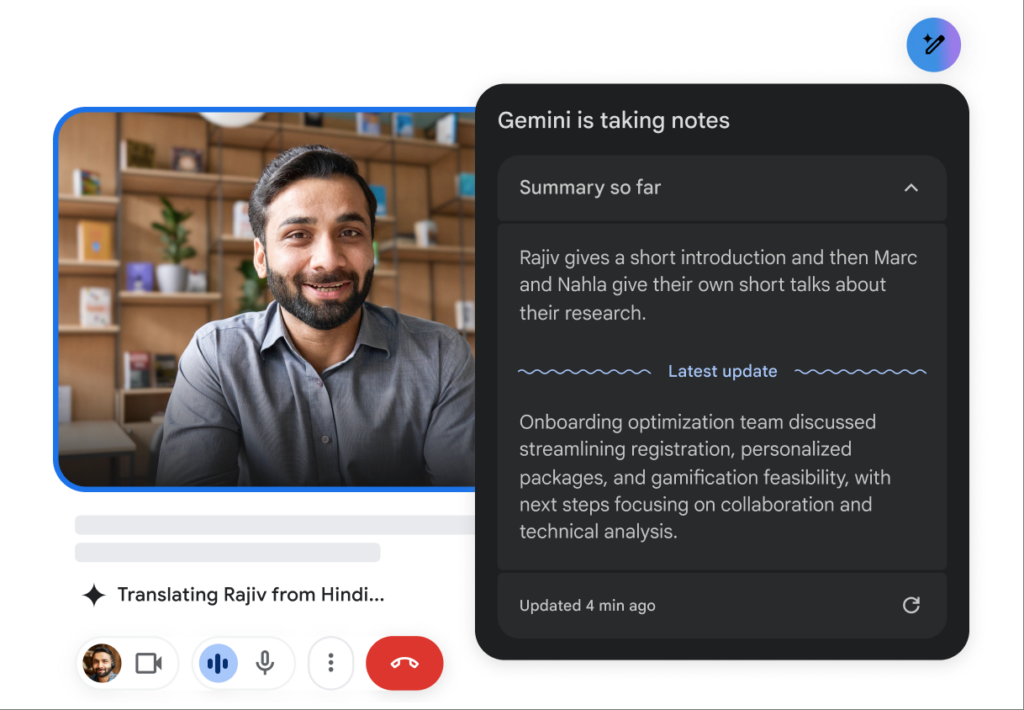
Bezpłatny live transcription apps like Google Live Transcribe provide essential accessibility tools. Built in collaboration with Gallaudet University, it instantly captions conversations for free by simply placing your phone between speakers.
Najważniejsze cechy:
- Instant Subtitles: Provides fast, continuous transcription in over 120 languages.
- Sound Notifications: Can alert users to background noises, like a knocking door or a barking dog.
Zalety:
- Completely free with strong default privacy (audio is not stored).
- Incredibly fast and responsive.
Wady:
- Android exclusive.
- Lacks any professional export, meeting summary, or collaboration features.
Wycena: 100% Bezpłatnie.
Ostateczny werdykt: An essential, life-changing accessibility tool for daily face-to-face interactions, though it is not meant for corporate meeting capture.
How to Choose the Right Live Transcription Apps?
With so many powerful live transcription apps available, finding the right one comes down to three crucial questions:
- Do you need to capture live virtual meetings? If you use Zoom or Teams daily, look for a standalone application like Transync AI that works seamlessly alongside your software without disruptive bots or plugins.
- Is privacy your top concern? If you are discussing trade secrets, prioritize tools with zero data-training policies (Transync AI, Good Tape) or strictly local processing (Viska, Granola).
- Are you focused on content creation or corporate admin? If you are editing a podcast, use Descript. If you are generating action items for a sales team, use Otter or Fireflies.
Wniosek
The evolution of live transcription apps in 2026 has made typing meeting notes a relic of the past. Today, the choice is about workflow integration and accuracy. While tools like Otter excel at internal English documentation, and Descript is revolutionary for video editors, Transync AI stands out as the ultimate standalone solution for global professionals. By combining zero-latency voice output, comprehensive meeting compatibility, and strict data privacy, you can finally focus entirely on the conversation while the best live transcription apps handle the rest.
Jeśli chcesz przeżyć doświadczenie nowej generacji, Transync AI wyznacza trendy dzięki tłumaczeniom w czasie rzeczywistym, opartym na sztucznej inteligencji, które zapewniają naturalny przepływ rozmów. Możesz wypróbuj za darmo Teraz.

