

Google Meetですぐに使える翻訳アプリはどれですか?
The Importance of Translation Apps in Virtual Meetings
In an increasingly globalized workplace, video conferencing tools like Google Meet have become essential for effective communication. However, when teams operate across different languages, misunderstandings can arise. Fortunately, translation apps are here to bridge that gap, enabling seamless interactions regardless of participants’ native languages.
Choosing an effective translation app that integrates well with Google Meet is crucial to enhance collaboration and ensure everyone is on the same page. This article highlights the best translation apps you can implement immediately in your next Google Meet session.
Challenges of Multilingual Meetings
When engaging in multilingual meetings, several challenges can hinder effective communication:
- Language Barriers: Misunderstandings may arise from differences in languages.
- Real-Time Necessity: Participants expect immediate responses, which can be difficult without proper translation tools.
- Technical Terminology: Specialized industry jargon may be misinterpreted, leading to confusion and errors.
Top Translation Apps for Google Meet
Here are five translation apps that can be used immediately without extensive setup or training:
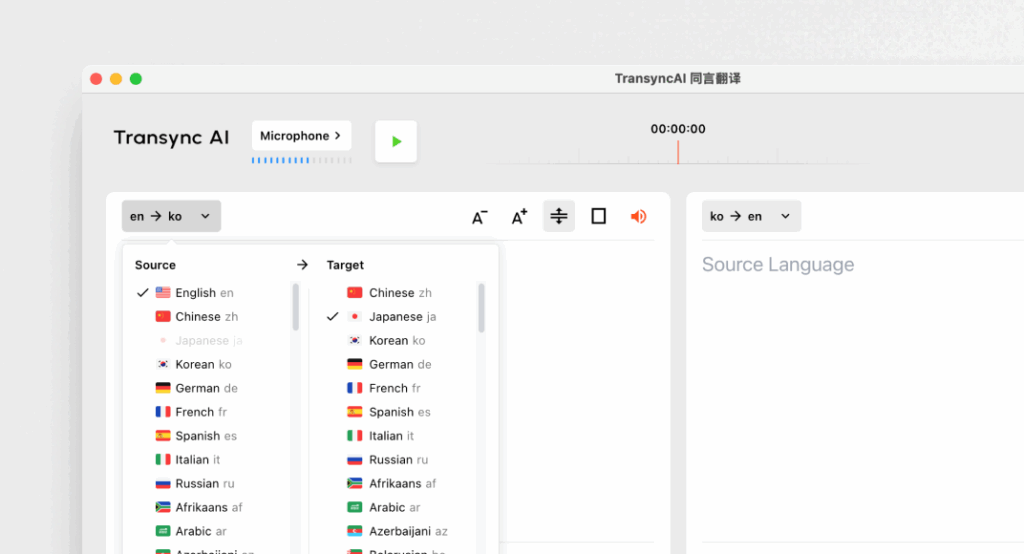
1. Transync AI – Real-Time Translation Power
概要:
Transync AI is an advanced translation application designed specifically for real-time communication, offering fast and accurate translations during meetings.
主な機能:
- 95%+ 精度: High translation accuracy specifically tailored to business contexts.
- 100ミリ秒未満の遅延: Immediate response time for smooth conversations.
- 自動言語検出: No setup required; the app detects the speaker’s language.
- バイリンガル会議メモ: Automatic generation of notes in both languages.
- 統合: Works seamlessly with Google Meet.
最適な用途: Companies needing instant and accurate translations during meetings.
2. Otter.ai – Meeting Companion

概要:
Otter.ai specializes in audio transcription and real-time translation, making it invaluable for meetings.
主な機能:
- Automatic Transcriptions: Captures conversations live in real-time.
- 92% 精度: 会議中の会話にも信頼できます。.
- Integration Capabilities: Can be used with Google Meet for seamless operation.
- Speaker Identification: Recognizes speakers, enhancing note-taking.
最適な用途: Teams looking for transcription services alongside translation support.
3. Wordly – Consistent and Customizable

👉 ワードリーAI
概要:
Wordly allows businesses to customize translation options based on specific terminology and contexts.
主な機能:
- 94% 精度: Reliable for technical and business-related discussions.
- Custom Glossaries: Businesses can input field-specific terminologies.
- 即時翻訳: Quickly translates documents and conversations.
- 統合: Works well with various virtual meeting platforms including Google Meet.
最適な用途: Teams that require consistent language across technical discussions.
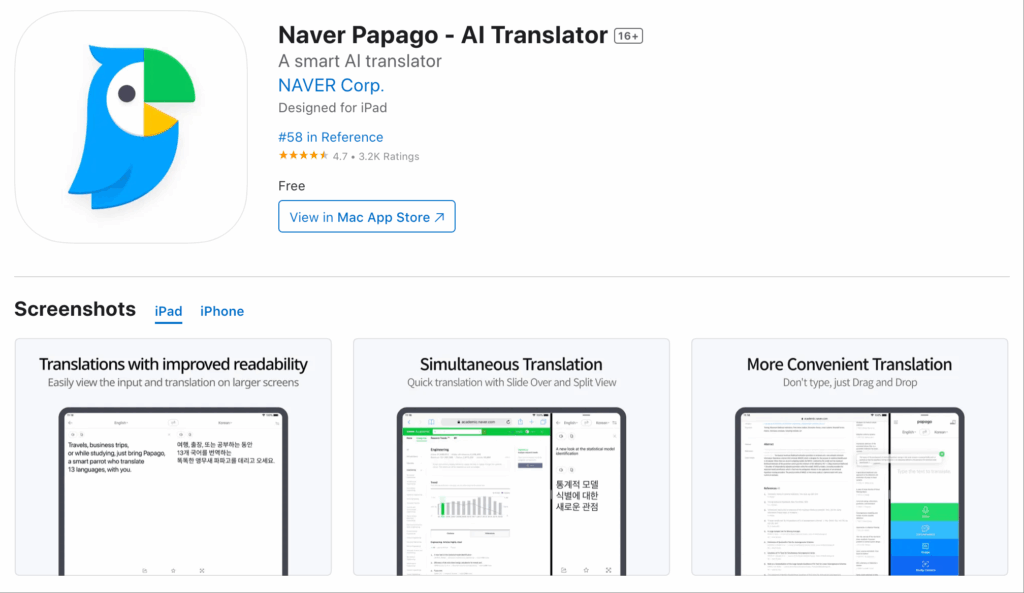
4. Papago – Quick and Versatile
👉パパゴ
概要:
Papago offers a simple and straightforward translation service for a variety of Southeast Asian languages.
主な機能:
- 92% 精度: Adequate for casual and semi-technical conversations.
- カメラ機能: Translate written language using the app’s camera feature.
- 無料アクセス: Completely free with no timescale limitations.
- Web and Mobile Use: Accessible for users on different devices.
最適な用途: Quick translations in casual or semi-formal settings.
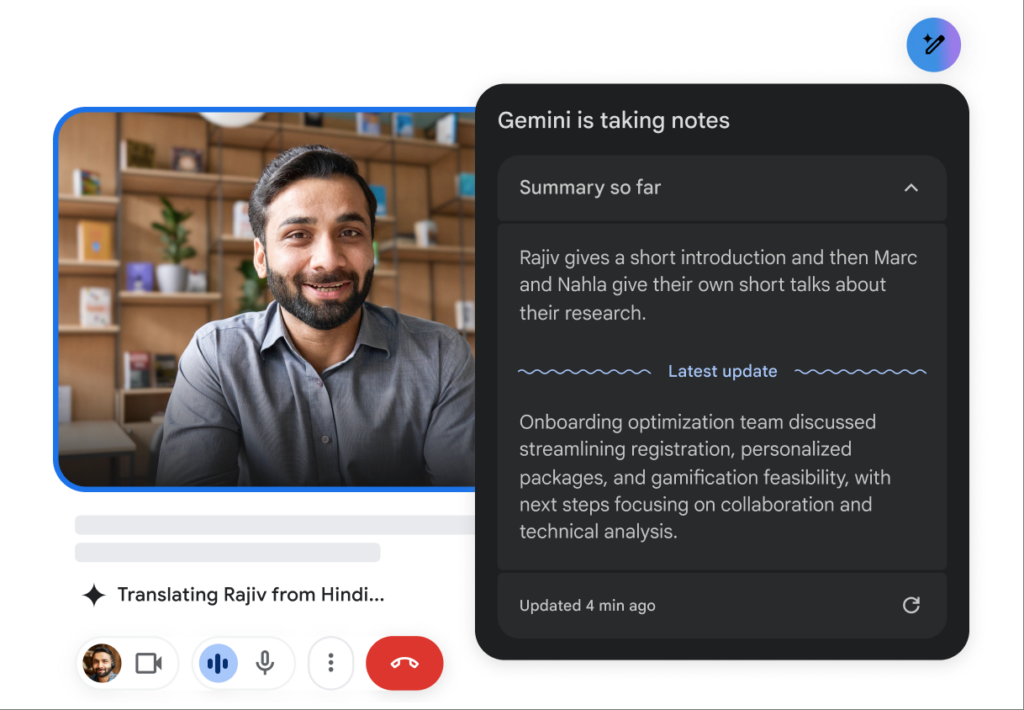
5. Google Translate – Familiar and Accessible
👉 Google翻訳
概要:
Google Translate is a well-known translation tool that offers numerous language options.
主な機能:
- 83% Accuracy: Basic translation capabilities that work for simple texts.
- Multiple Language Support: Offers translations for 100+ languages.
- Free and Easily Accessible: Available on web and mobile.
- 統合: Can work as a supplemental tool alongside Google Meet.
最適な用途: Simple informal communication without the need for extensive features.
Comparison Table: Best Translation Apps for Google Meet
| 翻訳アプリ | 正確さ | レイテンシー | 使いやすい | 統合 | 最適な用途 | 無料プラン |
|---|---|---|---|---|---|---|
| トランシンクAI | 95%+ | 100ミリ秒未満 | とても簡単 | Google ミート | リアルタイムの多言語会議 | 40分 |
| オッター.ai | 92% | リアルタイム | 非常にわかりやすい | Google ミート | Automatic transcription and translation | $15-30/月 |
| ワードリー | 94% | インスタント | 使いやすい | Google ミート | 一貫した技術翻訳 | トライアルあり |
| パパゴ | 92% | 250~350ミリ秒 | シンプルで直感的 | ウェブとモバイル | 気軽に使えるクイック翻訳 | 完全に無料 |
| Google翻訳 | 83% | 300ミリ秒以上 | 基本的で広く使用されている | ウェブとモバイル | 専門分野に特化しない一般的な翻訳 | 無料 |
Q&A Section: Common Questions About Translation Apps for Google Meet
Q1: What features should I prioritize when choosing a translation app for Google Meet?
答え: Look for features such as accuracy, low latency, integration capabilities with Google Meet, ease of use, and automatic language detection. These will ensure efficient communication during meetings.
Q2: Do these translation apps require installation or extensive setup?
答え: Most of the apps listed in this article can be easily accessed and set up without extensive training or complicated processes. Apps like Transync AI and Papago offer rapid deployment.
Q3: How do the accuracy rates of these apps compare to human translators?
答え: While human translators typically achieve 99%+ accuracy, the translation apps mentioned here range between 83%-95% accuracy, making them suitable for most business cases but not a complete substitute for human oversight in sensitive documents.
Q4: Are there costs associated with using these translation apps?
答え: Certain apps, like Otter.ai and Wordly, have subscription models, while others offer free plans or trials. For example, Transync AI provides 40 minutes of free translation to get started.
Q5: How do I integrate a translation app into my Google Meet?
答え: Integration typically involves selecting the app within Google Meet or a simple installation process that connects the app. Most tools facilitate easy linking to streamline usage during meetings.
By leveraging these insights, you can enhance your Google Meet experiences and ensure clear communication across language barriers using the most reliable translation apps available!
次世代の体験をお求めなら、 トランシンクAI リアルタイムのAI翻訳で自然な会話の流れを実現します。 無料でお試しください 今。

