Translation Apps That Integrate Seamlessly with Google Meet
Introduction: Enhancing Communication in Virtual Meetings
In an increasingly globalized workplace, effective communication during virtual meetings is crucial, especially for teams that operate across different languages and cultures. Google Meet has become a popular platform for video conferencing, making it essential to find translation apps that can integrate seamlessly with it to enhance the overall meeting experience.
This article highlights the best translation apps that can be easily integrated with Google Meet, ensuring smooth communication without barriers.
Benefits of Integrating Translation Apps with Google Meet
Utilizing translation apps within Google Meet offers several advantages:
- Improved Understanding: Clear explanations and discussions are facilitated, reducing misunderstandings that can arise during meetings.
- Streamlined Workflow: On-the-spot translations eliminate the need for separate tools, allowing users to focus on the content of the conversation.
- Increased Engagement: Participants can feel more included and engaged when language barriers are minimized.
Top Translation Apps That Integrate Seamlessly with Google Meet
Here is a list of leading translation apps that work well with Google Meet, ensuring effective communication during your virtual meetings:
1. Transync AI – Instant Translation for Meetings
👉Transink AI
Overview:
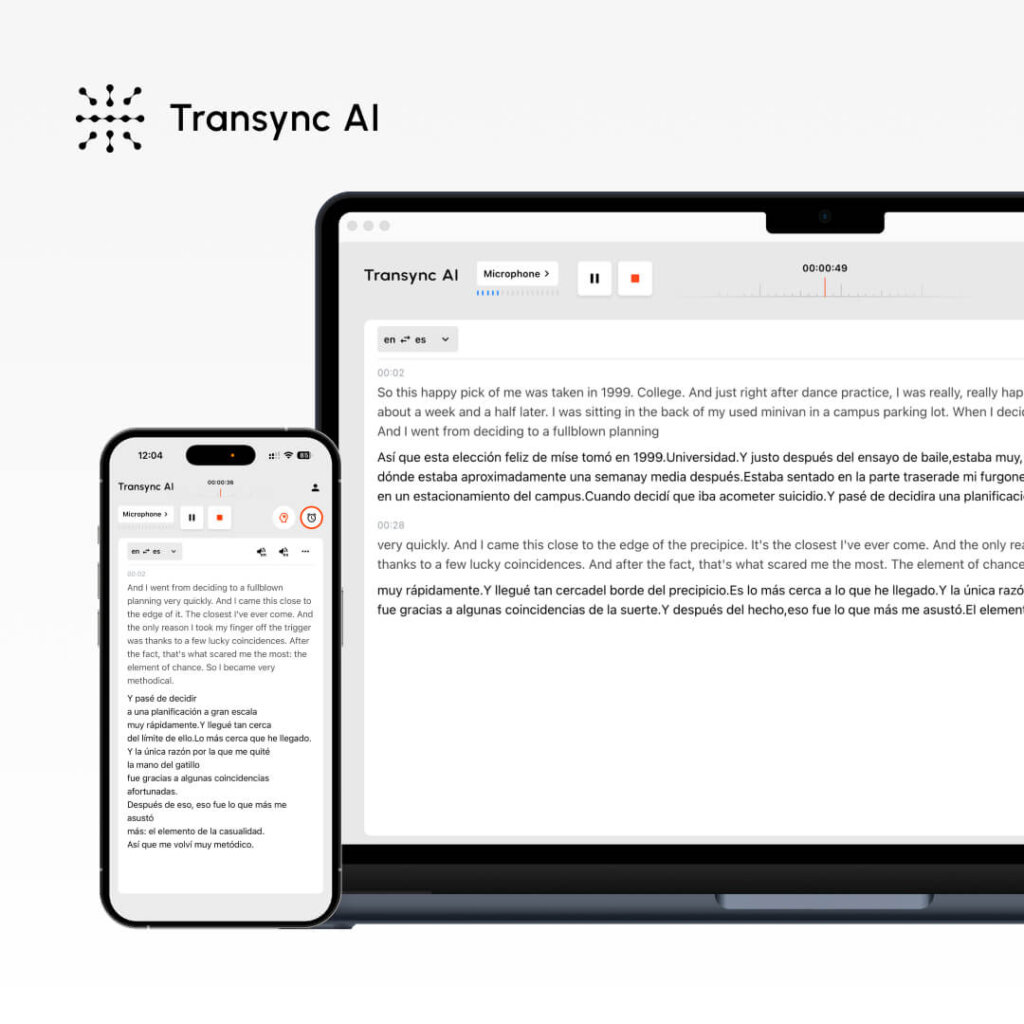
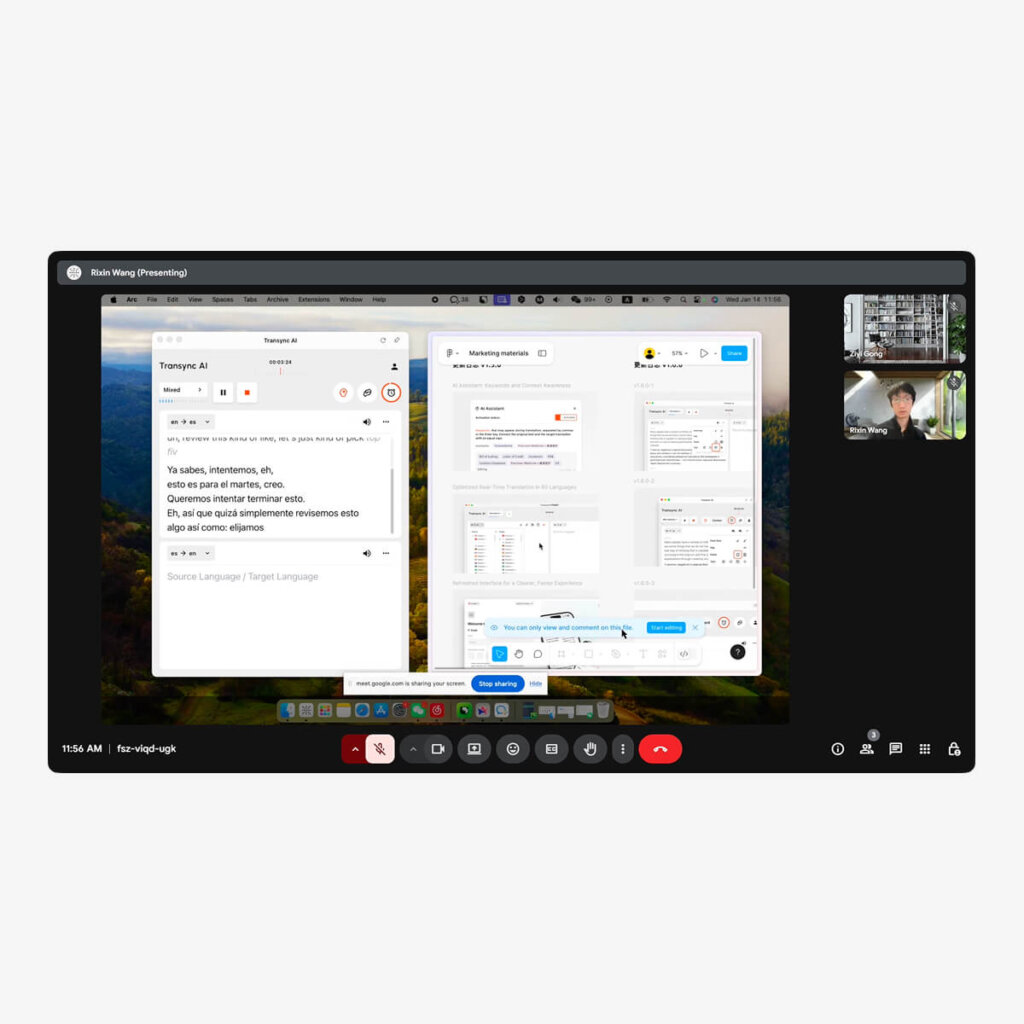
Transync AI is a powerful translation app designed specifically for real-time communication. Its integration with Google Meet is straightforward and offers features that enhance meeting effectiveness.
Fitur Utama:
- Antarmuka yang Ramah Pengguna: Easy to navigate, minimizing the learning curve.
- Pengaturan Cepat: Installs effortlessly for immediate use during meetings.
- Accurate Translations: Delivers reliable translations tailored for professional contexts.
🎥 Tonton cara menggunakan Transync AI
👉Pelajari lebih lanjut tentang Transyn AI
Cocok untuk: Teams needing efficient and accurate translations during their Google Meet sessions.
2. Google Translate – Built-In Translation Tool
Overview:
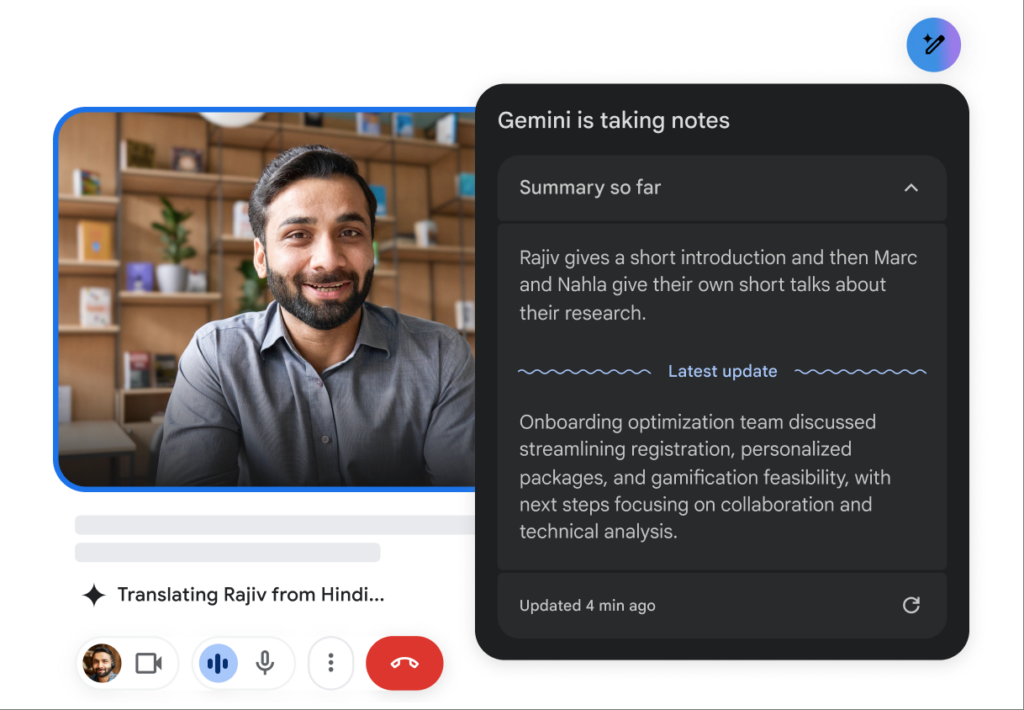
Google Translate, a well-known tool, can be easily utilized alongside Google Meet, providing users with the ability to quickly translate text during meetings.
Fitur Utama:
- Terjemahan Teks: Users can copy and paste chat messages for real-time translation.
- Aksesibilitas: Free and widely available, ensuring that all participants can utilize it.
- Integration with Google Suite: Works effortlessly with other Google applications, enhancing overall efficiency.
Cocok untuk: Users looking for a straightforward, no-cost option for text translations during meetings.
3. Otter.ai – Transcription and Translation

Overview:
Otter.ai excels at transcribing conversations in real-time, and while its primary function is transcription, it also integrates smoothly into Google Meet, helping users keep track of translated content easily.
Fitur Utama:
- Transkripsi Otomatis: Provides a written record of the meeting along with translations.
- Integration with Google Meet: Can be used in tandem with Google Meet to ensure important discussions are captured accurately.
- Quick Exporting: Users can export transcripts for future reference, making it easy to review translated content.
Cocok untuk: Teams that require detailed meeting notes along with translations.
4. Microsoft Translator – Versatile and Functional
Overview:
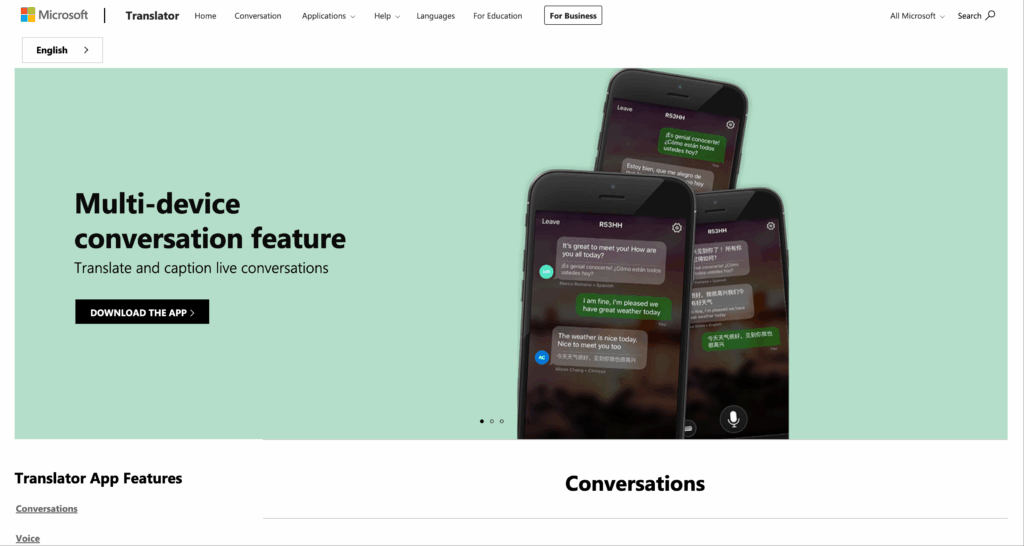
Microsoft Translator offers a straightforward integration with Google Meet that can help translate messages during meetings, enhancing communication for international participants.
Fitur Utama:
- Simple Setup: Users can access the app easily while being in a Google Meet session.
- Terjemahan Teks: Provides translation of text spoken or typed during meetings.
- Mobile Compatibility: Also available on mobile devices, allowing users to engage comfortably.
Cocok untuk: Users seeking a reliable translation option that works across different devices.
5. iTranslate – Efficient Real-Time Translation
Overview:
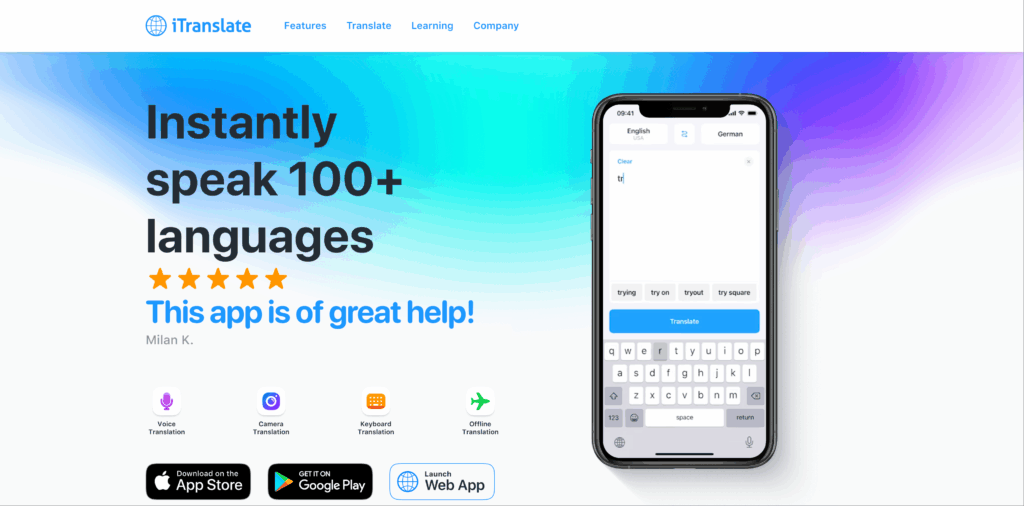
iTranslate is a versatile translation application that seamlessly integrates with Google Meet, providing a user-friendly experience for translating discussions.
Fitur Utama:
- Intuitive Design: Simplified interface that minimizes disruption during meetings.
- Variety of Languages Supported: Supports numerous languages, ensuring broad usability.
- Terjemahan Suara: Translates spoken language to facilitate communication during discussions.
Cocok untuk: Organizations that often require on-the-go translations during live discussions.
Comparison Table: Translation Apps for Google Meet
| Aplikasi Terjemahan | Fitur Utama | Terbaik Untuk |
|---|---|---|
| Transink AI | User-friendly, accurate translations | Teams needing efficient real-time translations |
| Google Terjemahan | Text translation, free and accessible | Users seeking a straightforward translation option |
| Otter.ai | Automatic transcriptions, easy exporting | Teams needing detailed meeting notes |
| Penerjemah Microsoft | Simple setup, mobile compatibility | Users looking for a versatile translation tool |
| iTranslate | Intuitive design, voice translation | Organizations requiring on-the-go translations |
Sesi Tanya Jawab: Pertanyaan Umum Seputar Aplikasi Terjemahan untuk Google Meet
Q1: What types of translations do these apps offer?
A: Most of these apps offer text translations that can be used during chat conversations or spoken translations that assist during video discussions.
Q2: How do I integrate these translation apps with Google Meet?
A: Generally, these apps can be set up by accessing them via a web interface or app while in a Google Meet session, with specific instructions provided by each app.
Q3: Are these translation tools free to use?
A: Many tools, such as Google Translate, offer free functionalities, while others may have premium features that require payment.
Q4: Can I use multiple translation tools at once in Google Meet?
A: Yes, users can leverage multiple tools simultaneously, depending on their preferences and the types of translations required during meetings.
Q5: How accurate are the translations provided by these apps?
A: While accuracy can vary by app, many tools like Transync AI and Microsoft Translator typically provide reliable translations suitable for professional contexts.
Q6: What devices can I use these translation apps on during Google Meet?
A: Most translation apps are accessible on both desktop and mobile devices, allowing users to engage in meetings from various platforms.
Conclusion: Elevating Meeting Experiences with Translation Apps
The ability to communicate effectively in a global workspace is more essential than ever, especially in virtual environments like Google Meet. By utilizing translation apps that integrate seamlessly with Google Meet, organizations can enhance clarity, engagement, and productivity during meetings.
Choosing the right translation tool can help address language barriers, ensuring that every participant feels included and understood, ultimately leading to more successful and collaborative outcomes. As businesses continue to embrace remote work, integrating these translation solutions will be key to fostering effective communication across diverse teams.
Jika Anda menginginkan pengalaman generasi berikutnya, Transink AI memimpin dengan terjemahan real-time bertenaga AI yang membuat percakapan mengalir secara alami. Anda bisa coba gratis Sekarang.