
緊急視訊通話的最佳即插即用翻譯工具
Introduction: The Need for Instant Communication
In today’s fast-paced business environment, urgent video calls have become a ubiquitous necessity, often requiring participants from diverse linguistic backgrounds to connect quickly. To facilitate effective communication without language barriers, having a reliable translation tool for urgent video calls is essential. The best solutions are plug-and-play, allowing teams to jump into important meetings with minimal setup and maximum efficiency.
This article discusses the top translation tools suited for urgent video calls, enabling teams to collaborate seamlessly despite language differences.
Challenges of Language Barriers in Urgent Calls
Language barriers can lead to several challenges during urgent video calls, including:
- Miscommunication: Important information can be lost in translation, leading to misunderstandings.
- Time Constraints: Delays in interpreting or translating can affect the meeting’s efficiency and outcome.
- Lack of Professionalism: Missteps in communication can reflect poorly on the business, affecting relationships with clients and partners.
Top Plug-and-Play Translation Tools for Urgent Video Calls
Here is a curated list of effective translation tools that can seamlessly integrate into your urgent video calls without any complicated setup:
1. Transync AI – Real-Time Translation Power

它是什麼:
Transync AI is an advanced translation application designed specifically for real-time communication. It provides fast, accurate translations during meetings, making it an ideal choice for urgent video calls.
主要特點:
- 95%+ 精度: High translation accuracy specifically tailored to business contexts.
- 延遲小於100毫秒: Immediate response time for smooth conversations.
- 自動語言檢測: No setup required; the app detects the speaker’s language.
- 雙語會議記錄: Automatically generated notes in both languages.
- 與主流平台整合: Works seamlessly with Google Meet, Zoom, and more.
最適合: Companies needing instant and accurate translations during urgent meetings.
2. Kudo – Comprehensive Solution for Business Meetings
👉 工藤
它是什麼:
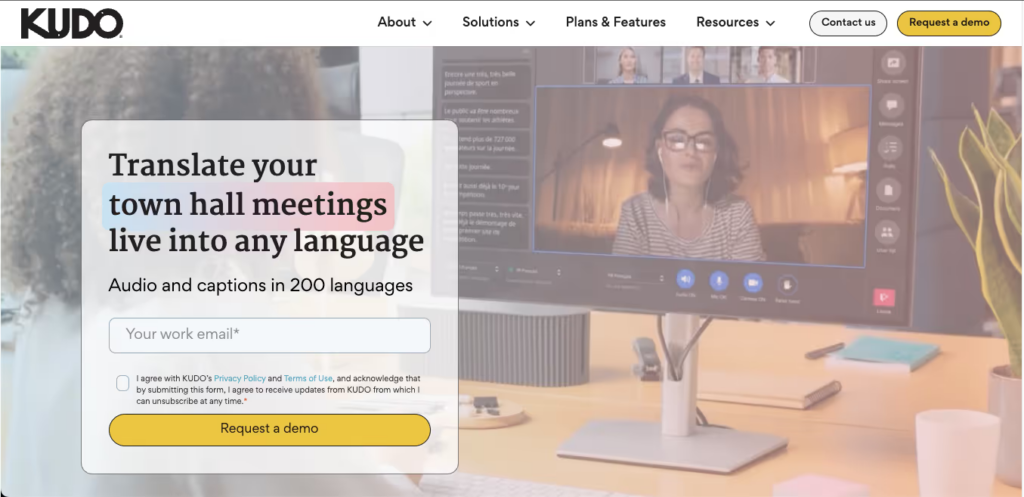
Kudo is a cloud-based solution providing real-time language interpretation during video conferences.
主要特點:
- Multilingual Support: Offers live interpretation in multiple languages.
- 使用者友善介面: Easy access without prior training.
- Web-Based: No installation needed; simply connect during the call.
最適合: Businesses conducting high-stakes meetings requiring professional interpretation.
3. Otter AI – Smart Transcription and Translation

它是什麼:
Otter AI is renowned for its ability to provide real-time transcription alongside translation.
主要特點:
- Automated Transcriptions: Captures spoken language with high accuracy.
- Language Support: Translates conversation in real-time to facilitate communication.
- Integration with Zoom: Easily hosts video calls with Otter AI’s functionality.
最適合: Teams needing both transcription and translation during urgent meetings.
4. Maestra AI – Versatile Translation and Editing
它是什麼:
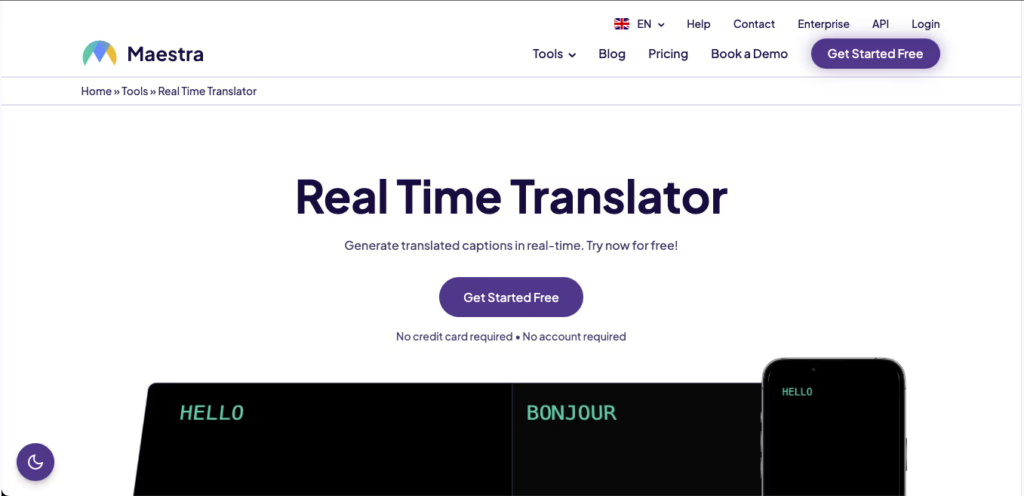
Maestra AI streamlines the process of translating video content in real time.
主要特點:
- 即時翻譯: Supports multiple languages with high accuracy.
- Editing Tools: Provides options to edit and review translations effortlessly.
- Easy Setup: Plug-and-play functionality facilitates quick deployment.
最適合: Content creators and businesses producing video content requiring translation.
5. VoicePing – Audio-Focused Communication

👉語音Ping
它是什麼:
VoicePing specializes in audio translations for seamless communication during calls.
主要特點:
- Instant Audio Translation: Converts speech to text and vice versa instantly.
- User-Friendly: Designed for immediate use with no setup required.
- 無障礙設施: Ideal for users on the move without complex systems.
最適合: Quick calls and discussions needing clear audio translations.
6. iTranslate – Comprehensive Language Support
它是什麼:
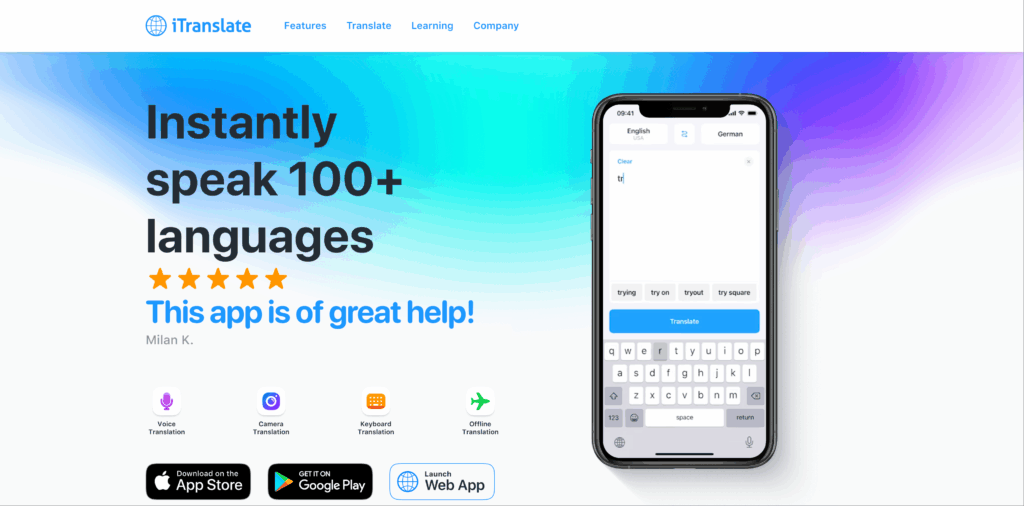
iTranslate is a well-known app that offers comprehensive translation features for conversations.
主要特點:
- 語音翻譯: Real-time audio translation during calls.
- Wide Language Options: Supports over 100 languages.
- 簡潔的介面: No complicated setup required; ready to use instantly.
最適合: Casual and informal video calls needing translation.
Comparison Table: Best Translation Tools for Urgent Video Calls
| Translation Tool | 準確性 | 速度 | 方便使用的 | 一體化 | 最適合 | 免費規劃 |
|---|---|---|---|---|---|---|
| 同步人工智慧 | 95%+ | 小於100毫秒 | 非常簡單 | Google Meet, Zoom | 即時多語種會議 | 40分鐘 |
| 工藤 | 95%+ | 即時的 | 非常簡單 | Video conferencing | 專業會議 | 免費試用 |
| 水獺人工智慧 | 92% | 立即的 | 非常簡單 | Zoom integration | Transcription and translation | Free plan available |
| Maestra AI | 90% | 即時的 | 直覺的 | Video content editing | Editing translated video content | 免費試用 |
| 語音Ping | 92% | 即時 | 簡單的 | Various platforms | Quick audio-focused calls | Basic free access |
| iTranslate | 85% | 快速地 | Widely used | Web and mobile | Casual video conversations | Free basic plan |
Q&A Section: Common Questions About Plug-and-Play Translation Tools for Urgent Video Calls
Q1: What should I look for in a translation tool for urgent video calls?
一個: Prioritize features such as real-time translation capability, ease of use, integration options with video conferencing platforms, and high accuracy rates to ensure effective communication.
Q2: How much setup is required for these tools?
一個: Most of the tools mentioned require minimal to no setup, allowing users to start immediately without extensive training or installation processes.
Q3: How do these translation tools ensure accuracy in different contexts?
一個: Many of these tools are built with advanced algorithms and professional interpretation capabilities, allowing for high accuracy even in technical and specialized discussions.
Q4: Are there any costs associated with the use of these tools?
一個: Most tools provide free trial versions or basic plans, while others, like Kudo and Otter AI, may require subscription fees for premium features.
Q5: How can I integrate a translation tool into my video call setup?
一個: Integration typically involves accessing the tool’s website or application, subscribing if necessary, and following prompts to connect it with your video conferencing platform, often taking only minutes.
By leveraging these translation tools, particularly 同步人工智慧, organizations can enhance their communication capabilities during urgent video calls, ensuring that language barriers do not impede collaboration and productivity!
如果你想要下一代的體驗, 同步人工智慧 引領即時人工智慧翻譯潮流,讓對話自然流暢。您可以 免費試用 現在。

🤖下載
🍎下載
